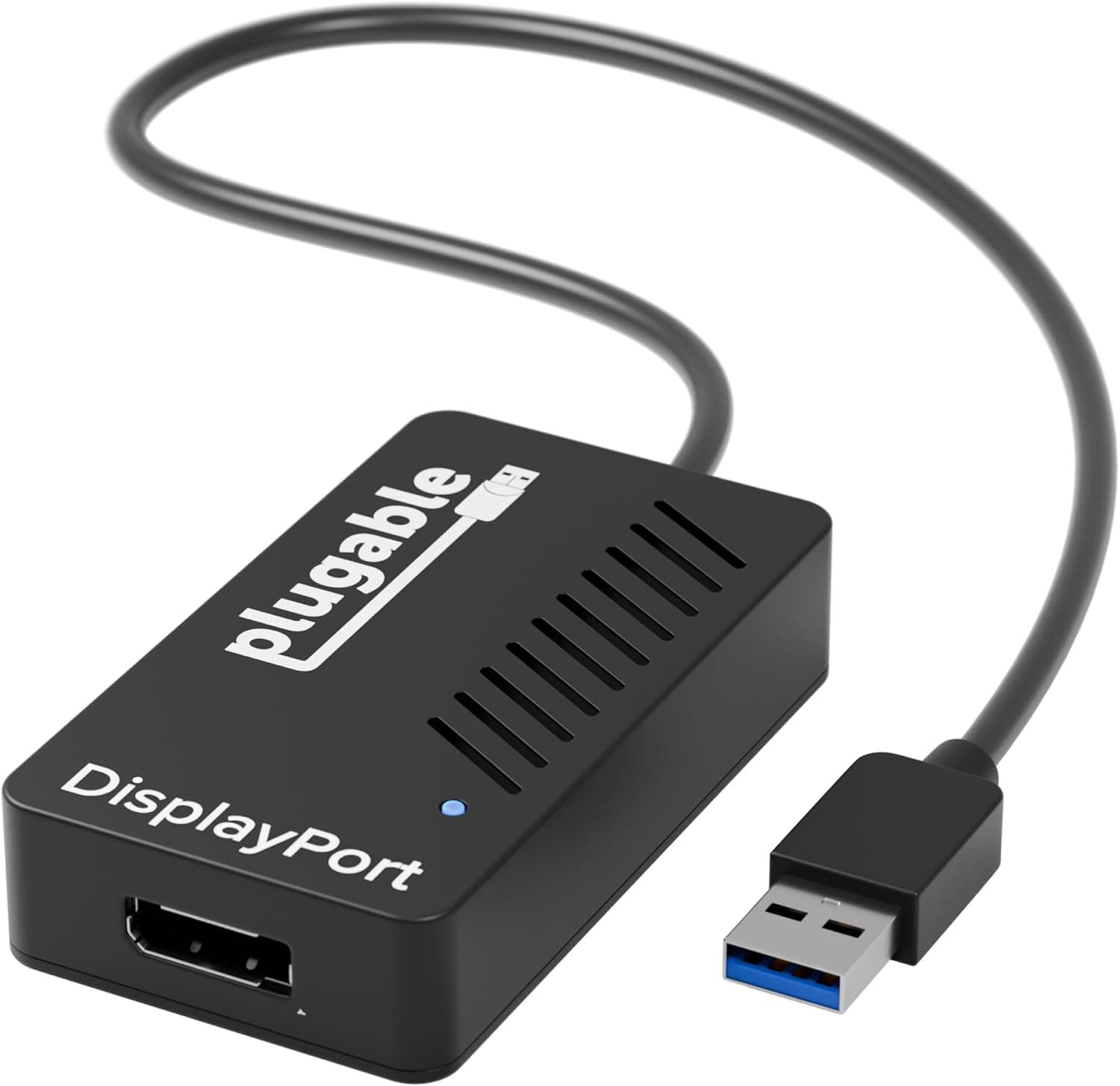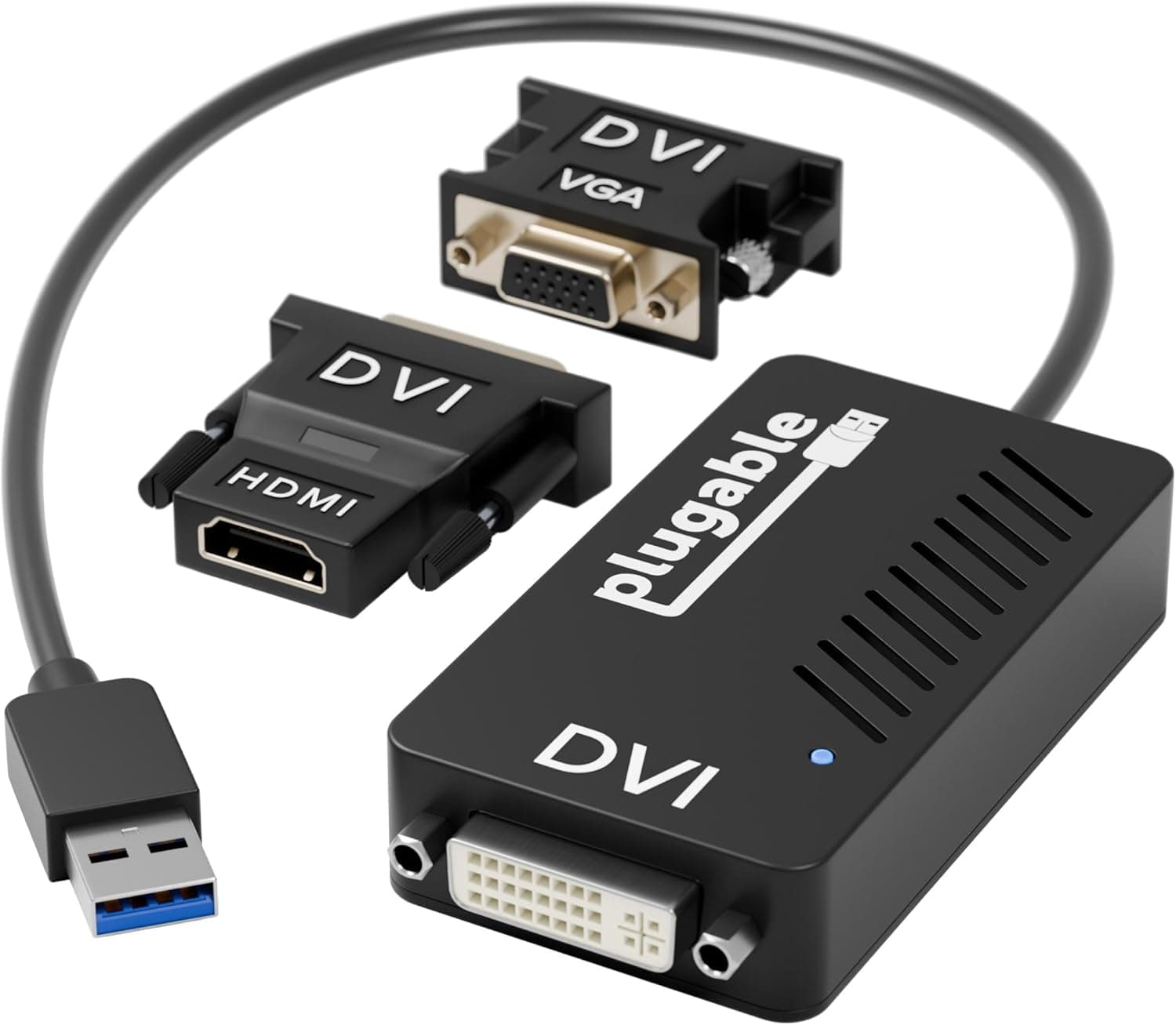
This article looks at where the Plugable USB 3.0 VGA Display Adapter actually works, and where you will have to compromise.
Overview
The Plugable USB 3.0 Display Adapter adds one external monitor through a USB port.
In short, it solves a wiring problem — a laptop with no spare video output, or an older desktop whose graphics card has run out of connectors — without touching the GPU. It is not built for gaming or 4K video editing.
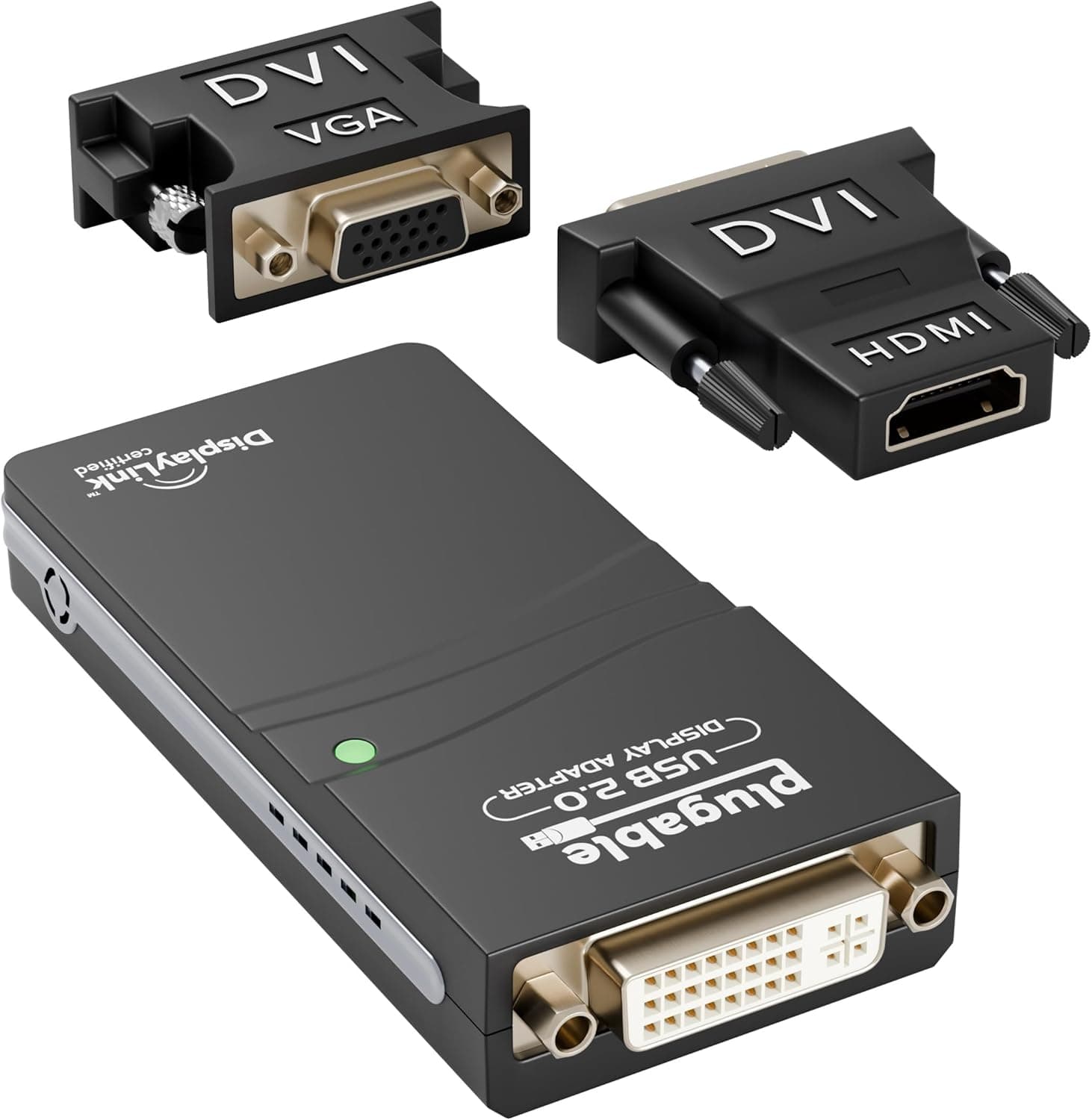
It uses the DisplayLink DL-3100 chipset and outputs up to 1920×1200 at 60 Hz. VGA, DVI and HDMI converter heads are included, so you can match whichever port your monitor has.
The unit weighs about 57 g and runs on USB bus power with no external supply, which makes it genuinely portable. Warranty is two years, and on Amazon.co.Check the retailer's page for the latest user reviews.
How DisplayLink Works, and What It Is Bad At
The key thing to understand is that video is not passed through the USB cable as a raw signal. DisplayLink compresses the frame on the CPU, sends it over USB, and the chip in the adapter decompresses it for the monitor.
Part of the graphics work is handled by your CPU.
That design draws a sharp line. Documents, spreadsheets, browsers, chat, code and reference material — anything where only part of the screen changes — run comfortably.
Full-screen motion, such as 3D games, high-frame-rate video or an editing timeline preview, hits both the USB bandwidth ceiling and CPU load, producing lag and dropped frames. This is a property of the method, not a driver bug to be fixed later.
Some DRM-protected streaming services and applications that assume a directly attached GPU (certain remote-desktop acceleration paths, hardware-rendered CAD) may also display incorrectly or run with reduced features. Treat this screen as a secondary information panel rather than your primary workspace.
Compatibility Guide
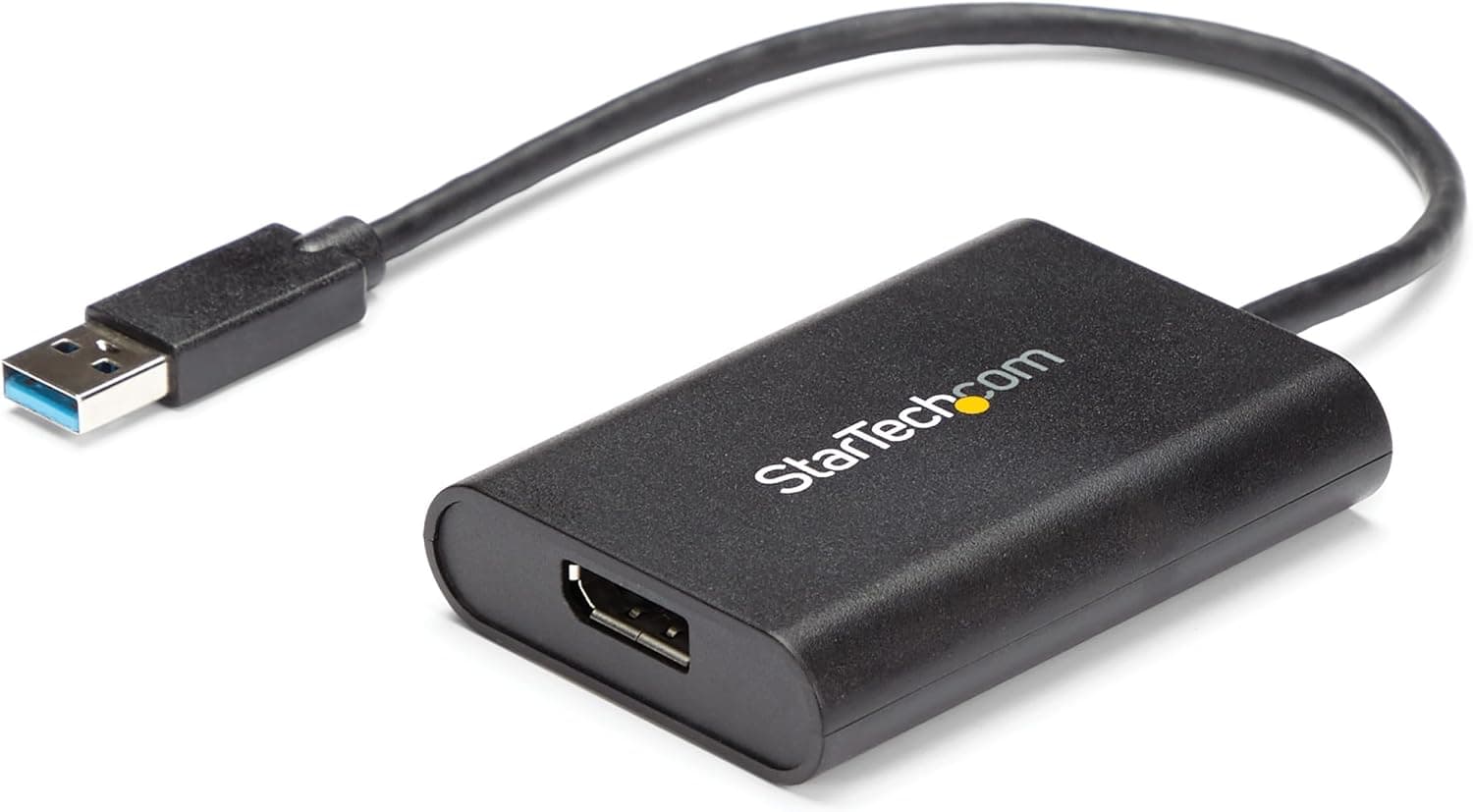
Plug it into a USB 3.0 Type-A port.
It also works on USB 2.0, but with far less bandwidth and noticeably worse performance.
Supported operating systems are Windows 11, 10 and 8.x only — macOS, Linux and ChromeOS are not supported.
That is the single most important thing to verify before buying.
| Environment | Works? | Notes |
|---|---|---|
| Windows 11/10/8.x + USB 3.0 Type-A | As intended | The cleanest setup |
| Windows + USB 2.0 only | Works, reduced performance | Motion-heavy content struggles |
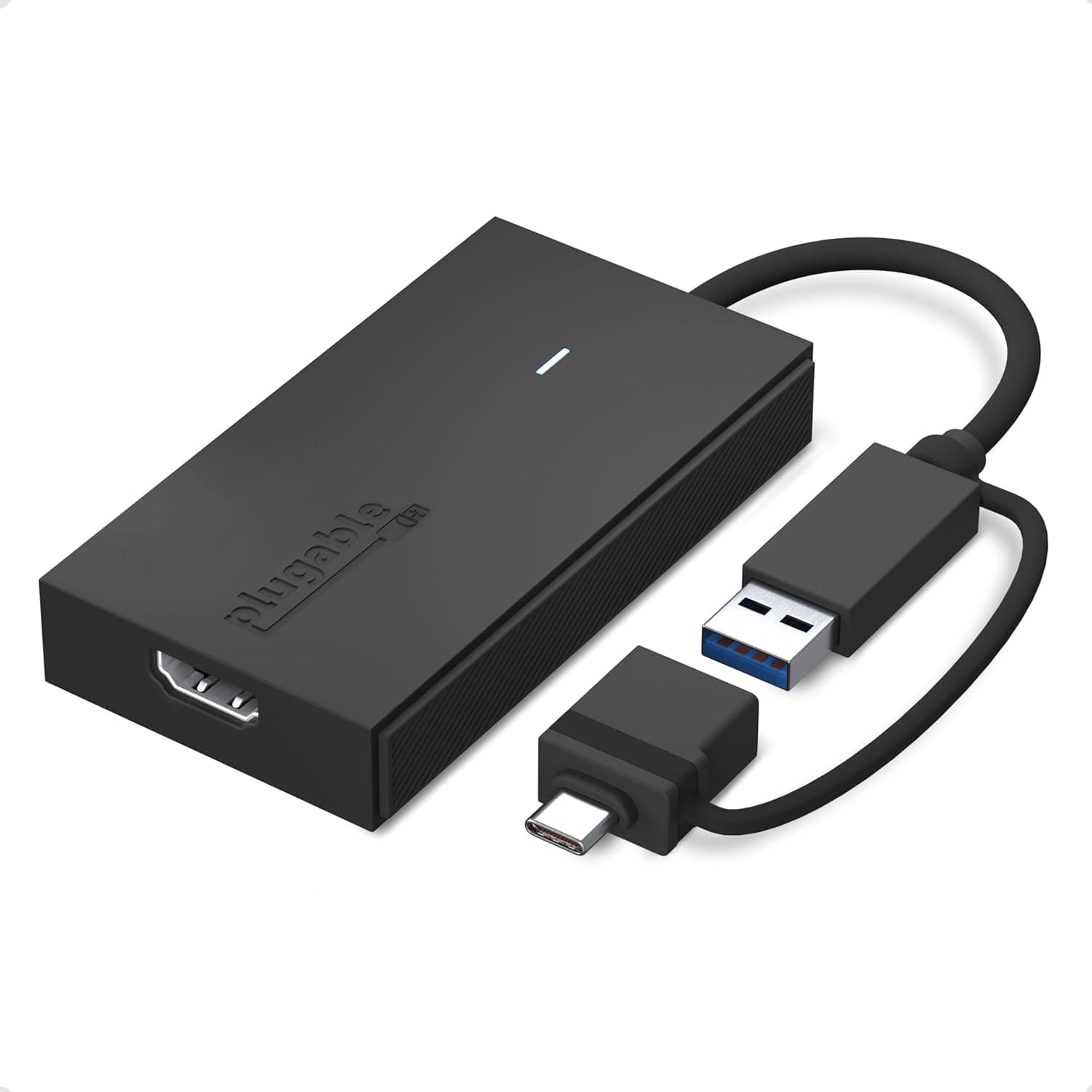
| Windows + USB-C only | Needs a USB-A to C adapter or hub | A hub shares bandwidth with other devices |
| macOS / Linux / ChromeOS | Not supported | Choose a different approach |
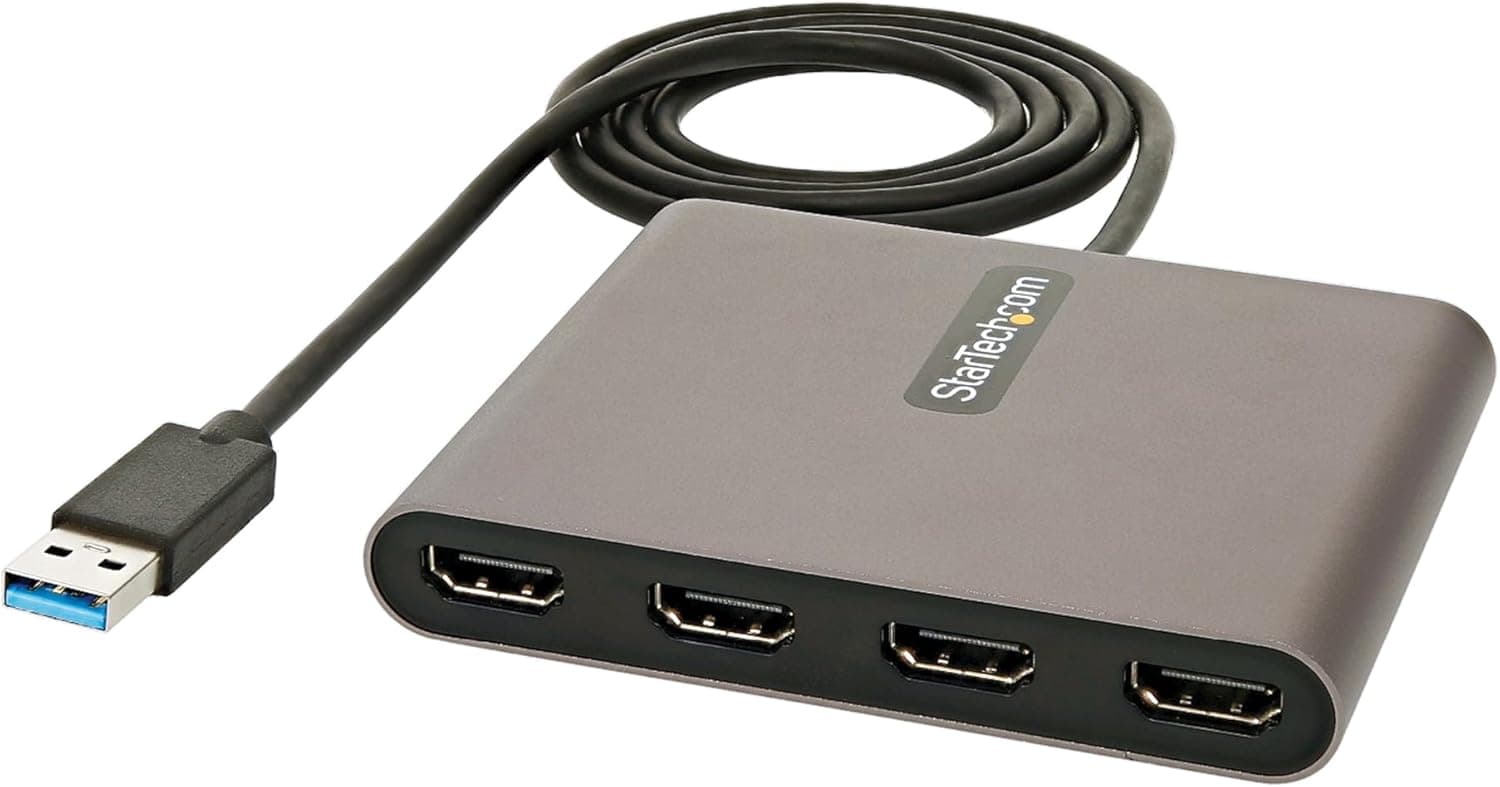
A few physical points. One adapter drives exactly one extra display, so two extra monitors means two units.
The video cable to the monitor (VGA, DVI or HDMI) is not included — the box contains converter heads, not cables.
The resolution ceiling is 1920×1200 at 60 Hz. On a QHD or 4K panel you will only get up to that ceiling, which can look soft.
The higher your monitor's native resolution, the more important this limit is.
Compared With the Alternatives
Adding a display is not a one-option decision. Here is how the realistic choices stack up.
| Approach | Fits when | Weakness |
|---|---|---|
| This adapter (USB + DisplayLink) | No spare video port, Windows, office workloads | Weak on heavy rendering, Windows only, one screen per unit |
| USB-C DP Alt Mode output | Your PC's USB-C carries video | Many machines don't support it; check first |
| Spare port on the existing GPU | Desktop with unused outputs | Not an option on laptops |
| New or added graphics card | You also want more GPU power | Cost, power and space constraints |
Before buying, check whether your USB-C port already supports DP Alt Mode. If it does, a single cable gives you a direct GPU-driven display, which is simpler and faster.
This adapter earns its place when no video output physically remains.
Product Info
The specification set: DisplayLink DL-3100 chipset, 1920×1200 at 60 Hz maximum, USB 3.0 Type-A interface (USB 2.0 compatible), VGA/DVI/HDMI converter heads included, USB bus power with no external adapter, roughly 57 g, and a two-year warranty.
The listed 102 x 51 x 127 mm figure reads as packaging including accessories rather than the dongle itself, which the 57 g weight confirms is palm-sized.
Pricing deserves caution because the captured figures move a lot. The Amazon listing showed ¥13,174 as of 8 June 2026 and ¥20,162 for the same ASIN as of 27 August 2026.Check the retailer's page for the latest price.
All of these are captured-at-a-point-in-time values, while this article stays online unchanged. Check the current price on the product page before ordering.
A four-figure review count is real evidence that many people used it and got what they expected — but assume most of that praise comes from office use, and do not project it onto gaming.
Best Use Cases
Reading a document on one screen while writing on the other, or keeping notes visible during a call, produces no meaningful performance complaints. At 57 g and bus-powered, it is easy to carry between home and office.
Second, owners of older desktops that have run out of video outputs. Replacing the graphics card drags in power supply and case questions; this adds a screen through one USB port.
It suits third or fourth "status display" monitors well.
Third, anyone with a spare VGA- or DVI-era monitor sitting unused. The bundled converter heads let you put it back to work — you still need the video cable itself.
It is not recommended for gaming, 4K output, HDR, high refresh rates, or macOS and Linux users. Those are not compromises but hard incompatibilities, so look elsewhere.
Before You Buy
The biggest trap is the operating system. Windows only — no macOS, Linux or ChromeOS.
"It's USB, so it must work on anything" is the most common reason this product gets returned, typically after someone tries it on a work-issued Mac.
Second, the resolution ceiling. 1920×1200 at 60 Hz is the limit, so a QHD or 4K panel will not run at its native resolution.
If the whole point was to drive a new 4K monitor, this is the wrong product.
Third, one unit equals one screen. Two extra displays means two adapters, two occupied USB ports and roughly double the CPU overhead.
If you need two or more added screens, a docking station with multiple outputs is usually better on both cost and cable management.
Fourth, USB-C-only laptops. An adapter or hub makes it fit physically, but through a hub you share bandwidth with everything else plugged in, and video playback stutters more easily.
Use a port on the machine itself where possible.
Fifth, it needs a driver. DisplayLink does not work through stock OS functionality alone.
On a locked-down corporate PC where software installation is restricted, you may not be able to use it at all — confirm with your IT department first.
**Finally, about the listing itself. On accessories like this, different sellers plus used and parallel-import stock often share one page, and occasionally a listing's registered details (model number, manufacturer field) contain data from another product entirely. Check the product images, title, seller and price against what you actually expect before you buy.
FAQ
Q. Does it work on a Mac? A.
No. Supported systems are Windows 11, 10 and 8.x only; macOS, Linux and ChromeOS are explicitly unsupported.
Q. Can I game on it? A.
Not practically. DisplayLink compresses frames over USB, so full-screen motion shows lag and dropped frames.
Game on a monitor connected to the PC's own video output and use this screen for chat or guides.
Q. What happens with a 4K monitor? A.
The ceiling is 1920×1200 at 60 Hz, so it cannot output 4K. The monitor will display an upscaled, softer image.
Q. Can one adapter drive two monitors?
A. No — one display per adapter. Two extra screens require two units.
Q. Do I need a power adapter? A.
No, it runs on USB bus power. Power delivery can be unreliable through an unpowered hub, so connect it directly to the PC where possible.
Q. Is a video cable included?
A. The box includes VGA, DVI and HDMI converter heads, but you supply the cable to the monitor yourself.
Product Disclosure (Amazon)
- Manufacturer: Plugable
- ASIN: B00A2E1MQA
- Note: This article covers a manufacturer-made product based on Amazon listing details.