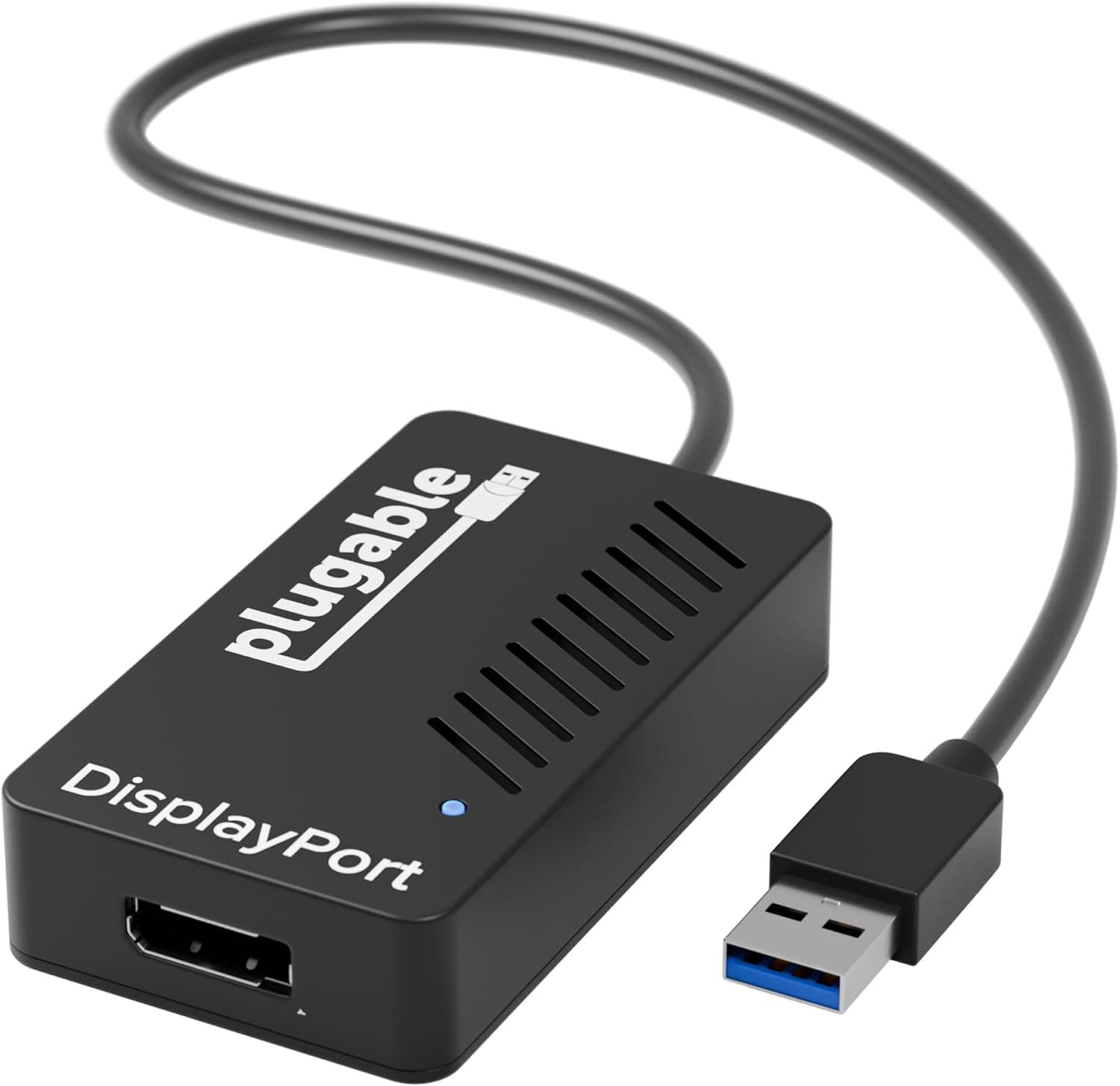
This article covers Plugable USB グラフィック変換アダプタ USB3.0 DispayPort ディスプレイアダプタ 3810x2160 4K@30Hz 2K 1080p 対応.
Overview
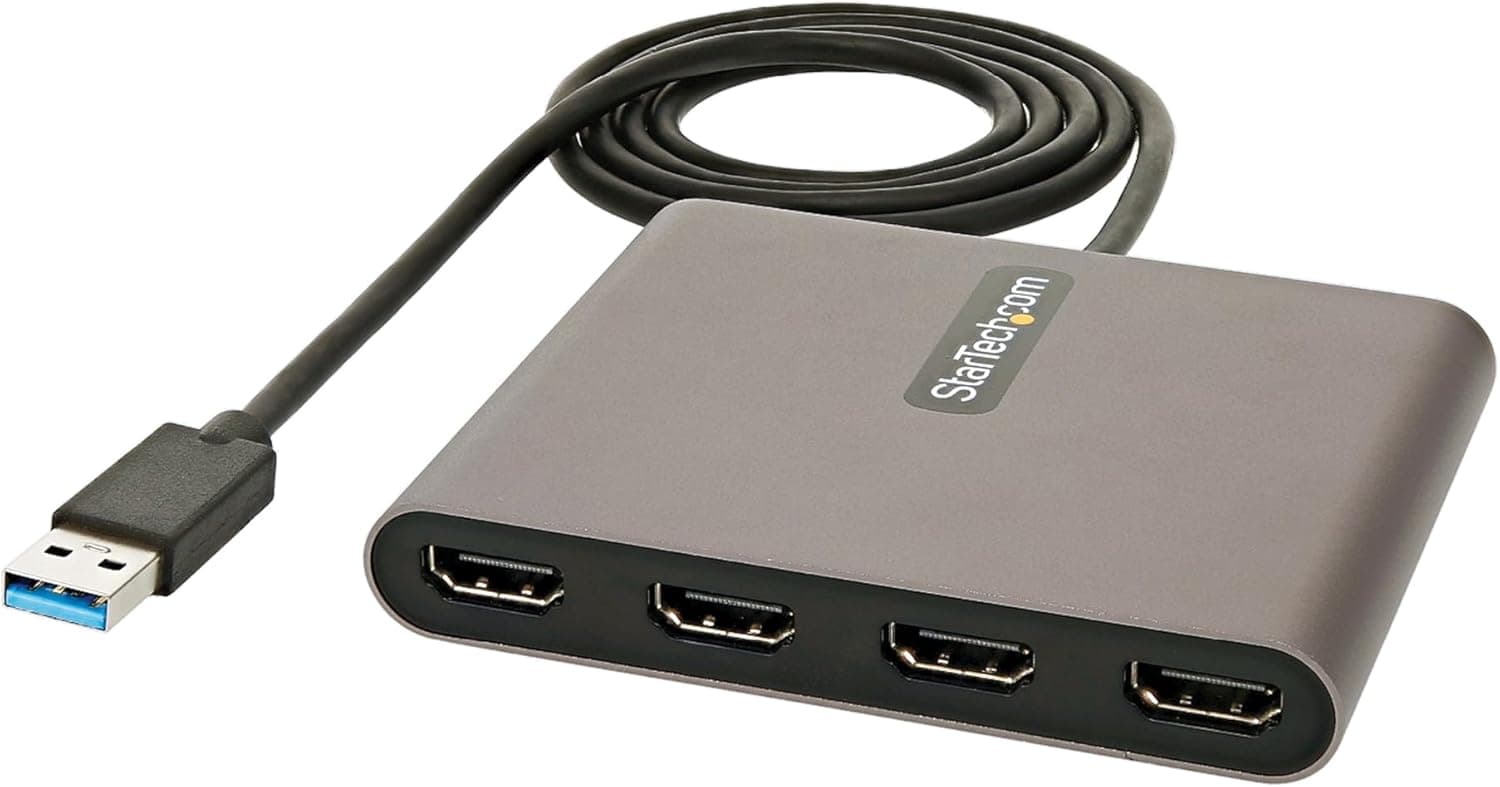
The Plugable USB 3.0 to DisplayPort Graphics Adapter is a compact device that adds an external DisplayPort monitor via a USB 3.0 port. Powered by the DisplayLink DL-5500 chip, it supports resolutions up to 3840×2160 (4K@30Hz), and delivers 60Hz at WQHD (2560×1440) and lower resolutions. Compatible with Windows 11/10, macOS 10.15 or later, and ChromeOS 100+, this adapter works on both Intel and Apple Silicon (M1/M2/M3) Macs. It is bus-powered via USB, requiring no external power supply, and its credit-card-sized form factor makes it highly portable.
Connectivity & Compatibility
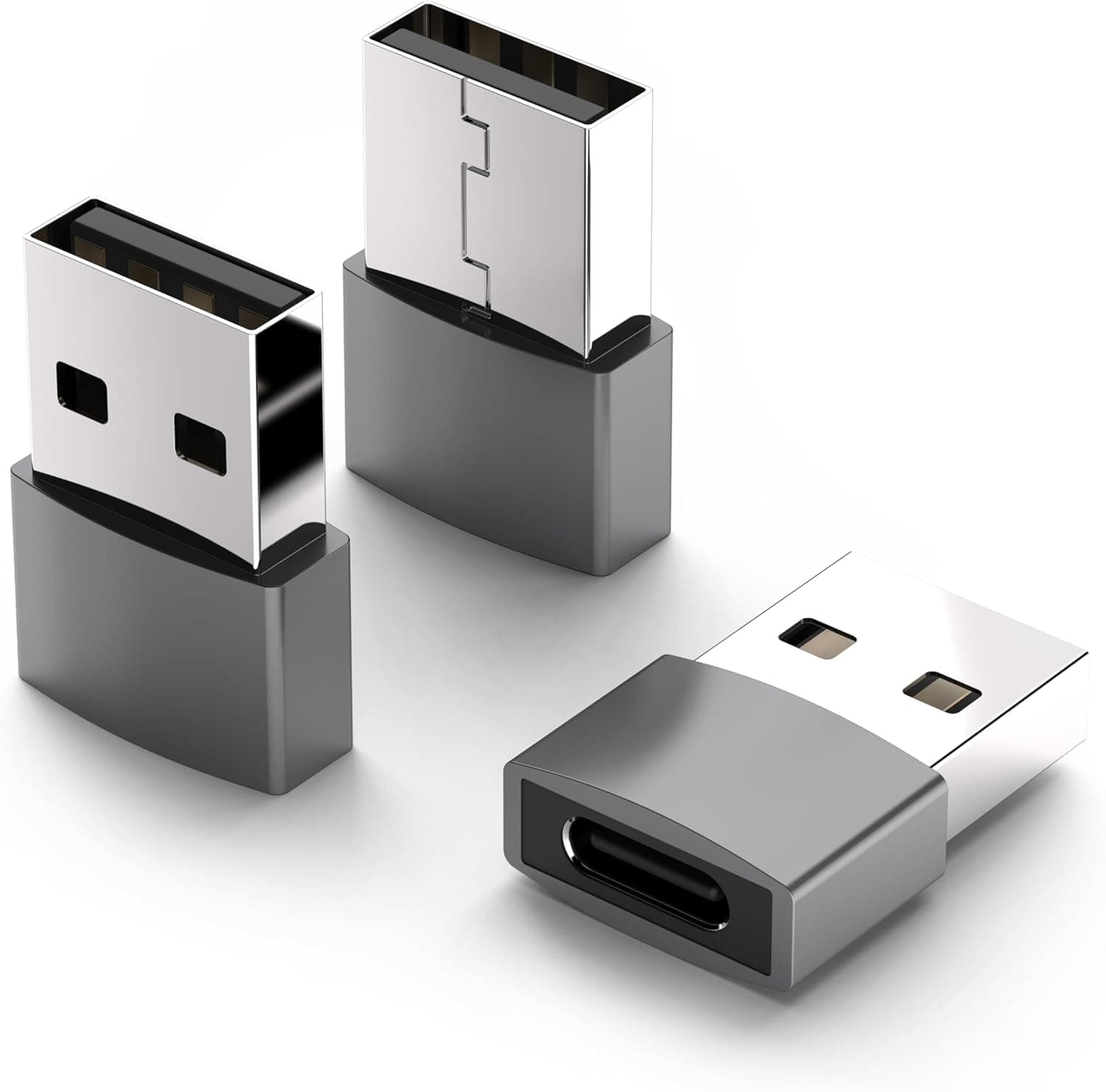
Connects via USB 3.0 Type-A to any available USB port on your PC. Output is DisplayPort only. For HDMI monitors, use the Plugable USB 3.0 HDMI 4K Graphics Adapter (UGA-4KHDMI). For USB-C-only laptops, use a USB-A to USB-C adapter or a USB hub. Each additional monitor requires its own adapter; daisy-chaining via MST is not supported. Audio is supported over DisplayPort (cable sold separately). HDCP is not supported, so protected content playback is not possible.
Product Info
Plugable Technologies, based in Washington, USA, backs this adapter with a 2-year warranty and email support. It sits in the entry-to-mid-range market, offering an affordable way to expand your desktop workspace. Release: ~2015 (still actively sold) Price: Approximately ¥13,943 on Japan Warranty: 2 years Accessories: Adapter unit only (DisplayPort cable not included) * Availability: Japan, Plugable official store
Best Use Cases
Business users who need dual or triple monitors from a laptop for document comparison, coding, or data analysis. Desktop users whose graphics card lacks enough video outputs for additional displays. Remote workers and travelers who want a lightweight, bus-powered solution to connect an external monitor on the go.
Things to Consider
This adapter is not suitable for 3D gaming or video editing due to DisplayLink's CPU overhead and limited frame rates. It is designed for static productivity tasks. On macOS, you must manually install the DisplayLink driver, and some features (screen rotation, clamshell mode) may be limited. Check Plugable's knowledge base before purchase. 4K resolution is limited to 30Hz; for 60Hz, use 2560×1440 or lower. * A DisplayPort cable is required but not included.