Overview
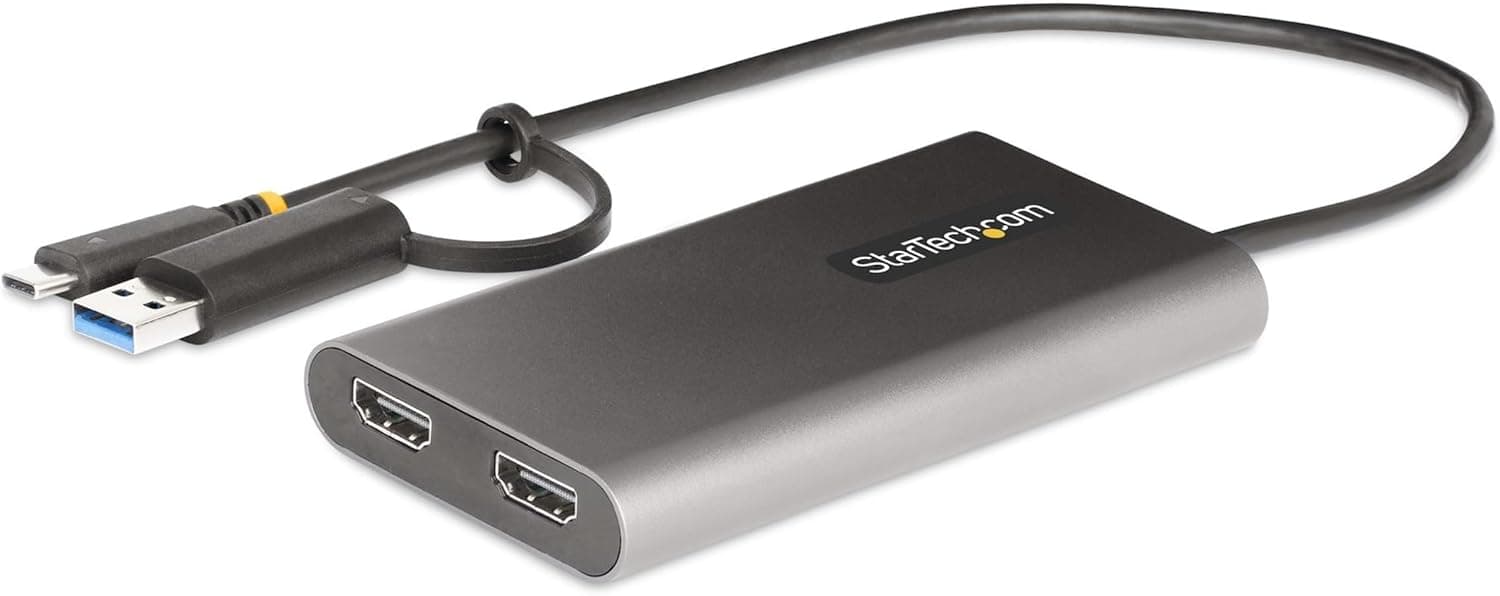
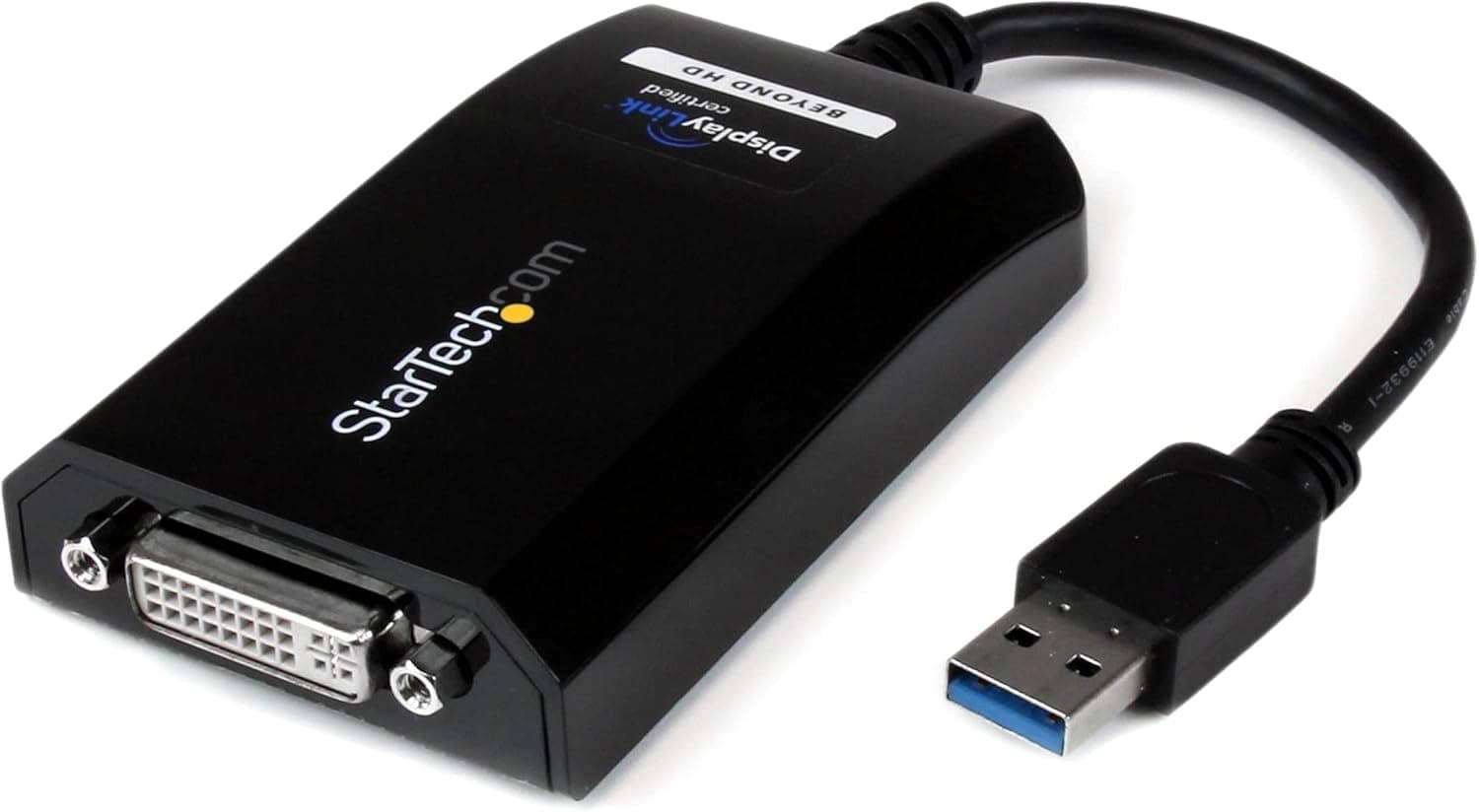
The StarTech USB32DVIPRO is a USB 3.0 to DVI video adapter that lets you add an external display to your computer via a USB-A port. It supports resolutions up to 2048x1152 and includes a DVI-to-VGA adapter for compatibility with VGA monitors or projectors. Leveraging the 5 Gbps bandwidth of USB 3.0, it delivers smooth video playback for everyday productivity tasks. The adapter is compact and lightweight, making it ideal for professionals who need a multi-monitor setup on the go.
This adapter connects via USB 3.0 (USB 3.2 Gen 1) with a USB-A plug. The output is DVI-D (single-link), and the included DVI-VGA adapter enables VGA connectivity. It is compatible with Windows 10/11 and macOS 10.14 or later. Note that macOS 10.13 does not support DisplayLink, so an upgrade to 10.14 is required. A DisplayLink driver must be installed for operation. The recommended system requirements are a quad-core CPU at 2.4 GHz or faster and 4 GB of RAM.
The USB32DVIPRO was released around 2013 and remains available through major retailers like . It occupies the mid-range market segment as a straightforward USB-to-video solution.Check the retailer's page for the latest price. The product comes with a 2-year manufacturer warranty and free lifetime technical support. Included in the box are the adapter, a DVI-to-VGA adapter, and a quick-start guide.
First, laptop users who lack video outputs: If your notebook only has USB ports, this adapter lets you connect a DVI monitor without needing a docking station. It's particularly useful for ultrabooks and thin-and-light laptops. However, it is not suitable for gaming or GPU-intensive tasks due to the DisplayLink overhead. Second, business travelers frequently giving presentations: The combination of DVI and VGA support covers most projectors found in conference rooms. The compact size fits easily in a laptop bag. Be aware that if the projector only has HDMI, you'll need an additional adapter. Third, individuals wanting to repurpose old VGA monitors: With the included DVI-VGA adapter, you can use a legacy VGA display as a secondary monitor. This is a cost-effective way to set up a dual-screen workspace. Note that the maximum resolution is 2048x1152, so it may not satisfy high-resolution display needs.