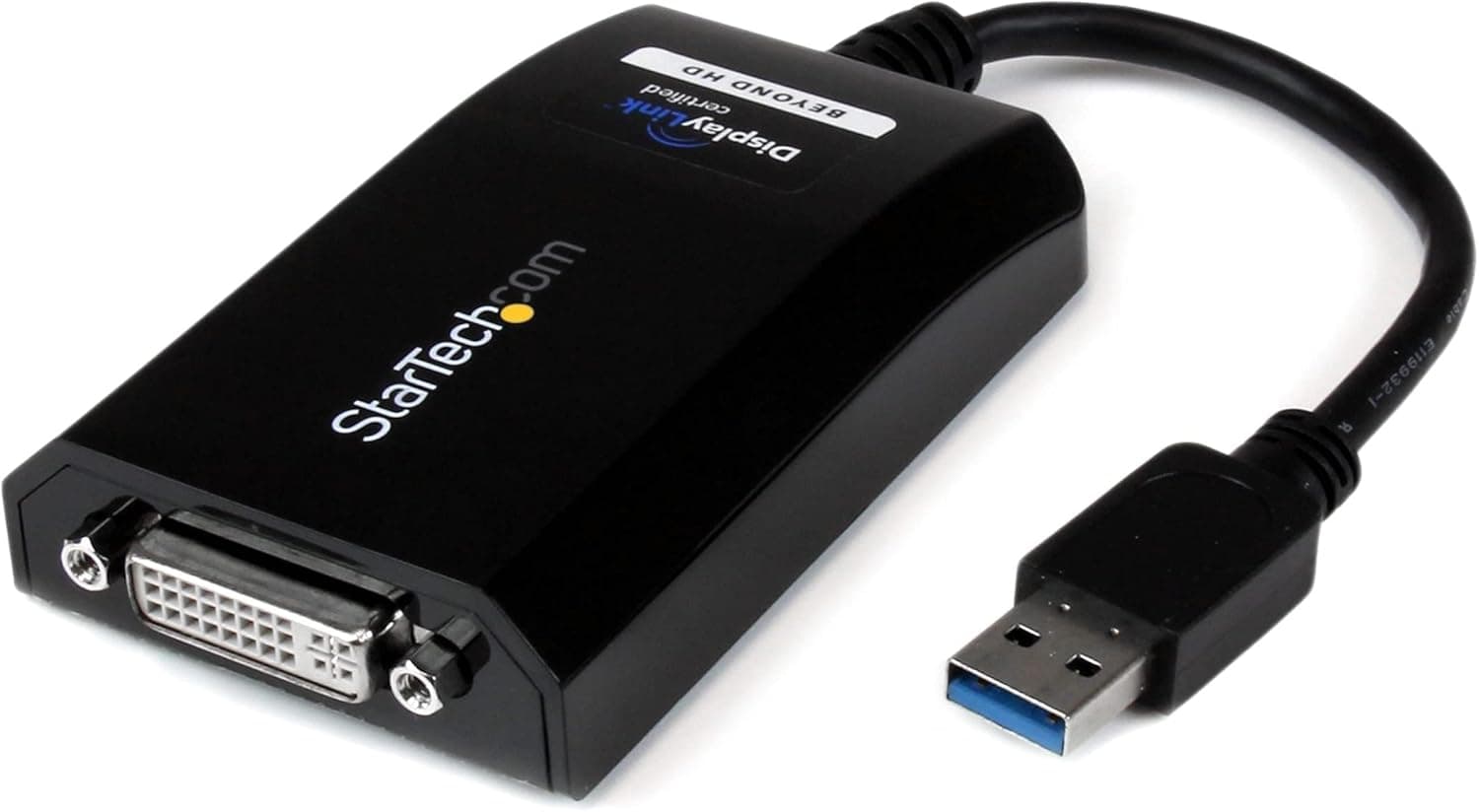
This article covers StarTech.com ディスプレイアダプター.
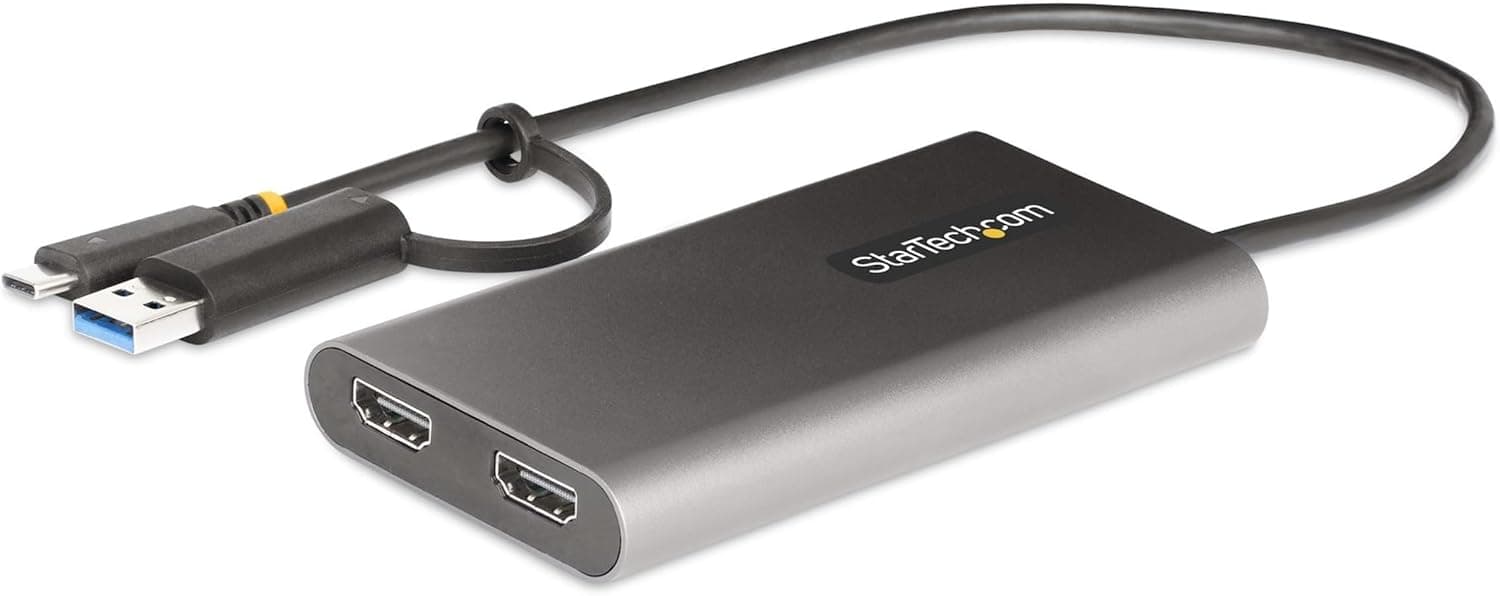
The StarTech.com 109B-USBC-HDMI is a USB video adapter that adds up to two 4K60Hz HDMI monitors to your laptop.
It supports both USB-C and USB-A connections, and thanks to DisplayLink technology, it works even on Apple M1/M2/M3 MacBooks that lack native multi-monitor support. The aluminum housing provides both EMI shielding and effective heat dissipation, ensuring stable performance during extended use.
Two DisplayLink-based HDMI outputs, each supporting up to 4K@60Hz with 5.1ch audio.
Works with Windows, macOS, Ubuntu, and ChromeOS. macOS requires a driver download; Ubuntu and ChromeOS support automatic driver installation.
Includes a 30cm captive cable to reduce strain on ports and connectors. Released around 2023, this adapter sits in the mid-range segment for business-oriented USB video solutions.
It carries DisplayLink certification, ensuring broad compatibility. The standard warranty is 2 years.
The package includes the adapter and a quick-start guide only — no extra cables or power bricks needed. M1/M2/M3 MacBook users: Many Apple Silicon MacBooks don't natively support multiple external displays.
This adapter provides an easy way to set up a dual-monitor workstation. Just remember that macOS requires a driver installation.
Business professionals: If you're stuck with a single laptop screen, this adapter lets you run two external monitors plus the built-in display for a total of three screens. Ideal for spreadsheet work, data analysis, and document editing.
- Users with older USB-A laptops: Even if your laptop lacks USB-C, the USB-A connection works perfectly. This makes it a versatile choice for legacy hardware.
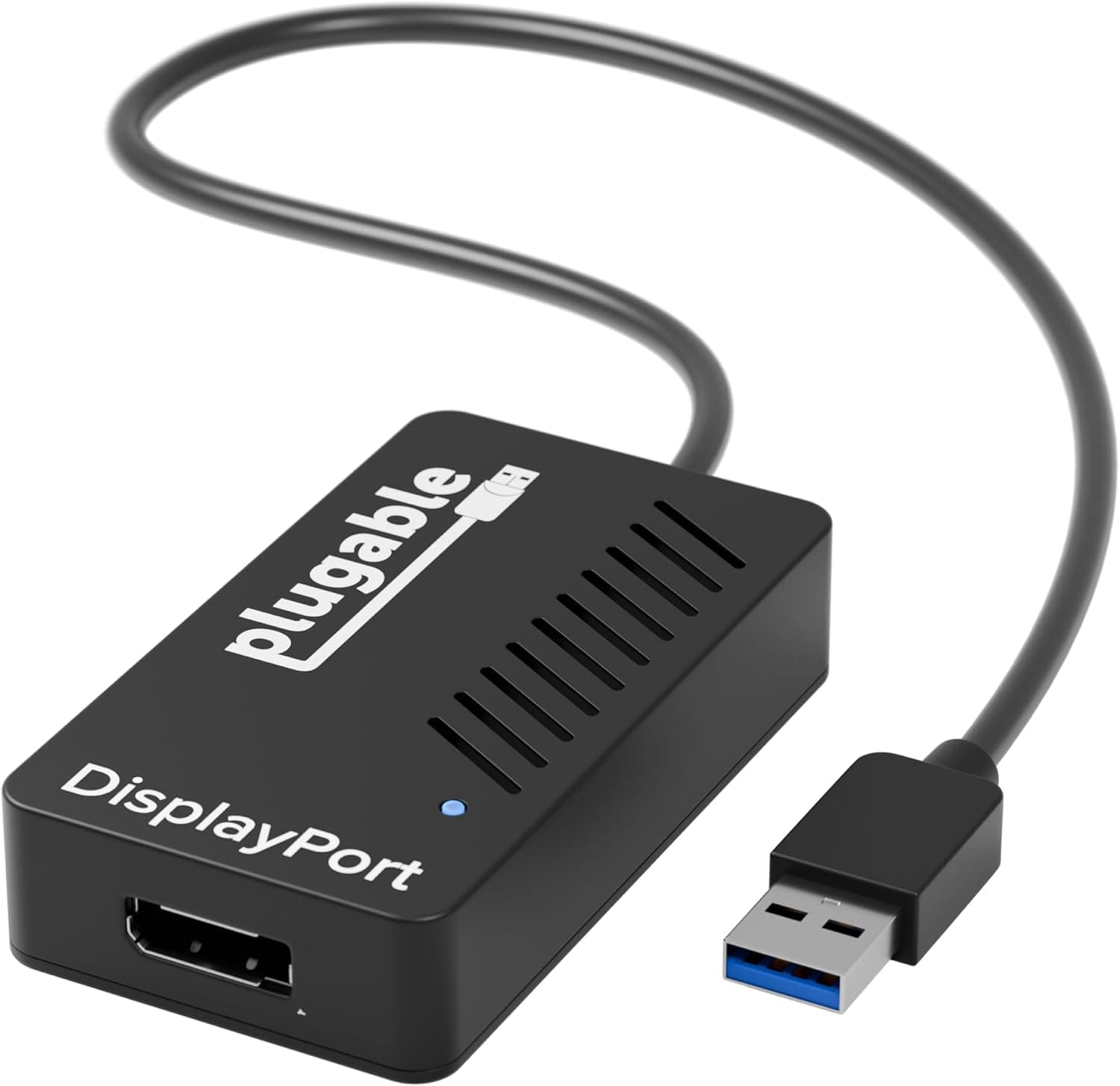
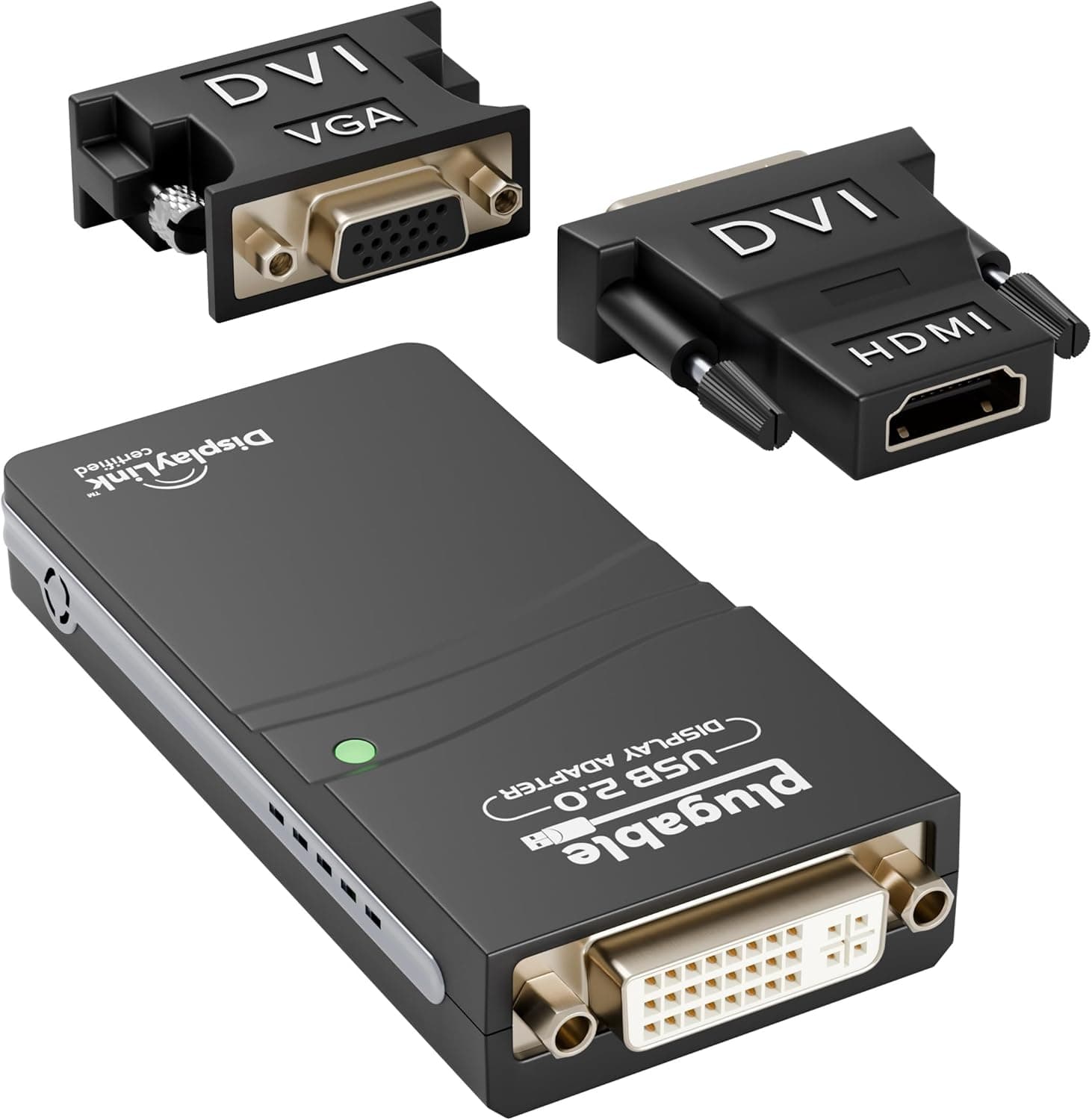
Note that it's not suitable for gaming due to DisplayLink latency. Direct competitors include the Plugable UD-3900PDZ and WAVLINK USB-C Dual HDMI Adapter.
The Plugable model offers similar DisplayLink functionality, but the StarTech.com 109B-USBC-HDMI has the edge with USB-A support for broader compatibility.
WAVLINK's adapter is cheaper but often provides lower PD passthrough wattage, making the StarTech.com a more reliable choice if charging performance matters.
This adapter is not designed for gaming. DisplayLink-based video output introduces noticeable latency, so it's unsuitable for fast-paced titles.
macOS requires manual driver installation. Make sure you have internet access during initial setup.
High-power gaming laptops may not charge fully under heavy load.