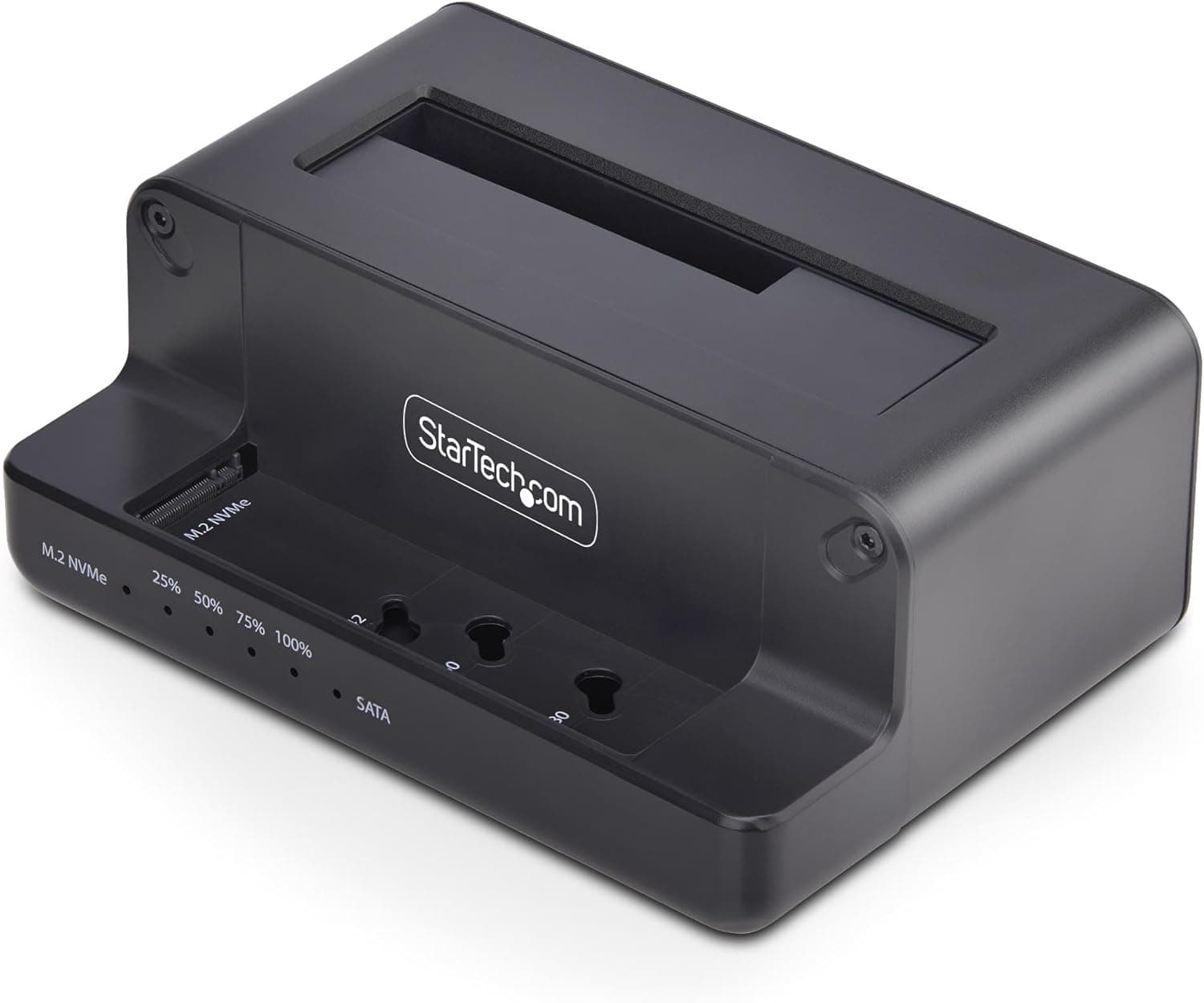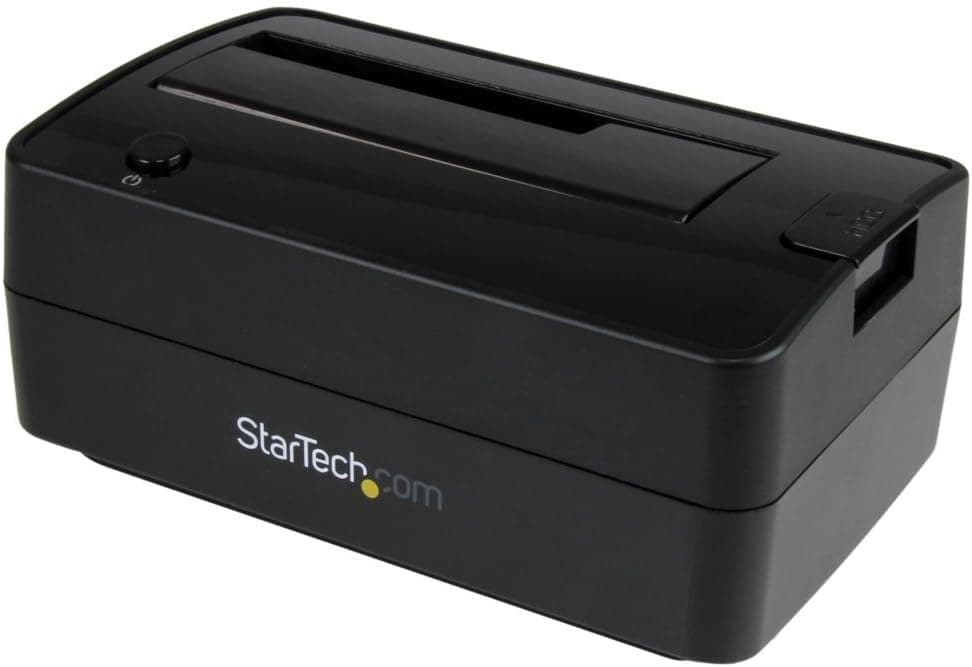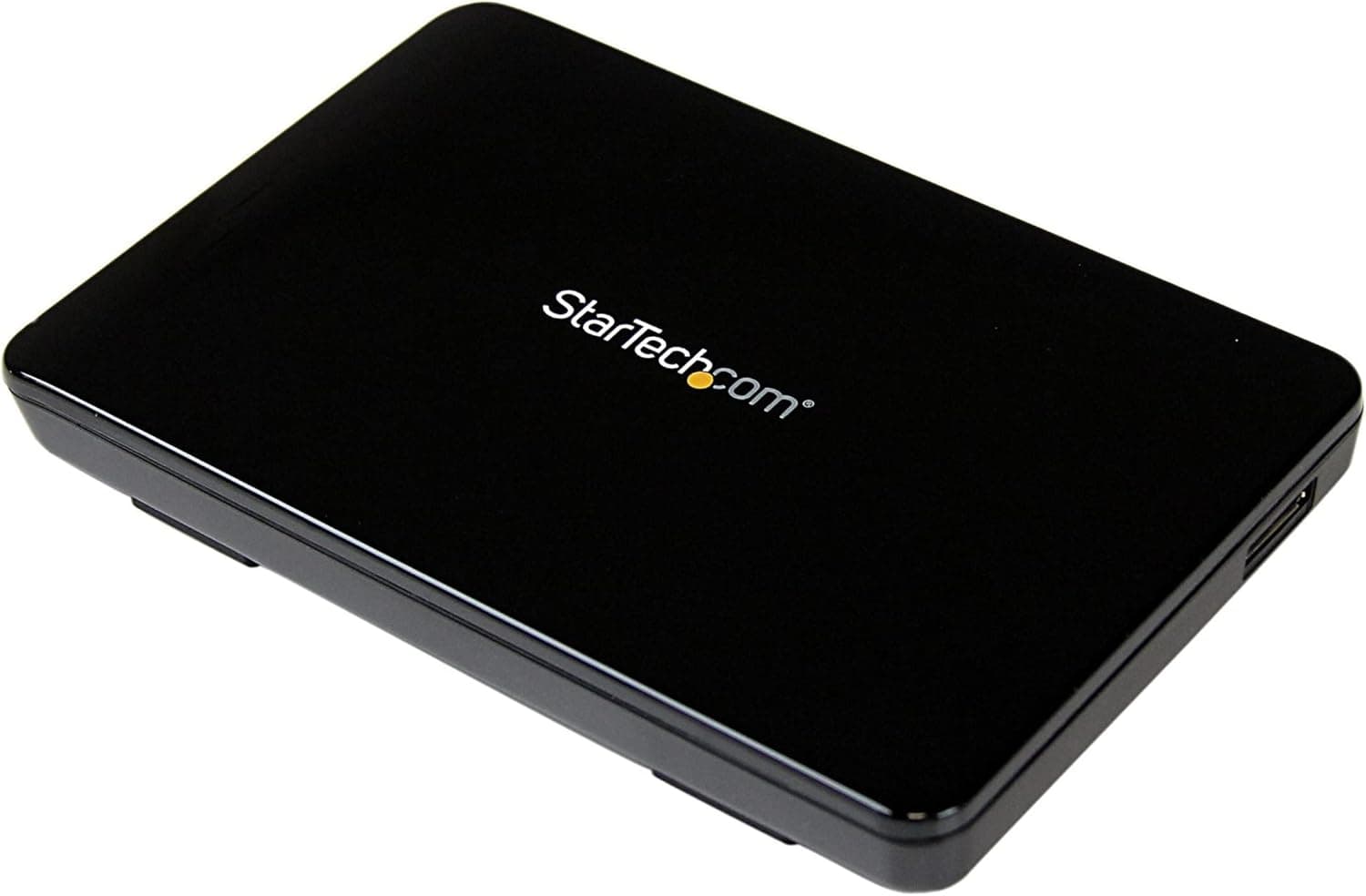
This article covers StarTech.com PCI拡張スロット設置型2.5インチSATA HDD.
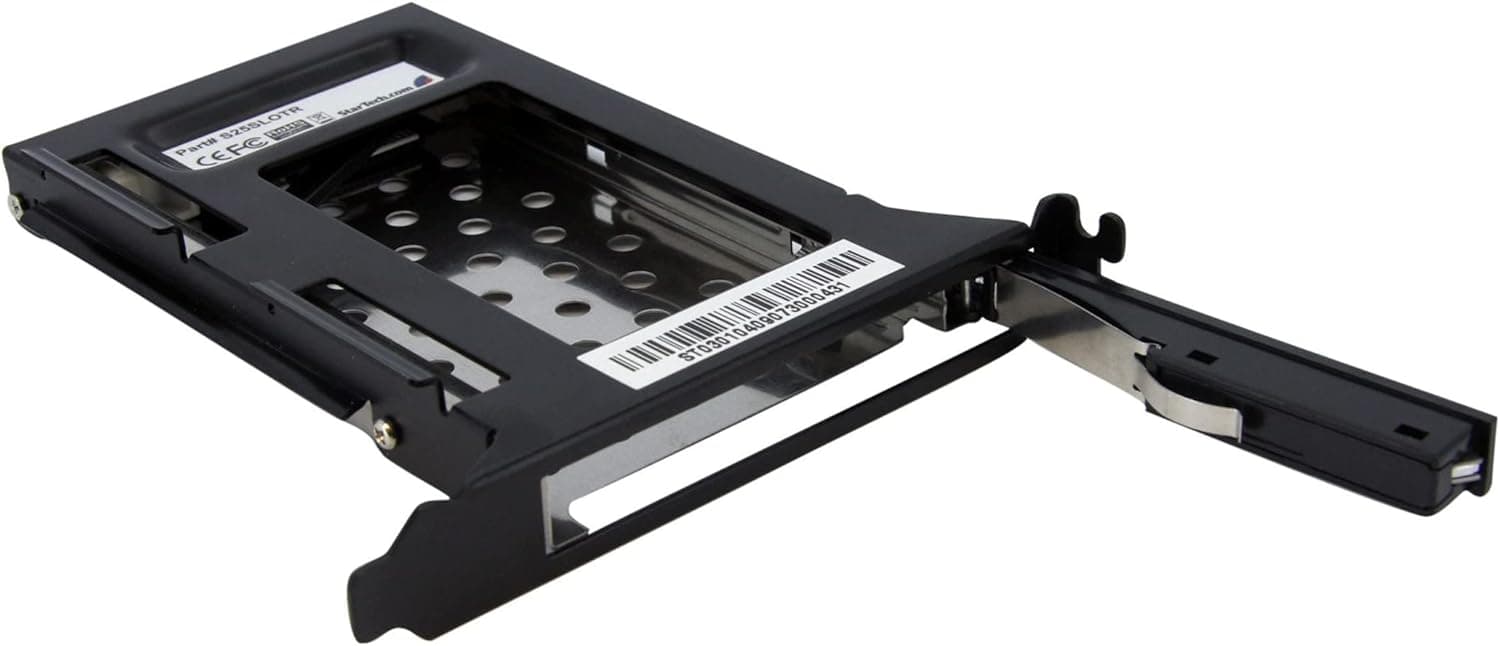
The StarTech.com S25SLOTR is a removable drive rack that mounts a 2.5-inch SATA HDD or SSD into a full-profile PCI expansion slot on a desktop PC case. It allows you to add extra internal storage without occupying a standard drive bay, making it ideal for compact builds or cases with limited mounting options. The tray-less design supports hot-swapping, and the SATA interface supports 1.5/3.0/6.0 Gbps speeds. With an aluminum and steel construction and an insertion rating of over 50,000 cycles, it's a durable solution for frequent drive swaps.
- Supported devices: 2.5-inch SATA HDD/SSD (up to 9.5mm thickness) - Interface: SATA 1.0/2.0/3.0 (1.5/3.0/6.0 Gbps) - Hot-swap capable (plug and play) - Mounting: Installs into a full-profile PCI expansion slot on the PC case. Note: The bracket does not use the PCIe electrical interface; it simply uses the slot for physical mounting. You must connect the drive via a SATA data cable to the motherboard and a SATA power cable from the power supply. - Compatible cases: ATX, MicroATX, Mini-ITX with full-profile slots. Not compatible with low-profile slots. - Dimensions: 145 x 20 x 119 mm (L x W x H)
Product Info
This product has been available since around 2010 and remains a popular accessory for adding 2.5-inch drives.Check the retailer's page for the latest price. It comes with a 2-year warranty from StarTech.com. The package includes only the drive rack itself; you will need to supply your own SATA data and power cables. Market positioning is mid-range, serving a niche need for users who want to utilize spare PCI slots for storage expansion without sacrificing 3.5-inch bays.
- Users needing to add internal 2.5-inch storage: If you have a free SATA port on your motherboard but no spare 2.5-inch mounting location inside your case, this rack solves the problem. It's especially useful for adding a SATA SSD for caching or a secondary drive. However, if you have a free 3.5-inch bay, a simple 3.5-to-2.5-inch adapter bracket may be cheaper. - Users who frequently swap drives: The tray-less design allows quick insertion and removal. Ideal for testing multiple operating systems, backing up to different drives, or using a dedicated drive for specific workloads. Note that the latch door requires a small effort to open, so it's not fully tool-less hot-swap but very convenient. - Space-constrained builds: In compact cases where every millimeter matters, using a vacant PCI slot for a drive can free up traditional drive bays for other purposes. This works well in mini-tower or slim cases, provided they have a full-profile slot. Avoid if your case uses low-profile brackets. - Not recommended for: Users who want to add NVMe drives (use an M.2 slot or PCIe adapter) or 3.5-inch hard drives. Also, if the PCI slot is needed for a GPU or other high-bandwidth card, consider alternative mounting solutions.
Product Disclosure (Amazon)
- Manufacturer: StarTech.com(スターテック)
- Seller: Startech Japan KK
- Fulfilled by: Amazon
- ASIN: B002MWDRD6
- Note: This article covers a manufacturer-made product based on Amazon listing details.