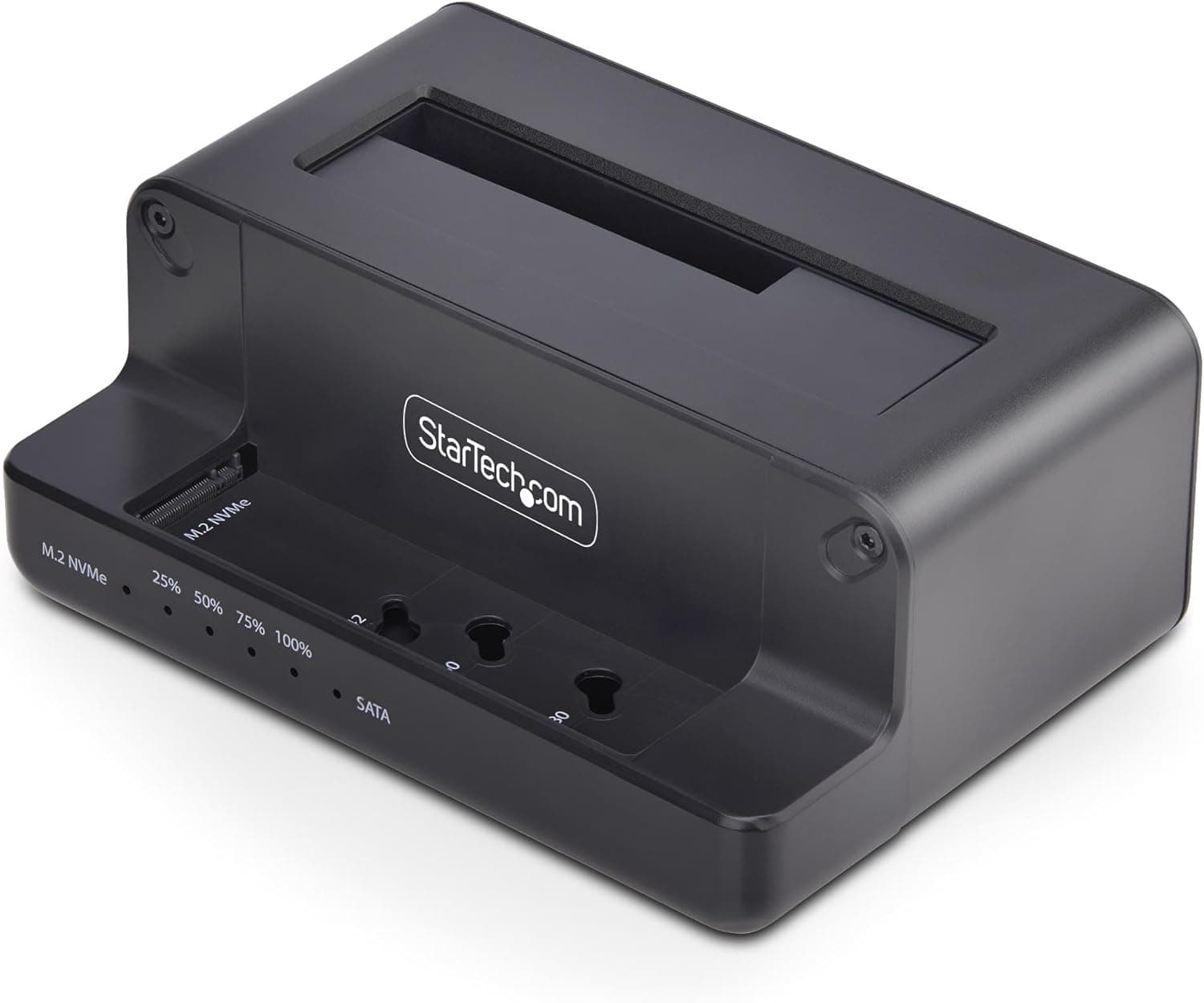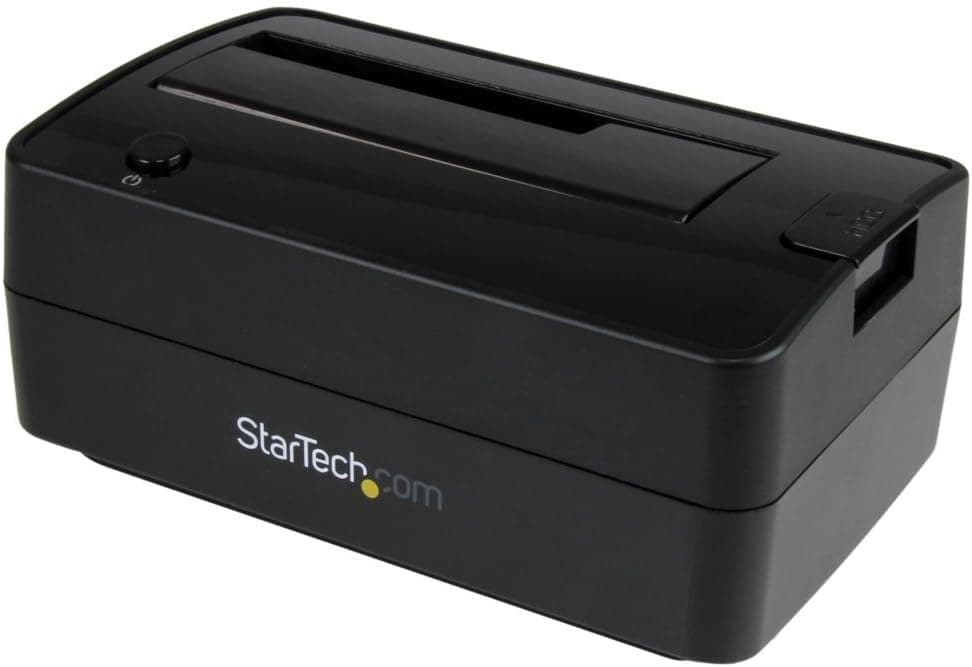
The StarTech.com SATDOCKU3SE is a single-bay, top-loading dock for 2.5-inch and 3.5-inch SATA drives.
Its distinguishing feature is dual host connectivity: USB 3.2 Gen 2 (10 Gbps) and eSATA (6 Gbps).
On Amazon.co.Check the retailer's page for the latest user reviews.
Overview
This is a tool for people who swap bare drives regularly, not a replacement for a permanently connected external enclosure. There is one bay and no standalone cloning.
Where it earns its keep is quick, screwdriver-free access: checking the contents of a pulled internal drive, running a scheduled backup a few times a month, or testing several drives in sequence when isolating a failure.
The 10 Gbps figure deserves context. Whatever you insert is a SATA drive, so the real ceiling is the drive itself — roughly 150–250 MB/s for a hard disk and around 500 MB/s for a SATA SSD.
Neither USB 3.2 Gen 2 nor eSATA is the bottleneck at those speeds.
The headline bandwidth means headroom, not doubled throughput.
The chassis is plastic and the unit weighs about 408 g. A 3.5-inch drive weighs more than the dock itself, so place it where a tugged cable will not topple the whole assembly.
Compatibility Guide
It accepts 2.5-inch and 3.5-inch SATA HDDs and SSDs across SATA I, II, and III, including 4Kn native-sector drives — useful with recent high-capacity hard disks.
No drivers are needed; Windows, macOS, and Linux all see it as a standard mass-storage or SATA device.
Power comes from the bundled AC adapter, and this matters more than it sounds. A 3.5-inch hard disk draws 12 V current at spin-up, so bus power is physically impossible here.
Plan on desk use near an outlet rather than mobile use. The flip side is that external power spins 3.5-inch drives reliably, which bus-powered 2.5-inch-only adapters cannot do.
| Host connection | Speed | Best for |
|---|---|---|
| USB 3.2 Gen 2 Type-A | 10 Gbps | The default choice on desktops and laptops alike |
| USB 3.2 Gen 2 Type-C | 10 Gbps | Machines with only Type-C, or a full Type-A bank |
| eSATA | 6 Gbps | SMART reads and drive diagnostics that must be reliable |
Choose eSATA for command transparency, not speed. Over USB, SMART attributes and some diagnostic utilities depend on how the bridge chip implements pass-through; eSATA sends native SATA commands straight through.
The catch is that almost no current motherboard ships with an eSATA port, so this path realistically belongs to older builds or people with an add-in card. All three cables — eSATA (1 m), USB-A, and USB-C — are included, so a change of host machine rarely means buying anything.
Optional adapters extend support to IDE, mSATA, and M.2 SATA drives.
Note the qualifier: M.2 SATA only.
A modern M.2 NVMe SSD may fit physically but will not be recognized, because the signaling is different.
If reading NVMe drives is your goal, buy a dock that explicitly says NVMe.
Product Info
| Item | Value |
|---|---|
| Interface | USB 3.2 Gen 2, eSATA |
| USB transfer rate | 10 Gbps |
| eSATA transfer rate | 6 Gbps |
| Supported drive sizes | 2.5-inch / 3.5-inch |
| Drive interface | SATA I / II / III |
| Material | Plastic |
| Weight | about 408 g |
| Included cables | eSATA (1 m), USB-A, USB-C |
| Power | External AC adapter |
On pricing: the Amazon.co.jp listing read ¥8,800 as captured on 2 June 2026 and ¥11,800 as captured on 27 August 2026 — roughly a ¥3,000 swing in three months.
Docks move with exchange rates and stock levels, so treat both numbers as point-in-time references and check the live listing before buying.Check the retailer's page for the latest price.
That is a modest sample, but respectable for a niche, semi-professional accessory, and the score suggests no widespread defect. With fewer than a hundred ratings, though, do not read failure-rate statistics into it.
StarTech.com has a long track record in business-oriented peripherals and provides free technical support for the life of the product.
Warranty terms vary by product and purchase channel, so confirm the specifics on the listing and the manufacturer's spec page before ordering.
How It Compares
Buyers usually weigh this against three alternatives. Use it twice a year and cheap is fine — use it daily and the premium reads as insurance.
Two-bay docks with offline cloning copy drive to drive without a PC. If cloning is your main task, that is a straight upgrade, since this model cannot do it.
That said, offline cloning is rigid about capacity mismatches, and PC-based cloning software is often more flexible in practice.
NVMe M.2 docks serve a different job entirely.
Note that the "docking station" category also covers laptop expansion hubs with video output and USB ports — a completely different class of device. Decide first which kind you actually need.
Living With It
Top loading is fast but leaves the drive exposed to dust and to being knocked over. It is designed for insert-while-working use, not continuous operation, and a 3.5-inch drive transmits its noise and vibration straight into your desk.
Always eject the volume in the OS before cutting power — hot-swap convenience tempts people to skip that step, and pulling a drive with cached writes pending is how file systems get corrupted.
Best Use Cases
- PC builders and IT admins — frequent swaps for testing and imaging are exactly what tool-less loading is for.
- Recovering data from old machines — reuse the HDD left over after an SSD upgrade as external storage.
- Drive health diagnostics — if you have an eSATA port, clean SMART access is a genuine advantage over USB-only docks.
Before You Buy
One bay, no cloning. If you wanted PC-free drive-to-drive copying, this is the wrong product. Buy a two-bay cloning dock instead.
No bus power. The AC adapter is mandatory, so outlet-free use is out.
For fieldwork with a laptop, a bus-powered 2.5-inch adapter fits better.
No M.2 NVMe support. Optional adapters cover IDE, mSATA, and M.2 SATA only.
This is the single most common misunderstanding about this class of dock.
SMART over USB can be unreliable. That is a general bridge-chip limitation rather than a flaw unique to this unit, but if diagnostics are your purpose, confirm you can use the eSATA path.
It is a mature design. The mechanism is proven rather than cutting-edge; it exists to handle SATA drives well, not to chase the newest transfer standards.
**Verify the listing yourself. Check that the image, title, and model number (SATDOCKU3SE) all match, and always read the current price rather than a quoted one.
FAQ
Q. Does 10 Gbps make transfers faster? A.
No. The SATA drive sets the ceiling — roughly 150–250 MB/s for an HDD, around 500 MB/s for a SATA SSD.
At those rates USB 3.2 Gen 2 and eSATA feel the same.
Q. Can it clone drives?
A. Not on its own. With a single bay, you copy to another drive using software on your PC.
Q. Does it work on a Mac? A.
Yes — it is driver-free and OS-independent over USB. Whether macOS can read the drive's file system (NTFS, for example) is a separate question.
Q. Can I leave a drive docked permanently? A.
Physically yes, but the exposed top-loading design argues against it. Use a sealed enclosure for always-on storage.
Q. Will it recognize large 4Kn drives? A.
4Kn sectors are supported. For very high capacities, plan on GPT partitioning, since OS and partition-scheme limits still apply.
Q. My PC has no eSATA port — is that a problem? A.
Not at all. USB covers every normal use case; treat eSATA as a bonus for diagnostics.
Product Disclosure (Amazon)
- Manufacturer: StarTech.com(スターテック)
- Seller: 123market アマゾン店
- Fulfilled by: 123market アマゾン店
- ASIN: B01M3P02FY
- Note: This article covers a manufacturer-made product based on Amazon listing details.