Overview
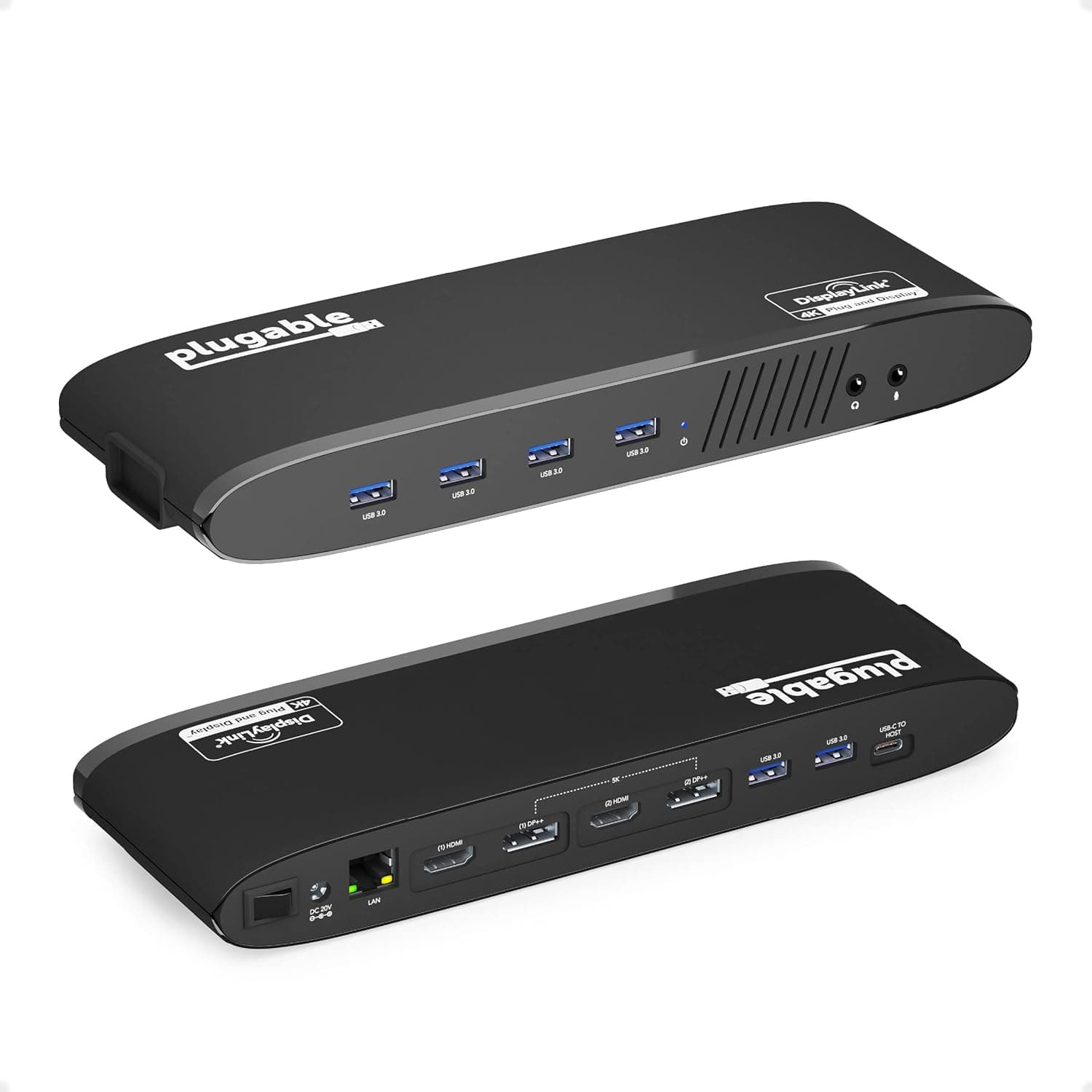
The Plugable USB 3.0 Graphics Adapter (DL-3900) is a versatile docking solution that adds dual external monitors and a gigabit Ethernet port to your laptop through a single USB 3.0 connection. Powered by the DisplayLink DL-3900 chipset, it offers HDMI, DVI-I, and VGA outputs, making it an excellent choice for professionals who need extra screen real estate and a stable wired network connection. This adapter supports Windows 11, 10, 8.x, and macOS 10.15 and later. However, it does not support Linux, ARM-based systems (such as Windows RT), or DisplayPort monitors. It also lacks HDCP support, so copy-protected content won't display on external monitors. Keep these limitations in mind before purchasing.
Host interface: USB 3.0 (backward compatible with USB 2.0, but performance will be reduced). Video outputs: HDMI (up to 2560×1440 @50Hz with a single monitor), DVI-I (up to 2048×1152), VGA (up to 1920×1200). When using two monitors simultaneously, the HDMI port maxes out at 2048×1152, while DVI/VGA ports support up to 1920×1200. Gigabit Ethernet port (10/100/1000 Mbps). Compatible OS: Windows 11, 10, 8.x, macOS 10.15+. Linux and ARM-based systems are not supported. Cannot be used alongside other USB graphics adapters that do not use DisplayLink technology. * No HDCP support — copy-protected content (e.g., Netflix 4K) will not display on external monitors.
The Plugable USB 3.0 Graphics Adapter has been available since around 2020 and can still be purchased on . The package includes the adapter unit and a USB 3.0 cable; monitor cables are sold separately. This product sits in the mid-range segment. It offers a compelling balance of features — dual-monitor output and gigabit Ethernet over a single USB 3.0 connection — at a reasonable price. However, due to USB 3.0 bandwidth limitations, it is not suitable for high-resolution gaming or GPU-intensive tasks.
Remote workers and business professionals using a laptop: If you're tired of juggling windows on a single laptop screen, this adapter lets you set up a dual-monitor workstation quickly. The built-in gigabit Ethernet ensures stable video calls and fast file transfers. However, it's not ideal for 3D modeling or video editing. Users who need to add wired networking and external displays to an older laptop: Many modern ultrabooks lack an Ethernet port. This adapter solves that problem while also adding dual-monitor support — all through one USB port. Just make sure your laptop has a USB 3.0 port for optimal performance. * Budget-conscious users seeking a dual-monitor setup: Instead of buying an expensive Thunderbolt dock, this adapter offers a cost-effective way to expand your display workspace. It works with any laptop that has a USB 3.0 port, regardless of GPU. But remember: it's for office work and web browsing, not gaming or creative workloads.
This adapter relies on DisplayLink technology, which compresses video data over USB. This introduces noticeable latency compared to native display outputs, making it unsuitable for fast-paced gaming or real-time video editing. Additionally, the lack of HDCP support means you won't be able to stream protected content from services like Netflix or Prime Video on external monitors. Also, be aware that this adapter cannot be used simultaneously with other non-DisplayLink USB graphics adapters, as they may conflict. DisplayPort monitors are not supported. Before buying, check your monitor's input ports (HDMI, DVI, or VGA) and purchase the appropriate cables separately.
Q: Can I use a 4K monitor with this adapter? A: The maximum resolution is 2560×1440 @50Hz when using the HDMI port with a single monitor. 4K (3840×2160) is not supported. Q: Does it work with Mac? A: Yes, it supports macOS 10.15 and later. It has been tested on Apple Silicon (M1/M2/M3) Macs, but performance may be less stable than on Windows. Q: Can I play games with this adapter? A: No. This adapter is designed for office applications and web browsing. The latency introduced by DisplayLink makes it unsuitable for gaming or any GPU-intensive tasks.
Product Disclosure (Amazon)
- Manufacturer: Plugable
- Seller: Amazon US
- Fulfilled by: Amazon US
- ASIN: B00G5OAT88
- Note: This article covers a manufacturer-made product based on Amazon listing details.