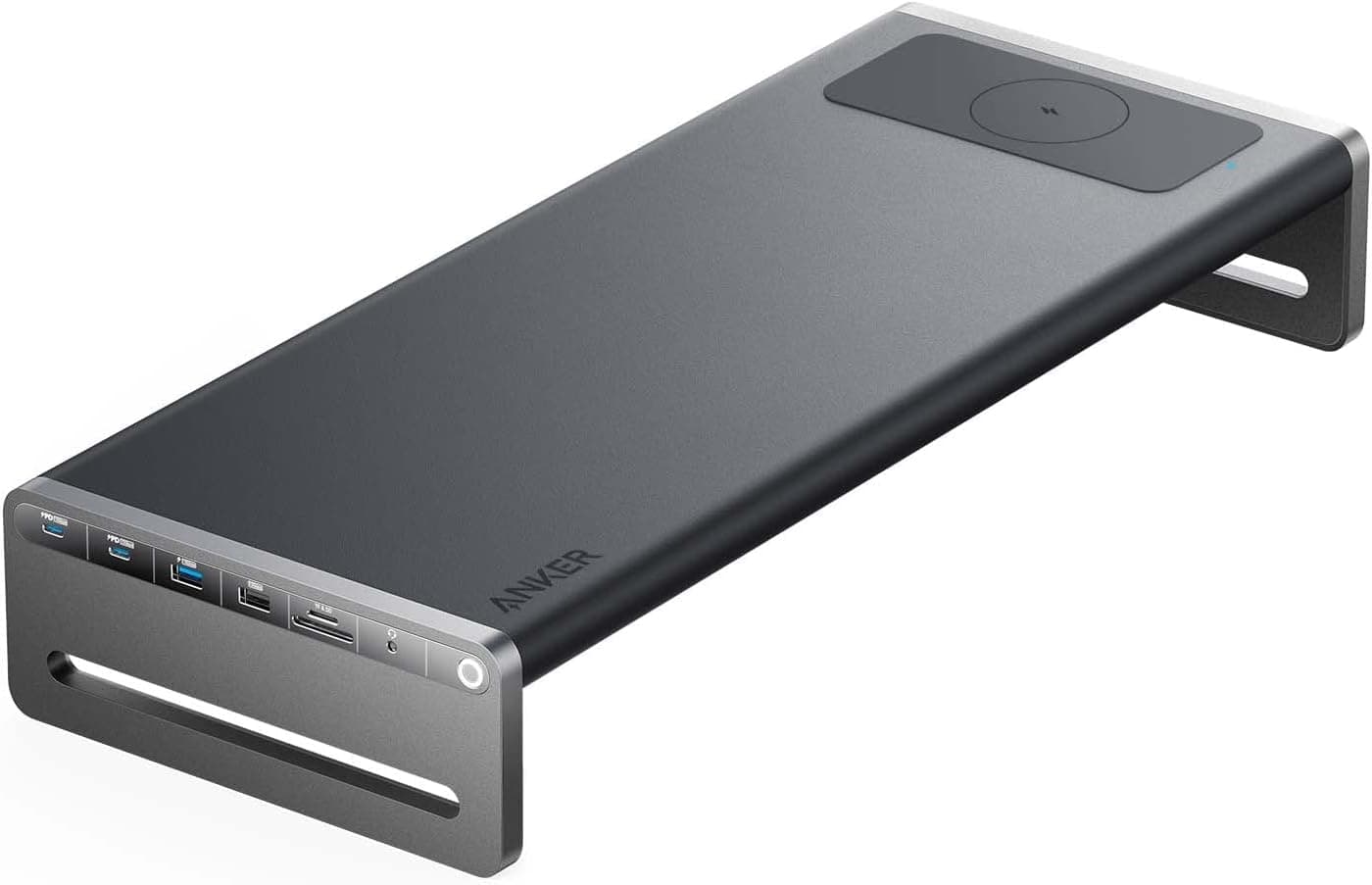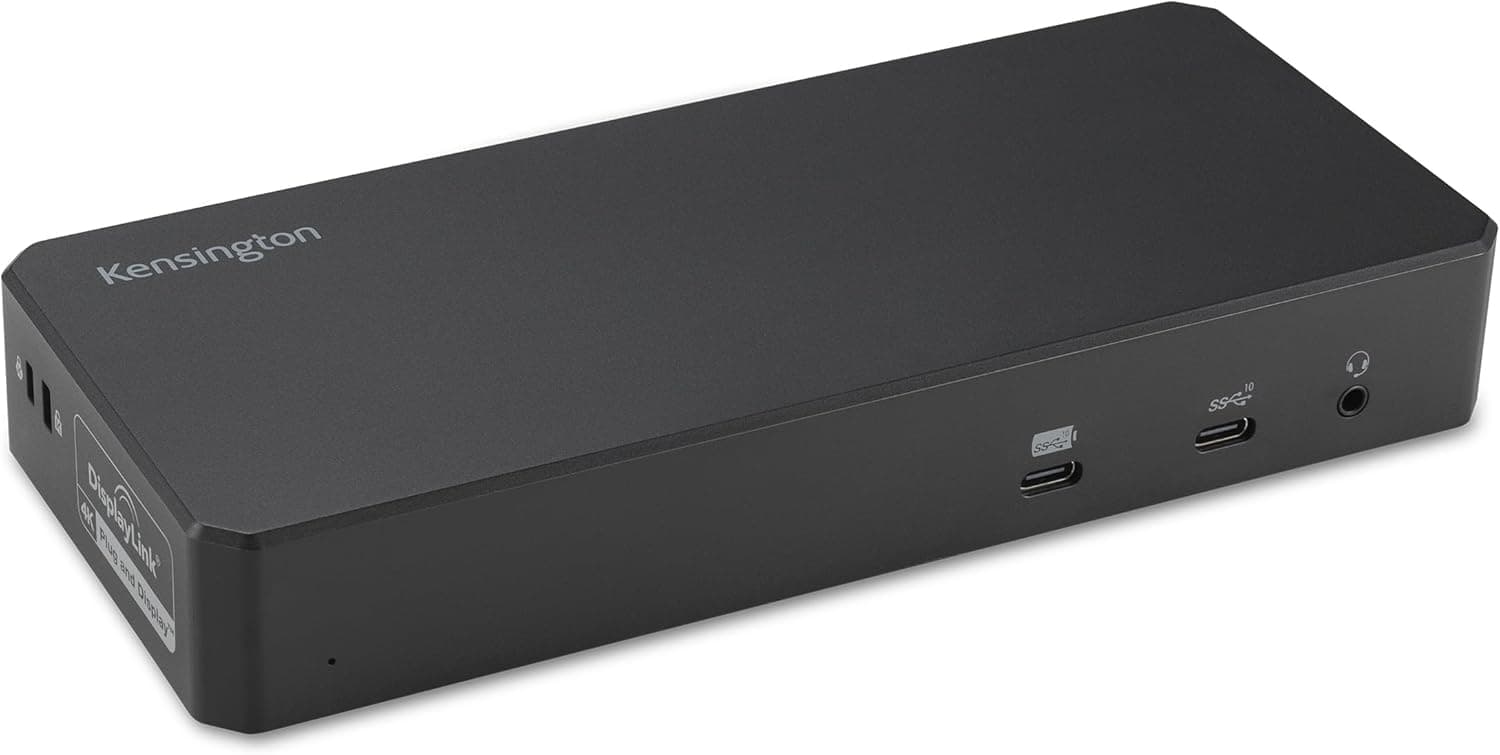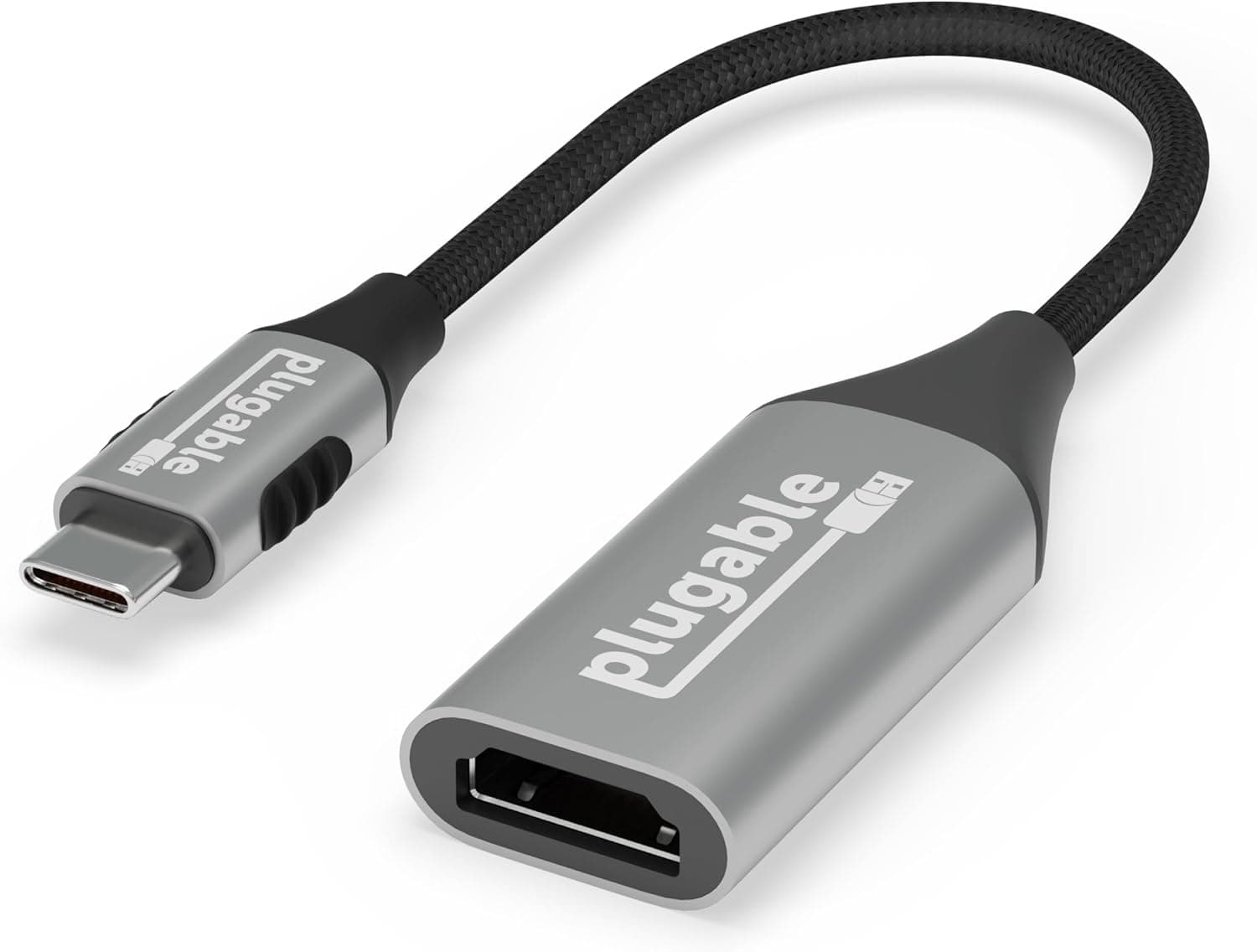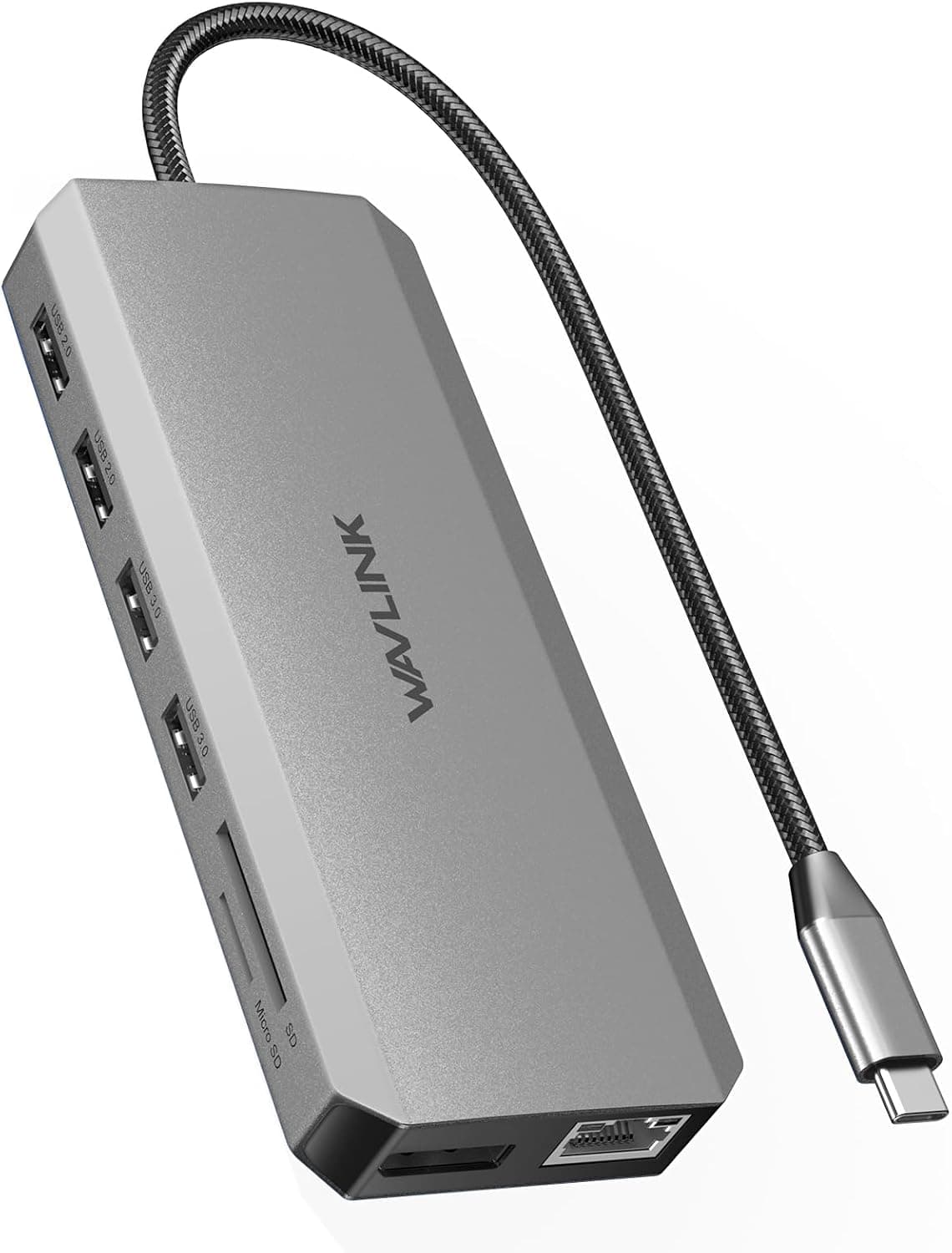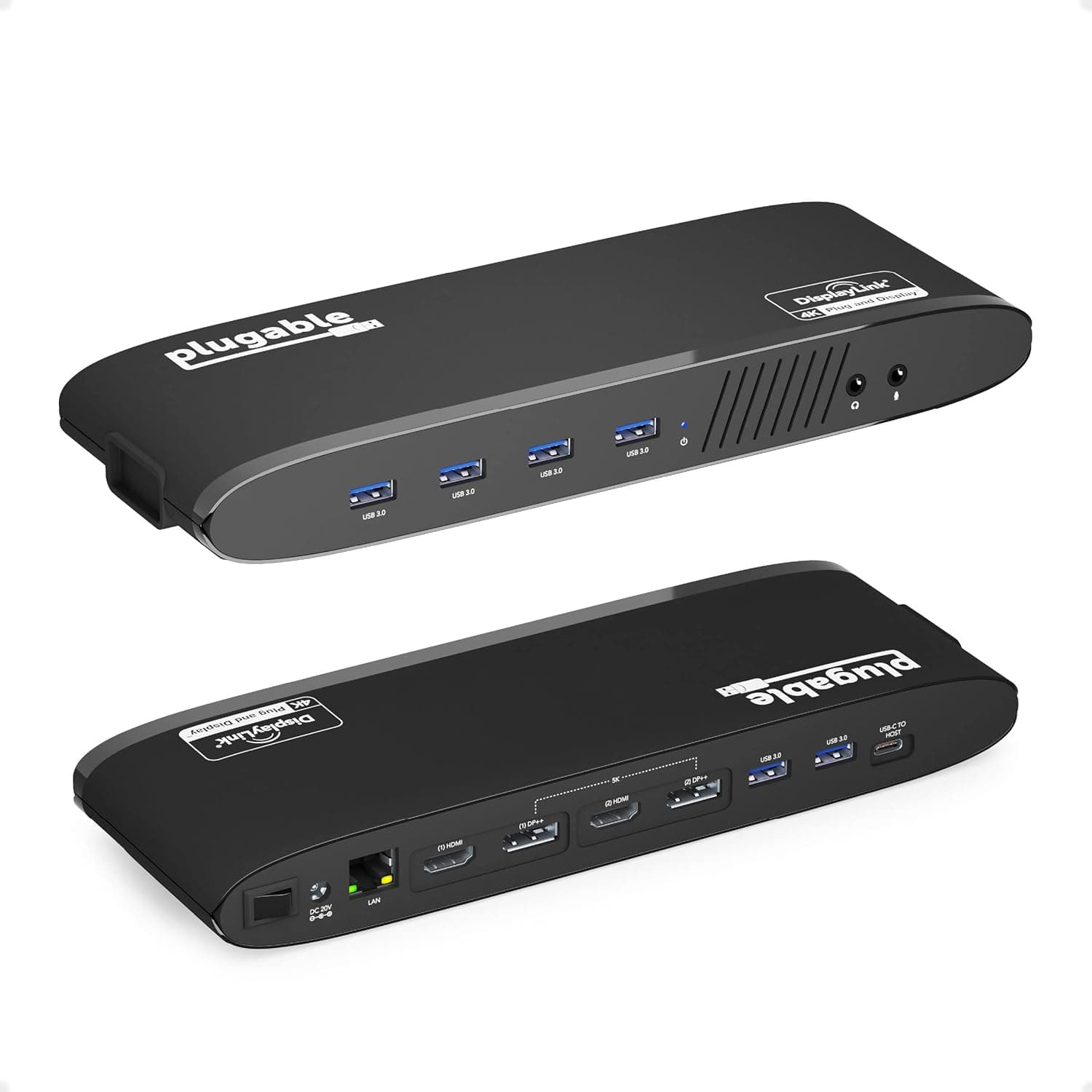
This article covers Plugable USB 3.0 デュアル 4K ディスプレイ水平ドッキングステーション.
Overview
Plugable's USB 3.0 Dual 4K Horizontal Docking Station transforms a laptop into a full desktop workstation with a single USB 3.0 Type-A cable. It drives up to two 4K displays at 60Hz via DisplayLink technology, adds Gigabit Ethernet, six USB 3.0 ports, and audio I/O. For professionals juggling multiple documents, spreadsheets, and development tools, this dock delivers the screen real estate and peripheral connectivity that modern workflows demand. The horizontal form factor measures 241 x 83 x 32 mm and weighs just 332g, making it unobtrusive on any desk. It includes a 20V DC power adapter for reliable operation. Compatible with Windows 10, 8.1, and 7 only — macOS, Linux, and ARM-based Windows are not supported.
Connectivity & Compatibility
The host PC must have a USB 3.0 Type-A port (USB 2.0 works but severely limits display performance). Minimum system requirements: Intel Core i3 Skylake or higher, Intel HD4000 / AMD Radeon HD8650 / NVIDIA GeForce 7xxM or better GPU, and 8GB RAM. The DisplayLink driver must be installed before connecting displays. Download the latest version from the official DisplayLink support page. Two DisplayPort DP++ ports each support 3840×2160 @ 60Hz natively. Passive adapters (sold separately) can convert DP++ to HDMI, single-link DVI, or VGA. Maximum configuration: two 4K @60Hz monitors, or one 5K @60Hz monitor. Lower resolutions like 2560×1440 and 1920×1080 work as expected. Additional ports include one Gigabit Ethernet (RJ-45), six USB 3.0 Type-A ports (two front, four rear), and a 3.5mm combo audio jack (headphone + mic). Total port count: 8. Note that none of the USB ports support USB Power Delivery — the laptop must be charged via its own charger.
Product Info
Released around 2019, the Plugable USB 3.0 Dual 4K Docking Station is still widely available through Japan and the official Plugable website. The price typically ranges from ¥20,000 to ¥26,000. On Japan, it lists at approximately ¥25,907 (as of June 2026). It carries a 1-year warranty with email support. The box includes the dock, USB 3.0 A-to-B cable, power adapter, and quick-start guide. Market positioning is mid-to-high tier. It competes with Thunderbolt 4 docks in terms of dual 4K capability, but at a lower price point and without requiring Thunderbolt hardware. However, because DisplayLink offloads display rendering to the host CPU/GPU, it's best suited for office productivity, web browsing, and coding — not for gaming or video editing.
Best Use Cases
Office workers needing multi-monitor productivity — Running Excel, Outlook, browser tabs, and Slack side-by-side on two 4K screens is seamless. Ideal for any laptop with a USB 3.0 port, even older models lacking USB-C or Thunderbolt. Software developers and IT pros — Code editors, terminals, documentation, and database tools all benefit from extra screen space. DisplayLink's stable image transmission keeps text sharp and reduces eye strain during long sessions. * Hybrid workers with a fixed home desk — Leave the dock permanently connected to monitors, network, keyboard, and mouse. Each day, plug one USB cable into your laptop and instantly have a full desktop setup ready. Unplug when heading out. Avoid this dock if you need to run full-screen video, 3D applications, or games on the external displays — DisplayLink cannot keep up with fast frame updates, resulting in stutter and latency. For such tasks, consider a Thunderbolt 3/4 dock or a dedicated GPU.
Product Disclosure (Amazon)
- Manufacturer: Plugable
- ASIN: B07CRSH25X
- Note: This article covers a manufacturer-made product based on Amazon listing details.