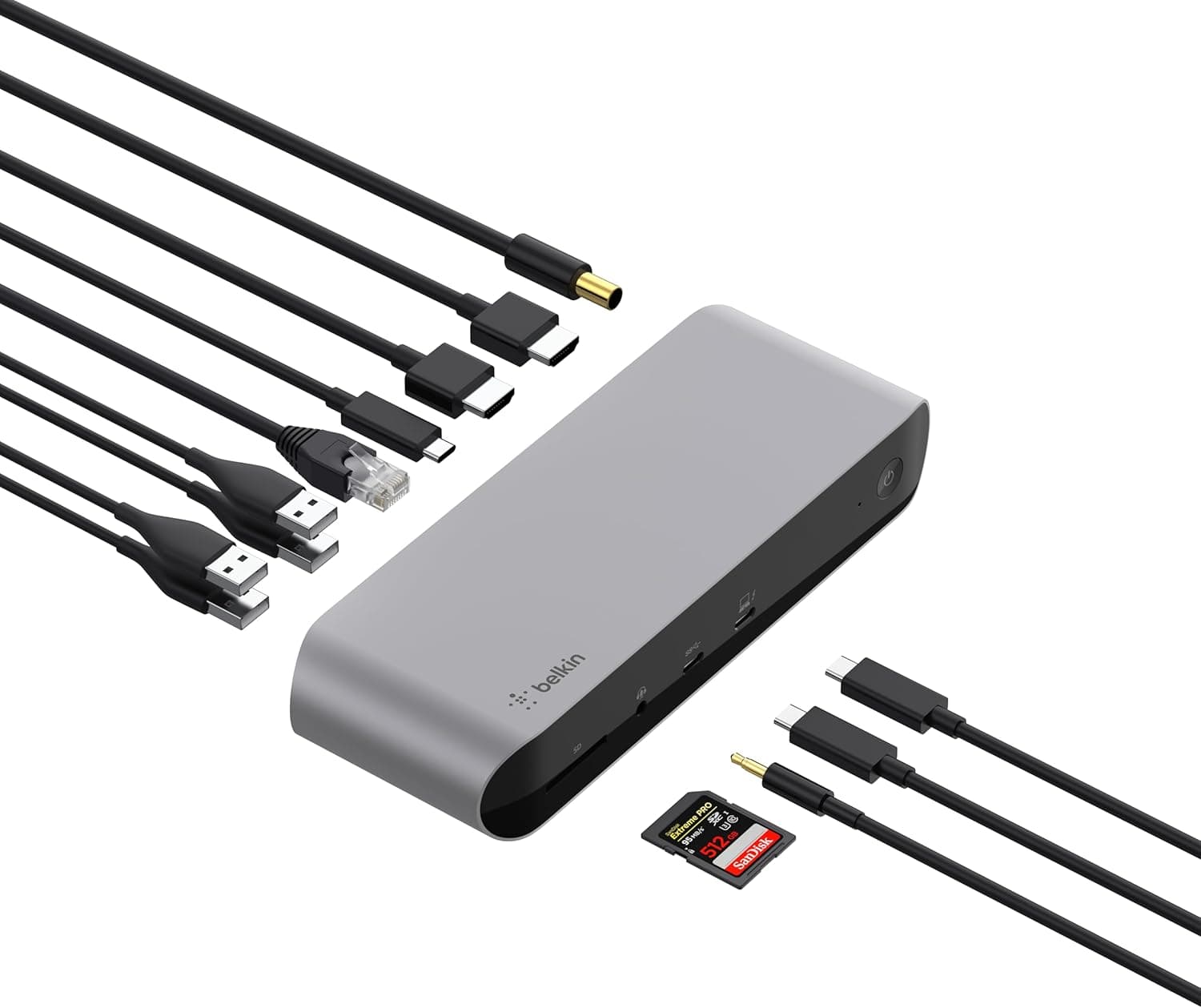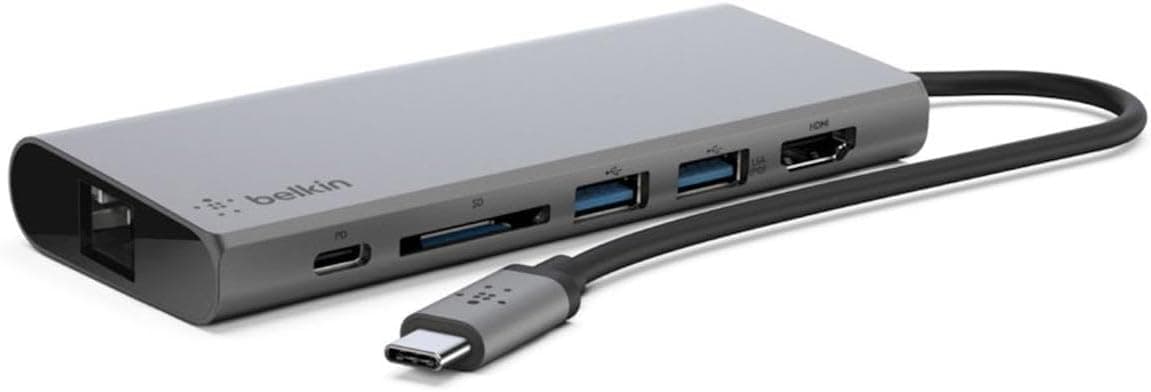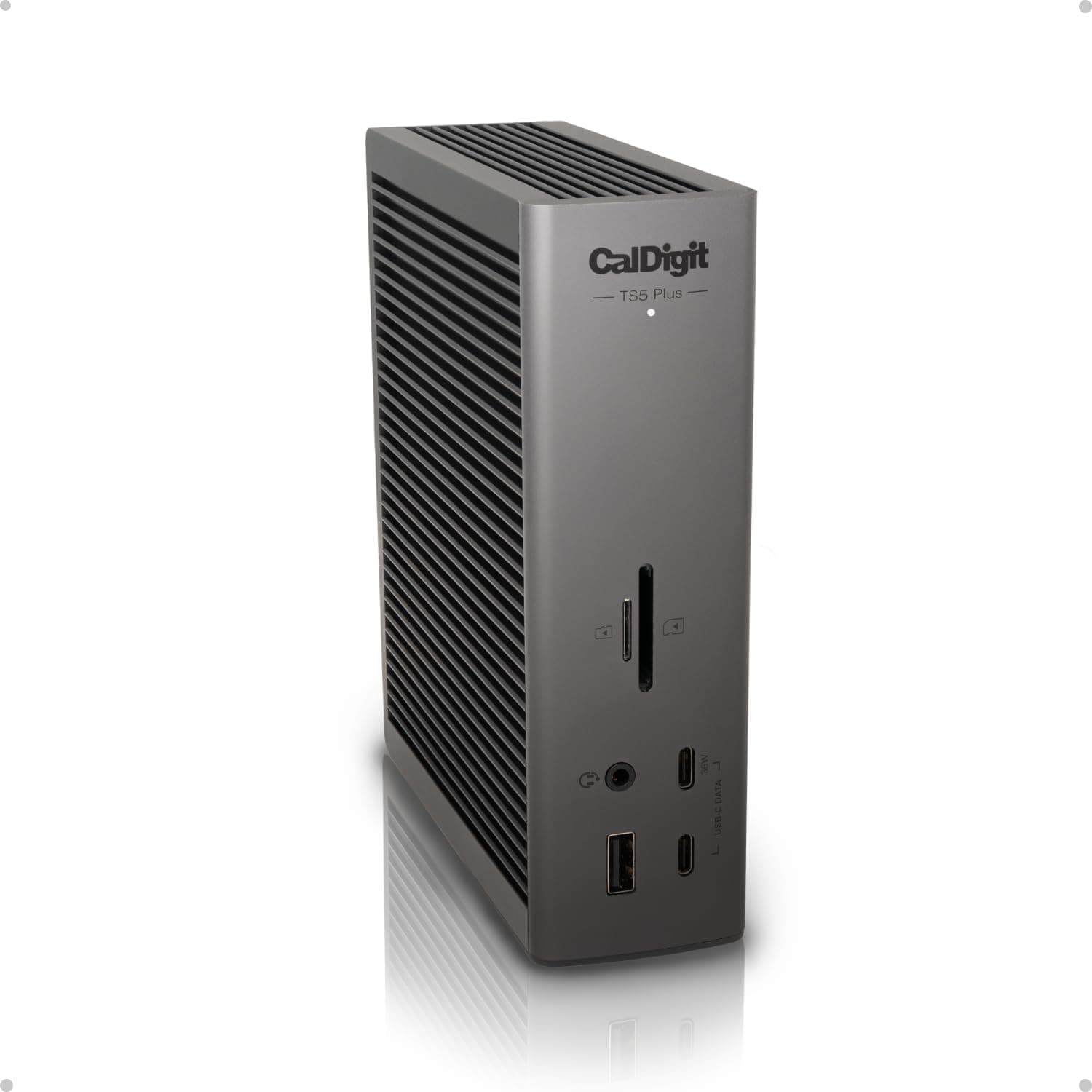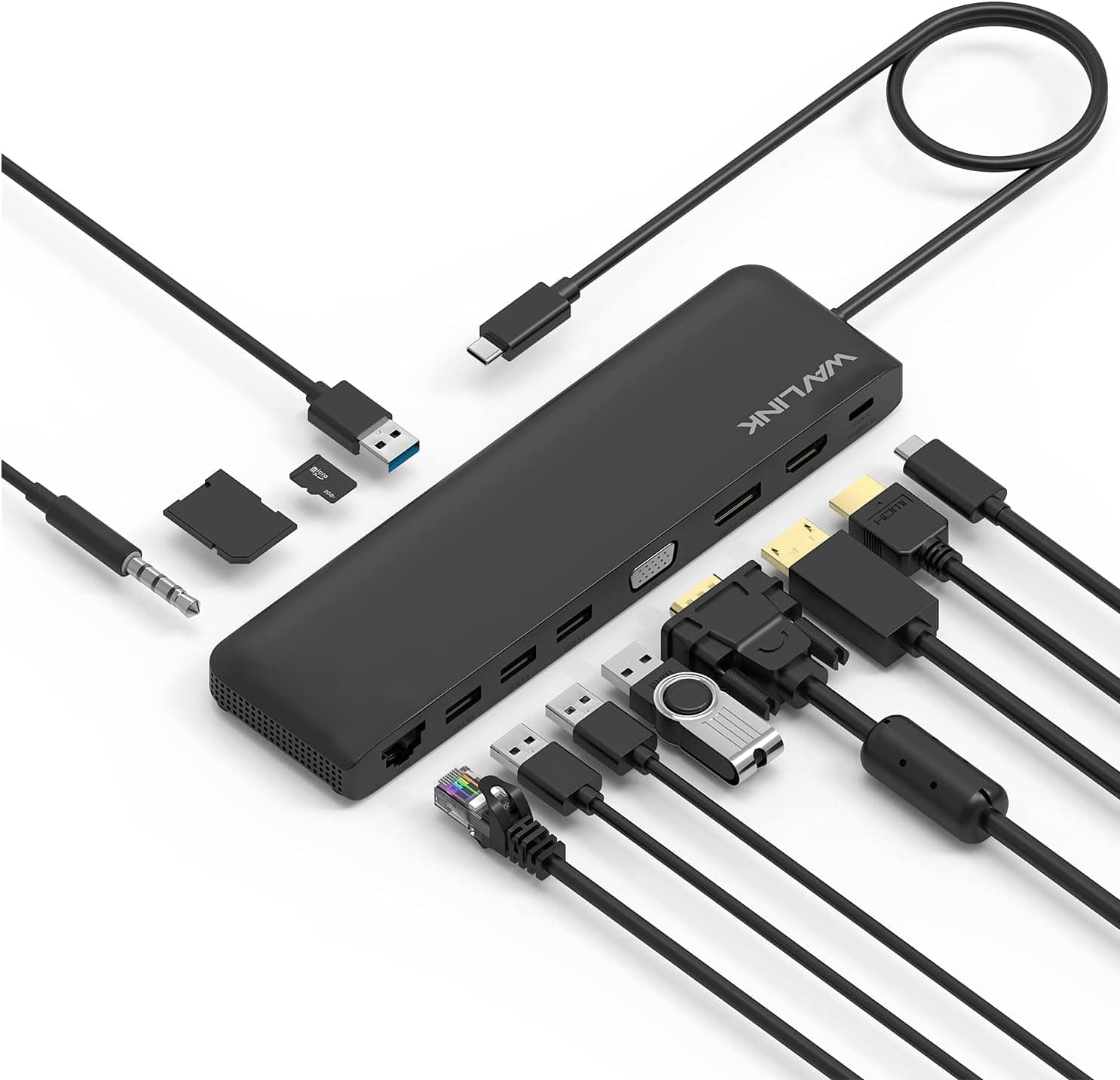
This article covers Kensington SD4880P USB-C 4K クアッドモニター ドッキングステーション USB-A 6個 & USB-C 4個 2Gbps イーサネット 100W PD オーディオジャック DisplayPort 2x HDMI SDカードリーダー Windowsノートパソコン用 (K34113NA).
Overview
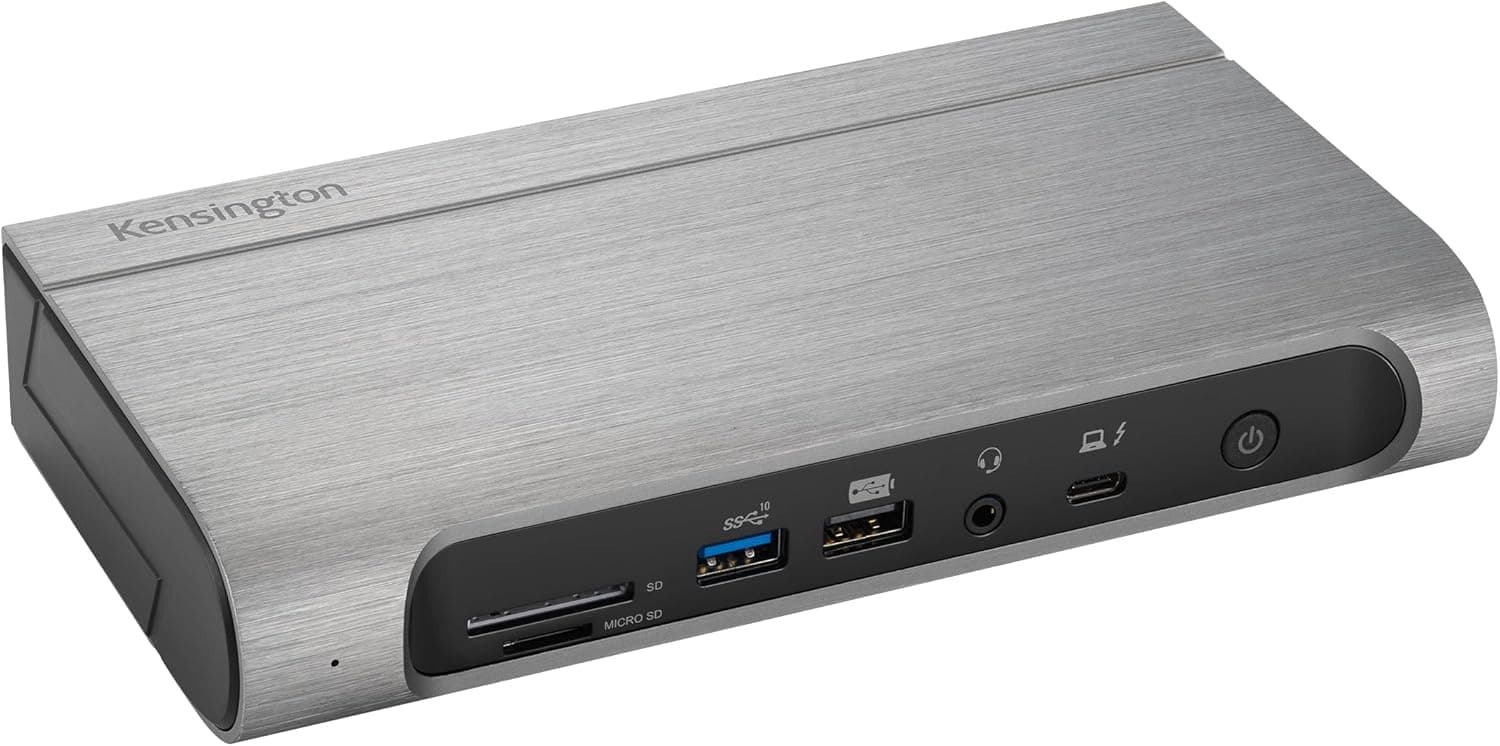
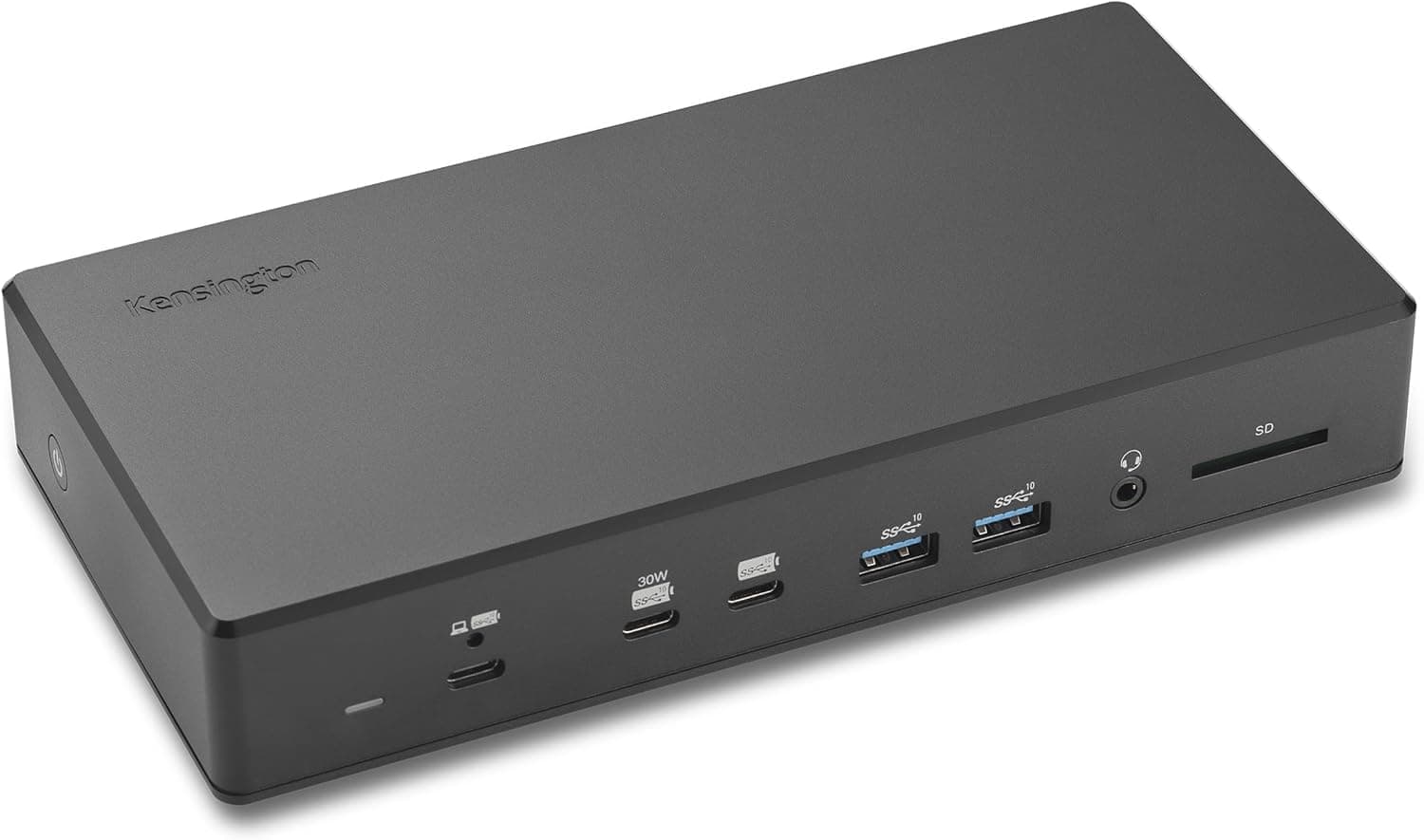
The Kensington SD4880P is a premium docking station designed for users who need to drive up to four external displays from a single laptop. Positioned in the mid-to-high-end market, it fully supports USB-C Alt Mode, Thunderbolt 4/3, and USB4, making it an ideal companion for modern Windows notebooks. Single-monitor setups can reach 8K@30Hz, while quad-monitor configurations can deliver up to 1080p@120Hz per display when DSC v1.2 is available—perfect for professionals who rely on multi-screen workflows. The dock also provides 100W Power Delivery to charge the host laptop, so you only need one cable to connect everything. Port selection is generous: four USB-C ports (one at 30W charging, three at 15W), six USB-A ports, a 2.5Gbps Ethernet jack, a UHS-II SD card reader, and a combo audio jack. The captive host cable features a screw-lock connector to prevent accidental disconnection—a thoughtful touch for office environments.
Connectivity & Compatibility
The SD4880P connects via a single USB-C cable and is compatible with Thunderbolt 4, Thunderbolt 3, USB4, and USB-C Alt Mode laptops running Windows 10 or later. It is a true plug-and-play device—no driver installation is required. macOS is not officially supported, so Mac users may experience limited functionality. Video output is handled by one DisplayPort and two HDMI ports. The DisplayPort supports DSC v1.2, enabling higher refresh rates at 4K or multi-monitor setups at 1080p. The UHS-II SD card reader delivers fast file transfers from cameras and other media devices. The 2.5Gbps Ethernet port is a welcome addition for network-intensive tasks like large file transfers or cloud backups. All ten USB ports support data transfer at up to 10Gbps, ensuring no single port becomes a bottleneck when multiple external SSDs or high-bandwidth peripherals are connected. The dedicated 30W USB-C port can fast-charge an iPad or smartphone, while the three 15W USB-C ports are ideal for wireless earbuds, mice, or other low-power accessories.
Product Info
The Kensington SD4880P launched in early 2024 with a street price around ¥51,000–¥52,000 (tax included). It comes with a 2-year manufacturer warranty (region-dependent). The package includes the dock, an external power adapter, and an integrated host cable. A separate VESA mounting bracket (K34050WW) is sold separately for under-desk or monitor-arm installation. Kensington is a well-established brand in the PC accessories space, known for reliable security locks and docking solutions. The SD4880P works with Kensington’s free DockWorks software, which enables firmware updates and connection management. The chassis uses up to 50% post-consumer recycled plastic (excluding cables and power supply), reflecting the company’s sustainability efforts.
Best Use Cases
Remote workers and home-office users: If you connect a laptop to two or three monitors at home, this dock simplifies your desk setup. Plug one cable into your notebook and enjoy charging, display output, and peripheral connectivity. The 100W PD keeps your laptop topped up even during heavy workloads. Mac users should verify compatibility first, as official support is limited to Windows. Financial, medical, and creative professionals: Anyone who needs multiple high-resolution screens for spreadsheets, CAD, or video editing will benefit from quad 1080p or dual 4K output. The 2.5Gbps LAN port is excellent for fast network data transfers in office environments. Note that DSC support on both the laptop and monitor chain is required to reach maximum resolutions; older hardware may cap at lower settings. IT administrators and system engineers: The dock’s flexibility with different Windows laptops makes it easy to share a single desk among multiple machines. Ten USB ports at 10Gbps allow connecting boot drives, diagnostics tools, and external storage simultaneously. The UHS-II SD slot accelerates photo ingestion. Just keep in mind that if you need more than four displays, you’ll need an additional USB video adapter. Cable-averse minimalists: Consolidate video, network, peripherals, and power into one cable—clean up your desk clutter. Using the optional VESA mount, the dock can be hidden behind a monitor or under the desk. The fixed 80cm host cable may be too short for some desk layouts, so a high-quality USB-C extension cable may be needed.
Product Disclosure (Amazon)
- Manufacturer: Kensington
- Seller: Amazon US
- Fulfilled by: Amazon US
- ASIN: B0CTCD366K
- Note: This article covers a manufacturer-made product based on Amazon listing details.