Overview
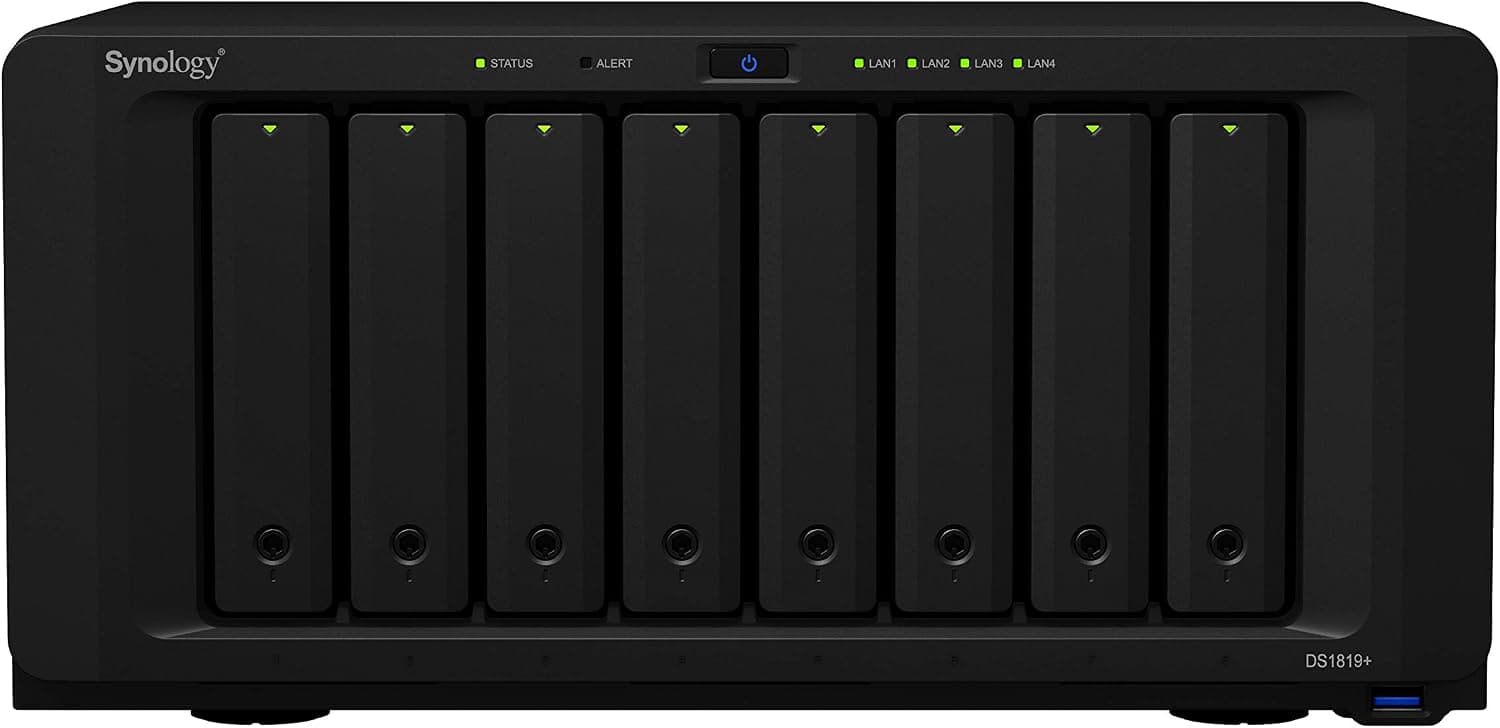
The Synology DS1819+ — 8-Bay NAS with Quad-Core CPU for Business is a desktop NAS that holds up to eight drives. The short verdict: it is still a practical box if what you want is lots of capacity and redundancy for file sharing and backup.
It is not a good fit if you need real-time video transcoding or a quiet machine for the living room.
It runs on an Intel Atom C3538 (4 cores / 4 threads, 2.1GHz) with 4GB of DDR4 as standard, expandable to 32GB.
AES-NI support keeps CPU load low even with encrypted shared folders and encrypted backups. Networking is two Gigabit LAN ports, and a single PCIe 3.0 x8 slot lets you add a 10GbE card or an M.2 SSD cache adapter (M2D18).
Compared with a 4-bay unit, eight bays give you more room in three areas: capacity, RAID redundancy, and future expansion. With RAID 6 (or Synology's SHR-2), you can survive two simultaneous drive failures and still use six drives' worth of capacity.
On a 4-bay unit, the same protection costs you half the bays. With today's large drives, a storage pool well beyond 80TB is possible.
Compatibility Guide
Most buyer regrets come from three areas: drive type, how the PCIe slot gets used, and network speed.
Drives
- Bays: 8, supporting 3.5-inch / 2.5-inch SATA HDDs/SSDs (SATA III), hot-swappable
- NVMe SSDs do not fit in the bays; they are used as cache via an M.2 adapter card in the PCIe slot
- File systems: Btrfs and EXT4. Choose Btrfs if you want snapshots and data-corruption detection
A common mistake is mixing in desktop-class SMR drives. They can make RAID rebuilds extremely slow and increase the risk of another drive dropping out mid-rebuild.
Choose NAS-oriented CMR drives (such as WD Red Plus or Seagate IronWolf) and check Synology's compatibility list before buying.
Memory
The NAS takes DDR4 SO-DIMM modules, up to 32GB. The stock 4GB is fine for basic file sharing and backup, but upgrading pays off if you keep many Btrfs snapshots, run containers, or have many users.
Synology recommends its own modules, and third-party memory may be treated as unsupported. If you are buying the Japanese authorized model for its phone support, sticking with genuine modules is the safe choice.
PCIe Slot: 10GbE or SSD Cache
There is only one PCIe 3.0 x8 slot, so in practice you choose either a 10GbE card or an M.2 cache card, not both. Synology does make combo cards, but confirm DS1819+ support on the compatibility list first.
Rule of thumb: if you move large files to and from one PC (for example, video editing footage), 10GbE helps most. If your workload is many small random reads and writes (busy shared folders, virtual machine disks), SSD cache helps most.
Network
The two Gigabit ports support link aggregation, but that only raises the combined throughput when several clients connect at once. A single PC still sees one link's worth of speed, roughly 110MB/s in practice.
An 8-drive array can easily outrun that, so out of the box the network is the first bottleneck.
Space and Power
The unit measures 166 x 343 x 243 mm (HxWxD) and weighs 6.0kg.
A 3.5-inch HDD typically weighs around 0.5 to 0.7kg, so a fully loaded unit easily exceeds 10kg; check your shelf's load rating.
A power cut during a write or RAID rebuild can damage data consistency, so pairing it with a USB-connected UPS is strongly recommended.
Expansion Units
The eSATA port is for Synology expansion units, letting you add capacity once eight bays are full. Check Synology's official specifications for the supported expansion models and maximum drive count before planning around it.
Product Info
rmation
| Item | Detail |
|---|---|
| CPU | Intel Atom C3538 (4C/4T, 2.1GHz) |
| Memory | 4GB DDR4 (up to 32GB) |
| Drive bays | 8 (3.5/2.5-inch SATA HDD/SSD) |
| Network | 2x Gigabit LAN (RJ-45) |
| USB | 2x USB 3.0 |
| eSATA | 1x eSATA |
| PCIe | 1x PCIe 3.0 x8 |
| Dimensions (HxWxD) | 166 x 343 x 243 mm |
| Weight | 6.0 kg |
The DS1819+ arrived in late 2018 and sits above Synology's 4- and 5-bay desktop units and below its rackmount business models. As a diskless kit, it ships without drives; eight NAS drives often cost more than the unit itself.
The box includes a power cable, LAN cable, quick installation guide and screws.
As of September 4, 2026, Amazon.co.jp listed it at ¥54,980.
Because this is an older model, the price varies widely by seller and condition (new, refurbished or used), and it changes during sales, so check the current price and seller on the product page.Check the retailer's page for the latest user reviews.
Keeping a high rating this long after launch reflects its reputation for stability.
Comparison with Other Synology NAS Models
| Model | Bays | CPU | Best for |
|---|---|---|---|
| DS1819+ | 8 | Atom C3538 (4 cores, no iGPU) | High-capacity, high-redundancy file sharing and backup |
| DS918+ | 4 | Celeron J3455 (4 cores, with iGPU) | Home media server, photo library |
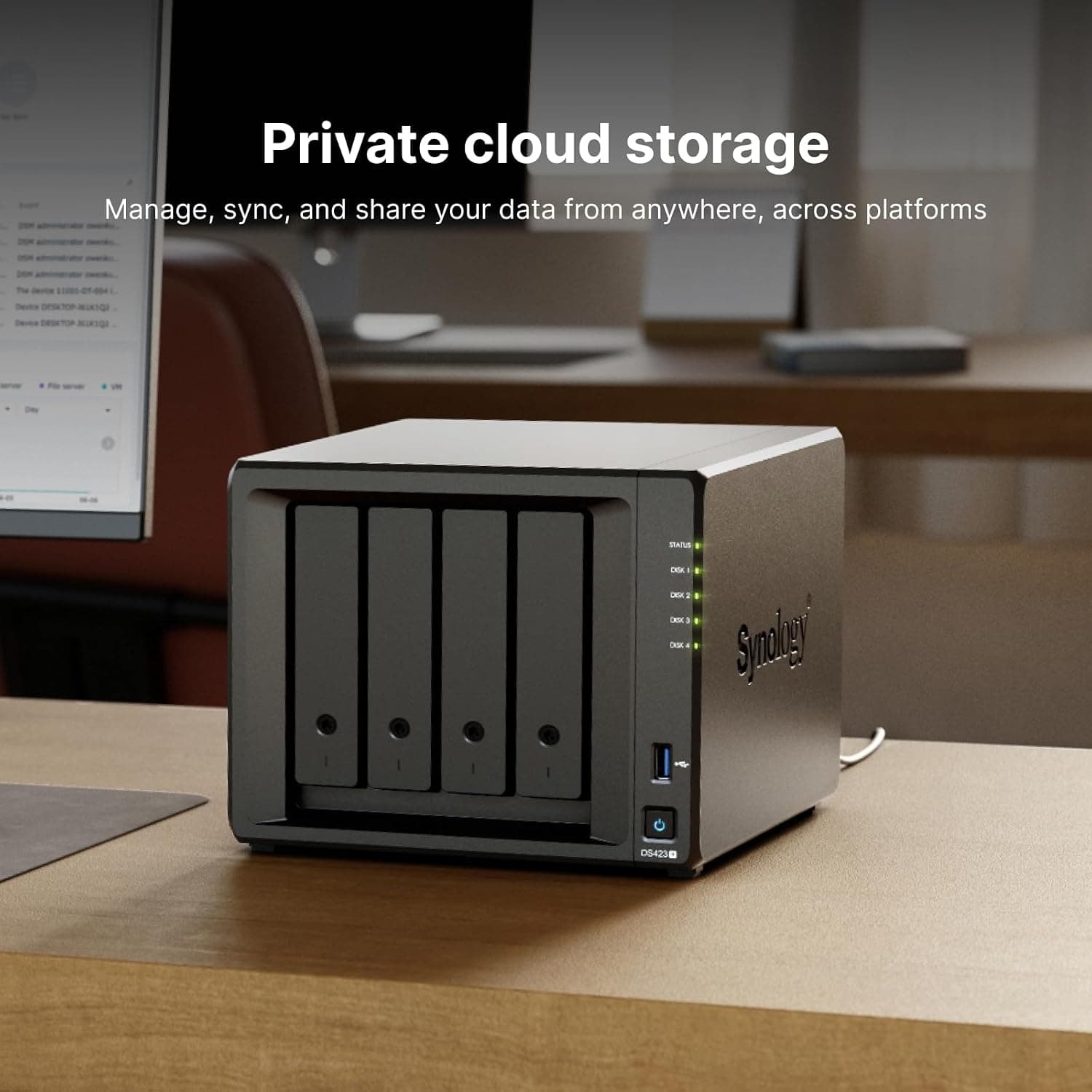
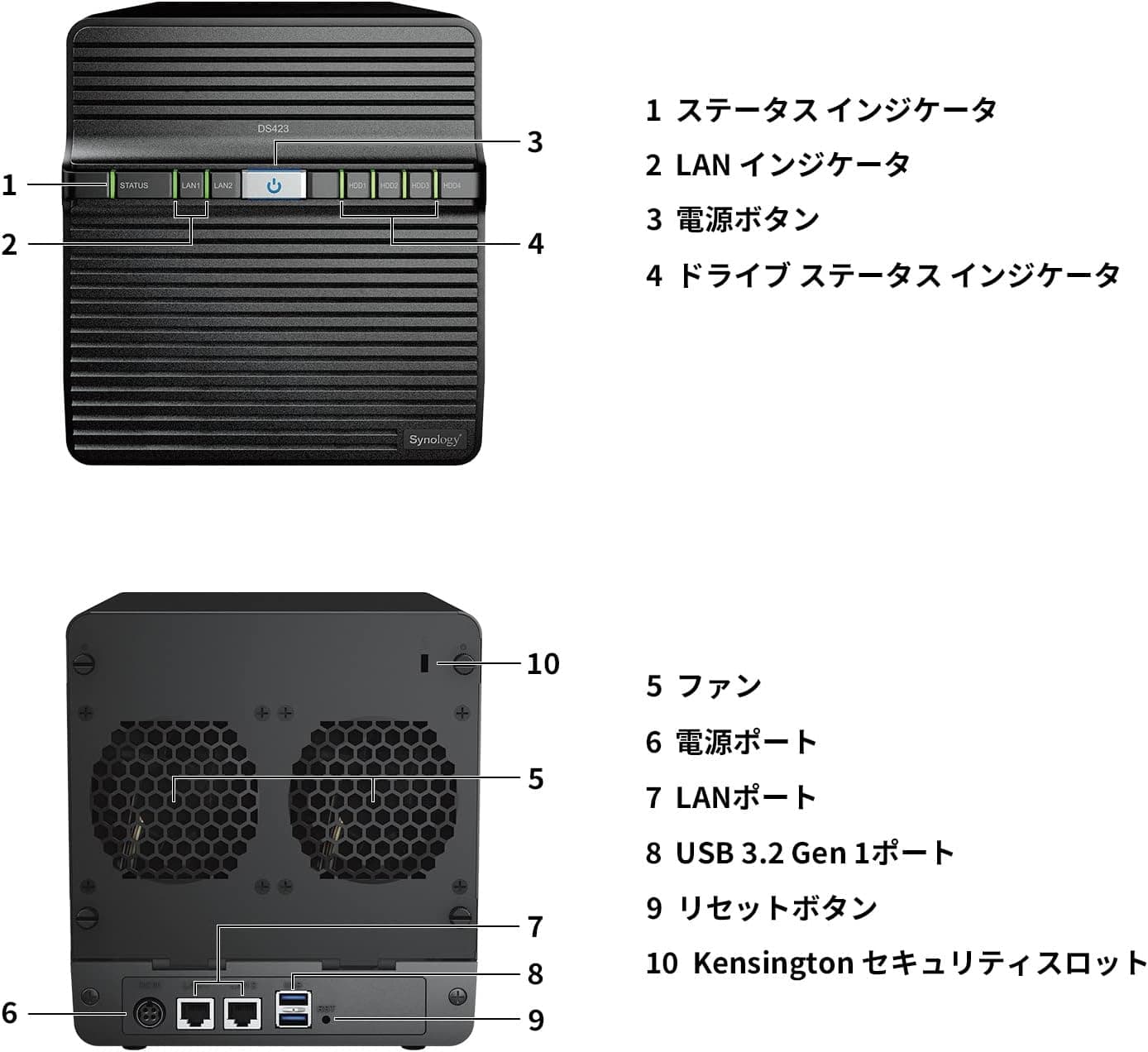
| DS923+ | 4 | AMD Ryzen R1600 (dual-core) | General-purpose small office NAS |
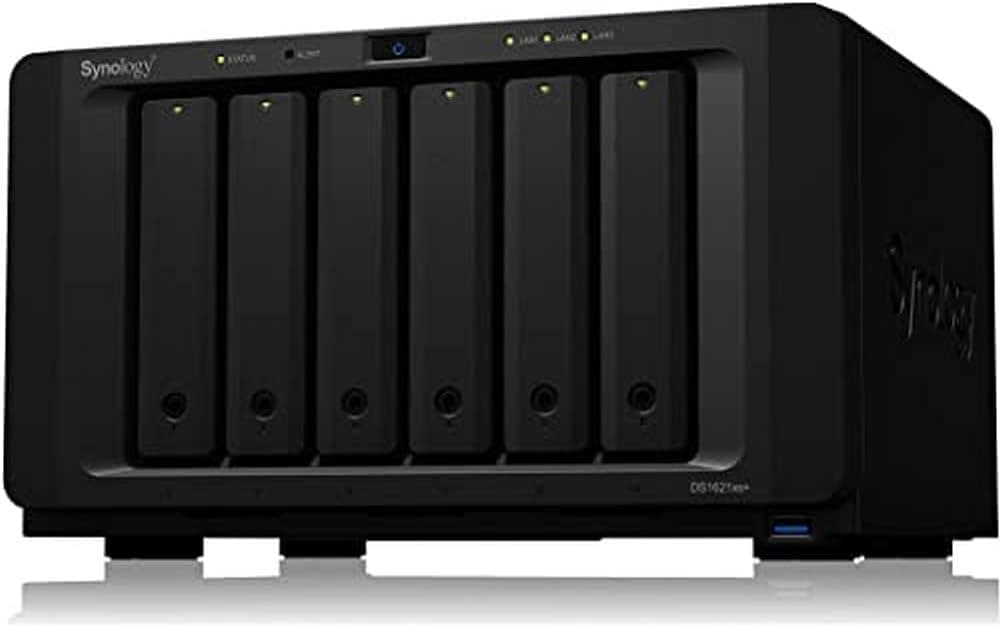
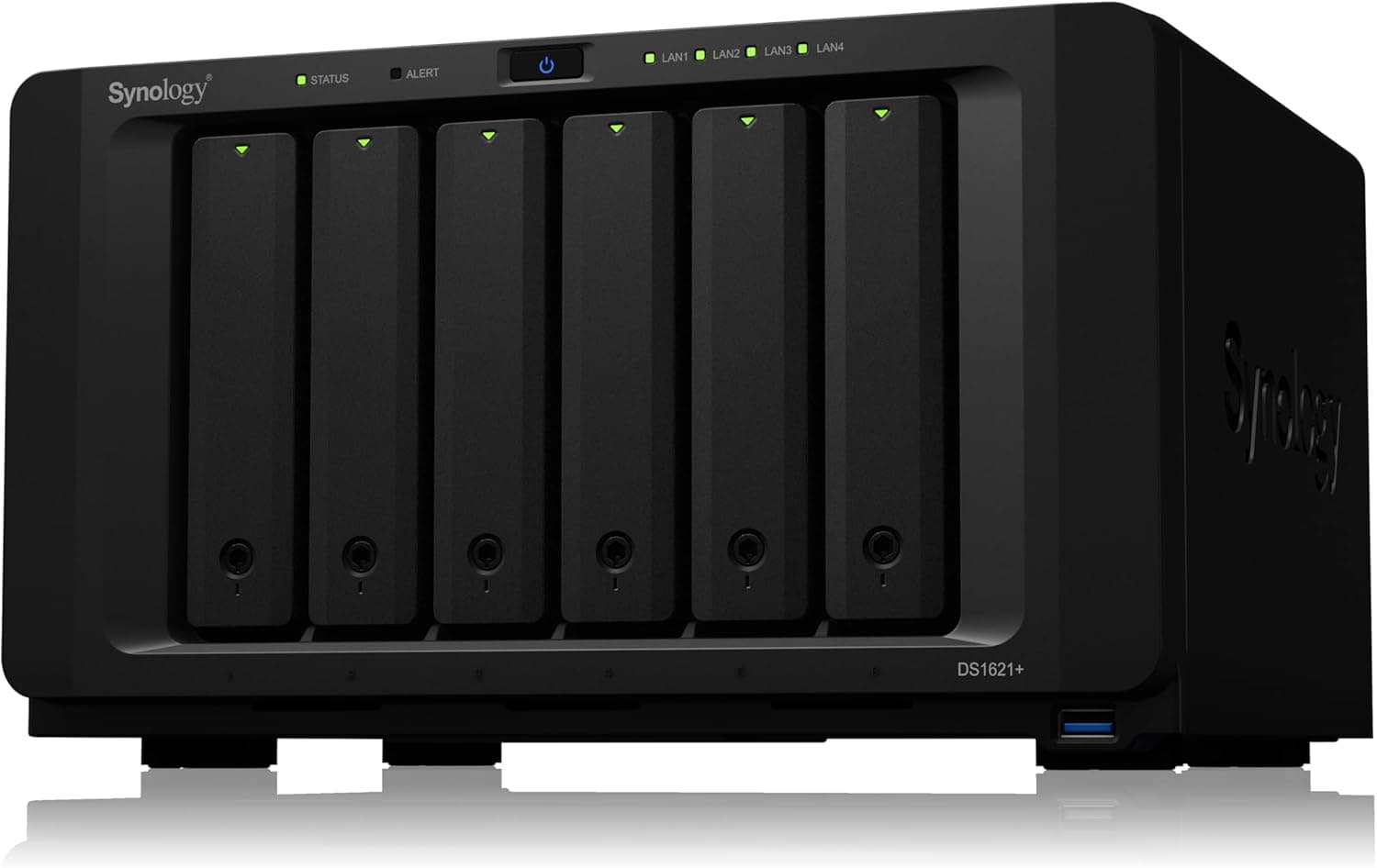
| DS1621xs+ | 6 (expandable) | Quad-core, 8GB RAM | Performance-focused business use |
The key point: you buy the DS1819+ for its bay count, not for CPU speed. The DS918+ from the same era has an integrated GPU and can be better at video transcoding.
On the other hand, only the DS1819+ gives you eight bays of capacity and redundancy. If your main goal is family photos and movies, a 4-bay unit is enough; if it is keeping office data safe for years, the DS1819+ makes more sense.
Real-World Use and Performance
The DS1819+ shines with DSM's built-in data protection tools. Scheduled Btrfs snapshots let you roll back accidentally deleted files or files encrypted by ransomware.
Hyper Backup sends regular copies to another NAS, an external drive or cloud storage.
As a media server, it assumes direct play. With no integrated GPU, the Atom C3538 handles all transcoding in software.
A single 1080p transcode may work, but 4K transcoding is not realistic. If your playback devices can play the original files directly, this weakness barely matters.
Who It's For
- Small offices consolidating file sharing and backup: eight bays give both capacity and redundancy, and it handles multiple users at once. For teams over about 10 people, also compare newer 8-bay models such as the DS1821+
- Users who want to grow capacity gradually: start with four drives and fill the empty bays later
- Users who prioritize data protection: RAID 5/6/10 and SHR, combined with snapshots, make for a robust storage setup
- Users planning a 10GbE upgrade: start on Gigabit and add a 10GbE card when you need it
- Direct-play home media servers: a comfortable home for large video and music libraries when no transcoding is needed
Before You Buy
Not suited to 4K transcoding. The Atom C3538 has no integrated GPU.
If you want to stream downscaled 4K video to phones on the go, choose a model with an iGPU.
This is an older model. It launched in late 2018 and newer 8-bay generations exist.
Check Synology's product support status to see how long DSM updates will continue; for long-term use, this is the biggest factor.
Check the seller and warranty terms. This article covers the Japanese authorized model with phone support.
Amazon often lists several sellers on one product page, and some may not qualify for authorized warranty or phone support.Check the retailer's page for the latest price.
The data collected as an overseas price actually pointed to Amazon Japan, so this article does not quote an overseas price.
Out of the box, the network is the limit. Even with eight drives, Gigabit LAN caps a single PC at roughly 110MB/s.
If you need speed, budget for a 10GbE card plus a compatible switch and network card for your PC.
Noise and placement. Eight spinning drives plus fans are noticeable in a quiet room.
Avoid bedrooms and living areas, and choose a well-ventilated spot.
Drives cost extra. This is a diskless kit, and eight NAS drives usually cost more than the unit.
Buying only the drives you need now and adding more later is a sensible plan.
RAID is not a backup. RAID protects only against drive failure, not deletion, ransomware, fire or lightning.
Always combine snapshots with regular off-device backups.
FAQ
Q. Can I put NVMe SSDs in the drive bays? A.
No. The bays accept SATA HDDs/SSDs only.
NVMe SSDs go on an M.2 adapter card in the PCIe slot and act as cache.
Q. Should I upgrade the memory? A.
4GB is enough for basic file sharing and backup. With many snapshots, containers or many users, upgrading helps a lot, up to 32GB.
Genuine Synology modules are recommended.
Q. Can I add both 10GbE and SSD cache? A.
With a single PCIe slot, generally only one. Check Synology's compatibility list to see whether a combo card is supported.
Q. Can it transcode 4K video in Plex? A.
Not practically. Without an integrated GPU, transcoding runs on the CPU alone.
Plan on direct play.
Q. Can I mix drives of different sizes or brands? A.
Synology's SHR lets you combine drives of different sizes with less wasted space. Still, avoid SMR drives and pick NAS-oriented models from the compatibility list.
Product Disclosure (Amazon)
- Manufacturer: Synology
- ASIN: B07KMKDW42
- Note: This article covers a manufacturer-made product based on Amazon listing details.