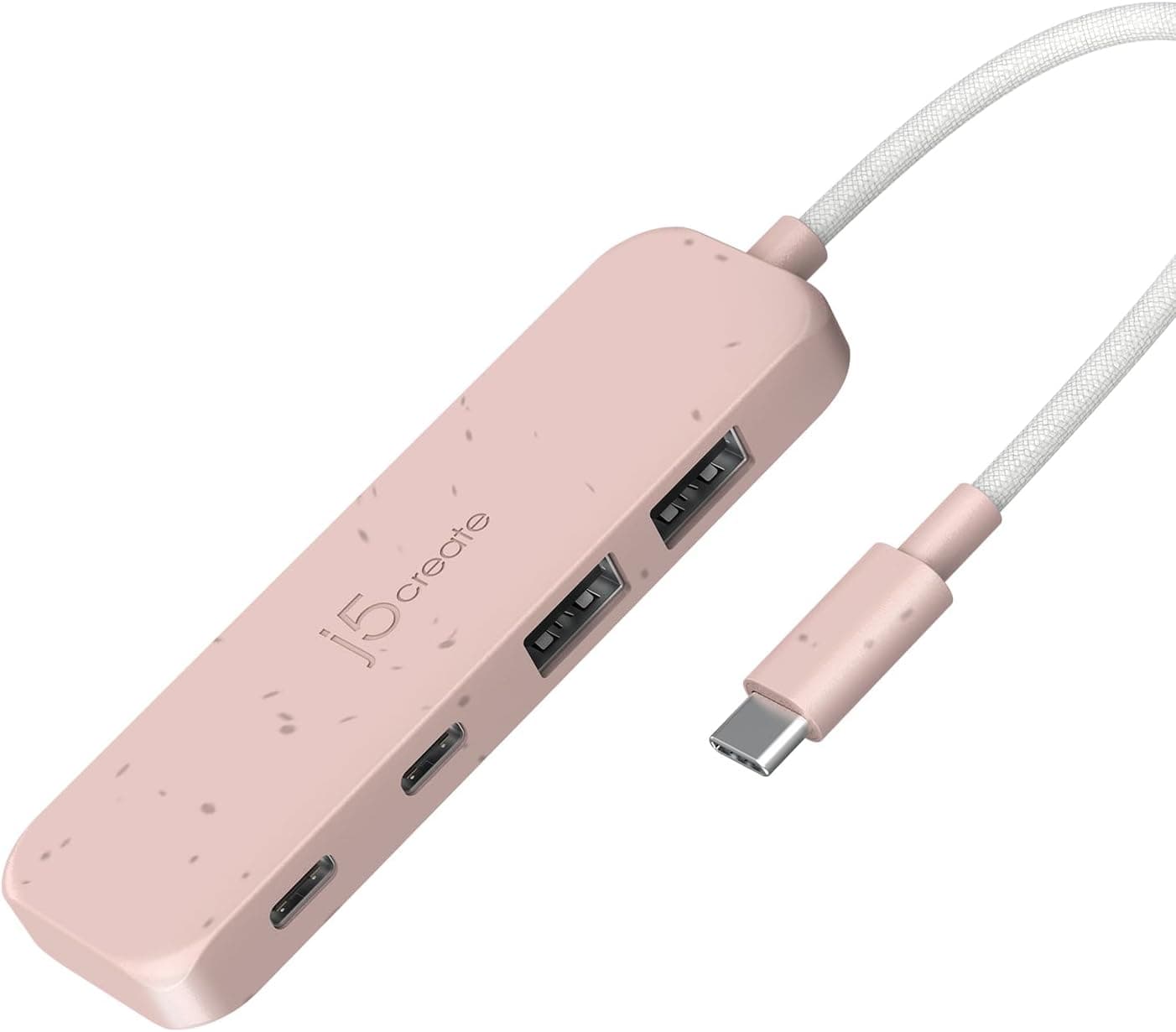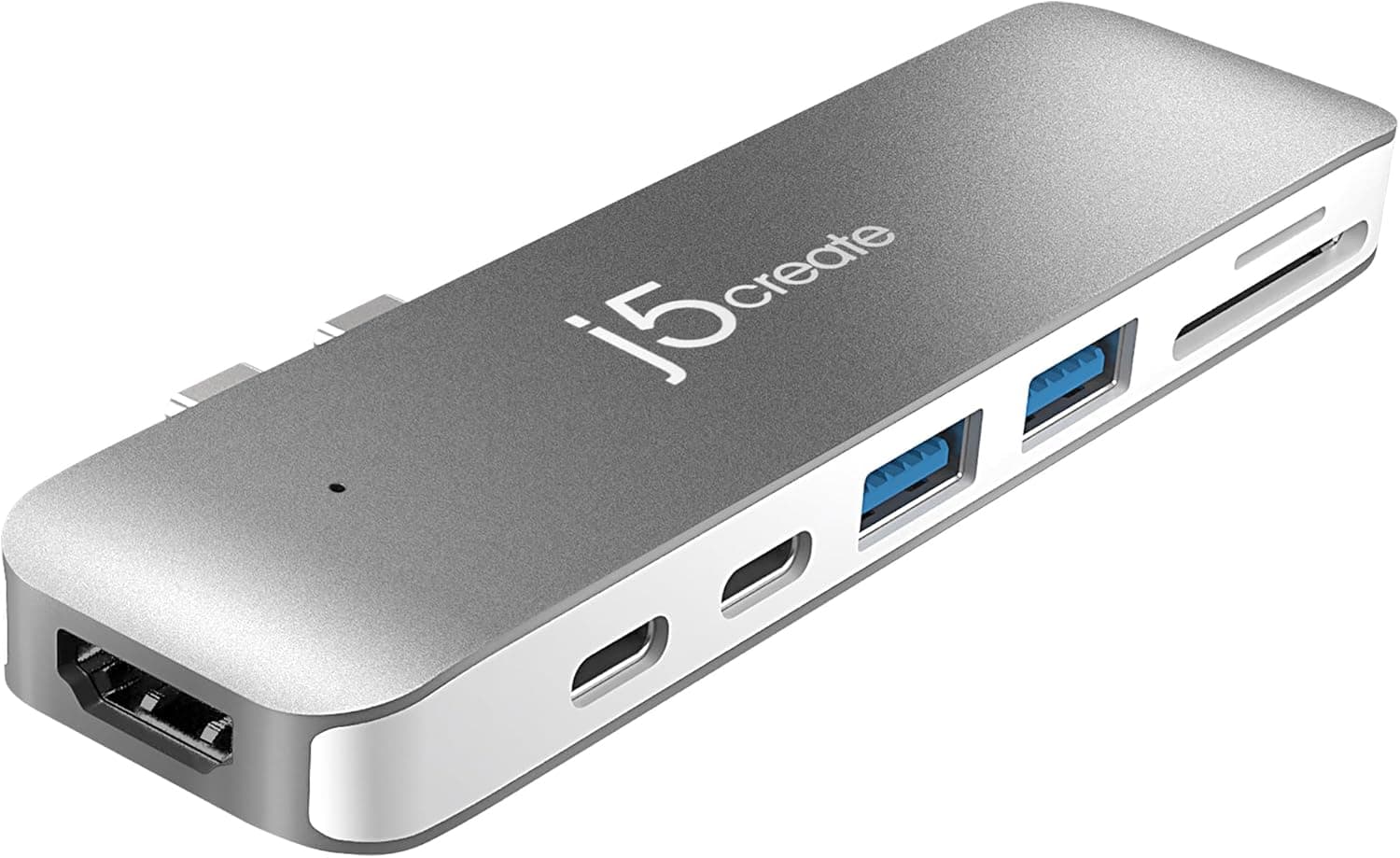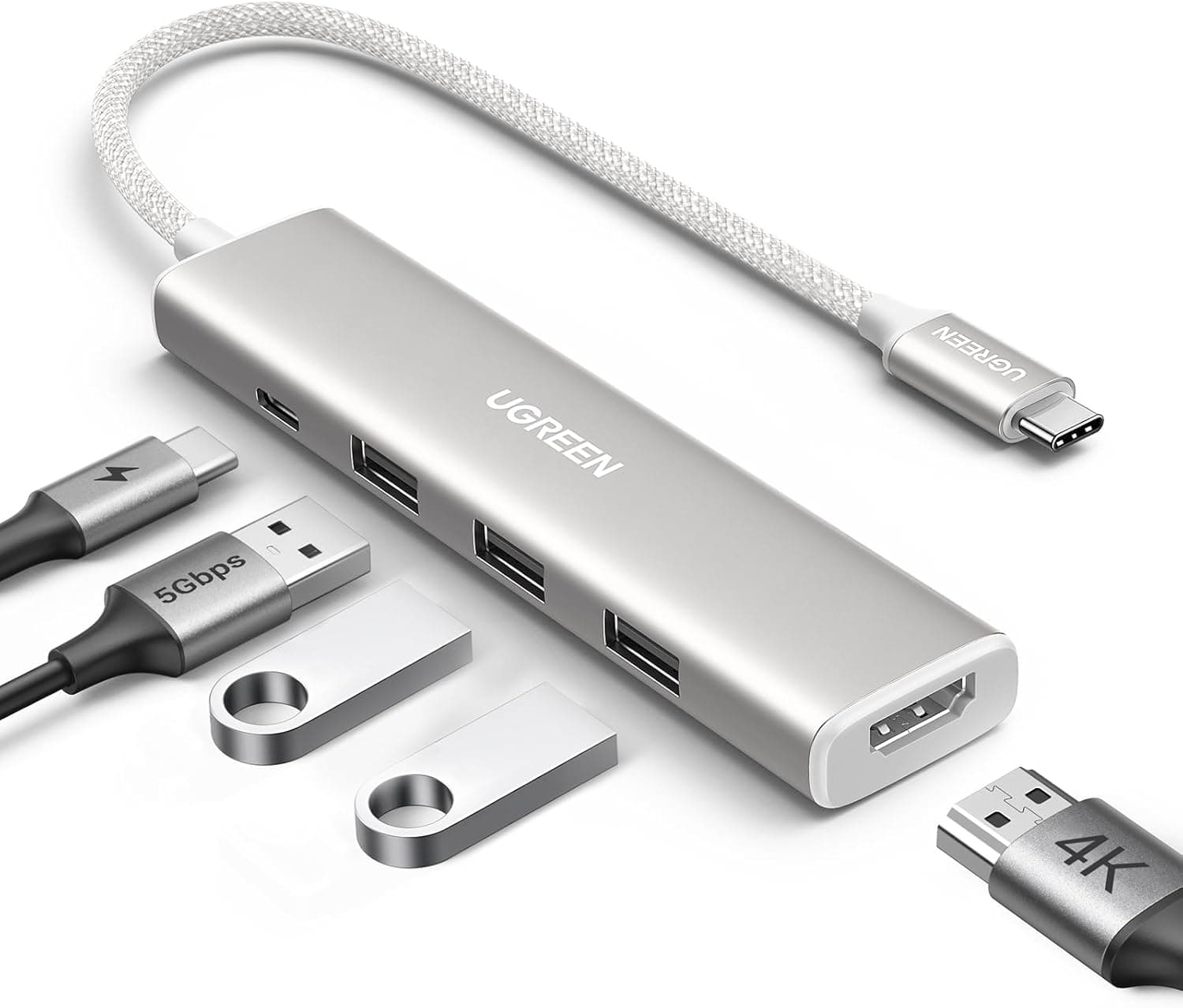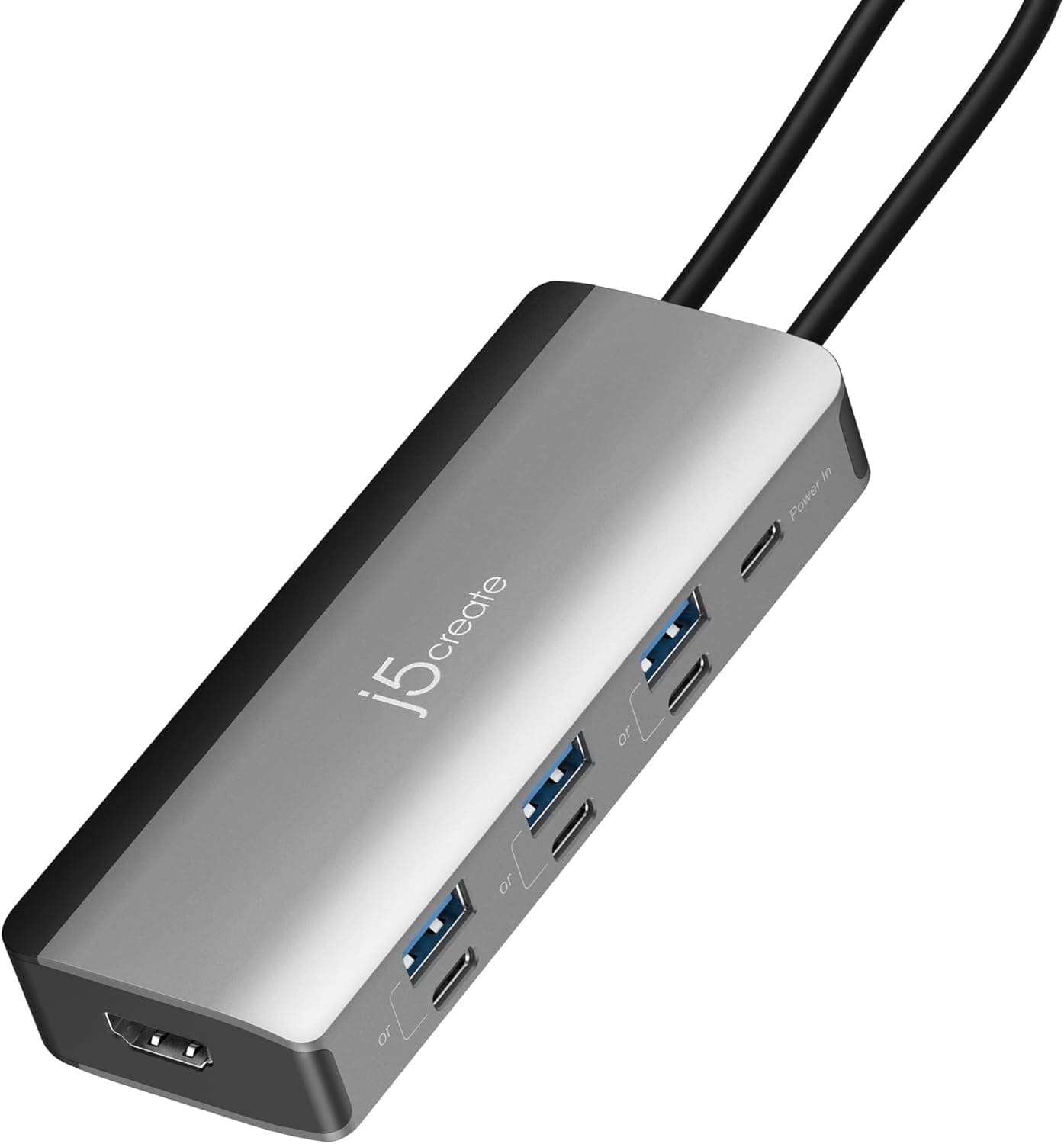
This article takes a close look at the JCD362 — 8-in-1 USB-C hub with 4K144Hz HDMI and 85W PD charging from j5create. Beyond listing specs, it explains what you actually need for 4K@144Hz and the port limits that are easy to miss.
Overview
The j5create JCD362 turns a single USB-C port on a laptop into an HDMI output, six USB 3.2 Gen1 ports, and a PD charging input.
The short answer: if you want one USB-C cable to drive a 4K@144Hz monitor while also charging your laptop and running peripherals, this is an unusual option at its price. It is not a good fit if you need Ethernet or an SD card reader, or if you want to run six USB devices at the same time.
The standout feature is the HDMI output. It uses DisplayPort 1.4 with DSC (a technology that compresses the video signal with almost no visible loss) to reach 4K@144Hz.
Many USB-C hubs top out at 4K@60Hz or even 4K@30Hz on HDMI, so this is the main reason to choose it if you own a high-refresh-rate monitor.
Charging is pass-through: the hub accepts up to 100W of PD input and delivers up to 85W to the laptop. The hub uses some of that power itself, so the full 100W never reaches the computer.
It weighs about 100g, and its cable tucks into the base, so it works both in a bag and on a desk.
What the 8 Functions Actually Are
The number 8-in-1 does not tell you what you get, so here is the breakdown based on the spec sheet.
| Function | Count | Spec | Catch |
|---|---|---|---|
| HDMI output | 1 | Up to 4K@144Hz (DisplayPort 1.4 / DSC) | Host must support DisplayPort Alt Mode |
| USB Type-A | 3 | USB 3.2 Gen1 (5Gbps) | Paired with Type-C, not usable at the same time |
| USB Type-C (data) | 3 | USB 3.2 Gen1 (5Gbps) | Paired with Type-A, not usable at the same time |
| PD charging input | 1 | 100W input / up to 85W to the laptop | USB-C power adapter sold separately |
Adding up the spec sheet gives HDMI 1, USB 6, and PD 1, for eight functions in total. This setup does not include an Ethernet port or an SD/microSD card slot, so buy something else if you need those.
The other key point is that the Type-A and Type-C ports come in pairs, and you cannot use both ports in the same pair at once. So even with six USB ports, plan on three USB devices connected at the same time.
If you want a Type-A mouse and a Type-C SSD plugged in together, put them in different pairs.
Compatibility Guide
Host requirement (the most important one). HDMI output only works if your laptop's USB-C port supports DisplayPort Alt Mode.
A port can look like USB-C and still be charge-only or data-only, and then no picture comes out. Thunderbolt and USB4 ports usually support DisplayPort Alt Mode, but on some laptops only the port on one side does.
Check your manual or the icon printed next to the port.
What 4K@144Hz actually needs. To get the top figure, every item below has to be in place.
If one is missing, the output drops to something like 4K@60Hz.
| Check | Requirement | Where to look |
|---|---|---|
| Laptop USB-C port | DisplayPort 1.4 output with DSC support | Laptop spec sheet |
| Monitor HDMI input | HDMI 2.1-class input that accepts 4K@144Hz | Monitor spec sheet (HDMI 2.0 bandwidth caps 4K at 60Hz) |
| HDMI cable | A cable rated for 4K@144Hz, such as Ultra High Speed certified | Buy one separately, since only the hub is in the box |
| Graphics | Enough power for around 144fps at 4K | Depends on the game or workload |
The monitor is the part people most often miss. Plenty of monitors accept 4K@144Hz over DisplayPort but only 4K@60Hz over HDMI.
This hub outputs HDMI, so check the specs of the monitor's HDMI input.
Gaming laptops. On some models, the USB-C video output runs through the integrated GPU.
If so, games shown on the external monitor may not reach the same performance or refresh rate as they would through the dedicated GPU's own HDMI port. The laptop maker's documentation is the most reliable way to find out which GPU the port uses.
Supported devices and OS. The product listing names MacBook Pro / MacBook Air, Surface Book, Windows PCs, iPad Pro, Chromebooks, Pixel, XPS, and Galaxy devices, all on the condition that the USB-C port supports DisplayPort Alt Mode.
It works with Windows, macOS, and ChromeOS and is plug-and-play, with no drivers needed. The iPhone 16e is not supported.
On Macs and iPads, the number of external displays and the maximum refresh rate differ by model, so check Apple's spec pages.
Power requirement. PD charging needs a separate PD-compatible USB-C power adapter.
The laptop receives at most 85W. As a rough guide, laptops that ship with an adapter of 85W or less should charge about as well through the hub.
Gaming laptops and mobile workstations that ship with adapters over 100W may not keep up under heavy load.
Product Info
The j5create JCD362 was released in October 2025, and its product name says it won a VGP2026 award. On Amazon.co.jp it was ¥6,800 when we checked on June 18, 2026, and ¥5,780 when we checked in late August 2026.
Prices change with sales and stock, so check the product page for the current price before buying.
As of June 2026, Amazon Japan showed 4.3 out of 5 stars from 9 reviews.
The rating is good, but nine reviews is too few to show a clear trend. Since the product is fairly new, it is worth reading what the lower-rated reviews complain about.
Only the hub is in the box. Its cable stores in the base, so it is less likely to tangle in a bag.
It weighs about 100g. The warranty is 2 years, and j5create offers support in Japan by phone, email, and AI chat.
For a peripheral from an overseas maker, having a local support desk is a real plus if something goes wrong.
How It Differs From Other USB-C Hubs at This Price
Most USB-C hubs at this price cap HDMI at 4K@60Hz or 4K@30Hz. At 4K@30Hz the mouse pointer visibly lags, and even 4K@60Hz feels limiting if you own a high-refresh-rate monitor.
The JCD362's main advantage is its much higher HDMI ceiling.
In exchange, it drops the extras that all-in-one hubs include, such as Ethernet and an SD card reader. If you depend on wired Ethernet in meeting rooms, or you import camera SD cards every day, a hub with more functions will cover everything in one device.
And for a desk with several external drives, a self-powered USB hub with its own AC adapter gives you more power headroom.
In other words, the JCD362 is built for people who care most about display quality and only need USB and charging beyond that. Whether it suits you depends on which of those you value more.
Best Use Cases
- Laptop users with a high-refresh-rate monitor: If both the monitor's HDMI input and the laptop's USB-C port meet the requirements, one cable can get you 4K@144Hz.
- Video editors and designers on 4K monitors: Scrolling and timeline work stay smooth even at 4K, which makes long sessions less tiring.
- Frequent travelers: At about 100g, with the cable stored in the base, it is easy to carry alongside a laptop.
- Anyone who wants one cable for charging, display, and peripherals: Plug in one cable when you get home and your desk setup is ready, which is ideal if your laptop doubles as a desktop.
Things to Consider
4K@144Hz is a maximum that depends on conditions. You only get it when the laptop's USB-C port supports DisplayPort 1.4 with DSC, the monitor's HDMI input accepts 4K@144Hz, and the cable can carry that bandwidth.
Assuming the hub alone will give you 144Hz is a common mistake. Check your laptop and monitor spec sheets first.
Six USB ports, but only about three devices at once. Because the Type-A and Type-C ports are paired, the hub cannot run a keyboard, mouse, external SSD, webcam, and USB microphone all at the same time.
If you have many USB devices, consider adding a self-powered USB hub.
The laptop gets at most 85W. Laptops that ship with adapters over 100W may lose battery while charging during heavy work such as gaming or video exports.
The PD adapter is sold separately, so also check whether the one you own is in the 100W class.
No Ethernet and no SD card slot. If your office relies on wired networking, or you often import camera data, you will need a different product or an extra adapter.
The built-in cable is short. That keeps it portable, but it assumes the hub sits right next to the laptop.
If your laptop is raised on a stand, or depending on your desk layout, the cable may not reach and you may need an extension.
Reading the product page. In our price data, an Amazon.co.jp price was labeled Amazon US, but it links to the same product on Amazon.co.jp (ASIN: B0FVCR2H1V).
The product's listing name is also very long, with terms like Gen1×6 in it. Confirm the model number JCD362 and the product photos so you do not mix it up with an older model or a similar product with different ports.
FAQ
Q. Can a MacBook output 4K@144Hz? A.
It depends on the model, because the number of external displays and the maximum refresh rate differ. Check your MacBook's specs for supported external display resolutions and refresh rates.
The hub supports 4K@144Hz, but your laptop sets the actual limit.
Q. Will any laptop with USB-C show video through it? A.
No. The port has to support DisplayPort Alt Mode.
On a charge-only or data-only USB-C port, USB devices will work but HDMI will not.
Q. Can I use it without a power adapter? A.
Running the display and USB devices on power from the laptop is common. However, power-hungry devices such as external drives can run short, and the laptop's battery will drain faster.
For desk use, connect a PD adapter.
Q. How fast are the USB ports? A.
They are USB 3.2 Gen1, up to 5Gbps.
That is plenty for an external SSD, but it will not unlock the full speed of drives built for 10Gbps or faster.
Q. Does it work with an iPhone? A.
The listing states that the iPhone 16e is not supported. For other models, check whether video output is supported before relying on it.
Product Disclosure (Amazon)
- Manufacturer: j5create
- Seller: j5create Direct
- Fulfilled by: Amazon
- ASIN: B0FVCR2H1V
- Note: This article covers a manufacturer-made product based on Amazon listing details.