This article covers UGREEN Hub USB C HDMI 4K 100W PD 5 en 1 Adaptateur Multiport.
Overview
The UGREEN Revodok 105 is a compact 5-in-1 USB-C hub that adds HDMI video output, three USB 3.0 ports, and a 100W Power Delivery charging port to any USB-C laptop or tablet. It's designed for users who need to expand the limited connectivity of modern thin-and-light devices like the MacBook Air, iPad Pro, Dell XPS, or Surface Go. Key specs include a 4K@30Hz HDMI output, three USB 3.0 Type-A ports running at 5Gbps, and a dedicated USB-C PD input that can deliver up to 100W of charging power to the host device. At around ¥1,500, it's one of the most affordable USB-C hubs on the market that still offers 4K video and high-wattage pass-through charging.
Connectivity & Compatibility
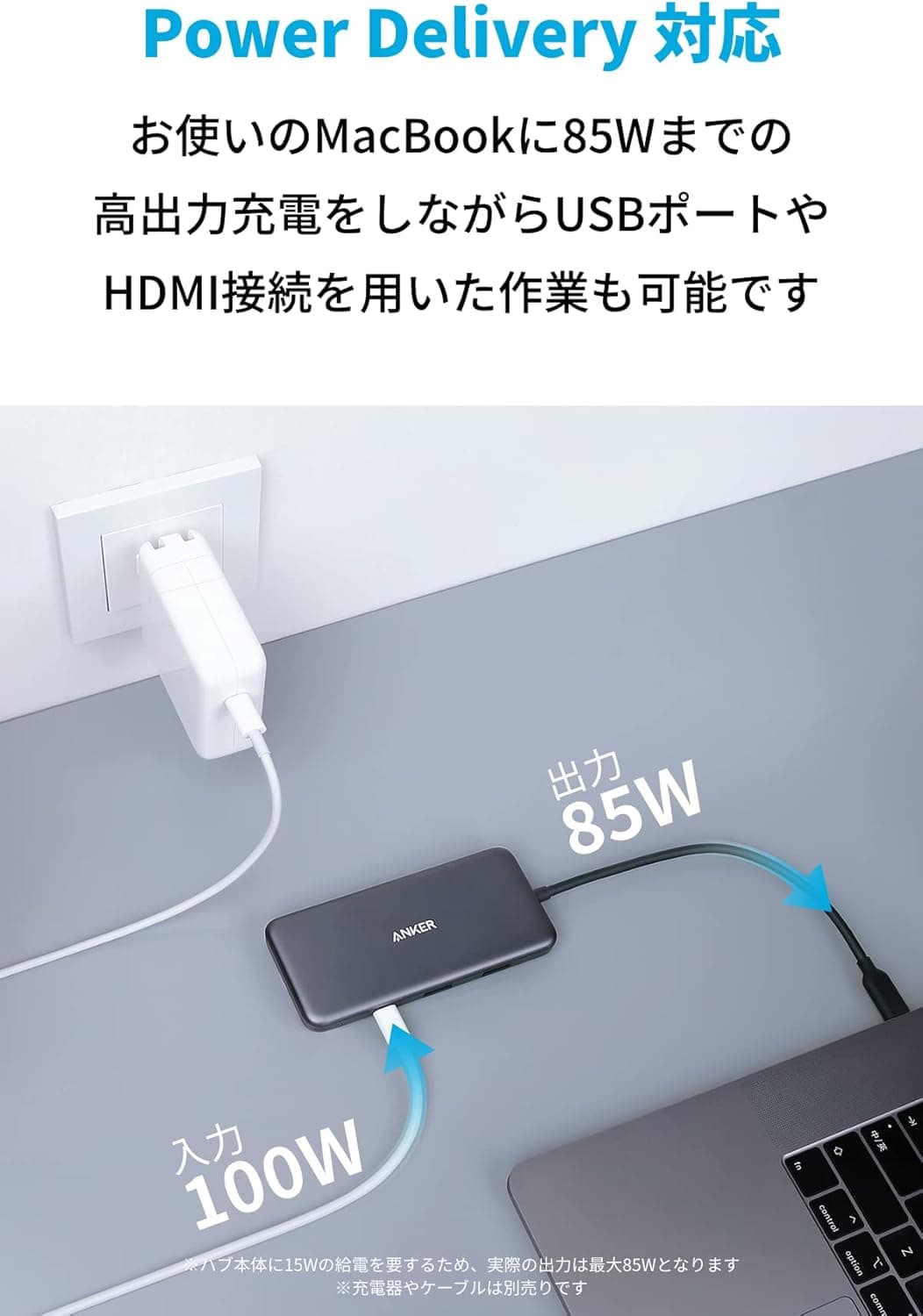
Host interface: USB-C (USB 3.0 or later, Thunderbolt 3/4 compatible). Works with Windows, macOS, Chrome OS, iPadOS, and Android devices. HDMI output: Supports up to 4K (3840×2160) at 30Hz. Both mirror and extended desktop modes are supported, making it useful for presentations or adding a secondary monitor. USB 3.0 ports: Three Type-A ports with up to 5Gbps each. Suitable for keyboards, mice, USB flash drives, and external HDDs. Note that bandwidth is shared across all three ports, so connecting multiple high-speed SSDs simultaneously may reduce throughput. PD charging port: The USB-C port is for charging only — it does not support data transfer. Pair it with a 100W USB-C charger and cable to fast-charge even a 16-inch MacBook Pro.
Product Info
The UGREEN Revodok 105 (model CM199) launched in early 2023 as an entry-level to mid-range USB-C hub. It's priced around ¥1,479 on Japan, offering exceptional value for a 5-in-1 configuration. The manufacturer provides a 24-month warranty covering defects and normal-use failures. In the box, you get only the hub itself with an attached USB-C cable (approximately 15cm). You'll need to supply your own USB-C charger and HDMI cable if you don't already have them. Market positioning is squarely at budget-conscious users who need basic expansion without breaking the bank. Combining 100W PD passthrough and 4K HDMI at under ¥1,500 is an aggressive price point that undercuts most competitors in this feature class.
Best Use Cases
USB-C-only laptop owners: If you're using a MacBook Air, Surface Pro, or Chromebook with just one or two USB-C ports, this hub gives you HDMI output and three USB-A ports in one compact package. Ideal for business users who frequently give presentations on the go. Budget-conscious expanders: While Thunderbolt 4 docks and premium USB-C hubs can cost ¥10,000 or more, the Revodok 105 delivers the essentials for around ¥1,500. Perfect for students or anyone who needs basic connectivity without a big investment. Tablet desktop mode: Connect an iPad Pro or Android tablet to an external monitor and USB peripherals simultaneously. Note that iPadOS external display support is limited to mirroring in most cases, so this is best for watching videos or giving presentations rather than extended desktop work. This hub is less suitable for: Users needing 4K@60Hz output: The HDMI port is limited to 4K@30Hz (HDMI 1.4 equivalent). For 4K@60Hz, look at the UGREEN Revodok Pro or other HDMI 2.0 hubs. Multiple high-speed SSDs: The shared USB 3.0 bandwidth means connecting two fast external SSDs will bottleneck each other. Consider a USB 3.2 Gen 2 hub or Thunderbolt dock instead. Wired Ethernet required: There's no RJ-45 port on this hub. If you need stable wired networking for remote work, choose a hub with a built-in Gigabit Ethernet port.
Things to Consider
HDMI is 4K@30Hz only: If you need 4K@60Hz or high refresh rates for gaming monitors, this hub won't deliver. Check for HDMI 2.0 support in higher-tier models. PD port is charge-only: You cannot transfer data through the USB-C PD port. For simultaneous charging and data, use the USB 3.0 ports for peripherals and the PD port solely for power. Heat buildup: Under heavy load with multiple USB devices connected, the hub can become warm to the touch. This is normal for bus-powered hubs, but avoid using it in enclosed, poorly ventilated spaces. Connection order matters: Some users report that HDMI output may not be detected unless you connect the monitor first, then power, then the host device. Also, using a low-wattage charger (under 45W) can cause instability — a 45W or higher PD charger is recommended.
Product Disclosure (Amazon)
- Manufacturer: UGREEN
- Seller: Ugreen Japan Co., Ltd
- Fulfilled by: Amazon
- ASIN: B0BW3VHCD5
- Note: This article covers a manufacturer-made product based on Amazon listing details.