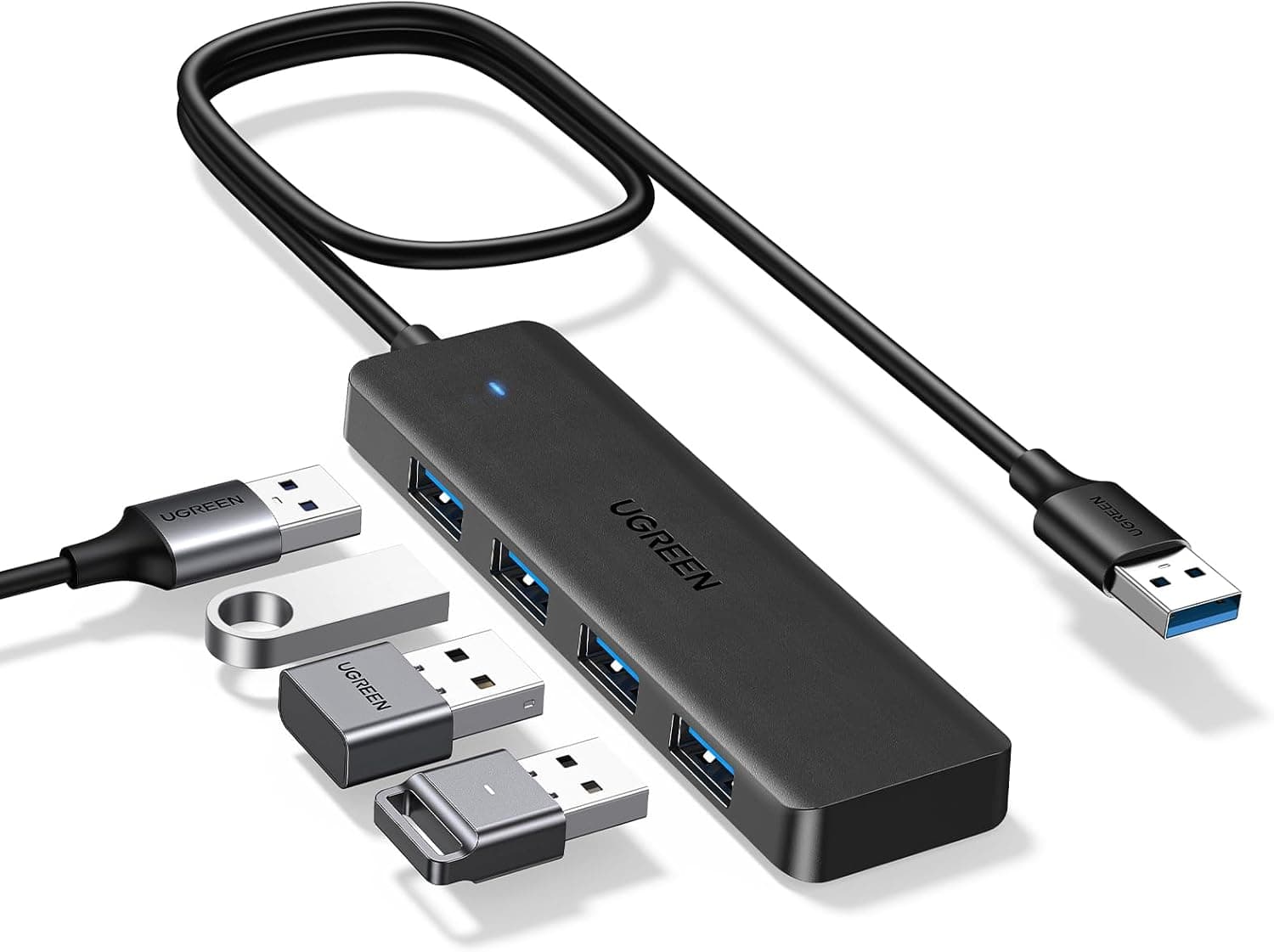
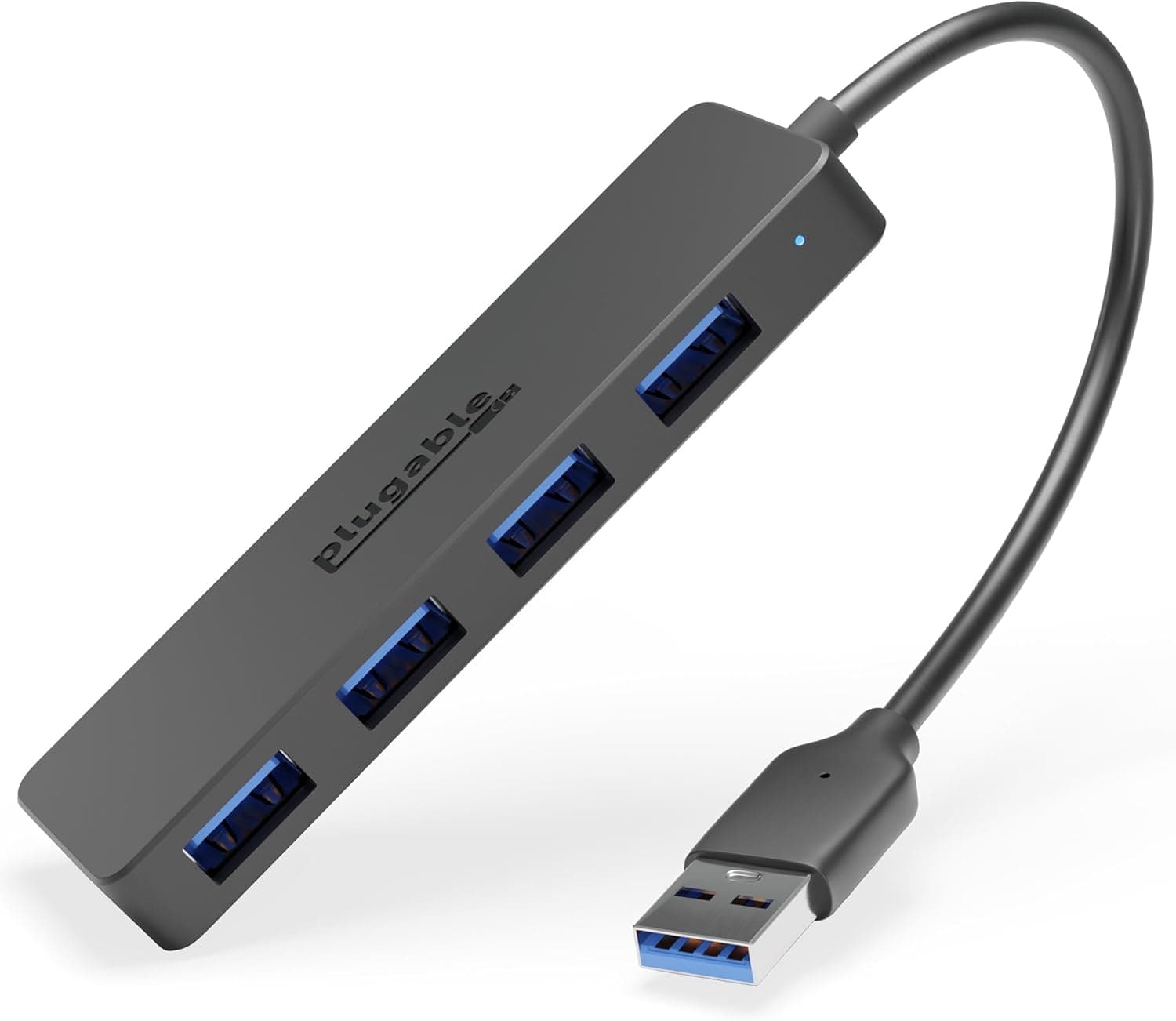
Overview
UGREEN USB Type C ハブ USB3.0 4ポート拡張 — the UGREEN USB Type-C Hub with 4-port USB 3.0 expansion — splits a single USB-C port into four USB 3.0 (USB 3.2 Gen 1) ports.
Maximum theoretical throughput is 5 Gbps, and it works on Windows, macOS, Chrome OS and Linux with no driver installation. Think of it as a single-purpose tool: it solves "I don't have enough USB-A ports" in the smallest possible footprint and at the lowest possible cost.
What it deliberately omits matters just as much. There is no HDMI output, no SD card slot, no Ethernet, and no USB Power Delivery passthrough.
It is not a substitute for a docking station. On Amazon.co.jp it carries 11,624 reviews at a 92% positive score (4.6 out of 5 stars, captured 2026-06-17) — holding that level past ten thousand reviews is a genuinely good result for this price tier.
It comes in silver and gold, with a stated 18-month manufacturer warranty.
Quick Answer: Will It Cover Your Use Case?
| Use case | Verdict | Why |
|---|---|---|
| Mouse, keyboard and flash drive together | Excellent | Low draw; bus power is plenty |
| USB audio interface, gamepad | Good | Fine unless several power-hungry devices overlap |
| Bus-powered portable SSD | Marginal | One drive usually works, but no guarantee |
| Bus-powered 2.5" portable HDD | Poor | Spin-up inrush current causes dropouts |
| External display output | Not supported | No video output at all |
| Charging while connected on a 1-port device | Not supported | No PD passthrough; the port is occupied |
The pattern is clear: this hub is built for adding low-power peripherals. If your requirements include permanently attached storage, or charging while docked, it will not meet them.
Settling that question first is the single best way to avoid a disappointing purchase.
Compatibility Guide
The host side is a captive USB-C male connector wired directly into the body. It connects to laptops, tablets and smartphones with a USB-C port.
All four downstream ports are USB 3.0 (USB 3.2 Gen 1) and remain backward compatible with USB 2.0 and USB 1.1 devices.
Because no drivers are needed, it also works on locked-down corporate machines where you cannot install software — a practical advantage that spec sheets rarely highlight.
One caveat: not every USB-C port carries data. A few devices include charge-only USB-C connectors, and nothing will enumerate if you plug into one.
Thunderbolt 3/4 ports are USB-C compatible and work without issue. On phones and tablets, the host device must support USB host mode (USB OTG); most modern Android devices do, but behaviour varies, so start with a mouse or keyboard rather than something critical.
Power is drawn entirely from the host — there is no barrel jack for an AC adapter. That means the four ports share whatever the host supplies.
The USB 3.0 specification allows roughly 900 mA (about 4.5 W) per port, but a bus-powered hub divides the incoming budget among all four.
Combine mice, keyboards, flash drives and card readers and you will not run into trouble; load all four with power-hungry devices and you will.
Physically, the captive cable is short, so the hub tends to dangle beside the laptop. USB-C connectors are vulnerable to sideways force, so for desk use lay the hub flat and position it where the cable is not under tension.
Product Details
The specification list reads: four USB ports, USB 3.0 (USB 3.2 Gen 1) interface, 5 Gbps maximum transfer speed, USB-C male host connection, bus-powered operation, Windows / macOS / Chrome OS / Linux support, silver and gold colour options, and an 18-month warranty.
Only the hub itself is in the box — no extra cable, no AC adapter. The captive cable means there is nothing else to pack.
Pricing needs care. On Amazon.co.jp (ASIN B07PY87TBD) the listed price was ¥1,281 as captured on 2026-08-27, and an eBay US marketplace listing showed $13.52 as captured in July 2026.
However, the same ASIN was recorded at ¥6,648 on 2026-06-15 — a near fivefold gap. Given the market rate for hubs of this class, ¥6,648 looks out of place; it may reflect a different seller or a collection error, though we cannot state that as fact.
All of these are point-in-time figures that move with sales and seller changes, so check the current price and seller on the product page before buying.
On reception, 11,624 reviews at 92% positive (4.6 of 5 stars) as of 2026-06-17 is a large enough sample that early-batch variance has been averaged out, which makes the score reasonably trustworthy.
Do note that high-volume listings often merge reviews across colour and port-count variations, so confirm that the variant you are buying matches what you intend.
How It Compares
Within the "USB-C to four ports" category, the split is between portable and stationary. If the hub lives on a desk and needs to carry portable drives, a self-powered hub with its own AC adapter is the reliable answer.
If it lives in a bag and only ever hosts a mouse and a flash drive, a bus-powered captive-cable unit like this one saves weight and clutter. USB 2.0 hubs are cheaper still, but 5 Gbps pays for itself the moment you touch external storage.
The other fork is video output. Multi-function hubs with HDMI and card readers are convenient, but they run hotter, cost more, and add display-chip compatibility as a new failure mode.
If all you need is more USB ports, paying for that complexity is a poor trade in both money and reliability. This product's logic lies precisely in what it leaves out.
Practical Notes From Daily Use
The four ports sit in a single row, so wide flash drives fight for space and can block a neighbouring port, effectively reducing you to three. Slim wireless receivers are no problem; if you routinely use a chunky flash drive, keep a short extension cable on hand.
The body warms up during sustained 5 Gbps transfers — normal behaviour for a USB 3.0 hub, but avoid trapping it under a laptop or leaving it powered inside a bag.
USB 3.0 hubs are also known to emit interference in the 2.4 GHz band, so a wireless mouse or keyboard receiver in an adjacent port can occasionally produce cursor jumps or missed keystrokes.
The fix is simple: move the receiver to a port on the computer itself, or physically separate it from the hub.
Things to Check Before Buying
No PD passthrough is the central compromise. On a device with only one USB-C port, this hub occupies it, so you cannot charge while using it.
A two-port machine like a MacBook Air is fine; a single-port ultraportable or tablet is only practical on battery. This is by far the most common source of buyer regret.
Do not overestimate bus power. A 2.5-inch portable HDD demands a large current spike as the platters spin up.
A drive that works fine plugged directly into the laptop may fail to enumerate or drop mid-transfer through a bus-powered hub. That is a structural limit of the topology, not a defect.
For regular storage use, buy a self-powered hub from the start.
Four ports does not mean four times the bandwidth. All ports share the single 5 Gbps upstream link, so simultaneous large copies split that budget.
Paired with near-zero-bandwidth devices such as mice and keyboards, you will never notice.
Listing data can disagree with reality. This product shows both ¥1,281 and ¥6,648 recorded against the same ASIN, and the seller may have changed over time.
When you open the page, cross-check price, seller, port count and colour against the product images and title. Hubs have many visually similar variants, and different port counts or standards are often bundled as options on one listing.
A captive cable means a broken cable ends the product. There is no replacement cable, so avoid stressing the strain relief — do not bag it while plugged in, and do not yank it out by the cord.
The stated warranty is 18 months, but handling it so you never need the warranty is cheaper in the end.
Best Use Cases
- Thin-and-light laptop owners short on USB-A ports. Mouse, keyboard, flash drive and dongles at once — exactly the load this hub was designed for.
- Anyone who wants a spare hub permanently in their bag. Captive cable, no accessories, zero prep before heading out.
- Buyers who need ports only, not video. The premium you would pay for a docking station is money saved outright.
- Users on managed corporate machines. Plug-and-play operation sidesteps driver-permission restrictions entirely.
It is a poor fit for anyone running portable HDDs regularly, anyone with a single USB-C port who needs to charge while docked, and anyone who wants external display output. If any of those three describe you, look at a self-powered hub or a dock with video instead.
Frequently Asked Questions
Q. Can I connect a portable HDD or SSD? A.
A single bus-powered SSD will often work, but it is not guaranteed. A 2.5-inch portable HDD draws a large spin-up current and is likely to fail to mount or drop mid-transfer, so it is not recommended.
Use a self-powered hub for storage.
Q. Can I charge my laptop through the hub? A.
No. There is no USB PD passthrough, so charging requires a separate USB-C port on the machine.
On single-port devices, assume you cannot use the hub while charging.
Q. Will speed drop with all four ports in use? A.
The four ports share one 5 Gbps upstream link, so concurrent large transfers divide that bandwidth. With low-bandwidth peripherals there is no practical impact.
Q. Does it work with a MacBook or iPad? A.
macOS is listed as supported and any USB-C Mac works driver-free. USB-C iPads generally work too, provided the attached devices are not power-hungry.
Q. What warranty is provided? A.
The stated warranty period is 18 months, but the support channel depends on the seller, so check the seller listed on the product page before purchase.
Q. Does it work outside Windows?
A. Yes — Windows, macOS, Chrome OS and Linux are all supported, none requiring driver installation.
Product Disclosure (Amazon)
- Manufacturer: UGREEN
- Seller: Takumido
- Fulfilled by: Takumido
- ASIN: B07PY87TBD
- Note: This article covers a manufacturer-made product based on Amazon listing details.