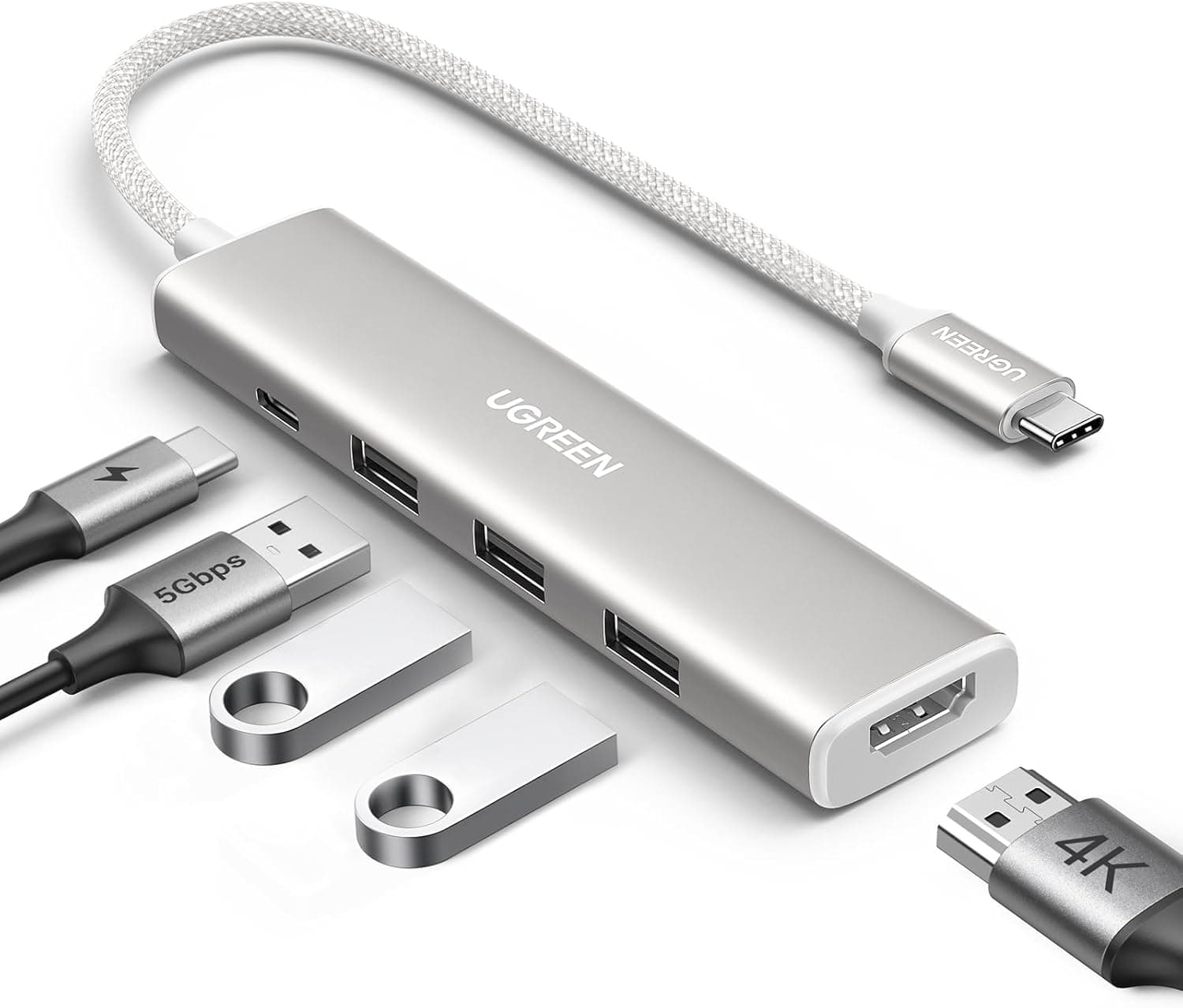
Overview
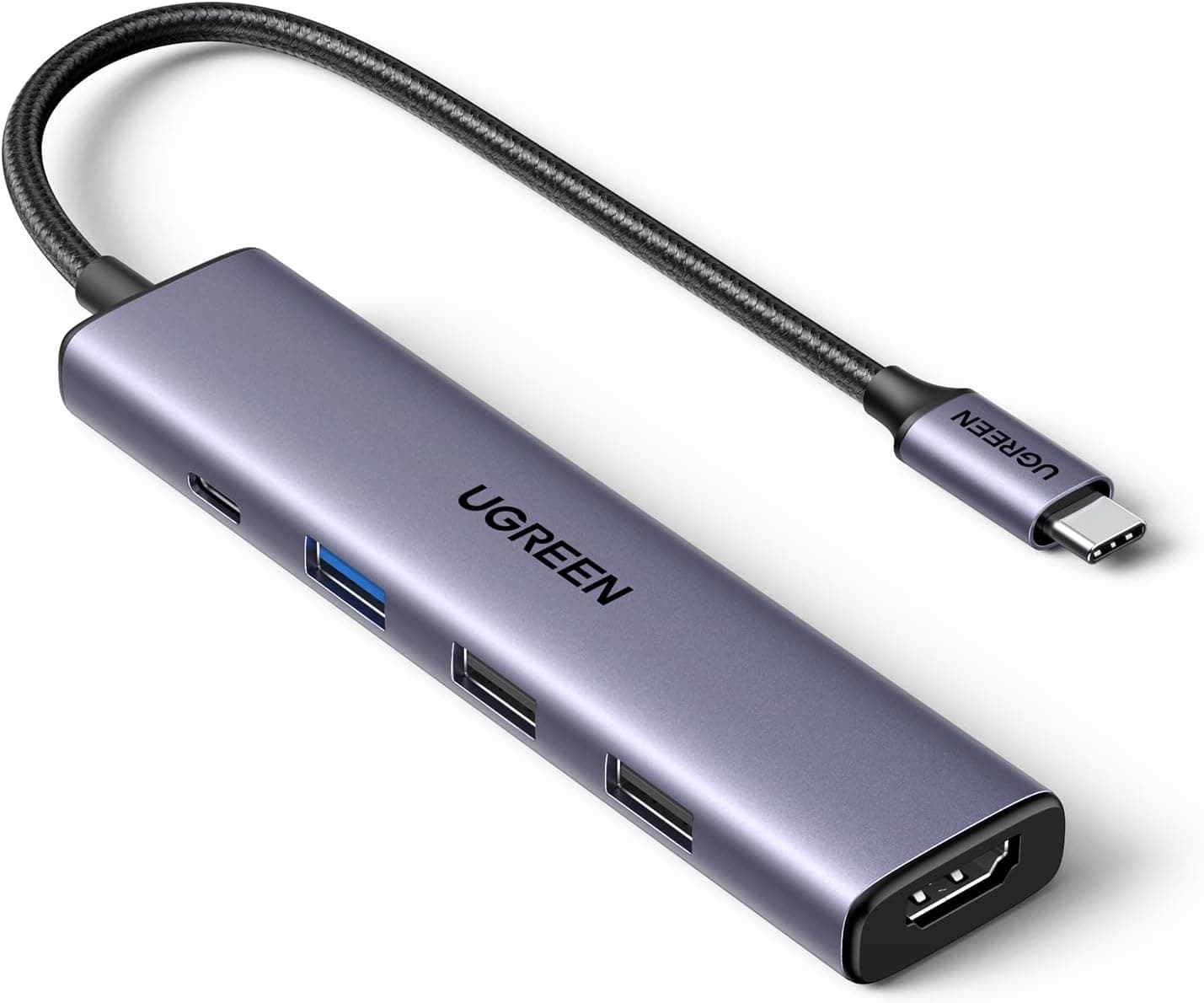
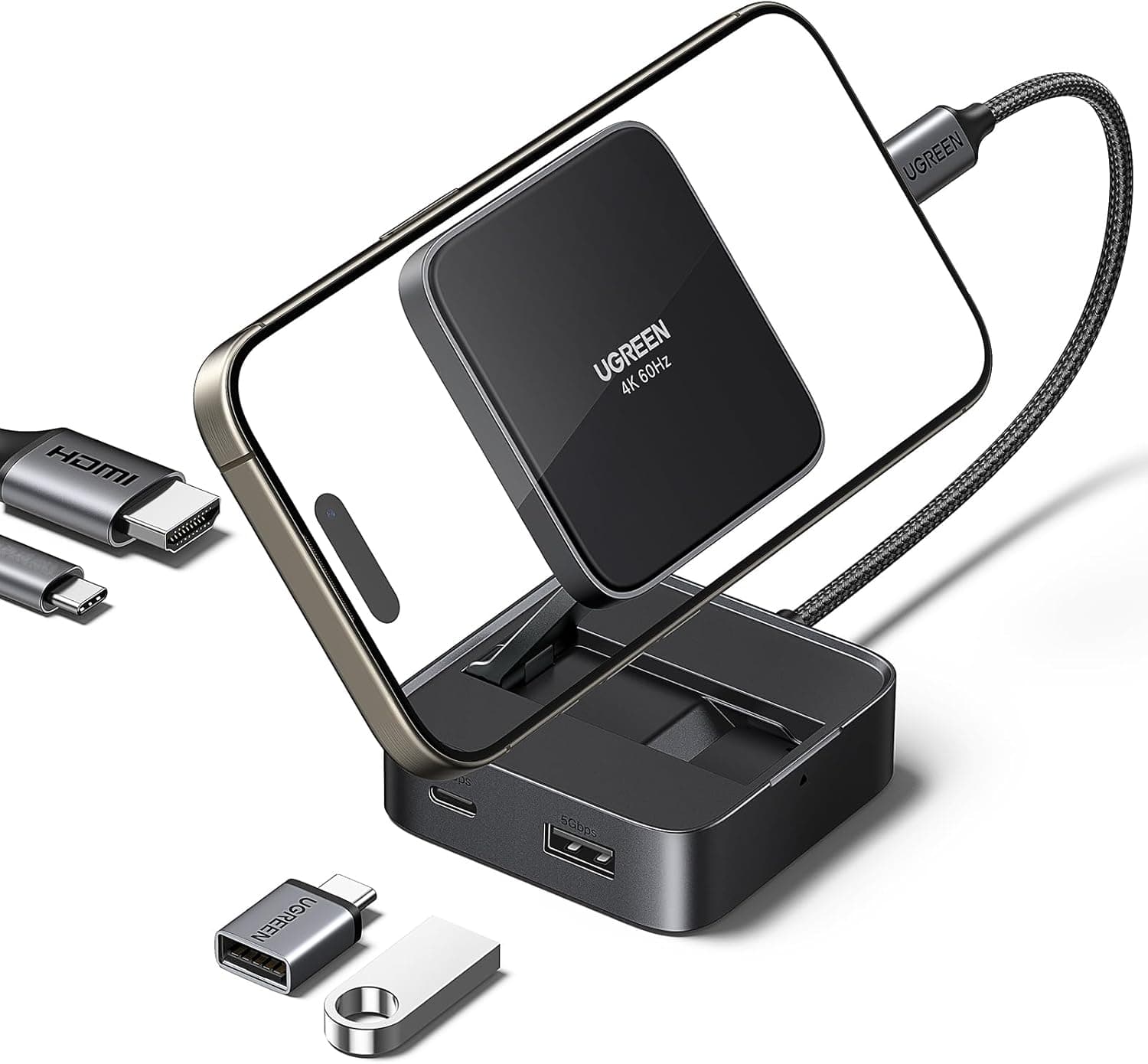
The UGREEN Revodok 105 USB-C Hub 5-in-1 is a compact, affordable hub that expands a single USB-C port into five essential ports. It targets users who need to connect external displays, charge their laptop, and use USB peripherals without breaking the bank. The hub supports 4K at 30Hz via HDMI, 100W Power Delivery pass-through charging, and includes one USB 3.0 port alongside two USB 2.0 ports. Its slim design makes it easy to slip into a laptop bag, and it works across Windows, macOS, Linux, iOS, and Android devices.
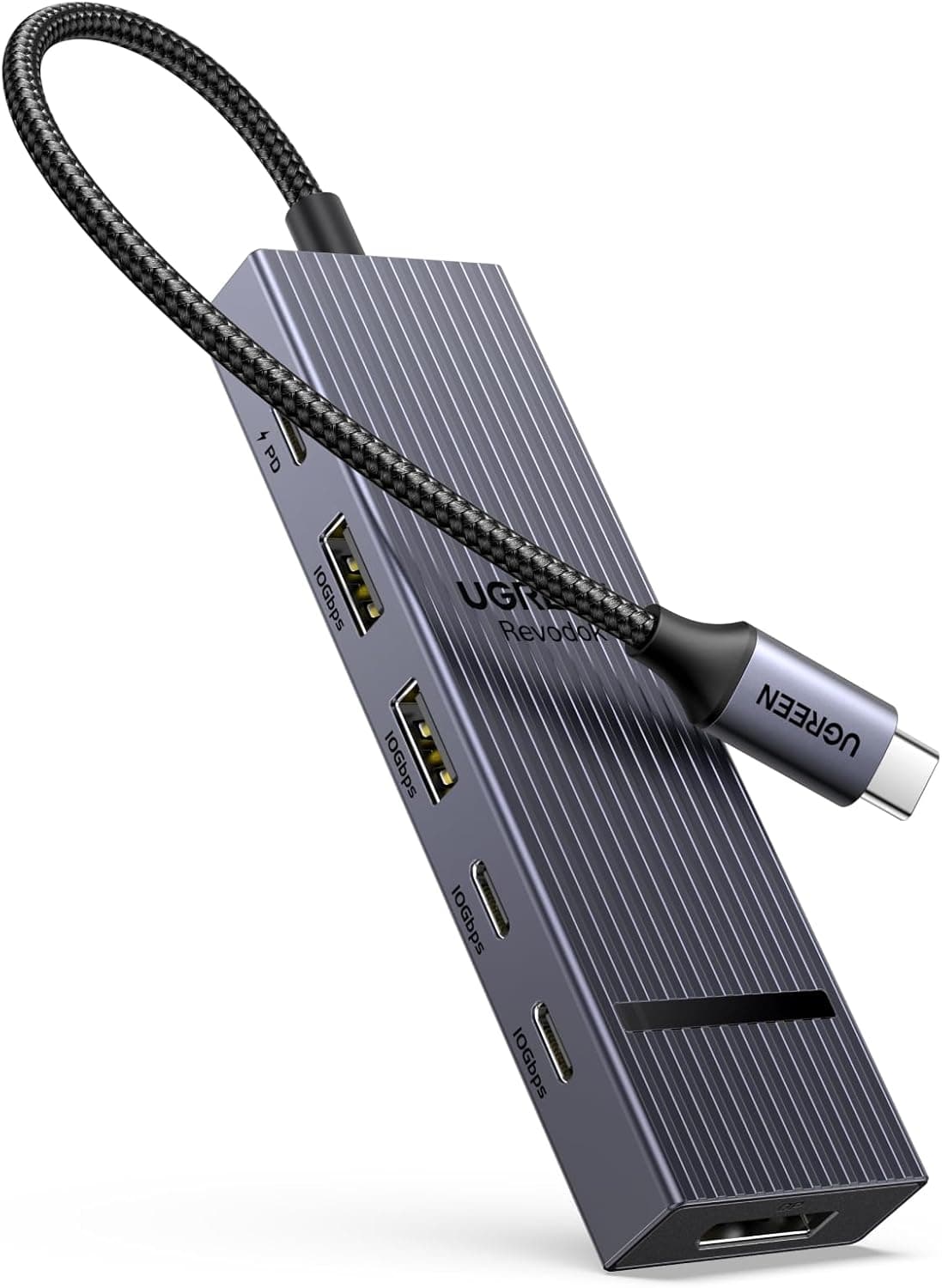
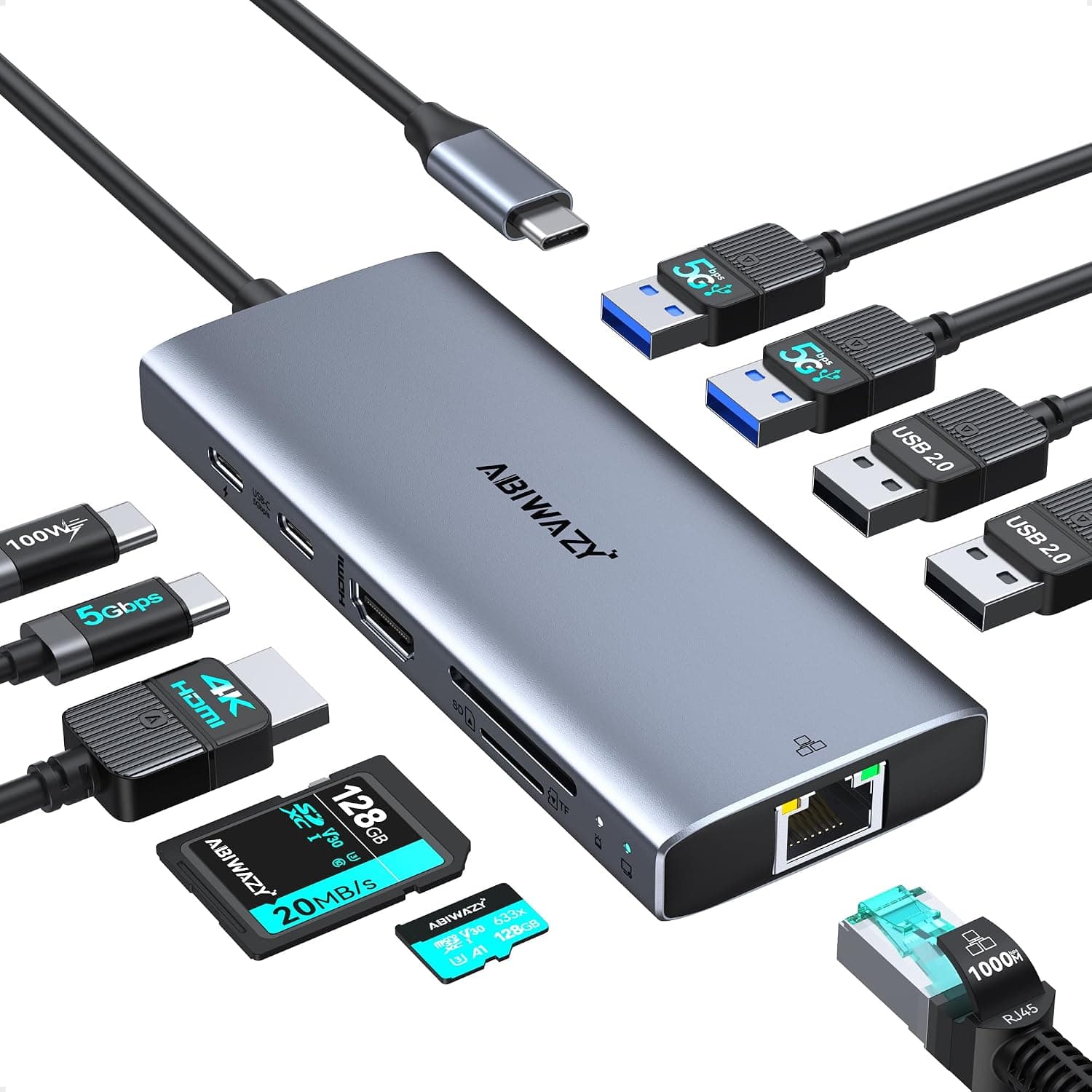
Revodok 105 connects to any USB-C host device that supports USB-C Alt Mode (for video output) or USB data. The detailed port breakdown is: HDMI: up to 4K (3840×2160) at 30Hz. Supports audio pass-through, mirror, and extended desktop modes. USB 3.0 Type-A: one port, 5Gbps data rate. Ideal for high-speed storage or wired mice. USB 2.0 Type-A: two ports, 480Mbps each. Suitable for keyboards, printers, or low-speed peripherals. USB-C PD pass-through: up to 100W input. Note: this port is charging-only and does not transfer data. Compatibility is broad: MacBook Pro/Air, iPad Pro, Dell XPS, Surface Pro, Lenovo Yoga, HP Spectre, and many Android tablets with USB-C. However, the host device must support DisplayPort Alt Mode for HDMI output to work. The hub does not require any driver installation.
Revodok 105 sits in the entry-level segment of UGREEN’s Revodok lineup. It launched in late 2023 and typically retails around ¥2,000–¥2,500. The hub comes with a 24-month warranty and is widely available on Japan and other online retailers. The package includes only the hub itself — a short built-in cable is attached, so no extra cable is needed. This is a cost-effective choice for users who need basic expansion without paying for features like SD card readers or Ethernet ports.
Mobile professionals and frequent travelers: The lightweight, compact design fits easily into a laptop sleeve. You can charge your laptop, output to a hotel TV via HDMI, and connect a USB mouse all at once. However, if you need more than two USB-A ports for external drives and accessories, consider a larger hub. Users who want to add a 4K monitor to their laptop: The HDMI port delivers 4K@30Hz, which is fine for spreadsheets, coding, and media consumption. But gamers or video editors who need 60Hz will want a hub with HDMI 2.0 or DisplayPort. Budget-conscious first-time USB-C hub buyers: At under ¥2,500, the Revodok 105 offers excellent value. It’s a great way to experience USB-C expansion without a big investment. Be aware that the two USB 2.0 ports limit high-speed data transfers; if you frequently transfer large files to USB drives, the single USB 3.0 port may become a bottleneck. MacBook Air/Pro users needing simultaneous charging and display: The 100W PD pass-through keeps your MacBook powered while using the HDMI output. The USB-A ports let you connect legacy peripherals. The main limitation is that the hub uses the only USB-C port on your MacBook, so you cannot connect another USB-C device at the same time unless you use a separate adapter.
Product Disclosure (Amazon)
- Manufacturer: UGREEN
- Seller: Ugreen Japan Co., Ltd
- Fulfilled by: Amazon
- ASIN: B0CR6J7ZQK
- Note: This article covers a manufacturer-made product based on Amazon listing details.