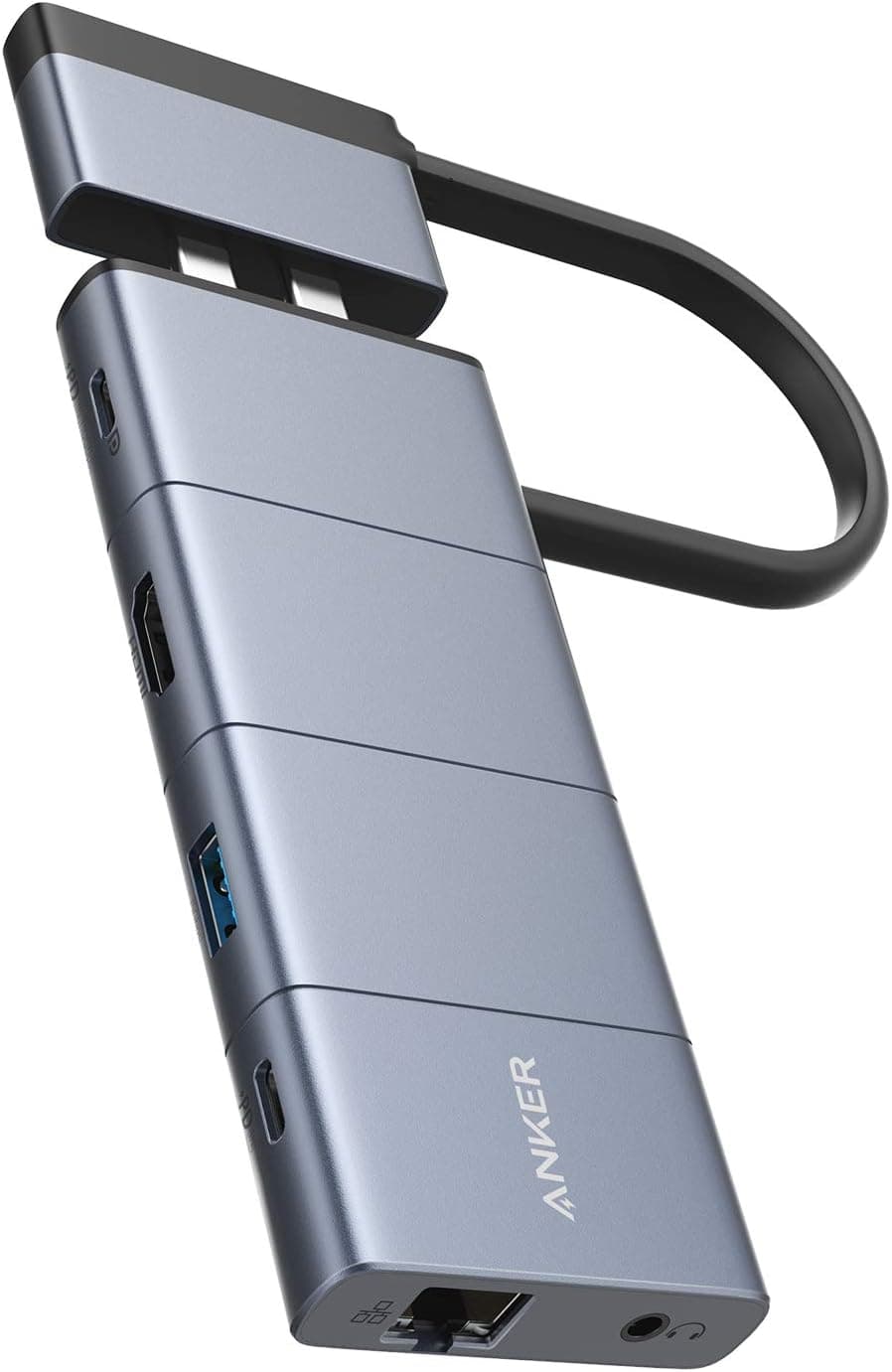
This article covers Anker USB Cハブ (10-in-1).
Overview
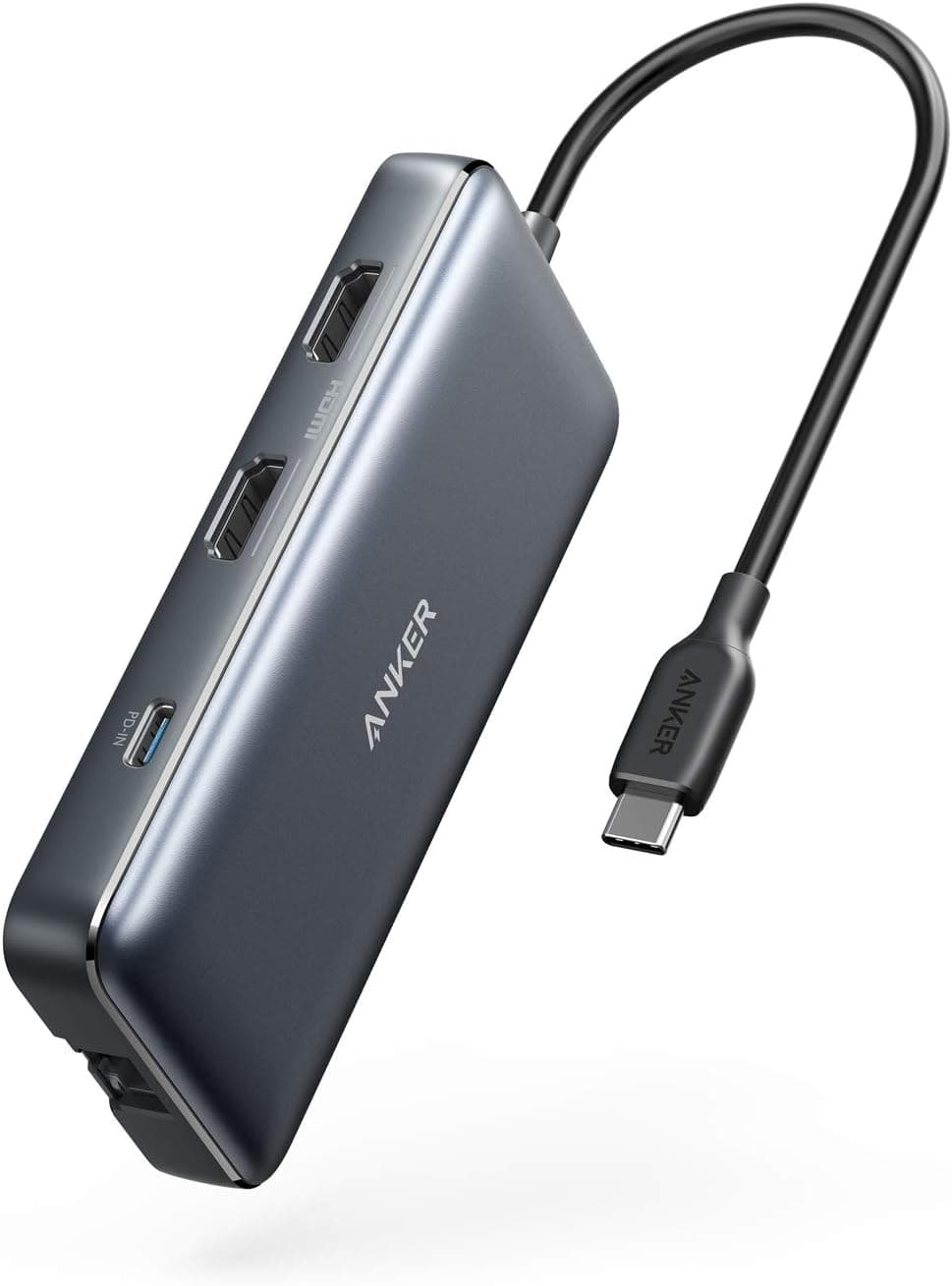
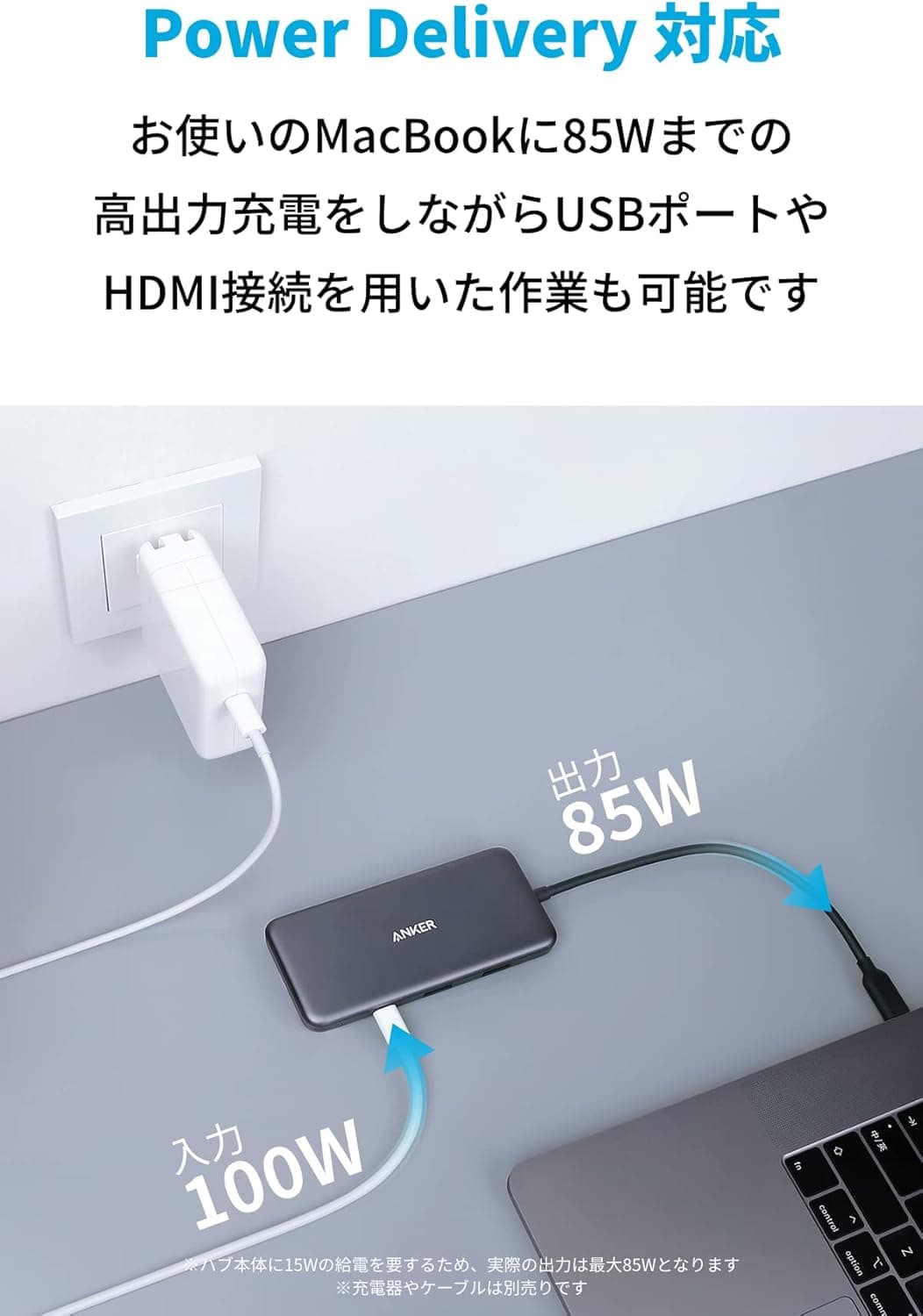
The Anker 364 USB-C Hub (10-in-1) transforms a single USB-C notebook into a fully-fledged multi-monitor workstation. Despite its palm-sized footprint, this hub packs two 4K HDMI ports, multiple USB data ports, gigabit Ethernet, and an SD card reader. The headline feature is 85W Power Delivery passthrough, letting you charge your laptop while the hub handles all your peripherals. Anker’s reputation for reliability and the included 18-month warranty make it a safe buy for anyone seeking a dependable dock. What sets this hub apart in the crowded USB-C accessory market is its dual-HDMI capability. One port outputs 4K at 60Hz, while the second handles 4K at 30Hz, enabling a side-by-side productivity setup from a single USB-C cable. Whether you're comparing spreadsheets, editing photos, or giving a presentation, the Anker 364 delivers the screen real estate you need without the cost or complexity of a Thunderbolt dock.
Connectivity & Compatibility
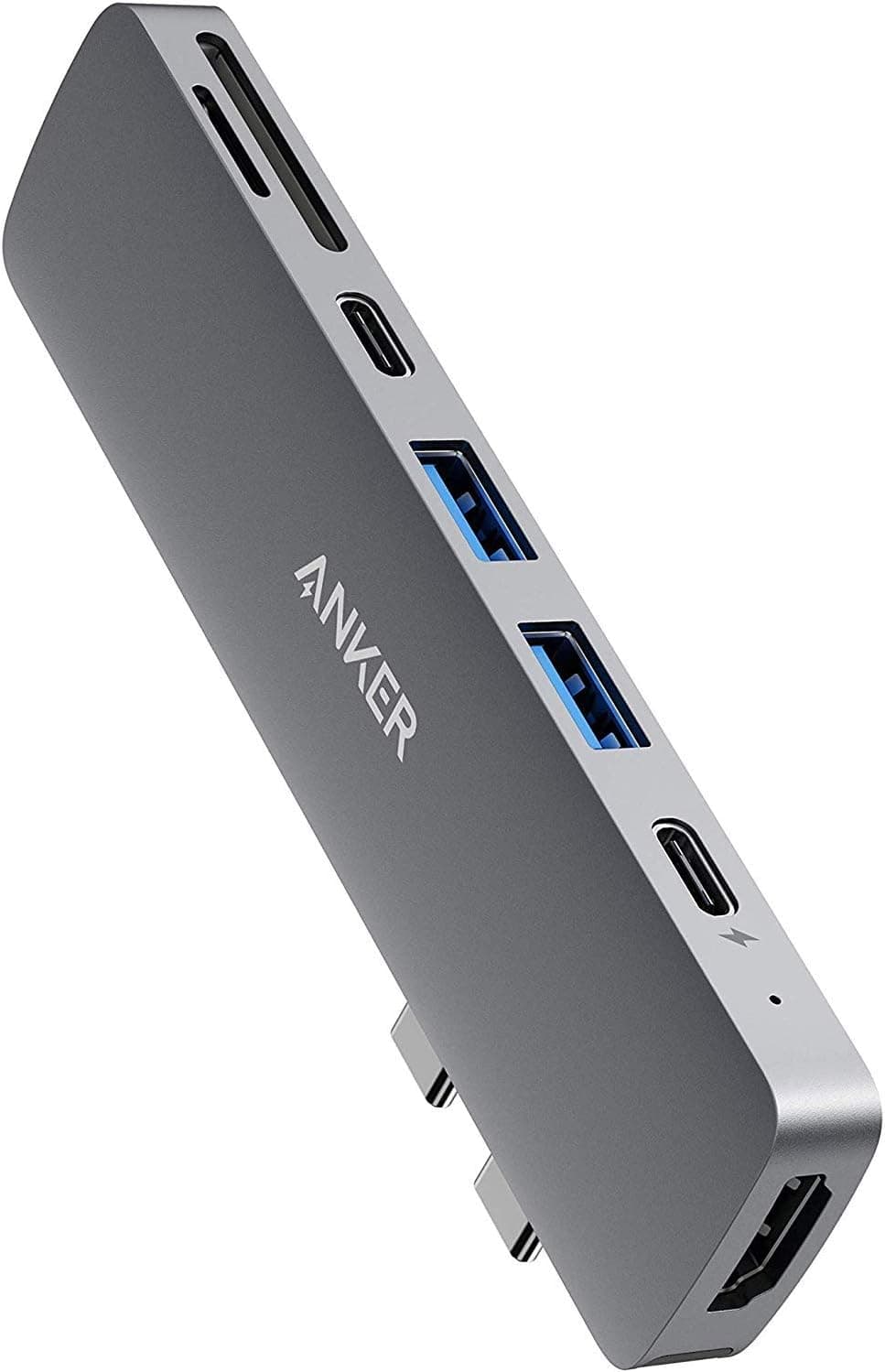
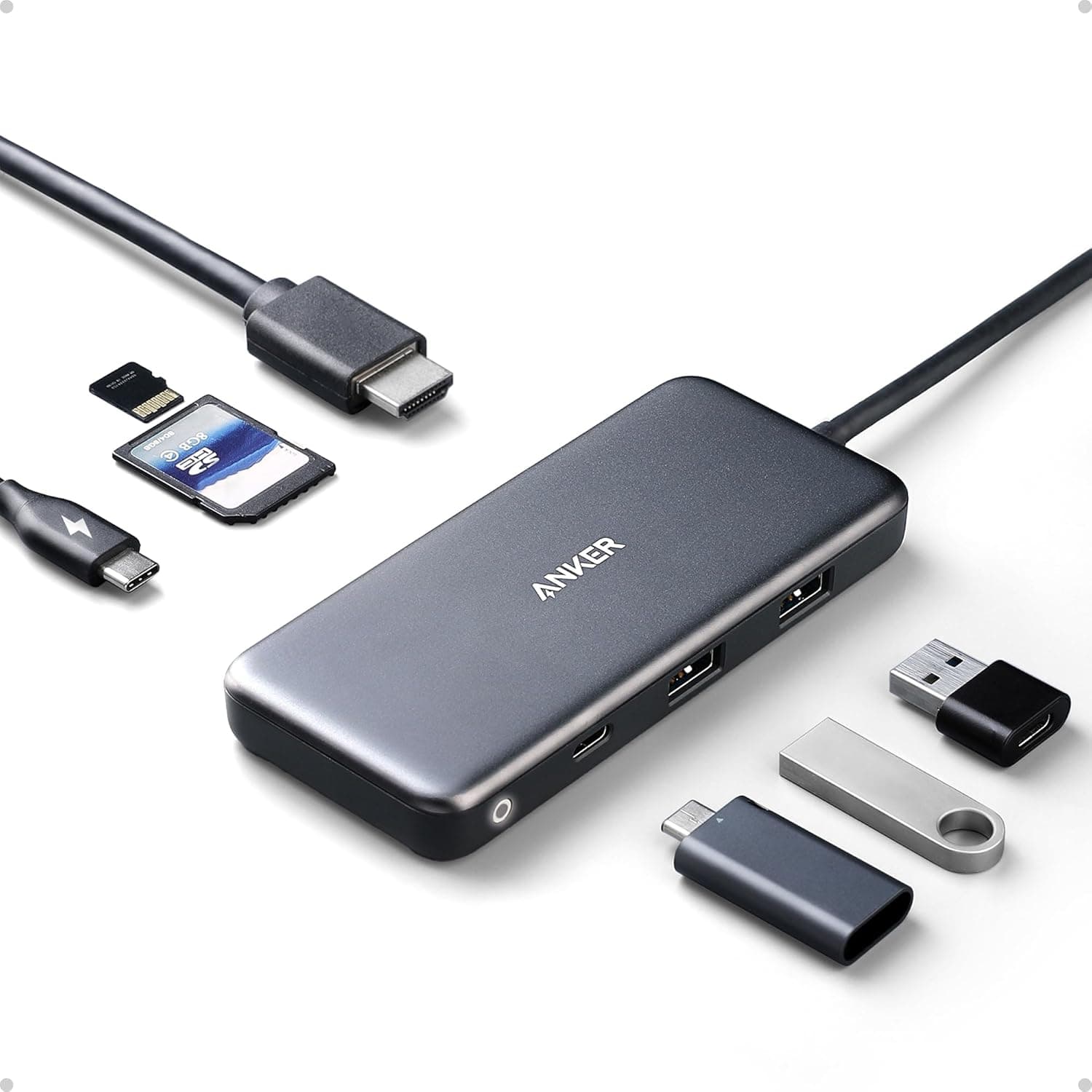
Host Connection: The upstream USB-C port works with any USB-C, USB4, or Thunderbolt 3/4 port. Compatible operating systems include macOS 12 and later, Windows 10/11, and ChromeOS. Linux is explicitly not supported. Video Output: Two HDMI ports—one supports 4K@60Hz, the other 4K@30Hz. When both are active, each runs at 4K@30Hz. On macOS, both external monitors mirror the same content (extended desktop is not available). Data Ports: One 5Gbps USB-C data port, one 5Gbps USB-A port, and two 480Mbps USB-A ports for legacy devices. Great for connecting an external SSD, mouse, and keyboard simultaneously. Wired Networking & Storage: Gigabit Ethernet (RJ-45) provides stable wired internet access. The SD card slot supports standard SD cards for quick photo/video transfers from cameras.
Product Info
Released in late 2022, the Anker 364 USB-C Hub sits in the budget-to-midrange tier of USB-C hubs. Its street price hovers around ¥4,990 in Japan (about $35 USD), which is remarkable for 10 ports including dual HDMI and PD passthrough. The hub is bus-powered, so it works without an external power supply for low-power peripherals, though you’ll need a USB-C PD charger (sold separately) to activate the 85W passthrough feature. Accessories are minimal: the hub itself and a welcome guide. Anker backs it with an 18-month warranty and Japanese-language customer support. Positioned as an affordable all-in-one solution, this hub competes directly with other 10-in-1 USB-C hubs from brands like Ugreen and Satechi. Its standout advantage is the dual-HDMI setup at this price—most competitors offer only a single HDMI plus VGA or DisplayPort. For daily office work, remote collaboration, and light creative tasks, it punches well above its weight.
Best Use Cases
Remote Workers and Office Professionals: If you work from home and need to connect your laptop to two external monitors, this hub is a cost-effective way to set up a dual-screen workspace. The Ethernet port ensures reliable connectivity in areas with spotty Wi-Fi, and the USB-A ports handle legacy peripherals like a wired keyboard and mouse. For users who don’t require extended desktop on macOS, it’s an ideal match. Photographers and Content Creators: The built-in SD card reader allows direct import from cameras. The 5Gbps USB-C/USB-A ports handle fast transfers to external SSDs. While the dual-HDMI output is sufficient for previewing edits on a secondary 4K monitor, professionals who need dual 4K at a full 60Hz should look at Thunderbolt 4 alternatives. * Mobile Workers and Travelers: Compact and lightweight, this hub easily slips into a laptop sleeve or bag. In a co-working space or hotel room, one USB-C cable connects your laptop to a monitor, wired network, and charger simultaneously. The PD passthrough means you don’t have to juggle multiple power bricks—just plug your laptop’s charger into the hub and power everything through a single wall outlet. Potential buyers should note the macOS mirroring limitation. If you need extended desktop on two external monitors, this hub isn’t suitable. Additionally, power users requiring 40Gbps Thunderbolt speeds or 8K output will be better served by a more expensive, actively cooled dock.