Overview
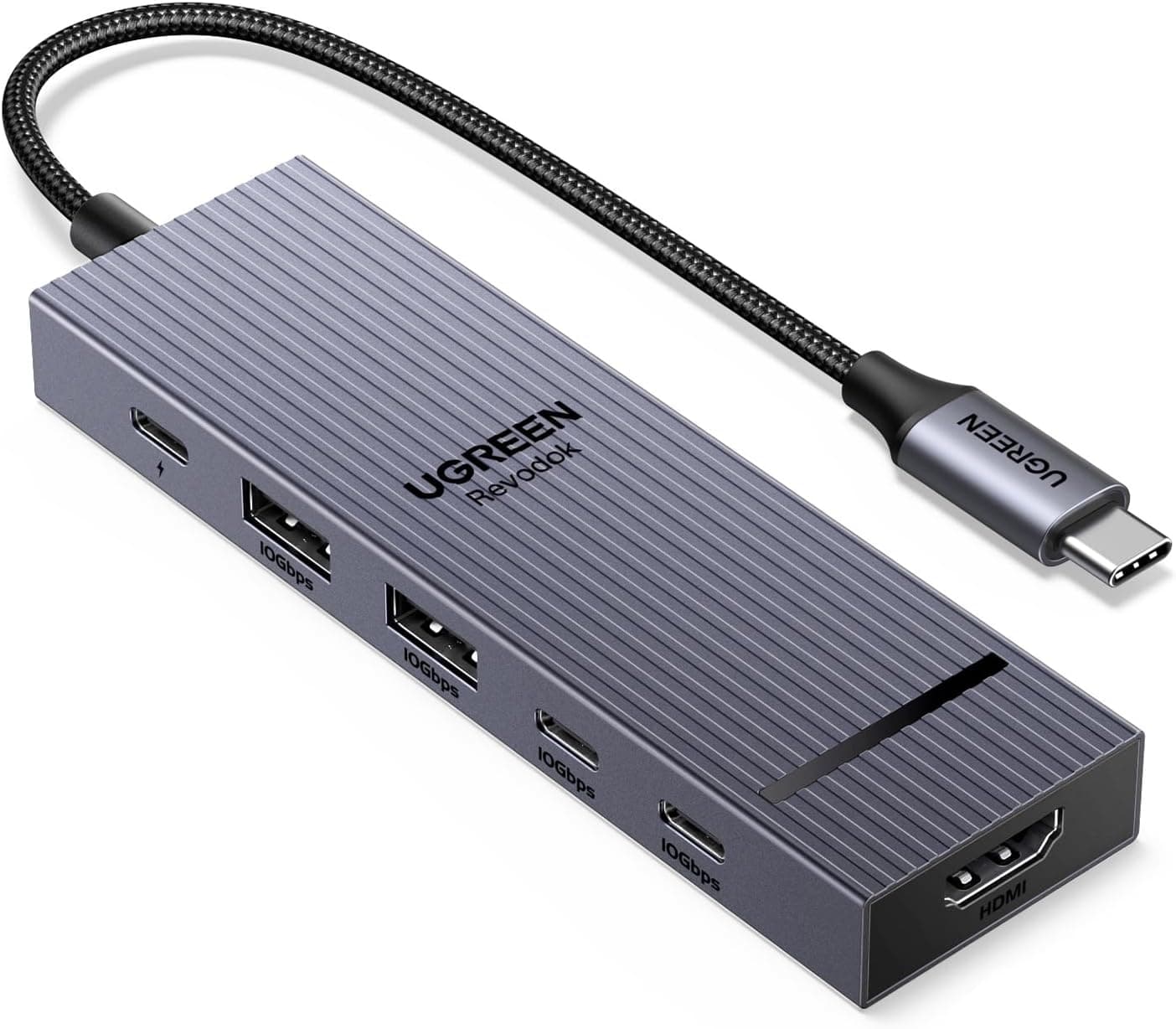
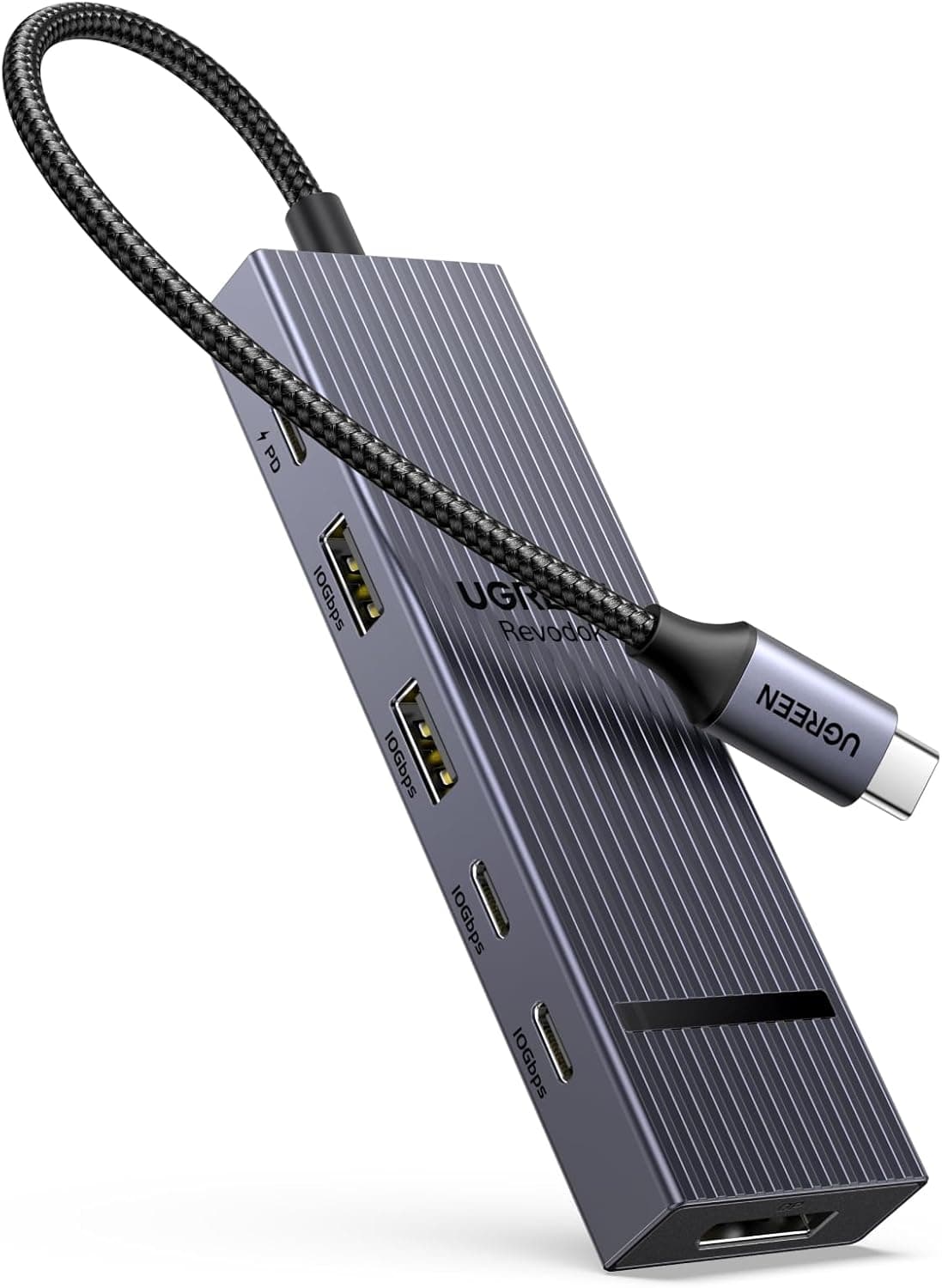
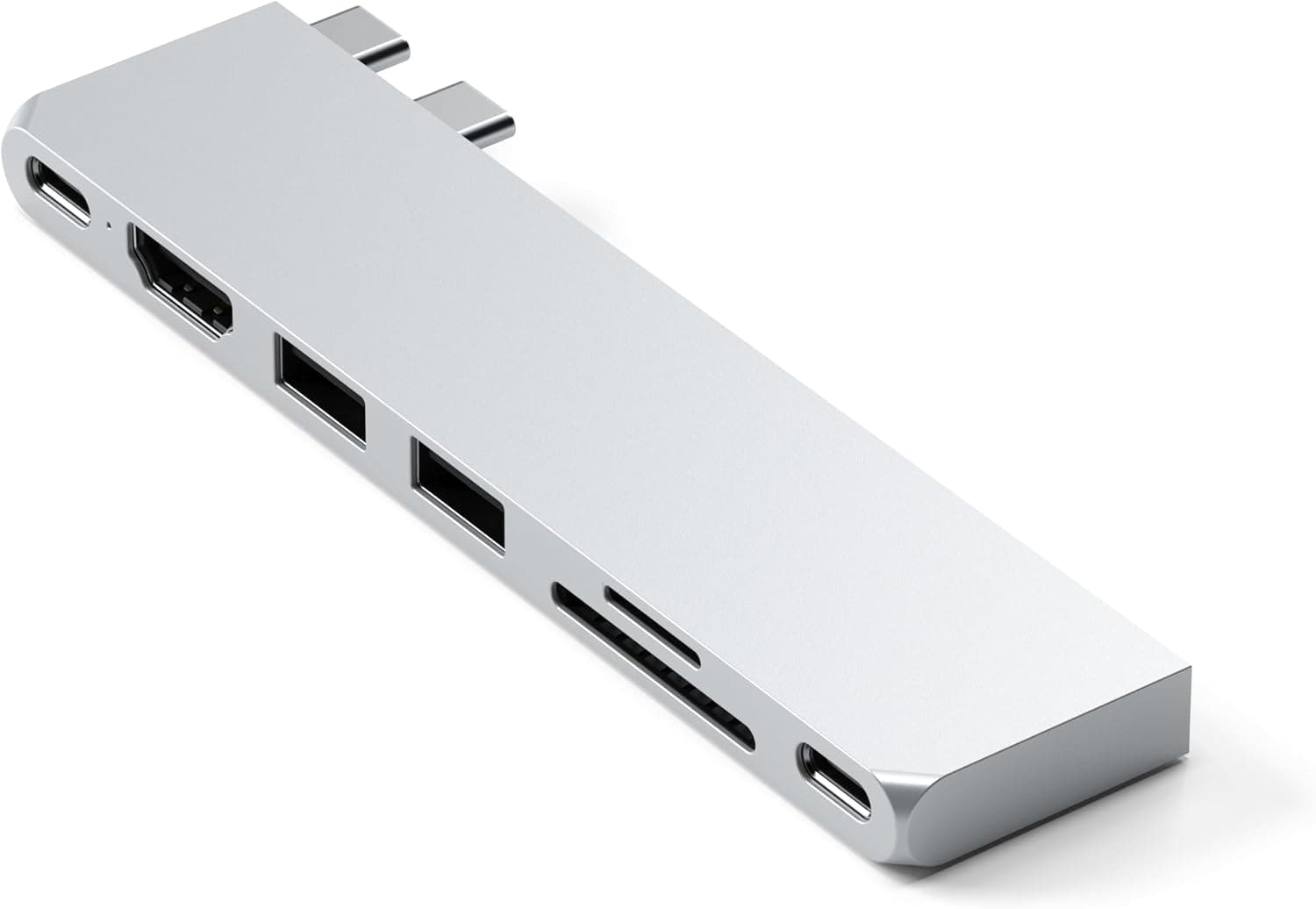
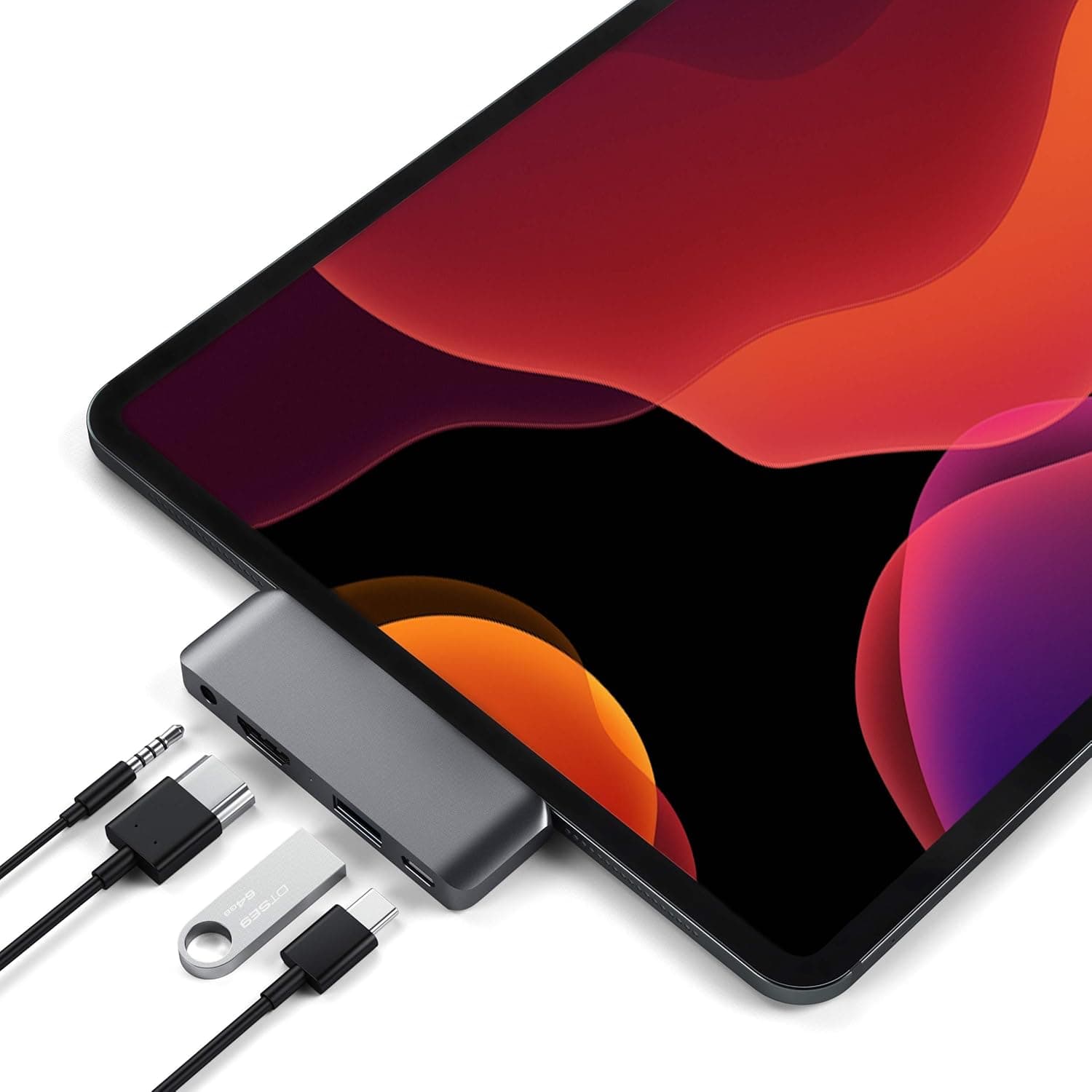
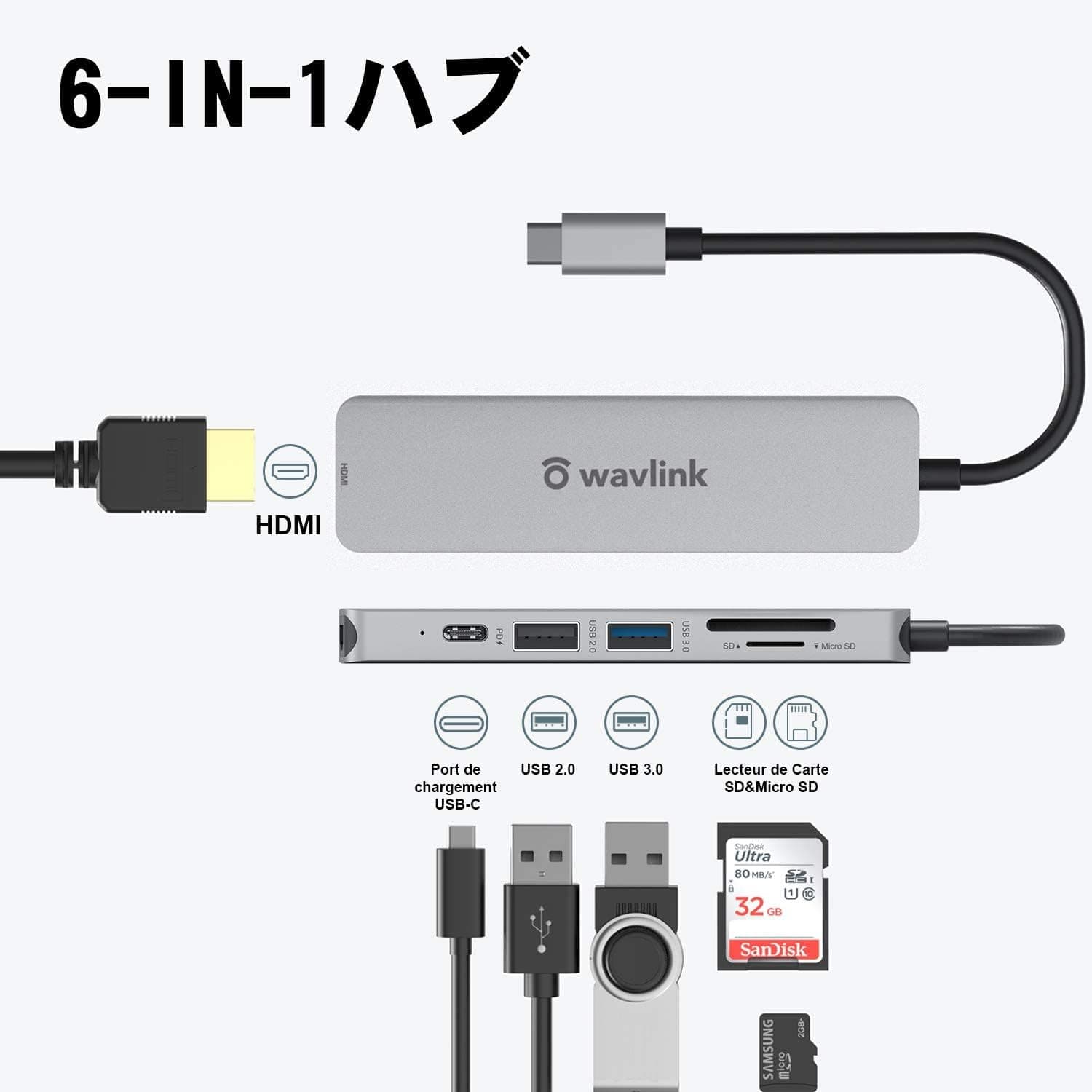
The WAVLINK 6-in-1 USB-C hub adds HDMI, USB-A 3.0, USB-A 2.0, USB-C PD input, SD and microSD to a laptop through a single USB-C connection.
The honest verdict up front: this is not a primary docking station, it is the spare hub you keep in your bag. HDMI tops out at 4K@30Hz and there is only one USB 3.0 port — reasonable at the price, thin as a permanent desk setup.
Seen the other way, it solves the classic away-from-desk problem — no HDMI port, no card reader — for roughly ¥1,000. Amazon.co.Check the retailer's page for the latest user reviews.
That score is typical of a product that is not fragile but does ask you to accept real compromises.
Compatibility Guide
The hub assumes your host USB-C port supports DP Alt Mode (video out) and USB PD (charging). This is by far the most common reason people report it "not working".
Plenty of USB-C ports handle data and charging only.
| Check | What to look for |
|---|---|
| DP Alt Mode | Without it, no video from HDMI, though other ports usually still work |
| USB PD | Without it, charging through the PD port will not pass through |
| Port count | The hub occupies one USB-C port; single-port laptops need planning |
| Host power | Bus-powered operation means a weak host makes things unstable |
Listed OS support is Windows 7/8/10, macOS 10.11 or later, Chrome OS and Linux, with no drivers required.
HDMI is capped at 4K@30Hz. 1080p at 60Hz is typical, but confirm the exact limits on the product page.
4K@30Hz is genuinely usable for spreadsheets, browsing, presentations and video playback, but pointer movement feels slightly loose. It is not suited to gaming or to long 4K workdays.
There is one USB-A 3.0 port (5Gbps) and one USB-A 2.0 port (480Mbps).
Put mice, keyboards and slow flash drives on the 2.0 side; always attach external SSDs and HDDs to the 3.0 port.
The card reader supports SD 3.0 (UHS-I) and reads SD and microSD at the same time.
PD input is rated up to 60W. Note that the wattage you feed in is not the wattage your laptop receives — the hub consumes part of it.
If your laptop draws around 65W under load, plan on an adapter with headroom.
Product Info
Check the retailer's page for the latest price.co.jp as captured on 29 August 2026, and ¥999 as captured on 21 July 2026.
Both are point-in-time figures and move with sales and stock. This is squarely an entry-class product; six functions for under ¥1,000 is the whole pitch.
The body measures 145 x 80 x 18 mm in grey, with a 12-month warranty. The box contains the hub and a manual only — no HDMI cable, no AC adapter.
Budget for an HDMI cable if you plan to drive a monitor.
co.jp reviews (captured July 2026). With fewer than a hundred reviews, the average can shift on a handful of ratings.
How It Compares
USB-C hubs diverge sharply by intent. If you do not need a card reader and care about display quality, 4K@60Hz hubs are a separate class.
If you mainly need many USB-A ports, a self-powered hub with its own AC adapter is the safer answer — hanging several devices off a bus-powered multi-function hub invites flaky detection.
The relative strength here is narrow but real: video, data and card reading in one body for around ¥1,000. Push hard on any single one of those and a specialised product will satisfy you more.
Real-World Use and Limits
Because it runs on bus power, connecting several power-hungry devices at once can destabilise it. Avoid pairing portable HDDs, bus-powered optical drives and multiple external storage devices simultaneously.
Hot-swapping USB devices during a large SD card copy is another way to interrupt a transfer.
Small hubs like this also warm up under sustained load. Driving 4K output while moving large files raises temperatures, and there is no generous metal heatsink here.
Plug it in when needed rather than leaving it as a permanent desk fixture.
Best Use Cases
- Laptop users with USB-C only who output to a display occasionally — for meeting-room projectors or hotel TVs, 4K@30Hz is not a practical problem.
- Frequent travellers — at 145 x 80 x 18 mm it costs nothing to carry, and at this price losing or breaking it barely stings.
- Photographers importing cards on the road — simultaneous SD and microSD reading removes the need for a separate reader.
- Anyone wanting a cheap backup to an existing dock — fine if you accept it is a fallback, not a replacement.
It is a poor fit for gamers needing 4K@60Hz or high refresh rates, anyone using multiple USB 3.0 devices at once, or users who require wired Ethernet.
Things to Check Before Buying
The 4K@30Hz HDMI limit is the biggest compromise. You can connect a 4K monitor, but 30Hz makes the pointer feel choppy and is not comfortable for daily desk work.
If 4K is your everyday resolution, buy a 4K@60Hz hub instead. Buying on the words "4K support" alone is how people end up disappointed.
Only one USB 3.0 port. Using a fast external SSD and a fast flash drive at the same time simply is not possible; the 2.0 port's 480Mbps is noticeably slow for storage.
There is no Ethernet port. Do not read "6-in-1" as including RJ45. The six are HDMI, USB 3.0, USB 2.0, USB-C PD, SD and microSD.
Mind the effective PD wattage. 60W is the input ceiling, not what reaches your laptop.
Under heavy load the battery may still drain slowly.
The OS list may be dated. It cites Windows 7/8/10 and macOS 10.11 or later, and the product dates from around 2021.
Newer systems generally work, but check the product page and recent reviews if you are on a current OS.
**Listing data does not agree with itself. Confirm the item from the images and title on the product page before ordering — listing metadata such as model numbers, manufacturer and bundled accessories is sometimes wrong, and you may hit the same discrepancy.
For hardware your main setup depends on, consider something with a longer track record.
FAQ
Q. Can it drive a 4K monitor? A.
Yes, but only at 30Hz. Fine for video and static documents; not for mouse-driven daily work or gaming.
Choose another hub if you need 4K@60Hz.
Q. I get no picture over HDMI. A.
First confirm your host USB-C port supports DP Alt Mode — without it, video will not appear even if other ports work. Then check the HDMI cable (sold separately) and the monitor's input selection.
Q. Can I charge my laptop while using it? A.
Yes, via the USB-C PD port with a compatible adapter. The 60W figure is the hub's input limit, so your laptop receives less.
Use an adapter with headroom if you want charging to hold under load.
Q. Does it support wired LAN?
A. No RJ45 port. Use a hub with Ethernet or a separate USB-to-LAN adapter.
Q. Can it read SD and microSD together? A.
Yes, simultaneous reading is supported, with SD 3.0 (UHS-I) compatibility — handy for handling camera and drone media in one pass.
Q. Are drivers required? A.
No. It is plug-and-play on Windows, macOS, Chrome OS and Linux.
If it is not detected, suspect the host port's specification (DP Alt Mode / PD) first.
Product Disclosure (Amazon)
- Manufacturer: WAVLINK
- Seller: 新奇デジタル-JP(メーカー直営)
- Fulfilled by: Amazon
- ASIN: B08TW6M7GW
- Note: This article covers a manufacturer-made product based on Amazon listing details.