Overview
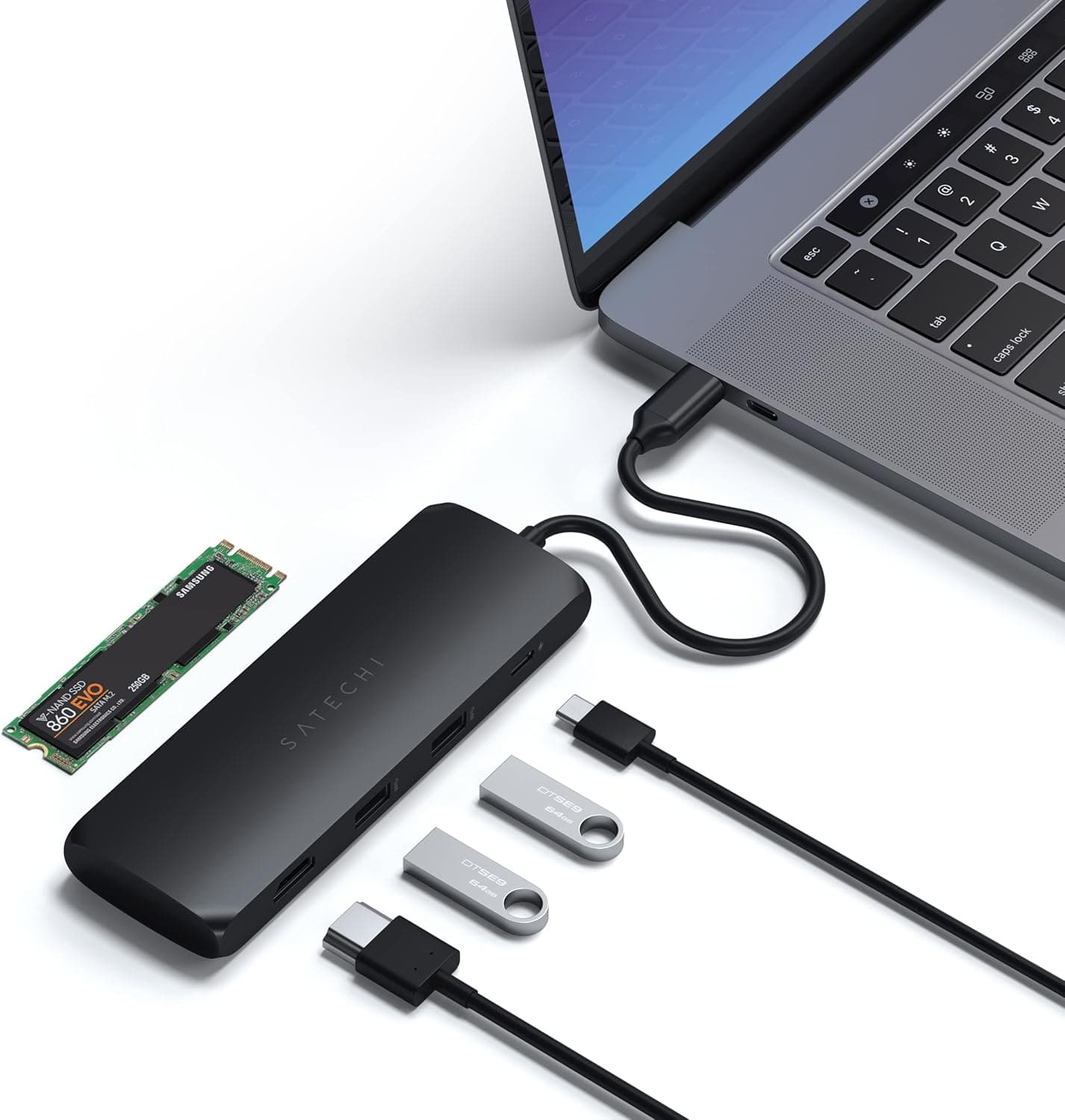
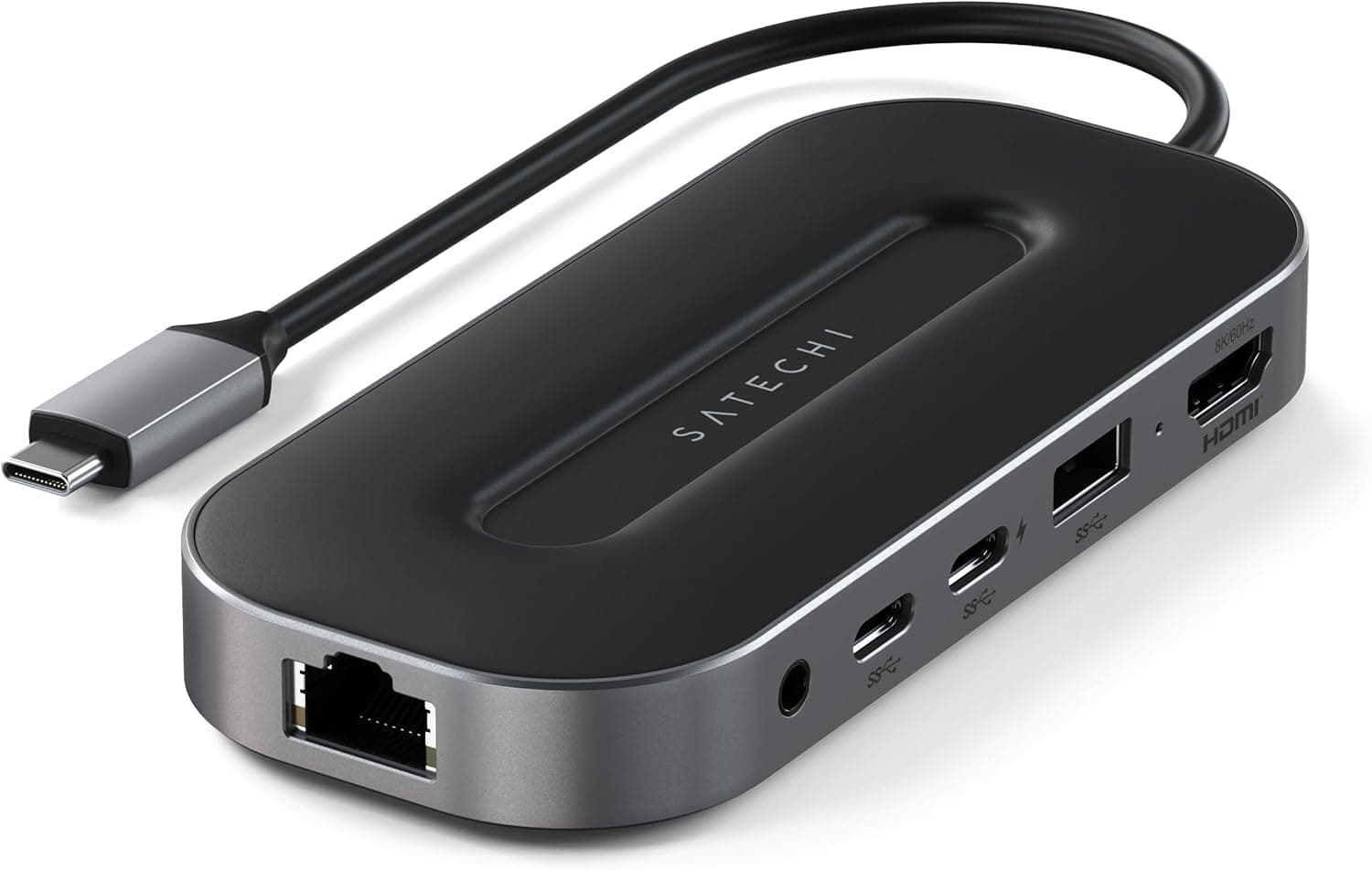
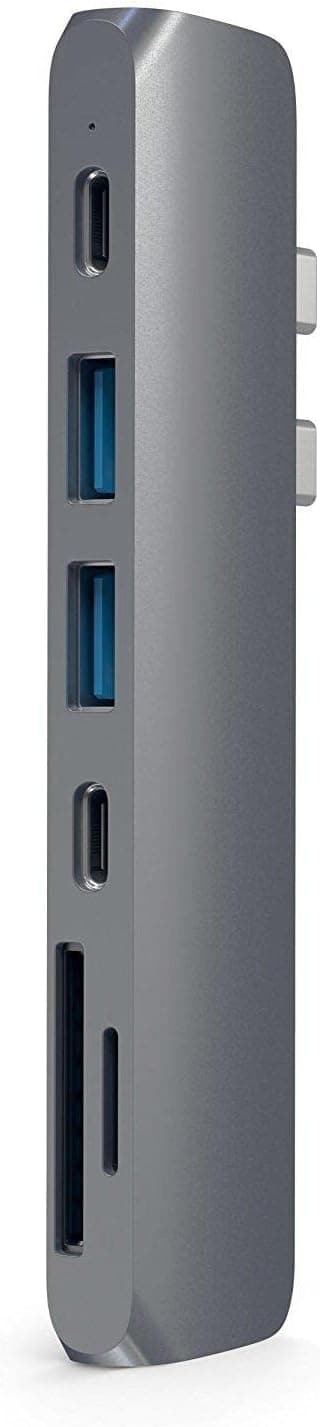
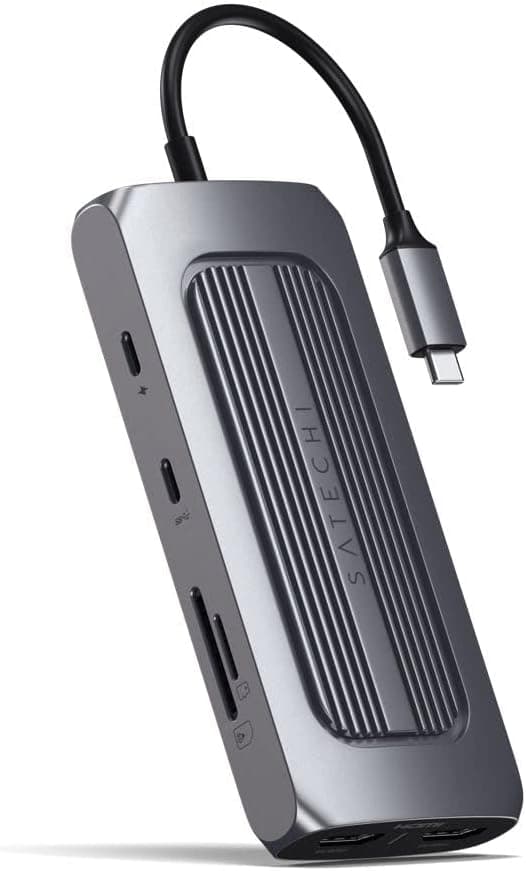
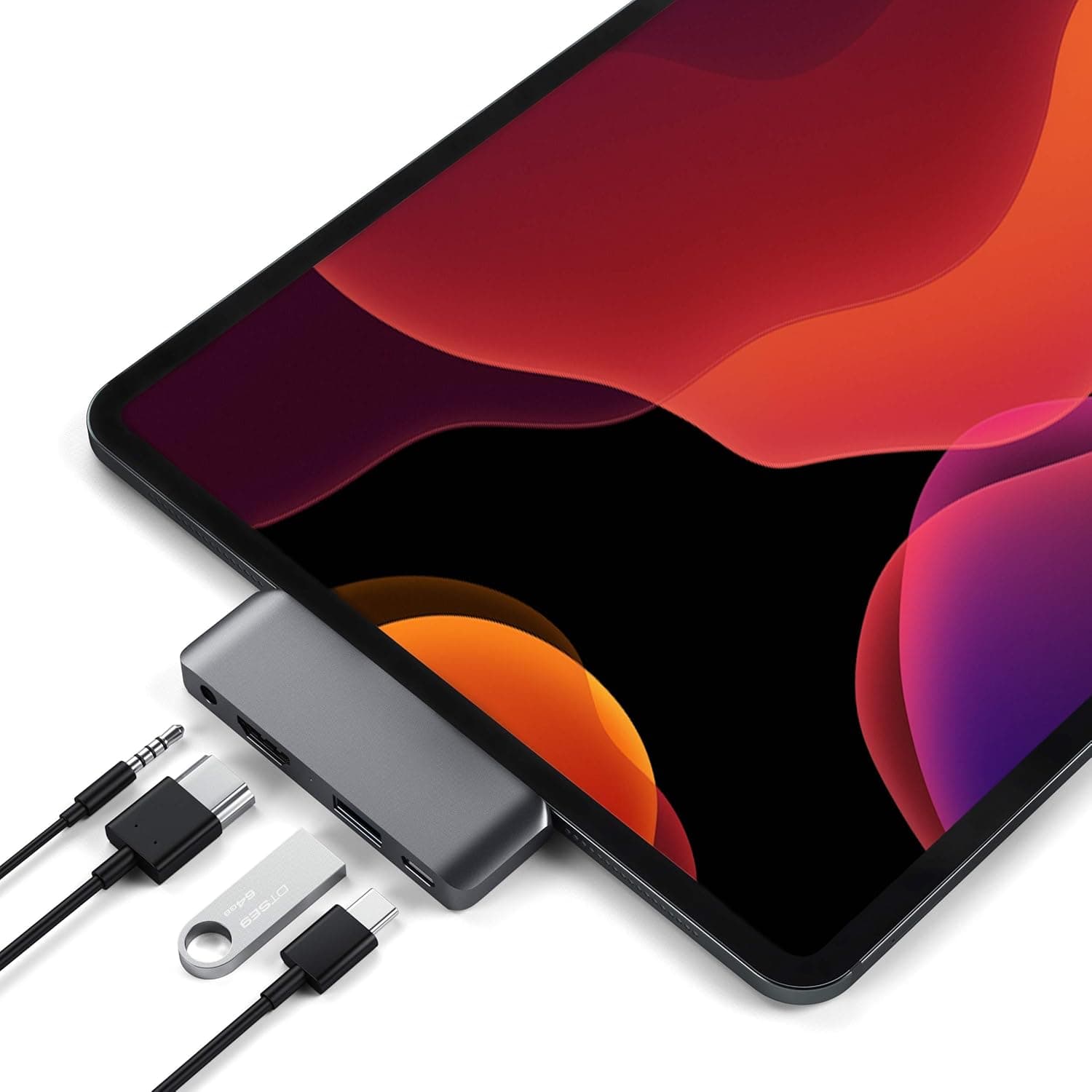
The Satechi アルミニウムモバイル Pro USB ハブ Type-C (Satechi Aluminum Mobile Pro USB-C Hub) plugs straight into a USB-C port and adds four things at once: HDMI video out, USB-A, a 3.5mm audio jack, and pass-through charging.
The short version: it is built for people who carry an iPad Pro or a USB-C MacBook — machines with effectively one usable port — and who want an external display, wired headphones, and a USB drive working at the same time. If you need Ethernet, an SD card slot, or several USB-A devices on a desk, this is simply not the product for that job.
The body is aluminum alloy, chosen for a finish and rigidity that sit naturally next to an iPad or MacBook. The port set is HDMI (4K@30Hz), USB-A 3.0 (5Gbps), a 3.5mm headphone/mic jack, and USB-C PD pass-through for charging.
It attaches directly to the port rather than dangling on a cable, so cable clutter stays low whether you are at a desk or on your lap.
Check the retailer's page for the latest user reviews. For an accessory with more than a thousand ratings, 3.8 means "fine, not beloved" — the reasons behind that number are covered below.
Reading the 4K@30Hz Spec
Video output is 4K at 30Hz, and this is the single most misunderstood point before purchase. Thirty frames per second is perfectly usable for slides, documents, and reviewing photos.
It is visibly different from 60Hz when you move a cursor or scroll, however. If your plan is to drive a 4K monitor all day for writing or code, a meaningful number of people find 30Hz hard to live with.
Dropping the resolution usually buys back refresh rate: most setups will run full HD (1920×1080) at 60Hz. Hotel TVs and meeting-room projectors are still largely 1080p, which is exactly why the 30Hz limit rarely surfaces on the road.
Treat this hub as a tool for showing something on a screen while travelling, not as a permanent 4K desktop driver. The resolutions and refresh rates actually available also depend on the display you connect, so check your monitor's spec sheet alongside this one.
Compatibility Guide
| Item | Spec | What it means in practice |
|---|---|---|
| Host connector | USB-C (male, direct attach) | Will not fit Lightning or USB-A-only devices |
| Devices | iPad Pro (USB-C), iPad Mini 6, MacBook Air/Pro, other USB-C laptops | Designed around iPads; USB-C laptops fit physically |
| Video | HDMI 4K@30Hz | Host port must support video output |
| USB | USB-A 3.0 (5Gbps) | One port only, bus-powered |
| Audio | 3.5mm headphone/mic | Restores wired audio on devices without a jack |
| Charging | USB-C PD pass-through | Power only — no data on that port |
| Material | Aluminum alloy | Helps heat dissipation; runs warm under load |
The most common mistake is the host connector itself. This hub terminates in a male USB-C plug, so it will not physically fit a Lightning iPad or iPhone, nor a laptop with only USB-A.
An adapter can force the shape to match, but nothing guarantees video passes through that chain — use it where the port genuinely matches.
The second trap: having a USB-C port and having a USB-C port that carries video are two different things. The connector shape is identical whether the port does data only, power only, or full video out.
Most "HDMI doesn't work" complaints trace back to the host port, not a faulty hub. On a Windows laptop, confirm the port supports DisplayPort Alt Mode — usually marked with a small DP logo beside the connector.
Physical clearance matters with any direct-attach design. A thick case or bumper on an iPad or laptop can stop the hub from seating fully.
And because it plugs in directly, the weight and leverage of an HDMI cable land on the host port. If you use stiff, thick HDMI cables, a thin flexible cable or a right-angle connector will spare the port considerable stress.
The spec sheet lists only iPad Pro and iPad Mini 6, but other USB-C iPads — iPad Air (4th gen and later), iPad (10th gen) — use the same connector. Since the manufacturer does not list them, check fit and compatibility on the product page before buying for those models.
Product Info
To restate the specs: compatible with iPad Pro (USB-C), iPad Mini 6, MacBook Air/Pro and other USB-C laptops; HDMI output at 4K@30Hz; one USB-A 3.0 port rated 5Gbps; a 3.5mm headphone/mic jack; USB-C PD pass-through for charging; aluminum alloy construction.
The 5Gbps figure is theoretical — real throughput is capped by whatever you plug in. Expect tens of MB/s from a flash drive and several hundred MB/s from an external SSD, which is plenty for pulling photos or video off a card.
Check the retailer's page for the latest price. Prices move constantly with stock and sales, so treat that strictly as a captured-at-the-time figure.
One caution: an overseas marketplace listing carried a price far too low for an aluminum hub of this class, which strongly suggests a mismatched product, so no figure from it appears in this article. Verify the model number and product photos on any unusually cheap overseas listing.
The box contains the hub itself. Because it attaches directly to the port rather than via a cable, you normally do not need to supply your own cable.
Check the manufacturer's official information for warranty terms.
Power Delivery and Bus-Power Limits
The USB-C port is charge-only. Plugging a USB-C portable SSD into it will not work, so do not plan around that.
Pass-through charging also generally delivers less power to the device than the charger supplies directly; how much less depends on the charger and hub combination. With HDMI output and a USB device both active, charging can slow noticeably.
Use a higher-capacity charger and shed load when the battery is low.
The USB-A port is bus-powered, sharing whatever the host provides. For regular use of demanding drives, a self-powered hub with its own adapter is the reliable answer.
What 3.8 from 1,061 Reviews Tells You
With over a thousand ratings, the sample is large enough to trust. But a 3.8 average means a non-trivial share of low scores sits under the fours and fives.
For small hubs like this, those low scores cluster around the exact mismatches described above: the host port did not carry video, the buyer expected 4K@60Hz, or a peripheral failed on bus power.
So the useful pre-purchase step is simple — read ten one- and two-star reviews and see whether anyone is failing under your conditions. "iPad Pro, a 1080p monitor, wired earphones" is the exact scenario this hub was designed for.
If your requirements include 4K at 60Hz, Ethernet, or two or more USB-A devices, skip it regardless of the average score.
Comparison with Alternatives
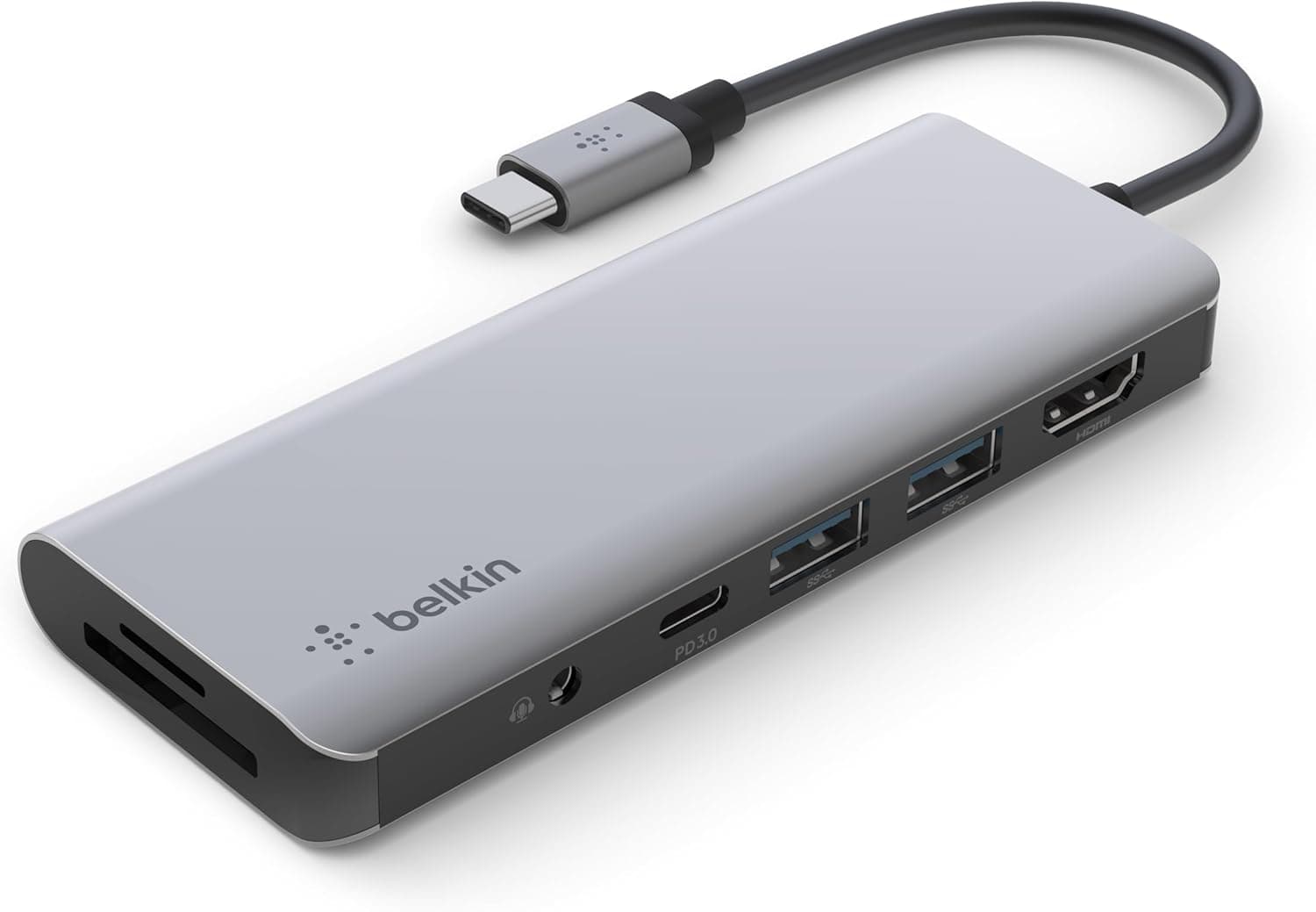
Three axes decide it. Video first: if you need 4K at 60Hz, this hub's 30Hz ceiling disqualifies it, and Satechi's own 5-in-1 with 4K@60Hz HDMI and an SD card reader is the obvious step up for photographers.
Port count second: two or more USB-A devices, or wired Ethernet, pushes you toward a 7-in-1 class hub or a four-port USB-A model.
Power third. Spinning external HDDs or keeping several devices permanently attached is self-powered desktop dock territory, and this product does not pretend otherwise.
The decision comes down to whether portability, direct attachment, and the aluminum build are worth it to you. If the hub is not going to live in your bag, the same money buys a far better-connected desktop unit.
Best Use Cases
- iPad Pro / iPad Mini 6 users working on the go — external display, USB drive, wired headphones and charging, all from one port. The direct-attach form stays out of the way beside a propped-up iPad.
- MacBook owners who occasionally need HDMI and USB-A — keep a full dock at the desk and this in the bag as the travel second.
- Frequent travellers prioritising weight — hotel TVs and meeting projectors are mostly 1080p, so the 30Hz limit rarely bites in this role.
- Anyone keeping wired earphones — it restores analogue audio alongside video on devices that dropped the jack, which matters for meetings and low-latency monitoring.
Before You Buy
Do not buy it expecting 4K@60Hz. The HDMI output is 4K@30Hz, full stop.
On a 4K monitor you will feel the stutter in cursor movement and scrolling, and no setting fixes it — it is the spec.
No Ethernet, no SD card reader. Importing camera cards or joining a wired venue network is out of scope.
You can hang a card reader off the USB-A port, but that occupies your only USB-A slot.
One USB-A port. Mouse, keyboard and a dongle simultaneously is not a supported scenario.
For desk use with several peripherals, pair it with another hub or buy a larger one.
Confirm your host port first. Plenty of USB-C ports carry no video signal.
Lightning iPads and USB-A-only laptops cannot use this at all. "It plugs in but nothing shows" almost always traces here.
Check the listing details. Retail product pages are partly auto-populated, and metadata or prices from other products do slip in.
An overseas marketplace listing for this item showed a price nowhere near this product class, so it was excluded from this article as likely mismatched data. Confirm the photo, title and model number match before ordering on price alone.
Prices move. The ¥7,800 quoted above was captured on 27 August 2026.
Sales, stock and channel shift it, and some sources quote figures in the high ¥10,000s. Verify at the moment of purchase.
FAQ
Q. Can it output 4K at 60Hz? A.
No. The spec is 4K@30Hz.
Dropping to 1080p generally gets you 60Hz, so smoothness means running full HD. If 4K at 60Hz is mandatory, choose a different hub.
Q. Can an iPad read USB drives through it? A.
USB-C iPads handle external storage in the Files app, so supported formats will mount. Drives that draw significant power may not run on iPad power, however.
Q. Can I charge while using every port? A.
Yes — that is what the USB-C PD pass-through is for. Expect less power to reach the device than the charger supplies, and slower charging while video and USB are both active.
Q. Is there Ethernet or an SD slot? A.
Neither. Look at a 5-in-1 with a card reader, or a multi-port hub with Ethernet, if you need them.
Q. Does it work with Windows laptops? A.
Yes, provided the USB-C port supports DisplayPort Alt Mode. The design targets iPads, but it functions as a general USB-C hub when the port spec matches.
Q. Does it get hot? A.
The aluminum shell doubles as a heatsink, so it runs warm during 4K output plus charging. If it becomes too hot to touch or connections drop, remove high-draw devices to isolate the cause.