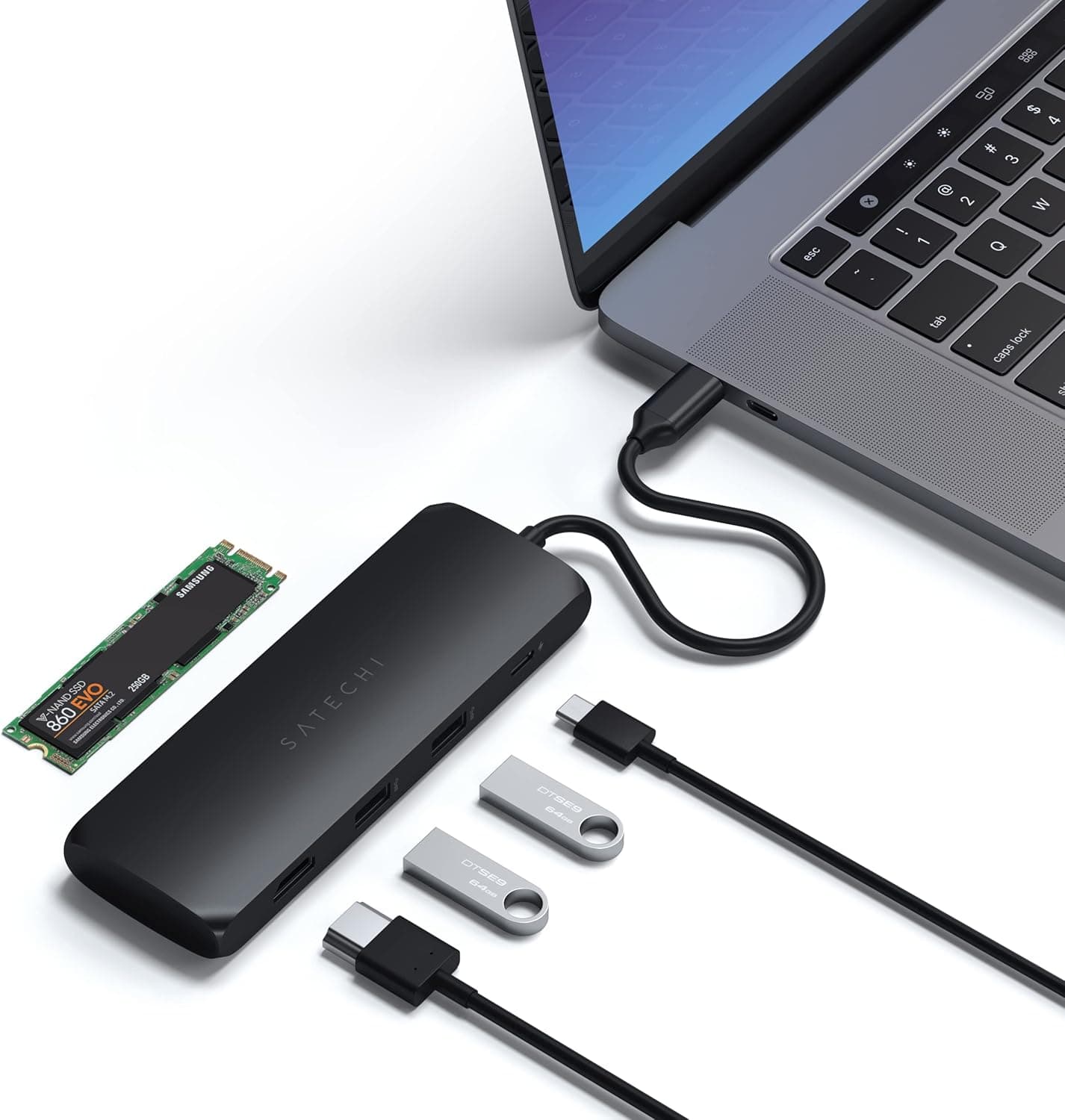
This article covers Satechi ハイブリッド USB ハブ Type-C (ブラック) M.2 SATA SSDスロット 4K HDMI 60Hz.
Overview
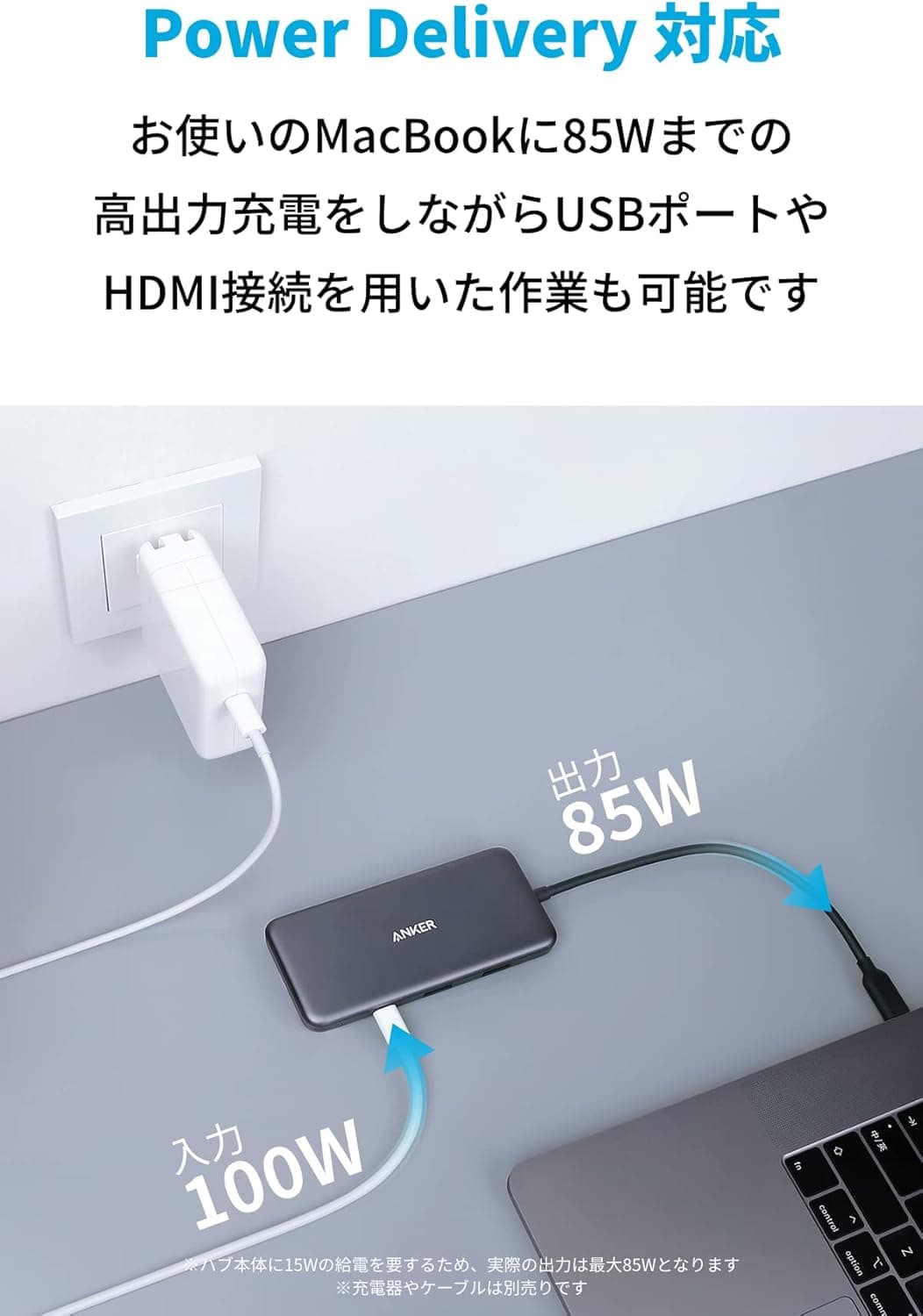
The Satechi Hybrid USB Hub Type-C (Black) is a unique USB-C hub that integrates an M.2 SATA SSD slot directly into its body. It provides MacBook series and iPad Pro users with both storage expansion and versatile external connectivity through a single USB-C connection. The hub features 4K HDMI output at 60Hz, USB-C PD passthrough charging, and a USB-A 3.1 data port, making it an ideal desktop companion for those who want to keep their workspace tidy. This hub is compatible with a wide range of Apple devices, including M2/M1 MacBook Pro/Air, M2/M1 iPad Pro/Air, M2 Mac Mini, and iMac M1. It also works with Windows laptops that support USB-C Alt Mode, though compatibility is best with Apple's ecosystem.
Connectivity & Compatibility
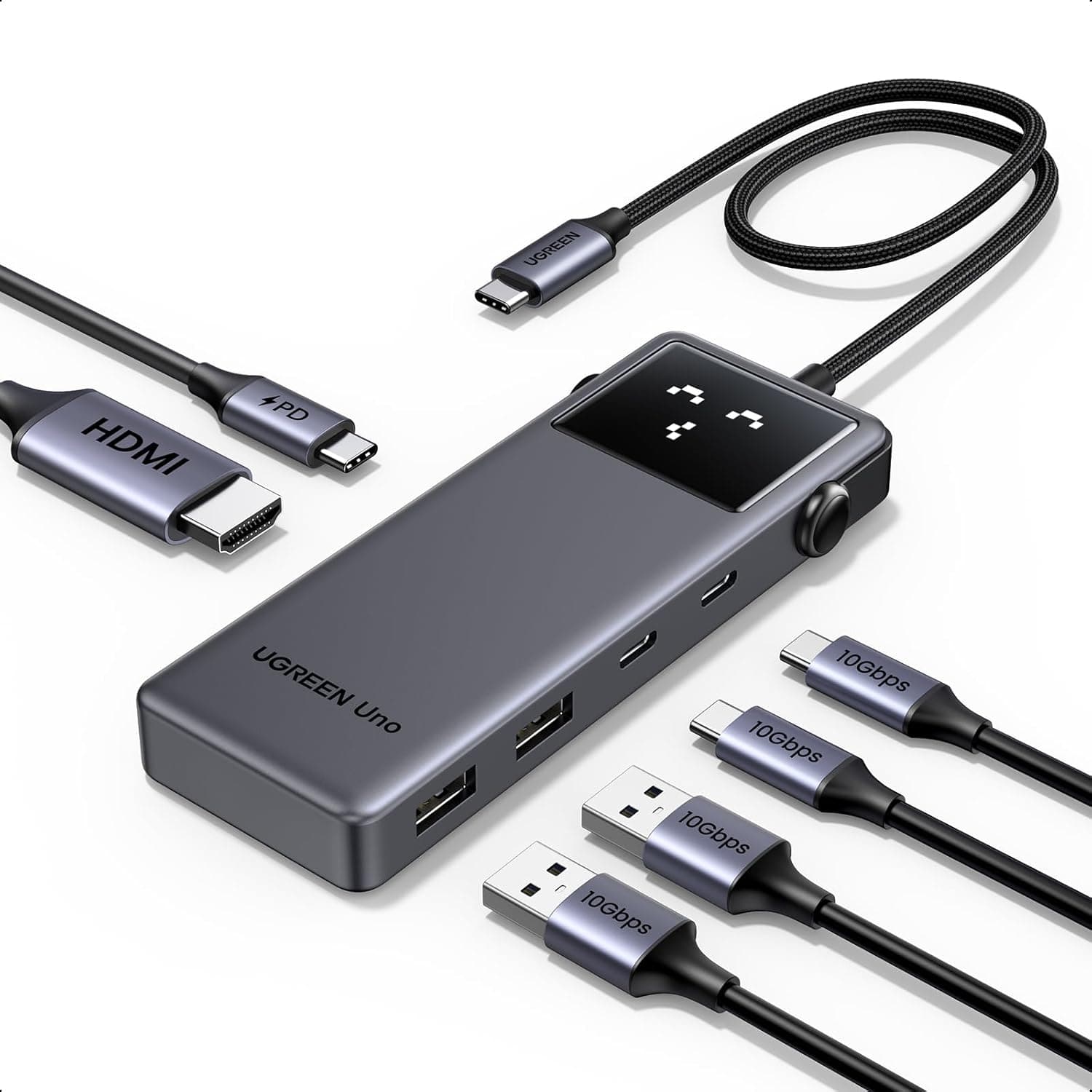
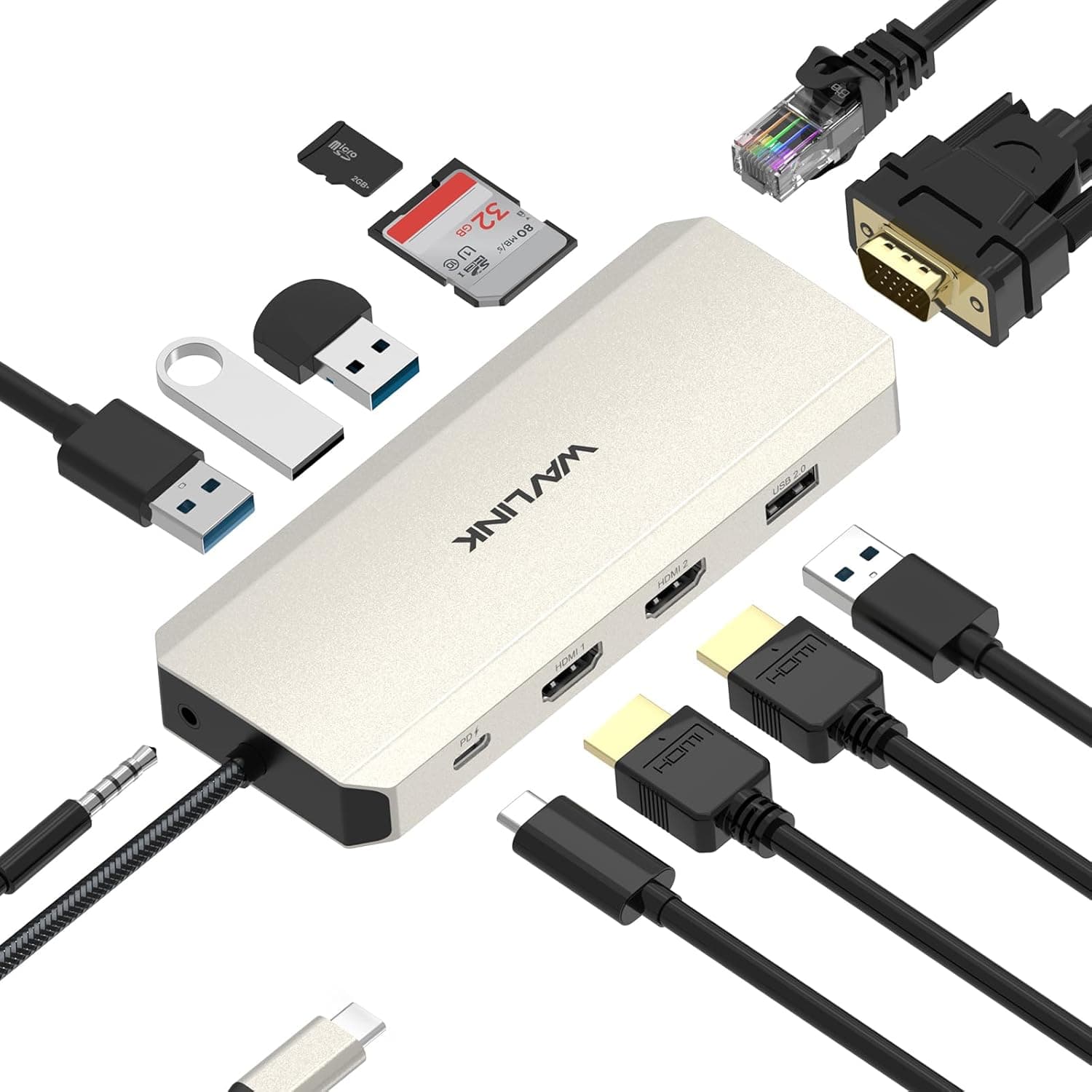
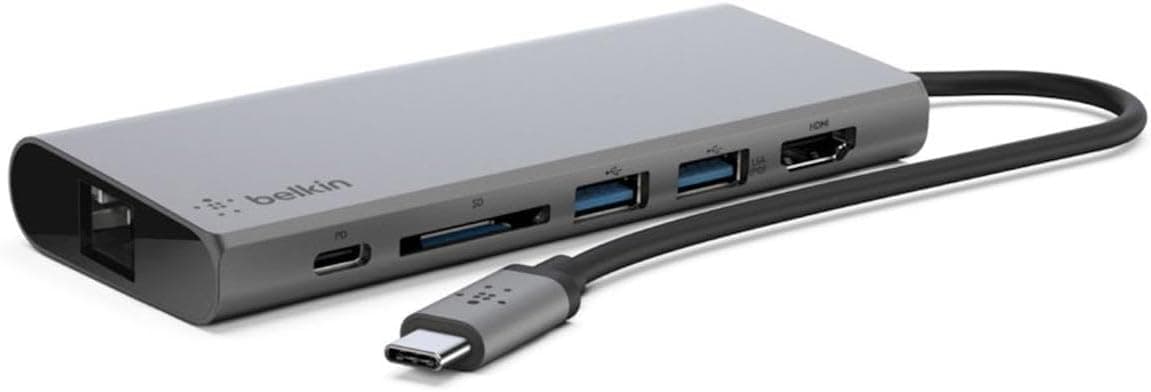
The hub connects to the host device via a single USB-C cable. It provides one 4K HDMI port (60Hz), one USB-C PD port (passthrough charging), and one USB-A 3.1 data port. The built-in M.2 SATA SSD slot supports standard SATA M.2 SSDs (NVMe not supported), allowing you to add up to 2TB of additional storage internally. Compatible devices include M2/M1 MacBook Pro/Air, M2/M1 iPad Pro/Air, M2 Mac Mini, and iMac M1. Windows laptops with USB-C Alt Mode are also supported, but functionality may vary. Note that the SSD slot is SATA-only; NVMe drives will not work.
Product Info
The Satechi Hybrid USB Hub Type-C was released in late 2021 and sits in the mid-range segment of USB-C hubs. It is priced around ¥20,000 and is available from Satechi's official store and . The hub comes with a standard one-year manufacturer warranty. The package includes the hub and a quick-start guide; you will need to purchase an M.2 SATA SSD separately. Its market positioning is unique: it is one of the few USB-C hubs that integrate an M.2 SSD slot, offering a clean all-in-one solution for storage expansion and port expansion. This makes it a mid-range product with a distinct feature advantage over simpler hubs.
Best Use Cases
MacBook users with limited internal storage: Instead of carrying an external SSD, you can install an M.2 SATA SSD inside the hub, keeping your desk clutter-free. iPad Pro users who want a desktop-like setup: With only one USB-C port on the iPad Pro, this hub adds HDMI output, charging, and storage simultaneously. * Minimalist desk setups: The hub consolidates video output, charging, data transfer, and storage expansion into one device, reducing cable clutter.