Overview
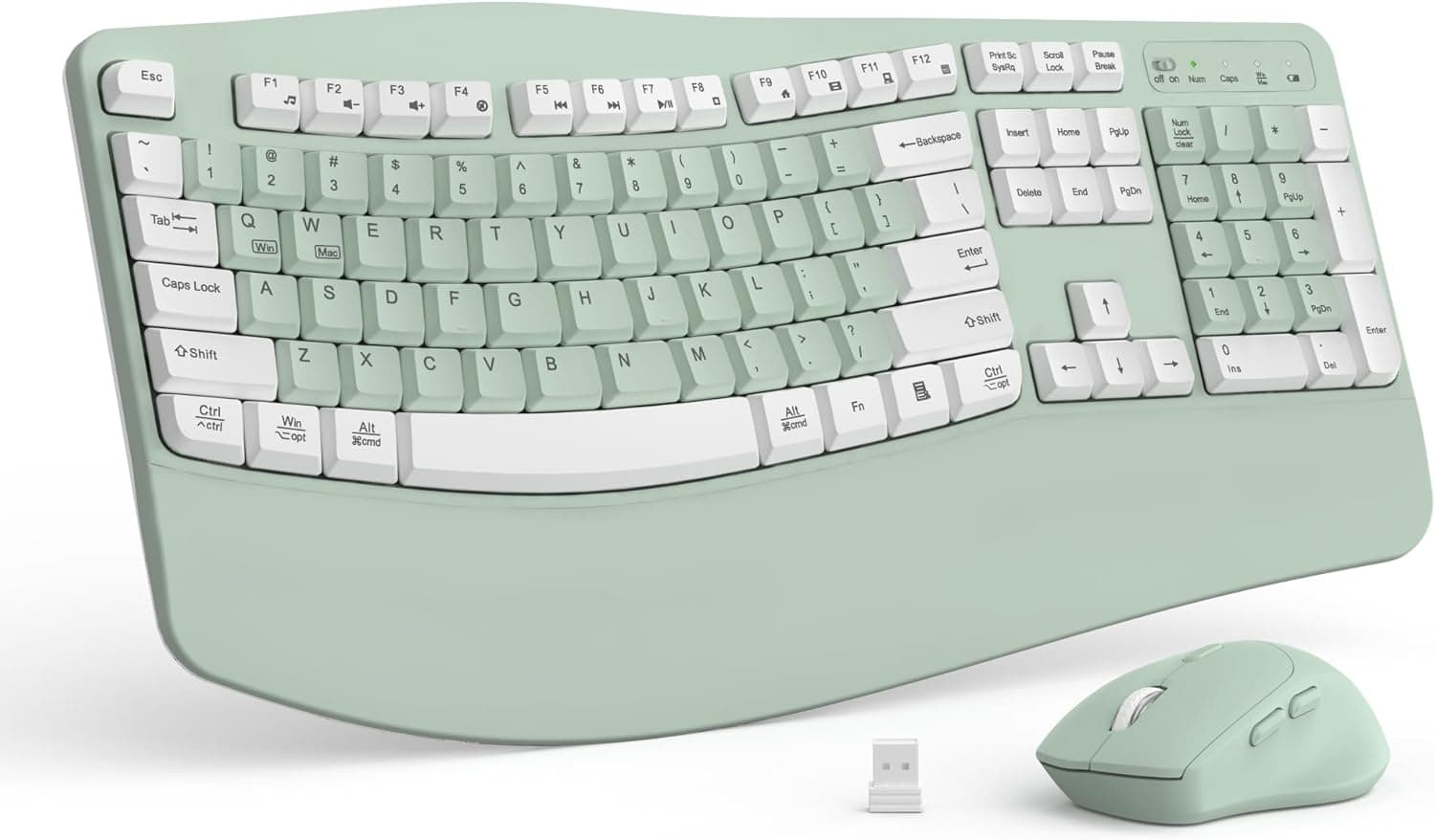
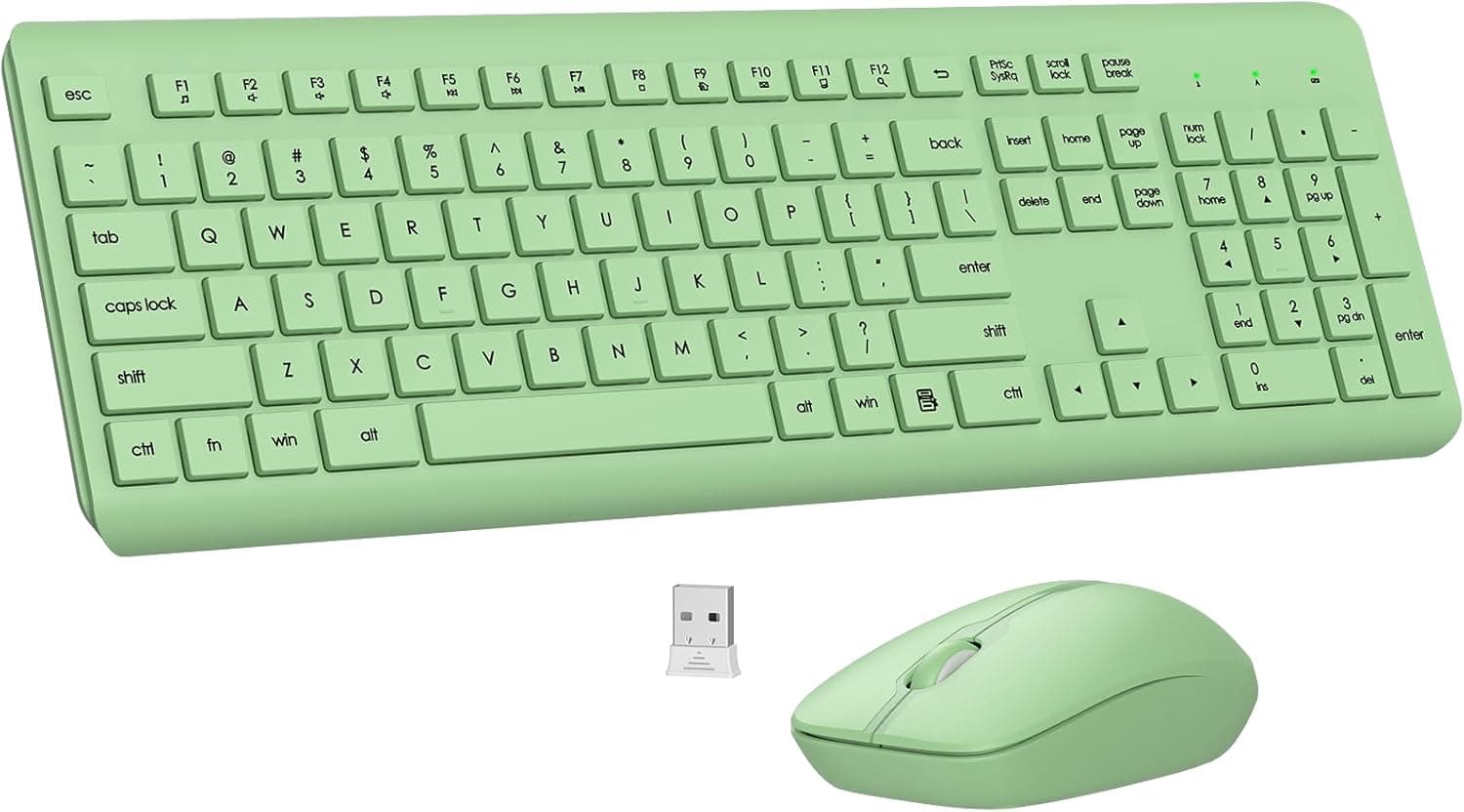
The iRoboosta pink wireless keyboard and mouse set pairs a typewriter-style keyboard with round keycaps and a matching wireless mouse. On Amazon Japan it is listed as 'iRoboosta ピンクキーボードとマウスワイヤレス 2.4GHz かわいいタイプライターキーボードラウンドキーキャップ付きフルサイズカラフルキーボードナンバーパッド付き自宅やオフィスの美的キーボード (かわいいピンク)'.
In short, this set is for people who want to change how their desk looks. It is not for people chasing typing efficiency or gaming performance.
The keyboard is a full-size 104-key board with a dedicated number pad.
It connects over 2.4GHz wireless through a USB receiver, so you plug it in and start typing.
On Amazon.co.jp it was rated 4.5 out of 5 stars from 104 reviews (as of September 30, 2026).
Buyers who chose it for its looks seem largely satisfied.
One point needs checking before you buy. A 104-key count usually means a US (ANSI) layout, not the Japanese JIS layout, which typically has 108 to 109 keys.
This article focuses on what matters once you actually use the set, beyond the design.
Key Features
Round typewriter-style keycaps
The main appeal is the retro look of the round keycaps. Combined with the pink body, it changes the feel of a desk the moment you set it down.
It fits well in a home office or a room styled around a color theme. For people who care about how their setup looks in photos, that value doesn't show up on a spec sheet.
The switches are described as membrane. The board is not designed to be quiet and is said to give a clicky, typewriter-like feel.
It is not a mechanical keyboard, so you can't choose switch types or swap switches. Please confirm the switch type on the product page.
Keyboard and mouse in one box
The keyboard and mouse come in the same color. Buy only one pink device and the other often clashes, but with a set you don't have to match colors yourself.
For first-time wireless users, getting everything in one box is also convenient.
Compatibility Guide
The table below draws on the listed specs and on how 2.4GHz wireless keyboards generally behave.
| Item | Detail | Watch out for |
|---|---|---|
| Connection | 2.4GHz wireless (USB receiver) | Needs a USB-A port; USB-C-only machines need an adapter |
| OS | Windows / macOS / Linux (reportedly driver-free) | On a Mac, remap the modifier keys |
| Keys / layout | 104 keys, full size, number pad | Usually a US layout, likely not JIS |
| Power | One AA battery each for keyboard and mouse | Keep spare batteries |
| Power saving | Auto sleep after 5-8 minutes idle | Watch the first keystroke after it wakes |
On Windows
The set reportedly works with standard drivers once the receiver is plugged in, with no extra software. If the board uses a US layout and Windows is set to a Japanese keyboard, the printed symbols won't match what appears on screen (for example @ and quotation marks).
Fix this by changing the hardware keyboard layout to an English (101/102-key) keyboard. A US layout has no Hankaku/Zenkaku key, so Japanese input is usually toggled with Alt + ` or a key you assign in the IME settings.
On a Mac
macOS is said to work, but the key legends are most likely Windows-oriented. Typically the Windows key acts as Command and Alt acts as Option.
You can swap them under Modifier Keys in System Settings. Recent MacBooks often have only USB-C ports, so plan on a USB-A to USB-C adapter or hub.
On consoles and tablets
Consoles that accept USB keyboards, such as the PS4 or PS5, may recognize the set, but official support is listed for PCs only. If console use is your main goal, a product with guaranteed support is the safer choice.
Tablets and phones need a port that can take the USB receiver plus OTG support.
Desk space and signal stability
A full-size board with a number pad is wide, and you also need room on the right for the mouse. Measure your desk's width and depth first.
A 2.4GHz receiver can lose signal if it sits right next to a USB 3.0 port or behind a metal PC case.
If input drops out, a front port or a USB extension cable that brings the receiver closer to the keyboard usually helps.
Product Info
The price was ¥12,735 on Amazon.co.jp as of September 30, 2026.
This is a marketplace listing, so the price changes often with seller settings and sales. Check the product page for the current price.
That is on the high side for a membrane-style wireless combo with this design, so it's worth comparing similar-looking sets from other brands before you buy.
The item is sold and shipped by 'B&Bストア', a marketplace seller rather than Amazon itself. Returns, exchanges, and handling of defects follow the seller's terms and Amazon's marketplace rules.
Warranty is said to follow the manufacturer's policy. Before ordering, check the seller page for how long the warranty lasts and who handles claims.
| Item | Detail |
|---|---|
| Key count | 104 |
| Connection | 2.4GHz wireless |
| Layout | Full size with number pad |
| Keycap shape | Round |
| Battery | One AA each (keyboard and mouse) |
| Auto sleep | 5-8 minutes |
| Amazon rating | 4.5/5 from 104 reviews (as of Sep 30, 2026) |
The package reportedly includes the keyboard, mouse, USB receiver, and a manual. Whether batteries are included can vary between batches, so check the listing.
The set is said to have launched around 2024, but please check the exact date on the product page.
How to Compare Similar Products
Several brands sell round-keycap, typewriter-style wireless combos that look alike. Because they look so similar, the comparison comes down to four points.
- Layout: US or JIS. You can tell from the key count (104 vs. 108-109) and the legends in the product photos.
- Power: AA batteries or rechargeable. This set uses AA batteries.
- Connection: 2.4GHz receiver only, or Bluetooth too. Only 2.4GHz wireless appears in this set's specs.
- Price: Prices vary widely even between near-identical designs. Decide whether ¥12,735 (as of Sep 30, 2026) is worth it based on the color and the reviews.
Mainstream office combos from brands like Logitech or Elecom make it easier to find a JIS layout and usually cost less. If typing comfort and price come first, those are the safer pick.
With this set, you are paying for the distinctive look.
Who It's For
- Home office workers who want a cute, matching desk setup. The pink body and round keys can lift your mood while you work.
- Fans of the typewriter look and feel. It's an easy way to enjoy a retro typing vibe.
- People who want a matching keyboard and mouse. The set takes care of color matching for you.
- First-time wireless users. One receiver connects both devices and gets rid of desk cables.
- Gift shoppers. The look makes it a clear gift choice. Just make sure the recipient is comfortable with a US layout.
Before You Buy
1. It is probably not a Japanese (JIS) layout
This is the most common mistake. 104 keys is the usual count for a US layout, while Japanese boards have about 108 to 109 keys.
Symbol positions, the Enter key's shape, and keys such as Hankaku/Zenkaku, Henkan, and Muhenkan all differ. If you're used to JIS, symbol entry will slow you down until you adjust.
Check the legends in the product photos before you buy.
2. Round keycaps cost accuracy and comfort
Round keys leave larger visible gaps between keys, so experienced touch typists often make more typos at first. Keyboards of this style also tend to have tall keys, which can push your wrists into an upward bend.
If you type for long stretches, a wrist rest will help.
3. It is not a quiet keyboard
The clicky sound is part of its character. That may bother others in a shared bedroom or a quiet office, or come through on calls and streams.
If quiet matters, pick a keyboard that is clearly sold as a silent model.
4. Batteries and waking from sleep
The keyboard and mouse each run on one AA battery. Battery life depends on use and is said to be several months, but the batteries die without much warning, so keep spares nearby.
The set sleeps after 5 to 8 minutes idle, and the first keystroke after waking may not register. Tap a key to wake it before you start typing a password.
5. Not built for gaming
The specs don't list a high polling rate or anti-ghosting. It may be fine for casual games.
For competitive shooters, choose a wired gaming keyboard or a wireless model sold as low-latency.
6. Price and listing details
In our pricing data, the entry labeled 'Amazon US' actually links to the Amazon.co.jp product page, so we could not confirm a US price.
The Japanese price of ¥12,735 (as of Sep 30, 2026) also changes with seller settings. With 104 reviews at that time, the rating rests on a fairly small sample.
Read the low-star reviews too, and look for complaints about the layout or durability.
FAQ
Q. Can I type in Japanese? A.
Yes. A US layout has no Hankaku/Zenkaku key, so on Windows switch input with Alt + ` or assign a key in the IME settings.
Q. Does it work with a Mac? A.
It is said to. The Windows key usually acts as Command and Alt as Option.
USB-C-only Macs need a USB-A adapter.
Q. Is it rechargeable? A.
No. The keyboard and mouse each use one AA battery.
With rechargeable AAs, the lower voltage may change the battery indicator or battery life.
Q. Is it loud? A.
It is not a silent design and is said to have a clicky, typewriter-like feel. For quiet spaces, a silent model is the safer choice.
Q. Can I use just the keyboard or just the mouse? A.
Both connect through one shared USB receiver, and you can use either on its own. If you lose the receiver, neither will work, so keep it somewhere safe.
Product Disclosure (Amazon)
- Manufacturer: iRoboosta
- Seller: B&Bストア
- Fulfilled by: B&Bストア
- ASIN: B0H4YG37TT
- Note: This article covers a manufacturer-made product based on Amazon listing details.