Overview
This article covers a QUASIO-branded wireless keyboard and mouse set sold on Amazon.co.jp under the listing title 'ワイヤレスキーボードとマウスのコンボ、フルサイズのサイレント人間工学キーボードと光学マウス、長いバッテリー寿命、2.4GHzラグフリーコードレスマウスキーボード、コンピューター、Mac、ノートパソコン、PC、Windows用(パープル)' (roughly: a full-size silent wireless keyboard and optical mouse combo in purple).
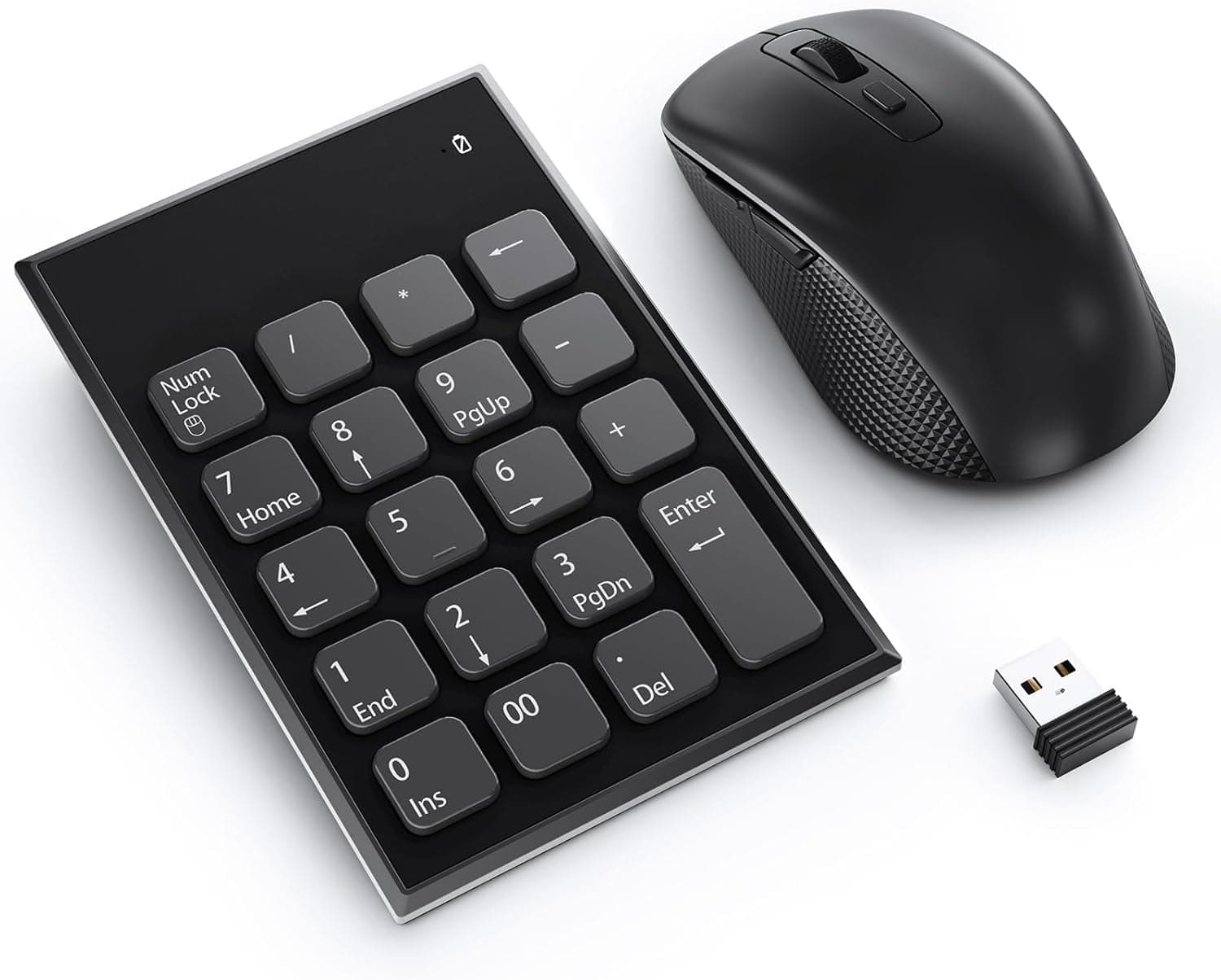
It pairs a full-size silent membrane keyboard with a 1600 DPI optical mouse, and both run on a single 2.4GHz nano USB receiver.
The short version: it suits office and home users who want quiet typing, rare battery changes and a purple desk setup. Gamers, people who need Bluetooth multi-device switching, and Japanese users who need a JIS layout should check a few things before buying.
Below we go through what the specs tell us and where people tend to run into trouble in daily use.
Compatibility Guide
Connection and USB Ports
The combo uses a 2.4GHz nano USB receiver, not Bluetooth, so your computer needs a free USB-A port.
On USB-C-only laptops such as recent MacBook Air/Pro models, you will need a USB-C to USB-A adapter or a hub. One receiver handles both the keyboard and the mouse.
It is designed to fit in the mouse's battery compartment, so it is harder to lose when you carry the set with a laptop.
Range and Interference
The claimed range is up to 10m, but treat that as a clear line-of-sight figure. 2.4GHz is the same band Wi-Fi uses, and plugging a receiver right next to an active USB 3.0 port is known to cause dropouts.
If keystrokes go missing or the cursor jumps, move the receiver to a USB 2.0 port or use a USB extension cable to bring it closer.
If your desktop tower sits under the desk, a front-panel port is usually the better choice.
OS Support and Mac Notes
The listed OS support covers Windows 11/10/8/7, macOS, Chrome OS and Linux. The set shows up as a standard USB HID device, so it works as soon as you plug it in, with no drivers.
The layout is Windows-style, though. On a Mac, the Windows key normally acts as Command and Alt as Option.
Some media or function keys may also not behave as expected, so Mac users should plan to remap modifier keys in System Settings.
Key Layout (JIS or US)
This is the biggest thing to check. Neither the listing title nor the specs say whether the keyboard uses the Japanese JIS layout or the US layout.
The title reads like a translation of an English listing, so a US layout is a real possibility. A US layout has no half-width/full-width key, and symbols like @ and : are in different places.
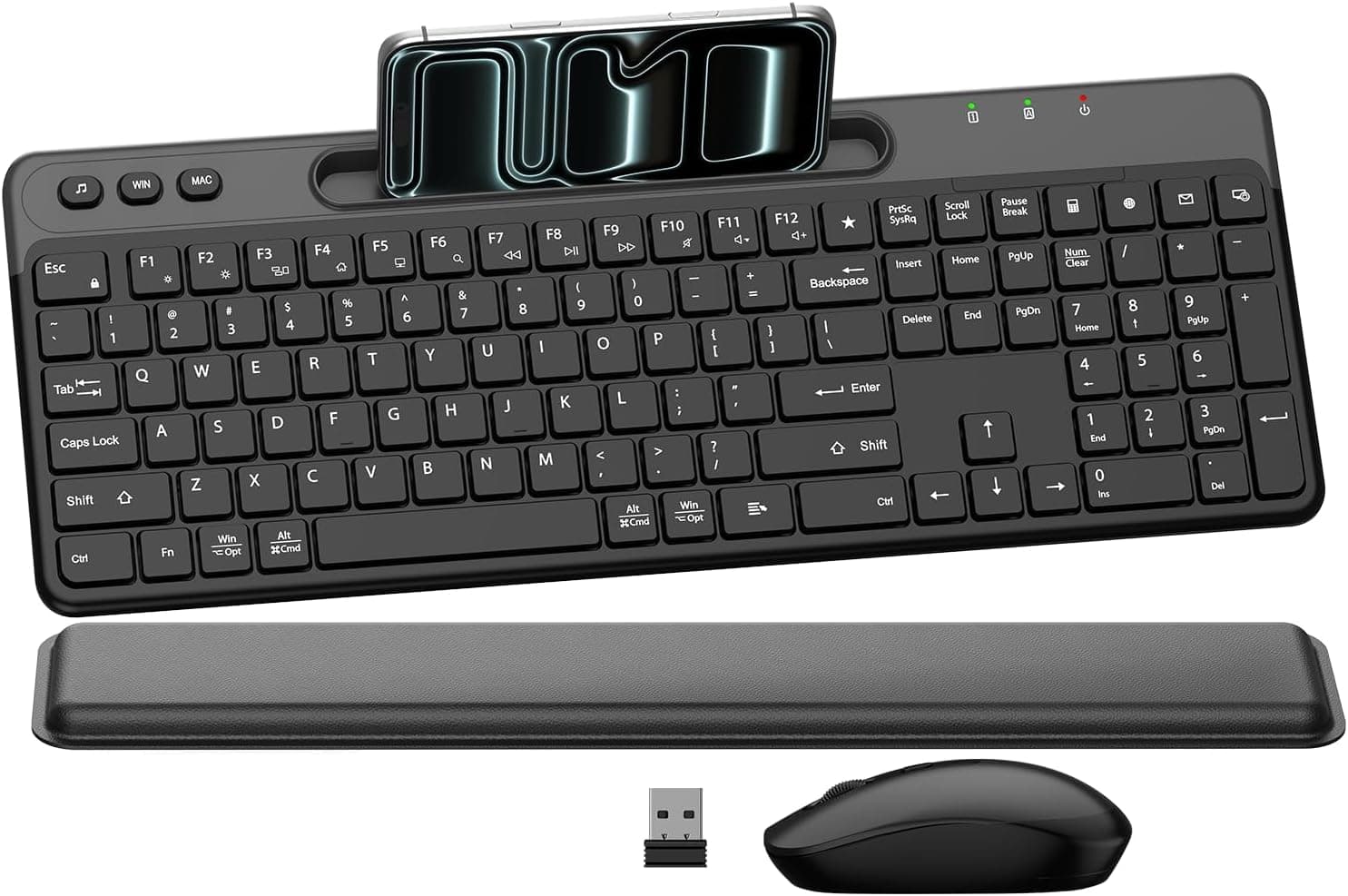
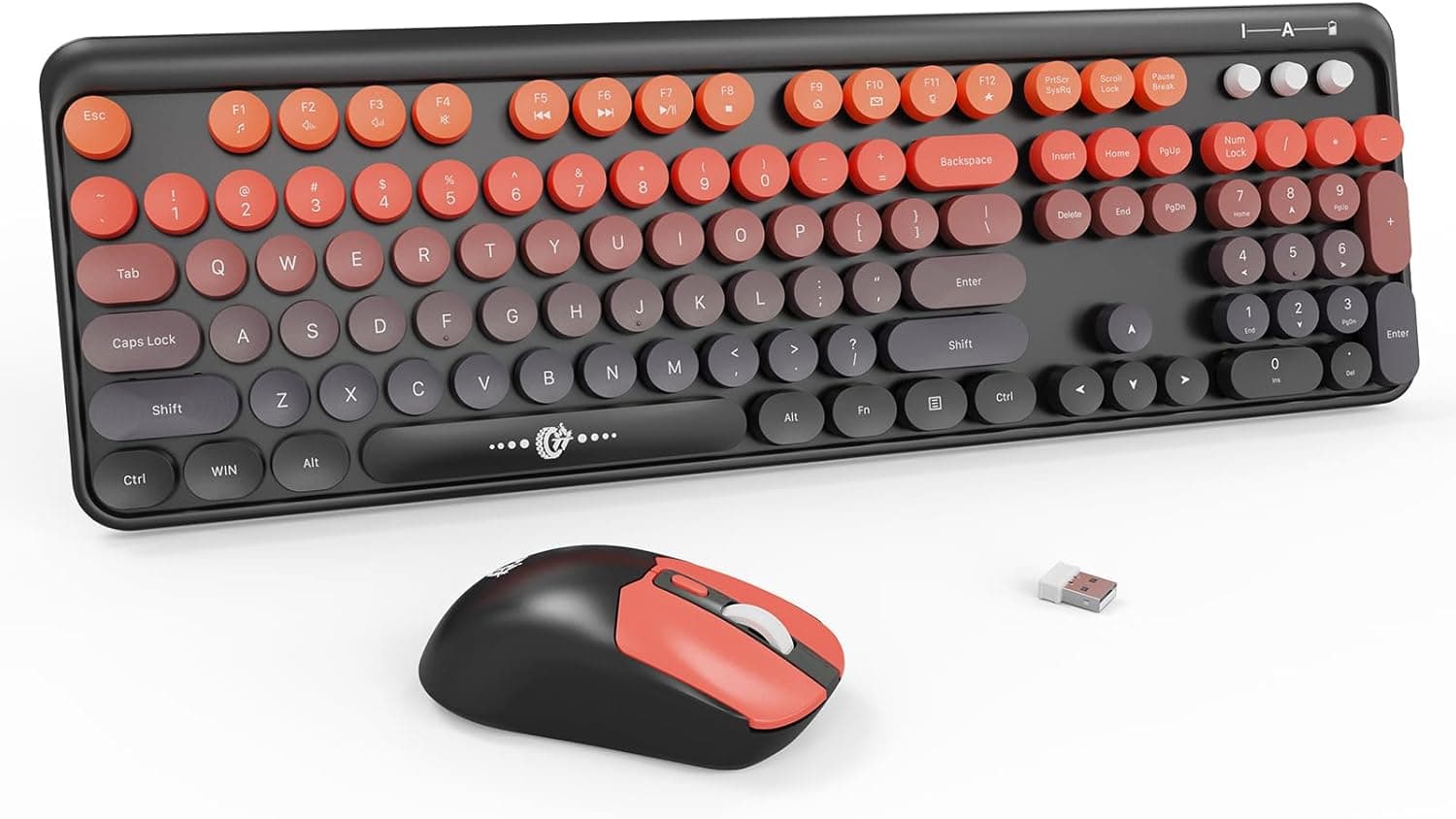
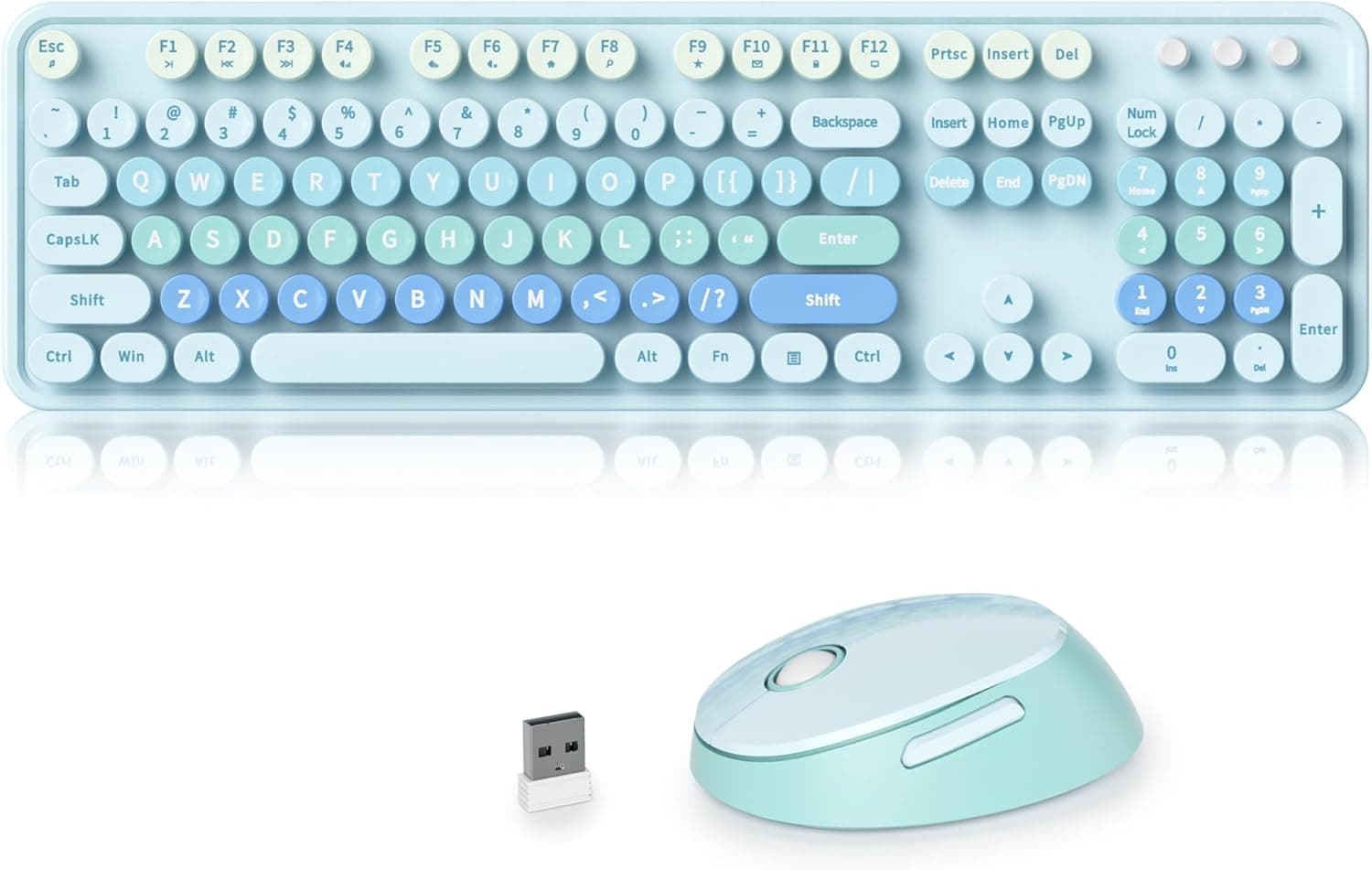
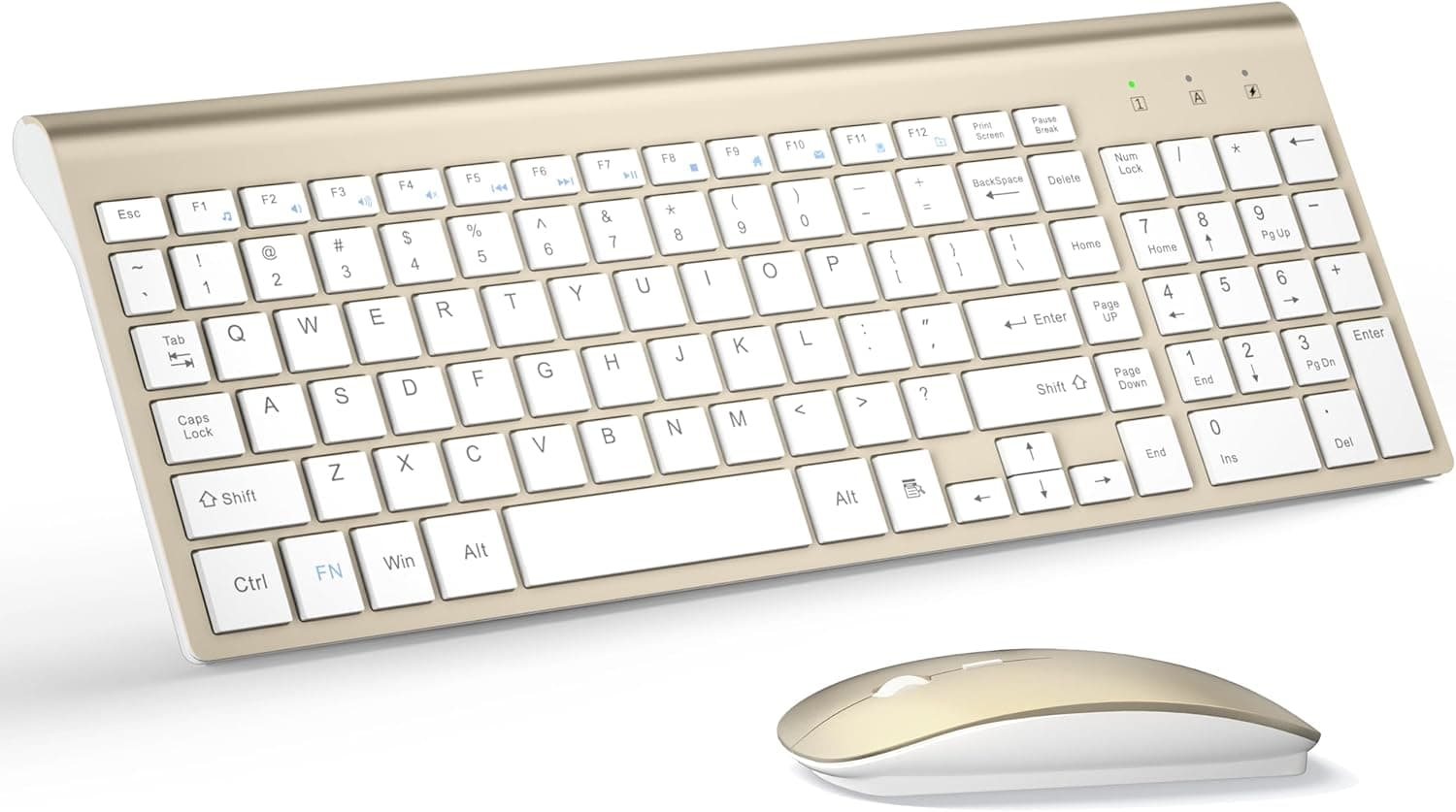
Check the keycap legends in the product images before you buy.
Product Info
rmation
The captured specifications are:
| Item | Value |
|---|---|
| Connection | 2.4GHz wireless (nano USB receiver) |
| Keyboard type | Membrane (silent) |
| Mouse DPI | 1600 |
| Keyboard battery life | Up to 365 days (1x AAA) |
| Mouse battery life | Up to 365 days (1x AA) |
| Wireless range | Up to 10m |
| Compatible OS | Windows 11/10/8/7, macOS, Chrome OS, Linux |
| Color | Purple |
Note that the keyboard takes an AAA battery and the mouse takes an AA. If you only keep one size of spare, one device can die while you have nothing to replace its battery with.
The 365-day figure is the manufacturer's claim and depends heavily on how much you use the set. Still, a membrane keyboard without a backlight uses very little power, so you really will change batteries less often in everyday use.
Amazon.co.jp listed it at ¥11,076 as of October 1, 2026.
Prices change with time and sales, so check the product page for the current price before you buy. Wireless 2.4GHz keyboard-and-mouse sets often start at a few thousand yen, so this price is on the high side for the category.
Whether the purple color and quiet typing are worth it to you is the deciding factor.
Reviews stood at 4.2 out of 5 stars from 13 ratings when we captured the data.
That score is decent, but 13 ratings are too few to show durability or how much one unit differs from another. Until longer-term reviews appear, reading the individual reviews tells you more than the average score.
What to Expect in Daily Use
Quietness
Membrane keyboards absorb each keystroke with rubber domes, so they avoid the clack of mechanical switches. That is a real benefit if you work in shared offices, take video calls or type late at night while others sleep.
The tradeoff is a softer bottom-out, which people who like crisp feedback may find unsatisfying.
What 'Ergonomic' Means Here
The listing says 'ergonomic', but the specs don't mention a split layout, a large palm rest or other dedicated ergonomic features. Don't expect a split or tented ergonomic keyboard.
If wrist or shoulder pain is why you are shopping, compare this set with purpose-built ergonomic models first.
Mouse Performance
The mouse runs at 1600 DPI, which is plenty for office work on Full HD and typical WQHD screens. The specs say nothing about polling rate or button remapping, and there is no configuration software.
That's fine for office apps and browsing, but not for games that need precise aim.
How It Compares by Type
| Priority | This set | Alternative type to consider |
|---|---|---|
| Quiet typing, color | Strong | Typewriter-style sets with round keycaps |
| Battery hassle | Long-lasting dry cells | Rechargeable slim sets |
| Wrist strain | Not purpose-built | Split or palm-rest ergonomic models |
| Gaming | Not suitable | Gaming keyboard and mouse bundles |
Whether dry-cell or rechargeable is better comes down to preference. With dry cells, you can swap in a fresh battery and keep working, and there's no built-in battery to wear out.
The cost is buying batteries in two sizes. Rechargeable sets save on batteries, but stop working if you forget to charge them.
Recommended Users
- People who type for long stretches in quiet places: the membrane keys keep typing noise low, which suits shared offices, libraries and late-night work at home.
- People who switch between operating systems: it works without drivers on Windows, macOS, Chrome OS and Linux, which helps if you move it between a work PC and a home PC.
- People matching a desk color scheme: purple keyboard-and-mouse sets are rare, and if color matters to you, that adds real value.
- People who don't want to recharge anything: the claimed battery life of up to 365 days means you rarely have to think about power.
Before You Buy
- Check the key layout in the images: the specs don't say whether it is JIS or US. Anyone who types a lot of Japanese should look at the keycap legends first. This is the most common mistake.
- You need a USB-A port: there is no Bluetooth. Don't plan to use it with USB-C-only laptops, phones or tablets without an adapter, and even with one it isn't guaranteed to work.
- Not for gaming: the mouse is a simple 1600 DPI model with no button customization. For FPS or other precision games, pick a gaming bundle.
- Compare the price with similar sets: ¥11,076 as of October 1, 2026 is high for this category. If the color and quietness don't matter much to you, a cheaper set may do the job.
- Two battery sizes: the keyboard takes AAA and the mouse takes AA. Keep spares of both.
- Check warranty and return terms on the listing: the seller is Kohaku & Mist, and warranty and return terms are set by the seller. Test both devices as soon as they arrive and contact the seller early if something is wrong.
- Watch out for lookalikes on other marketplaces: searching by this generic title brings up many similar-looking products. Confirm the QUASIO brand, the color and the images before you buy.
FAQ
Q. Does it work with a Mac? A.
macOS is listed as supported. It works as soon as you plug in the receiver, as long as you have a USB-A port or a USB-C adapter.
The Windows key acts as Command, so remap modifier keys in System Settings if needed.
Q. Can it connect over Bluetooth?
A. No. It works only over 2.4GHz wireless with the included nano USB receiver.
Q. How long do the batteries last? A.
The claimed figure is up to 365 days for both the keyboard (1x AAA) and the mouse (1x AA). Heavier use will shorten that, so treat it as a rough guide.
Q. Is it a Japanese (JIS) layout?
A. The captured specs don't say. Check the keycap legends in the product images.
Q. Can I use it for gaming? A.
It is fine for browser games and light use. With a 1600 DPI mouse and no tuning software, it isn't suited to competitive games.
Product Disclosure (Amazon)
- Manufacturer: QUASIO
- Seller: Kohaku & Mist
- Fulfilled by: Kohaku & Mist
- ASIN: B0G5PDQX46
- Note: This article covers a manufacturer-made product based on Amazon listing details.