This article covers the Ducky One 3 White 60% mechanical keyboard with Cherry MX Blue switches, focusing on the things that actually decide whether you will keep using it.
Overview
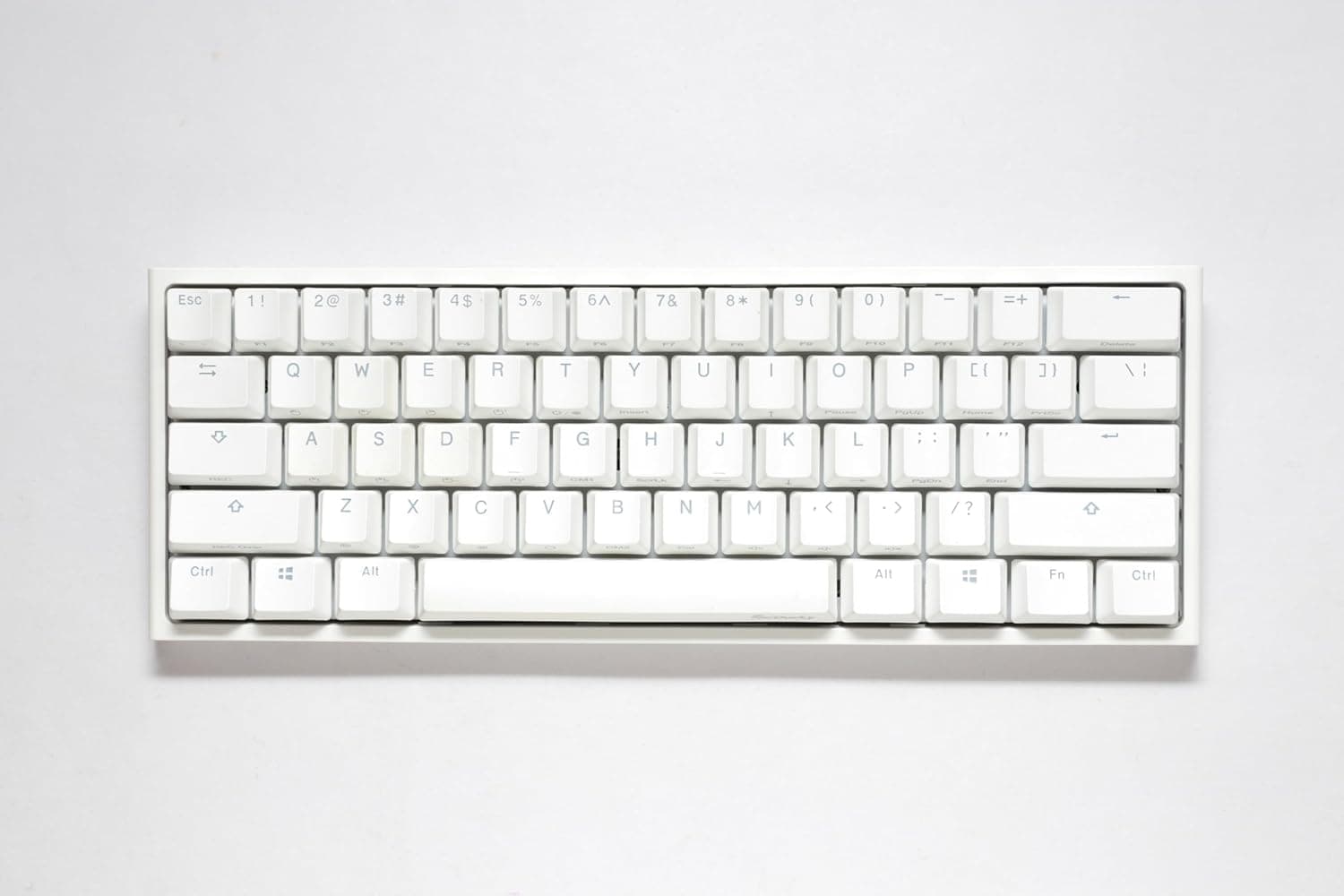
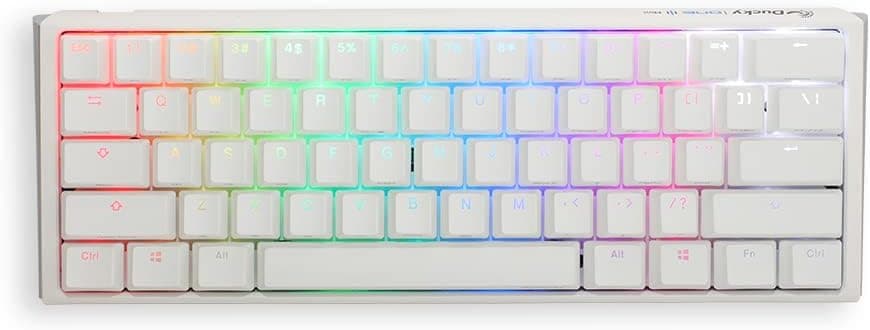
The Ducky One 3 White 60% is a 61-key, 60% board from the long-running Taiwanese brand Ducky. In short, it is an entry point into custom-keyboard territory that arrives fully assembled: a hot-swappable PCB, PBT double-shot keycaps, and dual-layer internal damping.
It suits people who care about typing feel and sound, and who want to swap switches later. It is a poor fit for heavy spreadsheet work, for anyone who leans on arrow keys and function keys all day, or for quiet shared rooms — Cherry MX Blue is loud by design.
Quick verdict by use case
| If you are | Verdict |
|---|---|
| Curious about switch swapping | Ideal — no soldering, pullers included |
| Short on desk space | Ideal — 110 mm depth frees mouse room |
| Streaming with an open mic | Clicky noise carries. Think twice |
| Doing numeric data entry | No numpad. Choose full-size instead |
| In a shared, quiet office | Plan on swapping to silent linears |
| Living in editing/CAD shortcuts | Workable, but expect layer setup |
The hardware itself is solid for the price; the real decision is whether you accept the 60% layout and the clicky switch. At about 580 g without the cable, it stays put while typing without feeling like a boat anchor.
Compatibility Guide
Connection is wired USB-C only, using a detachable braided cable — there is no wireless mode. It works with Windows and macOS, and the layout can be toggled on the keyboard itself, so no special Mac driver is needed.
Because the cable detaches, you can substitute your own length or color.
The hot-swap sockets are Kailh units accepting Cherry MX-compatible 3-pin and 5-pin switches, which covers most Gateron, Kailh, TTC and Akko MX-stem options. Two mistakes are common.
First, bent pins: if a pin folds during insertion, that key will chatter or go dead, so always check the pins are straight before pressing down. Second, buying the wrong family — low-profile and optical switches are not MX-compatible and will not fit.
Physically it measures 310 x 110 x 40 mm, standard for a 60%. Allow another 60-80 mm of depth if you add a wrist rest.
Aftermarket keycaps must be MX-stem sets that explicitly state 60% support, since bottom-row widths vary between boards.
What the 60% Layout Removes
Sixty-one keys means no dedicated function row, no arrow cluster, no Delete, Home/End, PageUp/PageDown, and no numpad. All of them live on an Fn layer.
Arrow keys usually become muscle memory within days; single-press Delete and shortcuts like F2 or F5 can stay awkward indefinitely depending on your work.
There are three practical answers: remap layers and macros so only your genuinely frequent keys are easy to reach, add a small auxiliary device for the numpad or function row, or simply buy a 65%/75% instead. The single advantage of 60% is bringing your mouse hand closer — if that does not matter to you, a 65% is the happier choice.
About Cherry MX Blue
MX Blue gives a distinct tactile bump and an audible click mid-travel. Typists who love it really love it, but it is among the loudest mainstream options, and for rapid repeated presses some gamers dislike having to release past the reset point.
For FPS play, linears generally feel easier.
Because the board is hot-swappable, none of this is permanent. If the blues do not suit you, drop in linears or silent switches.
The silicone plate and EVA foam mean a silent swap here lands quieter than in a hollow-case board — the real value of this keyboard is the freedom to keep searching for the right switch.
Product Info
Key specs: Cherry MX Blue (clicky) switches, PBT double-shot keycaps, 310 x 110 x 40 mm, detachable USB-C, hot-swap Kailh sockets (3/5 pin), per-key RGB backlighting, 61 keys in a 60% layout, and roughly 580 g without the cable. PBT caps resist shine and keep their legends far longer than ABS, which matters on a board you intend to keep.
Check the retailer's page for the latest price. That is a swing of over two thousand yen in about three months, so treat both as point-in-time figures, expect sale variation, and check the product page for the current price before buying.
Check the retailer's page for the latest user reviews. That sample is too small to say anything meaningful about defect rates or long-term durability, so weigh the specs and layout more heavily than the score.
Warranty is one year from Ducky. The box includes a USB-C cable, keycap puller, switch puller, and manual — everything needed to start swapping on day one.
Product Disclosure (Amazon)
- Manufacturer: Ducky
- Seller: FREE LIFE STYLE
- Fulfilled by: FREE LIFE STYLE
- ASIN: B09Y2H6LG4
- Note: This article covers a manufacturer-made product based on Amazon listing details.
Best Use Cases
Second, people with tight desks and FPS or MOBA players who sweep the mouse widely — a 60% frees far more room than a TKL. Third, anyone who cares about sound: the dual-layer damping produces a lower, less hollow tone than similarly priced boards without foam.
Fourth, people building a clean white desk setup will find the finish easy to match.
How It Compares
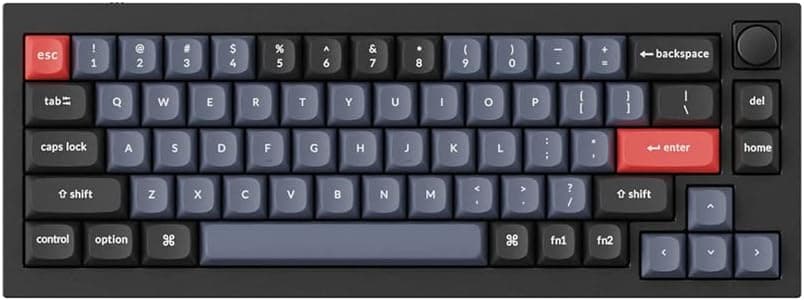
At this price you will also find 75% boards with volume knobs and tri-mode wireless, plus gasket-mounted enthusiast options. Ducky's edge is consistency of build and unfussy MX compatibility rather than headline features.
Its weaknesses are clear: no wireless, no knob or extra keys, and remapping via the maker's own method rather than QMK/VIA. If firmware freedom is your priority, choose a board that advertises QMK support.
Things to Check Before Buying
The most common regret is simply not adapting to the 60% layout. Spend a day counting how often you press arrows, Delete, and function keys.
If it is dozens of times, a 65% or larger is the safer purchase.
Noise is next. Damping foam cannot silence the click mechanism itself.
On voice chat, in meetings, in a shared room, or in an open office, MX Blue will be noticed. If that describes you, budget for silent linears at the same time as the board.
Also note the lack of wireless: USB-C wired only, no Bluetooth or 2.4 GHz receiver, which rules it out for tablet or couch use.
And hot-swap sockets wear out — once you settle on a switch, stop pulling them.
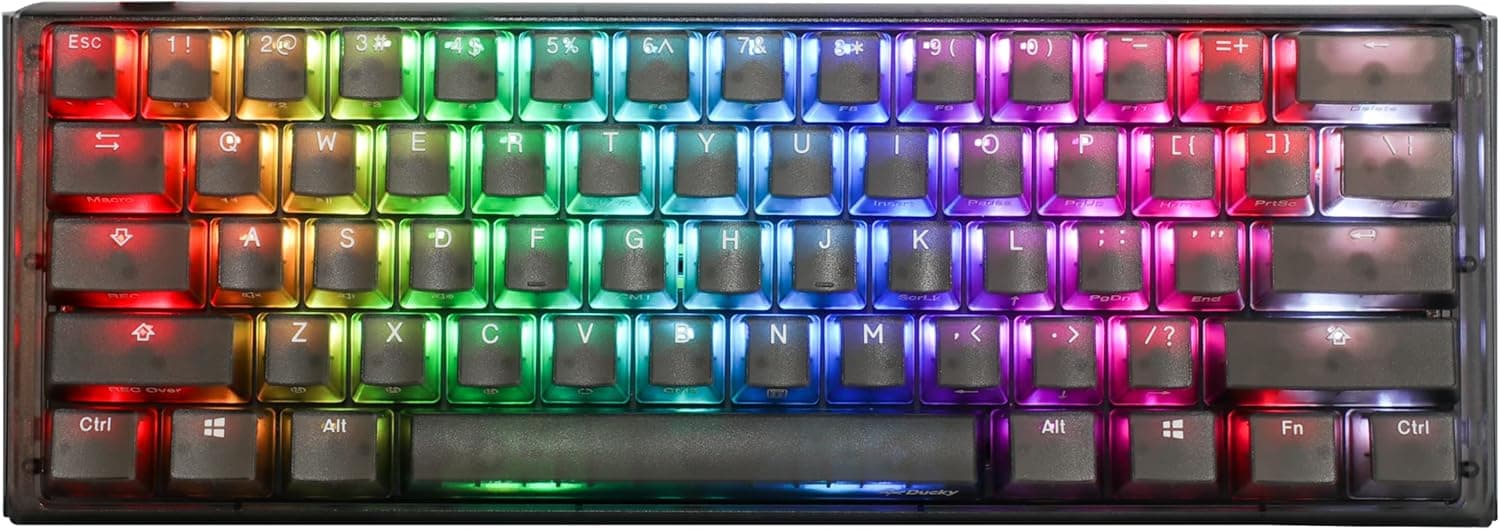
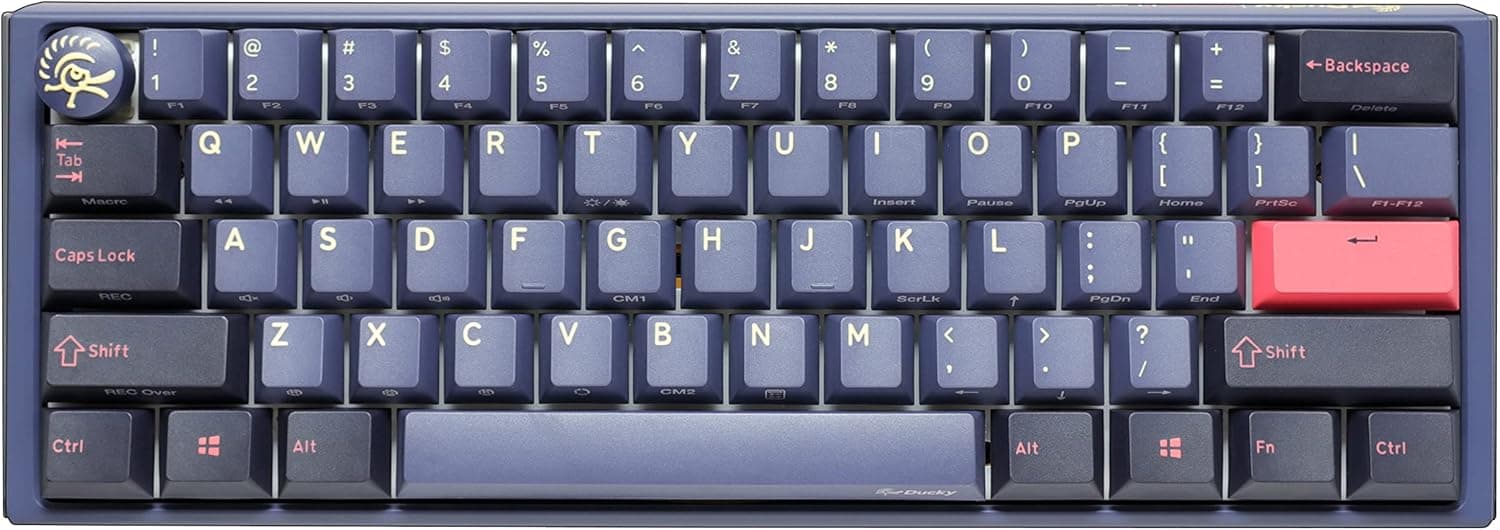
Finally, a listing caveat. The manufacturer field here says Ducky and matches this product, but keyboard listings routinely bundle different colors, switch types, and layouts (US/JIS) under one page, and registered listing details are sometimes wrong outright.
Confirm the color and switch variant from the product images and the selected variation label before ordering rather than trusting the spec table alone.
FAQ
Q. Is a JIS layout available? A.
This is a 61-key 60% board, a configuration that is normally US English. If you need JIS, verify the variation on the product page first.
Q. Do I need a soldering iron to change switches? A.
No. Kailh hot-swap sockets and the bundled switch puller handle it; MX-compatible 3-pin and 5-pin switches fit.
Q. Will optical or low-profile switches work? A.
No. The sockets take Cherry MX-compatible mechanical switches only, so check that any switch you buy states MX compatibility.
Q. Is software required? A.
Not for normal typing — plug in and it works. Software or onboard controls are only needed for macros and remapping.
Q. Is it good for gaming? A.
The compact footprint helps a lot. Clicky switches divide opinion for rapid repeats, so FPS players should plan on a linear swap.
Q. What does it cost?
A. ¥24,681 as captured in June 2026 and ¥26,815 in August 2026. Prices move often, so check the listing.