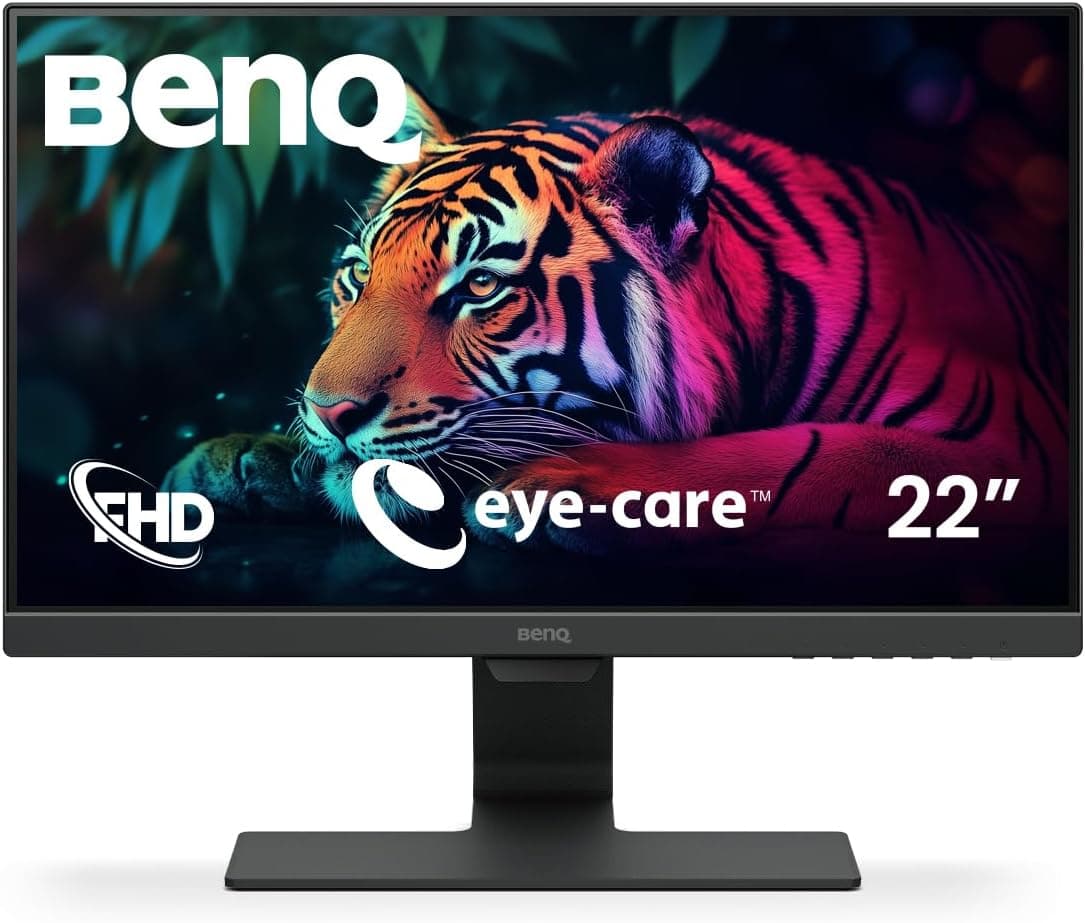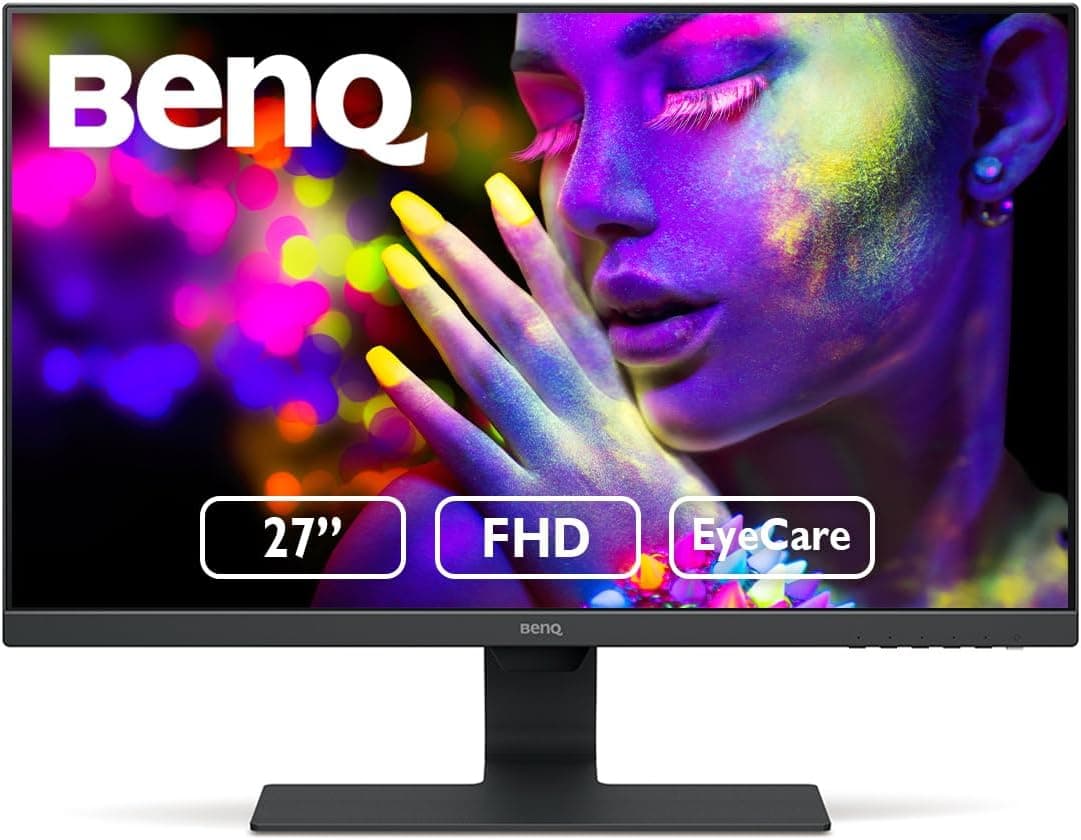
The BenQ GW2780 Eye Care 27 inch IPS 1920 x 1080 Monitor pairs a 27-inch IPS panel with Full HD resolution for long desk sessions. This article looks at where it actually fits, and what you have to give up to get it at this price.
Overview
The short version: this is a 27-inch work monitor bought for screen area, not for image fidelity or speed. Full HD (1920×1080), 60Hz, 5ms response.
It is not competing with gaming displays; it is built for spreadsheets, documents and browser windows viewed all day.
Its character comes from BenQ's Eye Care features — a low blue light mode and flicker-free backlighting. The IPS panel keeps color and brightness stable off-axis, so two people can read the same screen.
Amazon.co.Check the retailer's page for the latest user reviews.
The flip side is age. Released around 2017, it has no DisplayPort, no USB-C, and tops out at 60Hz.
Being mature and cheap is the point; being out of step with current laptops is the cost. Almost every regret with this monitor traces back to that single fact.
Compatibility Guide
| Source | What you need | Watch out for |
|---|---|---|
| Desktop PC (HDMI out) | HDMI cable | 1080p60 fits inside HDMI 1.4 bandwidth easily |
| USB-C-only laptop | USB-C to HDMI adapter or dock | No power delivery from the monitor; keep the laptop charger |
| PC with only DisplayPort free | Active DP-to-HDMI adapter | Direction matters — an HDMI-to-DP adapter will not work |
| Game console | HDMI cable | 1080p/60Hz ceiling; no 120Hz, no VRR |
| Legacy PC or KVM | D-Sub (VGA) cable | Analog; text looks soft, not recommended full-time |
| Monitor arm or wall mount | VESA 100×100 hardware | Check arm load rating and desk thickness first |
Video input is one HDMI 1.4 port and one D-Sub (VGA) port.
HDMI 1.4 has ample bandwidth for 1080p at 60Hz, so the older HDMI revision costs you nothing here.
The real constraint is connector type: no DisplayPort and no USB-C.
The common snag is a modern thin laptop whose only video output is USB-C. An adapter or dock solves the signal, but the GW2780 cannot charge the laptop over USB-C, so the one-cable desk setup is off the table.
Plan on either a dock or leaving the laptop's own charger plugged in. Inexpensive adapters generally work fine at 1080p60, though compatibility misses do happen — buy somewhere you can return it.
VGA is analog. It works for legacy gear in a pinch, but at 27 inches the softness around text is visible.
Use HDMI if it is free. Audio arrives over HDMI and exits through the rear 3.5mm jack to powered speakers or headphones; treat external speakers as the plan rather than counting on built-in sound.
VESA 100×100 support means arms and wall mounts fit. Stands in this price class often tilt only, with no height adjustment, and a screen sitting too low is a neck problem within a week.
The stand's adjustment range is not part of the published spec data here, so confirm it on the product page — or budget for an arm from the start.
How It Compares
| Option | Good for | Trade-off |
|---|---|---|
| This model (27in FHD 60Hz IPS) | Office work, study, video | Coarse pixels; unfit for gaming or color work |
| 27in WQHD (2560×1440) | Spreadsheet density, photo review | Costs more, asks more of the GPU |
| 24in FHD | Sharper text, small desks | Less room for side-by-side windows |
| 27in FHD 144Hz+ | Fast-paced gaming | Overkill for office use |
At the same 27 inches, WQHD is the straightforward upgrade: sharper text and more visible rows. If coarse pixels worry you, a 24-inch Full HD panel is the safer landing spot.
And if frame rate is the goal, skip this model entirely and look at 144Hz-plus IPS gaming displays.
Day-to-Day Use and Setup Tips
27 inches at 1920×1080 works out to roughly 82ppi — coarser than 24-inch Full HD (about 92ppi) and clearly behind 27-inch WQHD (about 109ppi). That is a drawback, but it also means Windows scaling at 100% stays readable without shrinking text.
At a 600-700 mm viewing distance the coarseness fades; lean in to 400 mm and individual pixels show. Shallow desks are where this bites.
The Eye Care modes reward a light touch. Low blue light shifts the whole image yellow, so switch it off when you are judging colors in photos or documents.
For late-night fatigue, lowering brightness to match room lighting usually helps more than a heavy blue-light setting. Flicker-free operation is always on and needs no configuration.
Color specifications — sRGB coverage, brightness, contrast ratio — are not included in the data for this listing, so this article makes no claims about color accuracy. If color decides the quality of your output, choose a display that publishes coverage figures.
Product Info
| Item | Value |
|---|---|
| Screen Size | 27 inch |
| Panel Type | IPS |
| Resolution | 1920×1080 |
| Refresh Rate | 60Hz |
| Response Time | 5ms |
| Aspect Ratio | 16:9 |
| Input Ports | HDMI 1.4, VGA |
| Audio Output | 3.5mm stereo jack |
| VESA Mount | 100×100mm |
| Warranty | 3 years |
Released around 2017 and still widely sold, the GW2780 carries a three-year warranty including the panel — generous for an entry-level display. That coverage normally applies to officially distributed units only, not to parallel imports or used stock, so check the seller before chasing a bargain listing.
Pricing needs a caveat. The Japanese price figure in the source data is an order of magnitude out of line for a 27-inch Full HD monitor of this class, so it looks like a collection error and no amount is quoted here.
For reference, an eBay US listing showed $79.95 (captured Sep 1, 2026), which is reasonable for a used or overseas unit.
Check the product page for the current retail price.
The box includes a power cable, a 1.5m HDMI cable and a quick-start guide, so a desktop PC needs nothing extra.
Bundle contents do shift between production runs, so verify the listing if you are counting on that cable.
Best For
- Office workers (documents, spreadsheets, email) — People who stare at a screen all day and value comfort and desk space over image quality. The low blue light and flicker-free combination helps some users more than others, but this is a cheap way to find out. With HDMI free, setup is essentially trouble-free.
- Students studying or researching at home — Lecture video beside notes is exactly what the extra width buys. At 100% scaling text stays legible, so running two browser windows side by side is practical.
- Home users watching video and browsing — Wide IPS viewing angles hold color from off-center seats, and 60Hz is plenty for streaming.
- Anyone adding a second screen — Good as a side panel for chat, reference documents or dashboards. VESA support lets an arm align it with your main display.
Before You Buy
Do not buy this for gaming. 60Hz, 5ms, and no adaptive sync.
Slower genres are fine, but in shooters, racing and fighting games the tracking limits work directly against you, and no setting fixes it.
Confirm your ports before ordering. The missing DisplayPort and USB-C is the number one after-purchase surprise.
USB-C-only laptops need an adapter, and the monitor cannot power them. If your PC's HDMI port is already occupied, budget for a switch or adapter too.
27-inch Full HD looks coarse to some people. About 82ppi can read as grainy to eyes used to phones or high-DPI laptops, especially at distances under 500 mm.
If sharpness matters, consider 27-inch WQHD or 24-inch Full HD instead.
Not suitable for color-critical work. With no published sRGB coverage or brightness figures, do not assume color accuracy.
Photo, video and print work deserve a display that states coverage and calibration.
Listing data can be inconsistent. The price data referenced for this article included a figure well out of line with the product class.
Readers opening the same page may see the same discrepancy, so confirm price, seller and warranty on the page itself, and use the product images and title to verify you are looking at the right model.
Remember it is a 2017-era design. Well sorted, but newer options now exist at similar prices. Buy it for value, not for novelty.
FAQ
Q. Can I connect a console like a PS5? A.
Yes, over HDMI at 1080p/60Hz. There is no 120Hz or VRR support, so console-first buyers should look elsewhere.
Q. Will it work with a USB-C-only laptop? A.
Yes, with a USB-C to HDMI adapter or dock. The monitor cannot charge the laptop, so you still need its power adapter.
Q. Does it have speakers? A.
It has a 3.5mm audio output for powered speakers or headphones.
Confirm built-in speaker details on the product page; plan on external speakers if audio matters.
Q. Is 1080p too coarse at 27 inches? A.
It works out to about 82ppi. At 600-700 mm it reads fine; up close the pixel structure becomes visible.
Q. Can I use a monitor arm? A.
Yes — VESA 100×100mm. Since the included stand may not adjust height, an arm is a worthwhile pairing.
Check the arm's load rating and desk clamp range.
Q. What about the warranty? A.
Three years including the panel, for officially distributed units. Parallel imports and used stock typically fall outside it.
Product Disclosure (Amazon)
- Manufacturer: ベンキュージャパン
- Seller: イーストヒル
- Fulfilled by: イーストヒル
- ASIN: B072XFFQ4K
- Note: This article covers a manufacturer-made product based on Amazon listing details.