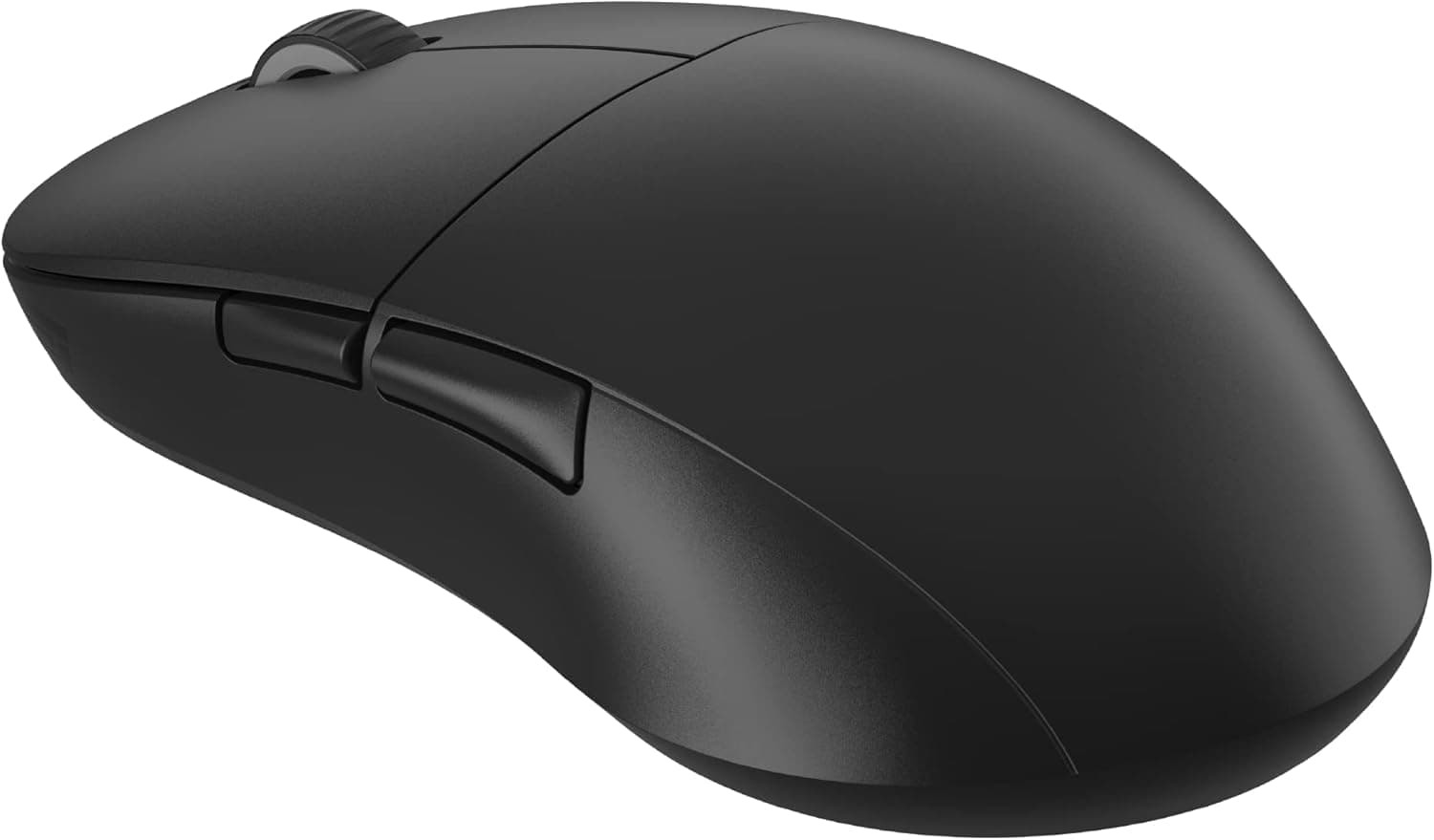
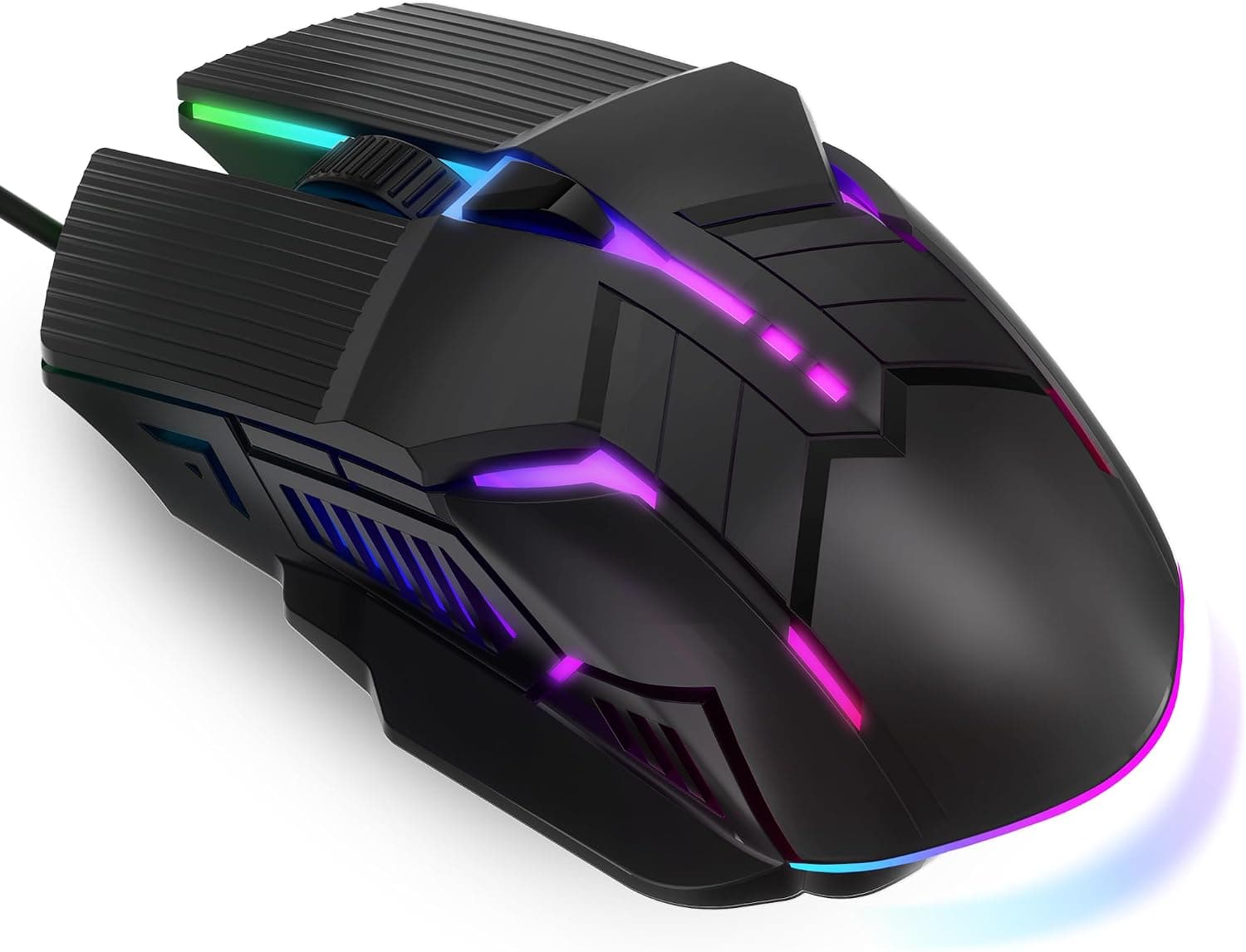
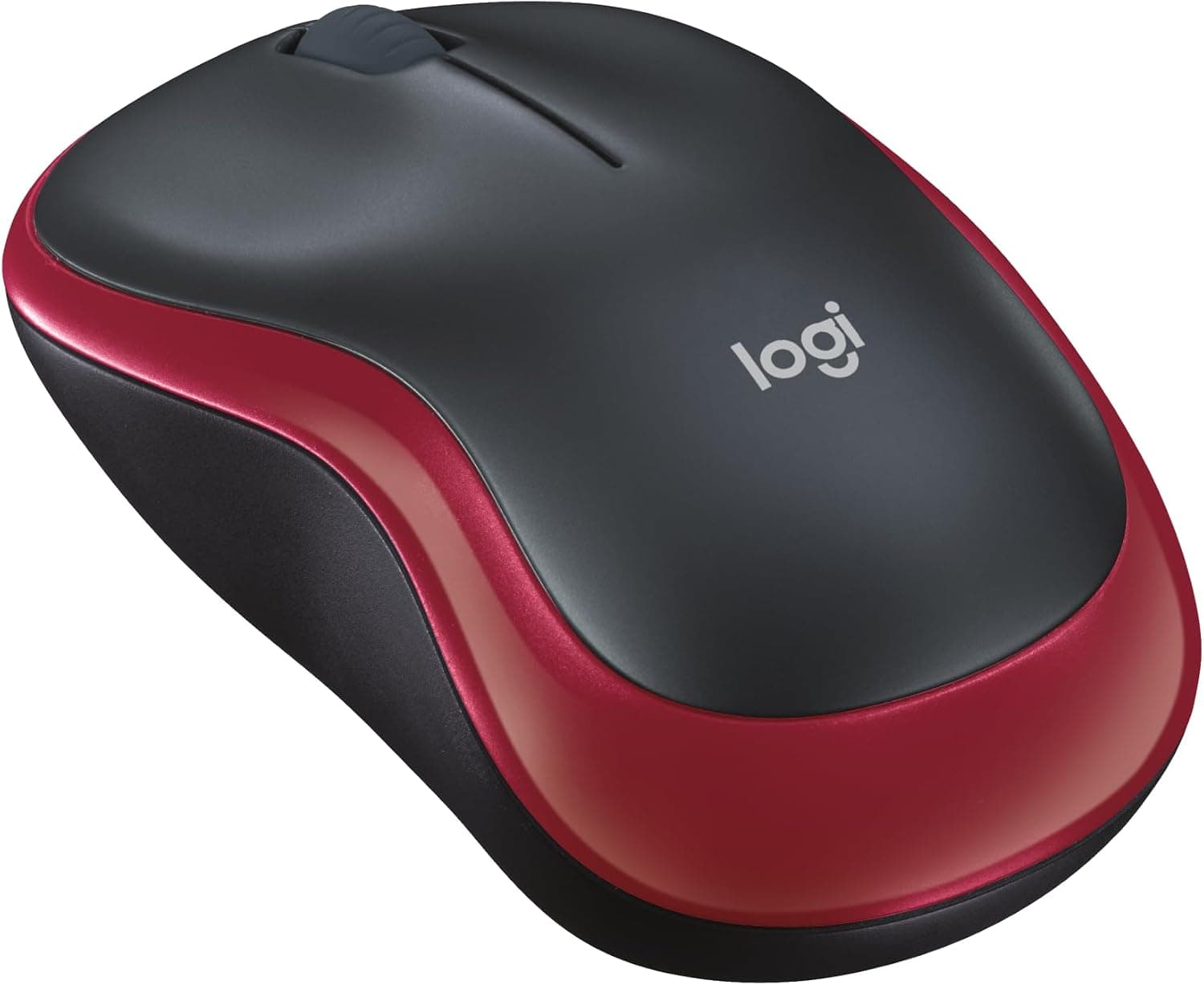
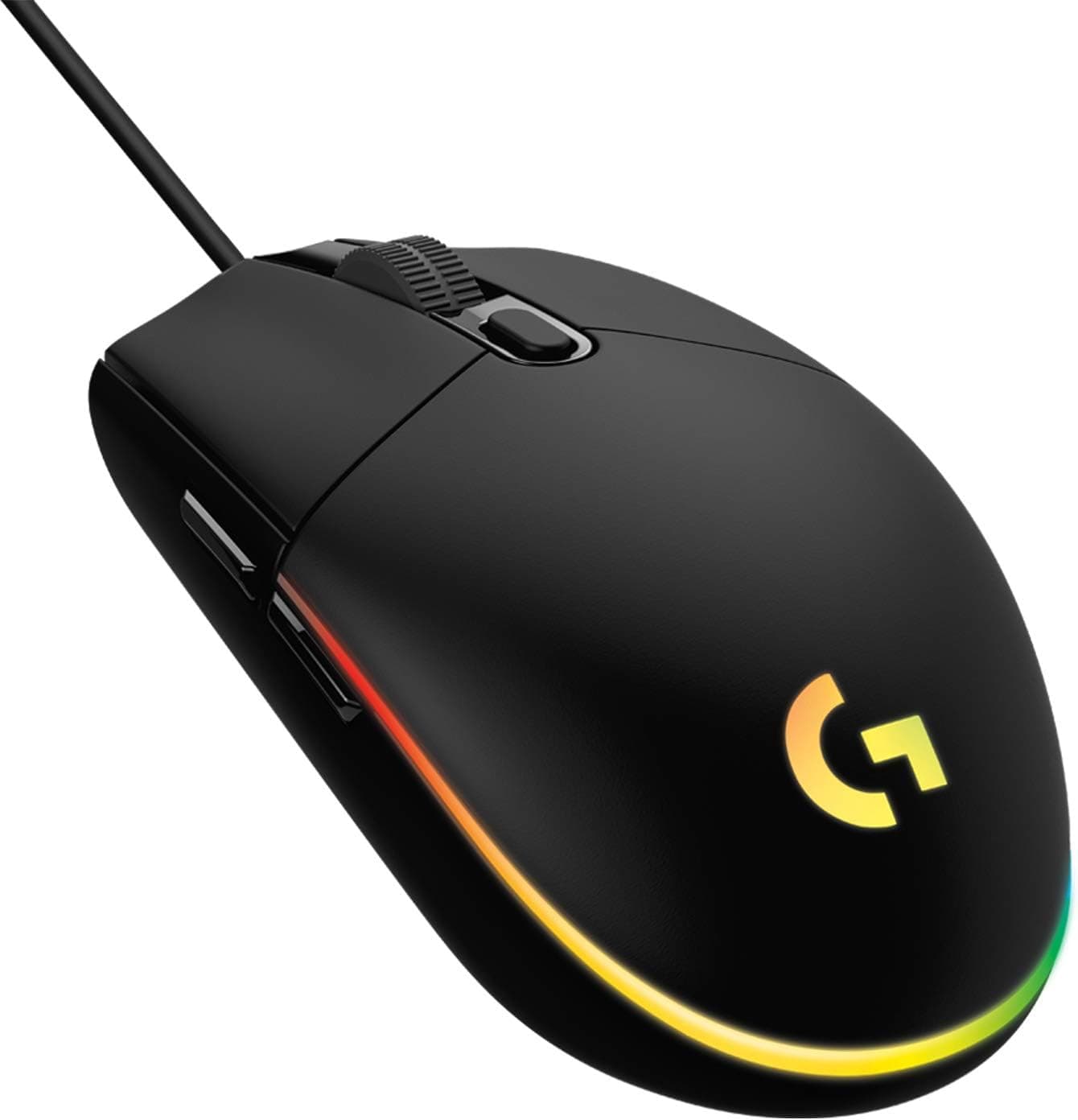
This article takes a close look at AOC MS400 ワイヤレスマウス 2.4G ポータブル光学マウスナノレシーバー付き人間工学に基づいたデザイン質感のあるグリップ 1600 DPI 調節可能なコードレスマウスノートブック, using its published specifications together with captured price and review data.
Overview
The AOC MS400 is an entry-level 2.4GHz optical mouse that connects through a USB Type-A nano receiver.
The short verdict: it makes the most sense as a travel mouse you keep in a laptop bag, or as a cheap spare for a family PC or meeting room. It is not the mouse to buy as your all-day primary pointer, and it is not a gaming mouse.
Four things define it: three-step DPI switching at 800 / 1000 (default) / 1600, a four-button (4D) layout, an operating range of about 33 feet (10 m), and driver-free plug-and-play operation on Windows, macOS, Linux and Chrome OS. The contoured ergonomic shell and textured side grips keep fingers from slipping during long office sessions, and the black body with red accents keeps it visually low-key.
The captured price was ¥1,999 on Amazon.co.jp as of 27 August 2026; prices move often, so treat that as a snapshot rather than a fixed figure.
Review data captured on 28 May 2026 shows 14 reviews averaging 4.4 stars (88% positive).
In other words: good scores, very small sample. Read both numbers alongside the cautions further down.
Compatibility Guide
The first thing to check is whether you actually have a USB Type-A port. The receiver is Type-A and the mouse has no Bluetooth.
On thin laptops with USB-C only — recent MacBook Air models, some Windows 2-in-1s, tablets — you will need an adapter or a hub. Missing this is the classic day-one failure with receiver-based mice.
OS support is broad (Windows, macOS, Linux, Chrome OS) and no driver installation is required. Because the receiver presents a standard USB HID device, the mouse usually works in UEFI/BIOS setup screens and OS installers too, though on some systems the receiver does not initialise in time.
If you rely on BIOS-level mouse input, keep a wired mouse around.
Physical clearance matters as well. The receiver is small, but on laptops and slim desktops with tightly spaced ports it can still block the neighbouring USB slot.
If you regularly use a flash drive or an external SSD, check your port layout first.
On the wireless side, the 2.4GHz band is shared with 2.4GHz Wi-Fi, Bluetooth and microwave ovens.
Noise from USB 3.x ports and from external SSDs plugged into them is a well-documented source of 2.4GHz interference, so a receiver sitting immediately next to a USB 3.x port can cause cursor stutter.
The standard fixes are moving the receiver to a different port or using a short USB extension cable to get it away from the chassis. The 10 m figure is a line-of-sight best case; metal desks and PC cases shorten it in practice.
Product Info
| Item | Detail |
|---|---|
| Connection | 2.4GHz wireless (nano receiver) |
| DPI | 800 / 1000 (default) / 1600 |
| Buttons | 4 (4D buttons) |
| Range | approx. 33 ft (10 m) |
| Tracking | Optical sensor |
| OS support | Windows / macOS / Linux / Chrome OS |
Some interpretation. Most people will live at the default 1000 DPI.
On a 1920x1080 display, 800-1000 is comfortable; 1600 starts to pay off on QHD, 4K or multi-monitor setups where the cursor has to cross a lot of pixels. Put differently, 1600 DPI here is a ceiling suited to high-resolution desktops, not a gaming-grade figure comparable to the thousands of DPI advertised on gaming mice.
"Four buttons" typically means left, right, wheel click and a DPI toggle. If you specifically want side buttons for browser back/forward, check the product images before ordering — the spec table alone will not tell you.
The captured price is ¥1,999 on Amazon.co.jp as of 27 August 2026.
Listed prices for the same model vary a lot by seller and by date; some write-ups of this mouse quote figures in the ¥6,000 range. The number shown on the product page at the moment you buy is the only one that counts.
The mouse runs on a disposable battery and one cell is said to be included, but sources disagree on whether it is AA or AAA — confirm that on the product page too.
How It Compares
Within the cheap-2.4GHz category, staples like the Logitech M325 and M317 are the direct comparison.
The AOC MS400 adds a DPI toggle the classics lack; the classics are easier to find in physical stores and have far more field history. For pure office work, all of them clear the bar.
If you also want Bluetooth, look at dual-mode designs instead — mice with USB-A/C dongles or Type-C rechargeable silent models. If you need to share one mouse with a tablet or any device that cannot host a receiver, buy that kind from the start.
Against gaming mice, the comparison breaks down. A 54g wireless gaming mouse is built around high polling rates, a flagship sensor and long battery life, and costs an order of magnitude more.
The MS400 is not a substitute for one.
What Actually Affects Daily Use
A disposable battery has a real advantage over rechargeable designs: you never lose a workday to a flat cell you forgot to charge, and any shop can get you running again. The trade-offs are weight — battery-powered mice tend to be heavier than lightweight rechargeables — and ongoing battery cost.
Rechargeable cells largely neutralise the second point.
The receiver storage bay in the base matters more than it sounds. 2.4GHz pairing is proprietary per product, so a lost nano receiver generally cannot be replaced on its own.
If the mouse is going to live loose in a bag, find the storage slot on day one.
Best Use Cases
- Office and work-from-home users: for documents, spreadsheets and browsing, 1000 DPI and four buttons are plenty. At ¥1,999 (captured August 2026) the value is hard to argue with.
- People who want a second mouse for a laptop bag: receiver storage plus driver-free setup means very little can go wrong away from your desk.
- Anyone tired of Bluetooth pairing issues: a dedicated 2.4GHz receiver needs no pairing and generally reconnects faster after sleep.
- Buyers stocking spares for family machines, shared PCs or meeting rooms, where replacement cost matters more than refinement.
Before You Buy
Not a gaming mouse, especially not for FPS. The published specs list no polling rate, no maximum tracking speed (IPS) and no acceleration figure.
When those are undisclosed, assume the product was never designed for competitive play. The 1600 DPI ceiling is low by gaming standards.
Read "casual gaming" as browser games and turn-based titles.
14 reviews is a thin basis for a decision. An 88% positive rate (4.4 average, captured 28 May 2026) looks good, but 14 samples cannot tell you anything reliable about unit variance or DOA rates.
Read the actual review text — especially the negative ones — against your own use case.
Left-handed users and large hands may not get along with it. "Ergonomic contour" usually means an asymmetric right-hand shape.
Portable mice in this class also tend to be small, which makes a full palm grip awkward. Physical dimensions are not in the spec sheet, so check the measurements on the product page if you know you have big hands.
Click noise and wheel feel are not specified. If you work in meetings, at night near family, or while on calls, choose a mouse that explicitly advertises silent switches.
Treat unstated characteristics as absent.
Watch for inconsistent listing data. Marketplace product information — manufacturer, model number, bundled items, price — sometimes contains errors, and this listing already shows disagreement over battery type and expected price.
Before ordering, confirm from the images and title that you are looking at the AOC MS400, and read the price off the page at that moment.
No Type-A port means extra spend. Once you add an adapter or hub, the low sticker price is diluted by exactly that amount.
FAQ
Q. Can it connect over Bluetooth? A.
No. It works only through the bundled 2.4GHz nano receiver in a USB Type-A port.
If you need Bluetooth, choose a different mouse.
Q. If I lose the receiver, can I use another one? A.
Generally no. 2.4GHz mouse receivers are paired per product and are not interchangeable, so store it in the mouse when travelling.
Q. How does DPI switching work, and what should I use? A.
A button on the mouse cycles 800 / 1000 / 1600, with 1000 as the default. Use 800-1000 on 1080p, and try 1600 on QHD, 4K or multi-monitor setups.
Q. Does it work with Mac or Chromebook? A.
Windows, macOS, Linux and Chrome OS are listed as supported with no driver install. You still need a USB Type-A port, so USB-C-only machines need an adapter.
Q. Is it usable for games? A.
Fine for browser, simulation and turn-based games. For FPS or fighting games, pick a dedicated gaming mouse that publishes polling rate and sensor specs.
Q. What does it cost? A.
¥1,999 on Amazon.co.jp as of the 27 August 2026 capture.
Prices move a lot, so check the product page when you buy.