This article takes a detailed look at the Endgame Gear XM2we wireless gaming mouse (EGG-XM2WE-BLK), based on published specifications and listing review data.
Overview
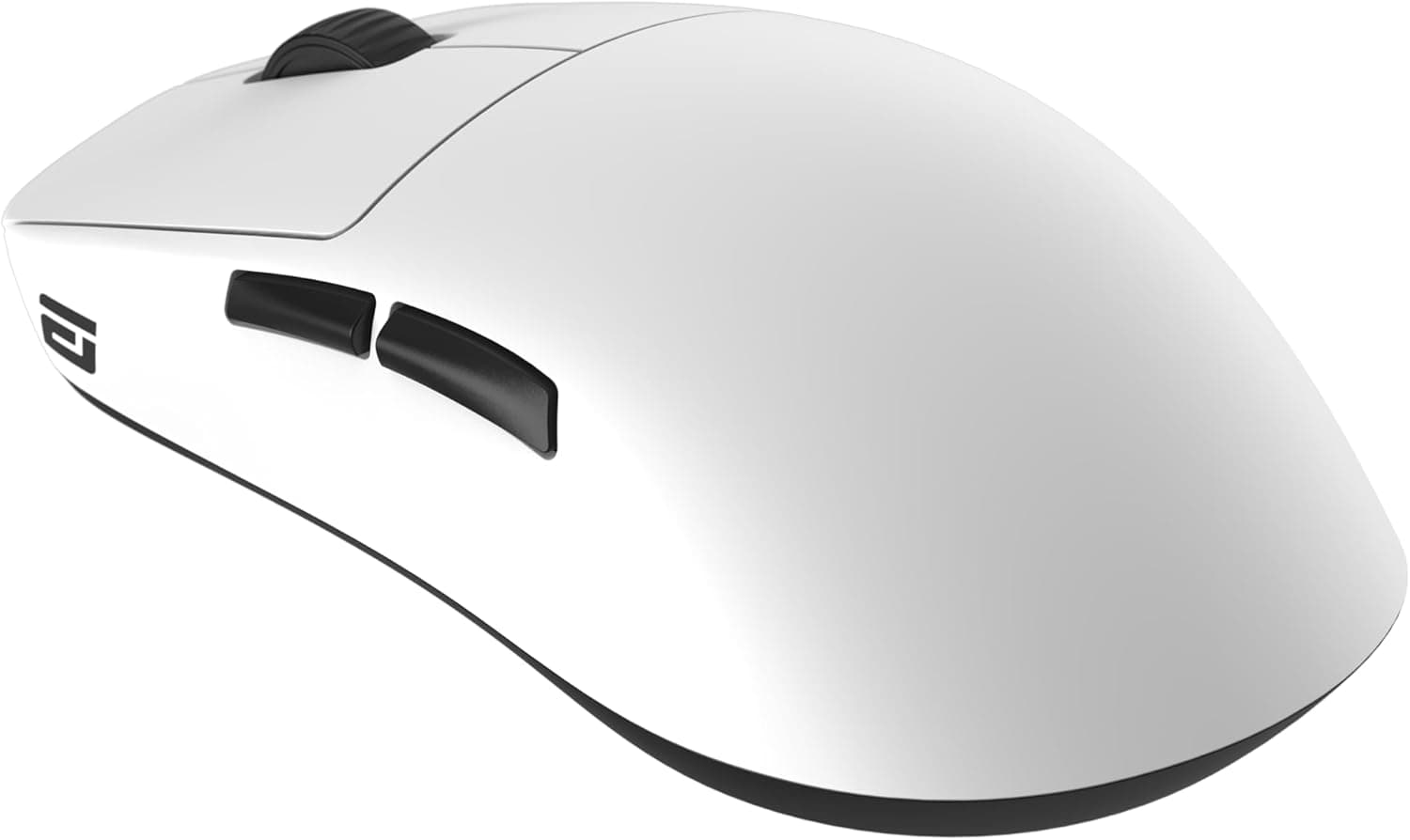
The Endgame Gear XM2we pairs a 55g shell with a PixArt PAW3370 optical sensor over a 2.4GHz wireless link.
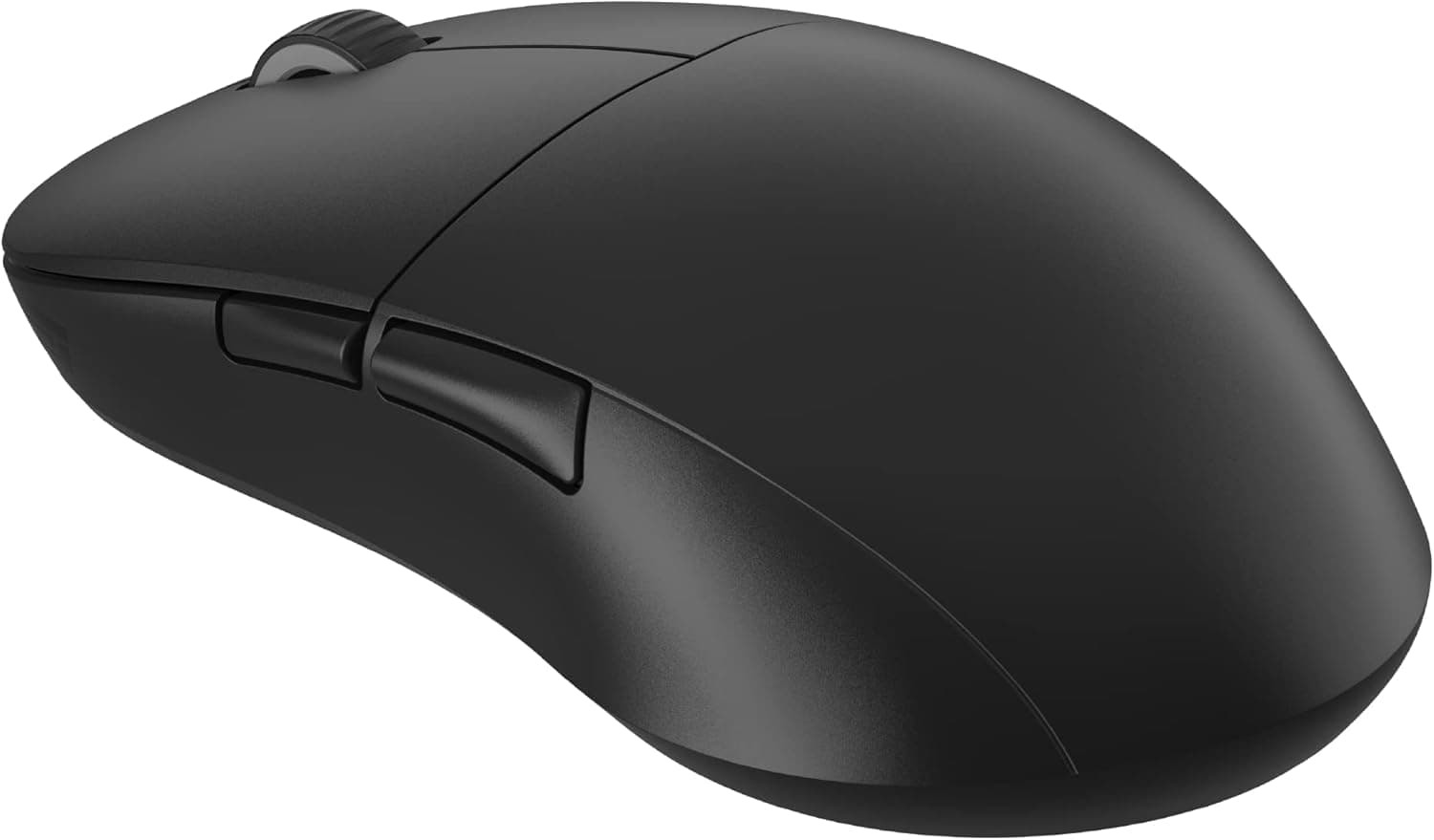
The short version: this is for claw and fingertip grip players who want near-flagship feel in an FPS without paying flagship money. The near-symmetrical shell has sculpted indents for finger placement, and the whole design leans toward controlling the mouse with your fingers rather than resting your full palm on it.
That is not a runaway bestseller, but holding 4.2 in the brutally competitive lightweight wireless segment says the fundamentals are sound.
It also means it is not a flawless 5-star product, so check the "who should skip it" section below before you buy.
What 55g Actually Changes
The real benefit of a light mouse is not reduced fatigue — it is stopping where you intend to stop. When you swing to acquire a target, mass becomes inertia, and inertia becomes overshoot.
At around 55g, small wrist inputs are enough to decelerate the mouse, which shortens the micro-correction after every flick. The lower your sensitivity and the longer your sessions, the more that difference compounds.
Lightness is not free, though. A lighter mouse presses down less, so the mousepad surface dominates the feel.
Control-oriented cloth pads can feel unexpectedly grippy, and speed pads can feel like the mouse is sliding out from under you. If you move to the XM2we, plan on a week or two of tuning sensitivity, pad and skates together before you judge it.
Compatibility Guide
There are two connection paths: 2.4GHz wireless and USB-C wired.
The manufacturer lists Windows and macOS support, with a USB-A port required for the dongle. That last point trips people up: thin laptops and recent MacBooks that only offer USB-C need a hub or adapter you must buy separately.
Hubs generally work, but unpowered passive hubs — or a dongle sitting right next to a Wi-Fi module — can produce stutter or cursor jumps. Plug directly into the machine when you can, or use an extension cable to bring the dongle up onto the desk.
No drivers are needed; plug in and it works. To change DPI, polling rate or lift-off distance you use the manufacturer software, but settings are stored in the mouse's onboard memory, so once configured, it behaves identically on any PC without background software.
That matters more than it sounds if you use a secondary machine or take the mouse to LAN events.
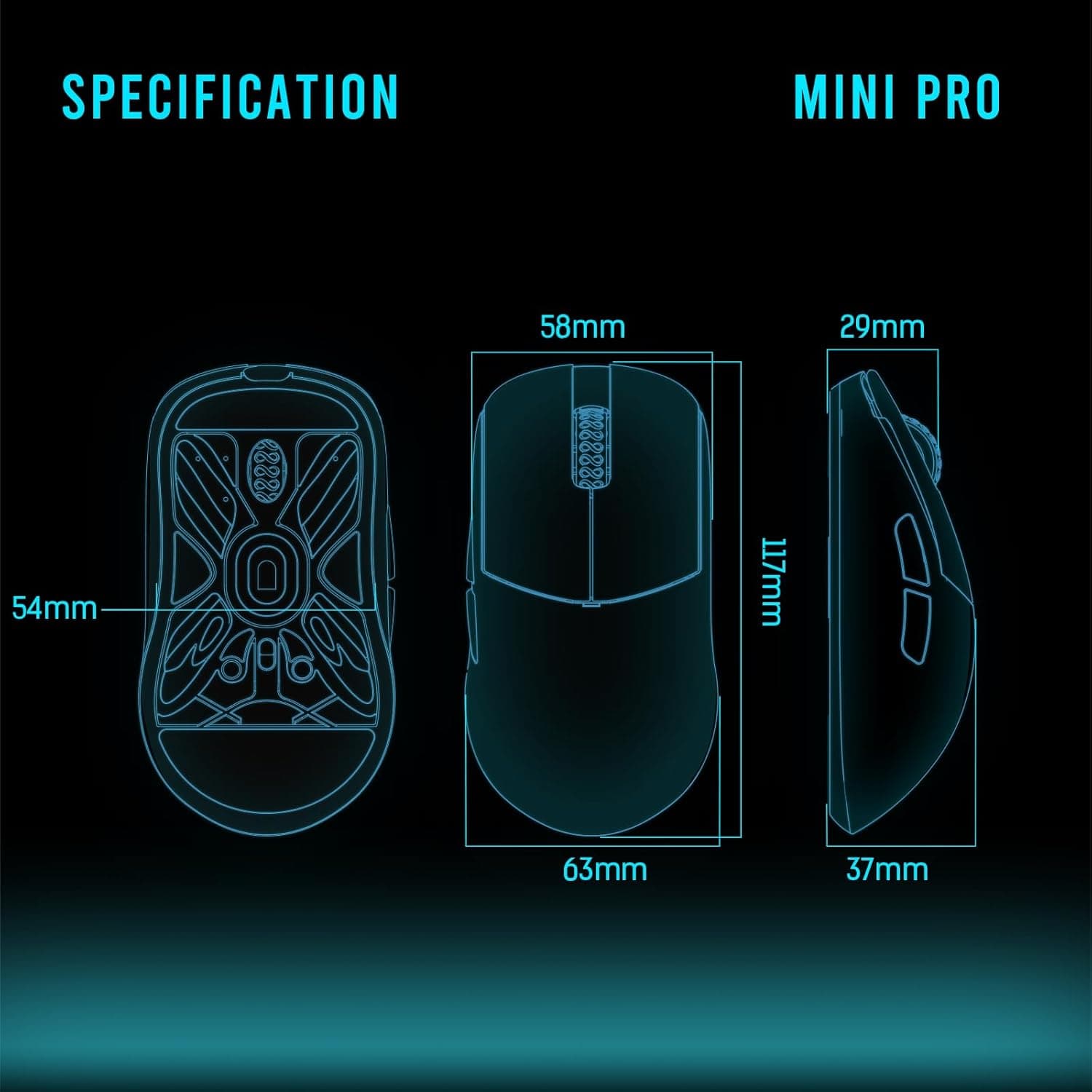
Physical size is 122 × 66 × 38 mm. The 38mm height is low by modern standards, which makes it shallow for a full palm grip.
Hands around 17–19cm long fit best in a claw grip; hands over 20cm using palm grip may find the rear too low to support the ring and little fingers. Measuring your hand and sketching 122mm on your desk is a cheap way to avoid a bad purchase.
For consoles, a USB-mouse-capable title and platform may work, but PC is what is officially supported. Confirm on the console's own spec sheet if that is your main use case.
Product Info
| Item | Specification |
|---|---|
| Sensor | PixArt PAW3370 optical |
| Max DPI | 19,000 |
| Weight | 55g |
| Connection | 2.4GHz wireless / USB-C wired |
| Battery life | Approx. 60 hours |
| Main switches | Kailh GM 8.0 (80M clicks) |
| Side switches | Kailh GM 2.0 (20M clicks) |
| Dimensions | 122 × 66 × 38 mm |
| Cable | Flex Cord 3.0 (1.8m) |
Read together, the table reveals the design philosophy. The PAW3370 is not the newest flagship sensor; it is a proven part that does not misbehave in real use.
The 19,000 DPI ceiling is a spec-sheet number — almost everyone plays between 400 and 1,600 DPI, so comparing products by max DPI is close to meaningless. The Kailh GM 8.0's 80-million-click rating is the more useful figure: light shells often mean cheap-feeling clicks, and choosing high-endurance switches here was the right call.
Battery life is around 60 hours — roughly three weeks at three hours a day, about one week at eight hours a day. Because it runs while connected over USB-C, the classic wireless nightmare of dying mid-match is solved by plugging in the cable.
The Flex Cord 3.0 is a soft braided cable, so wired mode does not feel like being tethered.
On price, different retail channels captured at different times show a real gap. The Amazon listing was ¥11,033 as captured on 2 June 2026, while a Rakuten shop showed ¥14,322 as captured on 17 August 2026.Check the retailer's page for the latest price.
Treat every figure here as a snapshot at capture time and check the current price on the product page before ordering; sales move it further.
How It Compares
The lightweight wireless field is crowded, and the XM2we sits at the balance point between price and completeness.
| If you want... | Where the XM2we lands |
|---|---|
| Something even lighter | 49g-class wireless mice exist, but shape fit matters more than a few grams |
| To spend less, wired | 59g-class wired mice cost far less; if wireless has no value to you, go wired |
| Palm grip, large hands | Asymmetric ergonomic shapes (ZOWIE EC series, DeathAdder family) fit better |
| A bigger DPI number | Some rivals claim 26,000 DPI, but at usable sensitivities you will not feel it |
The key point: chasing a few grams in a lightweight mouse comparison buys you less than getting the shape right. A 49g mouse is not automatically better than a 55g one; shell width, height and side curvature account for most of how a mouse feels.
The XM2we has a clear character — a low shell built for claw and fingertip grips. If that matches you, the payoff exceeds the weight figure.
If it does not, no weight saving will rescue it.
Best Use Cases
- Players moving from wired to wireless for the first time. Removing cable drag transforms low-sensitivity, big-arm-sweep play.
- Buyers who want flagship-adjacent performance without flagship pricing. A proven sensor plus high-endurance switches leaves few practical gaps.
- Anyone with a second PC or who attends LAN events. Onboard settings and driver-free operation mean identical behaviour anywhere.
- Office users who want a light, precise mouse. The weight is easy on the wrist over long working days, not just in games.
Things to Check Before Buying
1. Palm-grip players and large hands should probably look elsewhere. At 122 × 66 × 38 mm — especially that 38mm height — the shell is too shallow to fill a large palm.
If your hand is around 20cm and palm grip is second nature, an asymmetric ergonomic shape will satisfy you more. Ignoring shape because "lighter is better" is the most common regret in this category.
2. A USB-A port is mandatory. The dongle needs USB-A.
On a USB-C-only laptop, budget for an adapter or hub and accept some latency risk through that hub. This is the single most common post-purchase disappointment.
3. There is no Bluetooth mode. You get 2.4GHz and USB-C wired.
If you need tablet support or one-button switching between several devices, this is not the mouse.
4. Going light means revisiting your whole setup. Pad, skates and sensitivity all have to line up, or you will conclude the mouse is "not that great".
Aim degrading for the first week after a switch is normal — withhold judgement until then.
5. Price varies a lot by channel. As noted, captures show a spread of over ¥3,000 between retailers.
Do not treat a single storefront as the market rate.
6. Listing metadata is sometimes wrong. Retail pages occasionally show a seller, model number or price belonging to a different product — in this data set, for example, a Japanese Amazon listing carried a reference label reading "Amazon US".
Before ordering, check the product images and title yourself for "XM2we" and "EGG-XM2WE-BLK". Lightweight wireless mice often have wired variants under similar names, so this check pays off.
FAQ
Q. Will it work if I have large hands? A.
With claw or fingertip grip, hands up to roughly 20cm manage fine; for palm grip, 38mm of height will feel shallow. It depends on grip more than hand size alone.
Q. Does it work on a Mac? A.
The manufacturer lists macOS support. You will need a USB-A port for the dongle, so recent MacBooks require a hub or adapter.
Q. Does a dead battery end my session?
A. No. Plug in the included Flex Cord 3.0 and it keeps working as a wired mouse while charging.
Q. Do I need 19,000 DPI? A.
Almost certainly not. Most players sit between 400 and 1,600 DPI; the ceiling is a spec-sheet figure and a weak basis for comparison.
Q. Must I keep the configuration software running? A.
No. Settings are stored on the mouse, so it behaves the same on any PC without software installed.
Q. How does it differ from the wired model? A.
This is the wireless 2.4GHz version.
The series includes wired models under different part numbers, so confirm EGG-XM2WE-BLK when ordering.
Product Disclosure (Amazon)
- Manufacturer: エンドゲームギア(Endgame Gear)
- Seller: アーキサイトthe official store
- Fulfilled by: Amazon
- ASIN: B0BVKZ2RR3
- Note: This article covers a manufacturer-made product based on Amazon listing details.