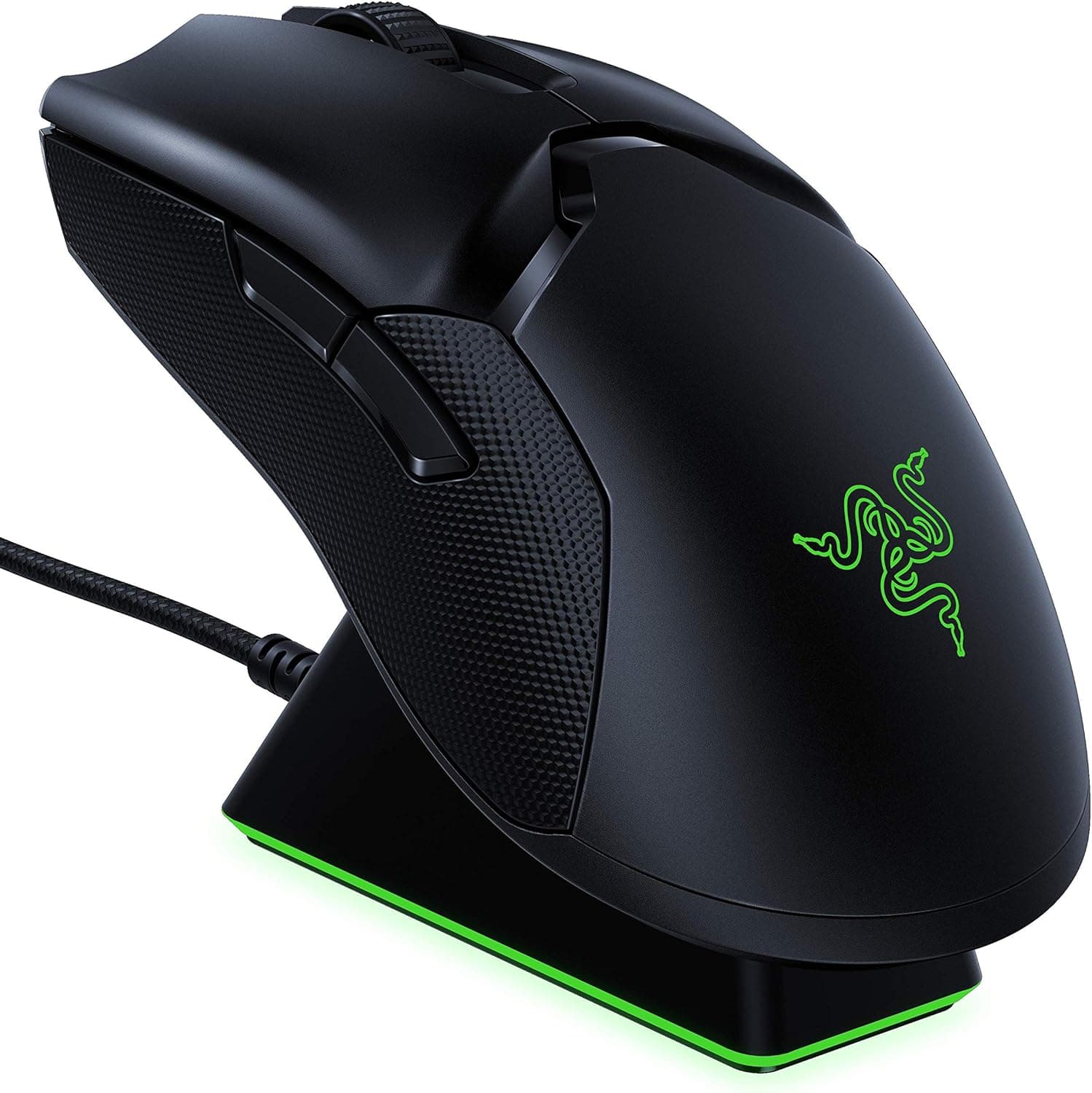
The Razer Viper Ultimate pairs a 74g ambidextrous shell with the Razer Focus+ sensor (up to 20,000 DPI). This article goes past the spec sheet to answer the questions buyers actually have: is it still worth it, and who should avoid it.
Overview
The short answer: the Viper Ultimate is a high-end mouse for competitive players who want light weight, low latency, and a symmetrical shape at the same time. At 74g it was exceptionally light for a wireless mouse at launch, and it still holds up against today's 50-60g ultralights.
The Focus+ sensor delivers 99.6% resolution accuracy and 650 IPS tracking, while the optical switches respond in 0.2ms and are structurally immune to the double-click chatter that plagues aging mechanical switches.
The bundled Razer Mouse Dock is the other half of the appeal. Rated for up to 70 hours with Chroma lighting off, the mouse charges simply by being parked on the dock between sessions, so battery anxiety mostly disappears in daily use.
On Amazon.co.jp the product holds a 90% positive rating across 3,999 reviews (4.5 out of 5, captured June 2026) — a stable record for a product that has been on sale this long.
Compatibility Guide
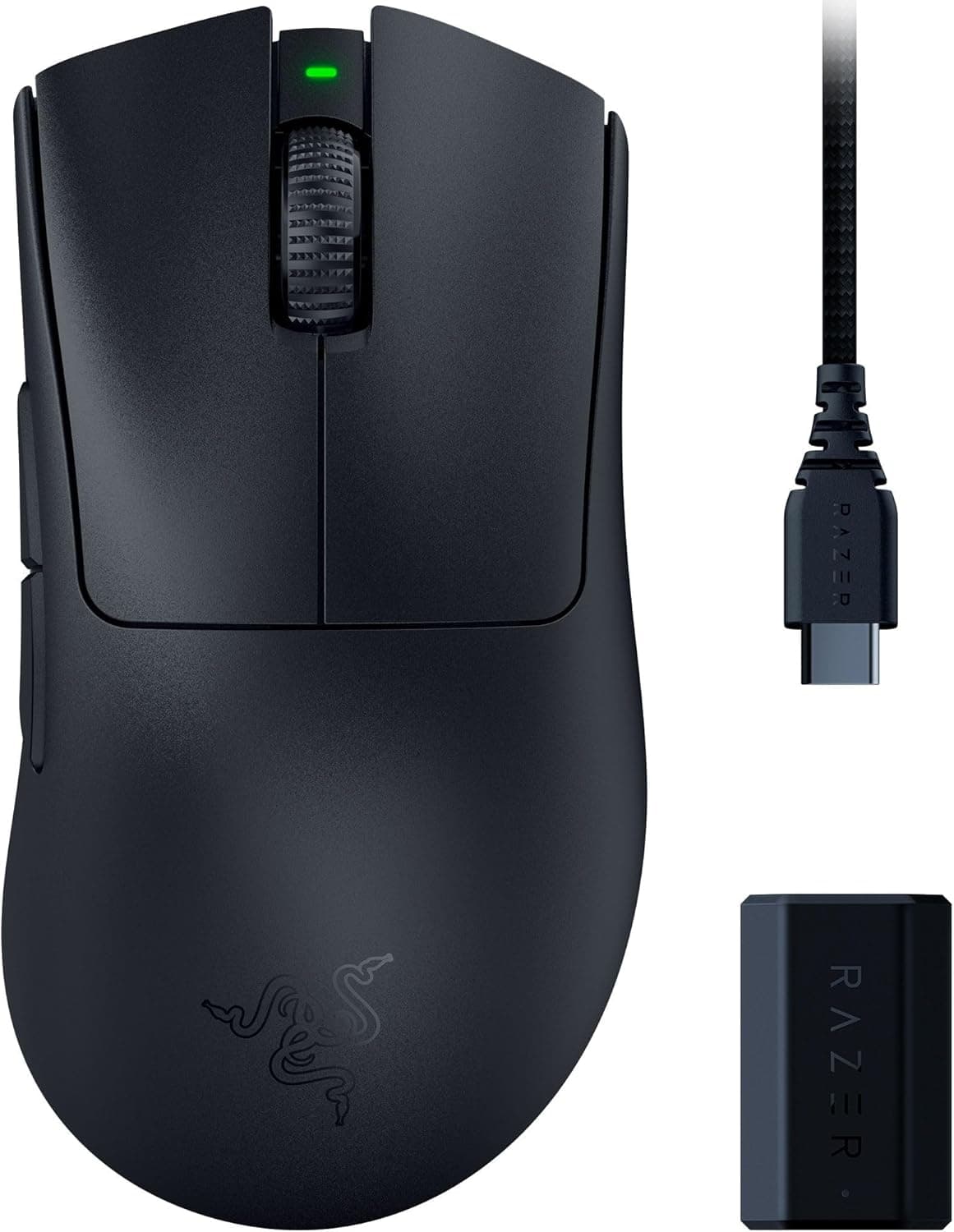
Connection is 2.4GHz wireless (Razer HyperSpeed) through the included USB dongle.
Razer lists support for any PC or laptop with a USB Type-A port, covering Windows 7 or later, macOS 10.11 or later, and Linux.
There is no Bluetooth mode, so thin laptops and many Macs without Type-A ports will need a hub or adapter — check this before ordering.
| Item | Spec | What it means in practice |
|---|---|---|
| Connection | 2.4GHz (Razer HyperSpeed) | No Bluetooth; a free USB port is required |
| OS support | Windows 7+ / macOS 10.11+ / Linux | Synapse is unavailable on Linux, limiting configuration |
| Weight | 74g | Heavier than 50g-class ultralights |
| Sensor | Razer Focus+ optical, up to 20,000 DPI | Real-world use sits around 800-1600 DPI |
| Switches | Razer optical, 0.2ms | Crisp but loud; not a quiet mouse |
| Battery | Up to 70 hours (Chroma off) | Always-on RGB cuts this substantially |
The most common real-world problem is dongle placement. The 2.4GHz band competes with Wi-Fi, Bluetooth, and USB 3.x noise, so plugging the dongle into a rear port behind a desk or case panel can cause cursor jumps and micro-stutter.
The charging cable and dock effectively act as a USB extension — route the dongle through the dock so it sits on the desk surface for the most stable link.
Razer Synapse handles DPI stages, polling rate, button assignments, and Chroma lighting. Save your profile to onboard memory and the settings follow the mouse to machines without Synapse installed — worth doing in advance if you plan to use it at a LAN or on a shared PC.
Product Info
Released in November 2019, the Viper Ultimate was one of the reference points for lightweight wireless mice at the time. The box contains the mouse, a 1.8m USB charging cable, the wireless dongle, the charging dock, Razer logo stickers, and a manual, with a standard two-year warranty.
The eight buttons consist of left and right click, wheel click, a DPI button, and two side buttons on each flank.
Pricing needs care. Rakuten listed ¥20,780 as of August 17, 2026, and eBay US showed $54.90 as of July 15, 2026.
The Amazon figure captured for this article was ¥880, which is impossible for this class of product — almost certainly a data-collection error, so this article does not treat the Amazon price as meaningful. Street prices swing hard with sales, stock, and new-versus-used condition, so always confirm the current price and item condition on the listing.
Context helps here. Since the Viper V2 Pro and V3 line arrived, the Viper Ultimate has become last-generation flagship stock: new units get scarce and expensive in some markets while clearing out cheaply in others.
At near-list prices you should compare the successors; at clearance prices this remains excellent value per yen.
How It Compares
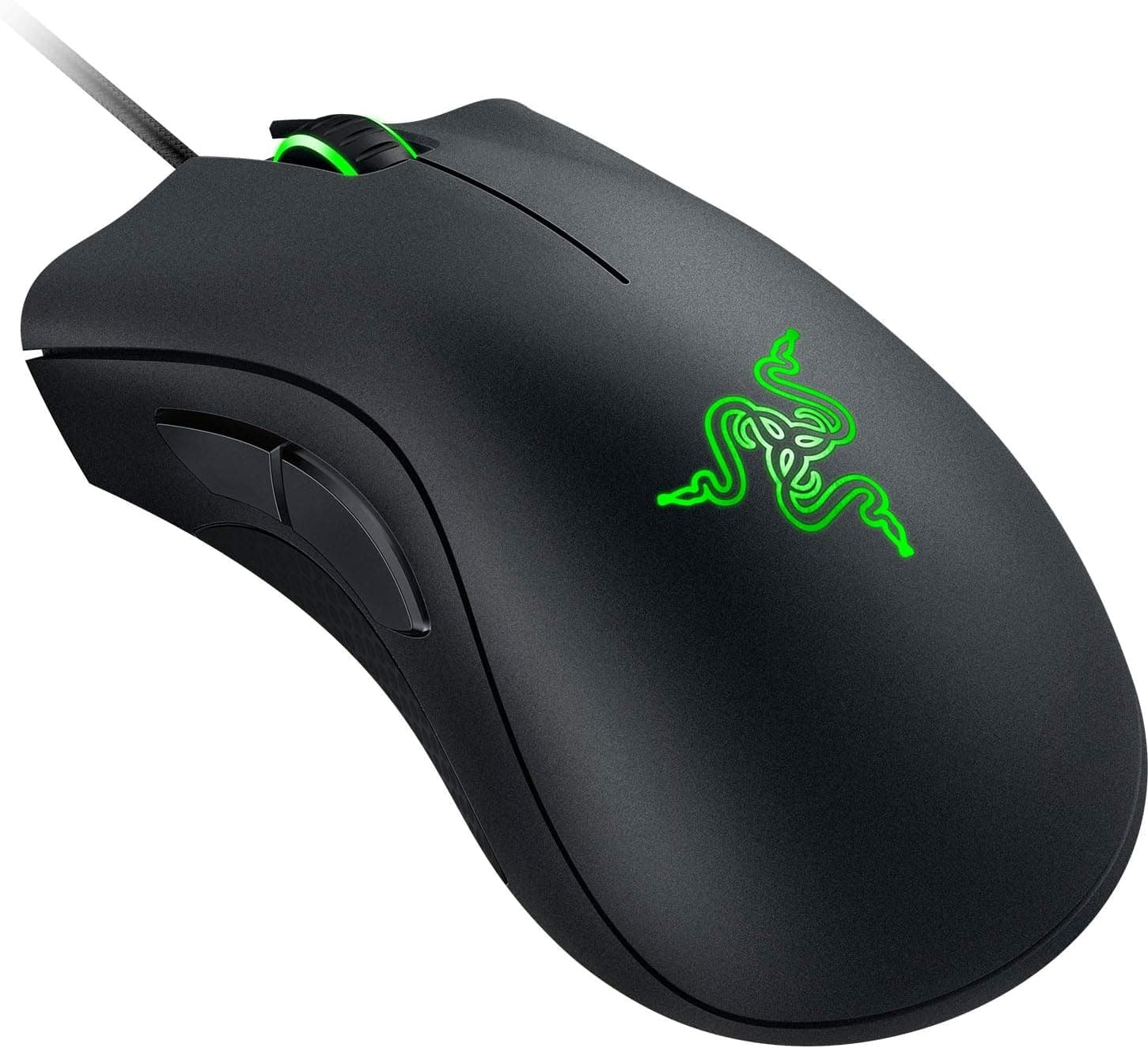
Even within Razer's own lineup, the DeathAdder family targets a different hand. Those are right-hand ergonomic shells built for palm grip stability and a heftier click feel.
The Viper Ultimate is symmetrical and light, tuned for claw and fingertip grips and fast repositioning. If you rest your whole palm on a mouse and steer with your arm, the Viper can feel short on support.
On weight alone, 50g wireless mice now exist, making 74g merely "light-normal" by current standards. But many ultralights hit those numbers by drilling the shell or thinning materials, trading away rigidity, finish, or switch durability.
The Viper Ultimate has a solid, non-perforated shell, and that balance of confidence and low mass is why it still gets recommended.
Living With It
Optical switches have a firmer rebound and a higher, louder click than typical mechanical ones. Response for tap-firing is excellent, but the noise may bother you on late-night voice chat or in a quiet office.
Decide whether you can live with that before buying.
The PTFE feet glide differently depending on your pad. If the mouse feels too slippery, move to a control-oriented cloth pad; if it drags, try a speed pad.
And while DPI goes to 20,000, most FPS players stay between 800 and 1600 — read the maximum as headroom, not a target.
Best Use Cases
- Competitive FPS and battle-royale players who need fast flicks and fine recoil control; 74g plus 0.2ms switches is a strong combination.
- Left-handed users, or anyone who prefers symmetrical shells — side buttons on both flanks make left-hand use genuinely practical, and high-end left-friendly mice are rare.
- Players bothered by cable drag, even with a bungee; HyperSpeed removes the physical resistance entirely.
- Anyone who forgets to charge peripherals — dropping the mouse on a dock is a habit that actually sticks.
Before You Buy
Start with the price listing. Our data capture returned ¥880 for the Amazon entry, wildly out of line with the Viper Ultimate's real value and most likely a mismatched item such as a cable or protective film.
If you see the same discrepancy on the product page, verify the images, the product title, the seller name, and whether the unit is new or used. Listing metadata is occasionally wrong.
Then consider grip fit. A light symmetrical shell suits claw and fingertip grips but leaves palm-grip users with large hands wanting more support.
This is a shape you either get along with or never do — try one in person if you can.
Understand what "8 buttons" means. This is not an MMO mouse.
Realistically you get four side buttons and a DPI button to remap, which is nowhere near enough for MMO skill rotations or heavy macro use. If you hold the mouse left-handed, disable the unused right-side buttons in Synapse to stop accidental presses.
Read the battery rating correctly. The 70-hour figure assumes Chroma lighting is off; always-on RGB and higher polling rates shorten it considerably.
Lithium-ion capacity also fades with age, so used or long-shelved units will not match new performance, and the battery is not user-replaceable — degradation directly limits the product's lifespan.
Finally, remember this is a 2019 design. Sensor generation and power efficiency both trail current models.
At close to list price, buy a successor; at a genuine discount, this is still a great mouse.
FAQ
Q. Does it support Bluetooth? A.
No. It connects only over 2.4GHz using the included USB dongle, so you may need a hub or adapter on Type-A-less machines.
Q. Can I use it while charging? A.
Yes — plug the supplied USB cable into the mouse and it works as a wired mouse while charging. You cannot play while it sits on the dock, so top up between matches.
Q. Do I really need 20,000 DPI? A.
Almost certainly not. Most FPS players use 800-1600 DPI; the maximum is best read as sensor headroom.
Q. Is Synapse required? A.
Basic operation works without it, but DPI and button changes need the software. Configure once and save to onboard memory to carry settings to other PCs.
Q. Are the clicks quiet?
A. No. Optical switches here are firm and relatively loud. Look elsewhere if silence is a priority.
Q. Is it genuinely usable left-handed? A.
Yes, thanks to the symmetrical shell and side buttons on both flanks — just disable the unused side in software to avoid misclicks.
Product Disclosure (Amazon)
- Manufacturer: Razer(レイザー)
- ASIN: B07ZD46659
- Note: This article covers a manufacturer-made product based on Amazon listing details.