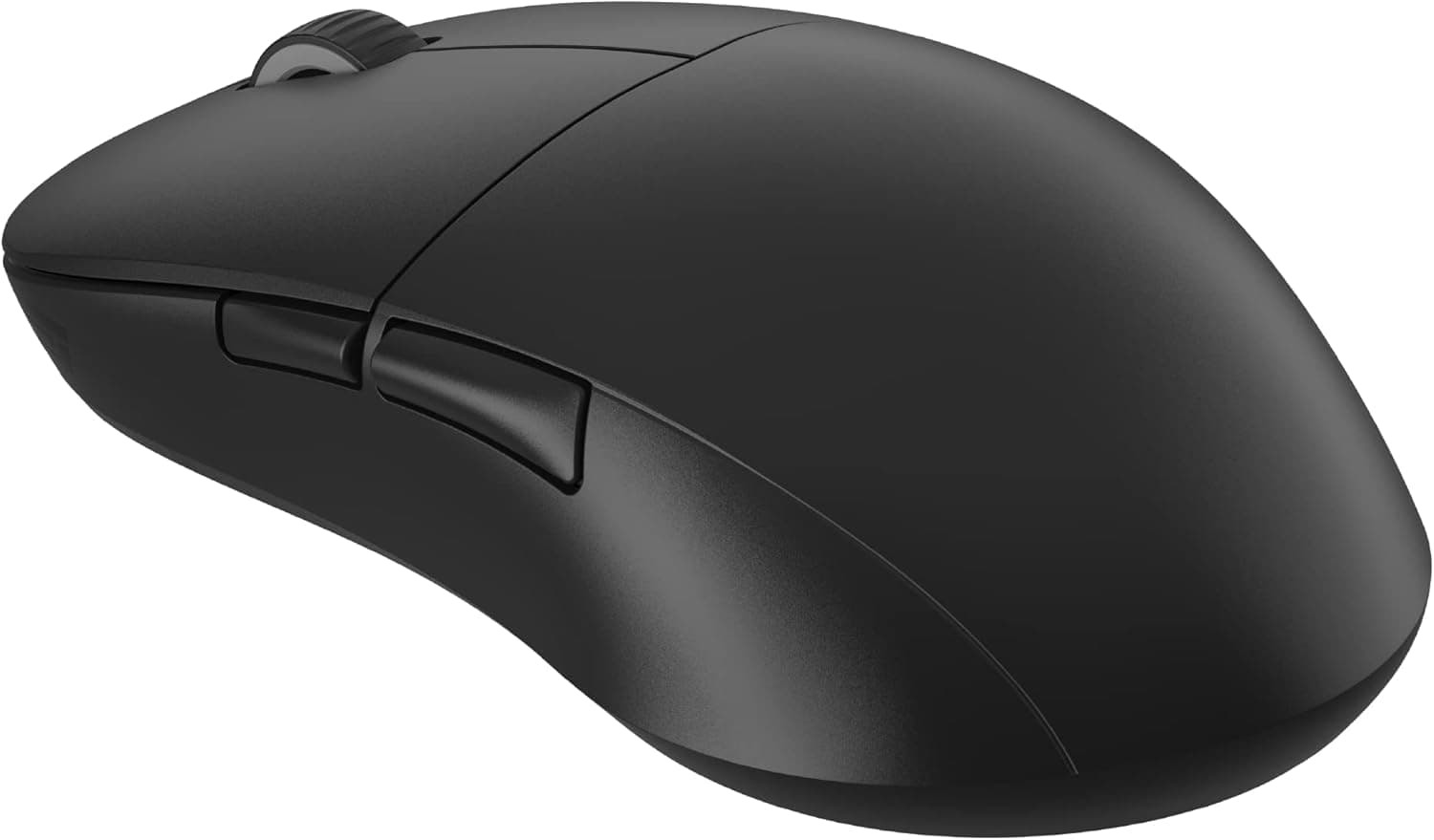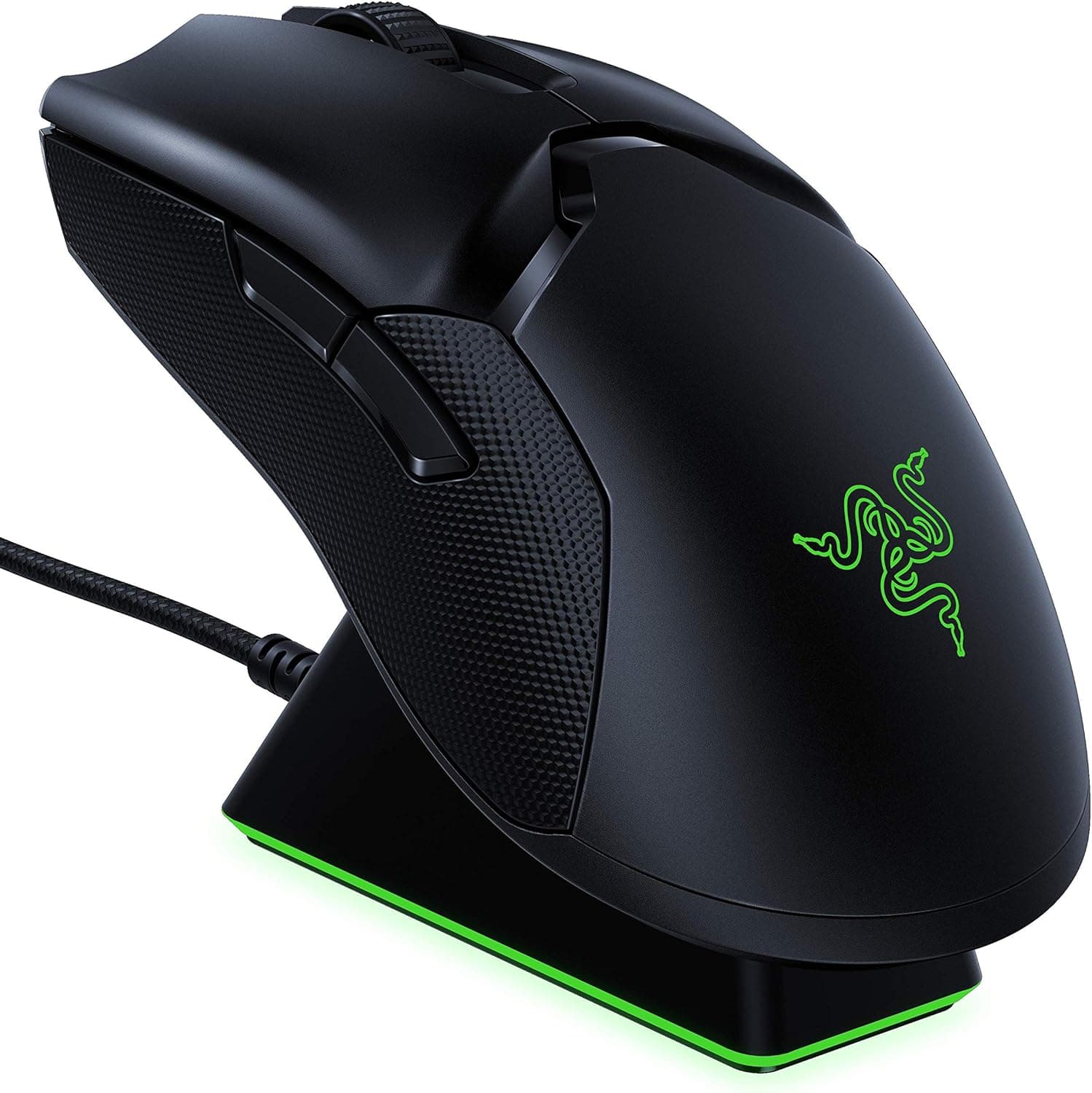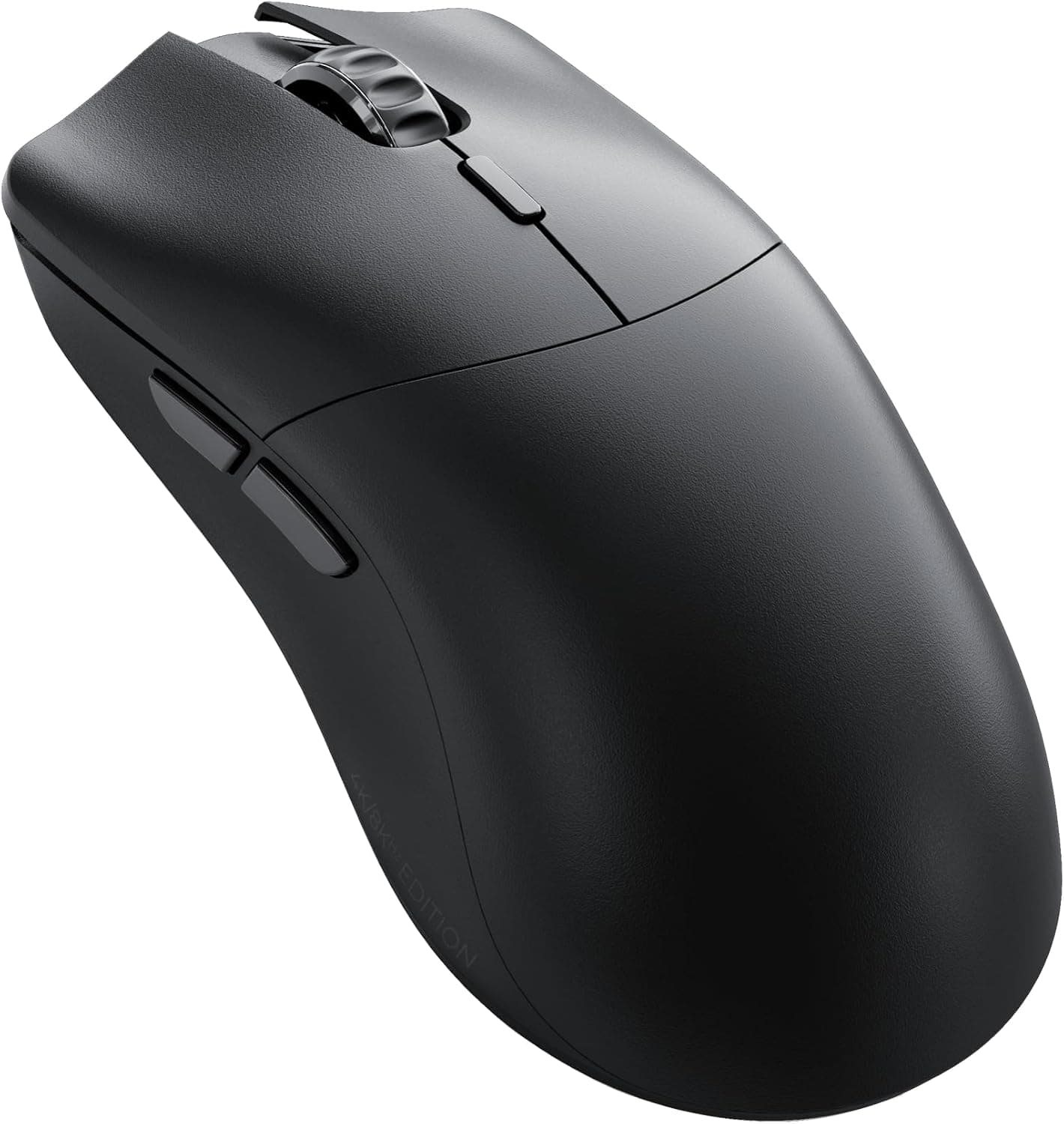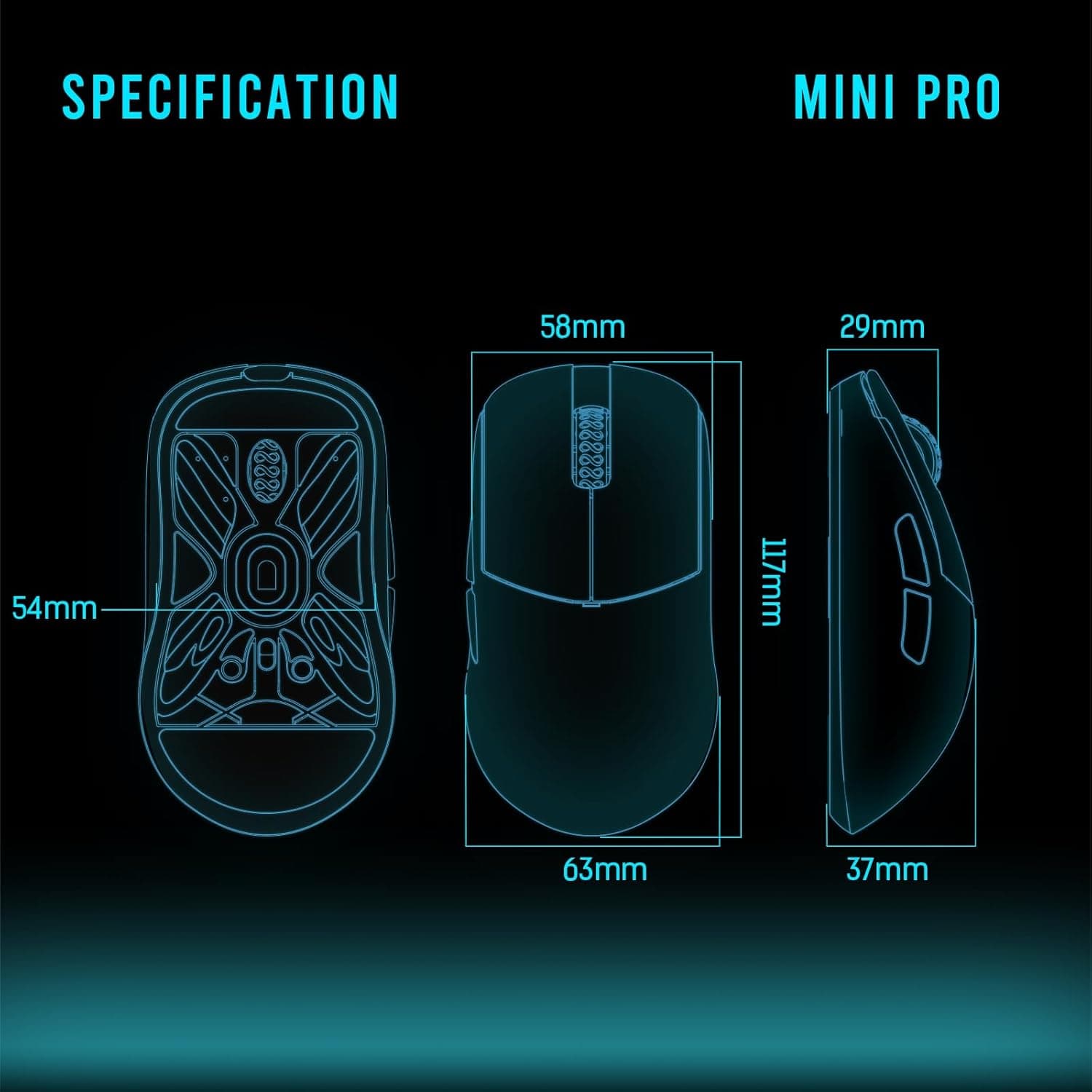
Overview
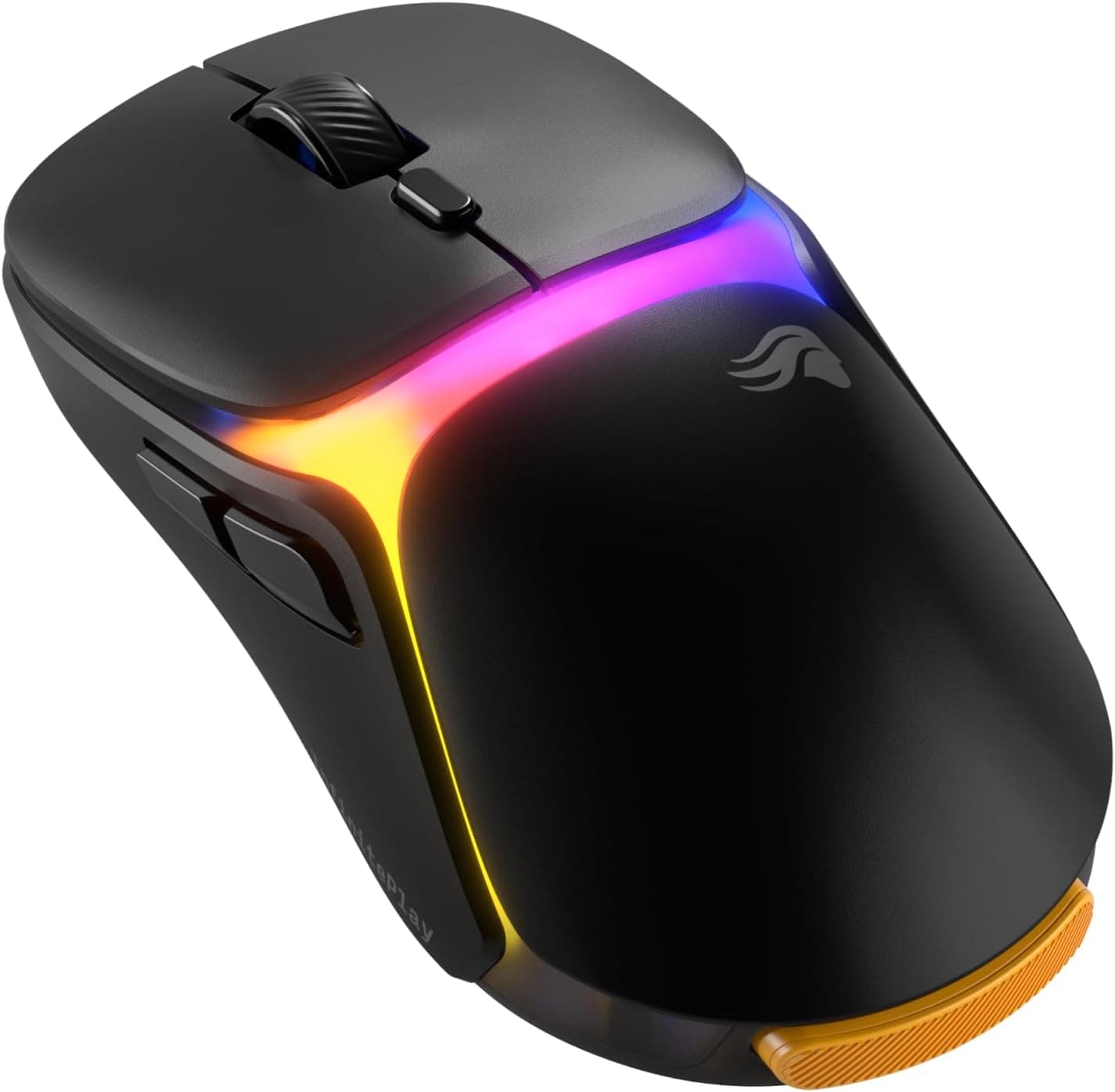
The Glorious Gaming Model O3 Wireless Gaming Mouse attacks a specific assumption: that a wireless mouse has to be plugged in. Its InfinitePlay system ships two swappable battery packs, so one charges on the base while the other is in the mouse.
The spec sheet covers the competitive basics — BAMF 3.0 optical sensor up to 30,000 DPI, 750 IPS tracking, 8,000 Hz polling on both wireless and wired, and a 66g shell.
The short version: this is a mouse for people who play for hours every day. If you game a few hours a week, neither hot-swap batteries nor 8K polling will pay for themselves.
If you have ever lost focus mid-match because of a low-battery warning, the problem this solves is concrete.
Reading the Key Specs
| Spec | Value | What it means in practice |
|---|---|---|
| Sensor | BAMF 3.0 optical | Glorious's tuned high-end sensor |
| Max DPI | 30,000 | Most players sit at 400–1600; the ceiling is a quality indicator |
| Tracking | 750 IPS | Handles fast low-sens swipes without breaking |
| Polling | 8,000 Hz | For high-refresh setups; costs CPU load and battery |
| Weight | 66g | Light, though not the lightest available |
| Battery | Up to 130 hours | A ceiling figure that varies heavily with settings |
| Switches | Optical (130M clicks) | No physical contacts to develop chatter |
| Connection | 2.4GHz wireless / USB-C wired | No Bluetooth listed in the spec |
DPI and polling rate are the two numbers most often misread. 30,000 DPI is not a setting you are meant to use; it signals sensor headroom.
Competitive players typically run 400–1600 DPI, and what actually affects aim is tracking consistency. The same logic applies to 8,000 Hz: on a 60–144Hz display the perceptual difference is small while power draw rises.
Start at 1,000 Hz and step up only if you have the display to justify it.
The 130-hour figure is likewise an upper bound. As a general rule, wireless mouse battery life falls sharply with higher polling rates and always-on RGB.
Do not expect 130 hours at 8K polling with lighting enabled — the swappable packs exist precisely to absorb that gap.
Compatibility Guide
Supported operating systems are Windows 10/11 and macOS 10.13 or later.
The primary connection is 2.4GHz wireless via the bundled receiver, and a USB-A port is required.
Check this before buying. On a laptop with only USB-C ports, or a mini-ITX build with every rear port occupied, a missing USB-A slot is an immediate blocker.
An adapter can work, but adapter quality may affect stability at 8K polling, so a free native USB-A port is the safer plan.
Receiver placement matters too. Generally, the 2.4GHz band is prone to interference from Wi-Fi and Bluetooth devices, and a receiver buried in a rear port sits behind a metal chassis.
The included base charges the mouse and also brings the link closer to desk level, so base-first operation is the sensible default. The base displays battery level, polling rate, and DPI, letting you check state without opening software.
Wired use via the USB-C to A cable is available, but on this product it reads as a fallback for situations where the receiver cannot be used rather than the intended mode. If you plan to run wired most of the time, another mouse is the more rational buy.
Bluetooth is not listed in the specification, so if you intend to pair with a tablet or console, confirm support on the product page.
The bundled spare mouse feet are a reminder that skates are consumables. Pairing 66g with a fast-gliding pad is the usual approach, but this is preference territory — start with the pad you already own.
Product Info
Pricing varies significantly by capture date. Recorded values include ¥41,274 as captured on 2026-06-07 and ¥27,226 on Amazon.co.jp as captured on 2026-08-27.
Both are point-in-time figures subject to sales, exchange rates, and stock. Always check the current price on the product page.Check the retailer's page for the latest price.
If you are not in a hurry, watching the price for a few weeks is worth doing.
A marketplace record of $19.99 also appears in the data, but that is an order of magnitude off for a 66g, 8K-polling flagship wireless mouse.
It is almost certainly a mis-scraped listing for a different product, so this article does not treat it as the product's price.
Check the retailer's page for the latest user reviews. At small sample sizes, early-unit variance or one recurring complaint can dominate the score.
A 3.8 reads as "not adored, not rejected" — read a handful of actual review bodies before deciding.
The box includes the mouse, two battery packs, a USB-C charging cable, the wireless base, a USB receiver, and spare feet. Check the official Glorious site for warranty terms.
How It Compares
Lightweight wireless mice are a crowded segment, and 66g is light but not the lightest — sub-60g wireless options exist. If raw weight is your only criterion, this is not the answer.
What is distinctive here is not weight or sensor but the ownership cycle. Most wireless mice run use → drain → plug in.
The Model O3 replaces that with use → swap pack → let the base handle charging. The prospect of replacing a worn pack rather than the whole mouse is also a structural advantage over sealed-battery designs if you keep peripherals for years.
Conversely, if that cycle holds no value for you, plenty of same-price options will fit your hand, weight preference, or sensor needs better. Compare based on what actually frustrates you today, not on spec sheets.
Best Use Cases
- Anyone who has lost a match to a dead battery — that is the exact problem being solved.
- Players who want a light mouse but hate wireless housekeeping — dock it and everything resolves itself.
- Owners of high-refresh displays — one of the few setups where 8,000 Hz polling is meaningful.
- Buyers who keep gear for years — swappable cells age better than sealed ones.
Before You Buy
1. Hot-swap is not zero effort. You have traded plugging in a cable for swapping a pack.
If you never build the habit of returning the idle pack to the base, you can end up with two empty packs — the worst case. Be honest about your own habits.
2. USB-A is mandatory. As noted, a system without a free USB-A port needs extra hardware. Laptop users should check port layout first.
3. 8K polling is not free. Higher polling generally increases host CPU load and battery drain.
On entry-level CPUs or already-loaded systems, raising it can make frame times worse. Start at 1,000 Hz and verify you can actually feel the difference.
4. The price swings hard. Captures differ by over ¥10,000. Whether you pay near list or catch a dip materially changes satisfaction.
**5. The review sample is thin. Read the complaints and judge whether they describe unit variance or design.
6. Verify the listing yourself. The Amazon page may be sold and shipped by a third-party seller, and listing metadata is sometimes inaccurate.
Confirm from the images and title that you are buying the wireless model, the color, and the bundle you expect.
Who should skip it: weekend-only casual players, MMO players who need many side buttons, large-handed palm grippers who prefer bigger shells, and anyone who simply wants cheap-and-light — a lower-cost lightweight wireless mouse will serve that last group better.
FAQ
Q. Does the connection drop while swapping batteries? A.
Power cuts out during the swap, so there is a brief pause. Compared with plugging in and waiting for a charge, the interruption is minimal — it is designed to happen between matches.
Q. Does it support Bluetooth? A.
The specification lists only 2.4GHz wireless and USB-C wired.
Confirm on the product page if Bluetooth is essential to you.
Q. Do I need 30,000 DPI?
A. Practically, no. Most players use 400–1600 DPI. Treat the ceiling as an indicator of sensor quality.
Q. Does it work on Mac? A.
macOS 10.13 or later is supported.
Configuration software coverage can differ by OS, so check the vendor's status if you rely on deep customization.
Q. Why optical switches? A.
Without physical contacts, they are less prone to developing chatter (unintended double-clicks) over time. The 130M-click rating points to a long-service design.
Q. Is 8,000 Hz available on wired too?
A. Yes — the specification lists 8,000 Hz for both wireless and wired.
Product Disclosure (Amazon)
- Manufacturer: GLORIOUS
- Seller: Dshop11
- Fulfilled by: Dshop11
- ASIN: B0FQFSFV1H
- Note: This article covers a manufacturer-made product based on Amazon listing details.