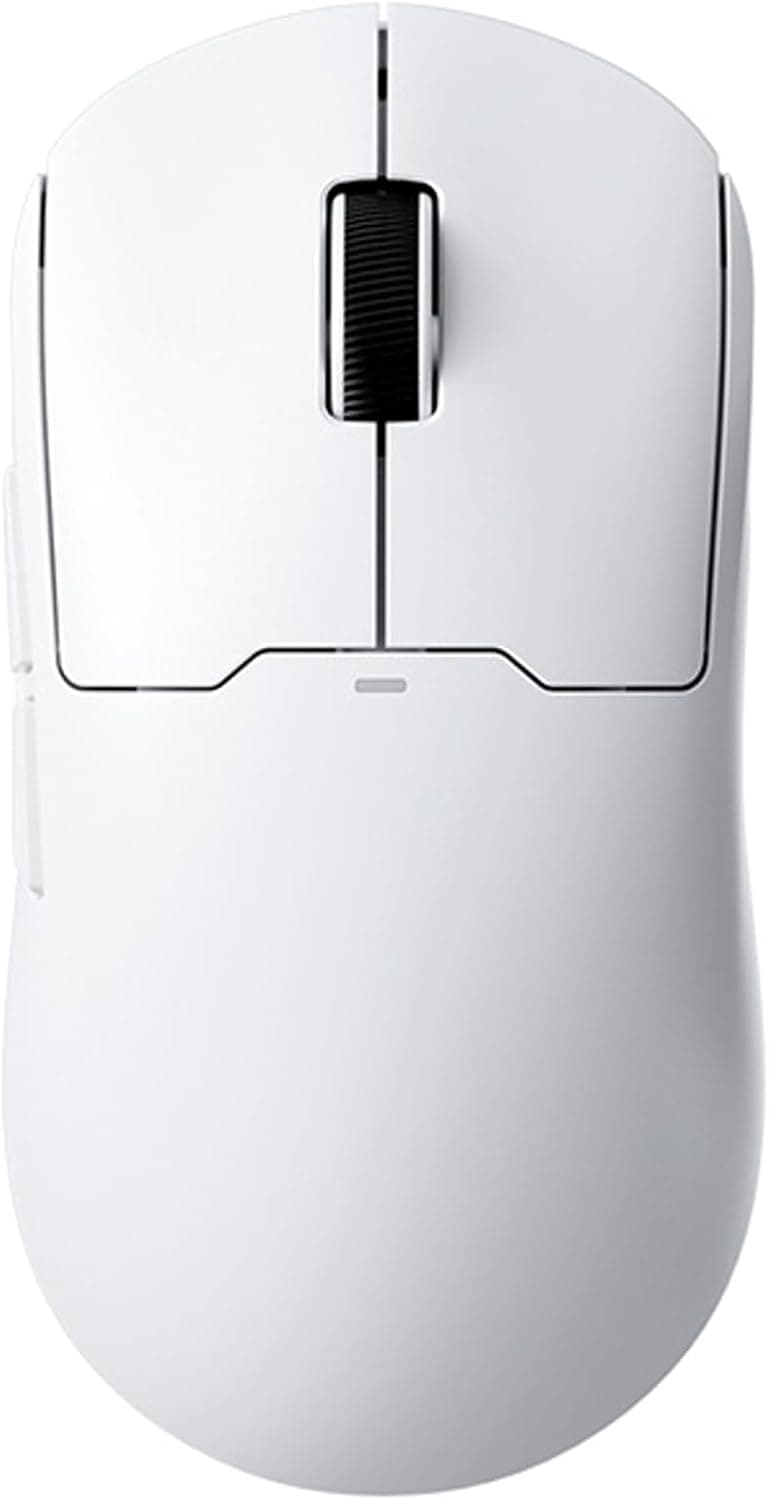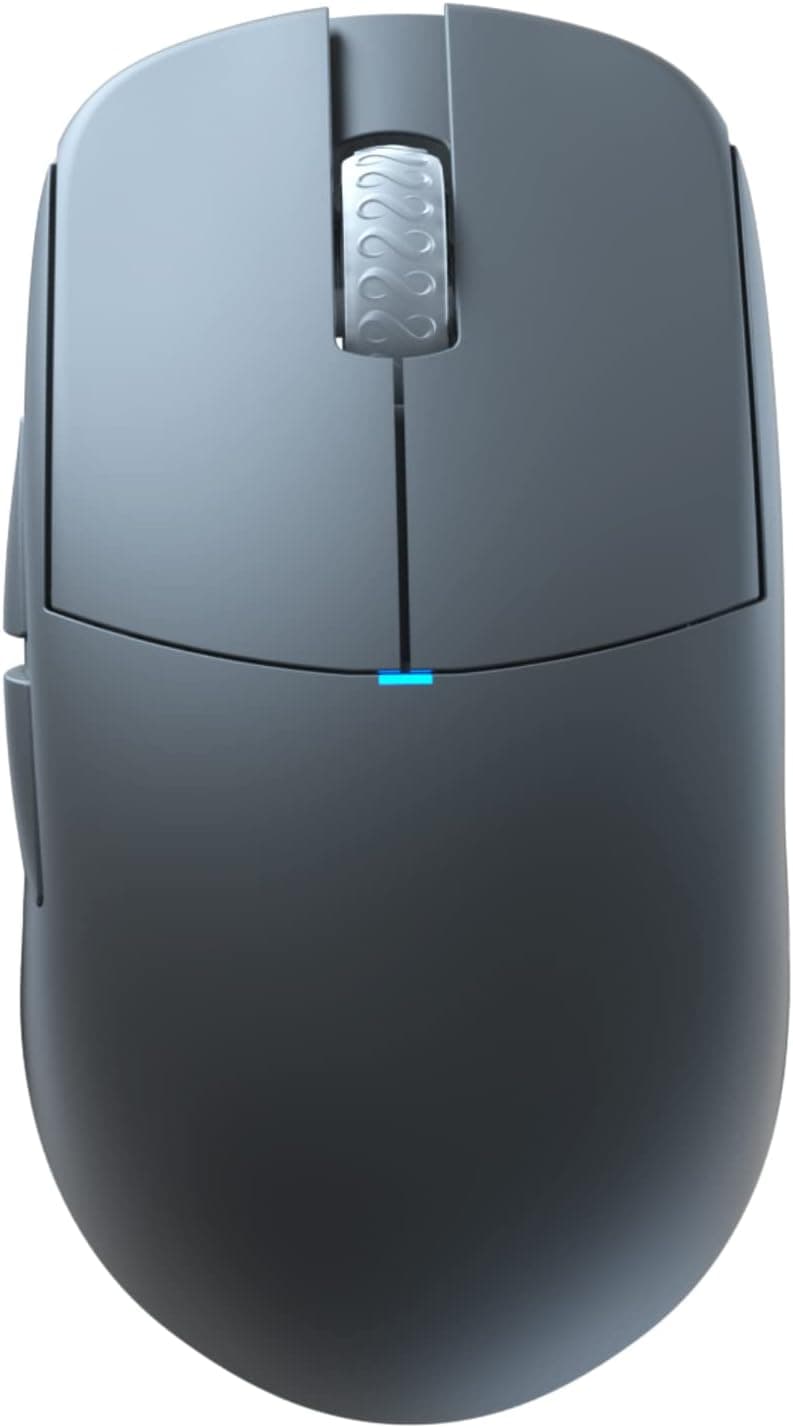
This article covers the Lamzu Atlantis Mini Pro — Ultra-light 51g Wireless Gaming Mouse Polar White. It explains what the spec sheet actually means in play and what to check before you buy.
Overview
The Lamzu Atlantis Mini Pro is a wireless gaming mouse from the gaming gear brand Lamzu. The short verdict: it is built for players who want a small, symmetrical, very light mouse as their main FPS tool.
It is not for people who need many buttons or prefer a heavier, more planted feel. Its standout feature is a 51-gram body, which reduces wrist and arm fatigue over long sessions and makes quick flicks easier in shooters and battle royale games.
It uses the PixArt PAW3395 optical sensor, a flagship-grade part rated for up to 26,000 DPI, 650 IPS and 50G. That is far beyond what ordinary gameplay demands.
The shell is symmetrical, and the Polar White finish gives it a clean, minimalist look.
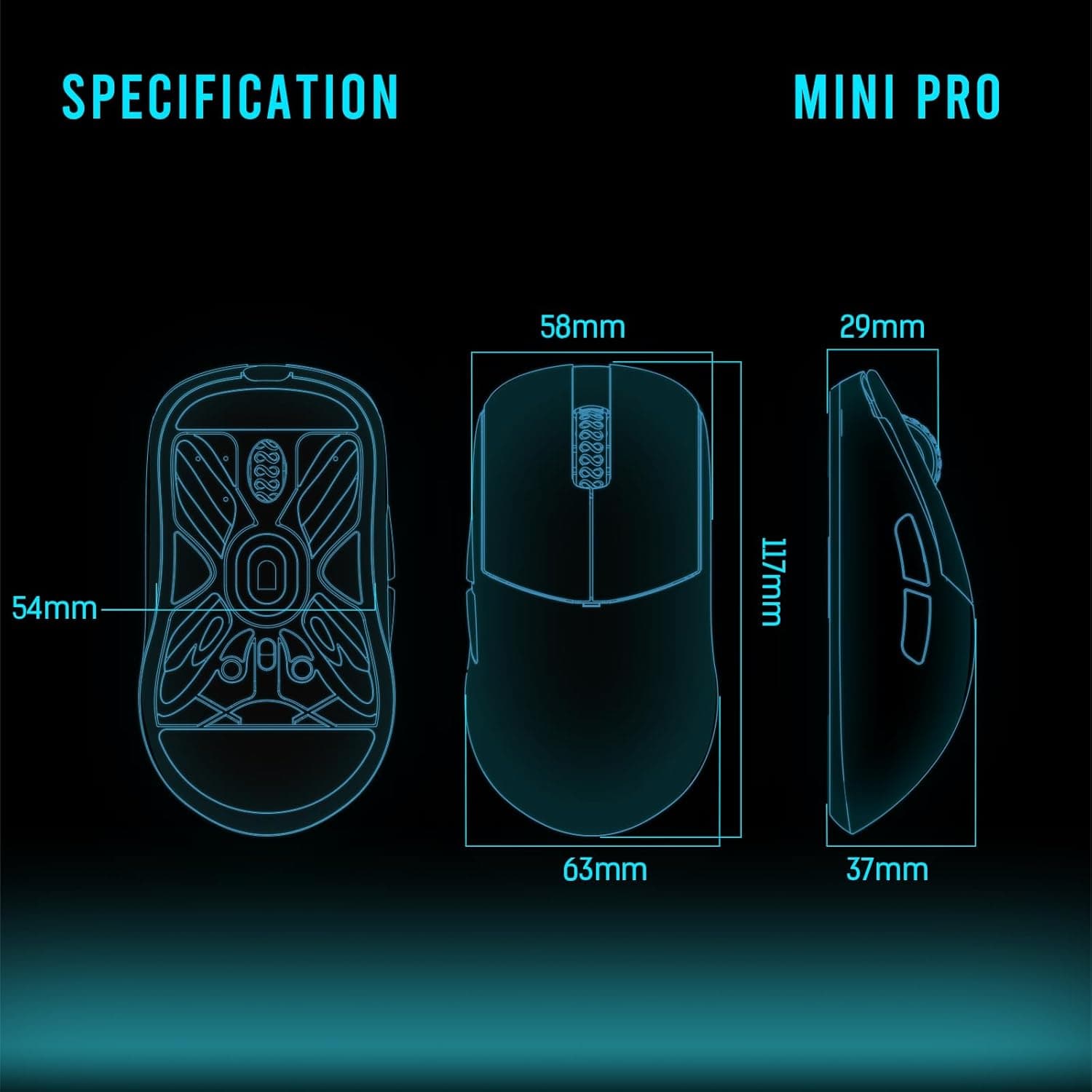
As the Mini name suggests, this is a compact shape. Exact dimensions are not part of the data behind this article, so check the size chart on the product page against your hand.
Fit and shape cause far more bad mouse purchases than sensor performance does.
What the Specs Actually Mean
| Item | Value | What it means in practice |
|---|---|---|
| Weight | 51g | Ultralight for a wireless mouse; easy to stop exactly on target |
| Sensor | PixArt PAW3395 | Widely used in current high-end mice; accuracy is not a concern |
| Max DPI | 26,000 | The ceiling makes almost no difference you can feel |
| Speed / acceleration | 650 IPS / 50G | Tracks fast, wide swipes from low-sensitivity players |
| Buttons | 6 | Enough for FPS, too few for MMOs |
| Polling rate | 1,000Hz standard / 4,000Hz with separate dongle | 4,000Hz requires an extra purchase |
Max DPI is the most misleading number in the table. Many FPS players use around 400 to 1,600 DPI, so a 26,000 ceiling almost never comes into play.
Read it as a sign of a current-generation sensor, not as a reason to buy. What actually separates this mouse from others is the 51g weight and the small, symmetrical shape.
Compatibility Guide
The mouse connects by 2.4GHz wireless through the included USB dongle, or by wire over USB-C.
It supports Windows, macOS and Linux, and basic pointing works without extra drivers. In wired mode you can keep playing while the battery charges.
Common pitfalls:
- You need a USB-A port. The dongle plugs into USB-A. On laptops or Macs that only have USB-C ports, you will need an adapter or hub.
- 4,000Hz needs a separately sold 4K dongle. Out of the box the mouse polls at 1,000Hz (1ms). At 4,000Hz the interval drops to 0.25ms in theory, but the dongle adds to the total cost.
- Higher polling adds CPU load. In general, very high polling rates increase processing overhead, and older CPUs or some games may stutter. Check whether 1,000Hz actually bothers you before buying the 4K dongle.
- Keep the dongle close to the mouse. A dongle plugged into the back of a PC under the desk may get a weaker signal. A short extension cable on the desk usually helps.
- macOS and Linux may have limits beyond basic use. Changing DPI steps or the polling rate may require configuration software. Check Lamzu's guidance for your OS.
Product Info
The Lamzu Atlantis Mini Pro was released in early 2024 and sits in the mid-to-high tier of the gaming mouse market, where it is popular with players looking for a lightweight mouse. The listed manufacturer is ラムズ(Lamzu), and the Amazon ASIN is B0CT8C85XY.
Check the retailer's page for the latest price. Prices change with sales and stock, so check the current price before buying.
If you want 4,000Hz polling, also budget for the separate 4K dongle.
Check the retailer's page for the latest user reviews. That is encouraging, but too few to judge unit variation or long-term durability.
The package includes the mouse, a USB dongle, a USB-C charging cable, grip tape and replacement mouse feet. Spare feet in the box are a welcome extra for an ultralight mouse.
Bundled items can change between production runs, so confirm them on the product page. The warranty follows Lamzu's standard policy.
Initial defects are often handled through the retailer, so keep your order records.
Comparison with Competitors
Several mice in this price range share the same lightweight, PAW3395-class formula. The table below lists products covered on this site, using the figures from each product's listing title.
| Product | Weight | Sensor / DPI | Shape / connection |
|---|---|---|---|
| Lamzu Atlantis Mini Pro | 51g | PAW3395 / 26,000 | Symmetrical, compact / wireless |
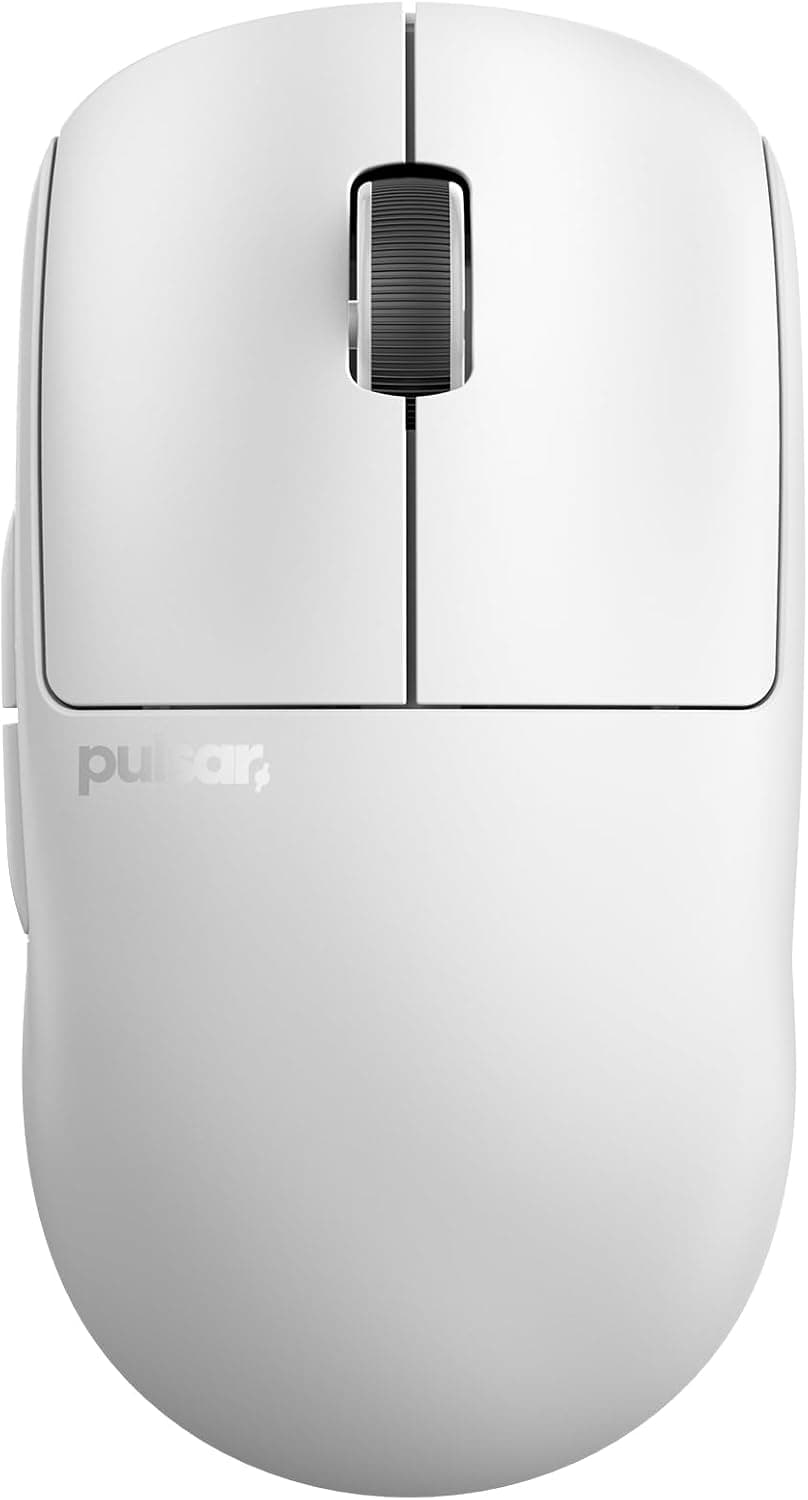
| Pulsar X2H | 54g | PAW3395 / 26,000 | Symmetrical / wireless |
| Pulsar Xlite V3 Medium | 55g | PAW3395 / 26,000 | Right-handed / wireless |
| Pulsar CrazyLight Series | 41g | 32,000 DPI | Wireless |
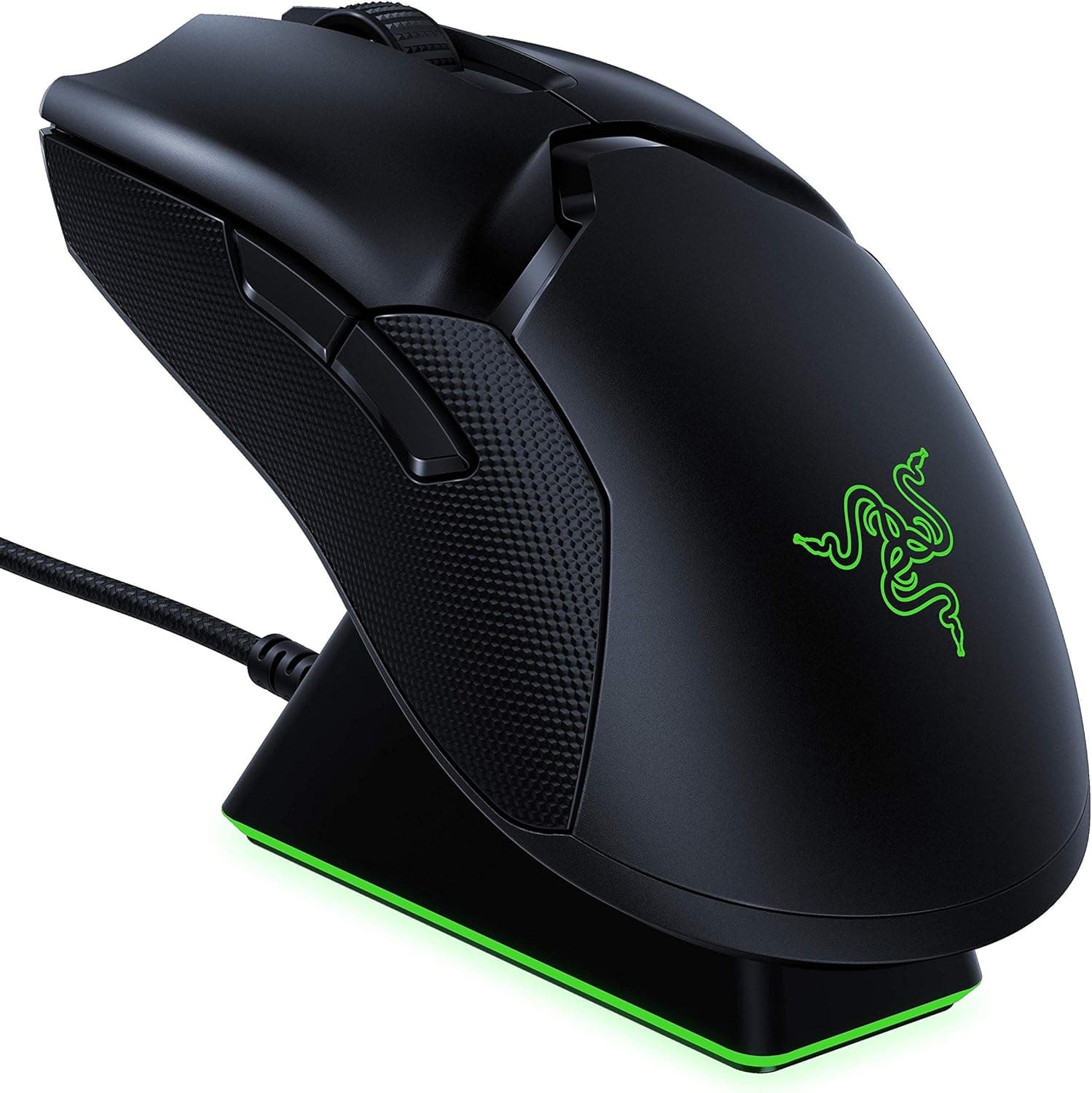
| Razer Cobra | 58g | — | Wired |
Sensor performance is about the same across these mice, so shape and weight should decide. Palm grippers who want to rest their whole hand on the mouse may prefer a right-handed shape like the Pulsar Xlite V3.
The Pulsar X2H is a symmetrical alternative with a different shape, and the Pulsar CrazyLight is the pick if the lowest possible weight matters most. The Atlantis Mini Pro stands out by combining a compact size, a symmetrical shape, 51 grams and wireless in one mouse.
Best Use Cases
- FPS and TPS players who need precise aim. At 51 grams, the mouse is less tiring for low-sensitivity, arm-driven play and easy to micro-adjust.
- Claw and fingertip grip users. A compact symmetrical shell suits fingertip-driven control.
- Anyone who finds their current mouse too heavy or too big. Coming from a typical 80g-plus mouse, the weight difference is immediately obvious.
- Left-handed players, with a condition. The symmetrical shape works in the left hand, but check the button layout described below.
The accurate sensor and light feel also help with detailed cursor work such as photo editing. With only six buttons, however, it is a poor fit for anyone shopping for an MMO mouse.
Before You Buy
It may be too small for large hands in a palm grip. The Mini name means a compact shape.
If you like to lay your whole palm on the mouse, check the dimensions before buying, or compare it with a larger model or the right-handed option above.
Left-handed users should check where the side buttons are. A symmetrical shape does not mean buttons on both sides.
If the side buttons are only on one side, they end up under your pinky when used left-handed. Check the product images.
4,000Hz is not available out of the box. It requires the separately sold 4K dongle, so do not assume the sensor claims on the listing include it.
The low weight takes some getting used to. At 51 grams, you may overshoot targets at first if you are coming from a heavier mouse.
Lowering your sensitivity slightly and practicing for a few days usually helps. If you genuinely prefer a heavier, planted feel, this mouse may never suit you.
The white shell shows dirt. Polar White looks clean, but it shows hand oils and smudges more easily, so expect to wipe it regularly.
**There are only a few reviews.
Double-check the listing. The Amazon title mixes Japanese and English, and the brand sells similarly named models and other colors.
Before ordering, confirm in the images and title that it is the Atlantis Mini Pro in Polar White.
FAQ
Q. Can I use 4,000Hz polling with what is in the box? A.
No. The mouse runs at 1,000Hz by default, and 4,000Hz requires the separately sold 4K dongle.
Q. Does it work on Mac and Linux? A.
Yes. It supports Windows, macOS and Linux, and basic use needs no drivers.
Check Lamzu's guidance to see whether you can change advanced settings on your OS.
Q. Can I use it wired?
A. Yes. Connect it with the USB-C cable and keep playing while it charges.
Q. Is 51g too light? A.
Some players feel that way at first. Most adapt within a few days after adjusting sensitivity, but players who prefer a heavier feel may not.
Q. Is it suitable for large hands? A.
It can work with a claw or fingertip grip, but a palm grip tends to feel cramped. Check the dimensions first.
Product Disclosure (Amazon)
- Manufacturer: ラムズ(Lamzu)
- ASIN: B0CT8C85XY
- Note: This article covers a manufacturer-made product based on Amazon listing details.