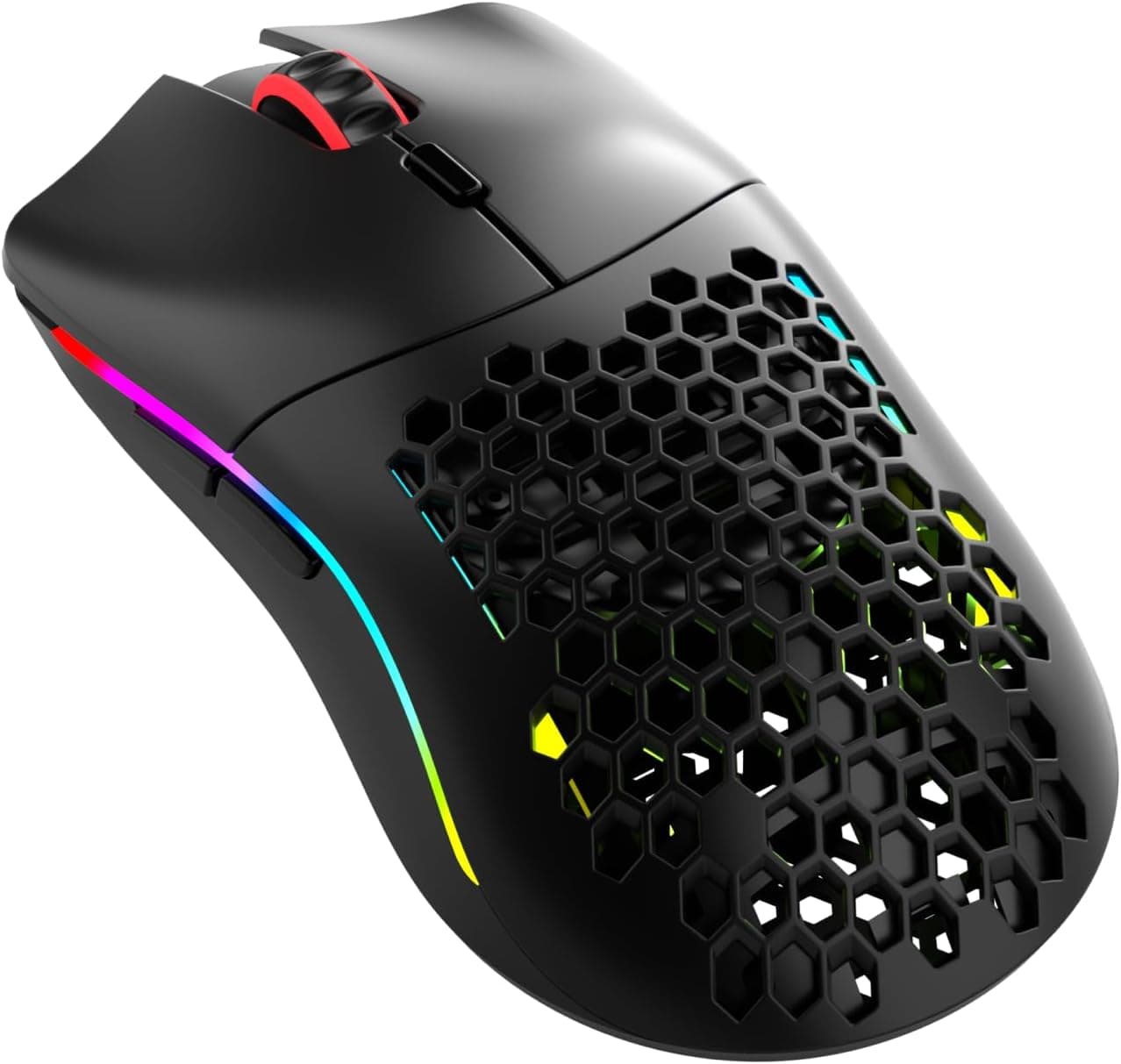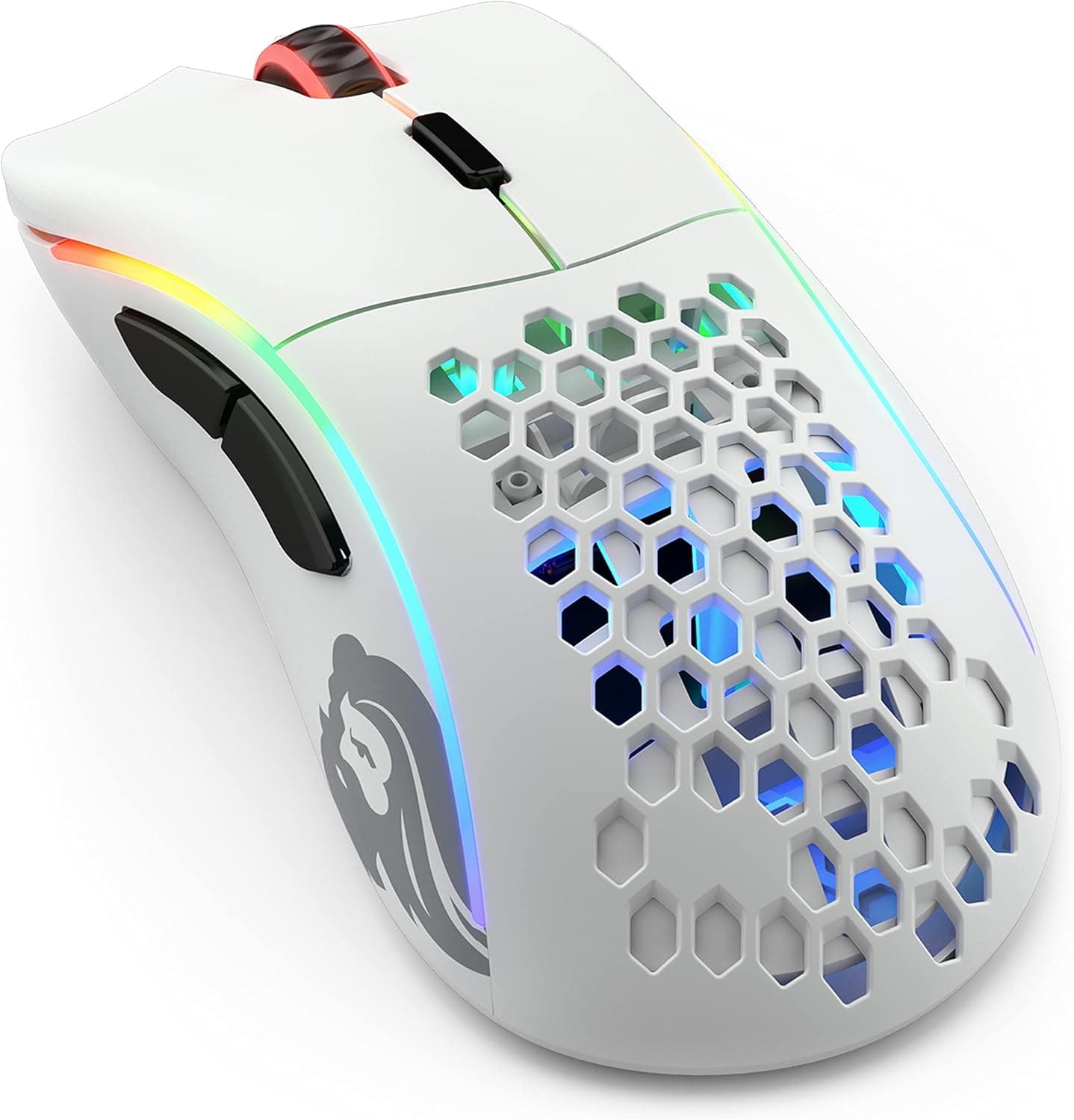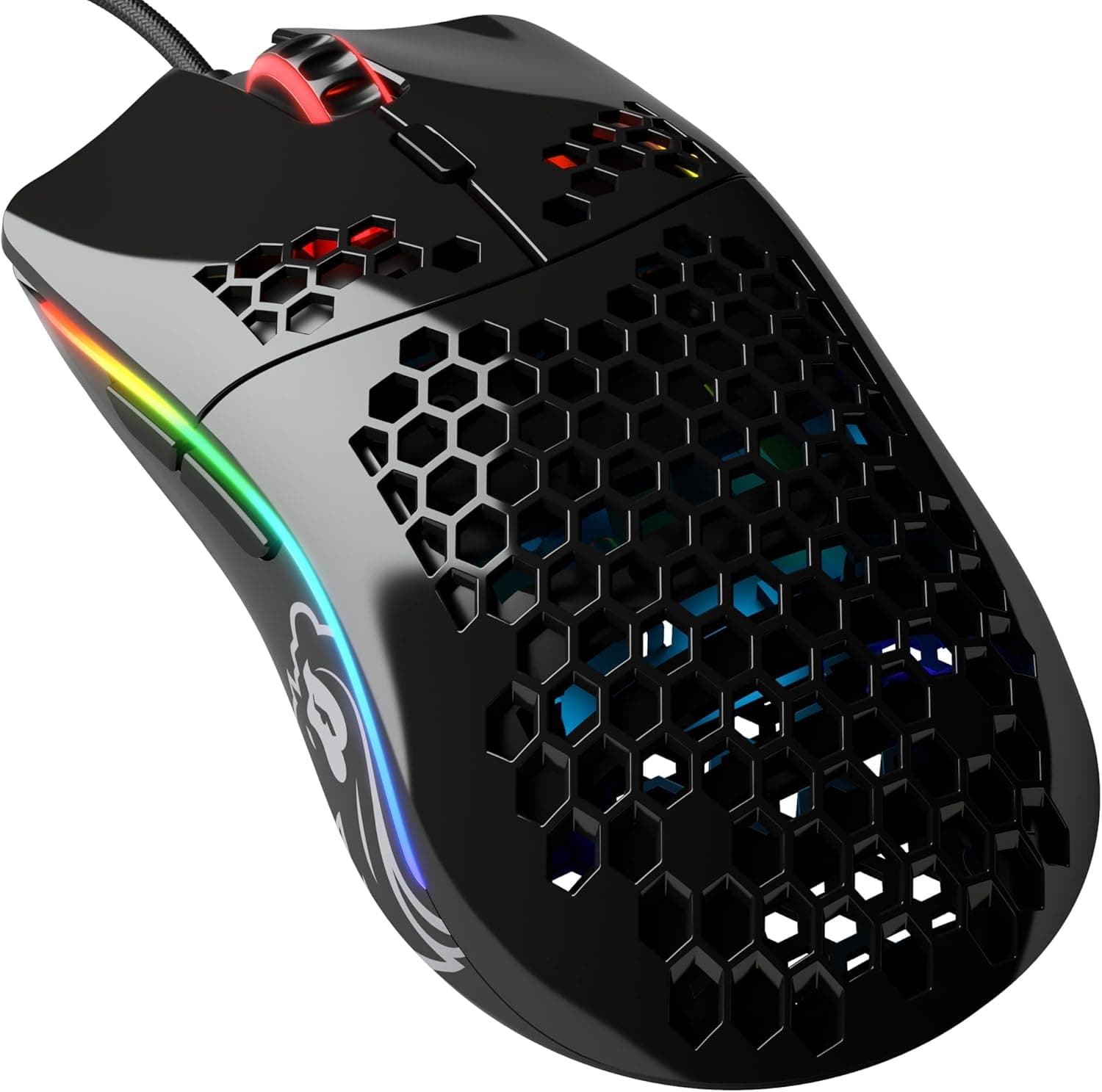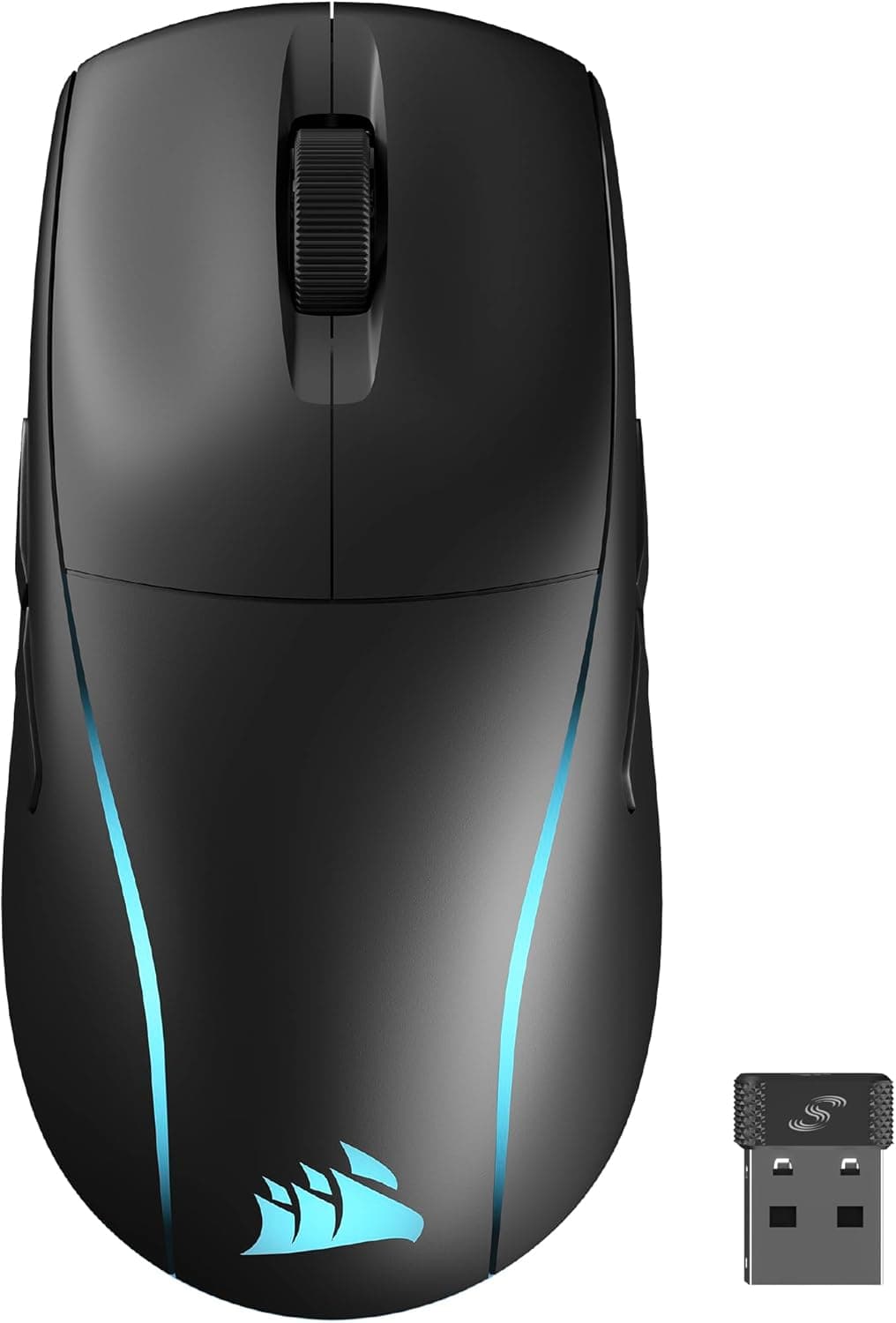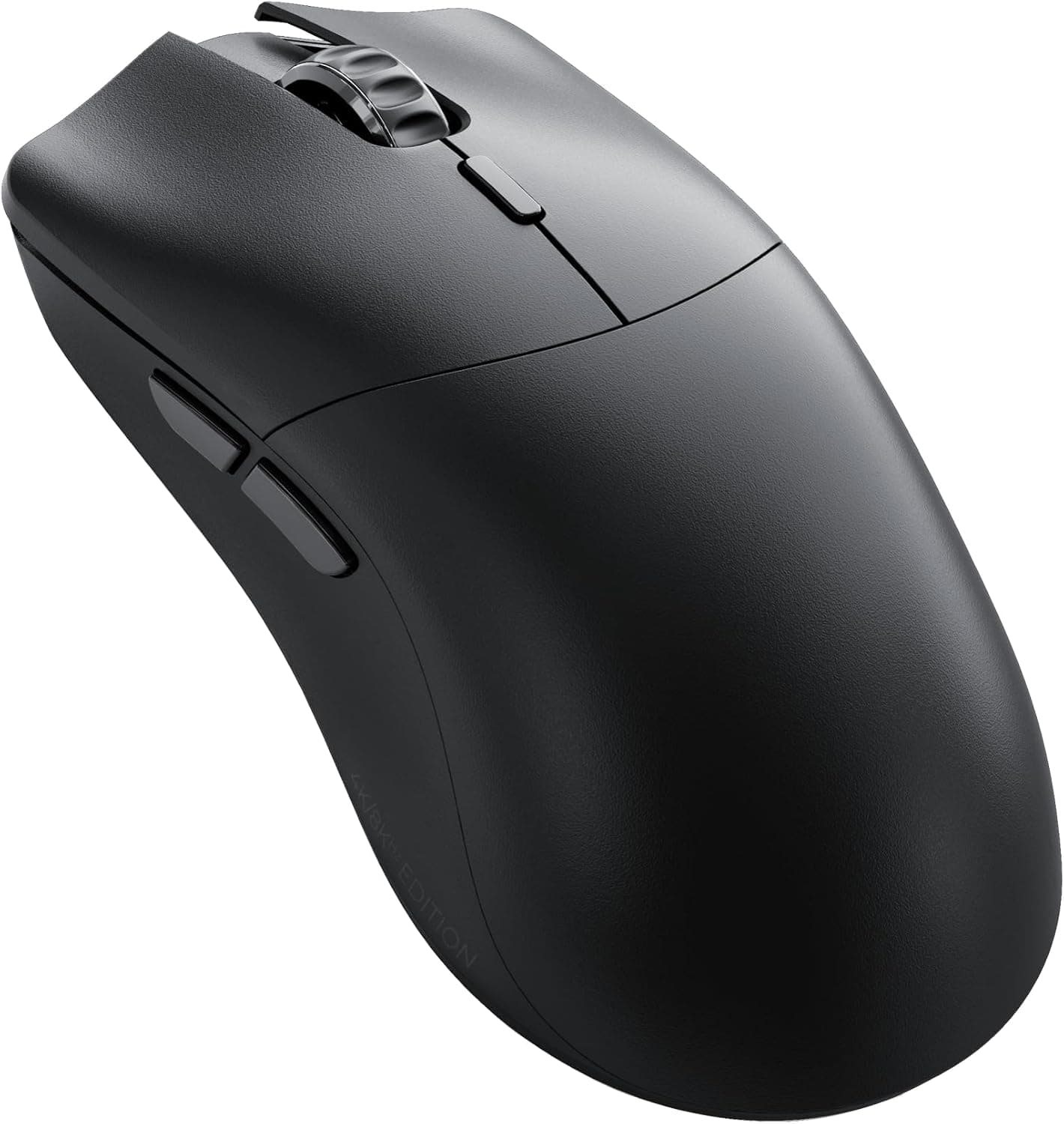
Overview
The Glorious MODEL O 2 PRO 4k is a 57g (59g measured) ambidextrous wireless gaming mouse with a very narrow mission: chase weight and responsiveness for competitive FPS, and let everything else go. It offers up to 4000Hz polling wirelessly and up to 8000Hz wired, versus the 1000Hz that most gaming mice ship with.
The sensor is the Glorious BAMF 2.0 26K optical unit, rated at 26000 DPI and 650 IPS tracking speed.
There are 6 buttons on Glorious 100M Optical switches, a 380mAh battery, and a 128.4 x 67.1 x 37.5 mm shell — medium-to-large, not a small mouse.
On Amazon.co.Check the retailer's page for the latest user reviews.
That is a smaller sample than the best-selling mainstream mice, but the score itself is solid.
Connectivity & Compatibility
Two connection modes: 2.4GHz wireless via the bundled receiver, and wired USB-C.
The receiver stores inside the mouse body so it is harder to lose in transit. Wired mode uses the included 2m USB-A to C cable, and since the port is standard USB-C, any cable works for charging.
Windows, macOS and Linux all work out of the box for basic pointing — no driver needed. However, changing the polling rate, editing DPI profiles or remapping buttons requires the Glorious Core software, which is offered for Windows and macOS.
If Linux is your main OS, the practical approach is to configure the mouse on a Windows machine first and then move it over.
One thing people overlook about high polling rates: they cost CPU time. At 4000Hz or 8000Hz the system processes several times more input reports per second.
On a capable PC this is fine, but on an older or already CPU-bound system it can shave frames rather than add responsiveness. Start at 1000Hz, confirm you have headroom, then step up.
For 8000Hz wired operation, plug into a motherboard USB port rather than a hub — USB controller compatibility matters at that rate.
The shell is symmetrical and suits claw, palm and fingertip grips, but the side buttons are on the left side only. Held in the left hand, those buttons fall under the ring and little fingers and become impractical.
Ambidextrous shape does not mean left-handed support here.
Product Info
Released in late 2023, the Glorious MODEL O 2 PRO 4k/8kHz Edition sits in the mid-to-high-end segment and ships in Japan as an authorized product with a 2-year warranty. The box contains the mouse, the 2.4GHz receiver, a 2m USB-A to C cable and a quick-start guide.
Prices as captured, all subject to sales and exchange-rate movement — check the product page for the current figure:
| Retailer | Price | Captured |
|---|---|---|
| Amazon | ¥19,389 | 25 Jul 2026 |
| Rakuten (Joshin web) | ¥24,980 | 10 Sep 2026 |
| eBay US | $59.99 | 18 Aug 2026 |
The gap between Japanese channels exceeded ¥5,000 at capture time. For a product with a built-in battery whose runtime degrades over years of use, that warranty often matters more than the price difference.
In the market it competes head-on with ultralight esports mice such as the Razer Viper V2 Pro and the Logitech G Pro X Superlight.
How It Compares
Lightweight wireless options have multiplied. 57g is still light, but it is no longer the lightest — 55g and even sub-45g models exist.
- 4000Hz wireless out of the box, where many rivals ship at 1000Hz or sell the 4K dongle separately
- A larger symmetrical shell (128.4mm) that suits bigger hands and claw grips
- A 2-year domestic warranty on authorized units
If you have small hands, want RGB, or play MMO-style games that lean on side buttons, other models fit better on paper.
Living With It
Battery life is quoted at up to 80 hours at 1000Hz and up to 35 hours at 4000Hz. That difference shapes your routine: at 4000Hz and five hours a day, you are charging roughly weekly.
You can play while charging over USB-C, but the cable partly cancels the weight advantage. A sensible pattern is 1000Hz for everyday play and a full charge before competitive sessions.
It is also worth noting the spec sheet itself lists 57g nominal against 59g measured. Two grams is not something you will feel, but it is useful to know the catalog number is not exact.
Before You Buy
1. Light is not automatically better. At 57g, stopping the mouse precisely is harder.
Coming from an 80–100g mouse, expect one to two weeks where your aim is worse, not better. Don't switch the week before a tournament.
2. Side buttons are left-side only. Left-handed users, or anyone expecting buttons on both flanks, should look elsewhere.
3. No RGB lighting. If you are building a themed setup, this won't match it. The upside is no LED battery drain.
4. 4000/8000Hz is not free performance. It raises CPU load, and without a high-refresh monitor and CPU headroom you will struggle to feel any difference against 1000Hz.
The premium only makes sense with the rest of the setup in place.
5. Configuration requires software. If you refuse to install or run Glorious Core, you are limited to whatever settings are already stored onboard.
6. Listing data can disagree with the product. Retail pages often merge colors and editions (4K versus 8K, and the plain MODEL O 2) onto a single listing, so the variant you pick determines what arrives.
Prices also move after capture.
Best Use Cases
The 57g shell and 4000Hz wireless link keep tracking tight through fast flicks, and the 650 IPS ceiling means low-sensitivity players who swing their whole arm are unlikely to outrun the sensor.
Long-session players benefit too: less wrist and forearm fatigue, plus up to 80 hours per charge at 1000Hz.
Medium-to-large hands using claw or palm grip fit this shell well. At 128.4mm long it is not a small mouse, so fingertip grip with small hands leaves a lot of mouse unused.
Conversely, MMO/MOBA players who live on side buttons, left-handed users, RGB enthusiasts, and anyone not yet running a high-refresh setup will find the price hard to justify.
FAQ
Q. Can I get 8000Hz wirelessly?
A. No. Per the specs, 8000Hz is wired only; wireless tops out at 4000Hz.
Q. What does a higher polling rate actually change? A.
The mouse reports its position more often, lowering theoretical input latency. Whether you feel it depends on your monitor refresh rate and CPU headroom.
Benchmark yourself at 1000Hz first.
Q. How long does the battery last? A.
Rated up to 80 hours at 1000Hz and up to 35 hours at 4000Hz, from a 380mAh cell. Real figures vary with settings.
Q. Is the software mandatory?
A. Not for basic pointing. It is required for polling rate, DPI and button remapping.
Q. Is it usable left-handed? A.
The shape is symmetrical, but with side buttons only on the left they are effectively unusable in the left hand. Not a recommendation for lefties.
Q. What about warranty? A.
Authorized Japanese units carry a 2-year warranty. Overseas purchases are generally excluded, so confirm where you are buying from.
Product Disclosure (Amazon)
- Manufacturer: GLORIOUS
- ASIN: B0CJ5SS889
- Note: This article covers a manufacturer-made product based on Amazon listing details.