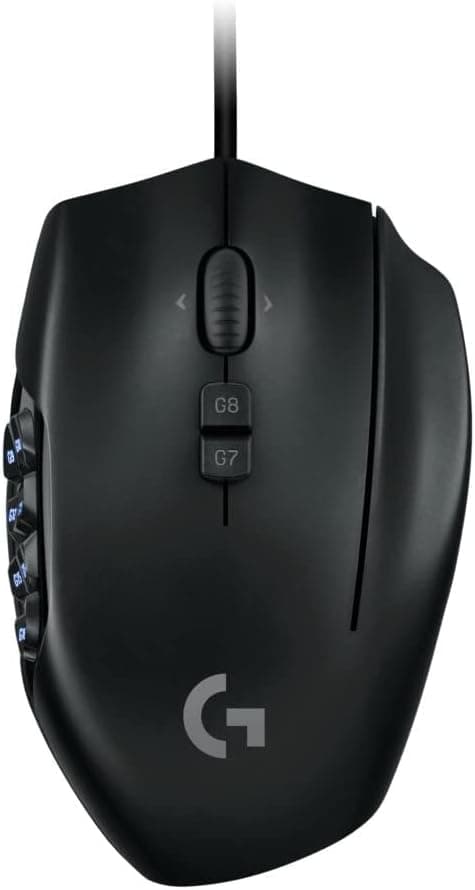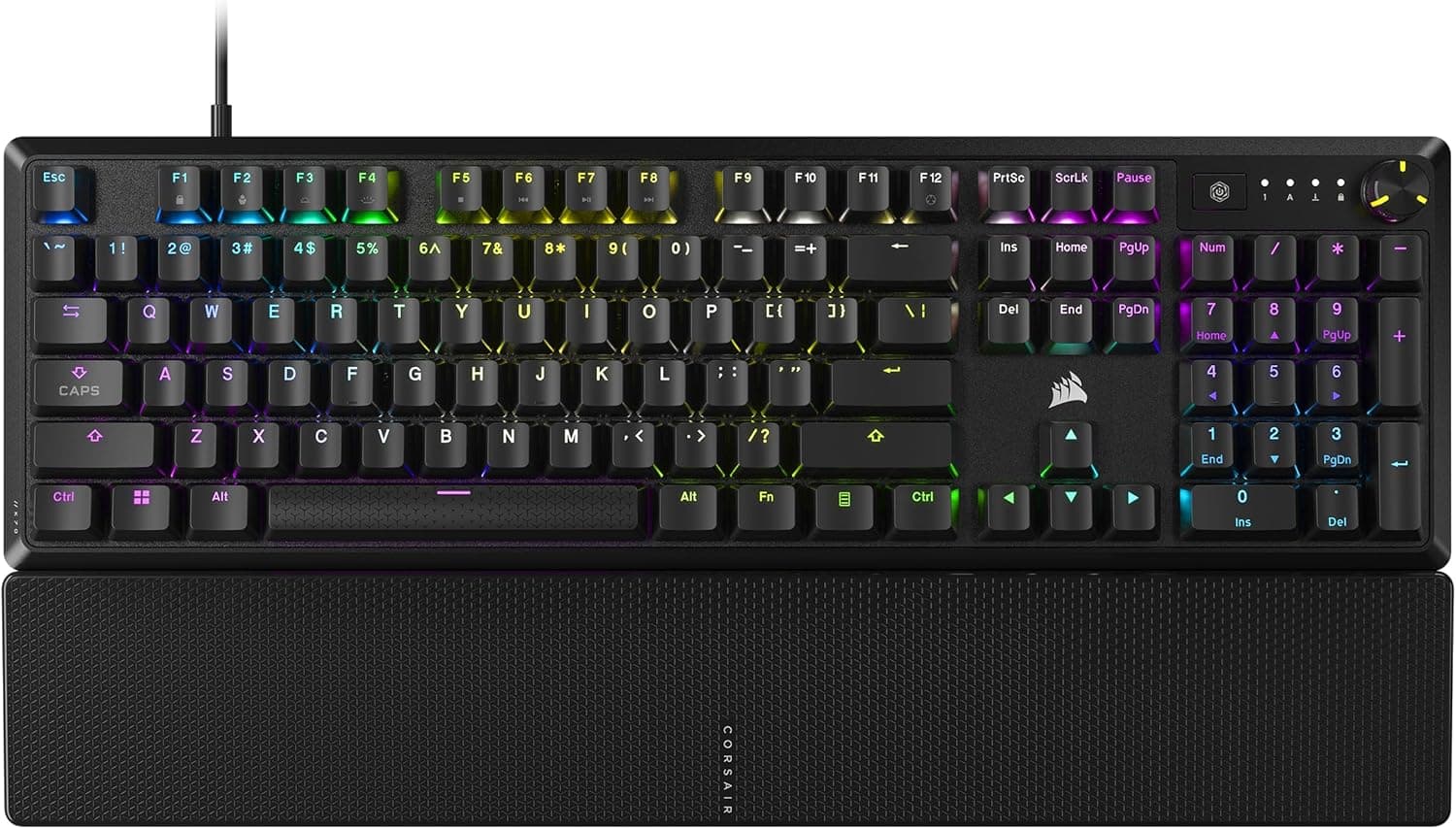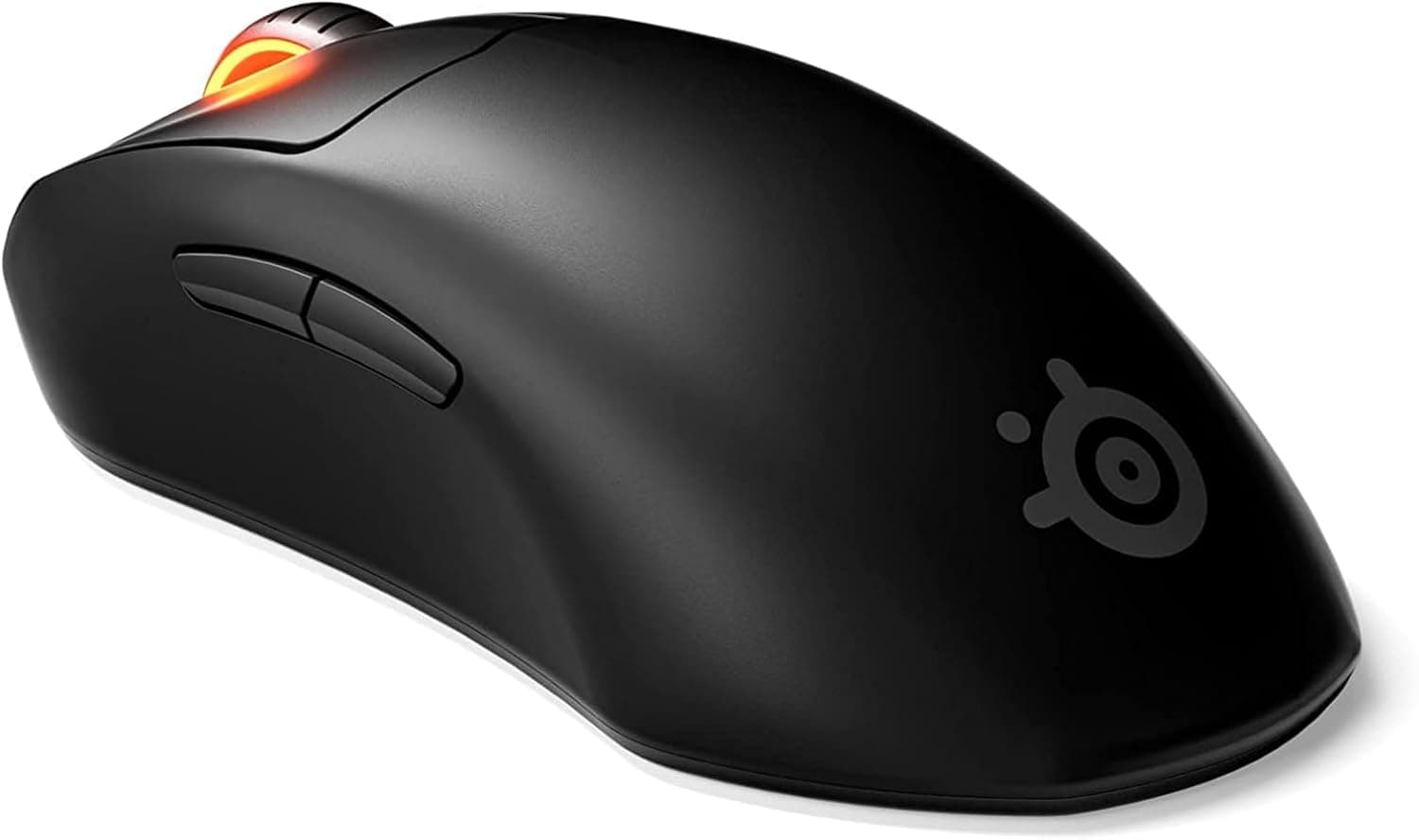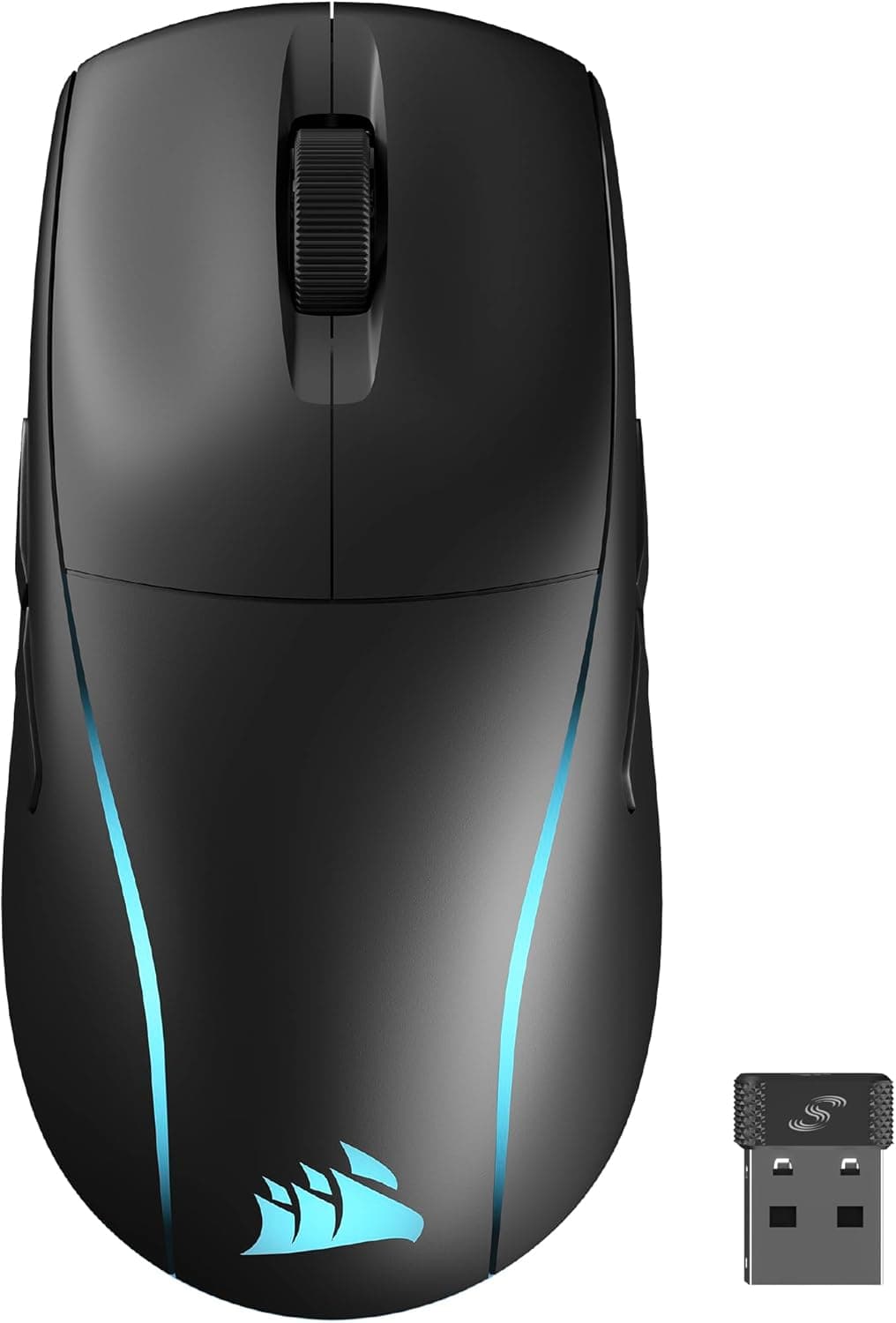
This article covers CORSAIR M75 WIRELESS 軽量 RGB ゲーミングマウス iCUE対応 FPS向け 89g 26000 DPI QUICKSTRIKE搭載 Bluetooth.
Overview
The CORSAIR M75 WIRELESS is a symmetrical, lightweight gaming mouse that weighs just 89 grams, designed to accommodate both right- and left-handed players. It features CORSAIR's MARKSMAN optical sensor capable of up to 26,000 DPI, and supports dual wireless connectivity via low-latency SLIPSTREAM 2.4GHz and Bluetooth 4.2 LE. This mouse is built for fast-paced FPS titles where quick flicks and precise re-centering are essential. CORSAIR’s QUICKSTRIKE button mechanism ensures zero pre-travel between the button and the switch, delivering a crisp, immediate click. The 100% PTFE mouse feet provide smooth, low-friction gliding, and the battery life is rated for roughly 4 to 6 days under typical usage (with RGB off), making it reliable for extended gaming sessions.
Connectivity & Compatibility
The M75 WIRELESS offers three connectivity modes: wired USB-C, 2.4GHz SLIPSTREAM wireless, and Bluetooth 4.2 LE. The wireless dongle stores conveniently in the mouse's base, making it travel-friendly. Full customization—including DPI adjustment, button mapping, and RGB lighting—is handled through CORSAIR's iCUE software, which runs on Windows 10/11, macOS 10.15 and later, and major Linux distributions. In Bluetooth mode, it works with tablets and phones, though latency is higher than the 2.4GHz mode. The mouse is compatible across all major game genres, including FPS, MOBA, and RPG. Its symmetrical shape and swappable side button caps make it equally suitable for left-handed users—a rarity among performance gaming mice.
Product Info
Launched in early 2024, the M75 WIRELESS typically retails around ¥17,000–¥19,000 on Japan, positioning it in the mid-tier segment for wireless gaming mice. It comes with a two-year manufacturer warranty. In the box you’ll find a USB-C charging cable (1.8m), a SLIPSTREAM wireless dongle, interchangeable side button caps for left- or right-handed use, and a quick-start guide. As a mid-range product, it competes directly with the Razer Viper V2 Pro and Logitech G Pro X Superlight, but at a lower price point while offering Bluetooth support and an ambidextrous design—features the lighter competitors lack.
Best Use Cases
- FPS Gamers: The 89g chassis and QUICKSTRIKE buttons provide a snappy, responsive feel ideal for rapid flick shots and frantic re-centering in games like Valorant or Call of Duty. However, players accustomed to ultra-light mice (under 60g) may find it slightly heavier. - Left-Handed or Ambidextrous Users: The symmetrical shape with swappable side buttons truly works for both hands. Left-handed gamers finally have a top-tier wireless option that doesn’t compromise on performance or ergonomics. - Cable-Free Setup Seekers: With SLIPSTREAM wireless and Bluetooth, you can keep your desk tidy while still enjoying a near-lag-free experience. It also works via Bluetooth for productivity use on laptops and tablets. ## Alternatives
Direct competitors include the Razer Viper V2 Pro (~58g) and Logitech G Pro X Superlight (~63g), both lighter but more expensive (around $150–$160). While they excel in weight reduction, they lack Bluetooth and ambidextrous functionality. The M75 WIRELESS undercuts them on price and brings dual-side buttons, making it the better choice for left-handed gamers or anyone wanting a versatile wireless mouse without the premium price tag. Compared to heavier ergonomic rivals like the Razer Basilisk V3 Pro (~120g), the M75 is clearly built for speed and agility, making it less suited for palm-grip users who prefer a weighted feel.
Things to Consider
At 89g, the M75 WIRELESS is lightweight but not ultra-light; gamers used to mice under 60g may notice the difference. Battery life is rated at roughly 4–6 days, but enabling full RGB lighting cuts that significantly. While you can use the mouse wired during charging, those wanting a truly uninterrupted wireless experience should plan for occasional top-ups. Bluetooth mode introduces higher latency, so competitive play should stick to 2.4GHz mode. The side buttons on both sides can lead to accidental presses; careful button mapping in iCUE is recommended. The iCUE software itself is powerful but adds some overhead—on older systems you may opt to use the onboard memory instead.
Product Disclosure (Amazon)
- Manufacturer: CORSAIR
- Seller: EveryGood 新宿本店【当日便可能】
- Fulfilled by: Amazon
- ASIN: B0CSDB12MQ
- Note: This article covers a manufacturer-made product based on Amazon listing details.