Overview
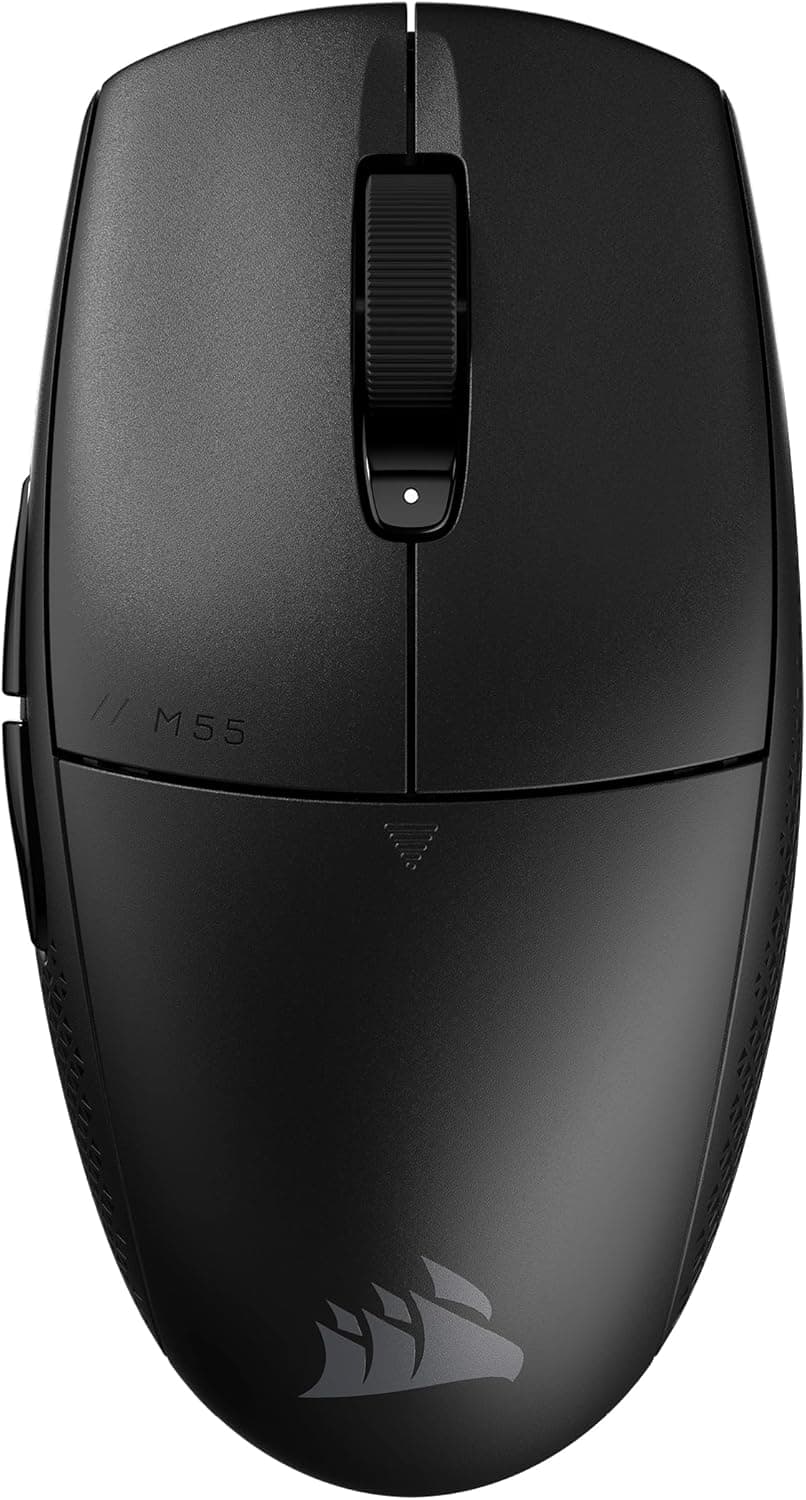
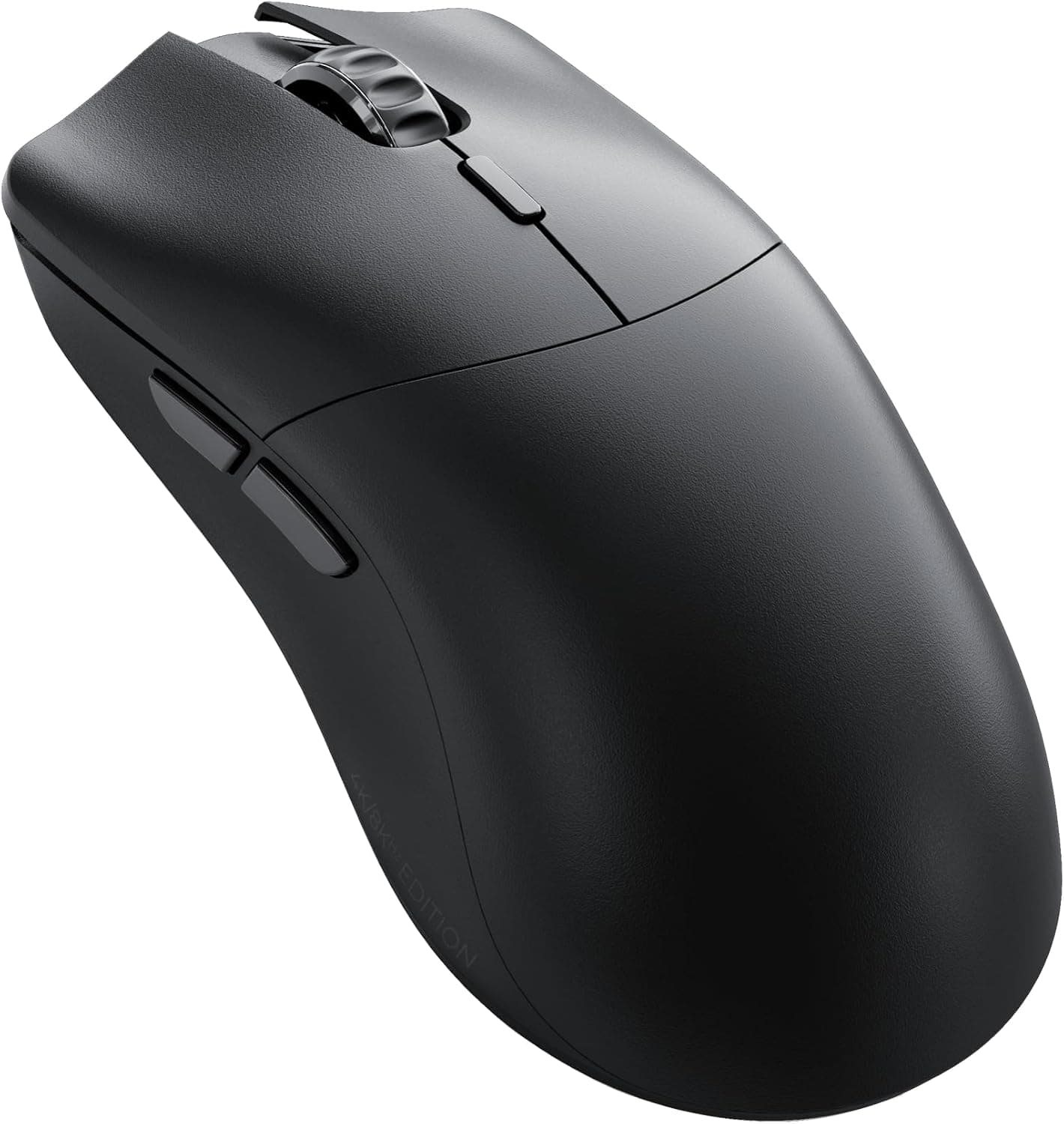
The Logicool G Pro Wireless — Professional lightweight wireless gaming mouse with HERO sensor (model G-PPD-002WL) is an ambidextrous wireless gaming mouse that Logitech developed with input from professional players. The short answer: it is still a strong pick for FPS players who want a proven, neutral symmetrical shape without a cable.
It is also one of the few serious wireless options for left-handed players. However, it launched in August 2018, so it trails newer ultralight mice on weight, charging port, and polling rate.
Whether you can accept those trade-offs decides whether it is right for you.
It uses Logitech's own HERO 16K sensor, rated up to 16,000 DPI and 400 IPS. Logitech claims roughly 10x the power efficiency of its previous-generation sensors, which is how an 80g mouse reaches 60+ hours of battery life with RGB off.
It connects over 2.4 GHz LIGHTSPEED wireless, which Logitech markets as matching wired latency.
On Amazon Japan it holds 4.6 out of 5 stars across 1,770 reviews (92% positive, as of June 2026), a high rating that has held up years after release.
What the Specs Tell You
| Item | Value | How to read it |
|---|---|---|
| Sensor | HERO 16K | Power-efficient; tracking accuracy is not a concern |
| Max DPI | 16,000 | FPS players mostly use 400-1,600 DPI; the ceiling rarely matters |
| Max speed | 400 IPS | Enough for large, fast swipes at low sensitivity |
| Weight | 80g | Light in 2018; now mid-weight next to 50-60g mice |
| Connection | LIGHTSPEED 2.4GHz | Uses a dedicated receiver |
| Battery | 60+ hours (RGB off) | Shorter with RGB on |
On paper, DPI and speed ceilings are no longer deciding factors, since every mouse in this class has more than enough. The reasons to choose this mouse are its long track record in pro play and the stability of LIGHTSPEED, not sensor numbers.
Weight is where opinions split: whether 80g feels light or heavy depends entirely on what you are used to.
Compatibility Guide
You need a USB-A port. The receiver is USB-A, so laptops and Macs with only USB-C ports need an adapter or hub.
No driver installation is required; it is recognized as soon as you plug it in. The listed supported systems are Windows 7 or later and macOS 10.11 or later.
Consoles are not on the official list, so treat them as unsupported.
Receiver placement affects stability. Plugging the receiver into the back of a PC under the desk puts distance, a metal case, and other wireless devices between it and the mouse.
Use the included extension adapter to place the receiver near your mouse pad. USB 3.0 ports are commonly reported to cause 2.4 GHz interference, so try a different port if the cursor skips.
It charges via microUSB. The included cable handles both charging and data, so you can keep playing wired while it charges.
You cannot reuse the USB-C cables from your phone, though. It also supports the optional POWERPLAY wireless charging mouse pad, which powers the mouse while you use it and effectively removes charging from your routine.
Button mapping, DPI steps, and RGB are configured in Logitech's G HUB software. Settings can be saved to onboard memory, so they carry over to tournament PCs or other machines without the software installed.
Product Info
The mouse was released in August 2018 and carries a 2-year manufacturer warranty. The box includes the mouse, LIGHTSPEED wireless receiver, charging/data cable, receiver extension adapter, spare side buttons (two per side), button covers (two per side), quick-start guide, and warranty card.
The side buttons are removable and can be fitted to either side.
On Amazon Japan the price was ¥13,447 as of June 21, 2026 and ¥16,480 as of August 26, 2026. The same listing moved about ¥3,000 in two months, so prices swing with sales and stock.
The prices here are snapshots from those dates; always check the product page for the current price before buying. There are eBay listings too, but no price was captured, and overseas units may carry different warranty terms from Japanese domestic units.
The rating is 4.6 out of 5 across 1,770 reviews (92% positive, as of June 2026).
Keeping a high rating at that review volume suggests few serious problems with the shape or the connection.
Comparison with Alternatives
| Product | Weight and features (as stated in product names) | Consider it if |
|---|---|---|
| Logicool G Pro Wireless | 80g, ambidextrous, removable side buttons | You value a proven shape and left/right use |
| Logicool G G304 X SUPERLIGHT | Lightweight wireless from the same brand | You want Logicool G at a lower price |
| Pulsar X2H Mini | 52g, symmetrical, PAW3395, up to 26,000 DPI | You want a lighter symmetrical wireless mouse |
| ATTACK SHARK R6 | 38g, PAW3950 MAX | Minimum weight matters most and brand does not |
| Razer Naga Pro | Up to 20 buttons | You play MMOs and need many buttons |
This mouse's edge is being a symmetrical wireless mouse with side buttons that mount on either side, a combination that is still uncommon. On weight alone, it clearly loses to newer mice around 50g; if that is your priority, the Pulsar or ATTACK SHARK ultralights are better candidates.
For MMOs or shortcut-heavy work, a dedicated multi-button mouse will serve you better.
Recommended Users
- FPS players: The neutral symmetrical shape and stable wireless connection suit tracking and fast flicks. Its long history in pro play is reassuring if you do not want to gamble on a shape.
- Left-handed gamers: Because the side buttons can go on either side, left-handed players get thumb-side buttons too. Wireless left-hand options are scarce, so this matters a lot.
- Long-session players: With 60+ hours on RGB off, a few hours of play a day means charging roughly once a week. Pair it with POWERPLAY and charging disappears entirely.
- Players who want zero cable drag: LIGHTSPEED keeps latency worries small, and low-sensitivity players who swing their arm the most benefit most from losing the cable.
Before You Buy
80g is no longer ultralight. It was remarkably light at launch, but 50-60g wireless mice are now common.
If you are hunting for the lightest mouse possible, this is not your first pick. On the other hand, players who find ultralight mice hard to stop precisely may find 80g just right.
microUSB charging affects daily convenience. If everything else you own is USB-C, you will keep one cable around just for this mouse.
Without POWERPLAY, keep track of the included cable.
Polling rate trails the newest models. LIGHTSPEED responds at 1ms (1,000 Hz).
Newer mice advertise 4,000 or 8,000 Hz, so there is a gap on paper. Many players report little perceptible difference, but competitive players on high-refresh monitors who care about the numbers should check the product page.
It is on the small-to-medium side. Players with large hands using a full palm grip often find it small.
Claw and fingertip grips fit most hands.
The spec lists five buttons (left, right, wheel click, two side buttons). You can mount side buttons on both sides, but in a right hand the right-side buttons are easy to press accidentally with the ring finger, so right-handed users usually cover that side.
Check the product page or G HUB for how many buttons can be assigned with both sides fitted.
Check the seller and model number. The Amazon listing shows a third-party seller, Quick Ships store, fulfilled by Amazon.
Warranty service usually requires a Japanese domestic unit and proof of purchase, so confirm the domestic-unit wording and warranty terms before buying. Logicool G also sells several similarly named models; make sure the listing says G-PPD-002WL.
The 60+ hour figure is with RGB off. Leaving LIGHTSYNC RGB on shortens battery life, so turn the lighting off in G HUB if runtime matters.
FAQ
Q. Can left-handed players use it? A.
Yes. The shape is symmetrical and the side buttons can be fitted to either side.
Left-handed users can cover the left (pinky-side) buttons to avoid accidental presses.
Q. Can I use it wired when the battery runs out? A.
Yes. The included cable handles charging and data, so you can keep playing wired.
The port is microUSB.
Q. Does it work on a Mac?
A. macOS 10.11 or later is listed as supported. The receiver is USB-A, so USB-C-only Macs need an adapter.
Q. Do I need 16,000 DPI? A.
FPS players mostly use 400-1,600 DPI and almost never reach the ceiling. Treat 16,000 as headroom and choose based on shape and weight.
Q. Does it connect via Bluetooth? A.
It connects via LIGHTSPEED 2.4 GHz wireless using the included receiver.
The mouse will not work if you lose the receiver, so have a set place for it when traveling.
Product Disclosure (Amazon)
- Manufacturer: Logicool G(ロジクール G)
- Seller: Quick Ships store
- Fulfilled by: Amazon
- ASIN: B07GPJXVQG
- Note: This article covers a manufacturer-made product based on Amazon listing details.