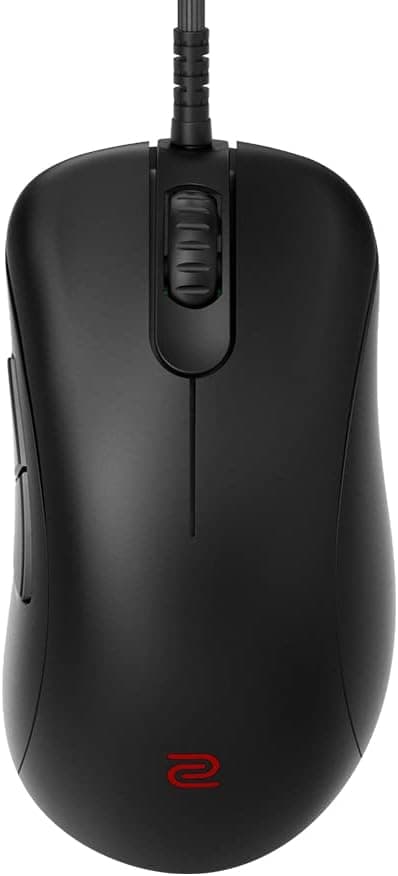
This article takes a closer look at the BenQ EC2-CW ZOWIE gaming mouse (asymmetrical right-handed shape, 3370 sensor, wireless, lightweight), based on its published specifications and actual review data.
Overview
The BenQ ZOWIE EC2-CW takes the right-hand-only asymmetrical shape ZOWIE has refined for years and cuts the cable. The short version: it suits FPS players who want a stable right-handed shape for palm or claw grip without installing any software.
It does not suit players who need extra side buttons, detailed macro and profile management, or a sub-60g featherweight.
Inside is a PixArt PAW3370 optical sensor, in a 77g body measuring 120 x 58 x 38 mm. It connects over 2.4GHz wireless or USB-C wired, runs about 70 hours per charge, has 5 buttons and a 24-step scroll wheel, and carries a 2-year warranty.
Within the EC line it is the medium size, with larger EC1 and smaller EC3 shapes covering other hands.
What the Review Data Shows
On Amazon.co.Check the retailer's page for the latest user reviews.
Products validated mainly by pro-scene adoption tend to accumulate fewer reviews in the first place.
Treat 4.4 as evidence that no major defect has been widely reported, and base your real decision on whether the shape fits your hand and grip.
Satisfaction with a mouse is driven far more by shape compatibility than by sensor specs.
Compatibility Guide
Setup is deliberately simple: plug the bundled receiver into a USB-A port and the mouse is recognized. Windows and macOS are supported, and no driver installation is required.
DPI and polling rate are changed with switches on the mouse itself rather than through an application, so it works on machines where you cannot — or do not want to — install background software. That driverless approach is ZOWIE's design philosophy for tournament and shared-PC use.
A few physical checks. The receiver is USB-A, so thin laptops with only USB-C need an adapter or hub.
It works through a hub, but 2.4GHz is prone to interference from USB 3.0 devices and Wi-Fi; if tracking feels erratic, first move the receiver to a different port or extend it onto the desk with the bundled cable.
Charging and wired play both use USB-C, so a generic cable can replace a damaged one.
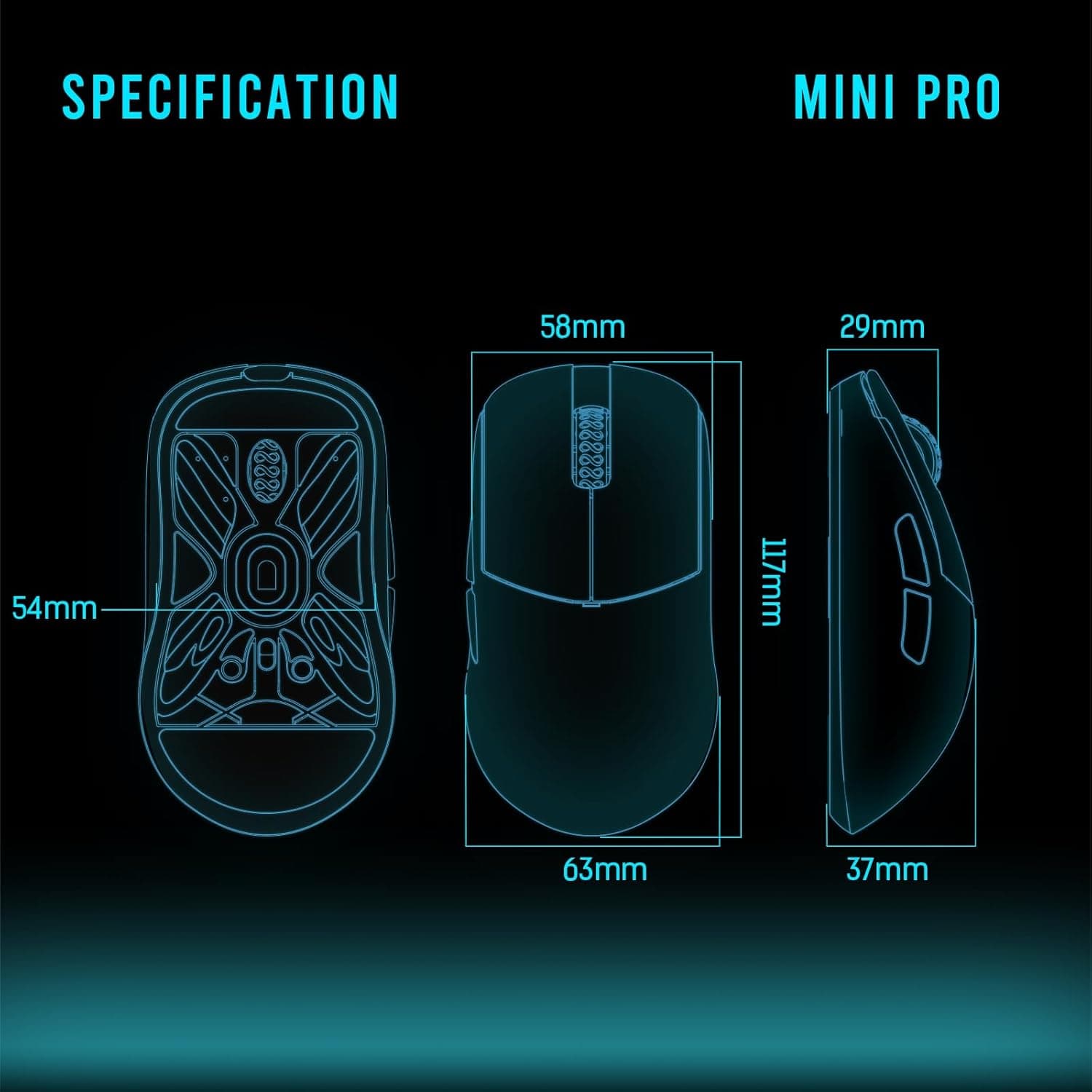
Hand size is part of compatibility too. At 120 x 58 x 38 mm this is a standard medium shape — as a rough guide it suits palm grip with hands around 17–19 cm long, or claw grip with somewhat larger hands.
That is a general tendency, not a rule; finger length and grip habits shift it. Try the shape in person if you can.
Note that the published specifications list only 2.4GHz and USB-C wired connections.
If you intend to pair it with a tablet over Bluetooth, confirm support on the product page before buying.
Product Info
| Item | Detail |
|---|---|
| Sensor | PixArt PAW3370 |
| Weight | 77g |
| Dimensions | 120 x 58 x 38 mm |
| Connection | 2.4GHz wireless / USB-C wired |
| Buttons | 5 |
| Scroll wheel | 24-step |
| Battery life | Approx. 70 hours |
| OS support | Windows / macOS |
| Warranty | 2 years |
The PAW3370 is not the newest flagship sensor, but it is not a class of sensor that breaks down under competitive use. What matters in play is clean behaviour in the practical range (typically 400–1600 DPI), not headline maximum DPI.
Roughly 70 hours of battery means casual-schedule players rarely think about charging, and if it does run low you can plug in USB-C and keep playing wired.
Check the retailer's page for the latest price. Both refer to the same listing (ASIN B0BXT6PWMS), and the gap most likely reflects seller and sale conditions.
The lower figure is probably closer to current street pricing for a wireless ZOWIE, but prices move constantly — always check the live product page. Every price here is a snapshot from the capture dates above.
Comparison With Rivals
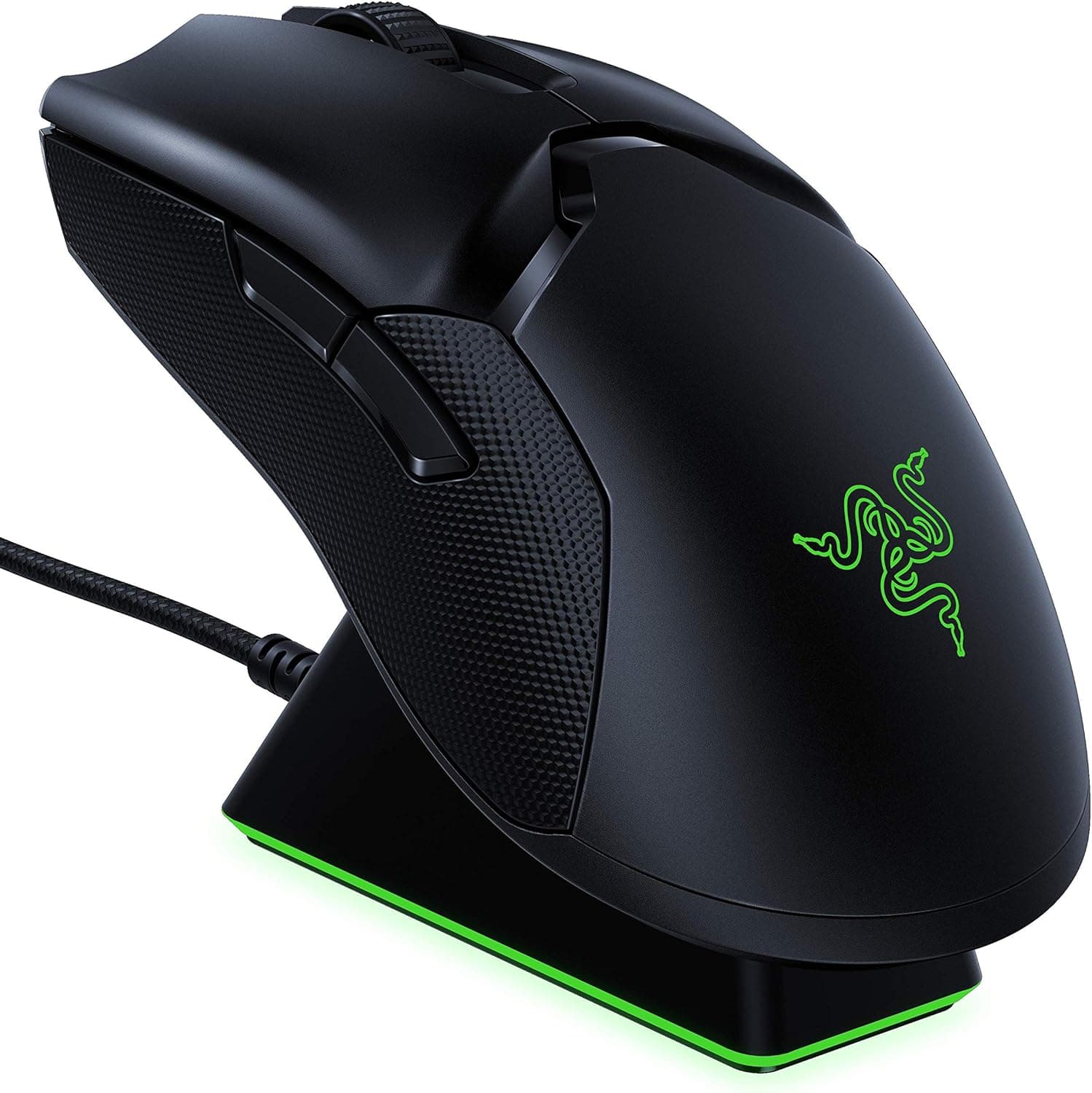
The usual comparisons are the Logitech G PRO X Superlight and Razer Viper V2 Pro. Their character is different, though.
Those lean on near-symmetrical shapes, aggressive weight reduction, and deep software configuration; the EC2-CW leans on a shape contoured to the right hand and a deliberate refusal of software. It loses the numbers game against 60g-class mice, but it aims at a different benefit: your palm stays planted and the mouse does not wobble when you swing from the wrist or arm.
The more useful comparison may be inside the ZOWIE line itself. EC1 is the same shape one size up, EC3 one size down.
If you are already considering the EC2-CW, the real question is not "how does it compare to other brands" but "does the EC shape fit me, and in which size?" Buying a wired EC-C model first to settle the size question is a perfectly rational route.
Feel in Use and Choosing a Grip
The asymmetrical shell scoops out on the thumb side and flares on the pinky side, so the mouse holds itself even when you relax your grip. With palm grip the whole hand rests on the shell and wrist load drops; with claw grip the tall hump supports the palm, so fingers fatigue less over long sessions.
Fingertip grip, on the other hand, gains almost nothing from this shape — it just becomes a big, heavy mouse. Committed fingertip users are better served by a light symmetrical model.
The 24-step wheel has clearly defined notches, which makes single-step inputs reliable for weapon switching or jump binds. The flip side is that heavy scrolling while browsing takes more finger travel.
How you weigh that depends on whether this is a games-only mouse or your everyday one.
Best Use Cases
The lower your sensitivity — the more you aim with the whole arm — the more the asymmetrical hold pays off. It also suits anyone who refuses to add another background utility, or who wants settings to travel with the device: because configuration lives on the mouse, it behaves identically on any PC you plug it into.
It is an easy recommendation for players moving from wired to wireless for the first time. Removing cable drag alone changes how fast a swipe starts, and if the battery gets low you simply plug in USB-C and keep going as a wired mouse — so the worst case, dying mid-match, is avoidable.
Before You Buy
Confirm the trade-offs first. There are only 5 buttons and no software for macros or profiles. MMO and MOBA players who want a wall of side-button skills, or who retune DPI per title, will find it plainly insufficient.
Driverless is a strength and a limitation at the same time.
At 77g it was light at launch, but 50–60g wireless mice are now common. If your buying criterion is "lightest possible," this is not it.
The upside is that 77g does not depend on an extremely thin shell, so grip rigidity is part of that trade.
Left-handed users cannot use it. The shell is moulded for the right hand; held in the left, the thumb scoop lands under the pinky and there is no usable hold.
This is not something you adapt to.
Marketplace listings can sit well above list price, so check who the seller is and whether the price is in line with the market before ordering. If the seller is not the manufacturer or an authorized distributor, the route and conditions for the 2-year warranty can differ — if warranty support matters to you, confirm the item is officially distributed stock.
One more thing: manufacturer and model information registered on an Amazon listing occasionally carries values from a different product. If the listed details look inconsistent with the photos, confirm from the product images and title that you are buying the EC2-CW before checking out.
FAQ
Q. Can I change DPI and polling rate without software? A.
Yes. Both are switched on the mouse itself, with nothing installed on the PC.
Custom saved profiles are not supported, so you pick from the on-device steps.
Q. Does it stop working when the battery dies? A.
No. Plug in the bundled USB-C cable and it keeps working as a wired mouse while charging.
With about 70 hours of life, charging after sessions is usually enough.
Q. Does it work on a Mac? A.
Windows and macOS are supported. It is recognized as soon as the receiver is plugged in, but Macs without USB-A need an adapter or hub.
Q. I have small hands — will it fit? A.
120 x 58 x 38 mm is a medium shape. Smaller hands and fingertip-leaning grips usually do better with the smaller size in the same series.
Test in person if possible.
Q. Should I pick this or a wired EC-C model? A.
The shapes are closely related, so decide on price and handling. Choose the wireless CW to remove cable drag and clear the desk; choose wired to try the same shape for less.
Product Disclosure (Amazon)
- Manufacturer: ベンキュージャパン
- Seller: KING TRADING SHOP
- Fulfilled by: KING TRADING SHOP
- ASIN: B0BXT6PWMS
- Note: This article covers a manufacturer-made product based on Amazon listing details.