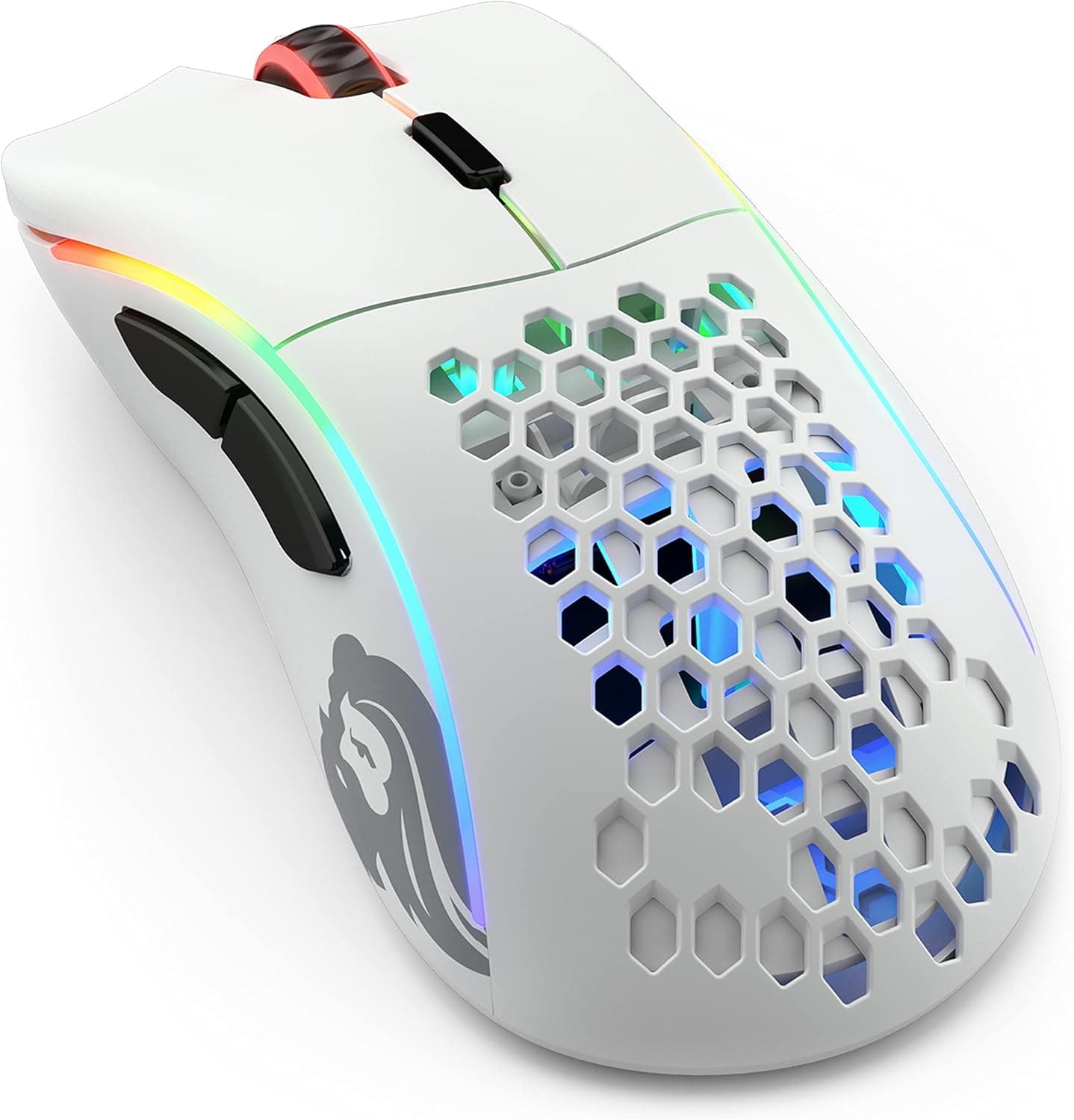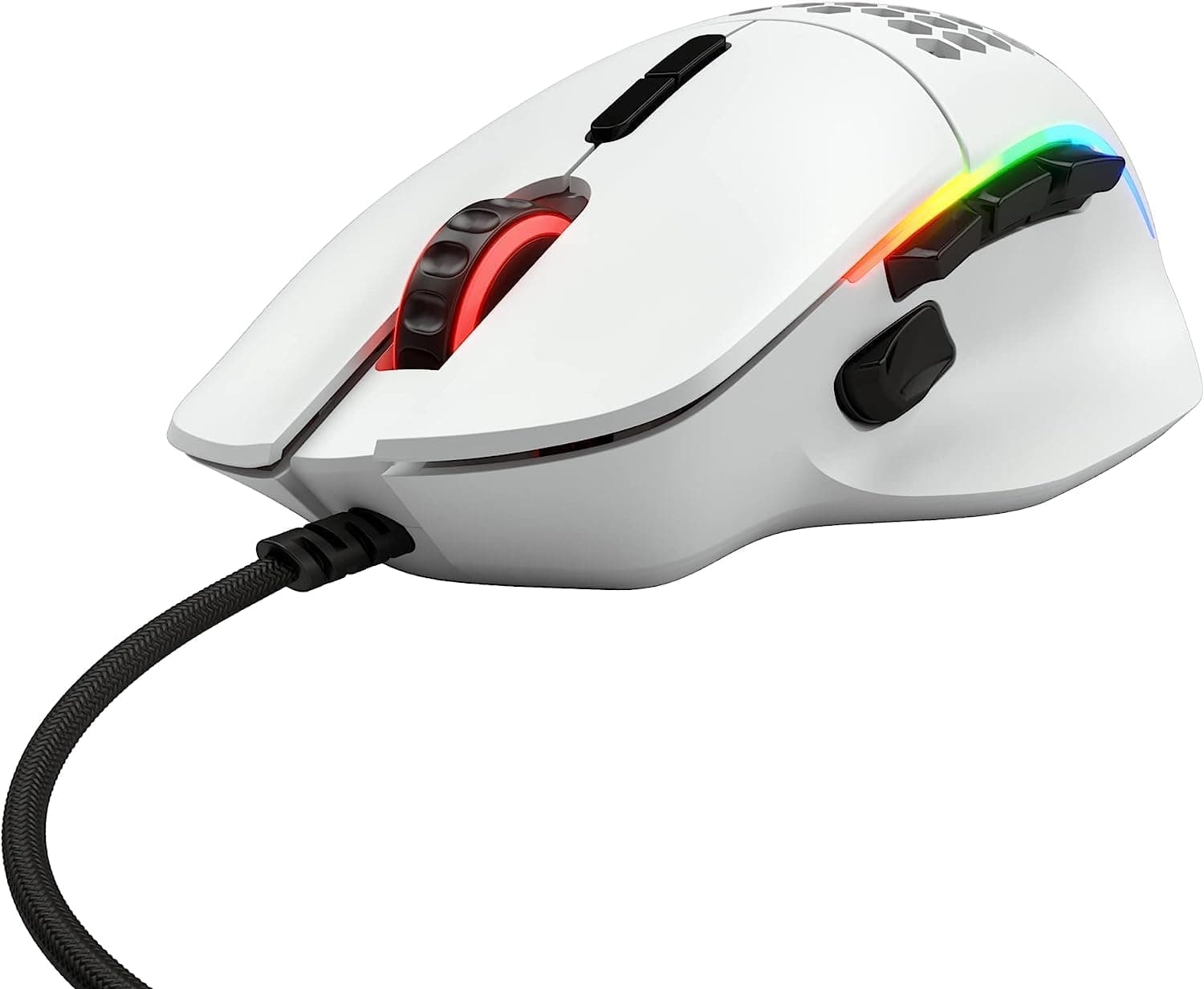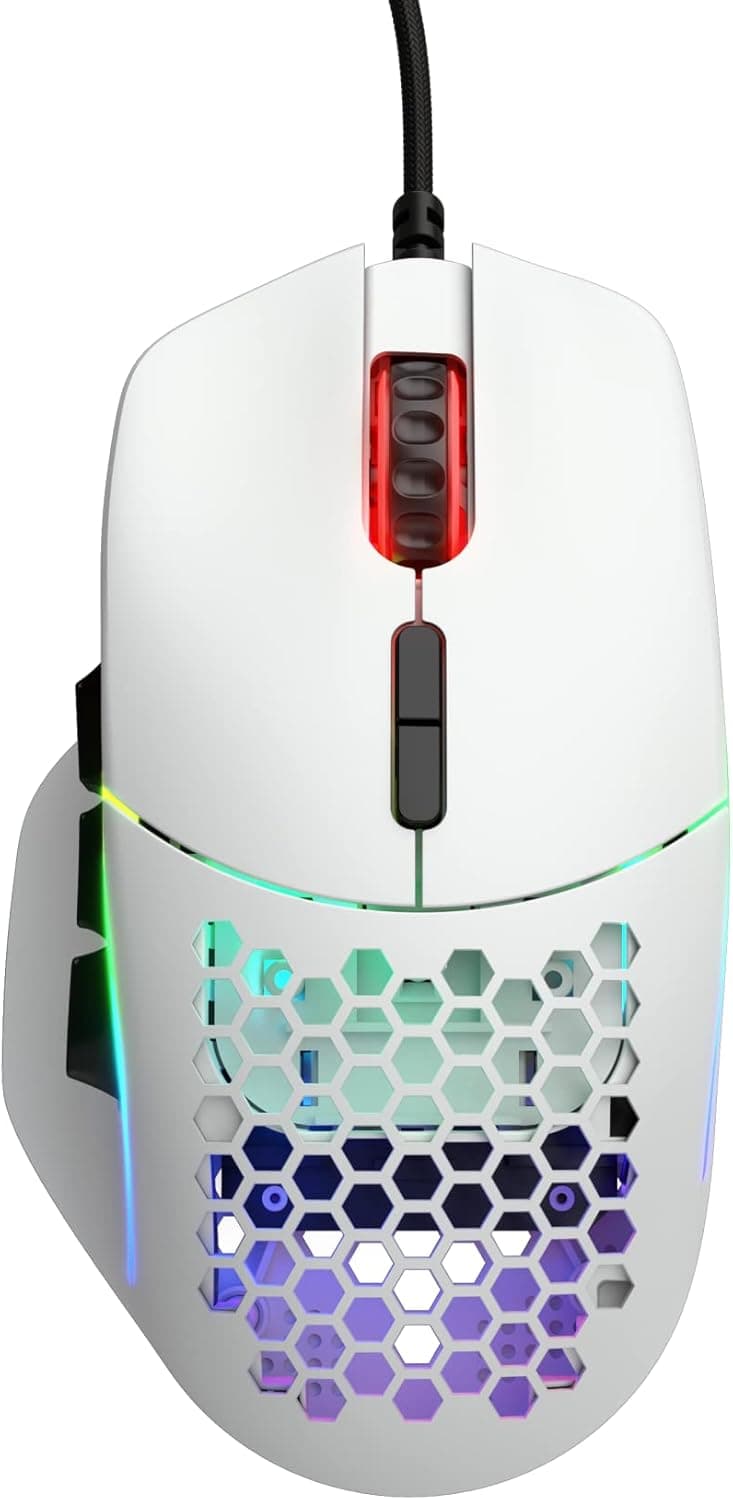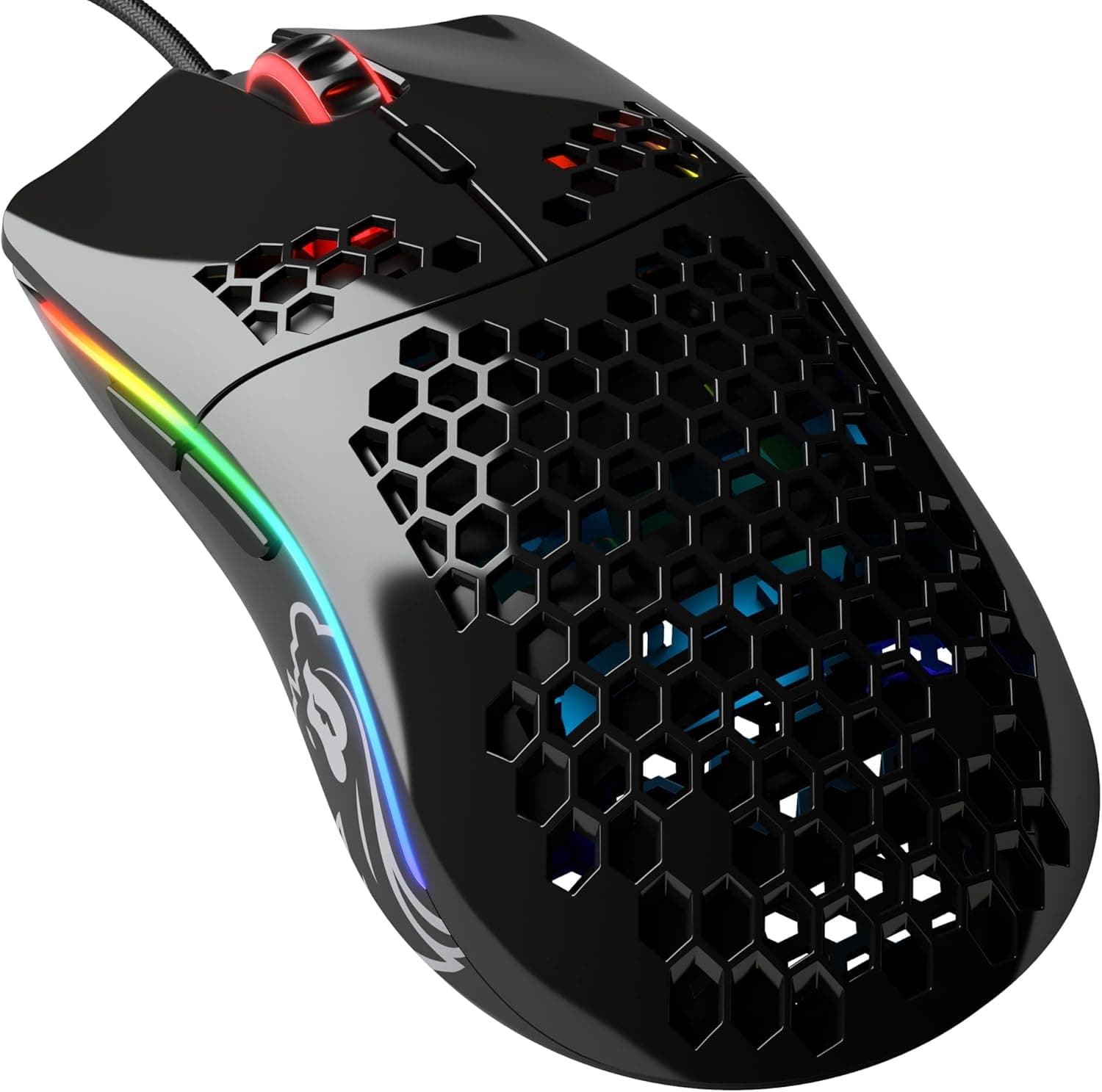
The Glorious Model O- (Minus) is a wired gaming mouse that combines a 58g chassis with six programmable buttons. This article works through the published specs and the Amazon.co.jp rating data to explain who this mouse actually suits — and who should skip it.
Overview
The Model O- uses a honeycomb-perforated shell to reach 58g in an ambidextrous wired body. It is the smaller "minus" version of the standard Model O, aimed at small to medium hands and at fingertip or claw grips.
Put plainly: this is a mouse for low-sensitivity FPS players who want to reduce arm fatigue during big sweeping movements. The sensor is a PixArt PMW3360 optical unit, polling runs at 1000 Hz, and the switches are Omron rated for 20M clicks — everything a competitive setup needs.
What it is not is an MMO mouse, or a good match for palm-grip players with large hands.
Amazon.co.Check the retailer's page for the latest user reviews.
Holding that rating across that many reviews, years after launch, is decent evidence that the shape and sensor are fundamentally sound.
Compatibility Guide
Connection is a single USB-A cable — no dongle, no battery. The manufacturer's compatibility notes list PC and Mac with a USB-A port, plus PS4 and Xbox One.
It enumerates as a standard HID mouse, so no driver install is required to get moving.
Three things are worth checking before you buy:
- Do you have a free USB-A port? Some thin laptops and small-form-factor desktops now ship USB-C only, which means an adapter. An adapter does not hurt polling rate, but a poor-quality one can cause intermittent cursor jumps — avoid the cheapest options.
- Do you need the software? Remapping the six buttons, editing DPI steps, and changing lighting all go through the companion utility. Settings are stored in onboard memory, so once configured they persist on machines where you cannot install software — tournament PCs, shared machines, consoles. The practical implication: configure everything on a PC first if you plan to use it on a console.
- Mousepad and lift-off distance. LOD is adjustable to 0.7mm or lower, which matters most if you lift the mouse often at low sensitivity. Very thick soft cloth pads and glossy glass pads can change tracking behaviour, and swapping the 100% pure PTFE skates changes the sensor height too — recheck your settings after a skate change.
Product Info
The headline specifications:
| Item | Value |
|---|---|
| Sensor | PixArt PMW3360 optical |
| Weight | 58g |
| Programmable buttons | 6 |
| Polling rate | 1000 Hz |
| Switches | Omron (20M clicks) |
| Cable | Ascended paracord, 2.1m |
| Skates | 100% pure PTFE |
| Lift-off distance | 0.7mm or lower |
Two rows dominate the feel: weight and cable. Coming from a typical 80–100g mouse, 58g is obvious the instant you pick it up.
The Ascended paracord cable is braided and soft, so it pushes back very little — in practice the mouse feels even lighter than the weight figure suggests. The 2.1m length is enough to route from a PC at the back of a desk without tension.
On price: Amazon.co.jp listed ¥9,990 as captured on 27 August 2026, and ¥10,900 on an earlier capture dated 3 June 2026.Check the retailer's page for the latest price.
Both figures here are point-in-time snapshots and will move further during sales.
A 4.4 means most buyers are satisfied but a real minority is not — and the usual reasons overlap almost exactly with the caveats below, so read that section before ordering.
How It Compares
Where it sits against similar wired lightweight mice:
| Axis | Where the Model O- lands |
|---|---|
| Weight | 58g — among the lightest wired options; a noticeable step down from ~70g models |
| Shape | Ambidextrous and small; suits fingertip/claw, too small for large palm grips |
| Shell | Honeycomb. Light and breathable, but dust gets inside |
| Buttons | Six. Plenty for FPS, not enough for MMO skill bars |
| Connection | Wired only. No charging or latency worries, but the cable is still there |
The key point is that 58g is not automatically better. Low weight helps rapid direction changes, but a little mass also helps you stop the cursor cleanly.
Low-sensitivity players who swing their whole arm gain the most; high-sensitivity players making small movements sometimes find ultralight mice twitchy. If you can hold one in a store first, do.
What Actually Matters in Daily Use
The honeycomb shell is not just about weight — it keeps your palm from getting clammy over long sessions, which is a real advantage in summer. The unavoidable trade-off is that dust and crumbs get inside.
Budget on periodic compressed-air cleaning as part of ownership.
The 100% pure PTFE skates glide cleanly out of the box. They are consumables; after six months to a year of heavy use you may feel drag and want replacements.
Replacement skates are widely available, which helps long-term ownership.
The Omron switches are rated for 20M clicks. That is ample on paper, but switches in this class can develop double-clicking (chatter) with age.
If you play many hours daily, expect to watch for that from the second year onward.
Best Use Cases
- Low-sensitivity competitive FPS players. Titles like Valorant, Apex Legends, and Overwatch demand large turns and fast flicks, and 58g pays off most there — mainly as reduced fatigue over long sessions.
- Small to medium hands using fingertip or claw grip. This is the smaller model in the family; every button is reachable without stretching.
- Players who want wired reliability. No charge level to track, no mid-match dropout, and the soft paracord cable removes most of the usual wired drag.
- Anyone entering the ultralight category around ¥10,000. At ¥9,990 as captured in August 2026, it is an accessible way to find out whether ultralight suits you.
- Left-handed users. The ambidextrous shell has no handedness penalty, though you should confirm the side-button layout.
Before You Buy
Do not buy it if you have large hands or palm grip. This is the biggest caveat.
The Minus is smaller than the standard Model O, and a palm grip leaves the rear of your hand unsupported, which makes control worse rather than better. If your hand measures over about 19cm, look at the full-size model or an ergonomic asymmetric shape first.
"Light" does not mean "fits everyone."
The honeycomb holes require maintenance. Dust, hair, and crumbs will get inside, and because the shell is see-through it also looks bad.
If you cannot keep compressed air on hand or dislike cleaning inside a shell, a solid-shell lightweight mouse will be less annoying. Never rinse it or spray liquid into the holes.
Six buttons is the ceiling. Fine for FPS and general work, insufficient for MMO skill bars or heavy macro use.
If MMO is your main use, you want a different category of mouse entirely.
The sensor is still good, but it is not new. The PMW3360 has a long competitive track record, and 1000 Hz with up to 12,000 DPI remains entirely adequate.
That said, newer mice offer 4000 Hz or 8000 Hz polling. If you want the newest numbers on the spec sheet, this is not that product; whether the difference is felt in play is genuinely debated.
Watch for inconsistent price and seller labelling. In the collected data, one entry labelled "Amazon US" pointed at the Amazon.co.jp page with a yen price — the seller labelling does not always match reality.
Check on the product page that the seller is an authorised channel and that warranty support applies.
Listing metadata itself can be wrong. Amazon product pages sometimes carry manufacturer names, model numbers, or compatibility details that do not match the actual item.
That risk is higher here because "Model O" and "Model O- (Minus)" are near-identical names for different sizes, and pages occasionally mix them.
FAQ
Q. Model O or Model O- (Minus)? A.
Decide by hand size. Smaller hands, or fingertip/claw grip, point to the Minus; larger hands using palm grip point to the standard Model O.
Fit matters more to your results than the weight difference does.
Q. Will dust or liquid through the holes kill it? A.
Dust definitely gets in; plan on regular compressed-air cleaning. It is not water-resistant, so keep it away from spill-prone setups.
Q. Is the software required? A.
No. It works as a normal mouse when plugged in.
Software is only needed to change button assignments, DPI, and lighting — and those settings save to onboard memory, so they follow the mouse to other PCs and consoles.
Q. Does it work on PS5? A.
The stated compatibility covers PC, Mac, PS4, and Xbox One. Anything beyond that cannot be confirmed here, so check the current product page.
Note that console mouse support also varies by game title.
Q. Does a lighter mouse actually improve aim? A.
Not automatically. The realistic benefit is less fatigue at low sensitivity, which shows up as better consistency late in a session.
High-sensitivity players sometimes find ultralight mice harder to stop precisely.
Q. What about warranty and support? A.
Units sold as domestic authorised stock are supported through the local distributor, but the period and conditions depend on where you buy. Check the warranty text on the product page first; parallel imports and marketplace listings may be handled differently.
Product Disclosure (Amazon)
- Manufacturer: GLORIOUS
- Seller: サブセクション
- Fulfilled by: Amazon
- ASIN: B07VQTP4MK
- Note: This article covers a manufacturer-made product based on Amazon listing details.