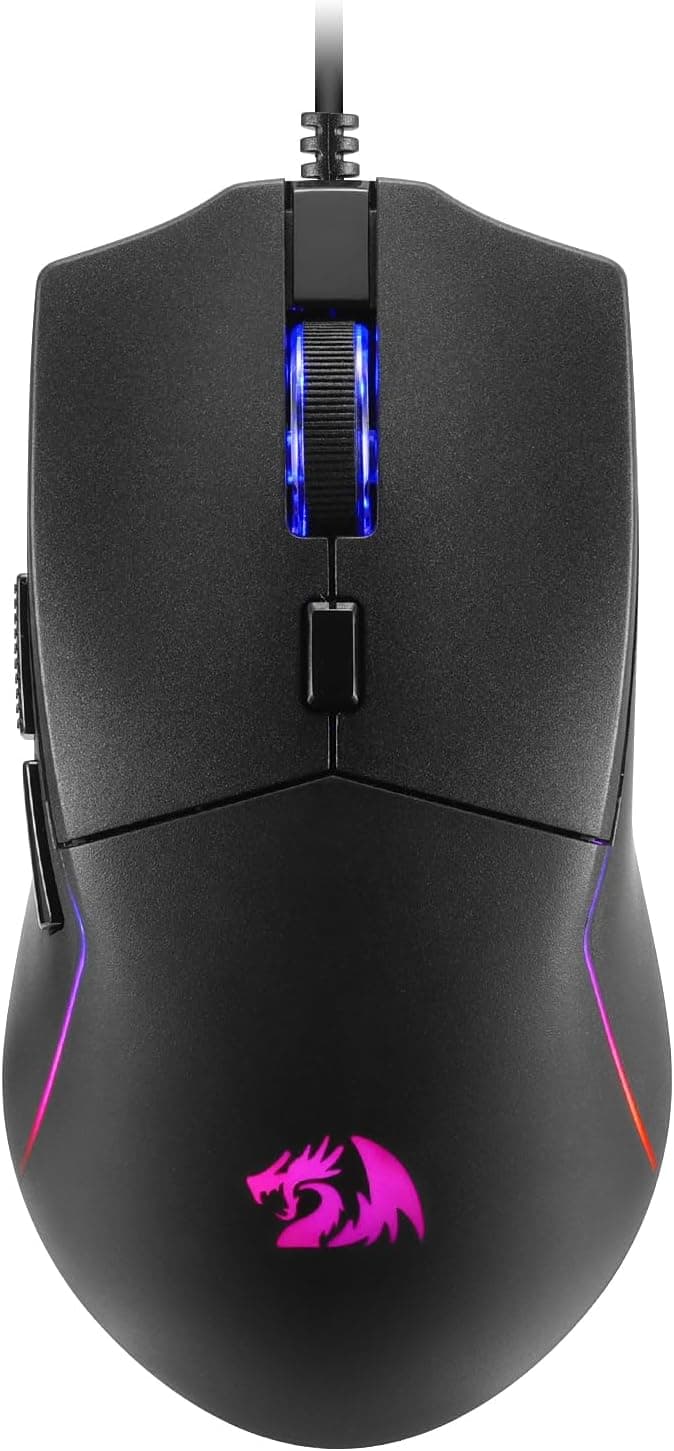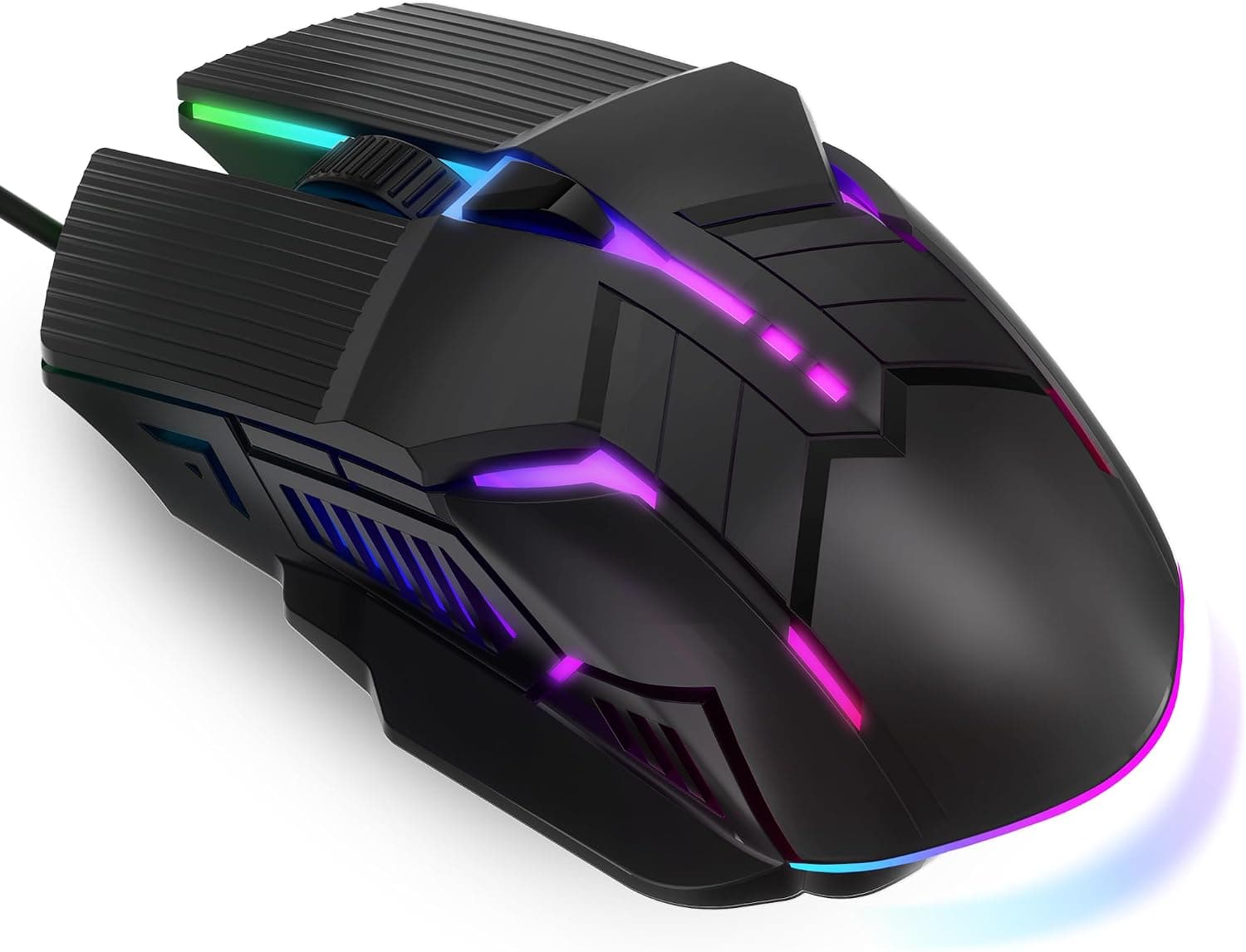
The MELOGAGA 有線ゲーミングマウス RGB USBマウス 4DPI is a budget wired mouse. This article covers what it actually does, what it cannot do, and where it fits.
Overview
The MELOGAGA 有線ゲーミングマウス RGB USBマウス 4DPI is the cheapest possible entry point for anyone curious about gaming mice. The full spec sheet: four DPI steps (1200 / 1600 / 2400 / 3200), six buttons, 7-color RGB LED lighting, and a wired USB connection.
Nothing more, nothing hidden.
As captured on 2 September 2026, the price on Amazon.co.jp was ¥2,528.
Prices change often, so check the product page for the current figure.Check the retailer's page for the latest user reviews.
| If you are | Verdict |
|---|---|
| Trying a gaming mouse for the first time | Buy. Low downside if it misses |
| Wanting a spare or travel mouse for a laptop | Buy. Plug and play, zero setup |
| Chasing wins in competitive FPS | Skip. Sensor and switches aren't built for it |
| Needing macros or button remapping | Skip. No programmable buttons at all |
| Wanting wireless | Skip. Wired only |
Reading the Spec Sheet
Numbers only mean something once translated into daily use.
| Item | Value | What it means |
|---|---|---|
| DPI Range | 1200 / 1600 / 2400 / 3200 | Four fixed steps. No fine-grained values |
| Buttons | 6 | Left, right, wheel, forward/back, DPI toggle |
| Connection | USB wired | No charging or batteries; cable management needed |
| Lighting | 7-color RGB LED | Cycles automatically; no software to lock a color |
A 3200 DPI ceiling looks modest next to products advertising five figures. In practice, most people at 1920×1080 sit somewhere around 800–1600 DPI, so 3200 covers desktop work and casual gaming with room to spare.
On 4K or multi-monitor setups you may want more, but that is outside this mouse's intended use.
The bigger limitation is that the four steps are fixed. Higher-tier mice let you tune in small increments; here, 1200 jumps to 1600 to 2400.
If 1600 feels slightly fast and you want 1400, you cannot have it. That is the first wall most users hit.
Compatibility Guide
Officially it supports Windows XP / Vista / 7 / 8 / 10 and macOS, plug-and-play with no drivers. Plug it into a USB port and the OS loads its standard HID driver.
Note that the listed OS support stops at Windows 10. This almost certainly reflects an un-updated spec sheet rather than a real incompatibility — driverless HID mice are handled by the OS itself and normally work fine on Windows 11.
Still, since the maker does not state it, it cannot be guaranteed.
On macOS the mouse is recognized without issue, but the forward/back buttons work inconsistently depending on the application. If you rely on "back" in Finder or Safari, you may need a third-party mouse utility.
This affects most driverless budget mice, not just this one.
Linux generally recognizes HID-class devices, but there is no official support. DPI switching is handled onboard, so it works regardless of OS; RGB cannot be controlled from the host at all.
A USB 2.0 port is plenty — a mouse draws almost nothing and gains no speed from USB 3.0.
Hubs work, but an unpowered bus-powered hub loaded with other devices can behave oddly once the LEDs light up. Plug directly into the PC when you can.
Console use (PS5, Xbox) is not stated in the specs, so this article cannot judge it. If that is your goal, buy something that lists console support explicitly.
Product Info
That figure is a snapshot and moves with sales and stock. The eBay listing is a search link with no concrete price, so buying domestically in Japan is the straightforward route.
Strong for an unbranded product at this price, but with only 116 entries, unit-to-unit variance and early failures can hide inside that average.
The box contains the mouse and nothing else — no spare skates, weights, or pouch. Warranty terms follow whatever the sales page states.
At this price, "replace it if it breaks" is the realistic plan.
Its market position is plainly entry-level. Against a ¥10,000-class mouse it gives up sensor tracking quality, switch durability ratings, cable flexibility, and all software configurability.
You buy it knowing that, because price comes first.
How It Compares
Spend a little more on a wired mouse and you get higher DPI ceilings and remappable buttons. If cables are your main complaint, moving up to wireless will satisfy you more than anything at this price.
- Your budget is fixed under ¥3,000 and you still want RGB and DPI switching
- The role is spare, travel, or secondary machine, where zero setup beats performance
If neither applies and this will be your daily driver for years, step up a tier. Frustration with cheap mice rarely comes from raw performance — it comes from not being able to adjust anything afterward.
Things to Check Before Buying
No programmable buttons. This is the core trade-off.
All six buttons are locked to their factory assignments; you cannot map push-to-talk to a side button or change what the wheel click does. External tools like AutoHotkey can fill the gap, but you are rebuilding a feature the mouse should have had.
If macros matter, cross this off your list.
RGB is something that happens, not something you choose. There is no configuration software, so assume you cannot lock a color, dim it, or turn it off.
For anyone working in a dark room or bothered by lights in their peripheral vision, that is a drawback rather than a feature.
The sensor model is not disclosed. Higher-tier mice name their sensors; here you get a max DPI figure and nothing else.
Polling rate, acceleration tolerance, and maximum tracking speed are all unknown. In competitive play, those undocumented numbers are exactly where behavior differs.
Low-sensitivity players who make large arm sweeps stress precisely the weakness of cheap sensors.
Do not over-expect the "quiet clicks." Budget mice are usually subdued, but that is not the same as a mouse built with explicitly silent switches.
If you need near-silence late at night in a shared space, buy something that lists silent switches as a spec.
Verify the listing details yourself. Amazon product pages occasionally carry manufacturer, seller, or model information that does not match the actual item, and this article draws on those listing details.
Before buying, confirm that the product images and title match what you intend to purchase. Unbranded listings in particular sometimes mix color and spec variants on one page.
Expect an ordinary cable. Unlike the soft paracord cables on premium models, this tier typically uses stiffer sheathing, so large movements can produce cable drag.
A mouse bungee helps — though it may cost more than the mouse.
Best Use Cases
Whether DPI switching changes how you play, whether you actually use side buttons in games, whether RGB matters to you — none of that is knowable until you try it.Check the retailer's page for the latest price.
What you learn here carries directly into your next, better purchase.
Laptop travel mice and spares for secondary machines. Driverless operation means it works instantly on any PC you plug it into.
Being wired, there is no battery to die or charge. Losing or breaking it in a bag costs little.
Office and shared-space users. The plain black design does not draw attention, though the always-on RGB might stand out in some workplaces.
If the lighting would be a problem, buy a mouse that does not light up at all.
It is a poor fit for competitive FPS or MOBA players chasing better results, anyone who needs macros or remapping for productivity, anyone who wants wireless, and users with large hands who find compact shapes cramped. In those cases, look for a product whose specs explicitly cover your requirement.
FAQ
Q. Does it work on Windows 11? A.
The listed support stops at Windows 10, but driverless HID mice are handled by the OS itself and normally work fine. The maker does not state it, so it is not guaranteed — check the sales page if you are unsure.
Q. Can I set any DPI value I want? A.
No. You choose among the four fixed steps: 1200 / 1600 / 2400 / 3200.
Intermediate or higher values are not available.
Q. Can I remap the buttons? A.
No. There is no software, and all six assignments are fixed.
If you need macros, choose a mouse that lists that feature.
Q. Can I turn the RGB off?
A. Assume not — there is no configuration software. It is a poor choice if you need the lighting off.
Q. Is it usable for competitive FPS? A.
It functions, but it is not recommended when results matter. The sensor model and polling rate are undisclosed, so its behavior on fast low-sensitivity flicks cannot be verified.
For casual play it is fine.
Q. Is it left-hand friendly? A.
The specs do not state whether the shape is symmetrical, so this article cannot say. Ergonomic-shaped mice are usually right-handed, so check the product images if you use your left hand.
Product Disclosure (Amazon)
- Manufacturer: MELOGAGA
- Seller: YY-RONGJUN
- Fulfilled by: YY-RONGJUN
- ASIN: B0FM4HM7SZ
- Note: This article covers a manufacturer-made product based on Amazon listing details.