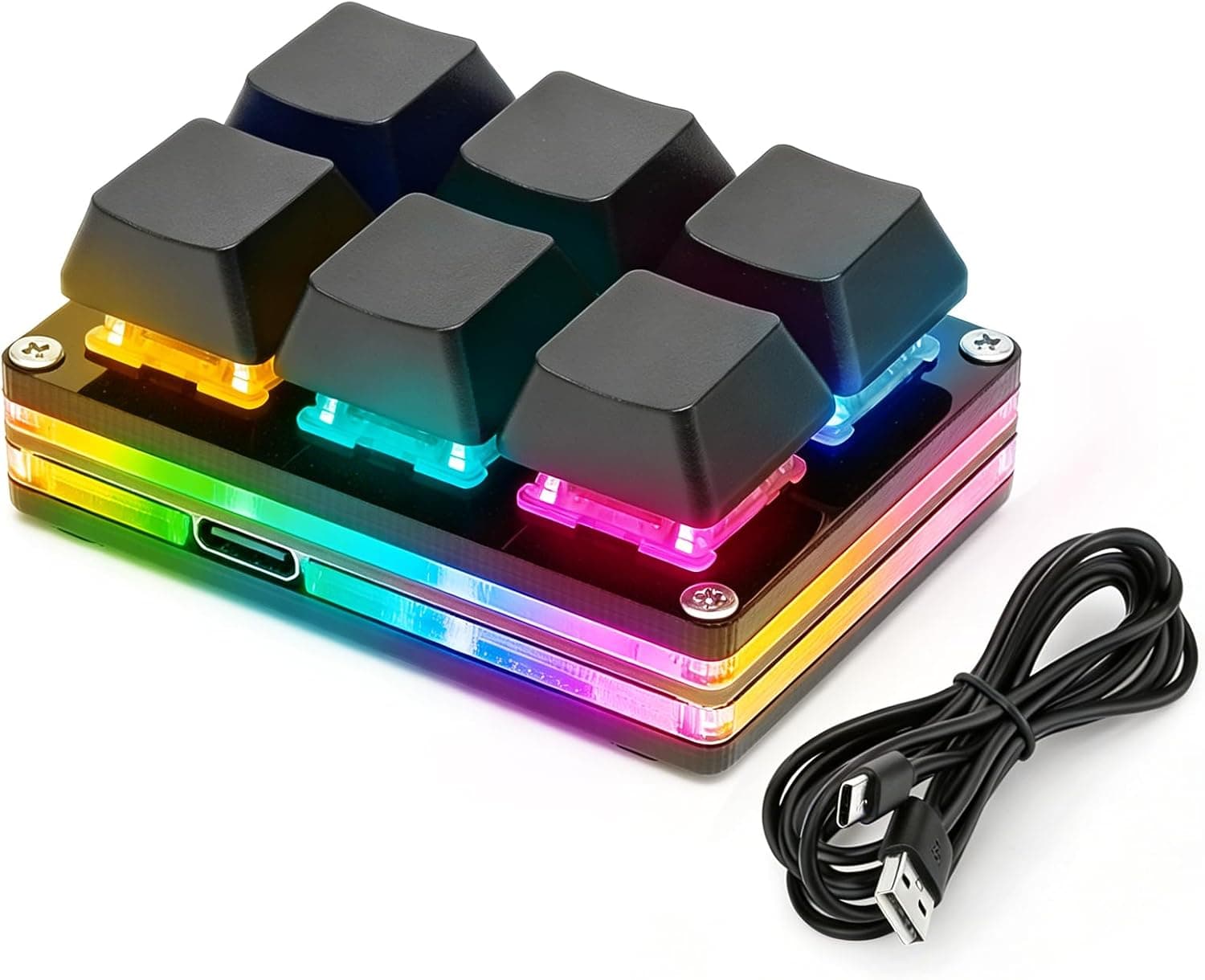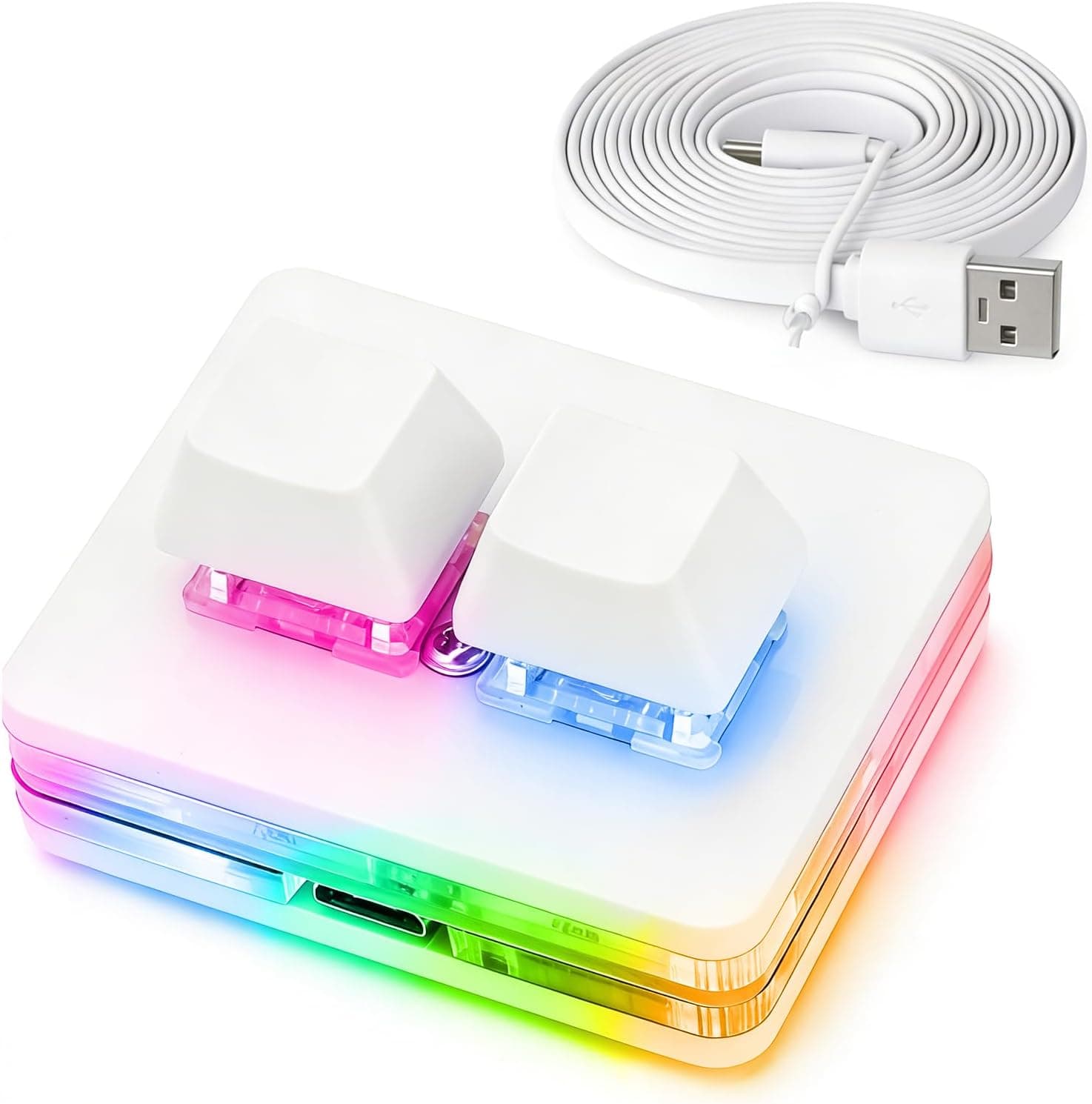
The aikeec ホワイト 2キー OSU ホットスワップゲームキーボード USB 有線 RGB メカニカルキーパッド自律プログラミングマクロソフトウェアスイッチ付き is, as its long product name implies, an extremely single-minded input device with only two keys. This article looks at it from both angles: as an OSU!
controller and as a general macro pad.
Overview
The aikeec 2 Keys Keyboard is a two-key mechanical keypad built around OSU!'s standard control scheme (alternating two keys).
To put the conclusion first: this is not a keyboard replacement, it is a dedicated tool for hitting exactly two keys under the best possible conditions. If that framing does not appeal to you, this is not the product to buy.
The white chassis uses Cherry-compatible mechanical switches in hot-swap sockets (with one important caveat covered below). It has RGB LED backlighting, connects over wired Mini USB with a 1.5m cable, and registers as a standard HID keyboard, so no driver install is needed.
Supported platforms include Windows, macOS, Linux, Android, and Raspberry Pi.
The other core feature is onboard memory. Key assignments and macros are stored in the device itself, so moving it to another PC keeps your configuration intact.
If you regularly switch between machines, that is the single most useful thing here.
Compatibility Guide
The only requirement is one free USB port. The included cable is Mini USB on the device end and USB Type-A on the host end.
If your laptop only has USB-C, you will need an adapter or a hub — an easy detail to miss until the package arrives.
| Item | Spec | What it means in practice |
|---|---|---|
| Keys | 2 | Matches OSU!'s standard input; too few for anything needing 4+ keys |
| Switches | Cherry-compatible mechanical (hot-swap sockets) | Feel can be changed later; puller not included |
| Connection | Wired Mini USB | USB-C-only machines need an adapter |
| Cable length | 1.5m | May not reach rear ports on a floor-standing desktop |
| Backlight | RGB LED | Adjusted via the onboard LED control mode |
| OS support | Windows, macOS, Linux, Android, Raspberry Pi | HID standard, so no drivers required |
| Onboard memory | Yes | Settings live in the device, not the host PC |
A 1.5m cable is fine for a laptop or a hub on your desk, but can fall short if you need to reach the back of a tower on the floor.
Plugging into a desk-level hub is the simpler answer.
Note that OS support and software support are separate questions. The keypad types on any OS without drivers, but the configuration software for macros and mouse mode assumes Windows.
On macOS, Linux, or Android the realistic workflow is to configure it once on a Windows machine and carry the settings in onboard memory. This is exactly where that feature earns its place.
Product Info
The price was ¥6,655 on Amazon as captured on 22 June 2026. Prices move often and sales happen, so check the listing for the current figure before buying.
The eBay entry is a search link only, with no fixed price listed.
The rating was 4.5 out of 5 (90% positive) as of 22 June 2026 — but from only 8 reviews.
That sample size supports almost no conclusions. Reading "4.5 stars" here the same way you would read it on a product with tens of thousands of reviews is a mistake; early-unit variance simply has not shown up yet.
Buy through a channel with clear return terms.
The box contains the keypad and the 1.5m data cable, nothing else.
Despite the hot-swap design, neither a switch puller nor a keycap puller is included. If you intend to swap switches, order a puller at the same time.
Beyond plain keyboard mode, the device offers mouse mode, multimedia control, two-step operation, LED control, game controller mode, and one-key password input. That is a generous mode list for a two-key device at this price.
How It Compares
Small external button devices are not all aimed at the same job. Stream Deck-style controllers put icons on LCD keys to switch between many actions, with 6 to 32 keys and no emphasis on rapid repeat.
This keypad goes the other way: two keys only, with mechanical switch feel and response as the priority.
The decision is simple. If you want more distinct buttons, buy a Stream Deck-class device.
If you want to hit the same two keys quickly and accurately, buy this. Anyone buying this for scene switching and mute toggles during a stream will run out of keys immediately.
Against enthusiast custom keypads, the trade is "cheap, but thin around the edges." The firmware is not QMK/VIA, so configuration depends on the bundled software.
If open firmware matters to you, choose a product that advertises VIA support from the start.
Setup and Day-to-Day Use
Out of the box it simply works — plug it in and the two keys type. If you do not need macros, you are done.
The software is only required for macros and mode switching.
That software is hosted on a Chinese site (osu.sayobot.cn) and is offered in Chinese and English only, with no Japanese.
The labels are simple English, so it is not hard to navigate. The documentation also warns that it can conflict with other keyboard and mouse drivers; if keys do not register in the config window, close other vendors' gaming utilities first.
Physically, a small two-key body can slide under hard presses. If the feet feel slippery, put it on a thin mouse pad or add rubber feet — the faster you press, the more it matters.
Best Use Cases
- Dedicated OSU! players — the two-key layout maps directly to standard play, and hot-swap sockets let you try linear and tactile switches until the weight feels right.
- People who want one or two shortcuts on physical keys — a cut in an editor, a mute toggle, a screenshot. Onboard memory means the binding follows the device between machines.
- Cramped desks and portable setups — it fits beside a mouse, runs on a single 1.5m cable, and needs no reconfiguration on a new PC.
- Anyone wanting a small switch-testing rig — two sockets are enough to compare feel side by side, though you must supply the puller.
Things to Consider
The hot-swap claim contradicts itself. The spec says hot-swap, while the product description states that Cherry switches are not hot-swappable and that the mini therefore does not support hot-swap.
Genuine Cherry MX switches and compatible clones can differ in pin shape, so read this as "your particular switches may not fit." If you are buying specifically to reswap, ask the seller whether the sockets take 3-pin or 5-pin switches before ordering expensive switches.
Skipping that check is the most common way people get burned here.
It cannot be used for normal typing. Two keys is two keys; it complements a main keyboard rather than replacing one.
Anyone shopping for a "small keyboard" will be disappointed.
The configuration software is foreign-hosted and not localized. On a managed or work machine where you cannot install unvetted software, plan to use it as a plain two-key device.
OSU! use still works fine that way.
Eight reviews is not much to go on. There is no meaningful evidence yet about long-term durability or support quality.
The cable is not detachable either, so a break means replacing the whole unit — treat it as closer to a consumable.
Check the listing details yourself. Marketplace product metadata is auto-linked and occasionally shows the manufacturer or model number of a different item.
Before buying, confirm from the images and title that you are looking at the white two-key pad.
USB-C-only machines need an adapter. Mini USB at the device and Type-A at the host means thin modern laptops require a hub or dongle.
Not a flaw, but a common reason it does not work on arrival day.
FAQ
Q. Can I use it outside OSU!? A.
Yes — it is a standard HID keyboard, so any key assignment works in any game. But with two keys it is unsuited to games needing WASD-style movement.
Q. Does it work on a Mac? A.
Typing works natively on macOS. Macro configuration assumes Windows, so set it up on a Windows PC and carry the settings in onboard memory.
Q. Can I replace the switches myself? A.
The sockets are described as hot-swap, but the description hints that genuine Cherry switches are not supported. Confirm pin count with the seller, and note that no puller is included.
Q. Can I fit aftermarket keycaps? A.
Standard Cherry-compatible stems should accept common keycaps, but two-key sets are rare. Artisan singles or leftovers from a full set are the practical options.
Q. What does it cost?
A. ¥6,655 as captured on 22 June 2026. Prices change, so check the listing for the current figure.
Product Disclosure (Amazon)
- Manufacturer: aikeec
- Seller: LIFE-I STORE
- Fulfilled by: LIFE-I STORE
- ASIN: B0GJRM5DHB
- Note: This article covers a manufacturer-made product based on Amazon listing details.