Overview
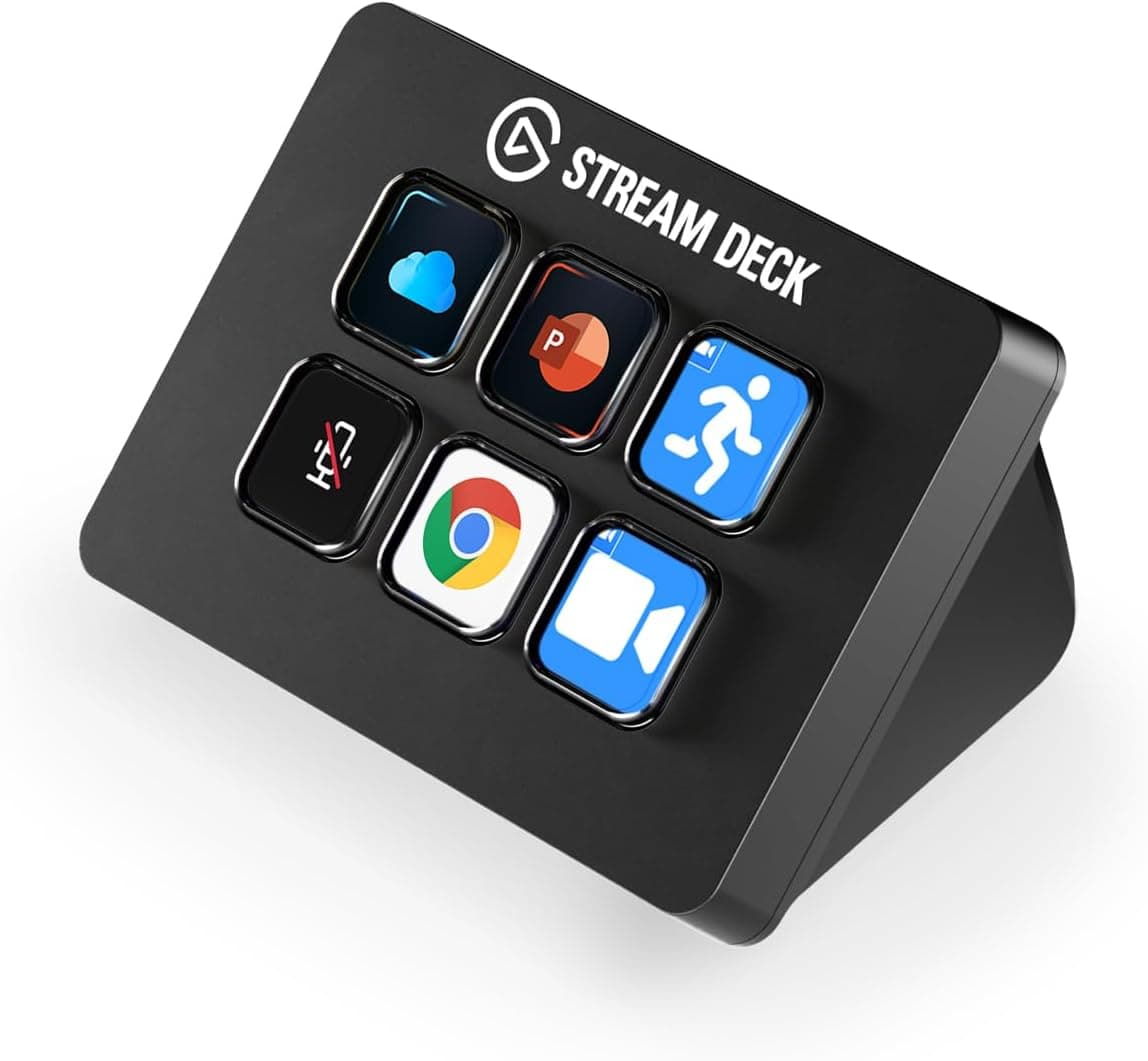
This article covers the Elgato Stream Deck Mini コントロールデバイス, a compact workflow controller with six customizable LCD keys. Instead of memorizing keyboard shortcuts, you look at an icon and press it to switch scenes, mute a mic, or launch an app.
The short verdict: this is the cheapest way to find out whether a Stream Deck fits your habits. If you already know you want to assign more than a handful of actions, buying the 15-key model first is the cheaper path overall.
The unit measures 84 x 60 x 58 mm and weighs 160 g, so it sits beside a mouse pad or a monitor stand without rearranging the desk. It connects over USB 2.0 (USB-C connector) with a 1.5 m cable, and supports macOS 10.15+ and Windows 10 (64-bit) or later.
It carries 86 reviews at 4.5 stars out of 5 (a 90% positive score) — a small sample, but a consistent one.
Six Keys or Fifteen?
Key count is the single decision that matters here. The Stream Deck software supports folders, so one key can open another page of six, meaning your total action count is not hard-capped at six.
But anything inside a folder costs two presses instead of one, which erases much of the point during a live stream.
A practical rule: if the actions you want one press away fit in six, the Mini is enough. For streaming that is roughly start/stop, two scenes, mic mute, music mute, and clip save — exactly six.
Add per-game scenes, stingers, or chat integrations and you are into folders immediately.
| Model | Keys | Best for |
|---|---|---|
| Stream Deck Mini | 6 | A fixed set of staples, meetings, a second unit, a first try |
| Stream Deck (standard) | 15 | Streams with many scenes, multi-app workflows |
| Stream Deck + (with dials) | Keys + dials | Continuous values such as volume or filter levels |
The Mini is a device for locking in a few actions you always use. For someone who has not yet settled on a layout, the six-key limit actually helps: it forces you to pick the actions you genuinely press.
Connectivity & Compatibility
You need exactly one USB port. The USB 2.0 link uses negligible bandwidth and works through hubs, though as with any USB peripheral a weak bus-powered hub can cause dim keys or flaky detection.
If behavior is odd, plug directly into the PC to isolate the cause.
OS requirements are macOS 10.15+ and Windows 10 (64-bit) or later.
Older machines fall outside that, and the device is not a standalone tablet accessory — it assumes the software is resident on the PC it controls. Supported apps include Zoom, Microsoft Teams, PowerPoint, Excel, Word, Google tools, Photoshop and other Adobe Creative Cloud apps, Spotify, OBS Studio, XSplit, Twitch, and YouTube, and the Stream Deck SDK allows custom plugins.
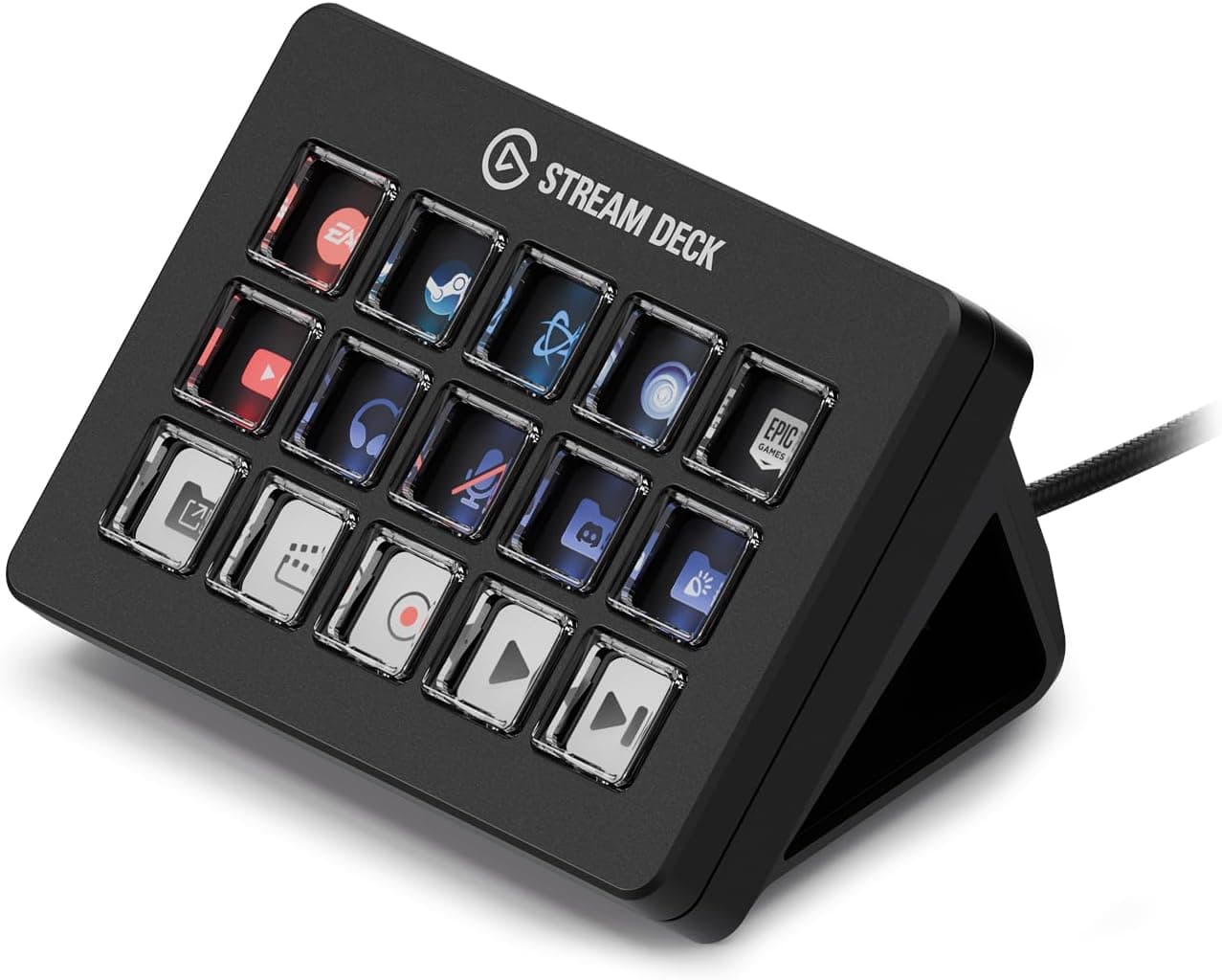
Physically, note the 1.5 m cable attached at the device end.
Measure the run to a desk-side or under-desk PC before ordering; an extension adds another connection point. At 160 g the unit is light enough that cable tension will drag it if routed badly.
The angled integrated stand also does not sit flat near monitor-arm clamps or raised edges.
Product Info
The spec sheet: six customizable LCD keys, USB 2.0 (USB-C), a 1.5 m cable, 84 x 60 x 58 mm, 160 g, macOS 10.15+ / Windows 10 64-bit or later, and a 2.5-year warranty.
The box contains the device and a USB cable, so nothing extra is required to get started. The original listing describes it as an exclusive model released in 2023; because the Stream Deck line includes many color and collaboration variants, check the product images for the exact version and contents before ordering.
Pricing was ¥9,980 on Amazon as captured in August 2026 and $39.99 on eBay US as captured in August 2026.
Both are point-in-time figures and move with sales, currency, and stock. The gap to the 15-key model and the Stream Deck + is what justifies the Mini's existence.
That said, domestic and overseas prices sit close together here, so parallel-import units offer little upside once warranty handling is factored in.
Reviews stand at 86 with a 4.5-star rating (90% positive). With a sample under a hundred, read that as reassurance rather than statistics.
Best Use Cases
Streamers and creators: Works with OBS Studio and Streamlabs for one-touch scene switching, recording, and mute toggles. If you are still running three or four scenes, six keys covers it.
Heavy users juggling many scenes should go straight to the 15-key model.
Remote workers and business users: Assign mute/unmute, screen share, and chat launch for Zoom or Teams; drive PowerPoint slideshows or fire Excel macros. Meeting workflows use a stable, small set of actions, so they suit six keys better than streaming does.
People cutting repetitive work: Multi-action sequences chain app launches, file saves, and message sending into one press. It is not a scripting environment, though — branching automation belongs to other tools.
As a second unit: If you already own a 15-key deck, a Mini on a second PC or dedicated to one job is a reasonable split given the lower per-unit price.
Things to Check Before Buying
The main trap is that you cannot expand it. Assigned actions always grow with use.
Buying a Mini and adding a 15-key three months later costs more than buying the 15-key once. Write out the actions you want before ordering: if the list already exceeds seven, skip the Mini.
The fixed, device-end cable is the other long-term weakness — a damaged cable cannot be swapped on its own. The 2.5-year warranty is generous, so keep your receipt and order history.
Remember the software is mandatory. Without the Stream Deck app running, the unit is just lit keys, and a brief lag after boot or sleep-wake is normal.
Icons come from the bundled set or your own images; budget roughly half an hour to build a layout you actually like.
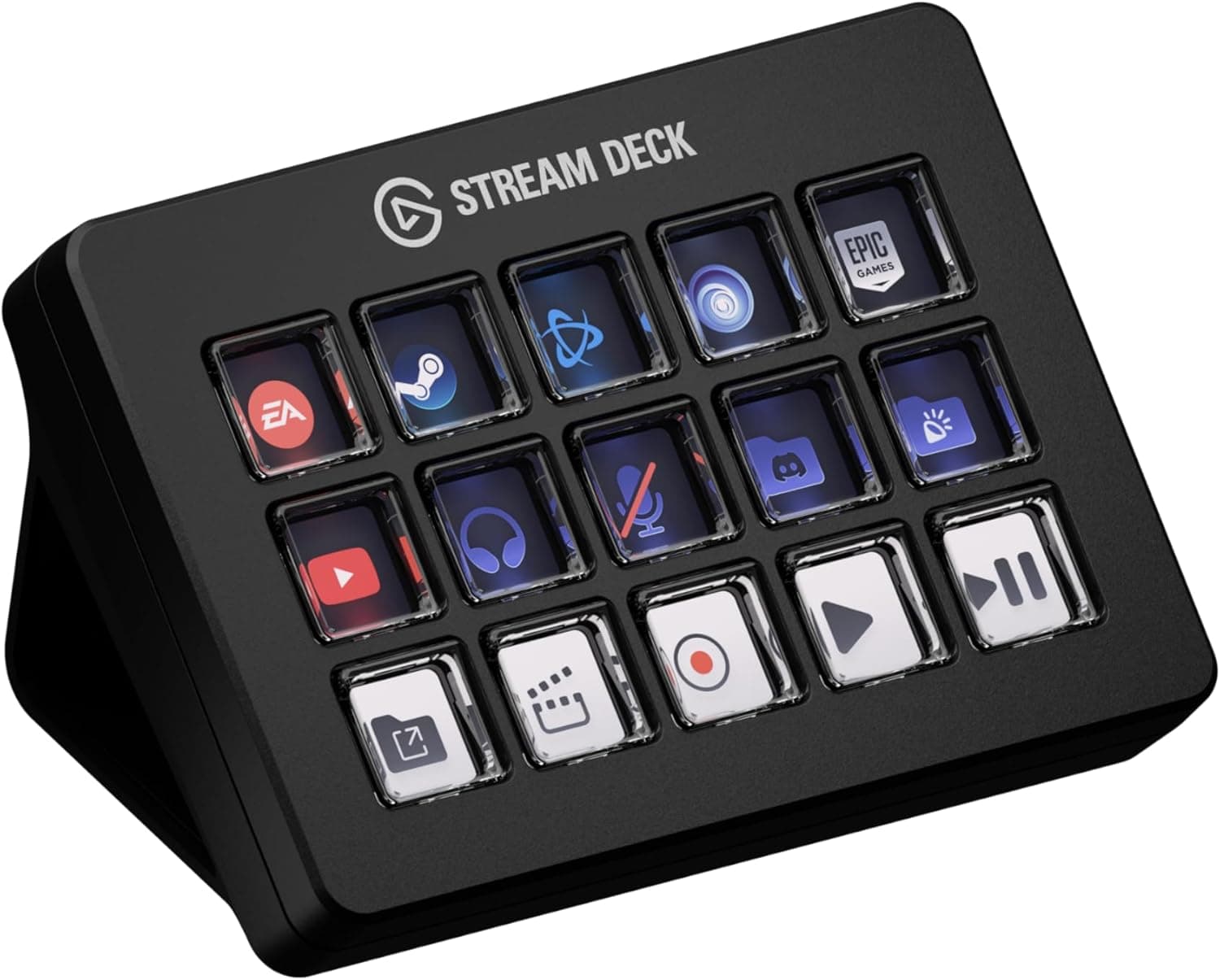
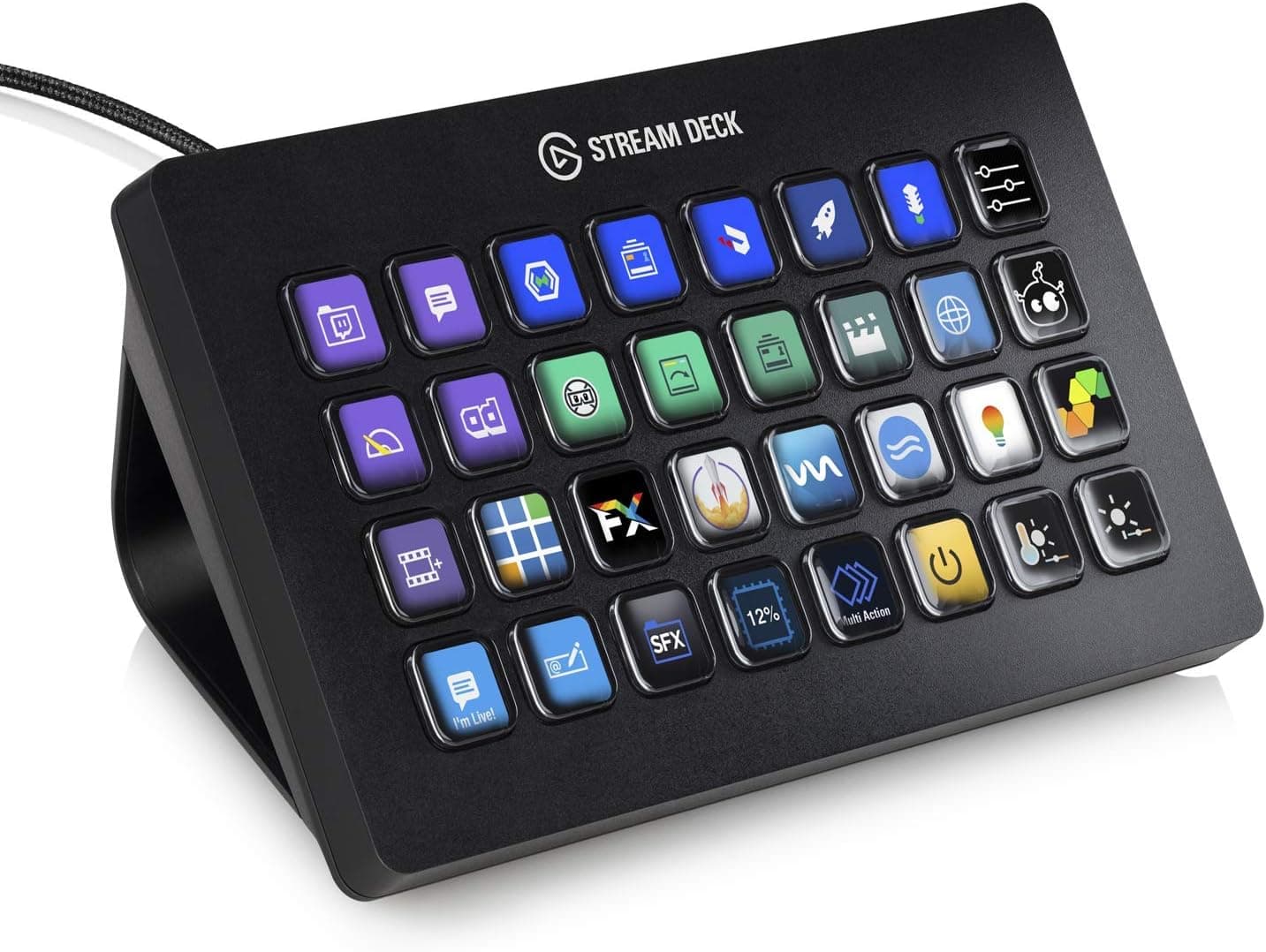
Be careful with the listing itself. Mini, MK.2, Neo, XL, and + look similar, and parallel imports and limited editions circulate alongside them.
Listing metadata can disagree with the item shipped, so confirm the key count (six versus eight versus fifteen) from the product photo and title before ordering. Prices also swing, so treat the figures above as captured values and check the current price on the product page.
FAQ
Q. Can six keys really run a stream? A.
Yes while your scene count is low — start/stop, two scenes, mic mute, music, and clip save fill exactly six. Plan on the 15-key model if you expect per-game scenes.
Q. Do folders effectively add keys? A.
They do, at the cost of one extra press. Keep reflex actions on the first layer and push rare ones into folders.
Q. Is the Mac experience the same?
A. Yes on macOS 10.15 or later; there is no feature gap. Older OS versions are simply unsupported.
Q. Can I use it for game macros? A.
You can assign key inputs, but some online games restrict macro use in their terms. Check each title's rules.
Q. How long is the warranty?
A. 2.5 years. Since the cable is not user-replaceable, keep proof of purchase.
Product Disclosure (Amazon)
- Manufacturer: Elgato
- Seller: Amazon.co.jp
- Fulfilled by: Amazon.co.jp
- ASIN: B0CDWTVMDZ
- Note: This article covers a manufacturer-made product based on Amazon listing details.