This article covers Elgato Stream Deck Scissor Keys ワークフローコントローラー.
Overview
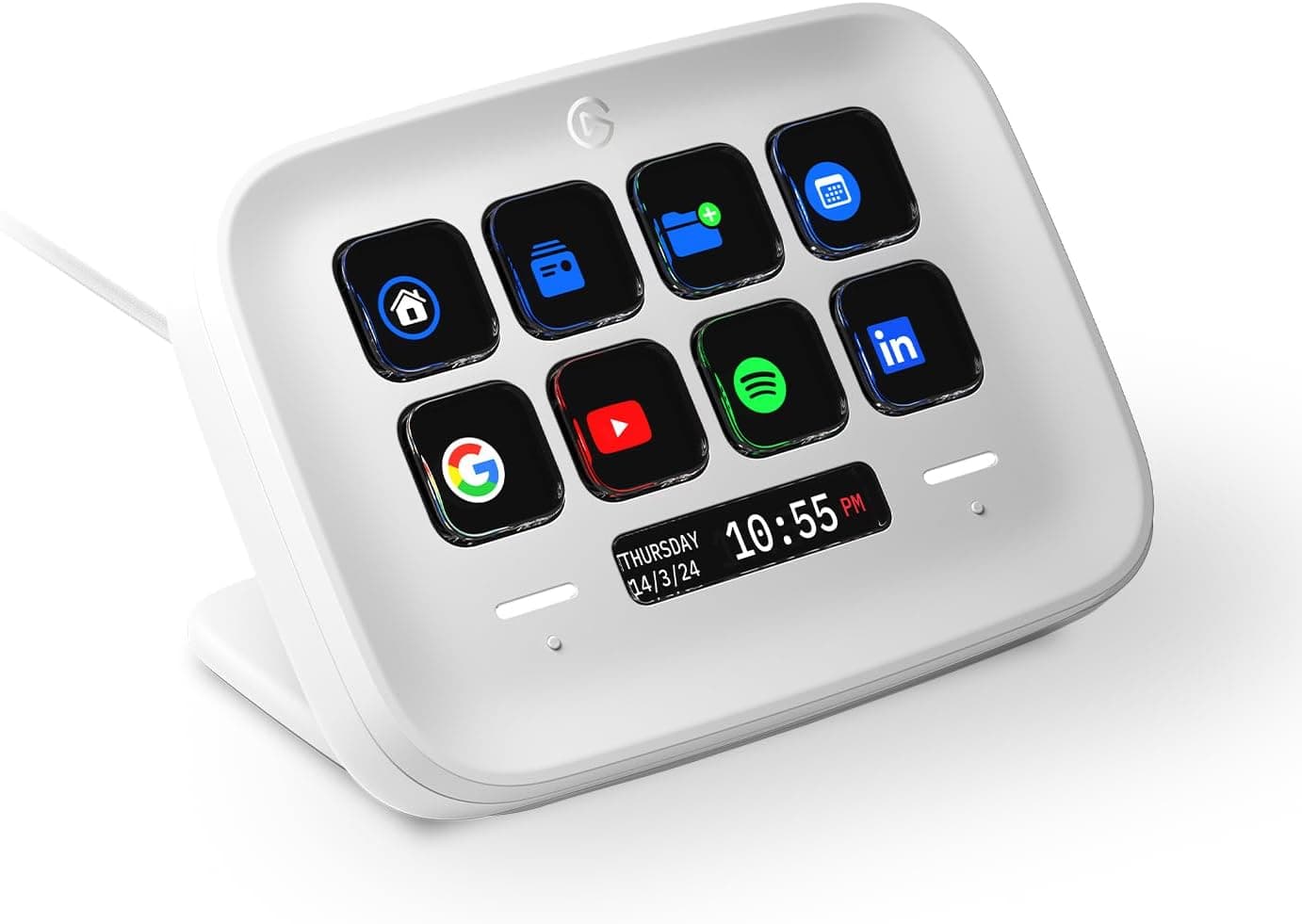
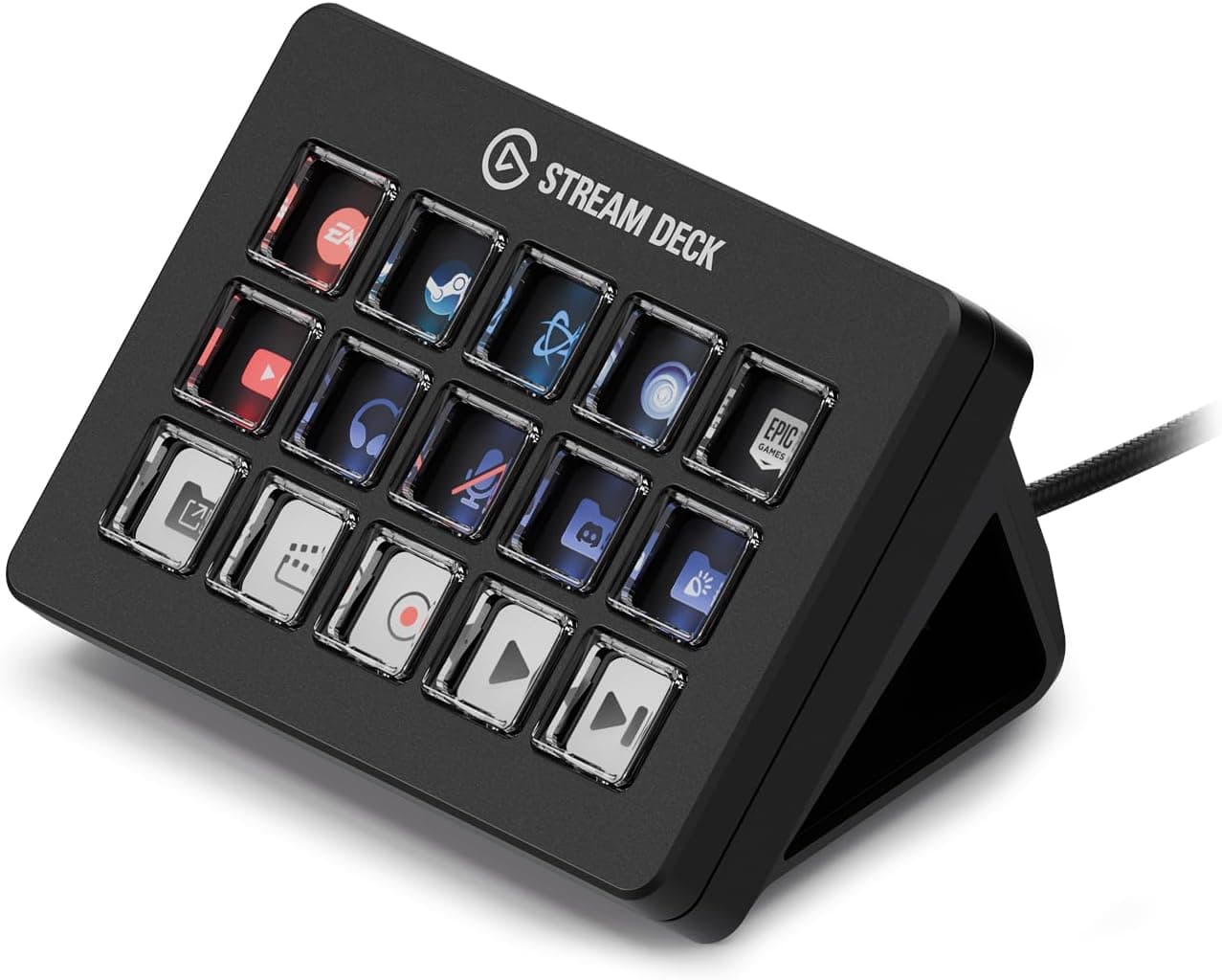
The Elgato Stream Deck Scissor Keys is a customizable macro key controller designed for streamers, creators, and power users. It retains the familiar 15-key layout of the classic Stream Deck but introduces scissor switches for a crisp, tactile keystroke that feels more like a premium laptop keyboard than a standard membrane pad. Each key features a 1.5-inch color LCD capable of displaying icons, text, and live system metrics such as CPU, GPU, ping, and FPS. Connection is straightforward: plug the USB-C cable into your PC, install the Stream Deck software (Windows 10 or macOS 13+), and you‘re ready to map actions. The device works with a wide range of applications via official plugins, including OBS Studio, Twitch, Discord, Adobe Photoshop, Teams, and many more. It eliminates the need to Alt+Tab between windows by placing all your essential controls at your fingertips.
Connectivity & Compatibility
The Stream Deck Scissor Keys connects via USB-C, with a 1.5-meter USB-C to USB-C cable included. It is powered entirely over USB—no external power adapter required. The cable can be plugged directly into a modern laptop or desktop USB-C port; if your PC lacks USB-C, you can use any standard USB-C to USB-A adapter (not included). Supported platforms are Windows 10 (64-bit) and macOS 13 or later. The companion software handles firmware updates, plugin installation, and profile management. The plugin ecosystem is robust, covering streaming tools, creative suites, communication apps, and productivity utilities. New plugins and updates are released regularly by Elgato and third-party developers.
Product Info
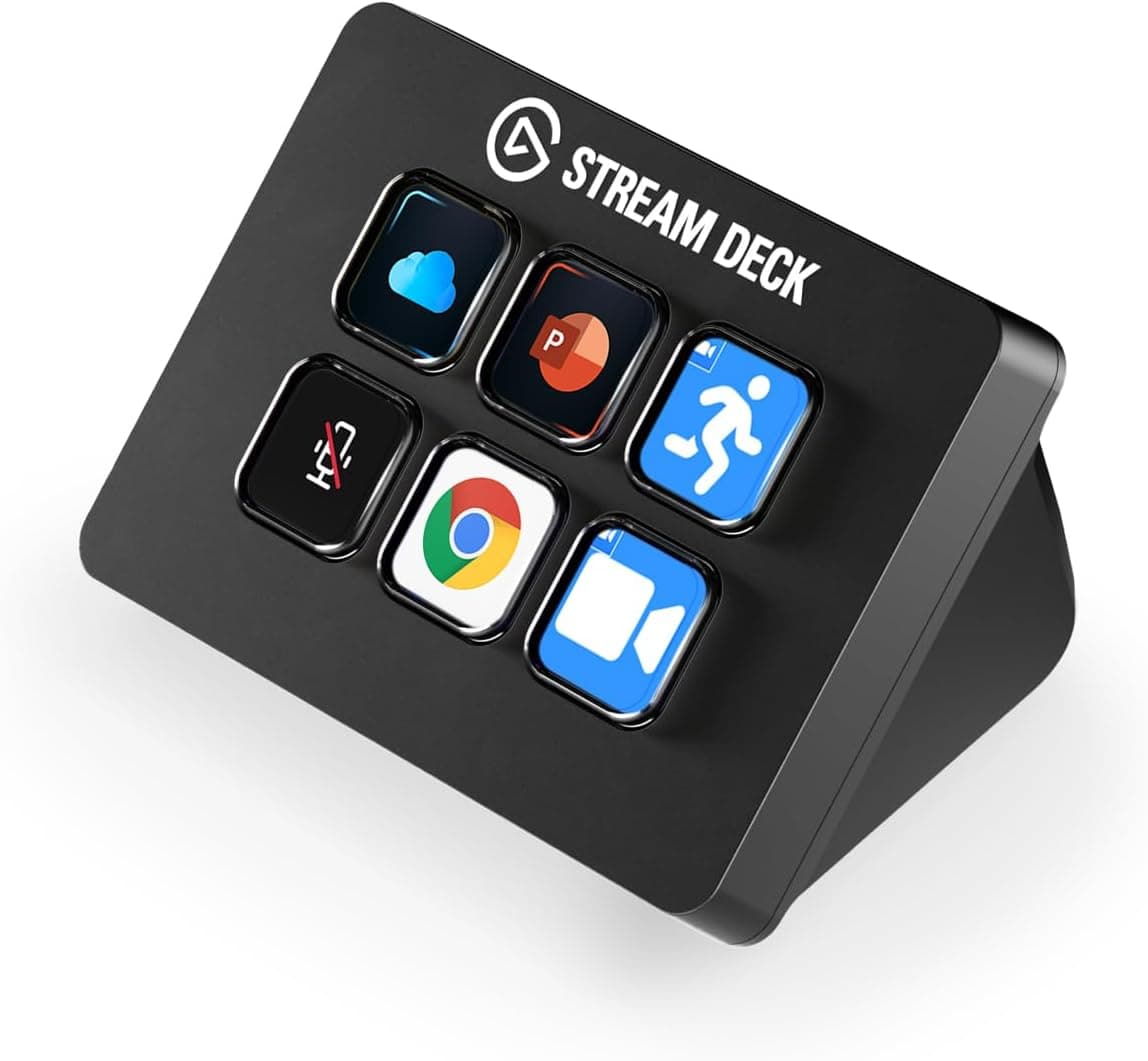
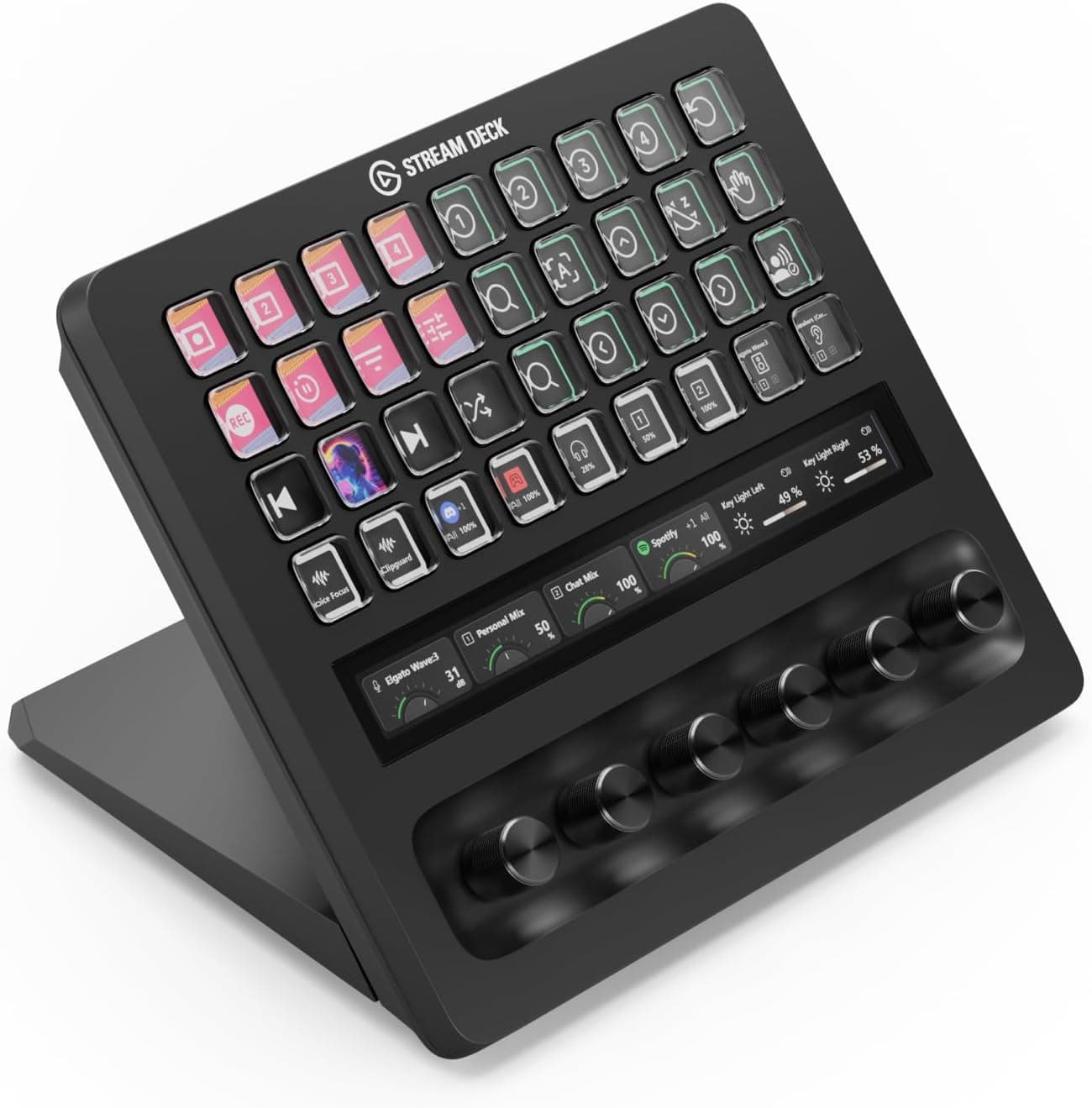
Released in 2025 as an exclusive model, the Elgato Stream Deck Scissor Keys carries a retail price of approximately ¥22,980 in Japan. The manufacturer provides a 2.5-year warranty from the date of purchase. In the box you‘ll find the main unit, a detachable angled stand, a 1.5m USB-C to USB-C cable, and a quick-start guide. The stand offers multiple viewing angles, ensuring comfortable placement on any desk. Positioned as a mid-to-high-end macro controller, the Scissor Keys sits between the entry-level Stream Deck Mini (6 keys) and the larger Stream Deck XL (32 keys). Its scissor-switch mechanism is a notable upgrade in feel and precision, making it ideal for users who frequently press keys without looking.
Best Use Cases
Live Streamers: Switch OBS scenes, toggle mute, send chat messages, and monitor stream health with a single tap. The tactile feedback of the scissor switches reduces missed presses during intense broadcasts. However, streamers who need more than 15 buttons should consider the Stream Deck XL (32 keys) for complex productions. Video Editors & Creative Professionals: Automate repetitive tasks in Premiere Pro, Final Cut Pro, or Photoshop—such as timeline slicing, layer visibility toggles, and export shortcuts. The live monitoring feature can display CPU/RAM usage while editing, helping you keep an eye on system resources without alt-tabbing. Remote Workers & Office Users: Map Microsoft Teams or Zoom actions—mute, camera toggle, share screen—to dedicated keys. This dramatically speeds up meeting participation and reduces context-switching fatigue. Note that company-managed PCs with locked software installation policies may not support the companion app. Gamers (MMO/RTS): Offload complex keyboard shortcuts to the Stream Deck for games that demand many quick commands. Always verify that macro usage is allowed by the game’s terms of service. For anyone who regularly performs repetitive multi-step actions on their computer, the Elgato Stream Deck Scissor Keys delivers a tangible productivity boost in a compact, well-built package.
Product Disclosure (Amazon)
- Manufacturer: Elgato
- Seller: Amazon.co.jp
- Fulfilled by: Amazon.co.jp
- ASIN: B0DTYM2QFF
- Note: This article covers a manufacturer-made product based on Amazon listing details.