Overview
The Elgato Stream Deck + XL is a control surface that replaces repetitive software operations with physical keys and dials, built for people who stream, edit video, or produce music on a regular basis. The short version: it pays off if you run those workflows several times a week, and it is overkill if you only stream a few times a month.
Buying the biggest model purely because it has the most keys is the most common mistake with this product.
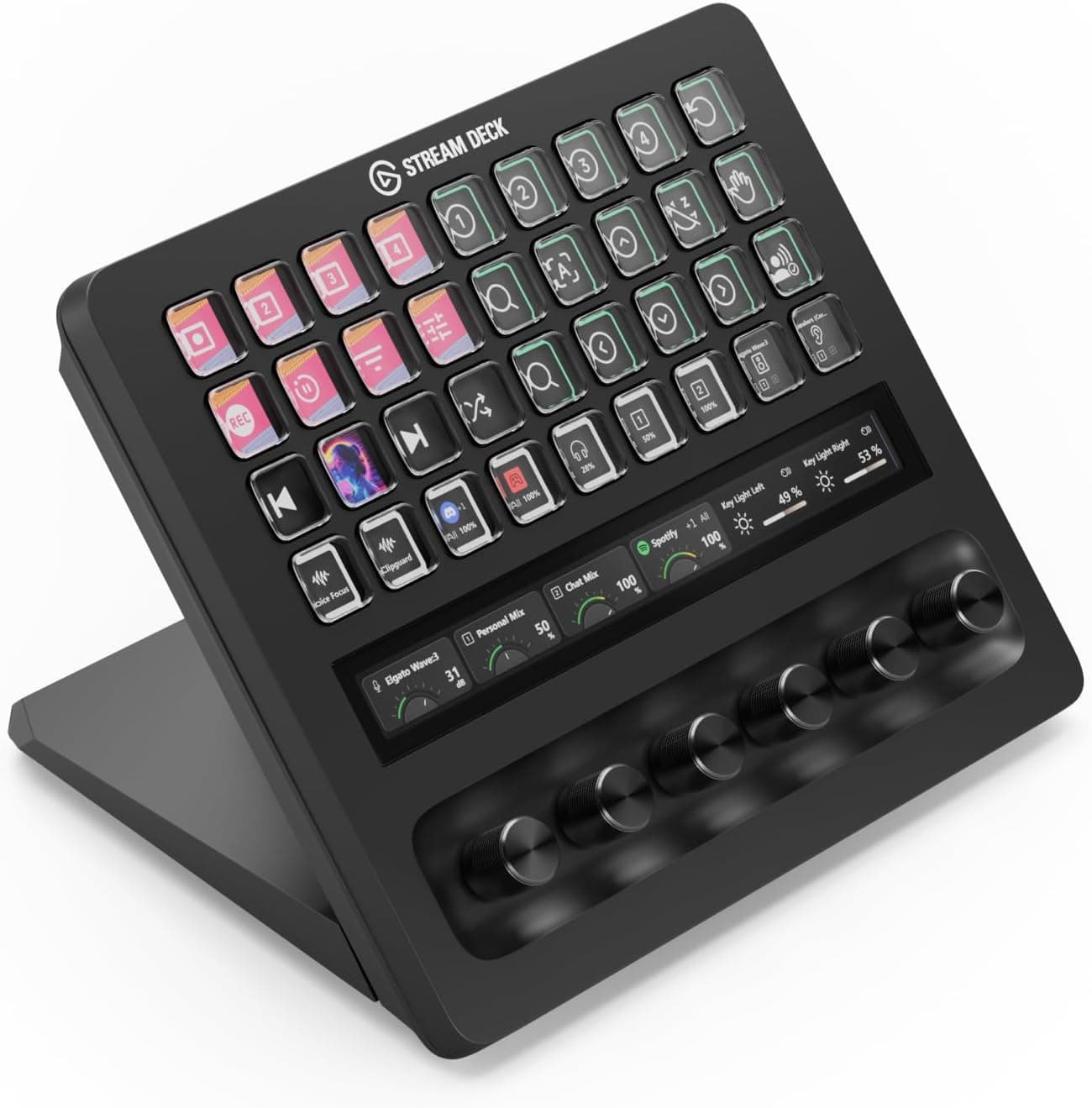
What separates this unit from key-only models is the split between discrete actions and continuous ones. Scene switches and mute toggles live on the keys, while microphone level, lighting brightness, and timeline scrubbing live on the dials.
The touch strip display shows the current value of whatever each dial controls, so you can confirm a setting without looking at your monitor.
Keys and Dials: Dividing the Work
Thirty-six keys means you can place 36 actions on one screen, but almost nobody memorises that many. A realistic layout keeps a dozen or so frequently used actions on the first level and pushes the rest into folders.
Each folder itself costs a key, so nesting too deeply adds presses instead of removing them. Start with empty keys and add only the actions you actually reach for.
The six dials handle the operations where you overshoot and correct - audio levels, brightness, parameter tweaks. That is the single strongest reason to choose this model over a key-only one.
Conversely, if nothing in your workflow needs continuous adjustment, a cheaper key-only deck covers you completely.
Connectivity & Compatibility
The unit connects over USB-C with a 150cm cable, runs on USB bus power with no separate adapter, and supports Windows 10 or later and macOS 11 or later. If your PC only has USB-A, an adapter works, but a weak bus-powered hub can cause intermittent detection because the device drives many LCD keys and LEDs.
If you hit problems, plug directly into a port on the computer first.
Desk space is the underrated constraint. The listed dimensions are 205 x 147 x 175 mm, with the depth figure apparently including the stand.
On a shallow desk, or with little room between keyboard and monitor, finding a home for it is the real barrier to adoption. Clear roughly a 20cm square on your desk before you order.
Integrations cover OBS Studio, Twitch, YouTube, Spotify, Adobe Photoshop and Premiere Pro, Final Cut Pro, Ableton Live and many more, extended further through plugins and the Stream Deck SDK. Note that "the app is supported" and "every function I want is mappable" are different claims.
If you are buying for one specific operation, confirm first that an official plugin exposes it or that a keyboard shortcut can stand in.
Product Info
Key specifications: 36 macro keys, six multi-function dials, a touch strip display, USB-C connection, a 150cm included cable, dimensions of 205 x 147 x 175 mm, and USB bus power. The box contains the unit and the cable; the standard manufacturer warranty is two years.
The price was ¥59,980 on Amazon as captured on 27 August 2026. Prices move with sales and revisions, so check the product page before ordering.
One inconsistency in the source data is worth flagging: the "global" price entry is labelled Amazon US but points at the Japanese Amazon listing with a yen figure. The amount itself matches the Japanese capture, so it is not an implausible number, but do not trust the label.
Reviews stood at 4.2 out of 5, about 84% positive, as captured on 31 May 2026 - across only 12 reviews.
Unlike a staple product with tens of thousands of ratings, a sample that small swings on a handful of extreme scores. Checking whether you match the "not for you" cases below is a far better filter than the star rating.
How It Compares
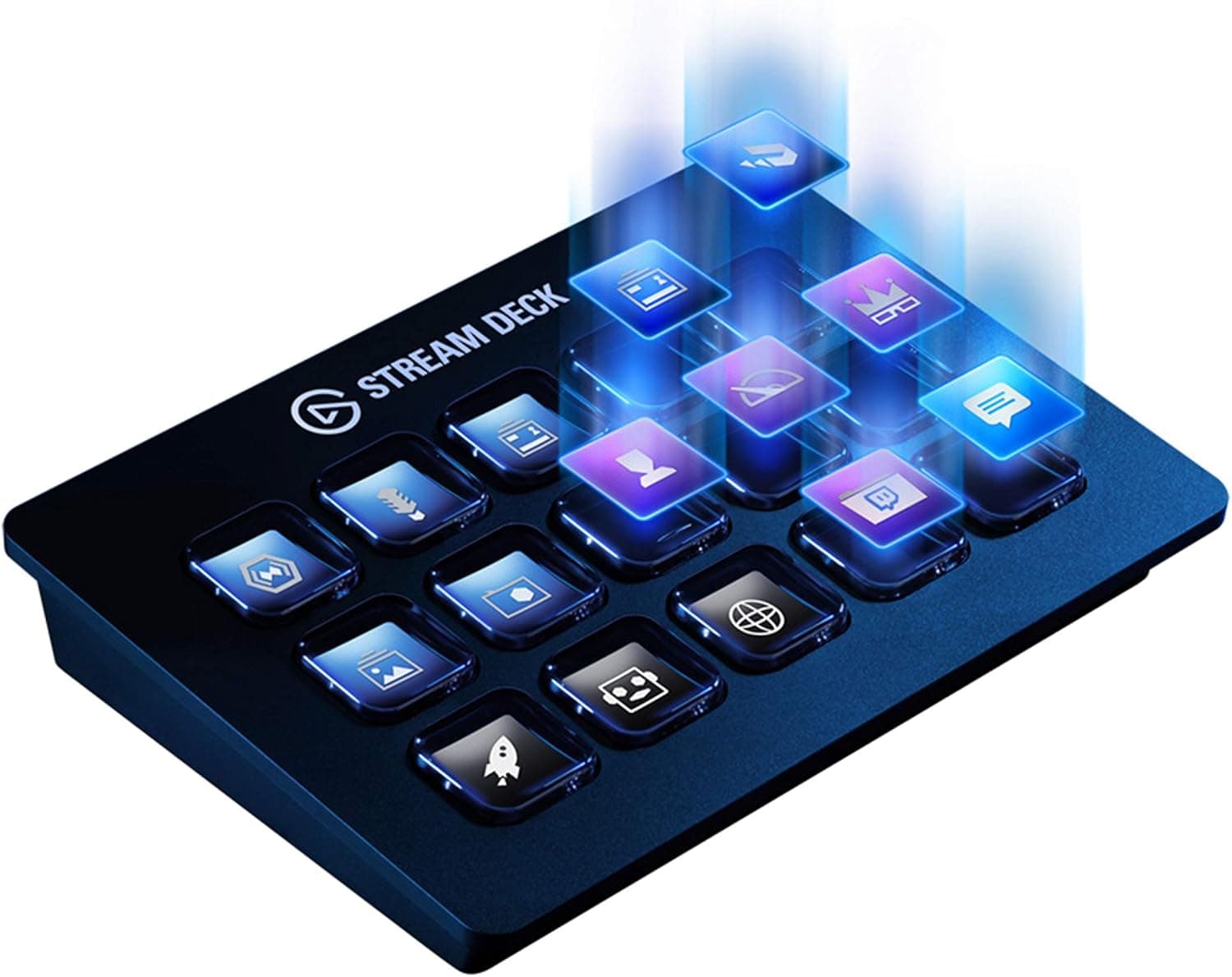
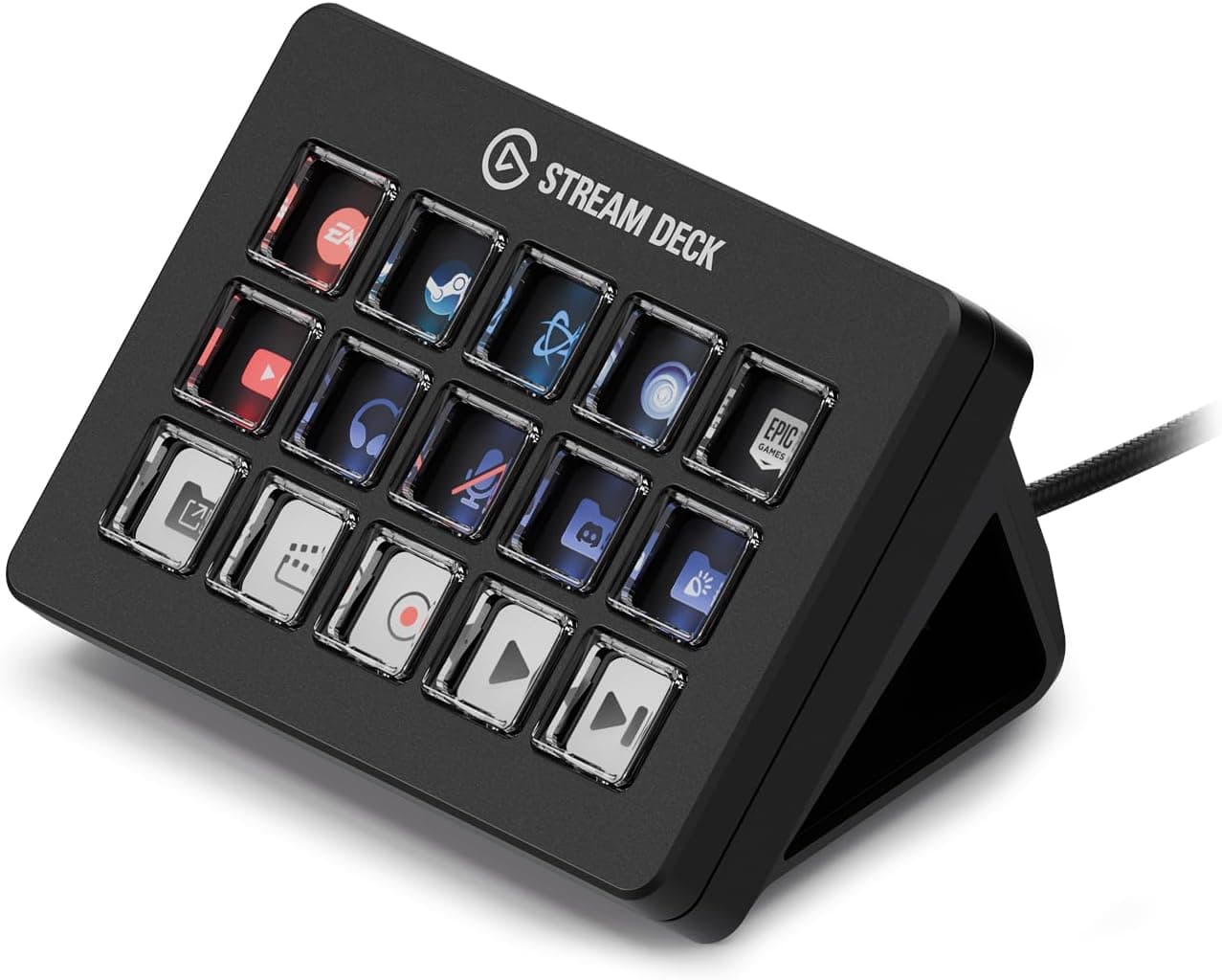
The same family includes smaller models - Mini with 6 keys, Neo with 8, MK.2 with 15 - plus the 8-key, 4-dial Stream Deck +.
This unit sits at the top with the most keys and dials, and the price reflects that.
| If you | Pick |
|---|---|
| Juggle scenes, audio and lighting mid-stream | 36 keys + 6 dials (this model) |
| Need dials but only a handful of keys | Stream Deck + (8 keys, 4 dials) |
| Only ever press discrete actions | MK.2 (15 keys) or Neo (8 keys) |
| Want to try the concept cheaply | Mini (6 keys) |
The deciding factor is not key count but whether you have parameters worth turning a dial for. With no such parameters, two smaller decks with fixed profiles can be easier to live with than one large one.
Best Use Cases
- Live streamers: switch scenes, mute, and fire alerts with one press in OBS Studio or Twitch, while dials ride mic level, music, and lighting in real time. During a stream you have no attention to spare for menus, which is where this device earns its keep.
- Video editors: map cuts, transitions, and colour presets in Premiere Pro or Final Cut Pro, and assign dials to timeline scrubbing or fine parameter adjustment to cut down mouse travel.
- Music producers: get tactile control over track mute/solo, effect parameters, and clip launching in Ableton Live or Logic Pro.
- General office use: meeting mute, app switching, and text snippets work well too - though for that alone, start with a cheaper model and scale up.
Before You Buy
The biggest trap is that buying it speeds up nothing on its own. The value comes from how you design the mappings and icons: budget a few hours for the initial setup and a few weeks before your layout settles.
If that sounds tedious, most of your 36 keys will sit empty forever, and a smaller model is the better purchase.
More keys also means more to remember. When icons look alike you stop scanning them and fall back to the same few buttons, so factor in the effort of making icons distinguishable by colour and shape.
On the hardware side, watch for hub-related instability under bus power, fingerprints and reflections on the LCD key surfaces, and the footprint. A 175mm depth figure that appears to include the stand is still not small; on a cramped desk you may end up repositioning your keyboard.
The 12-review sample deserves one more mention. Nothing statistically meaningful about early failure rates or long-term durability can be drawn from it.
If long-term reassurance matters most, choosing a longer-selling smaller model is a defensible call.
Finally, Amazon listing metadata - manufacturer, model number, ASIN, bundled items - sometimes disagrees with the actual product. In this data the manufacturer is listed as Elgato with no contradiction, but confirm from the product photos and title that you are looking at the 36-key, 6-dial configuration.
This family has many similarly named models and mix-ups are easy.
For reference, the full product name in Japanese is: Elgato Stream Deck + XL – 36個のマクロキーと6つの多機能ダイヤルを搭載したコントロールプラットフォーム.
FAQ
Q. Can I use it on a PC without USB-C? A.
Yes, via an adapter, but a low-power hub can cause flaky detection. Try a direct port on the computer first.
Q. Are 36 keys too many? A.
For most people, yes. Start with a dozen and expand into folders.
If you do not need dials, a smaller model is enough.
Q. What about apps with no official plugin? A.
Keyboard-shortcut or command actions usually cover them, provided the app exposes a shortcut for the function.
Q. Do I need a power adapter?
A. No. It runs on USB bus power; the box includes only the unit and a 150cm USB-C cable.
Q. Is ¥59,980 the fixed price? A.
No. That figure was captured on 27 August 2026 and moves with sales and exchange rates.
Check the listing before buying.
Product Disclosure (Amazon)
- Manufacturer: Elgato
- Seller: Amazon.co.jp
- Fulfilled by: Amazon.co.jp
- ASIN: B0GQRRF1LC
- Note: This article covers a manufacturer-made product based on Amazon listing details.