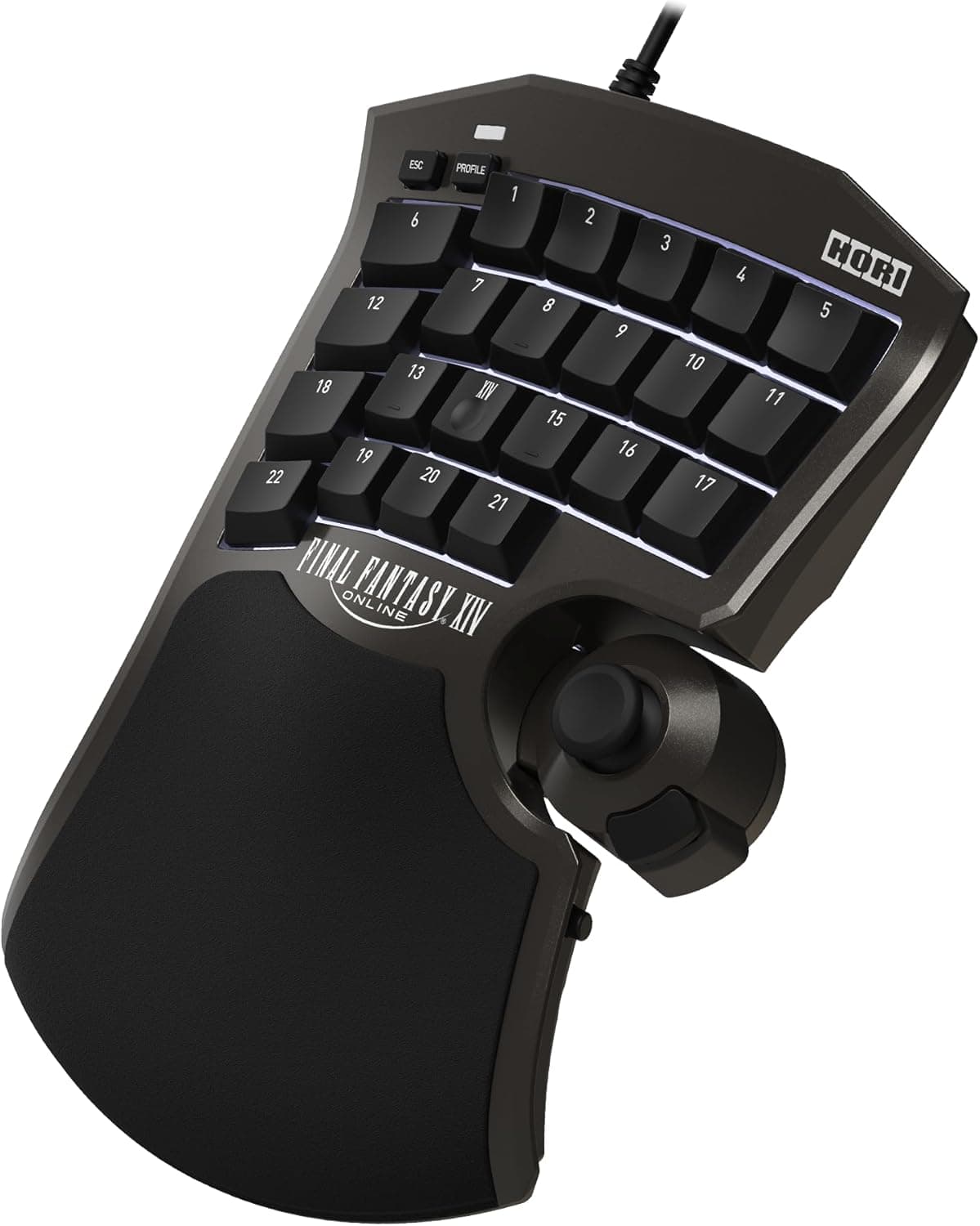
The HORI Tactical Assault Commander F14 Final Fantasy XIV Black Edition for PC, PS5 and PS4 is an officially licensed Square Enix left-hand gaming keypad. This article goes beyond the spec sheet to explain what 21 programmable keys and 8 onboard profiles actually change in play — and who should not buy it.
Overview
Think of this device as the left half of a keyboard, rebuilt around MMO input. All 21 keys are programmable and can be mapped to either keyboard or gamepad functions.
Combined with the position-adjustable analog stick, you can split control three ways: movement on the stick, abilities on the keys, camera on the mouse.
The core design goal is removing physically awkward chords. On a normal keyboard, holding Ctrl or Shift for a second or third hotbar while steering with WASD deforms your hand position and causes misfires.
A keypad concentrates every key within reach of one settled hand. The flip side: if your keyboard layout already works without strain, the gain here is smaller than the price suggests.
The 8 onboard profiles matter most to players who swap jobs often. Keep separate layouts for melee DPS, caster, healer and tank and you never rebuild bindings mid-session.
Because the profiles live on the device, the same layout follows you when you move the cable to a PS5 or PS4.
Compatibility Guide
Connection is USB wired only, supporting PC (Windows 11 / Windows 10), PlayStation 5 and PlayStation 4. Basic operation is plug and play with no driver install required.
There is no wireless option, so couch play is limited by cable reach — measure the distance to your console before ordering.
One caveat deserves emphasis: the companion app is PC only. Stick sensitivity, dead zones and detailed key mapping are configured on a PC and then written to the onboard profiles for console use.
If you own only a PS5 and no PC, you have no practical way to fine-tune the device. That limitation is easy to miss behind the words "PS5 compatible."
Physically, the unit measures roughly 26.6 x 20.1 x 9.8 cm and weighs about 620 g.
A ~20 cm depth means this is not something you squeeze between keyboard and mouse — it assumes you push the keyboard aside or replace it outright. On a narrow desk, budget for a tenkeyless or 60% keyboard as part of the same purchase.
The 620 g weight helps the unit stay put during play.
On the software side, it is at its best in Final Fantasy XIV, but since it emits keyboard input it works as a general programmable input device in other PC titles. Be aware that games handle simultaneous keyboard-and-gamepad input differently; on-screen button prompts may flicker between input types.
If you plan to use it outside FFXIV daily, accept that quirk in advance.
Real-World Feel and Review Data
As captured on 27 May 2026, Amazon.co.jp shows 80 reviews averaging 4.1 out of 5 stars (82% positive).
The modest review count reflects a product aimed squarely at FFXIV players. A 4.1 average means most buyers are satisfied but not all — a reasonable landing spot for a specialized device.
When opinions split on keypads like this, the cause is usually hand fit rather than build quality. Twenty-one keys is a lot for one hand; the outer keys require a stretch.
Smaller hands should deliberately assign low-frequency actions to the outer ring. If a key feels awkward at first, that is a mapping problem you can still solve.
Budget time for the transition. You are rewriting muscle memory built over hundreds of hours, so expect to play worse for the first few days.
Do not switch the week before a progression raid.
Product Info
Released 15 April 2024. Key specifications: 21 keys, all 21 programmable; 8 onboard profiles; position-adjustable analog stick; USB wired interface; approximately 26.6 x 20.1 x 9.8 cm; about 620 g.
The box contains the keypad and a USB cable; the companion app is a free download from the official site.
On pricing, Amazon listed ¥29,226 as captured on 27 May 2026 and ¥28,073 as captured on 28 August 2026. Both are point-in-time figures that move with sales and stock.
A swing of over a thousand yen in three months shows how volatile this price band is — always check the product page for the current figure.
Our source data also carried a $521 marketplace listing. That is an order of magnitude out of line with domestic pricing and likely reflects importer markup or a collection error, so this article does not treat it as a reference price.
How It Compares
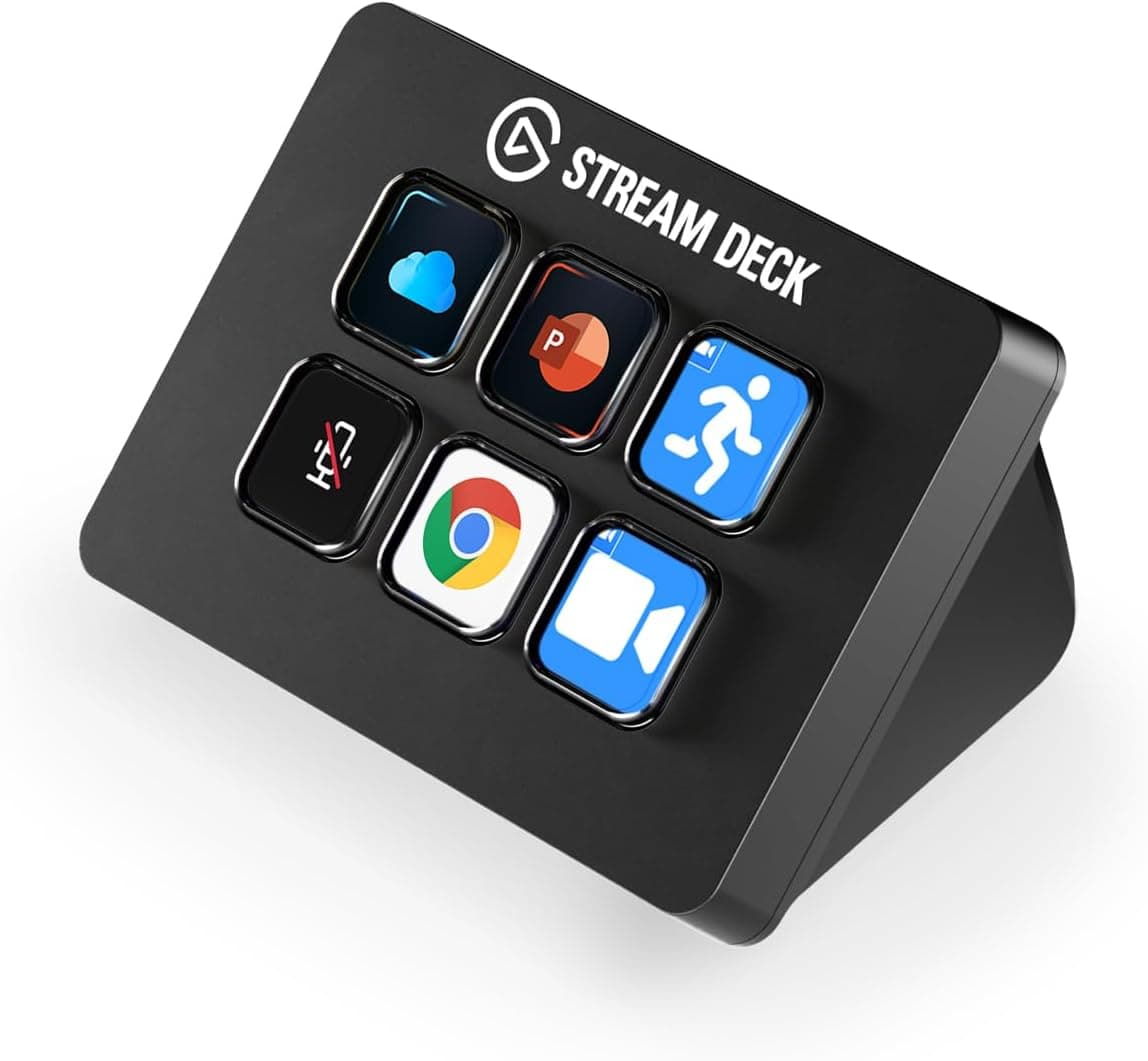
"Left-hand device" covers several unrelated goals: general programmable keypads, streaming macro panels, and flight-sim cockpit panels. This model commits fully to live MMO input, and the analog stick is what separates it from a generic keypad.
Want stick-based movement? Choose a stick-equipped unit.
Happy with WASD and just need more keys? A generic keypad costs less.
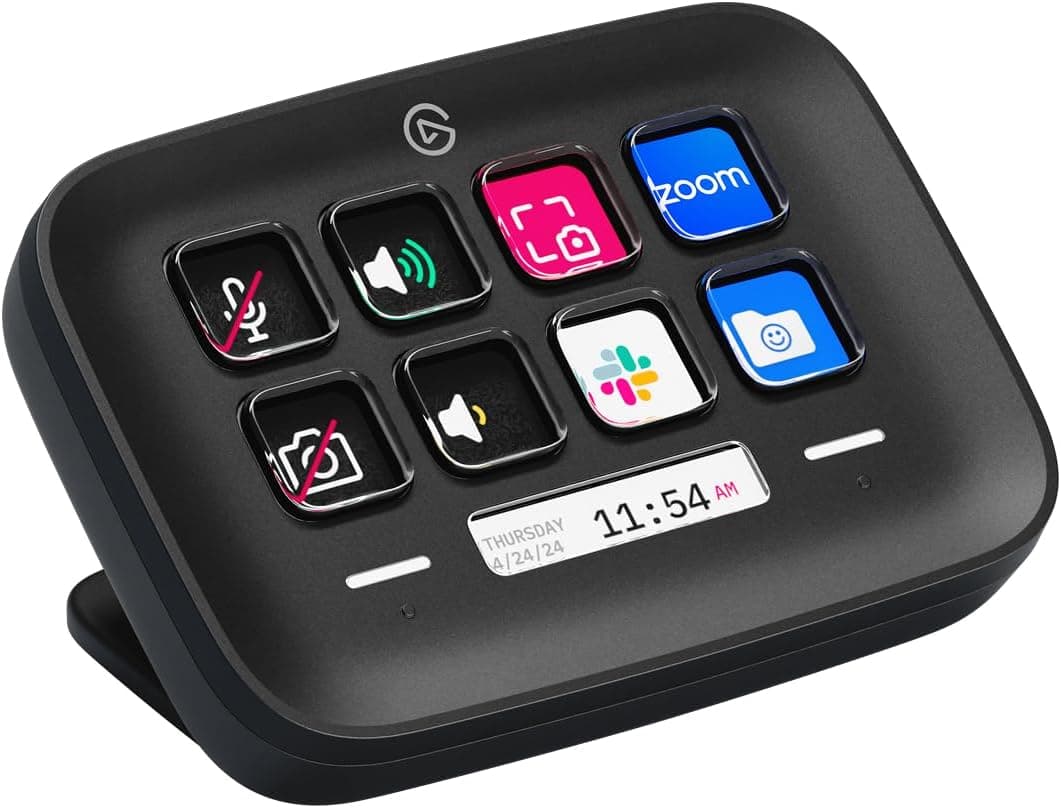
If your real goal is controlling broadcast software or switching apps, you are in the wrong category. LCD-key macro panels are built for actions whose results happen off-screen — scene switches, mutes — not for in-combat input.
Trying to make one device do both usually does neither well.
Best Use Cases
The clearest fit is a player who runs Final Fantasy XIV weekly, holds several jobs, and has hit the ceiling of stacked hotbars. If you have ever misfired a Ctrl or Shift chord mid-pull, the 21 keys and 8 profiles pay for themselves in comfort.
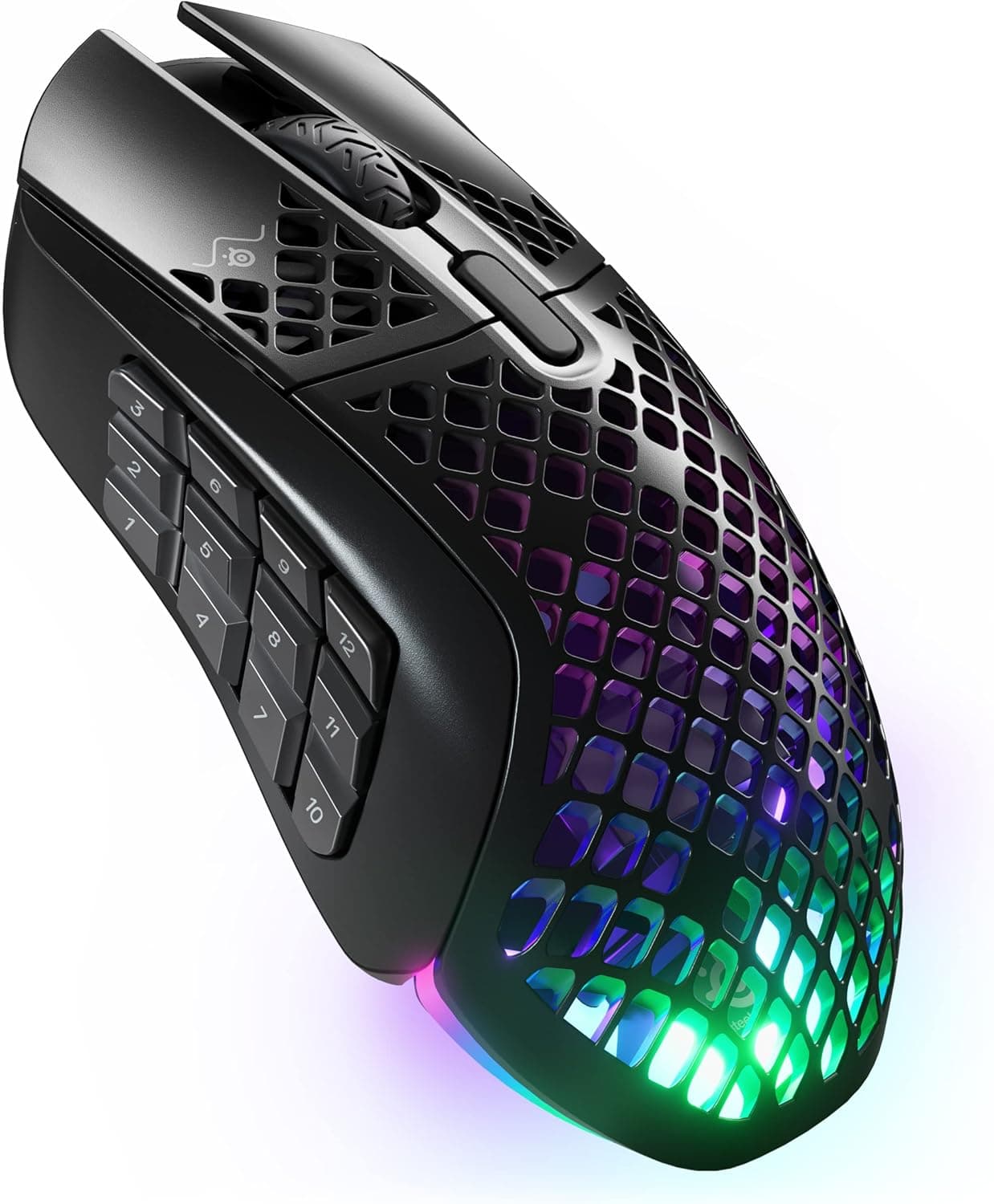
Beyond FFXIV, it suits other bind-heavy MMOs and RPGs, or anyone who wants to offload a large shortcut set to the left hand. If you like gamepad ergonomics but keep running out of buttons, this is the middle ground.
Average-or-larger hands and a desk with room to relocate the keyboard both lower the barrier further.
Before You Buy
First, this is not an FPS or fast-action device. Key density and finger travel are not optimized for rapid repeated taps or quick strafing.
Keep a normal keyboard or a standard controller for shooters; expecting one device to cover every genre is the fastest route to regret.
Second, do not shrug off the PC-only companion app. On a console-only setup you have no route to detailed configuration.
Decide whether you can live with the stock behavior before buying.
Third, desk space. A footprint of roughly 26.6 x 20.1 cm rarely coexists with an existing full-size keyboard; you will most likely rebuild your desk layout on arrival rather than simply adding a device to the left of the mouse.
Fourth, the learning curve, plus the wired-only design. You will be slower than your keyboard at first, and cable routing is a real consideration if you are used to wireless gear.
Finally, a data caution. Listing metadata for this product is not always consistent — a store label reading "Amazon US" paired with a yen price, and a marketplace entry an order of magnitude off.
Product page details can be wrong too, so confirm the product image, model number and that it is the Final Fantasy XIV Black Edition before ordering. Mix-ups with the standard edition or parallel imports are common with limited-design models.
FAQ
Q. Do I need to install drivers? A.
No. Basic operation is plug and play.
The PC companion app is only needed for detailed key mapping and stick sensitivity or dead-zone tuning.
Q. I only own a PS5. Will it work? A.
It works on PS5, but the companion app is PC only, so you cannot fine-tune settings. Serious customization assumes access to a PC to write profiles onto the device.
Q. How many profiles can it store?
A. Up to 8 onboard. Splitting them by job or role means you never rebuild bindings when you switch.
Q. Can I use it outside FFXIV? A.
Yes — it can act as a general programmable input device in other PC games. The layout is MMO-oriented, though, so it is not recommended as a daily driver for shooters.
Q. I am left-handed. Does that matter? A.
The shape assumes the keypad in the left hand and a mouse in the right. It does not suit a left-hand mouse setup, so check against your own posture first.
Q. What does it cost? A.
Amazon showed ¥29,226 as captured on 27 May 2026 and ¥28,073 as captured on 28 August 2026. Both are point-in-time values that change with sales and stock; check the product page for current pricing.