Overview
This article covers the “【法人業務向け AI 対応】GEEKOM IT12Max ミニ PC Intel Ultra 5 125U 搭載” listing: the GEEKOM IT12Max, a compact desktop built around the Intel Core Ultra 5 125U. It suits light-to-moderate business work done for long hours in a small footprint, such as office tasks, video calls and digital signage.
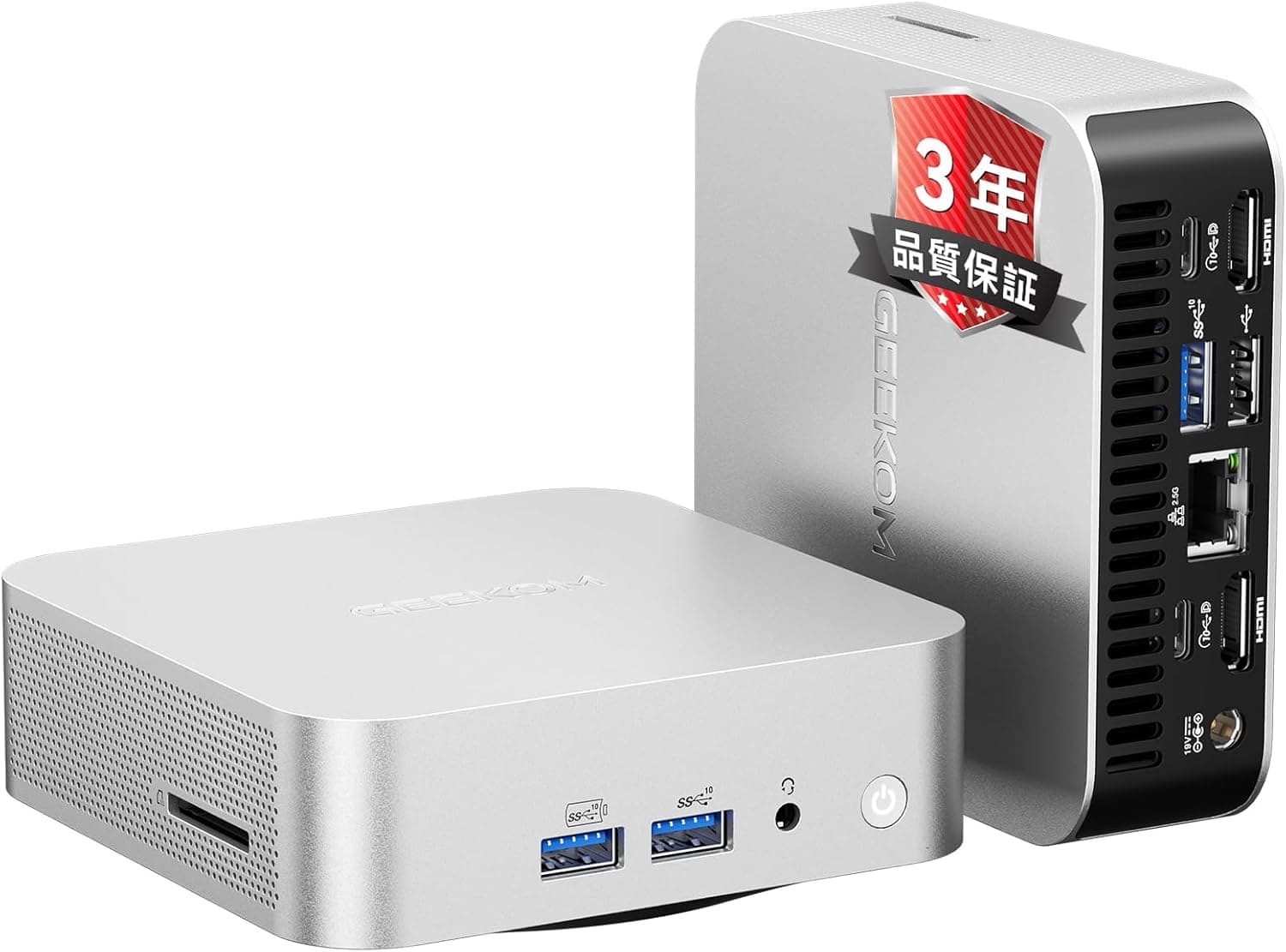
It is not a good fit for video editing, 3D gaming or running large generative AI models locally. It packs 16GB of LPDDR5 memory, a 512GB NVMe SSD, Wi-Fi 7, dual 2.5Gbps Ethernet and up to four displays into a 136×132×50.1mm, 832.1g chassis.
The “AI” in the name refers to the NPU (a dedicated AI processing unit) built into the CPU. It helps when apps that support the NPU hand inference work to it instead of the CPU, for example background blur or noise suppression in video calls.
As explained below, though, this NPU generation does not meet Microsoft's Copilot+ PC requirements. Not every feature people associate with an “AI PC” will be available.
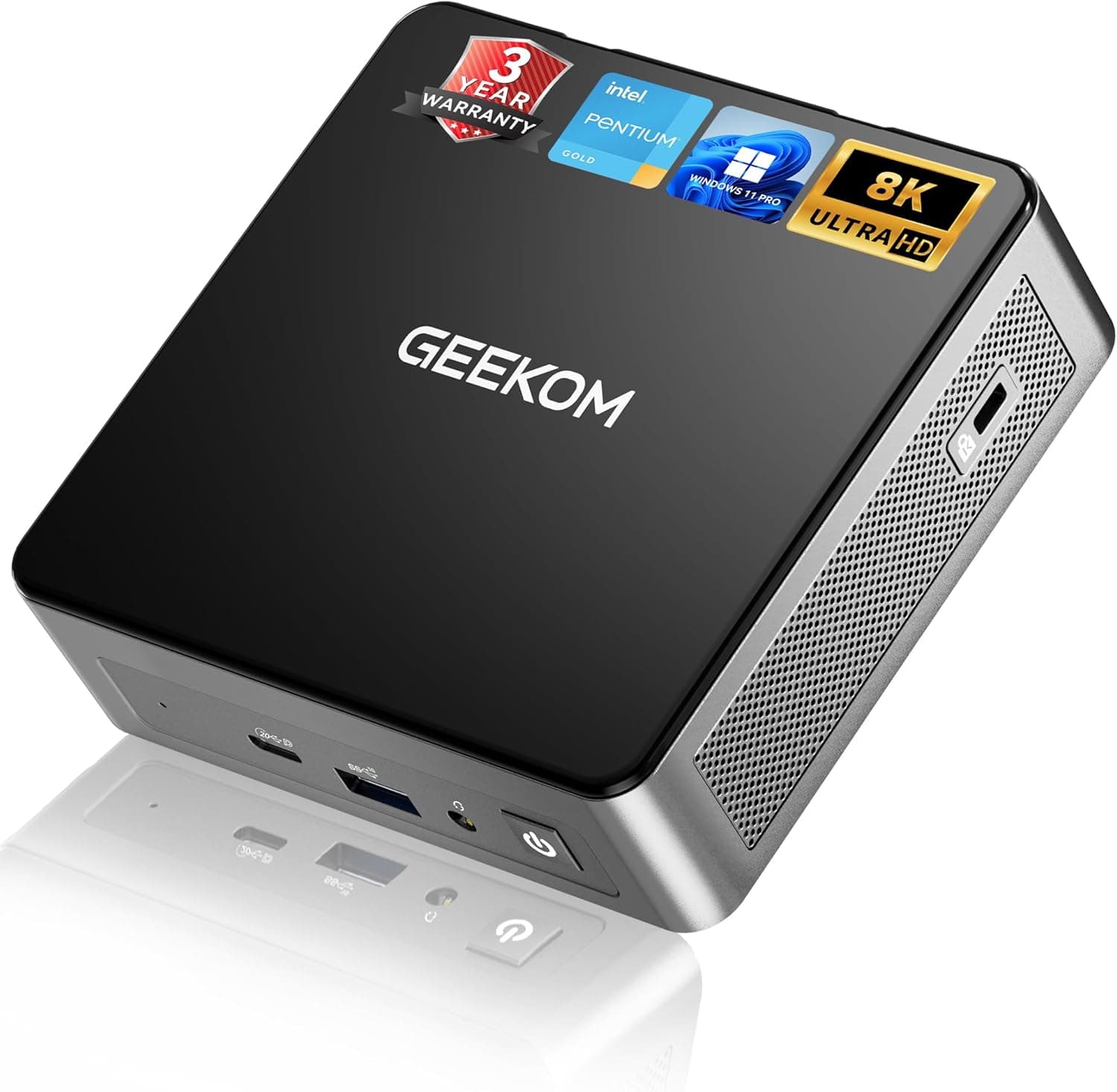
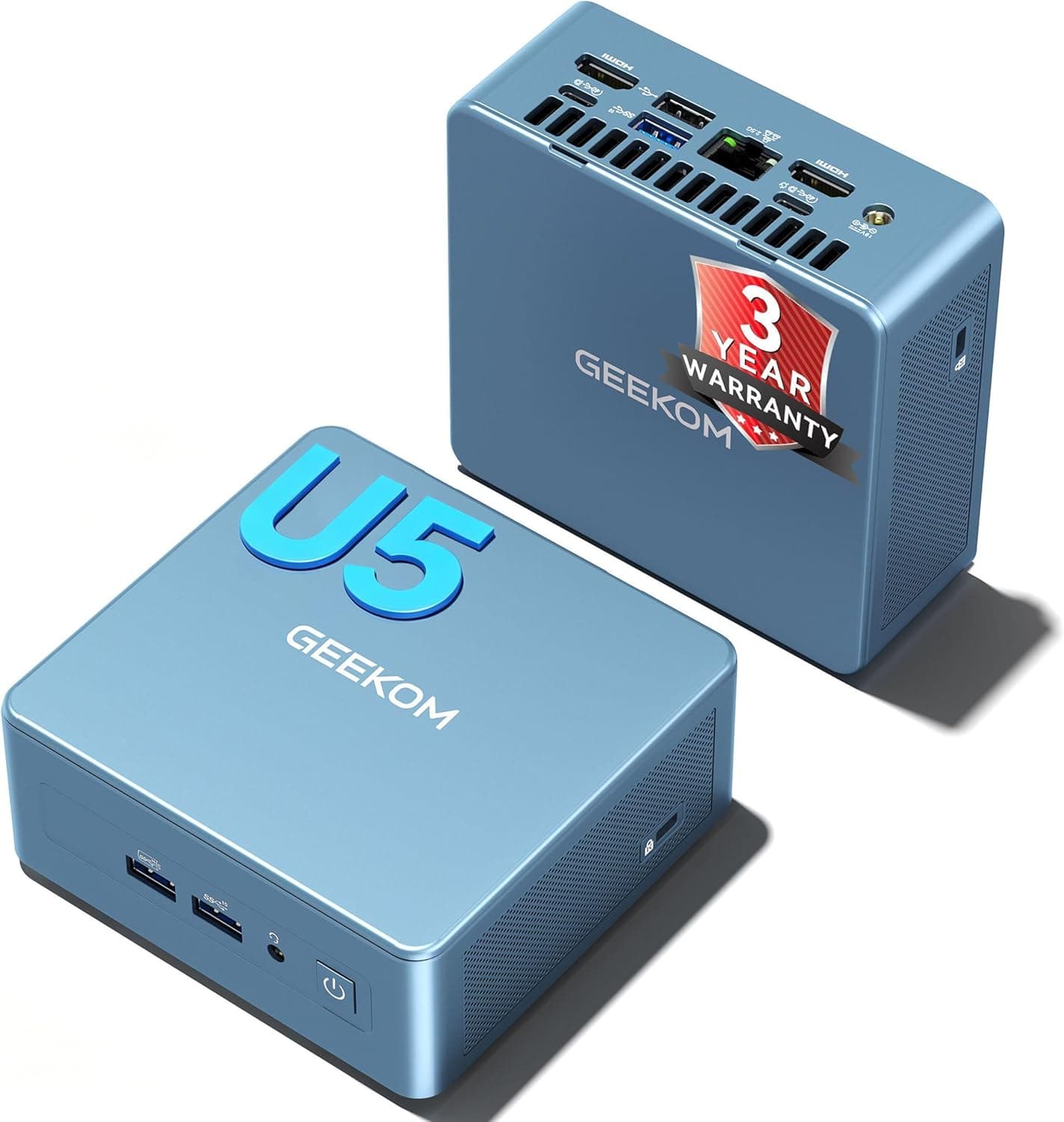
GEEKOM advertises cooling designed for 24/7 operation and a three-year (1095-day) warranty. The unit can be mounted behind a monitor with VESA (100×100mm).
It is clearly aimed at businesses buying in volume and at shops or reception desks where space is tight.
Compatibility Guide
| Item | Spec | What to check |
|---|---|---|
| Memory | 16GB LPDDR5 | Usually soldered; plan as if it cannot be upgraded |
| Storage | 512GB NVMe SSD (2× M.2 slots, PCIe 4.0) | Confirm the free slot's length and protocol |
| Display | USB4×2 + HDMI 2.0×2 (up to 4 screens) | Four screens need USB-C monitors or adapter cables |
| Wired LAN | 2.5Gbps×2 | Your switch or router must also support 2.5G |
| Wireless | Wi-Fi 7 + Bluetooth 5.4 | Wi-Fi 7 speeds need a Wi-Fi 7 router |
| Power | DC 20V (120W AC adapter) | Use the included adapter |
| Mounting | VESA 100×100mm | Check your monitor's VESA pattern |
Memory: LPDDR5 is normally soldered to the motherboard and cannot be swapped like SO-DIMMs. Plan on living with 16GB.
The integrated graphics also use part of system memory, so apps get somewhat less than 16GB. That is plenty for many browser tabs plus Teams and Excel.
If you plan to run several virtual machines or handle large datasets, choose a model that can hold 32GB or more.
Storage: There are two M.2 slots, and one is used by the bundled 512GB SSD, so you can add a second drive.
Before buying, check the product page or ask GEEKOM whether the free slot takes 2280 or 2242 drives and whether it supports NVMe or SATA. Businesses should also confirm that opening the case does not void the warranty.
Display output: The USB4 ports are Thunderbolt 4 compatible and output video via DisplayPort Alt Mode. HDMI 2.0 generally tops out at 4K/60Hz per port.
Treat the 8K figure in the spec as a ceiling that needs the right monitor and cable. Four screens use both HDMI ports and both USB4 ports.
For the USB4 side you need either monitors with USB-C input or USB-C to DisplayPort (or HDMI) cables.
Networking: The two 2.5Gbps ports let you split a business LAN from a management LAN, or a signage network from the internet line.
Failover or link aggregation only works after you configure it in the OS or on the switch. Plugging in two cables does not create redundancy by itself.
Wi-Fi 7 likewise falls back to older speeds without a Wi-Fi 7 router. Windows 11 added official Wi-Fi 7 support in version 24H2, so keep the OS up to date.
Power and USB: Power comes from the included 120W AC adapter (DC 20V). One front USB port can be set to keep supplying power while the PC is off, which is handy for charging a phone or a wireless headset.
Product Info
As of October 2026, Amazon.co.jp listed it at ¥99,990.
Prices change with sales and stock, so check the product page before buying. At the same point it had a rating of 4.9 out of 5 from 23 reviews.
That is strong but still a small sample, too small to judge long-term reliability under continuous use.
| Item | Details |
|---|---|
| CPU | Intel Core Ultra 5 125U (12 cores / 14 threads, built-in NPU) |
| Memory / Storage | 16GB LPDDR5 / 512GB NVMe SSD |
| Size / Weight | 136×132×50.1mm / 832.1g |
| Warranty | 3 years (1095 days), Japan-based support |
Windows 11 Pro comes preinstalled. Because it is the Pro edition, domain join, BitLocker drive encryption and Group Policy management work out of the box, none of which Windows 11 Home offers.
That makes it easy to bring under existing IT management. The box includes the AC adapter, an HDMI cable, a VESA mount kit and a manual.
The seller tests every unit before shipping and can issue qualified invoices under Japan's invoice system, which keeps procurement simple.
Performance and Typical Workloads
The Core Ultra 5 125U belongs to Intel's low-power U series, originally designed for laptops. Its 12 cores and 14 threads handle many simultaneous tasks well.
Office apps, browsing, video calls, 4K video playback and light photo editing are comfortable. Sustained full-load work, such as video exports or large code builds, will fall well behind mini PCs with H-series chips.
For gaming, stick to light or older titles at reduced settings on the integrated graphics. Modern 3D games are out of scope.
Local generative AI is limited to small models because the 16GB of memory is shared with the graphics. Whether the NPU gets used depends on app support; apps that do not support it run on the CPU or GPU instead.
Comparison with Alternatives
| Alternative type | Example | Difference from IT12Max |
|---|---|---|
| Low-power chip with a Copilot+ class NPU | CHUWI Office 2024 (Core Ultra 5 226V) | Choose this for Copilot+ PC features. IT12Max offers dual LAN and four-screen output |
| High-performance H-series | Beelink GTi14 (Core Ultra 9 185H), MINISFORUM M1 Pro (Core Ultra 9 285H) | Much faster, but more heat, power and cost |
| Fanless | MeLE Cyber X1 | Silent operation. IT12Max wins on processing power and ports |
| Ryzen with stronger integrated graphics | MINISFORUM UM760 (Ryzen 5 7640HS) | Better for light gaming. IT12Max is stronger on efficiency and business ports |
The IT12Max does not lead in any single area. What it offers is a package: low power, plenty of ports, a three-year warranty, Windows 11 Pro and easy business procurement.
If raw speed matters most, look at H-series machines; if you need Copilot+ features, look at Lunar Lake models.
Recommended Users
- Office and remote workers: People who run several web apps and Office programs at once. The 12-core/14-thread CPU and 16GB of RAM stay responsive with many tabs open, and up to four displays add screen space.
- Digital signage and reception kiosks: The small chassis, 24/7-oriented design and VESA support let you hide it behind a screen. Dual LAN suits sites that keep the content network separate.
- SMEs using NPU-aware apps: Offloading video-call effects and similar inference to the NPU reduces CPU load. It is not meant for training large models, so pair it with cloud services.
- Businesses deploying many units long term: The three-year warranty, per-unit testing, qualified invoices and Windows 11 Pro reduce procurement and management work.
Before You Buy
“AI-ready” does not mean Copilot+ PC. The Core Ultra 5 125U's NPU belongs to a generation that does not meet Microsoft's Copilot+ PC requirement (an NPU rated at 40 TOPS or more).
Buying it for Copilot+ exclusive features such as Recall will disappoint. Read “AI” in the listing title as “has a built-in NPU.”
Assume memory cannot be upgraded. LPDDR5 is usually soldered.
If 16GB may become tight within a few years, pick a different model from the start.
Long, heavy workloads are a weak spot. The U series favors efficiency, so performance levels off under sustained load.
Twelve cores do not make it a video-editing machine.
Four screens and 2.5G speeds depend on your other equipment. Without USB4 video cables or USB-C monitors, a 2.5G switch and a Wi-Fi 7 router, you cannot use the full spec.
Budget for that extra hardware.
Mind the heat around the unit. Even with a 24/7-oriented design, heat builds up in the tight space behind a monitor or inside a closed shelf.
Leave a clear airflow path in signage installations.
Watch the CPU name in the listing. The title says “Intel Ultra 5 125U,” but the official name is “Intel Core Ultra 5 125U.” Use the official name when you look up benchmarks or drivers.
Also, the price data's “global” entry pointed to the same Japanese product page, so confirm which country's store a price comes from before comparing.
FAQ
Q. Can I upgrade the memory to 32GB? A.
LPDDR5 is usually soldered, so assume you cannot. If you need 32GB or more, buy a higher-capacity model from the start.
Q. Does it support Copilot+ PC features? A.
No. The Core Ultra 5 125U's NPU does not meet the Copilot+ PC requirements, so Copilot+ exclusive features are not available.
Ordinary apps that support the NPU can still use it.
Q. What do I need for four displays? A.
Besides the two HDMI ports, you need video from both USB4 ports. Use monitors with USB-C input or USB-C to DisplayPort (or HDMI) cables.
Q. Can it play games? A.
Light or older titles run on the integrated graphics at lower settings. It is not suited to demanding modern 3D games.
Q. Can I add storage? A.
Yes. There are two M.2 slots, and you can add an SSD in the free one.
Check the supported length and protocol, and how opening the case affects the warranty, with GEEKOM first.
Product Disclosure (Amazon)
- Manufacturer: GEEKOM
- Seller: GEEKOM 正規販売店
- Fulfilled by: Amazon
- ASIN: B0HHFCXNYK
- Note: This article covers a manufacturer-made product based on Amazon listing details.