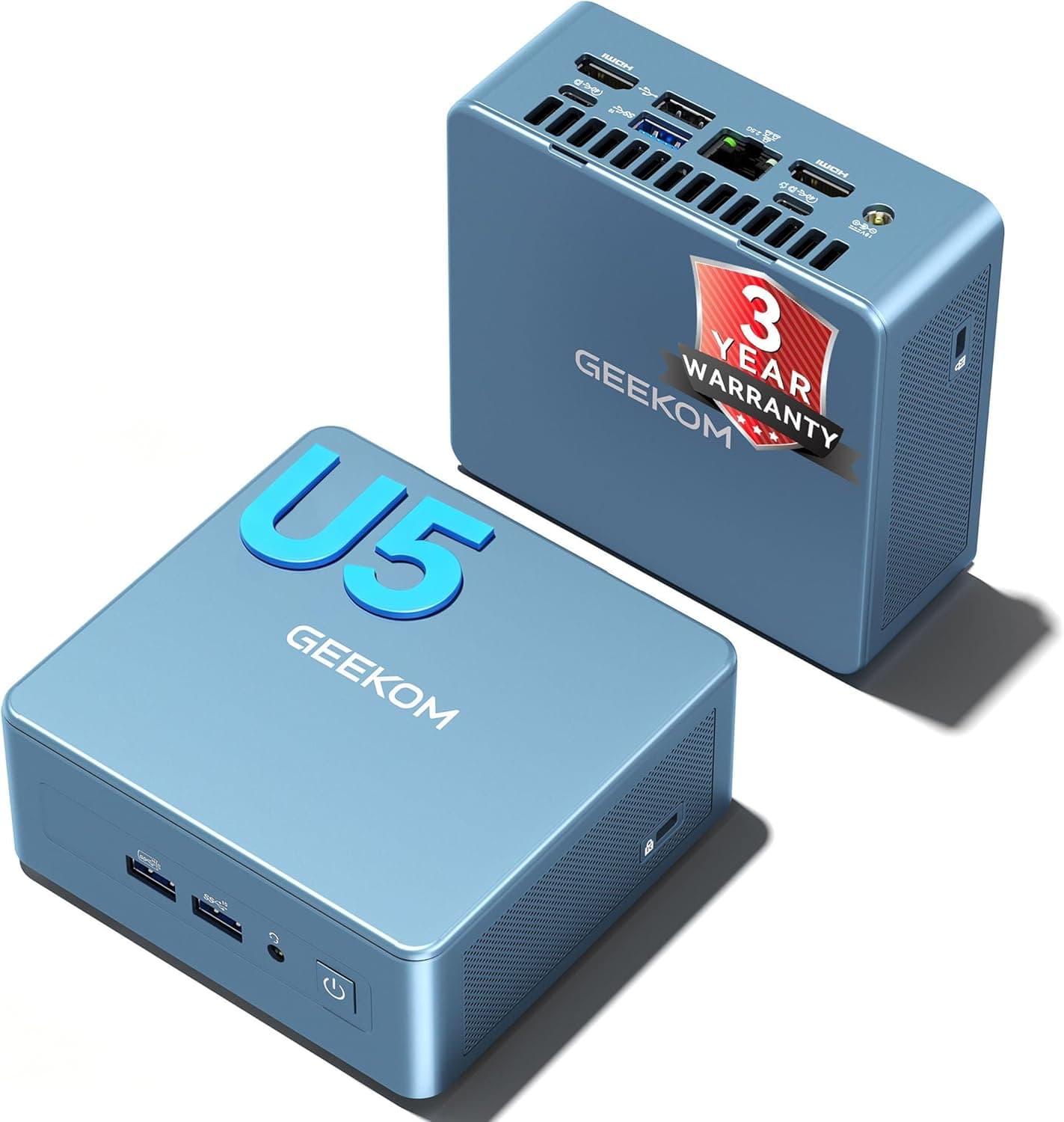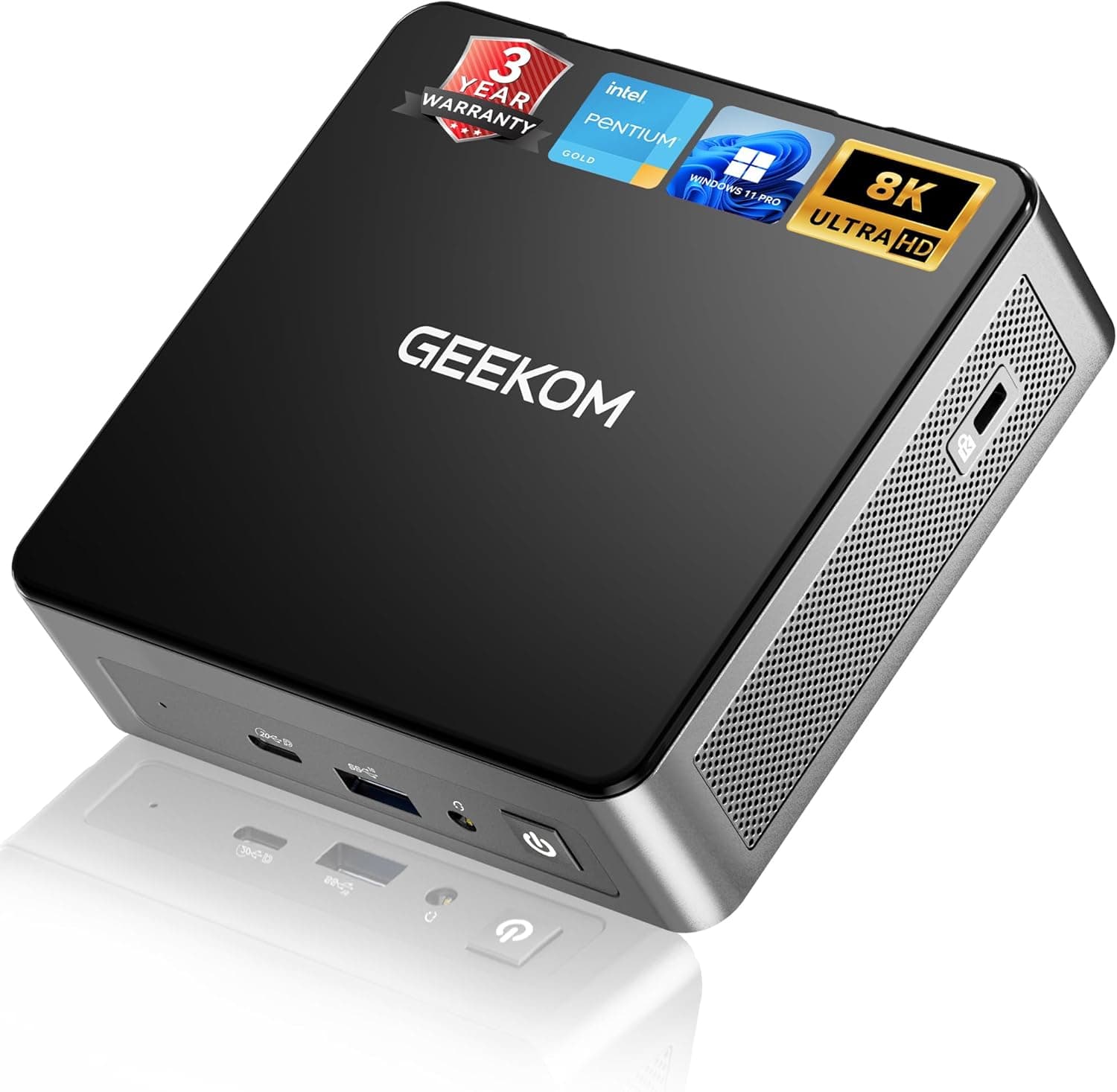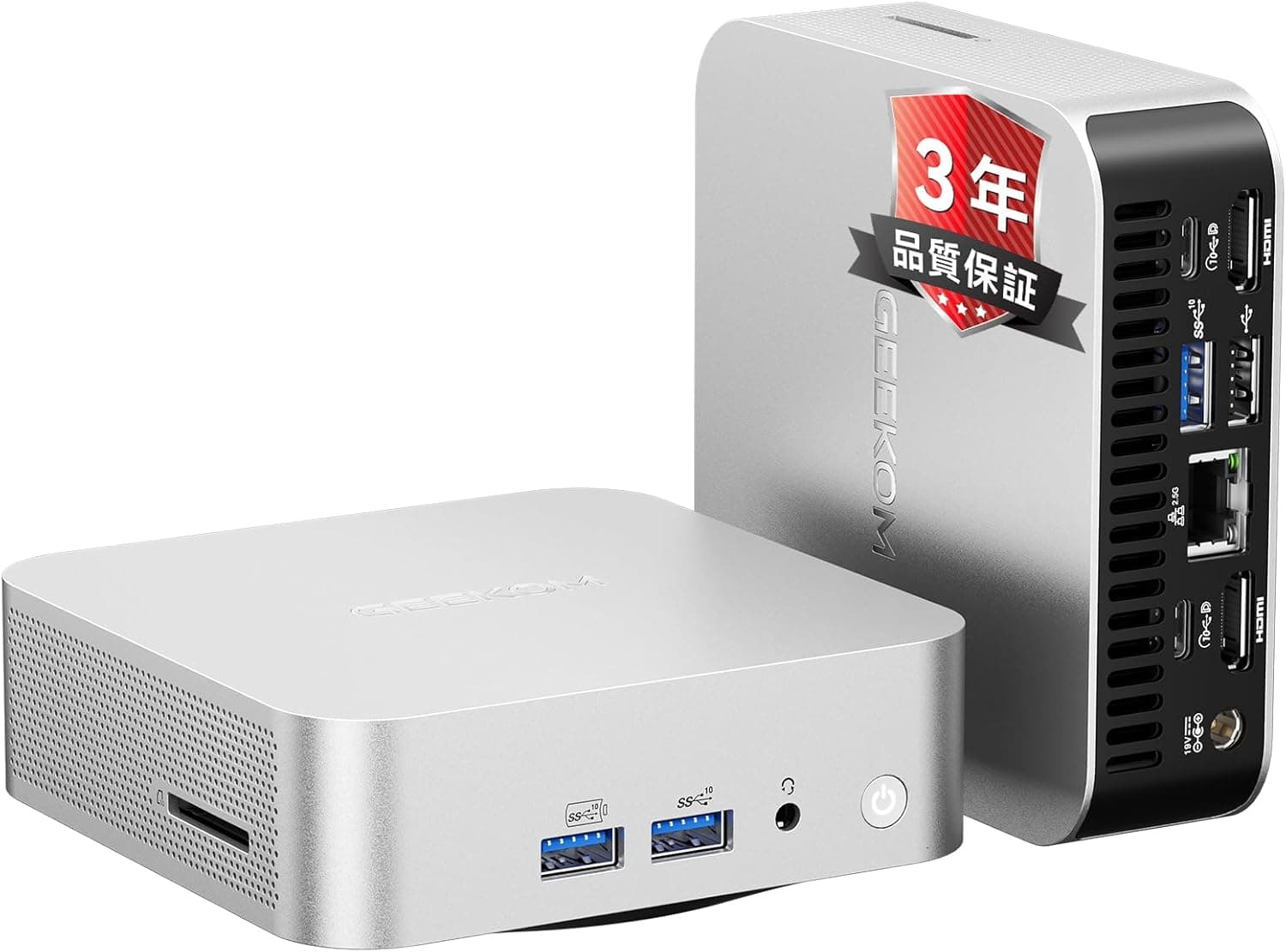
The GEEKOM A5 Pro Mini PC with AMD Ryzen 5 7530U is not built to impress on benchmarks. It is built to sit in a corner of a desk and do the same job quietly for several years.
This article works through the published specifications and the captured price and review data to show what it handles and where you have to compromise.
Overview
The short version: this machine is for office documents, many browser tabs, video calls and line-of-business apps, done quietly and reliably over a long service life. It is not for modern 3D games, rendering or 4K video exports.
The CPU is an AMD Ryzen 5 7530U (6 cores / 12 threads, 2.0 GHz base, up to 4.5 GHz boost, 15 W TDP, 7 nm process, Socket FP6), with a listed PassMark CPU score of 16152.
The default configuration is 16GB of DDR4-3200 (two SO-DIMMs) plus a 1TB NVMe PCIe 3.0 SSD, with Windows 11 Pro preinstalled.
As of 5 June 2026, Amazon.co.Check the retailer's page for the latest user reviews.
The chassis is CNC-machined aluminium, and the vendor quotes roughly 30 dB even under full load. Compared with cheap plastic mini PCs, that helps both heat dissipation and rigidity.
Noise figures depend heavily on measurement conditions, so read 30 dB as quiet enough to sit through a meeting next to, not as silent.
| Workload | Verdict |
|---|---|
| Office, mail, video calls, internal web apps | Comfortable on the stock 16GB |
| 30 browser tabs plus chat and spreadsheets | Fine; 32GB makes it effortless |
| Light photo editing, short 1080p video | Works, but exports take time |
| Modern 3D games, serious video work, CAD | Wrong machine; get a discrete GPU |
| Always-on file sharing, small server duty | Good fit thanks to 2.5GbE and a SATA bay |
Compatibility Guide
Start with what cannot change. The CPU and GPU are soldered and cannot be replaced.
Only memory and storage are user-serviceable, so any plan that involves a later CPU upgrade falls apart here.
Memory uses two DDR4-3200 SO-DIMM slots, with a stated maximum of 128GB. In practice, retail DDR4 SO-DIMMs top out at 32GB per module, so treat 64GB (2 x 32GB) as the realistic ceiling and do not plan a deployment around 128GB.
Because the integrated GPU shares system memory, always install matched pairs; running a single stick costs noticeable graphics performance.
Storage combines one M.2 2280 NVMe PCIe 3.0 x4 slot (up to 2TB) with one 2.5-inch SATA 6Gbps bay (up to 4TB), for 6TB total.
Note the M.2 slot is PCIe 3.0: a Gen4 drive will work but will be capped at Gen3 speeds, so a cheaper Gen3 drive is the rational buy.
The 2.5-inch bay expects 7 mm drives, so check clearance before buying a 9.5 mm HDD.
Power is a 65W DC input at 19V. It is designed around its AC adapter, so do not assume a USB-C PD charger can stand in for it; losing the adapter means sourcing a replacement from the vendor.
Video output covers HDMI 2.0b, DisplayPort 1.4 and two USB-C Alt Mode outputs, for up to four simultaneous 4K displays.
HDMI 2.0b tops out at 4K60, while DisplayPort 1.4 allows higher refresh rates at 4K.
USB-C video requires cables and docks that explicitly support DisplayPort Alt Mode, which is the single most common reason a fourth screen stays black. Networking is 2.5GbE (Realtek RTL8125BG) plus Wi-Fi 6 (802.11ax) and Bluetooth 5.2; you only get 2.5G speeds if the switch and the other endpoint support it too.
Windows 11 Pro matters for business use. BitLocker, Hyper-V, hosting Remote Desktop sessions and domain or Azure AD join are all unavailable on Home.
When comparing against a cheaper Home-equipped rival, price that difference in.
Physical dimensions and weight are not included in the data used here. If you plan to VESA-mount it behind a monitor, confirm the actual measurements on the product page along with the bracket's supported sizes.
Performance Expectations
A PassMark CPU score of 16152 is typical for a 15W six-core part and comfortably ahead of a mainstream desktop quad-core from a few years back. Documents, spreadsheets, 20-30 browser tabs and a video call at the same time rarely make you wait.
The 15W envelope does bite on sustained loads, though: video encoding, batch image processing and compilation all clock down over time, so a desktop CPU with the same core count finishes sooner. Think of it as quick in bursts, modest over marathons.
The integrated graphics deserve a warning. The Ryzen 5 7530U is a 7 nm part based on the previous-generation architecture.
Some listings describe it as having Radeon 680M graphics, but the 680M is the RDNA2 integrated GPU found in the Ryzen 6000 series, not in the 7530U. Set expectations around light titles at 1080p low settings, and confirm the exact integrated GPU on the manufacturer's page before buying.
Product Info
Prices below are as captured on the dates shown and move with sales, exchange rates and retailer.
| Channel | Price | Captured |
|---|---|---|
| Amazon (ASIN B0H3KVGV4Q) | ¥89,900 | 5 Jun 2026 |
| Rakuten (Maison Outre) | ¥121,282 | 16 Aug 2026 |
| eBay search | No price captured; varies by listing | 14 Jul 2026 |
That is a spread of more than ¥30,000 for the same machine. The Rakuten listing is a third-party shop, so check not only the price but who handles warranty claims.
The vendor advertises a three-year warranty, but terms, contact points and handling of overseas purchases vary by channel and date, so verify on the listing before ordering. The box includes a power adapter, an HDMI cable, a VESA mounting bracket and documentation.
The model is described as having arrived around 2025.
Competitive Comparison
Mini PCs in the same size and price band differ mainly in the platform underneath. Against newer machines on our site, the A5 Pro's position is clear: DDR5 and PCIe 4.0 systems such as Ryzen 7 8745HS or Core Ultra models have more headroom for future heavy work, Ryzen 7 6800U machines are the honest choice if you actually want Radeon 680M-class integrated graphics, and fanless designs win where even quiet airflow is unacceptable.
The A5 Pro's edge is that it covers everything an office machine needs - six cores, 16GB, 1TB, Windows 11 Pro, 2.5GbE, four displays, serviceable internals - on a mature platform whose behaviour is predictable.
Best For
First, remote workers and small offices. Office suites, cloud apps, browsers and conferencing run together without stalling, and it is quiet enough for shared spaces.
Fleet buyers who want identical units also benefit.
Second, people who intend to keep a machine for five years. Replaceable memory and storage mean a shortfall later does not force a whole-unit replacement, and the metal chassis and three-year warranty support that horizon.
Third, multi-display users. Four 4K outputs suit traders, developers and anyone juggling code, docs and dashboards, and the 2.5GbE port keeps large file transfers off the critical path.
Before You Buy
It is not a substitute for a gaming or creator PC. Integrated graphics handle light titles at low settings and little more.
As noted above, listings that claim Radeon 680M graphics are wrong for this CPU, and estimating game performance from a 680M will disappoint you.
Do not take 128GB at face value. With 32GB modules being the practical retail maximum for DDR4 SO-DIMM, 64GB is where you will actually land.
If you plan to run many virtual machines, choose a platform with real headroom instead.
The platform is one generation behind. DDR4-3200 and PCIe 3.0 are invisible in office work but cap you sooner if the workload grows.
If heavier tasks are on the roadmap, buying into DDR5 now is cheaper than replacing this later.
**Watch for listing inconsistencies.Check the retailer's page for the latest price. Product pages sometimes carry incorrect manufacturer details or configurations, so confirm the product image, title and spec table all agree before ordering - memory and SSD capacity in particular are often sold in several variants under one name.
Plan for placement and cleaning if it runs 24/7. Mini PC intakes are small; dust costs both quiet and lifespan.
Leave a few centimetres of clearance on the exhaust side when VESA-mounting, and clean the intake yearly.
Check licensing. Preinstalled Windows 11 Pro is normally an OEM license tied to the machine.
For managed fleets, settle volume licensing and management tooling with IT before you order.
Setup Checklist
Create a Windows recovery USB immediately after unboxing.
Install any extra RAM or SSD before first setup, with the power cable unplugged.
Check the firmware setting for behaviour after AC power loss if the unit will run unattended.
Verify your switch and Cat5e-or-better cabling before counting on 2.5GbE.
Confirm DisplayPort Alt Mode support on cables and docks before planning four screens.
FAQ
Q. How well does it game?
A. Light titles at 1080p low settings are the realistic range. Modern 3D releases are out of scope.
Q. Can it really take 128GB of RAM?
A. The spec says 128GB, but retail DDR4 SO-DIMMs cap at 32GB each, so plan for 64GB.
Q. What happens to the Windows license if I swap the SSD? A.
Swapping within the same machine normally keeps the license. Make a recovery drive first and link the license to a Microsoft account to be safe.
Q. Are four displays genuinely supported? A.
Yes, via HDMI 2.0b, DisplayPort 1.4 and two USB-C Alt Mode outputs, provided the USB-C cables or docks support Alt Mode.
Some resolution and refresh-rate combinations will be limited.
Q. Can it run continuously? A.
A 15W CPU and a 65W supply make always-on use practical. Ensure airflow, clean it periodically, and configure automatic restart after power loss.
Q. Does Linux work? A.
Mainstream distributions should install, but 2.5GbE (RTL8125BG) and Wi-Fi 6 driver support depends on kernel version.
Test wired and wireless from a live USB before committing.
Product Disclosure (Amazon)
- Manufacturer: GEEKOM
- Seller: GEEKOM authorized store
- Fulfilled by: Amazon
- ASIN: B0H3KVGV4Q
- Note: This article covers a manufacturer-made product based on Amazon listing details.