Overview
The GEEKOM Mini PC IT12 — A Powerful Intel NUC12 Alternative packs a 12th Gen Intel Core i7-1280P (14 cores, 20 threads, up to 4.80 GHz, 24 MB cache) into a compact chassis.
The short version: it is a strong pick for a quiet, space-saving everyday machine for office work, remote work, programming and multi-monitor setups. If gaming is your goal, or price is your top concern, compare other models first.
The base configuration has 16 GB of dual-channel DDR4-3200 and a 512 GB NVMe PCIe 4.0 SSD.
Windows 11 Pro comes pre-installed with all drivers, so it is ready to use out of the box. Target uses include business, home office, light gaming, home servers and digital signage.
The 'NUC12 alternative' label means it uses the same CPU generation as the Intel NUC 12 in the same kind of small chassis. It is not an Intel-made NUC.
Power comes from a 90W AC adapter, and GEEKOM claims roughly one quarter of the power draw of a typical desktop. For an always-on machine, that efficiency shows up directly on your electricity bill.
Key Features
Explained
| Item | Spec | What it means |
|---|---|---|
| CPU | Intel Core i7-1280P (14C/20T, up to 4.80 GHz, 24 MB) | Mixes performance and efficiency cores; strong at multitasking |
| Memory | 16 GB DDR4-3200 (upgradable) | DDR4, not DDR5 — a key difference from newer models |
| Storage | 512 GB NVMe PCIe 4.0 SSD (up to 4 TB) | Fast, but 512 GB fills up quickly |
| Graphics | Intel Iris Xe Graphics | Fine for office work and 4K video playback, limited for 3D games |
| Video output | 2x USB4 (8K), 2x HDMI 2.0 (4K@120Hz) | Up to four displays |
| Networking | 2.5GbE, WiFi 6E, Bluetooth 5.2 | Top-tier networking for a mini PC at this level |
CPU: With 14 cores and 20 threads, the Core i7-1280P handles dozens of browser tabs, or a video call while you edit documents, with headroom to spare. It is a mobile P-series chip, so it will not hold desktop-class performance for long periods.
For a mini PC, though, it is very capable.
Cooling: The IceBlast cooling system uses a full-copper module. GEEKOM claims 52% better cooling efficiency and 40% less noise.
These numbers are against a baseline the manufacturer chose. Real fan noise depends on where you place the PC and how hard you push it.
Video output: The USB4 ports run at up to 40 Gbps and support 8K output over DisplayPort 1.4.
One cable can carry data, video and power, with hot-swap support. Add the two HDMI 2.0 ports and you get four displays at once, which suits trading desks, monitoring walls and multi-screen development setups.
Compatibility Guide
Here are the common pitfalls when upgrading or buying accessories, based on the specs provided.
Memory
The IT12 takes DDR4-3200 SO-DIMM (laptop-size) modules. Full-size desktop DIMMs and DDR5 memory will not fit, so spare DDR5 sticks cannot be reused here.
The maximum capacity is listed inconsistently. The spec sheet says 'up to 96GB', while the compatibility notes say 'up to 96GB (32GB x2)'.
Two 32 GB modules make 64 GB, so the numbers do not add up. Reaching 96 GB would take two 48 GB modules, and 48 GB DDR4 SO-DIMMs are hard to find.
Treat 64 GB (32GB x2) as the safe ceiling. Check the product page or GEEKOM's tested configurations before buying anything larger.
When you upgrade, use a matched pair of modules with the same capacity and spec. Iris Xe Graphics needs dual-channel memory to reach its full performance.
With a single module it runs as a lower-tier integrated GPU, both in how it is labeled and in how it performs.
Storage
You can install two drives.
- M.2 NVMe (2280, PCIe 4.0): This slot holds the stock SSD. To get more capacity, you replace that drive.
- 2.5-inch SATA SSD/HDD: There is room for one extra drive. The connecting cables are not included, so buy them separately.
Total storage is rated up to 4 TB. If you pick a 2.5-inch drive, check on the product page that its thickness fits the chassis.
Power
The IT12 uses a proprietary DC barrel jack with a 90W AC adapter. Nothing in the specs says it runs on generic laptop adapters or USB-C power, so plan on using the included adapter.
A replacement may be hard to get if you lose or break it, which is a weakness compared with some other models.
Displays
The HDMI 2.0 ports are listed as 4K@120Hz.
HDMI 2.0 bandwidth usually limits 4K to 60 Hz, though, so 120 Hz may not work with every cable, monitor or color setting.
USB4 and external GPUs
The USB4 ports are Thunderbolt 4 compatible. They work with Thunderbolt 4 devices, fast external storage and external GPU (eGPU) enclosures.
An eGPU setup means buying an enclosure, a power supply and a graphics card separately, so the total cost climbs fast. The link also has less bandwidth than a desktop slot, so the same card performs worse than it would in a desktop.
Weigh the cost carefully if you plan to turn this into a gaming rig later with an eGPU.
Networking
- 2.5GbE: Your router, switch or NAS must also support 2.5GbE to reach that speed. Connected to gigabit gear, it runs at 1 Gbps.
- WiFi 6E: The 6 GHz band needs a WiFi 6E router. With an older WiFi 6 router, it connects over the usual 2.4 GHz and 5 GHz bands.
Mounting
A VESA mount plate is listed as included, so you can hang the PC on the back of your monitor and clear your desk. Your monitor must have VESA mounting holes, so check its back panel first.
Ports
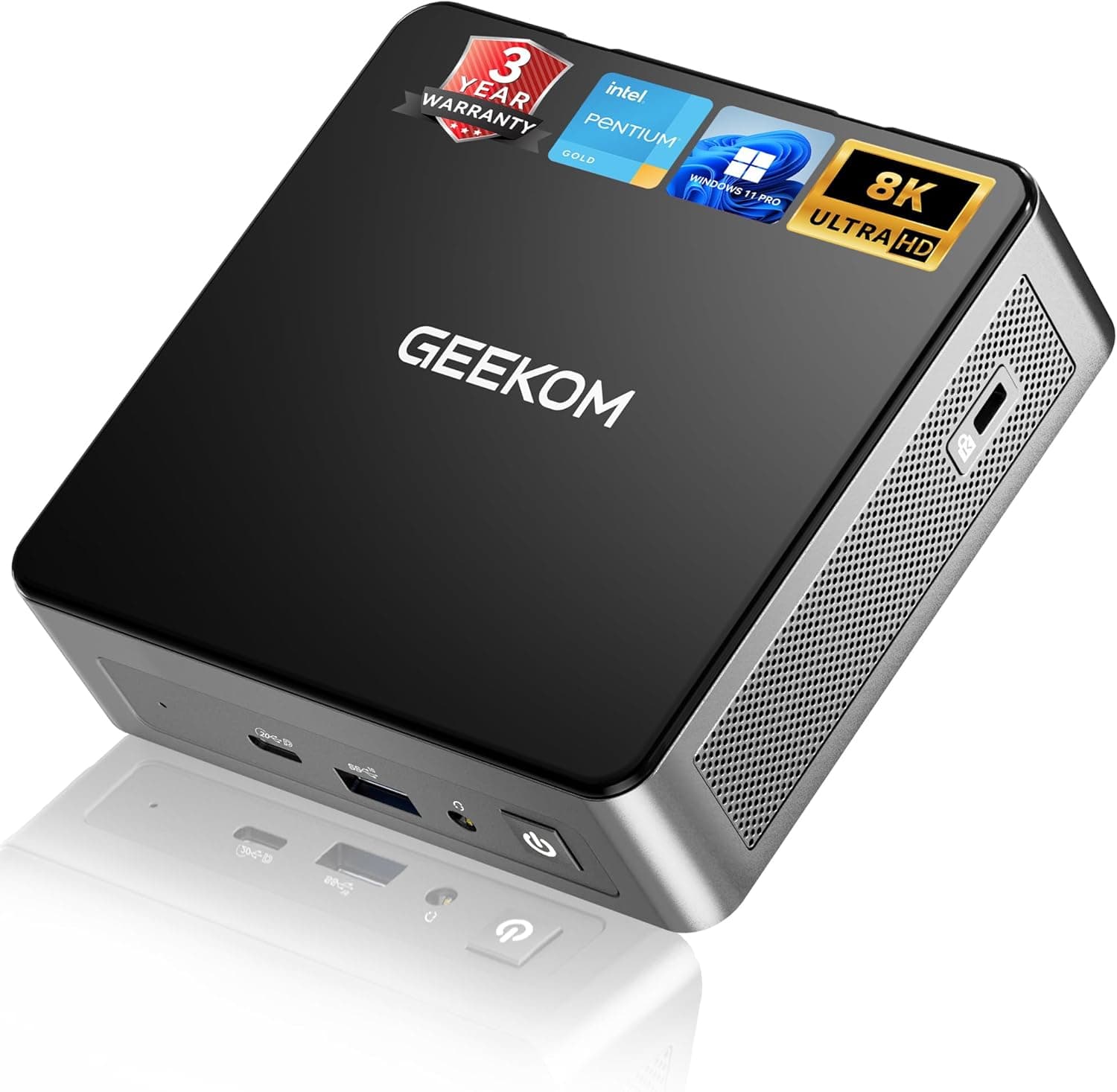
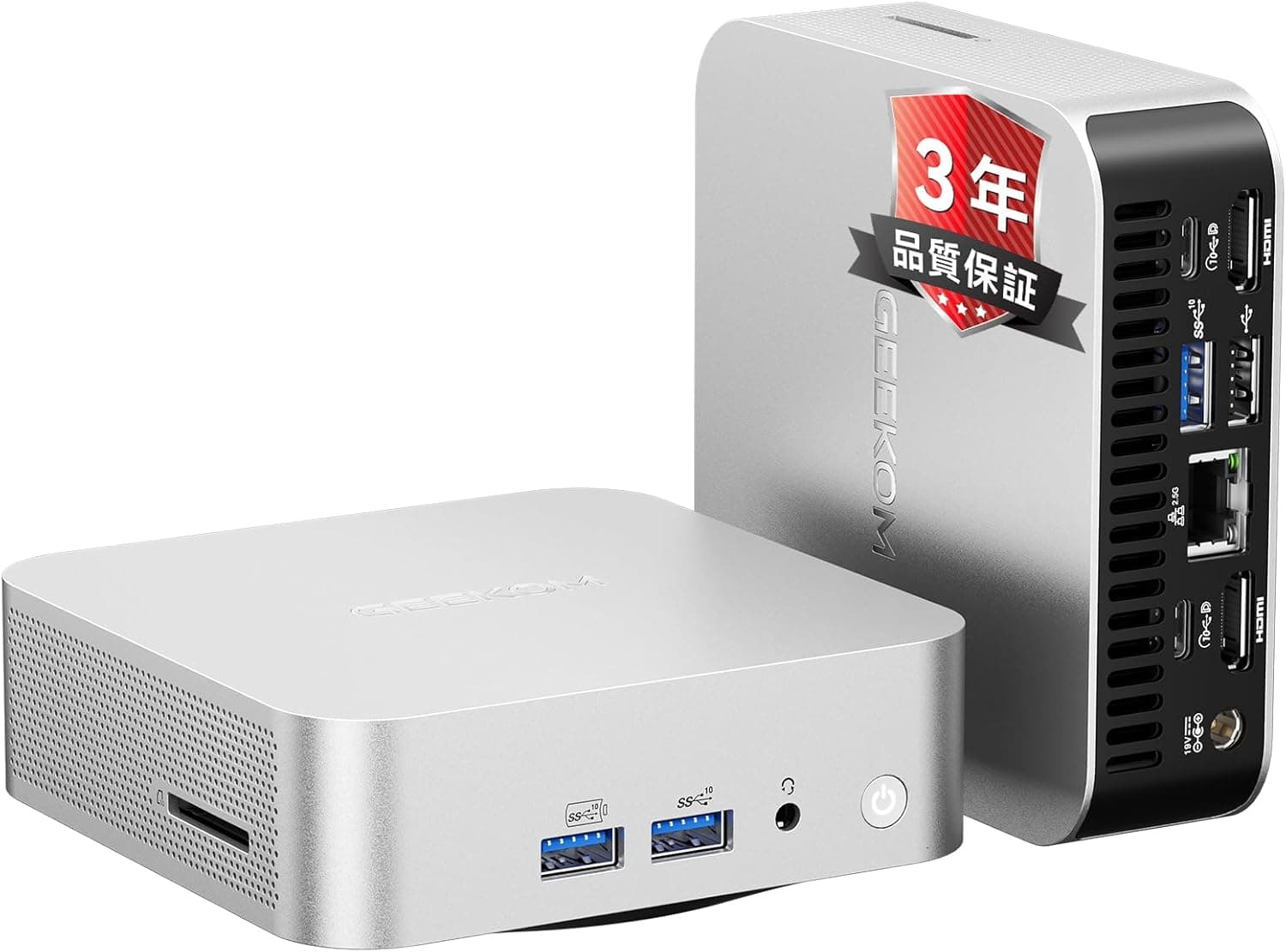
Front: USB 3.2 Gen2 Type-A, USB4 Type-C, 3.5 mm audio jack
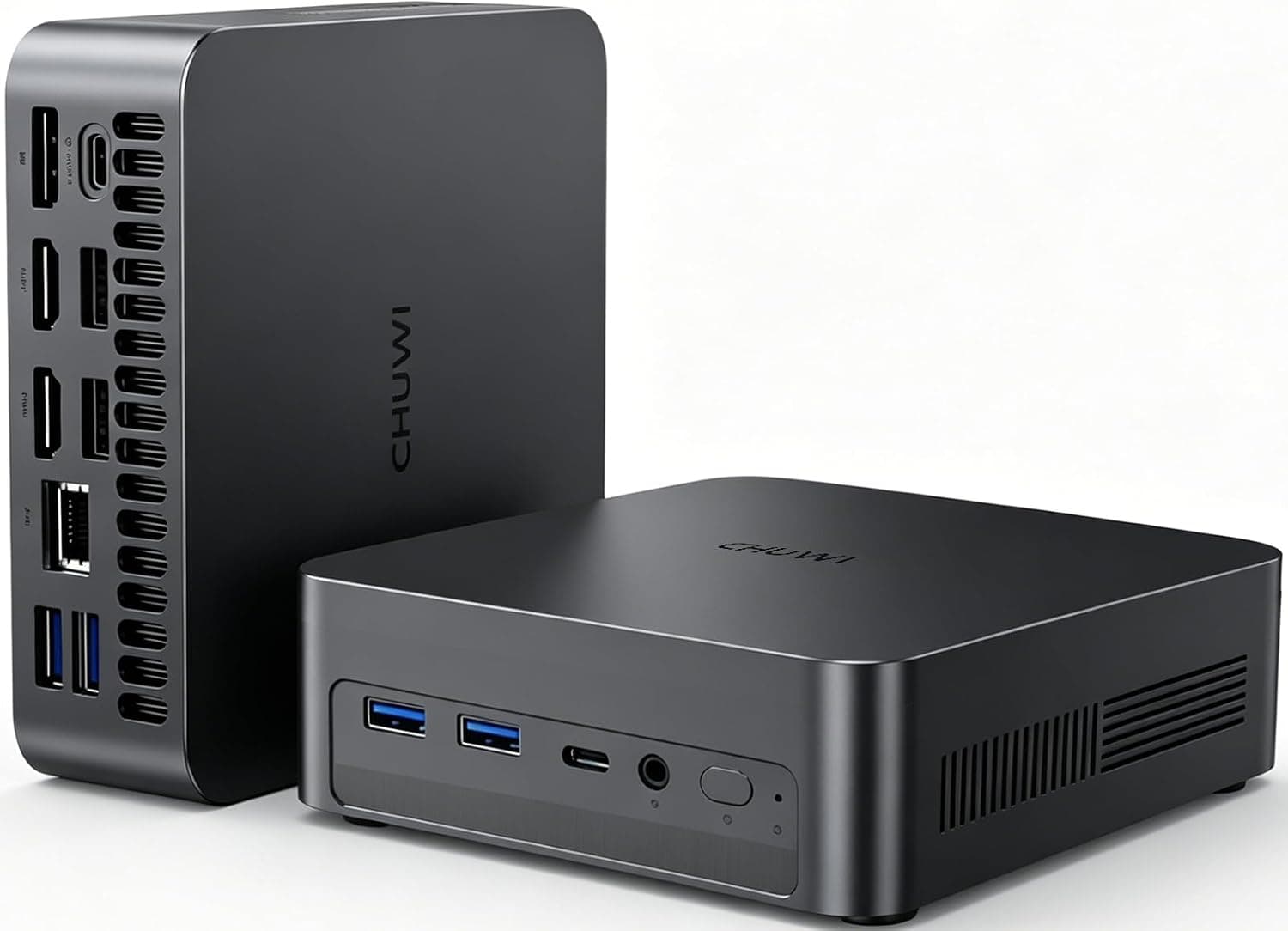
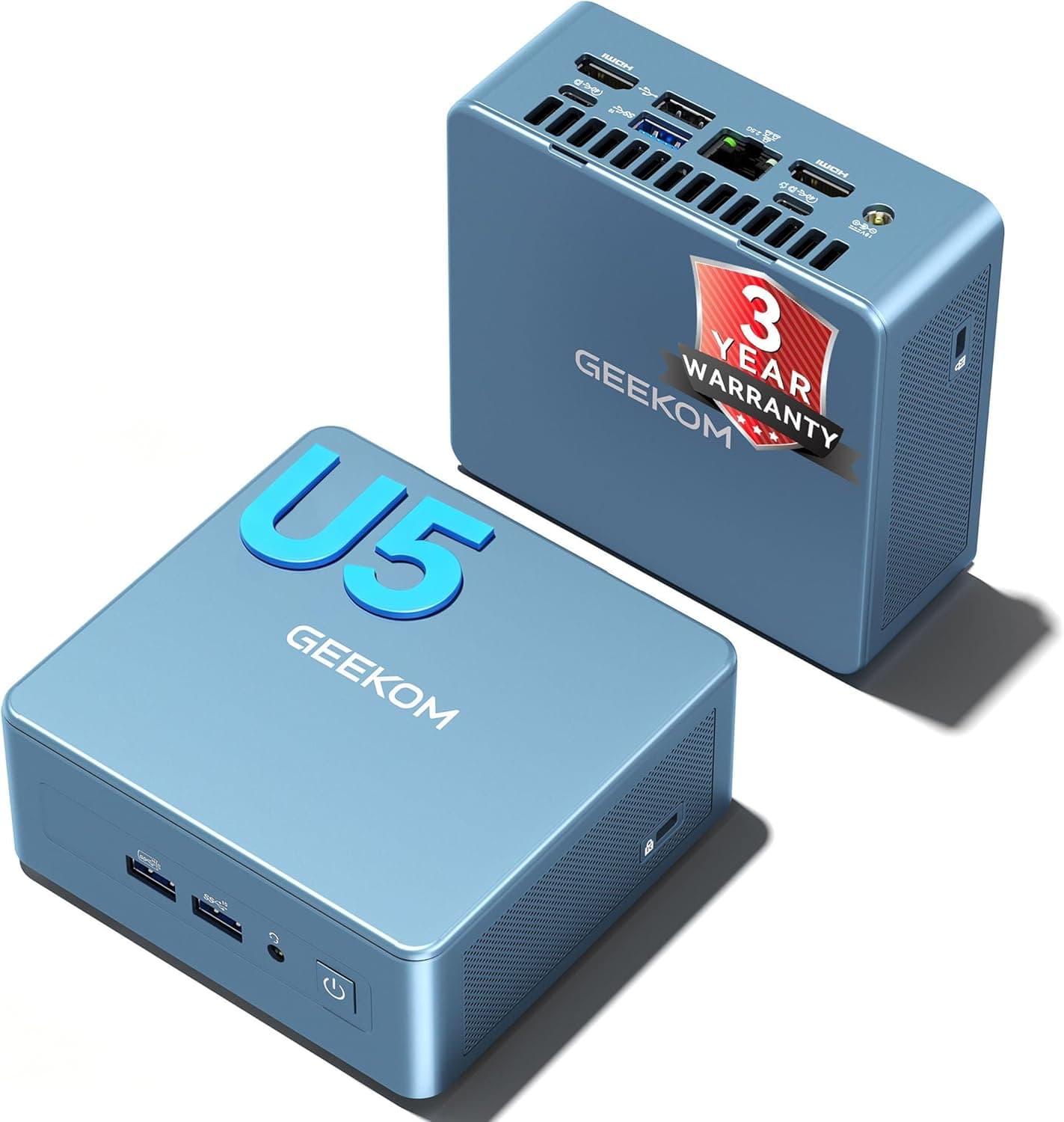
Rear: 2x USB 3.2 Gen2 Type-A, USB4 Type-C, 2x HDMI 2.0, 2.5GbE (RJ-45), DC power input
The front USB4 port is handy if you plug in external SSDs or fast card readers often. There are only three USB Type-A ports in total, though.
A keyboard, mouse, webcam and USB stick connected all the time will use them up quickly, so consider a USB4 dock or hub.
Product Info
Prices at each capture time are listed below. Prices change with sales and stock, so check the product page for the current price before you buy.
| Store | Price | Captured |
|---|---|---|
| Amazon | ¥153,220 | Sep 6, 2026 |
| Amazon JP | ¥152,632 | May 19, 2026 |
| eBay US | $816.79 | Jun 1, 2026 |
On Amazon the price stayed at roughly the same level from May to September 2026, with no big drop in that period. eBay prices are in US dollars, and depending on the seller, the configuration, accessories and warranty terms may differ from units sold in Japan.
Check the retailer's page for the latest user reviews. It is not enough to judge failure rates or fan noise, so read the low-star reviews too.
The listing mentions a 3-year warranty and US-based technical support. Listed accessories include the 90W AC adapter, a VESA mount plate, an HDMI cable and a quick-start guide.
Warranty terms and accessories can vary by seller and over time, so confirm them when you buy.
Comparison with Rivals and Newer Generations
The usual dilemma is whether to buy this 12th Gen model or something newer. The table shows general trends for each generation (check each model's product page for its exact specs).
| Aspect | GEEKOM Mini PC IT12 | Newer Intel (Core Ultra) | AMD Ryzen 7040/8040 |
|---|---|---|---|
| Memory | DDR4-3200 | Usually DDR5 | Usually DDR5 |
| Integrated GPU | Iris Xe | Arc-class iGPU | Radeon 700M-series iGPU |
| iGPU gaming | Light titles at low settings | More headroom than the IT12 | More headroom than the IT12 |
| IT12 strengths | 2x USB4, 2.5GbE, four displays, cheaper DDR4 upgrades | — | — |
The takeaway: the IT12's strengths are stability and port count for office and multi-monitor work. Its integrated GPU falls behind newer generations. If you also want light gaming on the integrated GPU, look at Radeon-based AMD models or Core Ultra machines first.
If you have spare DDR4 SO-DIMMs, though, the DDR4 platform works in your favor.
Fit by Use Case
| Use | Fit | Notes |
|---|---|---|
| Office, video calls, browsing | Excellent | 14 cores and 20 threads leave plenty of headroom |
| Programming, VMs | Good | Add RAM if you run several VMs |
| Photo editing, light video work | Good | Intel Quick Sync Video hardware encoding helps |
| Serious 4K video editing | Fair | It can export, but slower than a machine with a dedicated GPU |
| Modern AAA games | Poor | Not possible at high settings on the iGPU; an eGPU works but costs a lot |
| Light and esports games | Fair | Expect much lower resolution and quality settings |
| Home server, NAS client | Good | 2.5GbE and low power draw help |
| Digital signage, multi-display | Excellent | Four outputs plus a VESA mount |
Best Use Cases
- Remote and office workers: The Core i7 and 16 GB of RAM run Office apps, video calls and virtual desktops smoothly. It suits anyone who wants more desk space or prefers to hide the PC behind the monitor.
- Multi-monitor users: Two USB4 and two HDMI ports drive four screens. That fits trading, monitoring and development work, where screen count directly affects productivity.
- Hands-on mini PC owners: You can swap or add two memory modules, an M.2 SSD and a 2.5-inch drive yourself, so it can serve as a long-term NUC replacement.
- Always-on setups: It runs on a 90W adapter, which suits home servers and home automation hubs.
Not for: people who mainly want to play 3D games, people who want newer standards such as DDR5 for the long term, and buyers who care most about price.
Things to Consider
Check the retailer's page for the latest price. For a 12th Gen CPU with DDR4 memory, that may look expensive next to newer mini PCs.
Check whether the same budget gets you a model with DDR5 or a newer integrated GPU. A sale is the best time to buy.
Graphics limits: Iris Xe Graphics is fine for 4K output and video playback. Modern AAA games at high settings need an external GPU, though, and that adds a lot to the total cost.
Buying it on the assumption that 'a Core i7 can surely game' leads to regret.
Memory capacity listing: As covered in the compatibility guide, '96GB' and '32GB x2' contradict each other. If you plan to go past 64 GB, do not buy large modules until you have confirmed a tested configuration.
2.5-inch upgrade needs extra parts: SATA cables are not included.
The drive alone cannot be installed, so get the right cables at the same time.
Proprietary power only: Only the 90W AC adapter works, and generic adapters will not run it. Keep this in mind if you plan to carry the PC around or want a spare power supply.
Opening the case: Upgrading RAM or the SSD means removing screws on the bottom panel. First-timers should guard against static and keep track of the different screw lengths.
Check in advance whether opening the case affects the warranty.
WiFi 6E and 2.5GbE: Neither reaches full speed unless the other end supports it too.
About the listing text: Words like 'best' and 'alternative' in the product name are seller marketing, not benchmark results. Overseas sellers such as those on eBay may also differ in configuration, plug type and warranty terms.
When you open a product page, check that the photos, model name and configuration (RAM and SSD size) match the product covered here before you buy.
FAQ
Q. Is this the same as the Intel NUC 12? A.
No. It is GEEKOM's own mini PC, positioned as an alternative that uses the same 12th Gen Intel CPU family as the NUC 12.
Q. How much RAM can it take? A.
The spec says up to 96 GB, but that does not match the '32GB x2' note. 64 GB (32GB x2) is the safe figure.
Check the product page for tested configurations before going higher.
Q. Can it play games?
A. Light titles at low settings, yes. Modern 3D games need an external GPU over USB4, which costs extra.
Q. What do I need for four displays? A.
Use both USB4 ports and both HDMI ports. The USB4 outputs need monitors with USB-C video input, or an adapter cable such as USB-C to DisplayPort.
Q. How do I add a 2.5-inch SSD?
A. Open the bottom panel and install it there. SATA cables are not included, so buy them separately.