Overview
The Beelink Intel Mini PC GTi14 Core Ultra 9 185H 32GB DDR5 5600MHz 1TB SSD puts Intel's Core Ultra 9 185H into a compact chassis, and it sits near the top of the mini PC price range. The short version: it suits people who want strong multi-core CPU performance, room to add memory and storage later, and fast wired networking in one small box.
It is not the first pick for a compact gaming PC. It ships with 32GB of DDR5-5600 memory, a 1TB NVMe SSD and Windows 11 Pro, so it can serve as a main work machine from day one.
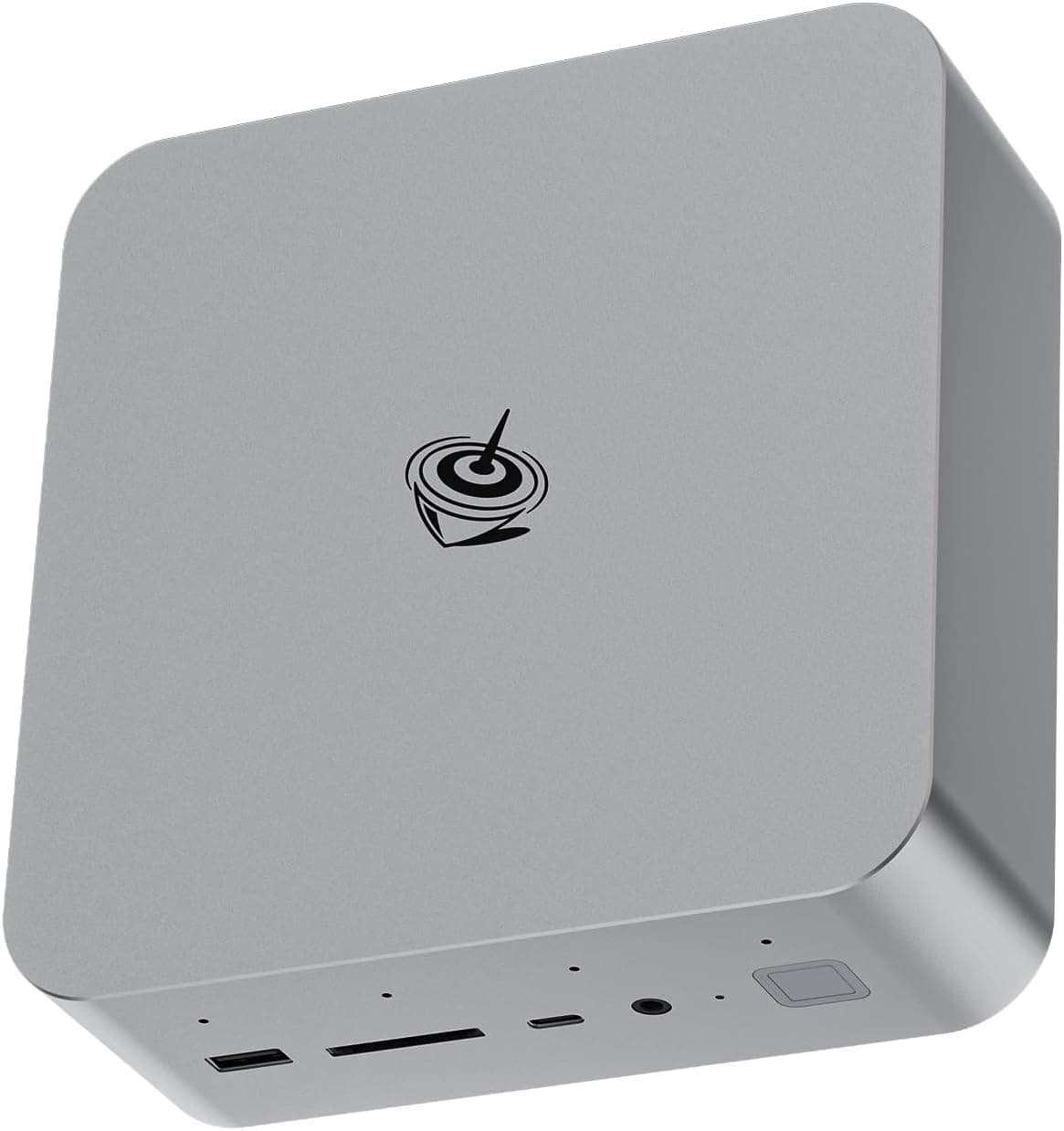
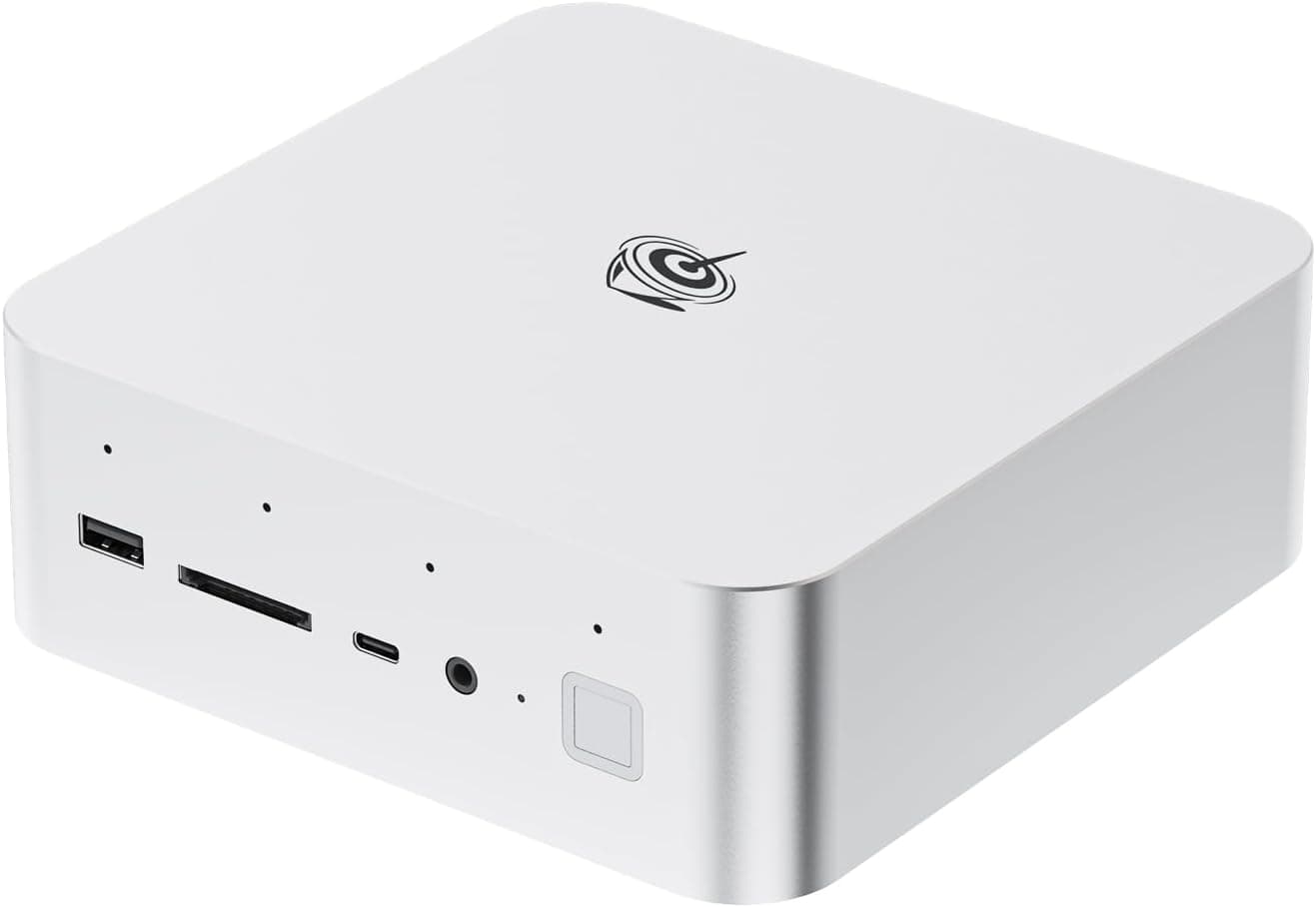
The Beelink GTi14 stands out for features that are rare on mini PCs. According to the listing, it has dual 10G LAN, a PCIe x8 expansion slot, a built-in 145W power supply, WiFi 7, Bluetooth 5.4 and 4K output to three displays.
Graphics, however, come only from the CPU. That single fact decides who this machine is for.
Performance Expectations
The Core Ultra 9 185H is a 45W-class laptop processor with 16 cores, 22 threads and boost clocks up to 5.1GHz.
The supplied data lists a PassMark (CPU) score of 28963, which puts it among the faster laptop-class CPUs. Its 16 cores mix performance, efficiency and low-power cores.
That makes it strongest at work that splits easily into parallel tasks, such as video encoding, batch photo exports and code compilation.
Mini PCs have limited cooling headroom, though, and under long full loads the clocks usually drop to a lower, steady level. Peak boost clocks are not sustained all the time, so keep that in mind when comparing it with desktop CPUs.
Graphics come from the integrated Intel Arc GPU. It handles hardware video playback and light games, but it is not suited to demanding 3D games or GPU rendering.
Core Ultra chips also include an NPU, an AI processing unit that some Windows AI features and supported apps use.
Compatibility Guide
| Item | Listed spec | What to check |
|---|---|---|
| Memory | DDR5 SO-DIMM x2, up to 96GB | Laptop-style SO-DIMM only; desktop DIMMs and DDR4 won't fit |
| Storage | M.2 PCIe 4.0 x4 x2, up to 8TB | Check for a free slot and the supported SSD length |
| Expansion | PCIe x8 x1 | Check how cards attach and which devices are supported |
| Video | HDMI x1, DP 1.4a x1, USB-C (DP 1.4) x1 | Triple-display setups use all three outputs |
| Power | Internal 145W (AC 100-240V) | No external power brick |
Memory uses laptop-style DDR5 SO-DIMMs in two slots and goes up to 96GB. How you upgrade depends on how the stock 32GB is installed.
If both slots are already filled, you have to replace the modules rather than add one, for example with 2x48GB to reach the 96GB maximum. If you plan to run several virtual machines, budget for that replacement from the start.
Storage uses two M.2 PCIe 4.0 x4 slots for up to 8TB in total.
The easiest upgrade is adding an SSD to the free slot. PCIe 3.0 drives generally work but run at 3.0 speeds.
Heat builds up easily in a small chassis, so a drive with modest heat output tends to be more stable than a hot flagship model. SSDs with thick heatsinks may not fit, so they are best avoided.
Video comes out through HDMI, DisplayPort 1.4a and USB-C (DP 1.4), which together drive three 4K displays.
USB-C video needs a cable or monitor that supports DisplayPort Alt Mode. If you use a USB-C to HDMI adapter, make sure it supports video output.
To get full speed from 10G LAN, the switch, NAS or router on the other end must also support 10G, and Cat6A or better cabling is a sensible baseline. Most home routers have 1G or 2.5G ports, and the link will drop to match them.
The PCIe x8 slot is very unusual on a mini PC, but it does not necessarily accept full-size cards inside the case like a desktop does. Check the product page for what connects to it and how before you buy.
Product Info
The GTi14 appears to have launched in late 2024 and is sold on Amazon.co.jp.Check the retailer's page for the latest price.
Both the seller and the shipper were Lafu's shop, a marketplace seller. Marketplace prices vary widely by seller and during sales, so check the current price and seller on the product page before you buy.
Check the retailer's page for the latest user reviews. That is too few to show a reliable trend, so read the individual reviews for use cases and complaints rather than relying on the score.
The box includes an HDMI cable and a user manual, and the 145W power supply is built into the unit. Beelink advertises lifetime technical support, but the hardware warranty period is not stated.
The same budget could also buy a desktop or laptop with a dedicated GPU. Whether the GTi14 makes sense comes down to how much you value its small size and its 10G LAN, PCIe slot and upgrade room.
Compared With Alternatives
The GTi14 is also sold through other listings, which may differ in configuration, seller and price. Bundled items and warranty contacts can differ even when the model name looks identical, so compare the listings.
If CPU generation matters most to you, a newer model such as the MINISFORUM M1 Pro with the Core Ultra 9 285H is the natural comparison.
On the other hand, if your work is mostly office tasks and video calls, you don't need this much performance. A lighter machine such as the GEEKOM IT12Max with a low-power Core Ultra 5 125U, or the MINISFORUM UM760 with a 6-core, 12-thread Ryzen 5 7640HS, is often enough.
The reason to choose the GTi14 is that you will actually use its 16-core CPU and its unusual 10G LAN and PCIe slot.
Who It's For
| Use case | Fit | Why |
|---|---|---|
| Video editing, photo processing, code builds | Good | 16 cores, 22 threads and 32GB RAM |
| Home lab, virtualization, NAS work | Good | 10G LAN and up to 96GB RAM |
| Triple-monitor office, trading or dev work | Good | 4K output to three displays |
| Modern 3D gaming | Poor | Integrated graphics only |
It fits creators and engineers who want a smaller work PC best. Examples include replacing a tower workstation to free up desk space, or moving large files often to and from a 10G NAS.
It also suits home-lab users who plan to grow the system later through the PCIe slot or the second M.2 slot.
We don't recommend it for modern 3D gaming or for work that depends on a dedicated GPU, such as CUDA. For people who mainly browse the web and write documents, the performance and price are more than they need.
Before You Buy
The biggest trade-off is graphics. The integrated GPU is fine for everyday use and light games, but it can't be the main tool for demanding 3D games, GPU rendering or AI training.
Buyers who assume a Core Ultra 9 machine will also be fast for games are the ones most likely to be disappointed.
Dual 10G LAN is part of the listed specs, but it only helps if your other equipment is also 10G. With a 1G router or internet connection, you will barely notice a difference.
Mini PCs in the same series are also sometimes listed with different LAN specs depending on timing and configuration. If 10G is the reason you're buying, check the port specs again on the product page and in its images.
With a 45W-class CPU in a small chassis, fan noise can become noticeable under sustained load. If it will sit in a study or bedroom, plan on using quieter settings such as a power plan.
For memory upgrades, remember that if both slots are filled you'll need to remove the existing modules, which adds cost.
This listing comes from a marketplace seller (Lafu's shop), and no manufacturer warranty period is stated. Before buying, check the product page for who handles defective units and what the return terms are.
FAQ
Q. Can it play games? A.
Light games and titles at reduced settings run, but graphics are integrated only. It is not suited to playing modern 3D games smoothly.
Q. Can I upgrade to 64GB or 96GB of RAM? A.
Yes. It has two DDR5 SO-DIMM slots and supports up to 96GB.
If the stock 32GB uses two modules, you'll replace them rather than add one.
Q. Is 10G LAN useful at home? A.
It speeds up large file copies if your NAS and switch are also 10G. With a 1G router or internet connection, the link drops to match the slower device.
Q. What do I need for three displays? A.
Use all three outputs: HDMI, DisplayPort and USB-C. The USB-C output needs a cable or monitor with DisplayPort Alt Mode support, or an adapter that supports video output.
Q. Can I add more storage?
A. Yes. There are two M.2 PCIe 4.0 x4 slots for up to 8TB in total.
Product Disclosure (Amazon)
- Manufacturer: Beelink
- Seller: Lafu's shop
- Fulfilled by: Lafu's shop
- ASIN: B0DCSFFVJC
- Note: This article covers a manufacturer-made product based on Amazon listing details.