Overview
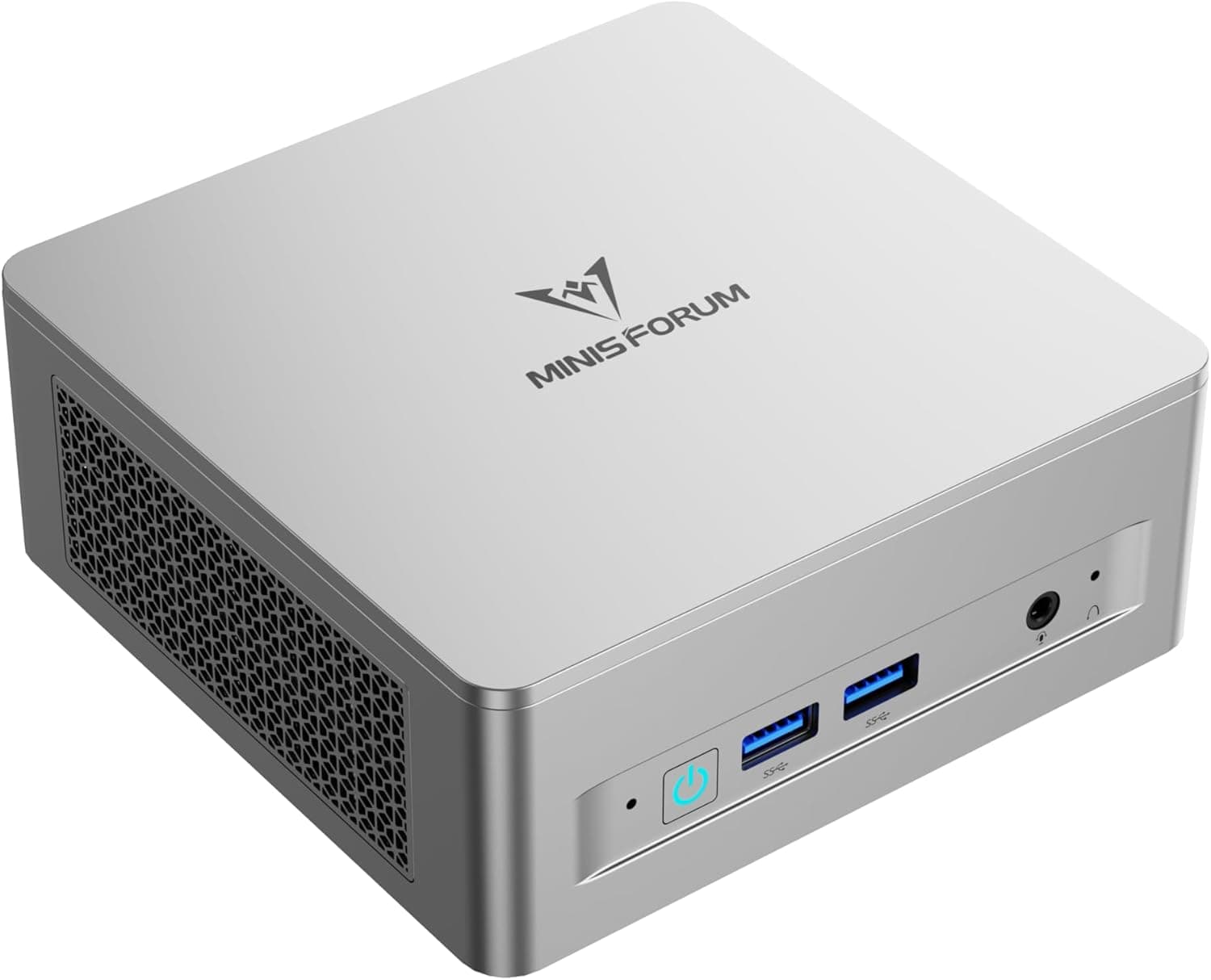
The MINISFORUM UM870 — Compact AMD Ryzen Mini PC (sold in Japan as the MINISFORUM UM870 スリムミニPC) is a slim mini PC built around the AMD Ryzen 7 8745H, with 8 cores, 16 threads, and boost clocks up to 5.0 GHz.
It ships with 32GB of DDR5-4800 in dual channel and a 1TB PCIe 4.0 SSD, so you won't run short of memory or storage on day one.
It is a very well-rounded choice for work that leans on the CPU but only needs modest graphics: office work, heavy browsing, programming, and light photo editing.
The integrated AMD Radeon 780M uses the RDNA3 architecture and handles 4K video playback and light gaming on its own. It is not a replacement for a desktop with a dedicated graphics card, though, and it is the wrong tool for running the latest demanding games at high settings.
On Amazon.co.Check the retailer's page for the latest user reviews.
That isn't many reviews, but the ones there are largely positive.
Performance: What It Can Handle
The Ryzen 7 8745H is an H-series laptop-class processor with 8 cores and 16 threads. It can run Office, a browser, and video calls at the same time with room to spare, and the core count helps with parallel work such as code builds and virtual machines.
The table below summarizes what to expect.
| Use case | What to expect |
|---|---|
| Office work, web, video | Handled comfortably |
| Programming, virtual machines | Comfortable with 32GB, and memory goes up to 64GB |
| Photo editing, simple Full HD video edits | Workable, but exports are slower than on a dGPU system |
| Esports and older 3D games | Realistic at 1080p with lower settings |
| Latest AAA games | Tough. Don't expect smooth play |
| 4K/8K display and playback | Supported by the outputs. Fine for viewing |
The iGPU uses system RAM as video memory, so memory bandwidth directly affects graphics performance. That is why the dual-channel (two-module) configuration matters.
When you upgrade, always install a matched pair of modules. Dropping to a single module puts the system in single-channel mode and noticeably hurts gaming and video performance.
Compatibility Guide
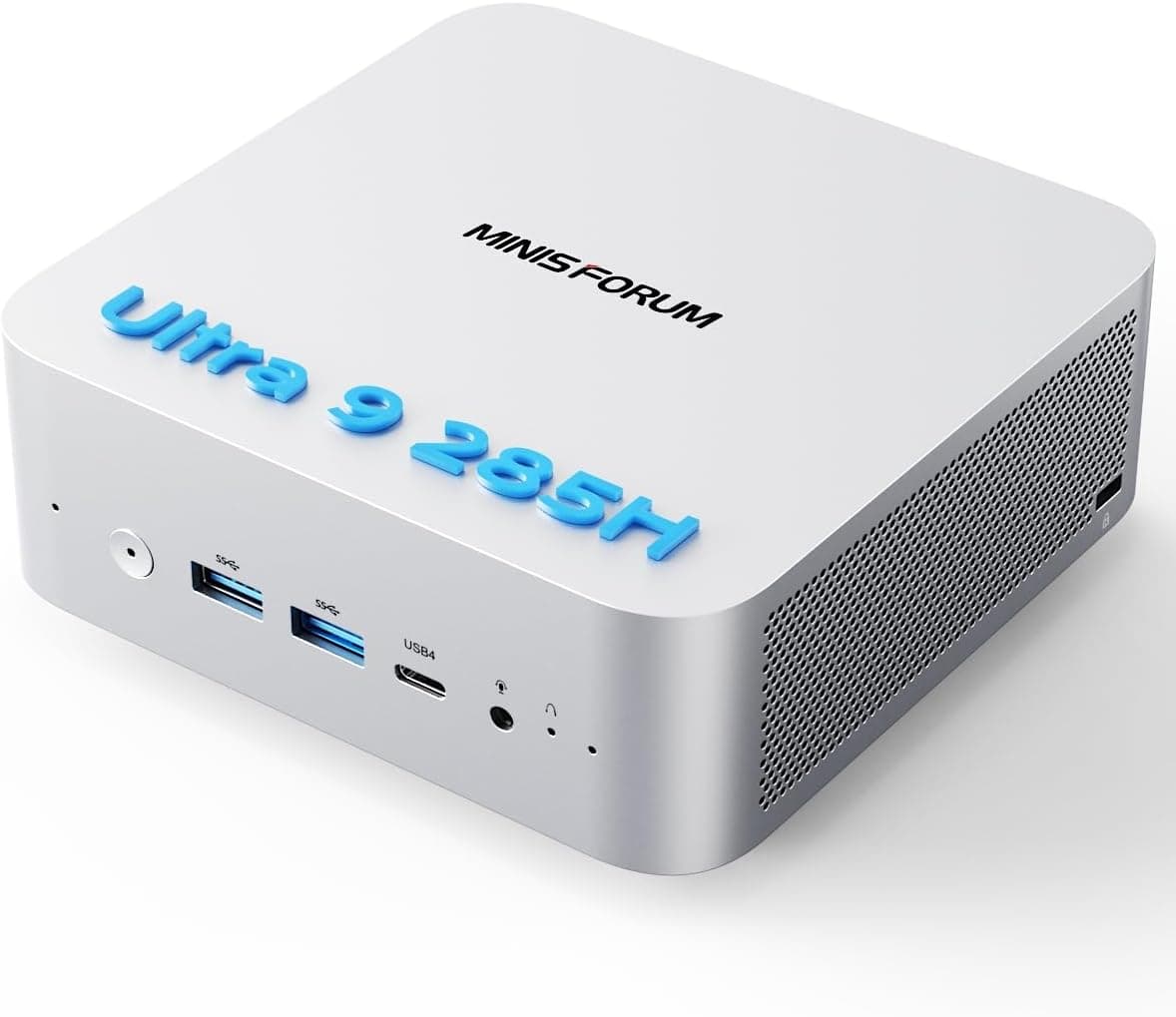
On the front are two USB 3.2 Gen2 Type-A ports, one USB4 port with Alt PD, and an audio jack.
On the rear are HDMI 2.1 (8K@60Hz), DisplayPort 1.4 (4K@144Hz), 2.5G Ethernet, and two USB 2.0 ports.
For wireless, it supports Wi-Fi 6E and Bluetooth 5.3.
| Item | Supported | Common pitfall |
|---|---|---|
| Memory | DDR5 SODIMM x2, up to 64GB | DDR4 SODIMMs and desktop DIMMs will not fit |
| Storage | M.2 2280 PCIe 4.0 x2, up to 4TB total | Thick heatsink SSDs may not fit in the slim chassis |
| Display | HDMI 2.1, DP 1.4, USB4 | USB4 video needs a DP Alt Mode cable and monitor |
| Wired LAN | 2.5GbE | Your router or switch must also support 2.5G |
| Wi-Fi | Wi-Fi 6E | The 6GHz band needs a 6E router |
| Power | 19V DC external adapter | There is no internal PSU, so don't lose the adapter |
With three video outputs, you can build a triple-monitor setup across HDMI, DisplayPort, and USB4. The resolutions and refresh rates above are the maximum for each port, though, and not a guarantee that every screen hits its maximum at the same time.
If you plan to connect several high-resolution displays, check the exact combination against the product page or MINISFORUM's documentation.
Both memory slots are already filled, so an upgrade means replacing the modules, not adding to them. To reach 64GB you need a 32GB x2 kit, and the original 16GB x2 modules will be left over.
Storage is easier: the second M.2 slot lets you add another drive and keep the stock 1TB SSD, which is handy if you want the OS and your data on separate drives.
Product Info
rmation
Key specs: an AMD Ryzen 7 8745H (8C/16T, up to 5.0 GHz), 32GB DDR5-4800 in dual channel, and a 1TB PCIe 4.0 SSD.
It has three video outputs (HDMI 2.1, DP 1.4, USB4), 2.5G Ethernet, Wi-Fi 6E, and Bluetooth 5.3, and it runs from a 19V DC external adapter.
Listed accessories include the AC adapter, an HDMI cable, and a VESA mount plate, but these can differ by seller, so check before you buy.
Prices below are as captured. The Minisforum store on Rakuten listed it at ¥124,999 (captured August 14, 2026), and Amazon.co.jp listed it at ¥163,822 (captured June 30, 2026).
The capture dates and sellers differ, so this isn't a direct comparison, but the gap is roughly ¥40,000. Confirm that both listings are the same 32GB/1TB configuration and check current prices on the product pages.
Prices change often with sales and stock.
There are also listings on overseas marketplaces. Those often mix in barebone units (no RAM or SSD) and used units, so a price can look low only because the configuration is different.
Many rivals in this class, such as the ASUS PN53, are often sold with RAM and storage left for you to supply. Shipping with 32GB and 1TB installed is a clear advantage for the UM870.
Compared With Rivals
MINISFORUM's own UM760 uses a 6-core Ryzen 5 7640HS and sits lower in the lineup. If your work is mostly office tasks and you want to save money by giving up cores, it is worth a look.
If you care more about parallel workloads and a longer useful life, the UM870's 8 cores pay off.
The BMAX B8APro uses a Ryzen 7 8745HS of nearly the same generation, but in a lighter 16GB RAM / 512GB SSD configuration. Since the CPUs behave similarly, the real differences are memory, storage, and the maker's support.
Which one fits depends on whether you plan to upgrade it yourself.
On the Intel side, the Beelink GTi14 (Core Ultra 9 185H, 32GB DDR5, 1TB SSD) is a close match in configuration. In practice, choose between them based on which platform your software runs better on and how well each works with the peripherals you already have.
Recommended Users
- People who want a clear desk: The palm-sized chassis can be mounted behind a monitor with VESA, keeping it off your desk entirely.
- Anyone needing a desktop for work or study: With 8 cores, 16 threads, and 32GB of RAM, running Office, a browser, and a dev environment together stays comfortable.
- Multi-monitor users: HDMI, DP, and USB4 allow up to three displays.
- Home media center or small home server builders: HDMI 2.1 8K output, 2.5GbE, and two M.2 slots suit playback and file storage.
- Light gamers: The Radeon 780M is strong for an iGPU and handles esports titles and older 3D games with the right settings.
If serious gaming, long-form video editing, or 3D rendering is your main goal, choose a desktop with a dedicated GPU instead.
Before You Buy
Accept that it won't handle the latest heavy games. The Radeon 780M is excellent for an iGPU, but it does not replace a graphics card.
If you expect new AAA games to run well because it's a powerful mini PC, you will almost certainly be let down. An external GPU over USB4 is possible, but its bandwidth is narrower than a GPU in a direct PCIe slot, and you have to buy both the enclosure and the card.
At that point, a desktop with a GPU is often the more sensible choice.
Heat and noise in a slim chassis. The slim case holds little air, so fan noise can become noticeable under long, heavy loads.
Mounting it behind a monitor or pushing it against a wall can block airflow, so leave space around it. When adding an SSD, note that thick heatsink models may not fit.
A memory upgrade means replacing modules. Both slots come filled, so reaching 64GB means buying a new pair.
Choose a matched pair of DDR5 SODIMMs. Check the seller's warranty terms on opening the case and upgrading before you start.
Sellers and prices differ. The Amazon.co.jp seller is ブルーアステール, a different seller from MINISFORUM's own Rakuten store.
As noted above, the captured prices were far apart, so compare the configuration, warranty contact, and included accessories side by side.
Other common misunderstandings. Wi-Fi 6E's 6GHz band only works with a 6E router.
This is also not a Copilot+ PC, so look elsewhere if those AI features are what you want.
FAQ
Q. How many monitors can I connect? A.
With HDMI 2.1, DisplayPort 1.4, and USB4, you can run up to three displays.
For USB4 video, use a DP Alt Mode compatible cable and monitor.
Q. Can I add more memory later? A.
It has two DDR5 SODIMM slots and supports up to 64GB. Both slots are filled out of the box, so the upgrade is a swap to a 32GB x2 kit.
Q. How well does it game? A.
With the Radeon 780M, esports and older 3D titles at 1080p with reduced settings are a realistic target. It is not suited to the latest AAA games.
Q. Can I add storage? A.
There are two M.2 2280 PCIe 4.0 slots, supporting up to 4TB in total.
Because the chassis is slim, an SSD without a heatsink is the safer choice.
Q. Why do Rakuten and Amazon prices differ so much? A.
The prices were captured at different times from different sellers. Confirm the configuration and warranty contact, then compare current prices on the product pages.
Product Disclosure (Amazon)
- Manufacturer: MINISFORUM
- Seller: ブルーアステール
- Fulfilled by: ブルーアステール
- ASIN: B0CH9KC39K
- Note: This article covers a manufacturer-made product based on Amazon listing details.