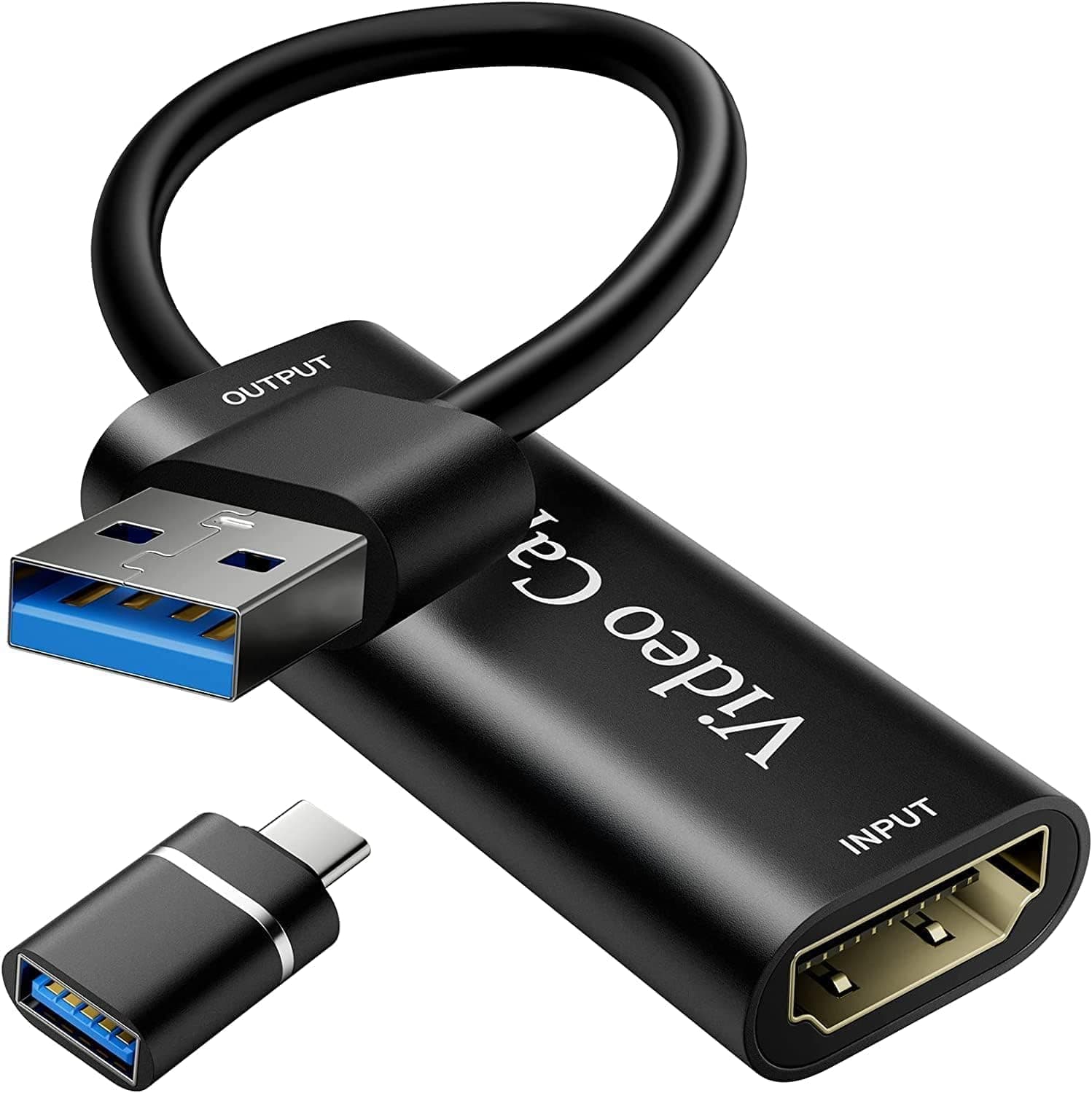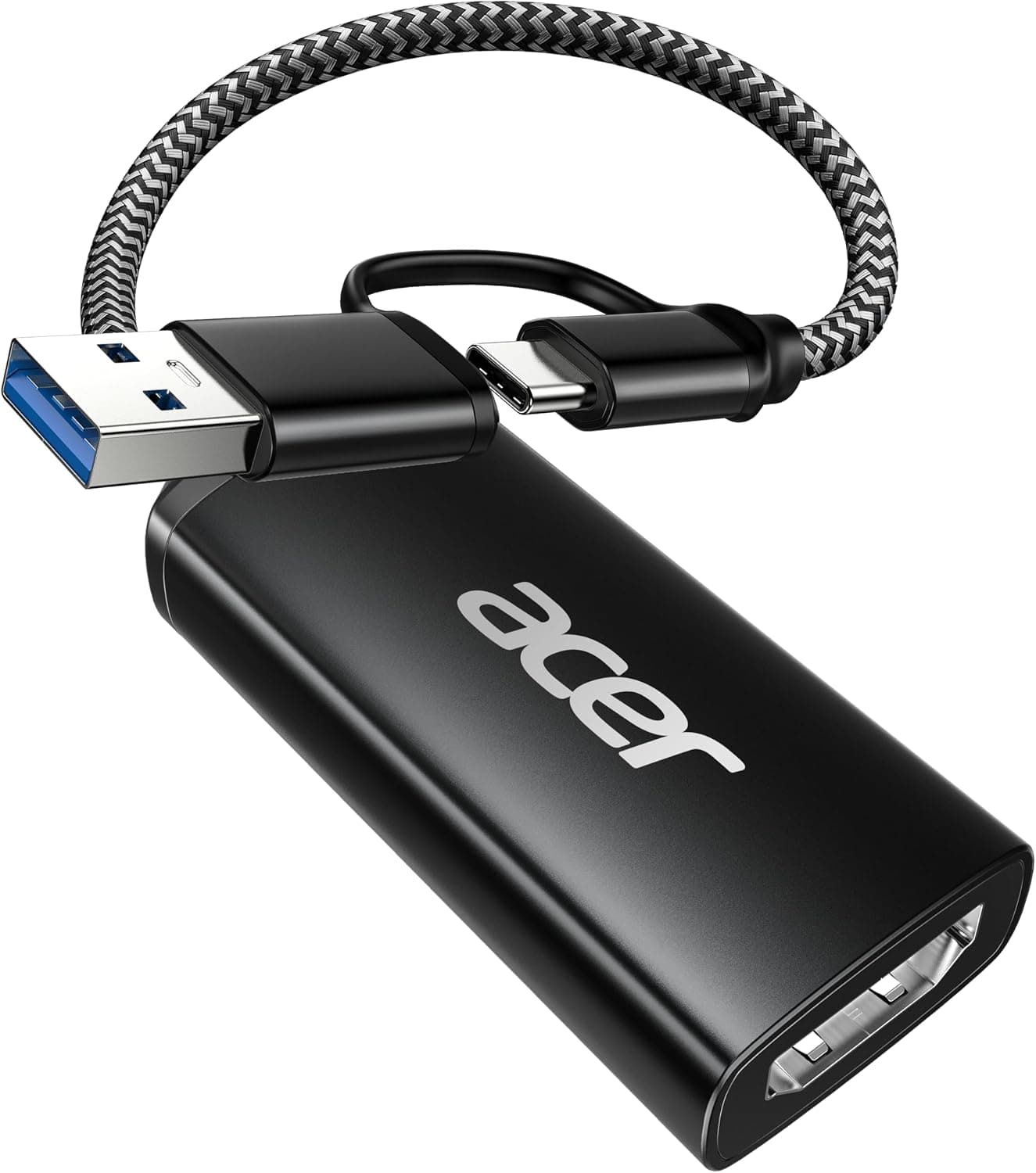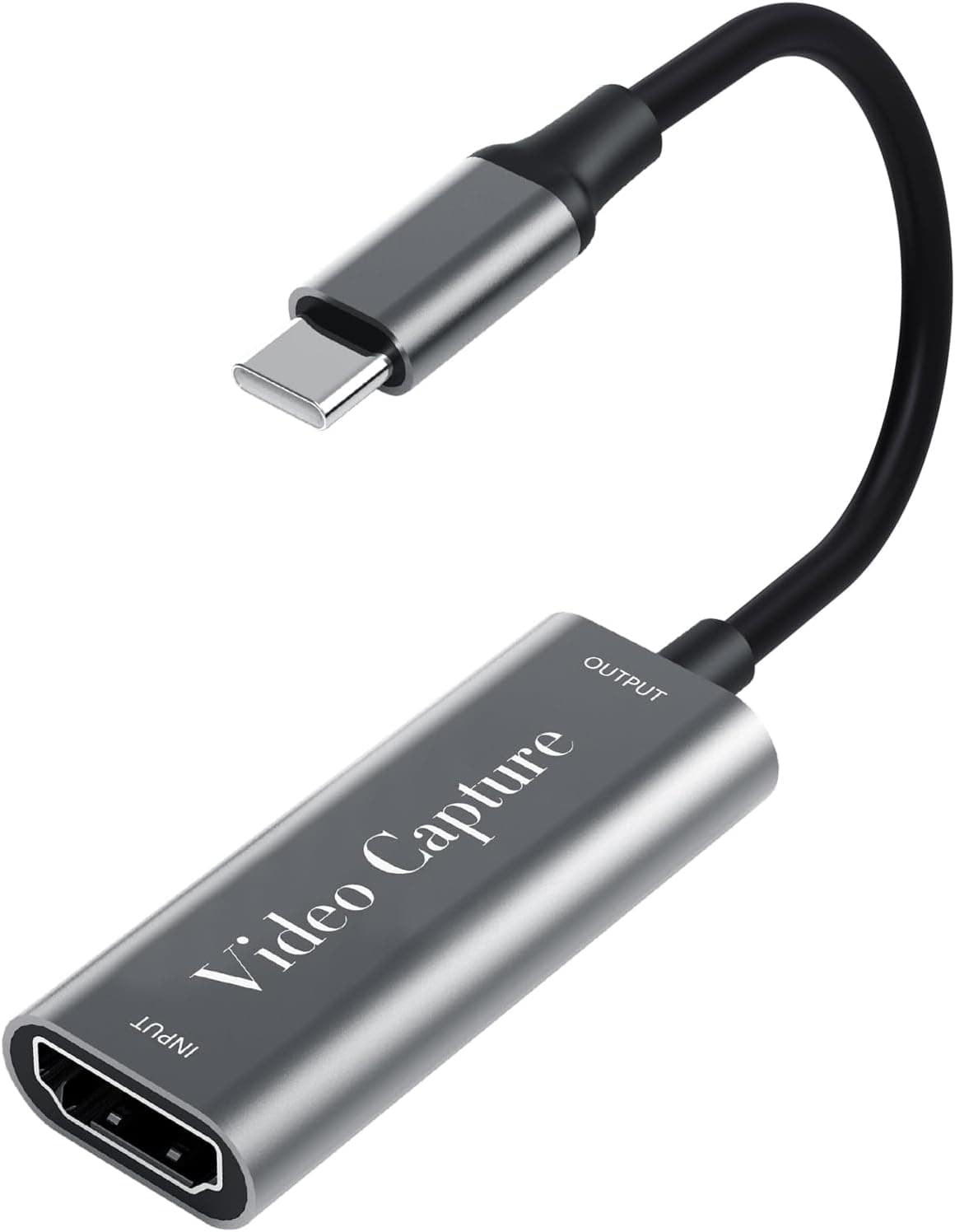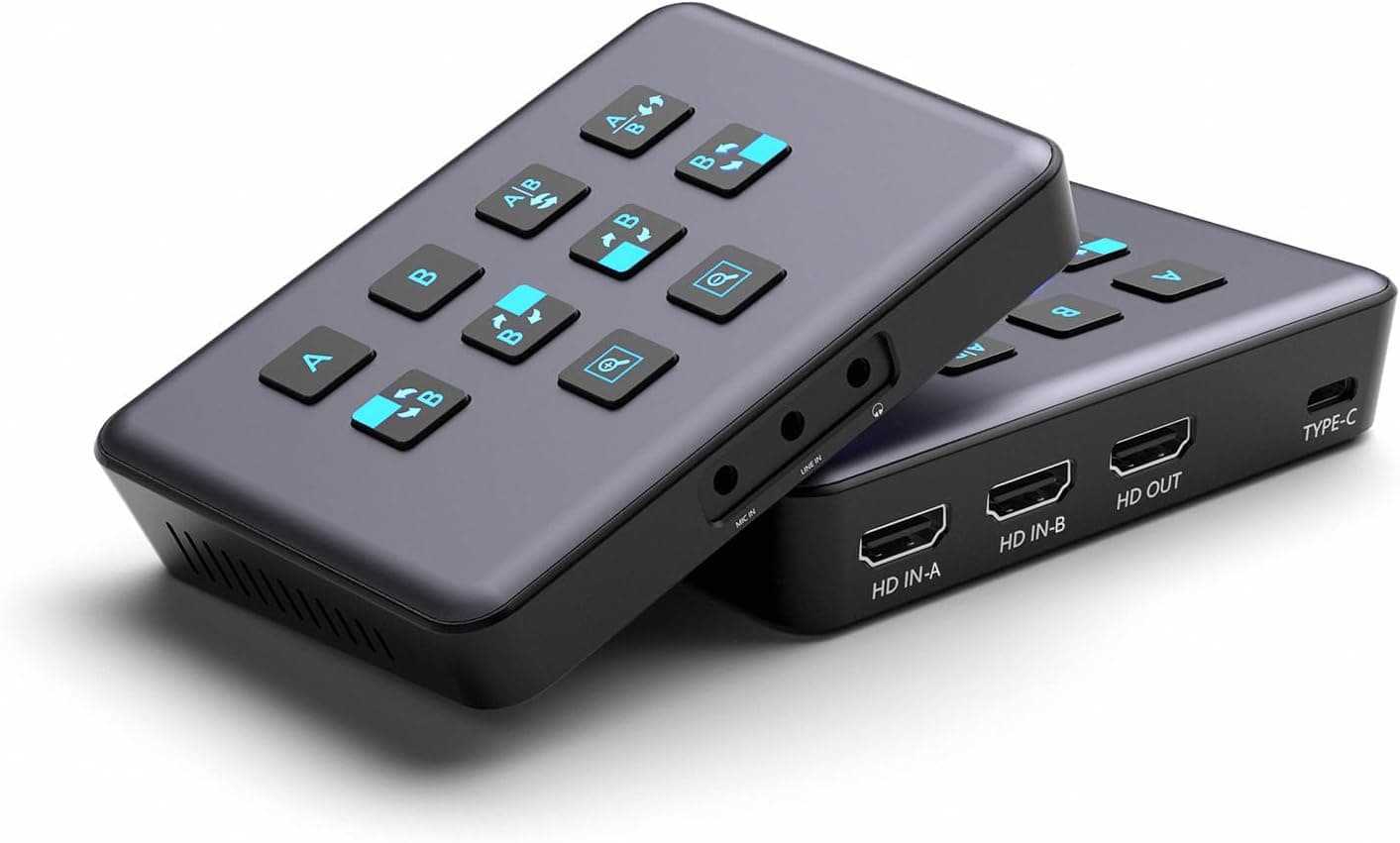
The ZUZONG B0CJC41ZS1 3rd-Generation Dual-HDMI Capture Card offers two HDMI inputs at a price point that still sits within reach of hobbyist streamers. This article looks at what the spec sheet actually means in a real streaming setup — and who should skip this card entirely.
Overview
The short version: this card suits people who want to stream or record PS5 and Switch gameplay at 1080p60 and need two inputs. It does not suit anyone who wants to record in 4K.
Input and passthrough handle 4K@60Hz, but the maximum resolution delivered to your PC is 1080p@60Hz. Misreading that is the single most common mistake buyers make in this price class.
On Amazon.co.Check the retailer's page for the latest user reviews.
| Spec | Value | What it means in practice |
|---|---|---|
| Max input | 4K@60Hz | Leave the PS5 set to 4K output |
| Max capture | 1080p@60Hz | Recording is capped at 1080p60 |
| Interface | USB 3.0 Type-C (USB 2.0 compatible) | USB 2.0 cannot sustain 1080p60 |
| Audio | 48KHz, mic in / line in / headphone | Mix commentary without a mixer |
| HDR | Input, passthrough and capture | Most streaming platforms expect SDR |
| OS | Windows 7/8/8.1/10/11, Linux, macOS | UVC/UAC, no drivers required |
Compatibility Guide
Supported sources include PS5, PS4, Xbox Series X|S, Xbox One, Nintendo Switch and Steam Deck. Because the card is UVC and UAC compliant, the OS sees it as a standard camera and microphone — no driver install.
OBS Studio, vMix, PotPlayer, VLC and QuickTime Player all work, and on Windows any DirectShow application will find it.
The USB side is where people trip. USB 2.0 is listed as backward compatible, but the largely uncompressed formats (RGB24 / YUY2) need more bandwidth than USB 2.0 provides.
Plugged into a 2.0 port, the card is recognised but silently drops resolution or frames.
Use a blue USB 3.0 port or a Type-C port on the machine itself, and avoid sharing a hub with a keyboard or webcam.
Two further gotchas apply to consoles: HDCP and HDR. A PS5 with HDCP enabled will not output non-game video such as streaming apps — that is a platform rule, not a card fault, and disabling HDCP in PS5 settings restores gameplay capture.
HDR is supported end to end, but Twitch and YouTube Live streams are generally SDR, so an HDR feed can look washed out on stream. Turning HDR off at the console gives more predictable results.
The passthrough port exists so you can play on a monitor or TV with no added latency. The captured feed carries a few frames of delay, so never play a fighting game or shooter while watching the PC preview window.
Dual input works as two separate video capture devices in OBS — a console plus a second camera, or two consoles side by side. Running both at once costs USB bandwidth and CPU, so expect to drop one source to 720p or move encoding to NVENC / Quick Sync.
Product Info
Check the retailer's page for the latest price.co.jp as of the 29 August 2026 capture.
Capture card prices move with stock and sales, so check the product page for the current figure. The eBay entry is a search link only, with no confirmed price.
Specs: 4K@60Hz maximum input, 1080p@60Hz maximum capture, RGB24 and YUY2 video formats, 48KHz audio sampling. Mic input, line input and headphone monitoring are built in, which at this price is genuinely useful — you can mix commentary without a separate mixer, and the headphone jack lets you catch audio drift mid-stream.
Assume the box contains the card and nothing else. Supply your own HDMI and USB cables, and for 4K@60Hz passthrough use a Premium High Speed (18Gbps) HDMI cable — older cheap cables cause flicker or refuse 4K60 at the passthrough display.
Factor those cables into the real cost when comparing options.
Product Disclosure (Amazon)
- Manufacturer: ZUZONG
- Seller: Amazon US
- Fulfilled by: Amazon US
- ASIN: B0CJC41ZS1
- Note: This article covers a manufacturer-made product based on Amazon listing details.
How It Compares
This market splits three ways. Single-input USB capture dongles start at a fraction of the price if 1080p60 is all you need.
Two-input USB units like this one sit in the middle. At the top, Blackmagic Design's DeckLink Duo 2 and Quad 2 win on input count and signal reliability, but require a desktop PCIe slot and a very different budget.
This card's niche is "two inputs that work on a laptop." No PCIe slot, no drivers, and it runs on Steam Deck and macOS.
The flip side: if you only ever use one input on a desktop, a cheaper single-input model does the same job. Whether you genuinely need the second input is the whole decision.
Before You Buy
The biggest pitfall, again, is that you cannot record in 4K. The "4K" in the product name refers to input and passthrough; what lands on your drive tops out at 1080p60.
For 4K archives or high-resolution clip work, this card does not meet the requirement.
The 25-review sample deserves honesty too. A 4.4 average is fine, but that sample size tells you nothing about defect rates or long-term durability.
Support for cards in this bracket is often effectively Amazon's return window, so test the card in your real streaming configuration immediately and surface any faults while returns are still possible.
On the listing itself: the manufacturer name matches the product title, so there is no contradiction here. Still, pages in this segment sometimes carry mismatched seller, fulfilment or spec fields — this one lists a US seller alongside a yen price.
Confirm from the product images and title that the unit you are buying really has two HDMI inputs, since some brands sell a single-input variant under a near-identical name.
Who should skip it: (1) anyone who needs 4K recording, (2) desktop users who only use one input, (3) professionals chasing frame-accurate latency, and (4) buyers who value long warranties and local support.
Setup Walkthrough
Connect the console's HDMI output to the card's input and the passthrough output to your monitor. Connect the card to the PC over USB 3.0, then in OBS add a Video Capture Device, set resolution to 1920x1080, FPS to 60, and video format explicitly to YUY2.
Leaving format on "Default" often causes stutter because the software picks another mode. Add an Audio Input Capture for the card's audio device and set levels while monitoring through the headphone jack.
When there is no picture, check in this order: HDCP setting, USB port (3.0, direct), HDMI cable, then the OBS format setting.
That sequence resolves most problems.
Best Use Cases
- New console streamers: PS5, Xbox Series X|S and Nintendo Switch all covered by one device, driver-free and OBS-ready, with 4K passthrough keeping your own play experience intact.
- Two-source streamers: Capture gameplay plus a second camera or console for collab streams and facecam layouts.
- Laptop and Steam Deck setups: USB rather than PCIe, so you get dual input on machines with no expansion slots.
- Mixer-free audio: Built-in mic in, line in and headphone monitoring keep the gear count down.
FAQ
Q. Can it record 4K60?
A. No. Input and passthrough support 4K@60Hz; capture tops out at 1080p@60Hz.
**Q. I only have USB 2.0 ports. A. It will be recognised, but 1080p60 exceeds USB 2.0 bandwidth and you will see dropped frames or reduced resolution. Plan on USB 3.0.
Q. My PS5 screen is black. A.
Almost always HDCP. Disable HDCP in PS5 settings and gameplay captures fine; streaming-app video will not.
Q. Are drivers required?
A. No. UVC/UAC compliance means Windows 7/8/8.1/10/11, Linux and macOS recognise it as a standard device.
Q. Can I play competitively while watching the preview? A.
Not recommended — the capture feed is delayed. Play from the passthrough display.
Q. Are cables included?
A. Assume card only. An 18Gbps HDMI cable is needed for 4K60 passthrough.