Overview
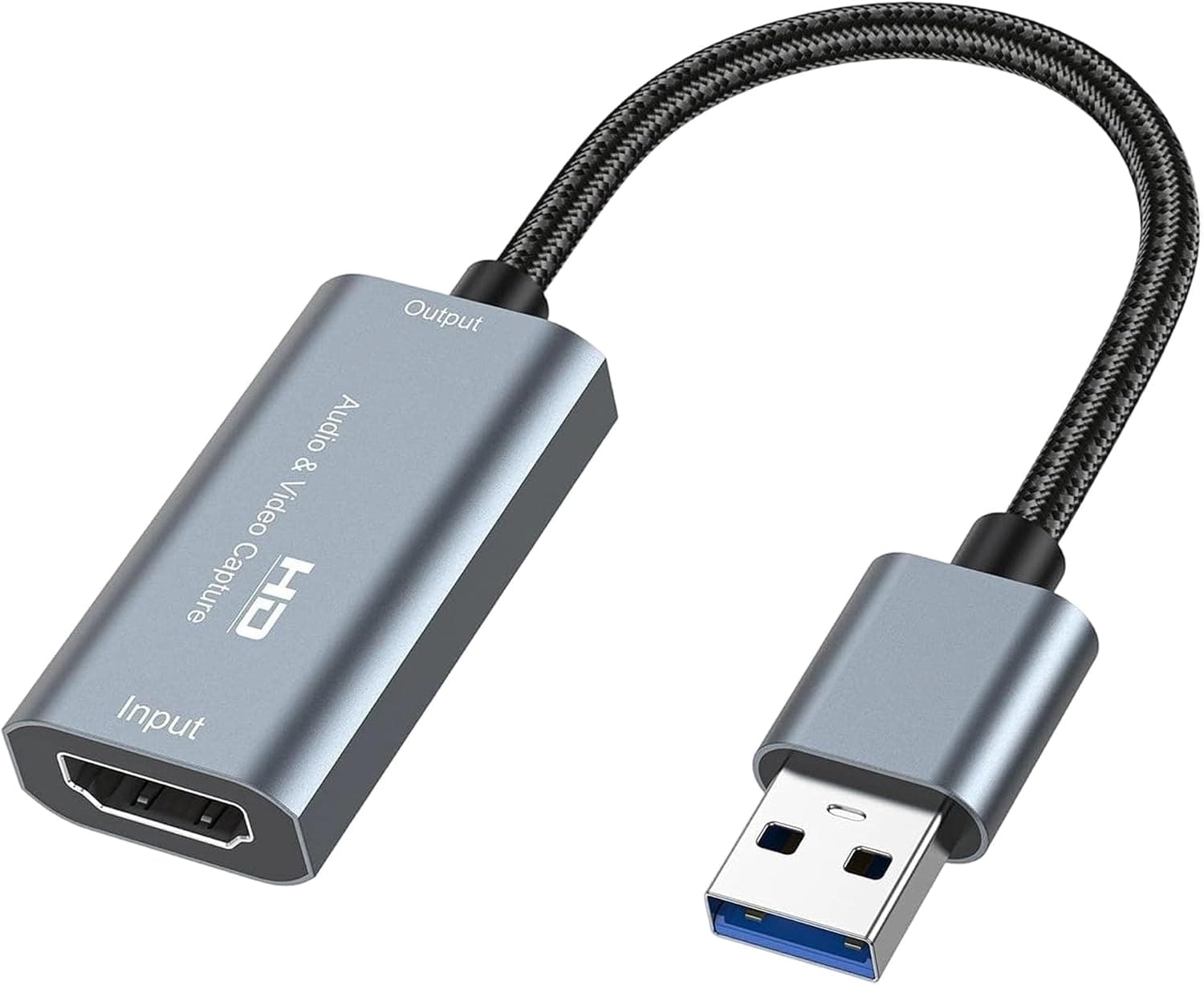
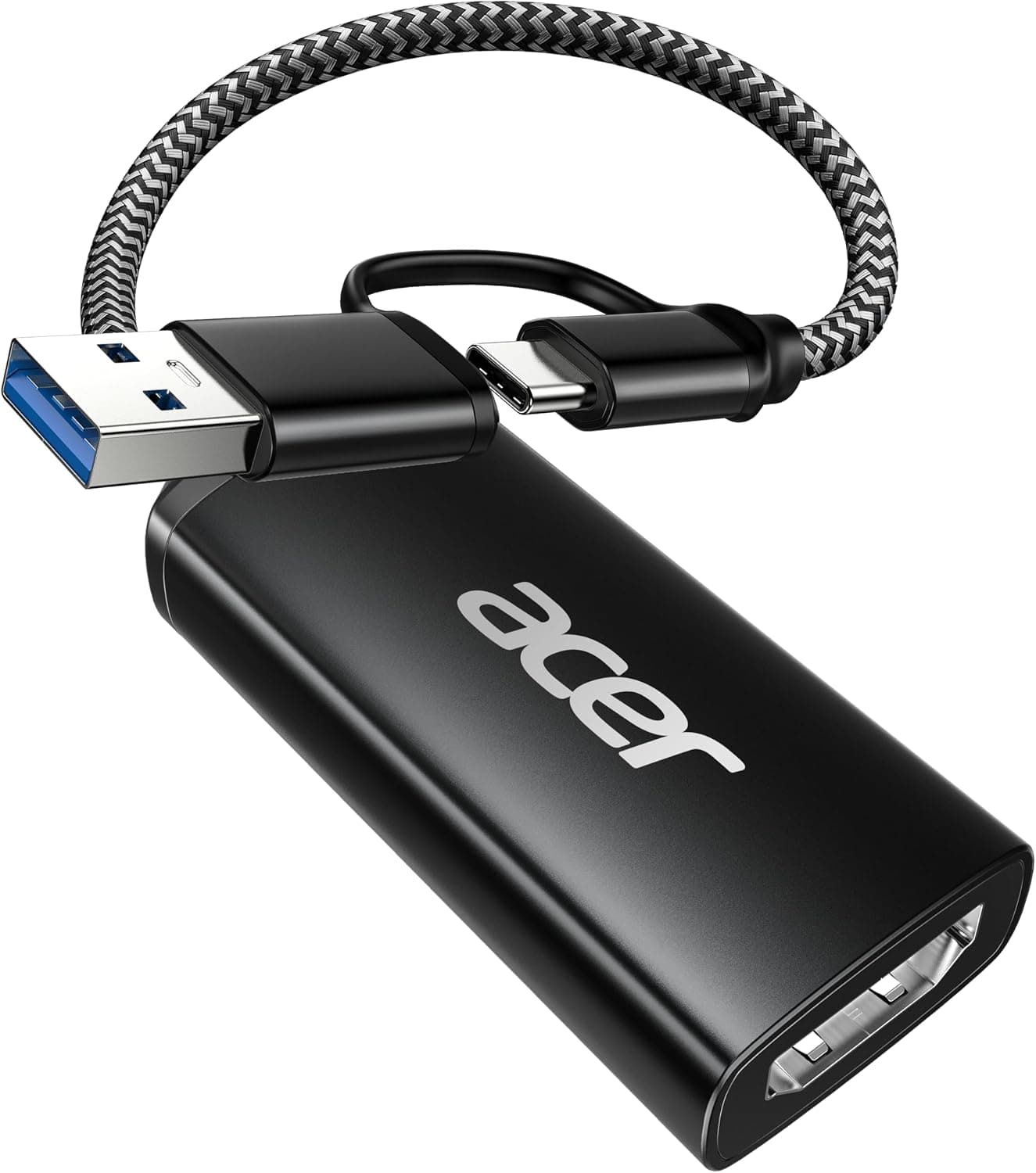
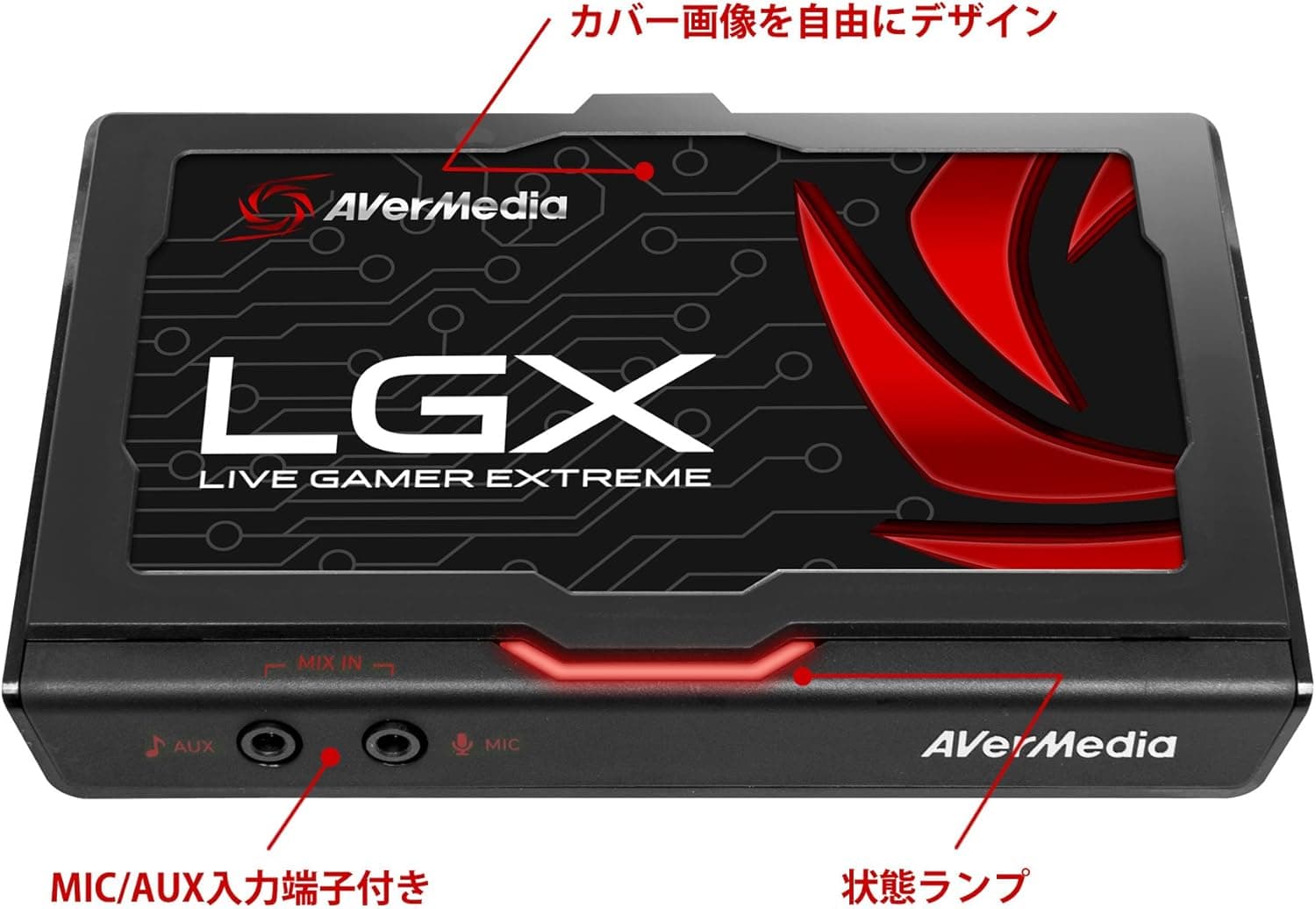
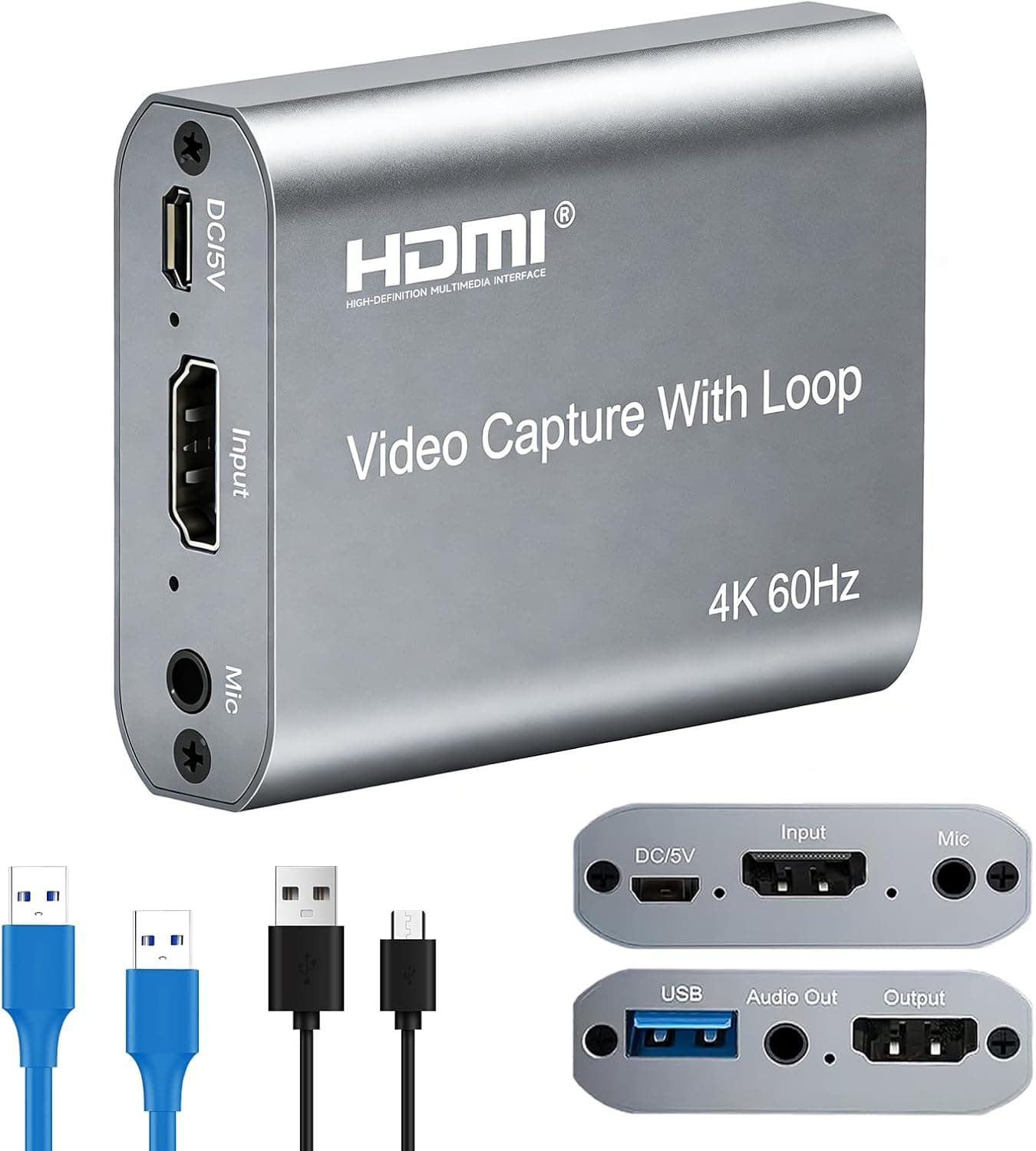
The ORIVISION 4K Capture Card is an HDMI-to-USB 3.0 video capture device designed for game streaming and recording. It accepts up to 4K/60Hz input and captures at 1080p/60fps, making it a solid entry-level choice for console gamers who want to stream on Twitch or YouTube. The built-in HDMI loop-out port lets you play on a TV or monitor with zero latency while the capture runs in the background on your PC. This card is driverless and bus-powered, so there is no need for an external power adapter or complicated setup. It works with OBS Studio, VLC, Amcap, and most UVC-compatible software on Windows, macOS, and even Android devices. If you are looking for an affordable way to start streaming from a Nintendo Switch, PS5, or Xbox, this is a very practical option.
HDMI input (4K/60Hz pass-through) and HDMI loop-out for real-time local display. USB 3.0 Type-A output for PC connection. USB 2.0 is not recommended due to bandwidth limitations. Compatible with Windows, macOS, and Android. No driver installation required. Works with OBS Studio, VLC, Amcap, Discord screen share, and other UVC-based capture software. * Supports Nintendo Switch, PS5, PS4, Xbox Series X/S, Xbox One, PC, and any HDMI source.
The ORIVISION 4K Capture Card is available on for around ¥8,159. It sits firmly in the entry-level to mid-range segment, offering 4K pass-through and 1080p capture at a fraction of the cost of premium brands like Elgato or AVerMedia. The package includes the capture card only; you will need to supply your own HDMI and USB cables. Warranty terms vary by seller, but a 30-day return policy is typical.
Check the retailer's page for the latest price. The plug-and-play nature means you can be live in minutes. Casual content creators: For recording short clips or walkthroughs, the ORIVISION card is more than adequate. It pairs well with OBS for local recording and basic streaming. * Remote teaching or medical imaging: The card can also be used to capture HDMI output from cameras or medical devices for online presentations or telemedicine setups. If you need 4K capture or professional-grade latency and color accuracy, consider stepping up to a higher-end model. But for most home streamers, this is a fantastic value.
Capture resolution is capped at 1080p/60fps. 4K input is only for pass-through to a display, not for recording. USB 3.0 is mandatory. Plugging into a USB 2.0 port will cause dropped frames or no signal. As an imported product, the manual is not in Japanese. However, the device is truly plug-and-play, so most users will not need documentation. HDCP-protected content may block the signal. Disable HDCP on your console or source device if you encounter a black screen.
Q: Can I record in 4K/60fps with this capture card? A: No. The card accepts 4K/60Hz input but only captures at 1080p/60fps. For 4K recording, you need a dedicated 4K capture card. Q: Does it work with Nintendo Switch? A: Yes. Simply connect the Switch dock to the card's HDMI input, then connect the loop-out to your TV. The USB output goes to your PC for capture. Q: What software should I use? A: OBS Studio is the most popular and fully compatible choice. VLC and Amcap also work well for basic recording.
Product Disclosure (Amazon)
- Manufacturer: ORIVISION
- Seller: Amazon US
- Fulfilled by: Amazon US
- ASIN: B0BRN8PB1P
- Note: This article covers a manufacturer-made product based on Amazon listing details.