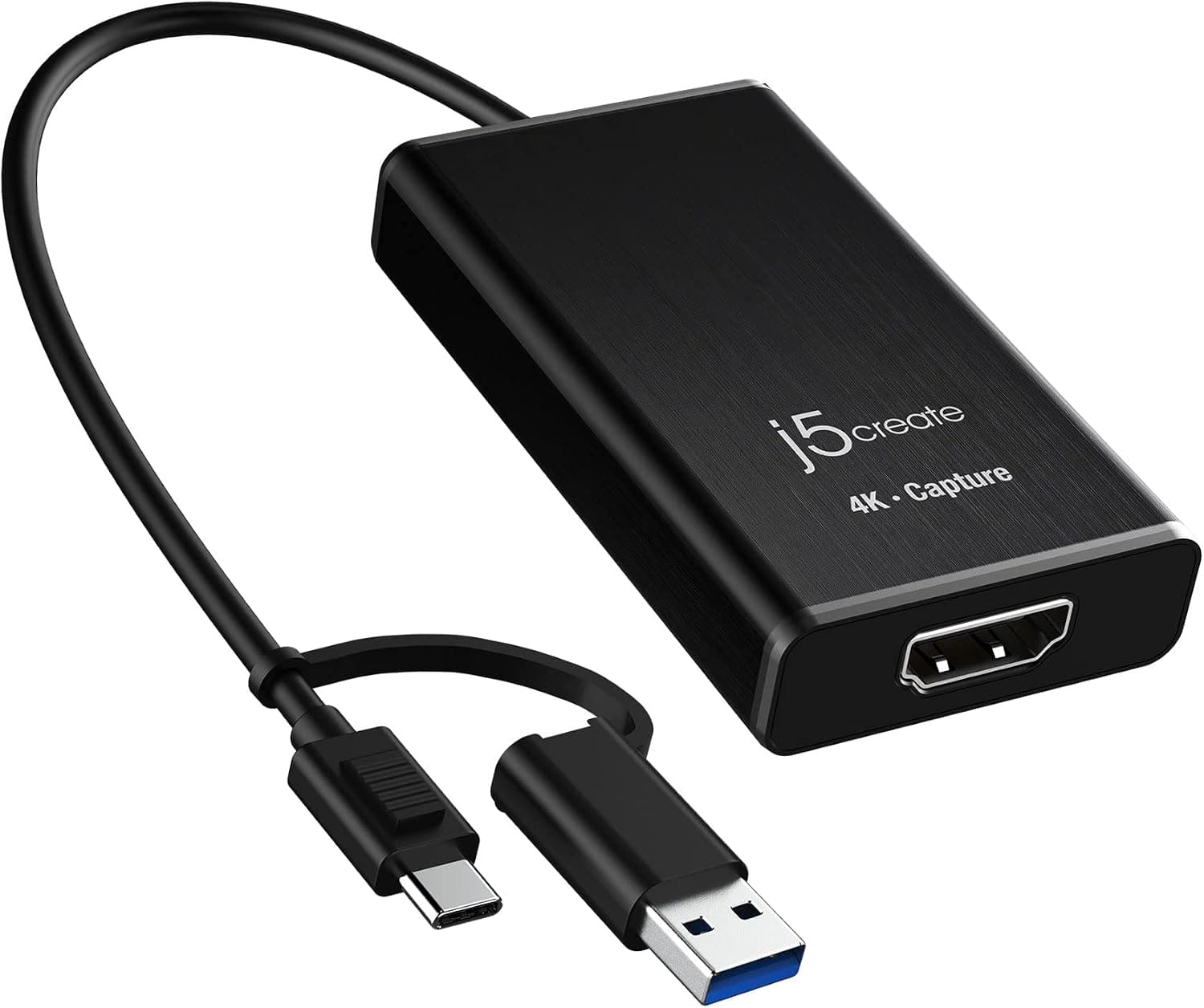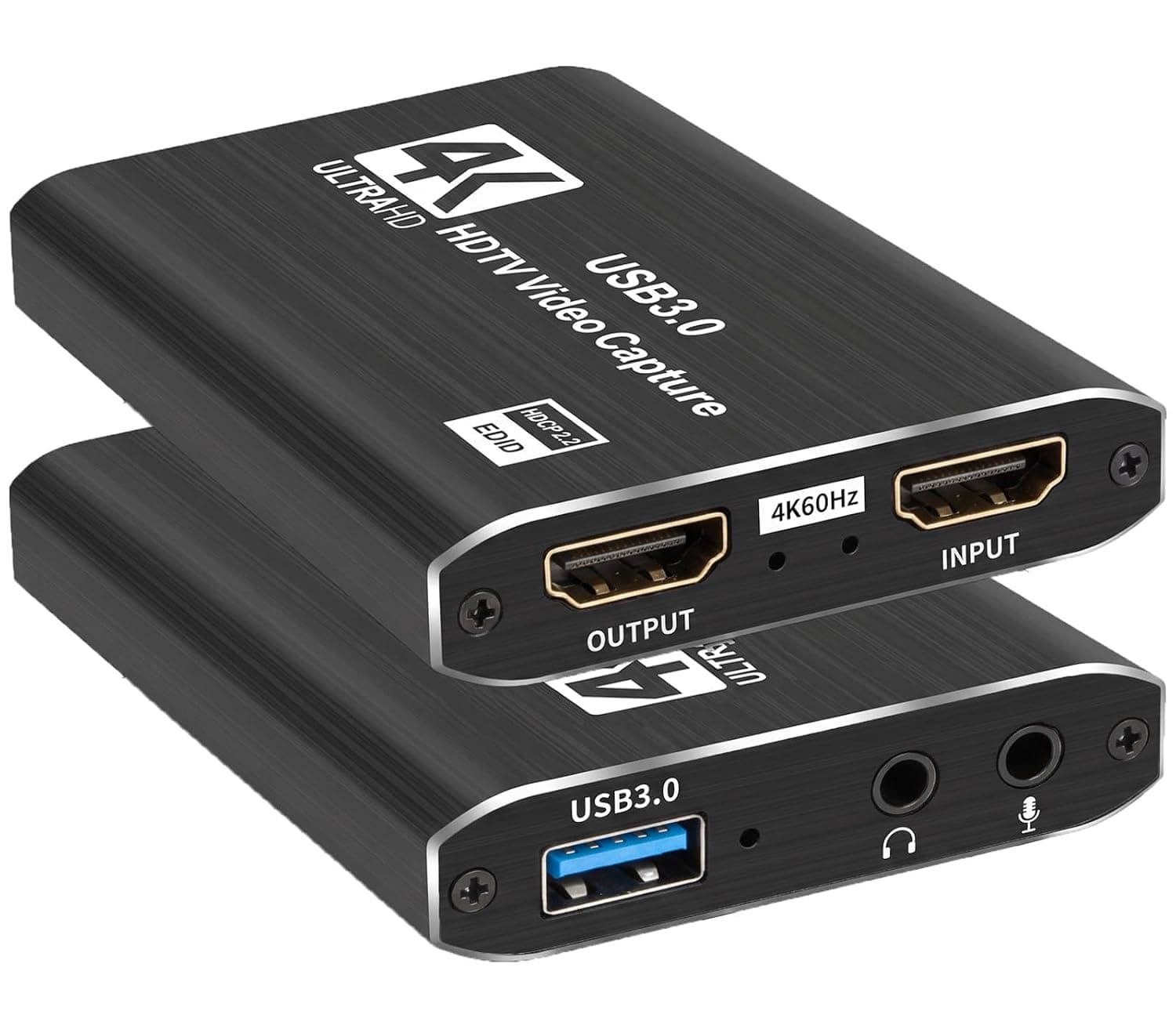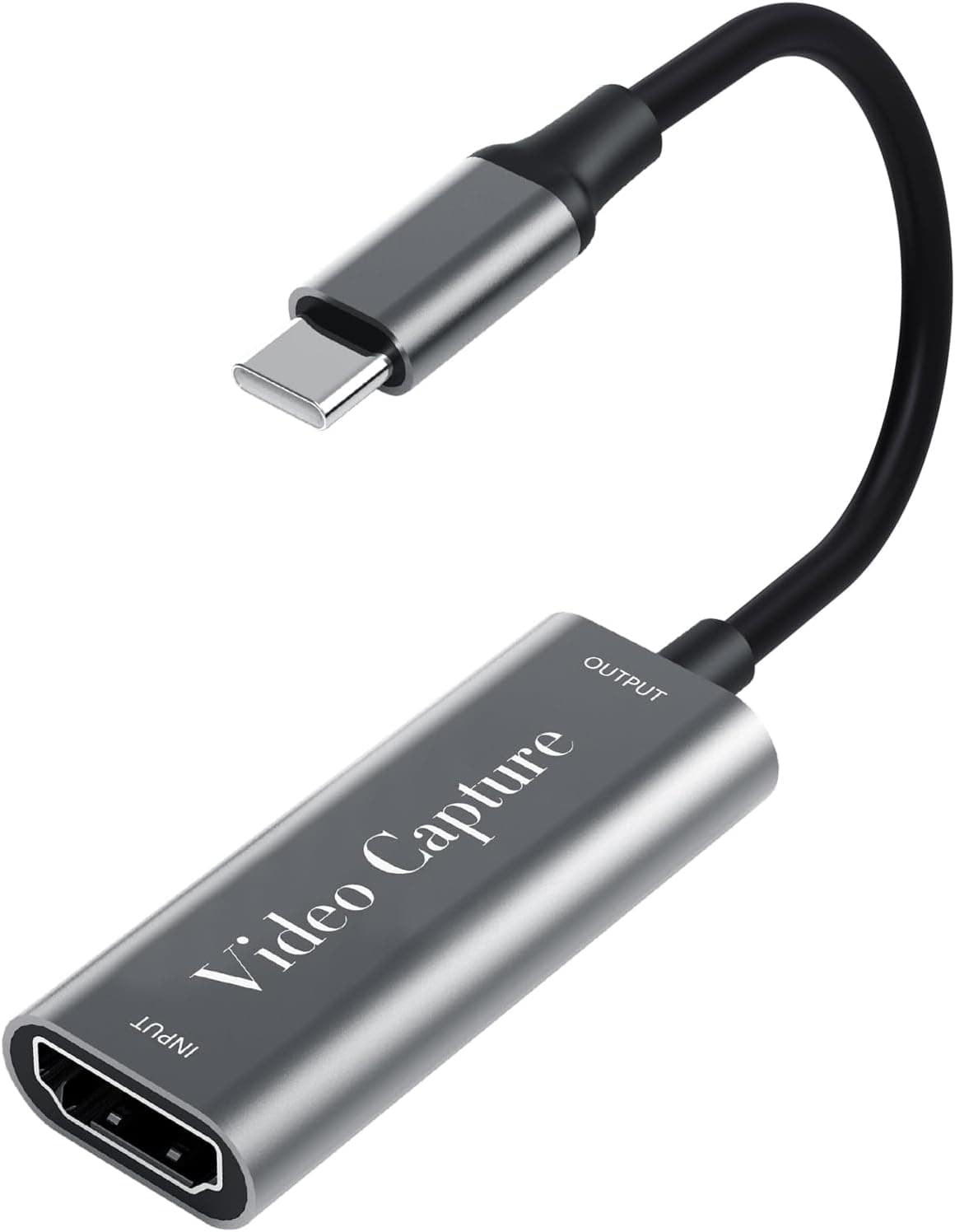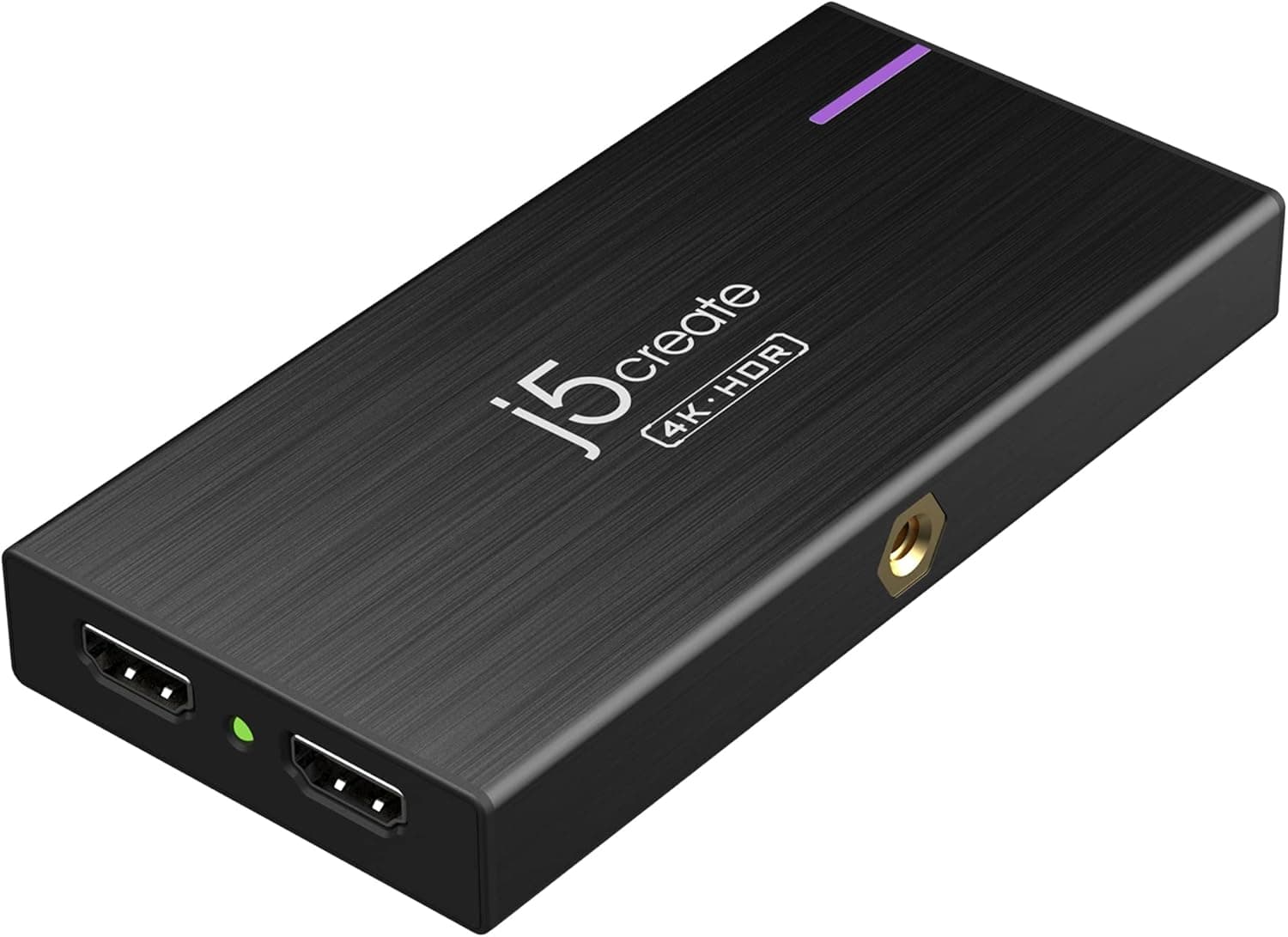
This article takes a closer look at the j5create JVA14 HDMI capture device, using its published specifications along with captured pricing and review data.
Overview
The j5create JVA14 is a USB-C capture device that records at 4K30fps while passing 4K60Hz HDR straight through to your display. The short version: it suits people who want to start recording or streaming from a laptop or phone without downgrading a 4K/HDR gaming setup.
It is not the right pick if you need true 4K60fps recording, and it is overkill if 1080p is enough and price is your priority.
The design philosophy is clear — compromise on the capture side, never on the play side. Passthrough covers 4K60Hz HDR plus 2560×1440@144Hz and 1920×1080@240Hz, so high-refresh monitor owners avoid the classic complaint of dropping to 60Hz the moment a capture box enters the chain.
Up to 60W of USB-C Power Delivery also means a thin laptop can capture and charge over a single cable.
One caveat on social proof: as of June 2026 the Amazon.co.Check the retailer's page for the latest user reviews.
That is a very small sample, so you cannot lean on review volume the way you can with long-established capture brands.
Quick Answer Table
| What you want to do | Does the JVA14 cover it? |
|---|---|
| Play on a 4K60Hz HDR display while streaming | Yes — 4K60Hz HDR passthrough |
| Keep a 144Hz / 240Hz gaming monitor | Yes — 2K144Hz / FHD240Hz passthrough |
| Record at 4K30fps | Yes — up to 3840×2160@30fps |
| Record at 4K60fps | No — capture tops out at 30fps |
| Stream from a single laptop | Yes — up to 60W PD passthrough |
| Use a mirrorless camera as a webcam | Yes — 1 HDMI input, 1/4-inch mount |
| Start cheaply at 1080p | Not ideal — priced above that tier |
As the table shows, the JVA14's value sits in passthrough and power delivery rather than raw capture specs. If you do not need either, a cheaper 1080p dongle will serve you just as well.
Compatibility Guide
The host connection is USB-C 3.2 Gen 1 (USB 3.0 compatible), and supported operating systems are Windows 10/11, macOS (M1/M2/M3), ChromeOS and Android.
Note that macOS requires a driver download from the manufacturer's site, so do not assume plug-and-play UVC behaviour. Mac users should confirm that a driver exists for their macOS version before buying.
Host port choice is where people most often go wrong. Plug directly into a port with full USB 3.0 (5Gbps) bandwidth; USB 2.0 ports and cheap hubs will cost you resolution or cause dropped frames.
As a general rule, uncompressed 4K30 exceeds USB 3.0 bandwidth, so devices in this class rely on compressed formats.
If playback stutters, try switching the output format (MJPEG, NV12) in your capture software before assuming a hardware fault.
There is only one HDMI input, so you cannot feed a console and a camera at the same time. Cable quality is also a frequent bottleneck: use HDMI cables rated to carry 4K60Hz (18Gbps class is the usual guideline) on both the input and passthrough sides.
The box ships with a USB-C to A cable and a quick start guide, so plan on supplying your own HDMI cables.
HDCP applies here as it does to every capture device. A PS5 enables HDCP by default and will show nothing until you disable it in the console settings, and streaming-service playback cannot be captured at all.
Check these before concluding the unit is faulty.
Physically the unit is 134×65×18mm and 380g. That is large and heavy compared with stick-style dongles, so it is not meant to hang off a laptop port.
Instead it offers a cold shoe and a 1/4-inch screw hole, signalling a design intended for tripods, light stands and camera cages.
Product Info
The JVA14 launched around August 2022 in the mid-range capture segment. Key specifications: capture up to 3840×2160@30fps; passthrough up to 3840×2160@60Hz HDR, 2560×1440@144Hz or 1920×1080@240Hz; USB-C 3.2 Gen 1 interface; Power Delivery up to 60W; 134×65×18mm; 380g.
The aluminium chassis helps shed heat over long sessions.
On pricing, Amazon.co.jp listed it at ¥17,980 as captured on 2 June 2026, while the official j5create store on Rakuten showed ¥22,687 as captured on 17 August 2026.
Both figures are point-in-time snapshots and move with sales, stock and exchange rates.Check the retailer's page for the latest price.
User feedback on Amazon.co.
With a sample that small, a handful of reviews can swing the average, so treat the score as weak evidence rather than proof. A one-year manufacturer warranty is stated, though terms can vary by seller — confirm on the listing.
How It Compares
Capture devices split into three tiers: cheap 1080p30–60 USB dongles, mid-range units like the JVA14 with 4K input, 4K30 capture and high-quality passthrough, and high-end gear that records 4K60 or handles HDMI 2.1.
The JVA14 sits squarely in the middle tier, and you buy it to protect your play experience rather than to maximise recording quality.
Against budget 1080p dongles, the difference is almost entirely passthrough. Cheap units often have none, or cap it at 4K30Hz with no HDR, which visibly degrades a 4K60 or high-refresh display while you play.
The JVA14 covers 4K60Hz HDR, 2K144Hz and FHD240Hz, and the price premium is essentially payment for that one capability.
Against internal PCIe cards and high-end externals, the 4K30fps capture ceiling is the JVA14's weakness. If you need 4K60fps archives or 4K120Hz HDMI 2.1 passthrough, this is not the device.
A desktop user with a free PCIe slot may also get better stability and bandwidth from an internal card. The JVA14's real advantage is portability: it works with Macs and Android devices and carries power over the same cable.
Setup Notes and Practical Tips
Setup is straightforward — HDMI out from your source into the JVA14, USB-C to the host, passthrough out to the monitor. On Windows it appears as a Video Capture Device source in OBS Studio; on macOS, install the driver first.
When nothing appears, work through this order: (1) is HDCP enabled on the source, (2) are you in a real USB 3.0 port, (3) is the HDMI cable rated for 4K60Hz.
In your streaming software, resist the urge to keep everything at 4K. Capturing at 4K30 and downscaling to 1080p is good for image quality but raises encoder load.
Given typical platform bitrate ceilings, capturing and streaming at 1440p or 1080p is the more robust choice for most people. Save the full 4K30 mode for local recording and editing footage.
The 60W PD passthrough genuinely helps mobile streaming, but 60W is a maximum, not a guarantee — a power-hungry gaming laptop may still drain slowly under load. Plan your session length accordingly.
Best Use Cases
First, console streamers on 4K60Hz or high-refresh monitors who want to record Switch or PS5 gameplay. Because passthrough quality is preserved, you avoid the biggest frustration of going live: watching your own play experience get worse.
The 4K30fps capture ceiling is rarely a practical limit given streaming platform bandwidth.
Second, creators using a mirrorless or DSLR camera as a high-quality webcam for online classes, webinars or calls. The cold shoe and 1/4-inch thread let you mount it directly to a rig or tripod instead of leaving it loose on the desk.
Third, anyone without a desktop PC. If a PCIe card is not an option, having capture and charging on one USB-C cable narrows the field considerably, and the unit travels well for shoots at other locations.
Things to Check Before Buying
The biggest pitfall is that recording tops out at 4K30fps. The "4K60Hz" figure refers to passthrough only; you cannot archive 4K60fps footage.
Plenty of buyers misread the product name and assume otherwise, so separate the two specs clearly. If 4K60fps recording is a requirement, remove this device from your shortlist.
Second, there is a single HDMI input. Alternating between a console and a camera means swapping cables or adding an HDMI selector.
It is not designed for multi-camera production.
Third, size and weight get overlooked. At 134×65×18mm and 380g this is equipment you place on a desk or rig, not a dongle you leave plugged into a laptop.
Leave slack in your cable routing.
Fourth, the macOS driver requirement is a real constraint. Unlike driverless UVC devices, it may need re-verification after an OS update.
For professional use, test on your production machine well before the event.
co.jp and Rakuten official-store listings (captured June and August 2026 respectively).
Every price in this article is a snapshot, so confirm the current figure yourself.
Finally, a note on listing metadata. Even for this product, the seller label and the actual listing's currency/region did not fully line up.
Capture-device listings sometimes carry manufacturer names, model numbers or accessory details belonging to a different product entirely. Before ordering, confirm that the product images, title and model number (JVA14) all match what you intend to buy.
FAQ
Q. Can it record at 4K60fps?
A. No. Capture is limited to 3840×2160@30fps. The 4K60Hz HDR figure applies to the passthrough output.
Q. My PS5 shows no picture. Why? A.
Disable HDCP in the PS5 settings first. Then confirm you are in a USB 3.0 or faster port and that your HDMI cable can carry 4K60Hz.
Q. Does it work on a Mac out of the box? A.
It supports M1/M2/M3 Macs, but a driver download from the manufacturer is required. Check driver availability for your macOS version before buying.
Q. Will my 144Hz monitor drop to 60Hz?
A. No, passthrough supports 2560×1440@144Hz and 1920×1080@240Hz. It cannot pass 144Hz at 4K.
Q. Can it charge my laptop at the same time? A.
Yes, via up to 60W Power Delivery passthrough. Note that 60W is the maximum and may not keep up with a high-draw gaming laptop.
Q. How much does it cost? A.
¥17,980 on Amazon.co.jp as of June 2026 and ¥22,687 at the official Rakuten store as of August 2026.
Both are captured snapshots and may have changed.