The UGREEN NASync DXP4800 Pro is a diskless 4-bay desktop NAS you populate yourself. This article works through the published specs, captured pricing, and review data to answer the two questions buyers actually have: what it does well, and where you have to compromise.
Overview
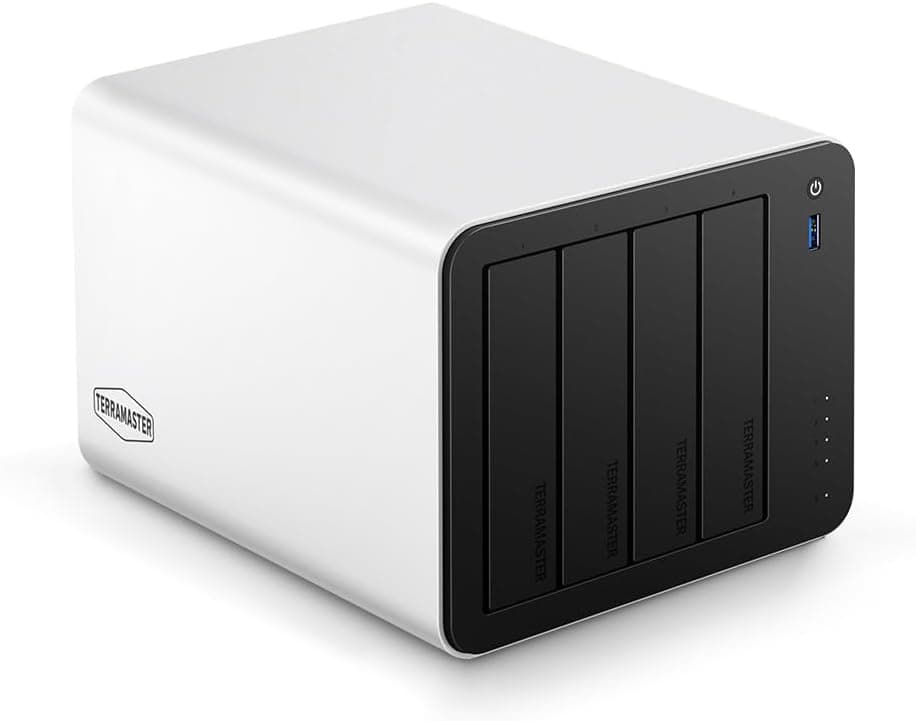
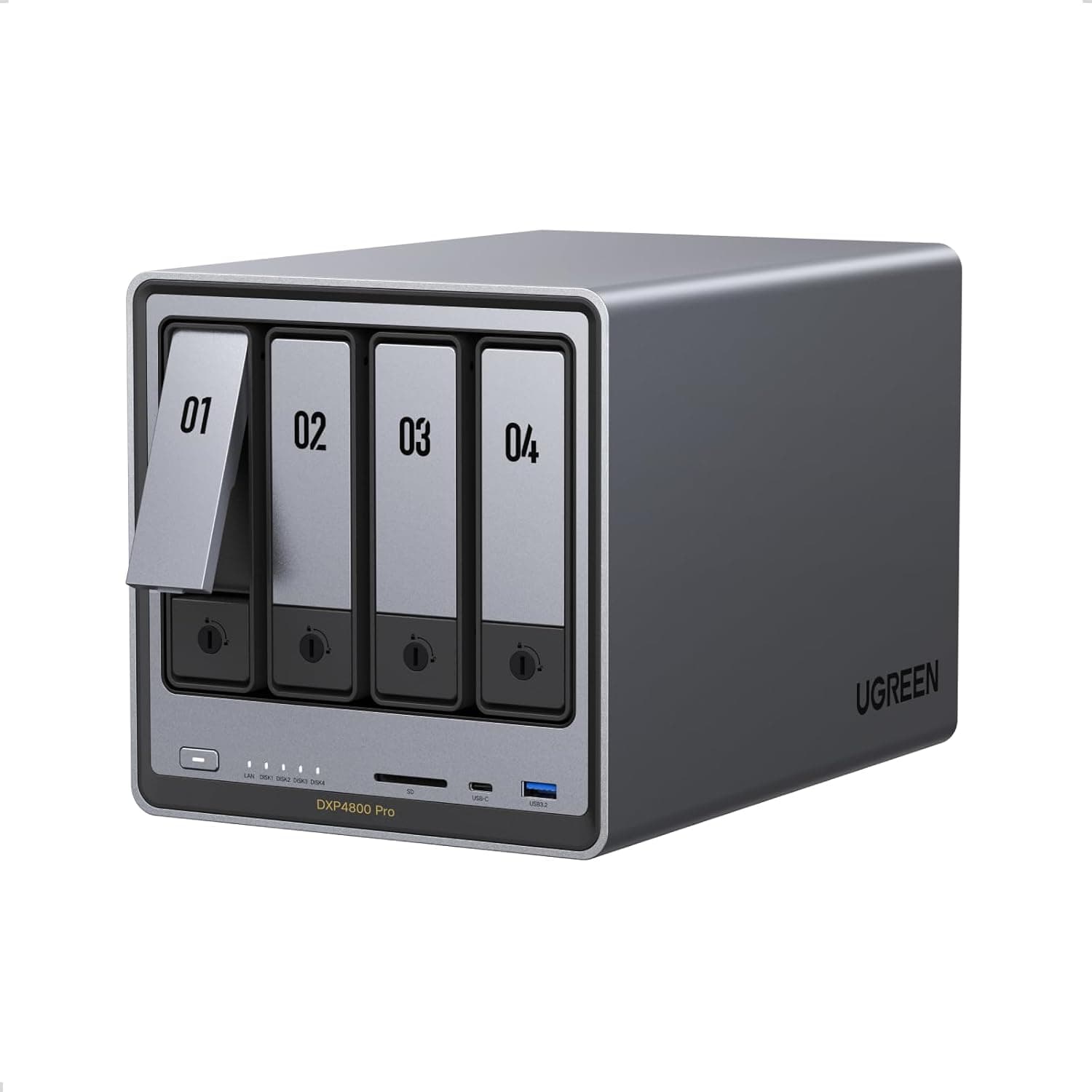
The DXP4800 Pro holds up to four 3.5-inch SATA drives, ships with 8GB of RAM, supports up to 144TB of raw capacity (four 36TB drives), and carries multiple 2.5GbE network ports.
The chassis is a subdued gray design with dust resistance in mind.
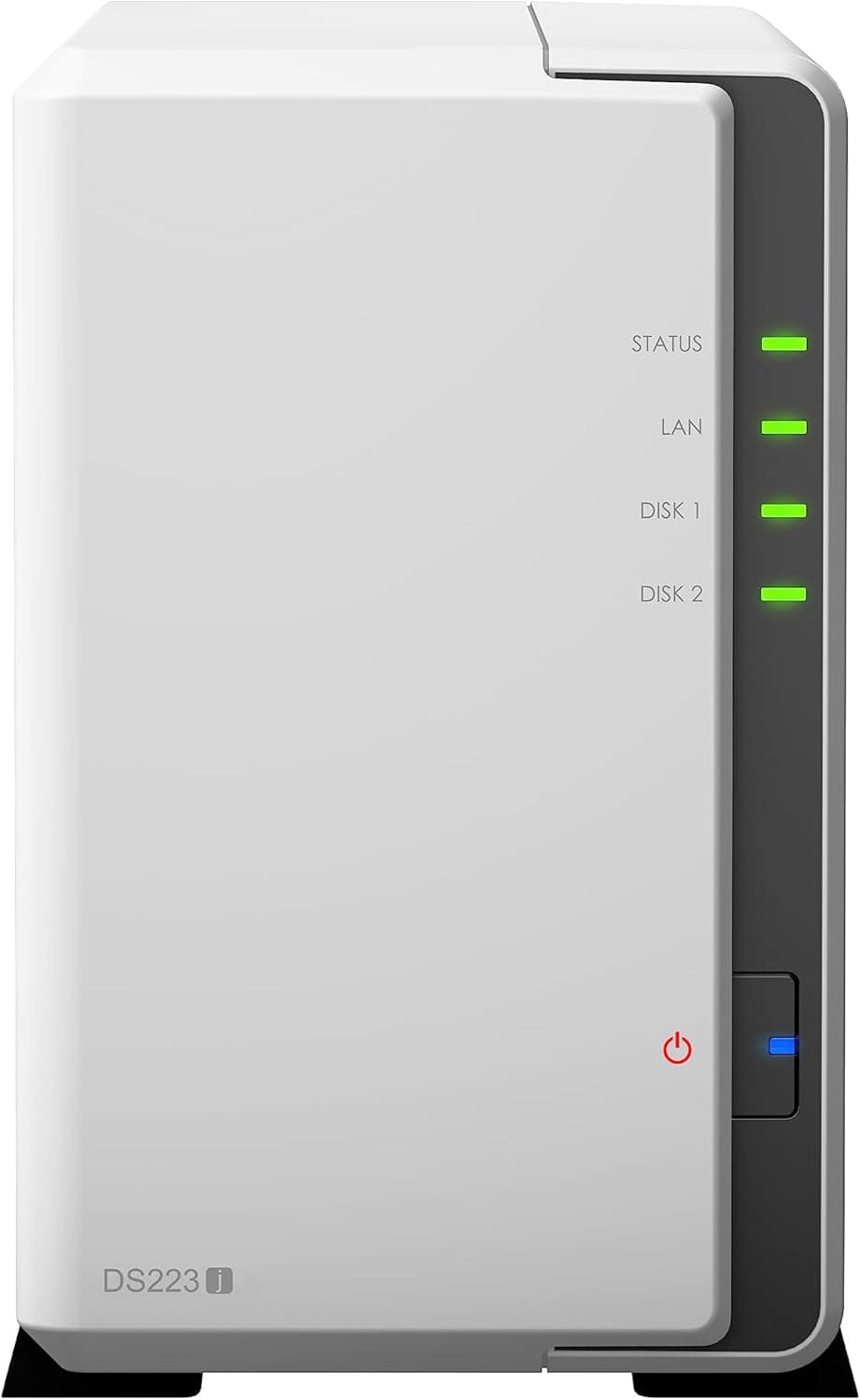
It sits in the upper-mid tier. Compared with 2-bay entry units — the Synology DS223j or DS220+ class — you get RAID redundancy across four bays, faster networking, and generous memory from day one.
What you do not get is enterprise kit: no 10GbE, no ECC memory, no redundant power supply. Think consolidated home photo and video storage, or a file server for a handful of office users.
On Amazon.co.jp it holds 4.2 out of 5 stars from 184 reviews (84% positive) as of June 2026.
That is a modest review count for a NAS, a class of device whose real character only shows after a few years of service — worth keeping in mind alongside the caveats below.
Compatibility Guide
The critical prerequisite: this is a diskless unit. It stores nothing on its own.
Buy 3.5-inch SATA HDDs or SSDs separately, ideally several identical drives at once.
Overlooking this is the single most common NAS purchase mistake.
| Spec | Value | What it means in practice |
|---|---|---|
| Bays | 4 | RAID 5 survives one drive failure |
| Standard RAM | 8GB | Ample unless you run many VMs or containers |
| Drive interface | SATA | Standard NAS-rated HDDs drop straight in |
| Max storage | 144TB | Theoretical, assuming four 36TB drives |
| Networking | 2.5GbE (multiple) | Requires a matching switch and client NIC |
That 144TB figure is raw, not usable. Four 12TB drives in RAID 5 give roughly 36TB usable; RAID 6 or a pair of mirrors lands nearer 24TB.
Add filesystem overhead and the free space you should keep in reserve — many units slow down past about 80% full — and the practical figure drops further. Size your drives backwards from your real capacity need, not from the headline number.
Networking hides a similar trap. Having 2.5GbE ports means nothing if your switch and client PC are still 1GbE; you will link at 1GbE.
Getting the faster speed means budgeting for a multi-gig switch and a 2.5GbE NIC or USB adapter on the client side.
Cat5e cabling is generally fine, but verify the negotiated link speed if you are reusing old in-wall runs.
Memory is listed as a DDR5-family module, but slot count and upgrade ceiling should be confirmed on the product page — this article will not assume upgradeability it cannot verify. For file sharing, backup, and media serving, 8GB is comfortable as shipped.
Any SATA drive will physically fit, but NAS-rated drives — built for vibration tolerance and appropriate error recovery timing — are strongly recommended. Four desktop drives packed together generate vibration and heat that shorten their lives.
Product Info
Pricing has moved substantially between captures. On Amazon.co.jp it was ¥168,824 as captured on 27 August 2026, while the same listing showed ¥217,722 as captured on 5 June 2026 — a roughly ¥50,000 swing.
An overseas marketplace listing showed $1,089.99 as captured on 14 July 2026, though grey-import purchases may carry different warranty and support terms.
All of these are point-in-time figures, not today's price. Check the live listing before you buy.
And remember the four drives are a separate line item — depending on capacity, they can cost as much as the enclosure itself.
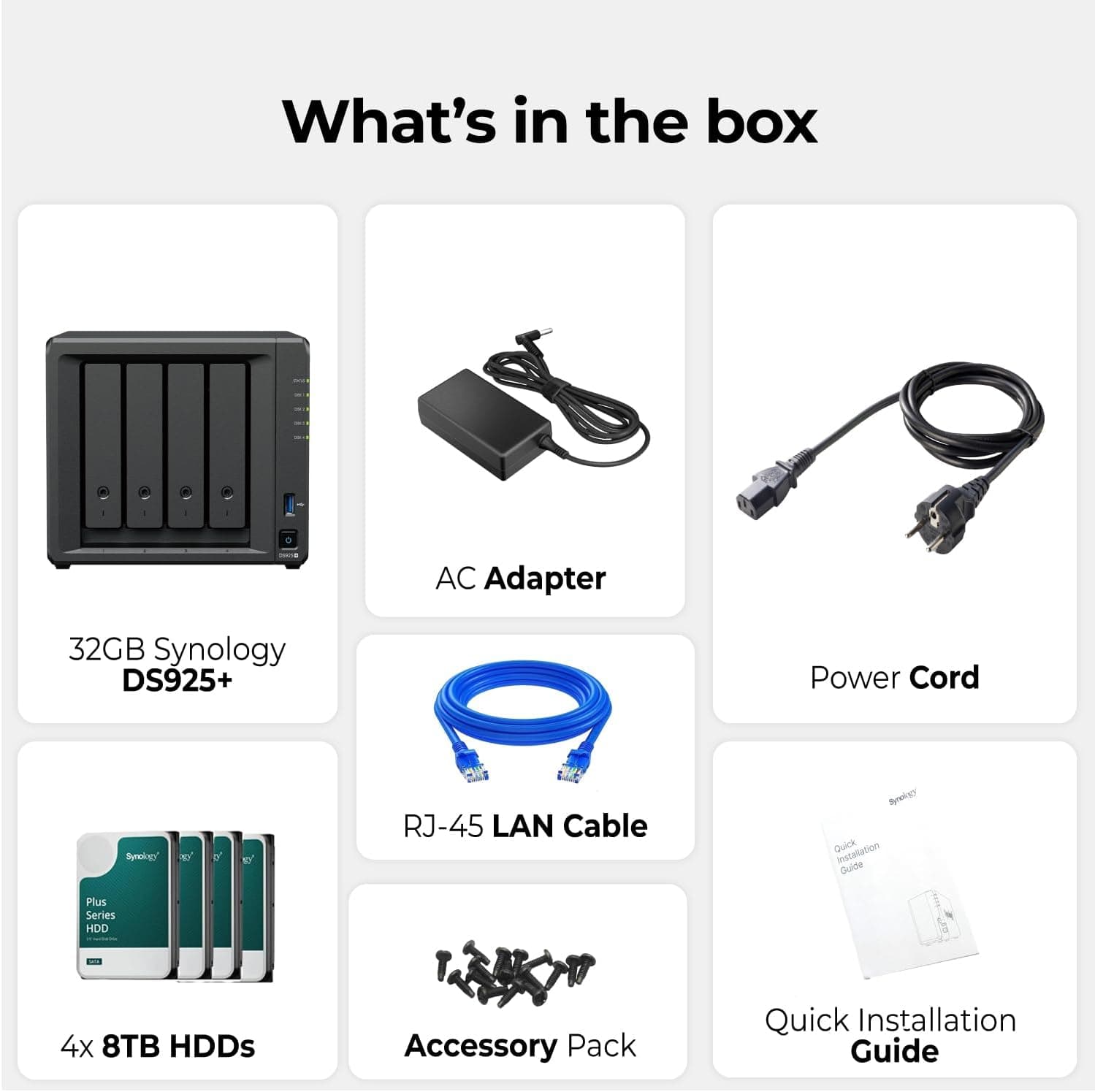
The box includes a power adapter, LAN cable, and quick-start guide. Warranty follows UGREEN's standard policy; support channels can differ between domestic and parallel-import stock, so the seller listing is worth reading.
Competitive Comparison
The 4-bay segment is crowded with Synology and QNAP units. On paper, UGREEN often looks generous at a given price — 8GB of RAM and 2.5GbE as standard clearly outclasses the 1GbE, 1–2GB entry 2-bay units.
But a NAS is defined at least as much by its OS ecosystem and long-term security updates as by its hardware. The established vendors have a decade-plus track record of shipping OS updates, plus a deep bench of third-party integrations and community troubleshooting.
UGREEN is newer to this category and is still building that record. Choosing between spec-sheet value and operational reassurance is the real decision here.
Expansion differs too. Synology offers dedicated expansion units to add physical bays; treat this machine as a self-contained 4-bay box.
If you expect to grow to 8 or 10 bays later, buying into an expandable line from the start is cheaper overall.
Real-World Usage
The typical home setup: fill three or four bays with identical NAS drives, run RAID 5 or 6, consolidate photos, video, and documents, and point PC and phone backups at it. The 2.5GbE link earns its keep when you move tens of gigabytes at a time; with large batches of small files the drives become the bottleneck and the speed gain is far less noticeable than the spec suggests.
As a media server, direct play over adequate bandwidth is straightforward. Transcoding is where requirements vary widely, depending on client codec support and how many simultaneous streams you need.
If 4K transcoding is your main goal, look for reports covering your specific file formats before buying.
Four spinning drives make noise and heat. Avoid bedrooms and quiet desks; a ventilated shelf or rack is the better home.
Best Use Cases
- Home users with several TB of photos and video — moving from a pile of external drives to consolidated, redundant storage with phone access.
- Small offices needing a shared file server — multi-user shares, permissions, and a backup target, with 2.5GbE paying off where large files move daily.
- Upgraders from a 2-bay NAS — you have outgrown capacity and want RAID 5-class redundancy; four bays and 8GB is a natural next step.
- Anyone implementing the 3-2-1 backup rule — the NAS as the on-site second copy, with cloud as the off-site third.
Things to Consider
Before Buying
Drives are not included. Four drives can cost as much as the enclosure. Budget for the total system, not the headline price.
RAID is not a backup. This misunderstanding is widespread and expensive.
RAID protects against drive hardware failure and nothing else — not accidental deletion, ransomware, fire, flood, or theft. Plan a second copy to an external drive or cloud from day one.
A second drive failing during a RAID 5 rebuild is a real and well-documented way to lose everything.
2.5GbE requires supporting gear. Without a multi-gig switch and a capable client NIC you stay at 1GbE, and the upgrade feels like nothing changed.
Pricing swings hard. Our two captures differed by nearly ¥50,000. If you are not in a hurry, watch the price for a while.
Who should skip it: anyone storing only 1–2TB with no growth ahead (a 2-bay unit or an external drive plus cloud is cheaper and simpler); anyone unwilling to do ongoing maintenance (drive health checks, OS updates, backup verification never stop); enterprises that require ECC memory, 10GbE, or a service contract; and anyone who weights a vendor's decade-long OS update record heavily — that is a fair reason to choose differently.
A note on listing metadata. Retail listings are populated automatically and sometimes disagree with the actual product.
In the data behind this article, one price entry denominated in Japanese yen was labeled "Amazon US." Verify the currency, the seller, and the product images and title on the page before ordering.
FAQ
Q. Which drives should I buy? A.
NAS-rated 3.5-inch SATA HDDs, bought as a matched set of identical capacity.
In a RAID array, mismatched drives are limited to the smallest one, so mixing wastes capacity.
Q. Does 144TB mean I can store 144TB? A.
No. That is the raw total with four large drives.
RAID takes a share for redundancy — roughly three quarters of raw for RAID 5, about half for RAID 6.
Q. Can I add drives later? A.
If bays are free, yes — but whether they join the existing array depends on your RAID type and the NAS software. Decide your target layout before the initial build.
Q. Will it work on a 1GbE home network? A.
Yes, but transfers are capped at 1GbE. The switch and client PC must also support 2.5GbE to see the faster speed.
Q. Is it noisy or power-hungry? A.
Four active HDDs are never silent. Place it somewhere ventilated and away from sleeping areas.
Power draw depends heavily on the drives you install.
Q. Should I get a 2-bay instead? A.
If your data exceeds a few TB and keeps growing, four bays is the sensible choice. If you top out around 1–2TB, a 2-bay unit costs less in both enclosure and drives.
Product Disclosure (Amazon)
- Manufacturer: UGREEN
- Seller: Takumido
- Fulfilled by: Takumido
- ASIN: B0G1C1YNN8
- Note: This article covers a manufacturer-made product based on Amazon listing details.