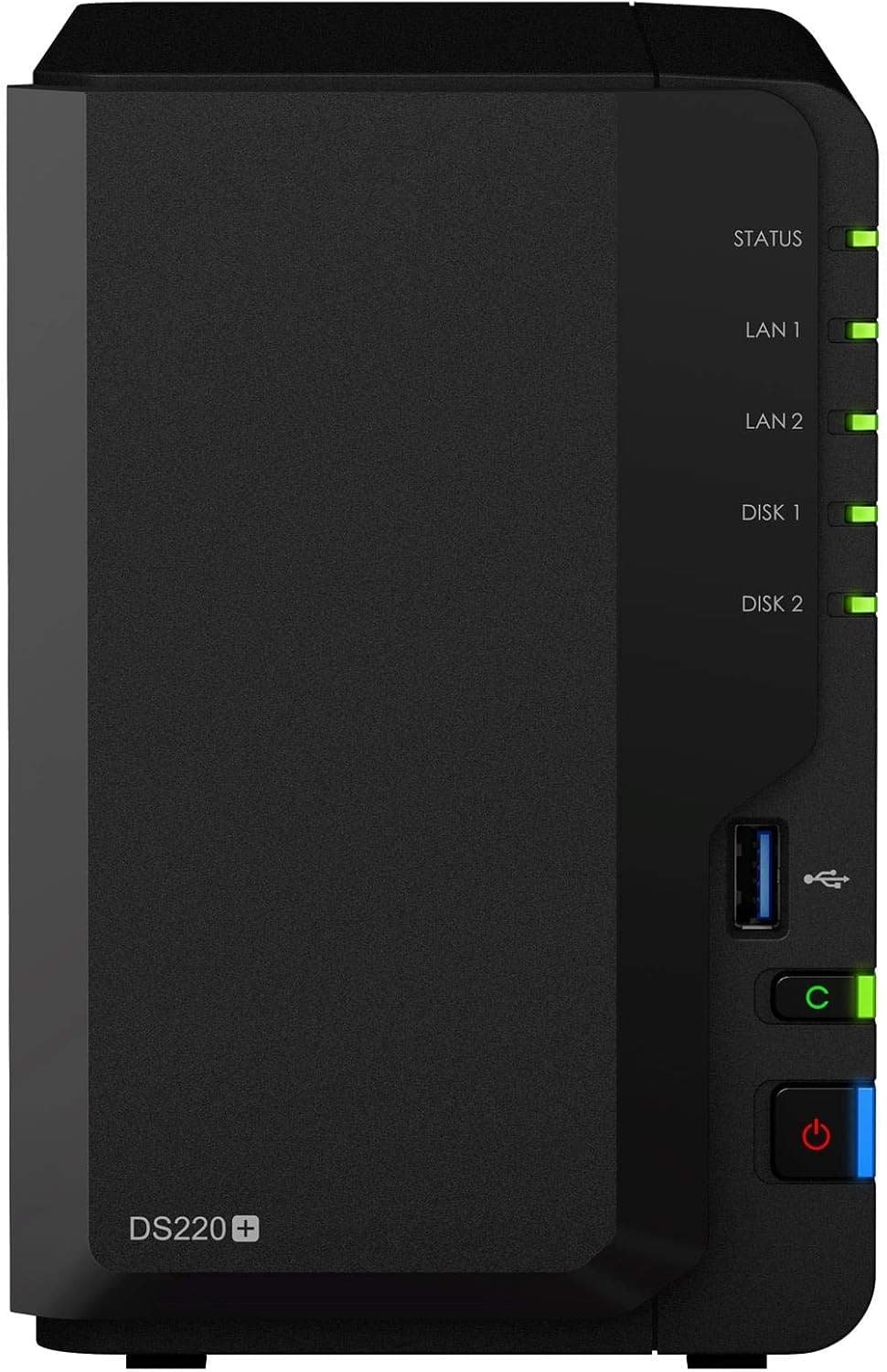
This article covers Synology NASキット 2ベイ DS220+ デュアルコアCPU 2GBメモリ搭載 スタンダードユーザー向け 国内正規代理店品 電話サポート対応品 DiskStation.
Overview
The Synology DiskStation DS220+ is a 2-bay desktop NAS designed for home and small office users. It packs a dual-core CPU and 2GB of RAM, making it capable of photo indexing, video streaming, and file sharing without breaking a sweat. It's a solid choice for anyone looking to centralize their data and enjoy media on multiple devices. With two 1GbE LAN ports that support link aggregation and failover, the DS220+ delivers sequential read speeds over 225 MB/s. RAID 1 mirroring provides data redundancy, so you can sleep easy knowing a single drive failure won't wipe out your files.
Connectivity & Compatibility
Drive bays: 2× 3.5-inch or 2.5-inch SATA HDD/SSD (hot-swappable) Network: 2× Gigabit Ethernet (RJ-45) with link aggregation and failover USB: 2× USB 3.0 ports (one front, one rear) Supported OS: Windows, macOS, Linux, iOS, Android * File system: ext4, Btrfs
Product Info
The DS220+ was released in May 2020 and sits in the entry-to-mid-range NAS category. The original MSRP was around $300, but current pricing on Japan is about ¥65,000. It comes with a 2-year warranty (for official Japanese distributor units). In the box you get the power adapter, a LAN cable, and a quick start guide. Market positioning: It's the go-to model for home users who want reliable data management and media streaming without breaking the bank. Synology's DSM operating system offers a rich ecosystem of apps (Moments, Video Station, Audio Station, Drive) that make it easy to use.
Best Use Cases
- Family photo backup and sharing Use Moments to automatically back up photos from everyone's phones and access them from anywhere. Great for families who want to preserve memories. But if you have a huge collection of raw photos, consider a 4-bay model for more storage. 2. Home media server Stream movies and TV shows to your TV, tablet, or phone via Video Station or Plex. Supports Apple TV, Chromecast, and more. However, heavy 4K transcoding may push the CPU; the DS720+ with a faster CPU would be better for that. 3. Personal cloud and file sync Synology Drive lets you sync files across devices, replacing services like Dropbox. Ideal for remote workers who need to access documents from home and office. If you need to sync terabytes of data, the DS220+ might be a bottleneck. 4. Easy entry into NAS for beginners DSM's intuitive interface makes setup a breeze. If you're new to NAS, this is a great starting point. Advanced users who want Docker, VMs, or more expansion bays should look at the DS420+ or DS720+.
Product Disclosure (Amazon)
- Manufacturer: Synology
- ASIN: B087ZCBWFH
- Note: This article covers a manufacturer-made product based on Amazon listing details.
![DS218 [DiskStation 2ベイ NAS クアッドコアCPU 2GBメモリ SATA対応]](/_next/image?url=https%3A%2F%2Fm.media-amazon.com%2Fimages%2FI%2F51zAM3rUO8L._AC_SX300_SY300_QL70_ML2_.jpg&w=1920&q=75)
