Overview
The Synology DS218 is a 2-bay NAS for homes and small offices, built around a quad-core Realtek RTD1296 at 1.4GHz with 2GB of DDR4.
The honest framing is this: you do not buy the DS218 for speed. You buy it to run DSM (DiskStation Manager) quietly, around the clock, in a box that draws almost nothing.
Photo and video backup, household file sharing, an automatic PC backup target, a light media server — that is the target. Virtualization and heavy concurrent access are not.
The numbers make the character clear. Typical power draw is 17.4W and the rated noise level is 19.4 dB(A).
At 17.4W, leaving it on 24/7 costs very little.
At 19.4 dB(A), the chassis fan is usually quieter than the drives you put in it.
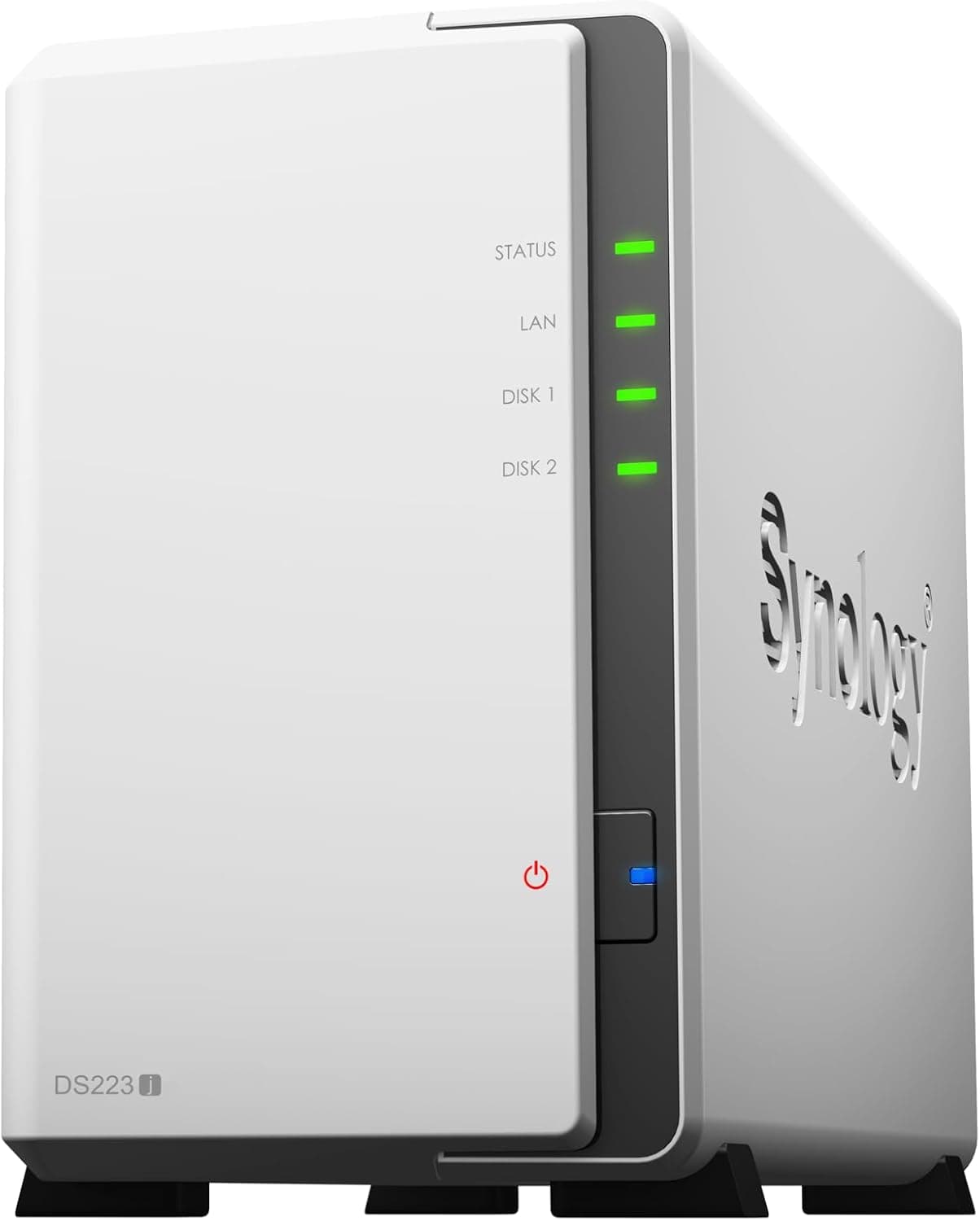
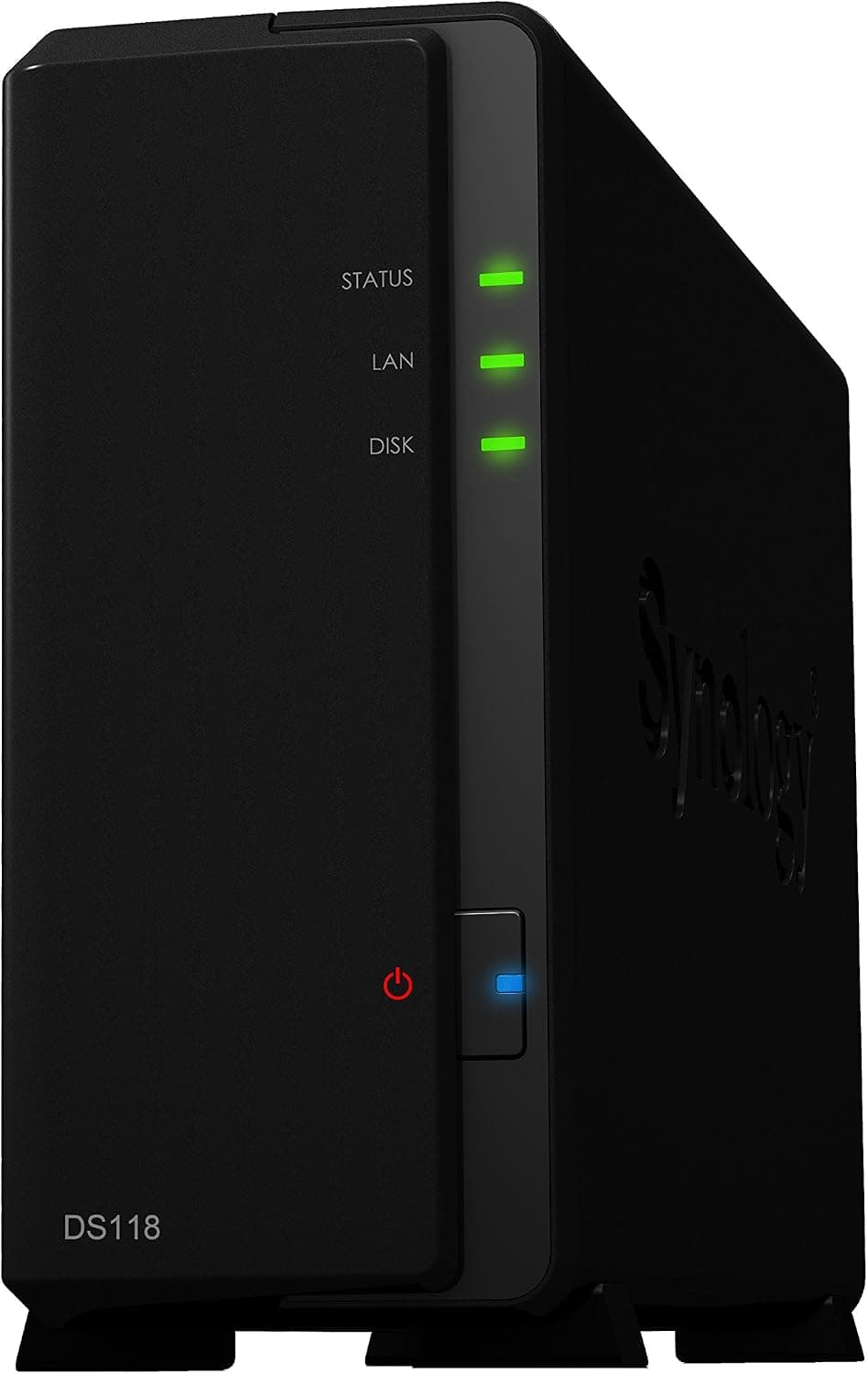
The unit measures 165 x 108 x 232 mm and weighs 1.3 kg without drives, so it fits behind a TV stand or next to a router.
Most of that goodwill is best read as praise for DSM and long-term reliability rather than for raw hardware.
Compatibility Guide
The two bays take 3.5-inch or 2.5-inch SATA HDDs or SSDs, up to 16TB each and 32TB total.
RAID 0, RAID 1, JBOD, and Basic are supported. On a 2-bay unit the realistic choices are RAID 1 (survives one drive failure, half the usable capacity) or Basic/JBOD (capacity first, no redundancy).
Networking is a single Gigabit Ethernet port, and that is the real performance ceiling. 1GbE tops out at roughly 125MB/s in theory and about 100–110MB/s in practice.
An SSD will not change that number. For most buyers, NAS-rated hard drives give far better value per terabyte, and a modern HDD can already saturate 1GbE on sequential transfers.
There is one front USB 3.0 port, useful for attaching an external drive as a second backup copy.
Remember that RAID is not backup — plan for a USB copy or cloud sync separately. Windows, macOS, and Linux clients all connect over SMB, and mobile access is handled by Synology's apps, with QuickConnect for remote access.
Synology publishes per-model drive compatibility lists. The DS218 belongs to a generation that accepts common SATA drives broadly, but it is still worth checking the product page for your intended capacity, and confirming current DSM version support before you buy.
Product Info
| Item | Value |
|---|---|
| CPU | Realtek RTD1296 quad-core 1.4GHz |
| Memory | 2GB DDR4 |
| Bays | 2x 3.5/2.5-inch SATA |
| Max capacity | 32TB (16TB x 2) |
| Network | Gigabit Ethernet x1 |
| USB | USB 3.0 x1 (front) |
| Size / weight | 165 x 108 x 232 mm / 1.3 kg |
| Power | 17.4W (typical) |
| Noise | 19.4 dB(A) |
The two rows that decide everything are 2GB of memory and one 1GbE port. 2GB is fine for DSM's core services and file sharing, but thin for several always-on Docker containers or many simultaneous users.
1GbE fixes your transfer ceiling. Accept both and the DS218 makes sense; need either lifted and it does not.
On price: as captured on 27 August 2026, the Amazon.co.jp listing showed ¥91,800 — clearly steep for an entry-to-mid 2-bay NAS from 2017.
The listing is fulfilled by a third-party seller rather than the manufacturer, which points to end-of-life marketplace pricing on scarce stock. Do not read that figure as the DS218's market rate. Check the current price and seller on the product page, and compare against current-generation units in the same budget.
Prices move; the figure above is a point-in-time capture.
Comparison With Rivals and Successors
Among 2-bay units, the DS218 wins on software and loses on networking and memory. Recent competitors in a similar bracket ship 2.5GbE ports, more than doubling throughput.
What Synology still offers is DSM: mature backup tooling, a broad app catalogue, and a large body of documentation.
Within Synology's own range, the 1-bay DS120j is a starter unit with no redundancy, while 4-bay models like the DS418play and the newer plus-series give you room to grow. The DS218 sits between them and suits the case of "I want redundancy, four bays is overkill, and quiet placement matters most." At the captured listing price, though, that calculus changes quickly.
Living With It
Setup is simple: install two drives, connect to your LAN, and follow the DSM browser wizard. You will decide the RAID mode (RAID 1 for most homes), the admin account, and your shared folder layout.
Next, build a backup flow with Synology Drive or Hyper Backup, then configure remote access last.
In daily use, scheduled power on/off and drive hibernation matter. 17.4W is already low enough for 24/7 operation, but shutting down overnight cuts both power and noise further.
If you need access at any hour, keep it running and let the disks spin down instead.
Best Use Cases
- Households consolidating photo and video backups — pull phone and PC media into one place, with RAID 1 covering a single drive failure. DSM's interface is approachable for first-time NAS owners.
- Anyone prioritising silence and footprint — 19.4 dB(A), 17.4W, and 1.3 kg make it genuinely livable in a bedroom or living room.
- Small offices of a handful of people — shared folders and centralized backup work fine at that scale on 2GB.
- Buyers choosing software over specs — if DSM's backup, sync, and snapshot features are the draw, the hardware limits are easier to accept.
Before You Buy
Start with the price. ¥91,800 at capture time is out of line for a 2017 entry-to-mid 2-bay NAS, and the seller is not the manufacturer.
Discontinued hardware routinely spikes on marketplace listings. Compare against current-generation 2-bay units before committing.
Also note that Amazon listing metadata (manufacturer, model number, bundled items) occasionally disagrees with the actual product — verify the product images, title, and seller yourself before ordering.
Skip it if 1GbE is your bottleneck. Editing 4K footage directly off the NAS, or several people moving large files at once, will constantly hit the ~110MB/s wall.
Choose a 2.5GbE-class unit instead.
Treat 2GB as fixed. Multiple resident Docker containers, virtual machines, or many surveillance cameras are outside this unit's design envelope.
Stay near DSM's built-in services plus a few packages.
RAID is not backup. RAID 1 protects against drive failure only — not accidental deletion, ransomware, fire, or theft.
Pair it with an external USB copy or cloud sync.
Drives are sold separately. A 32TB build needs two 16TB drives, which can cost as much as the NAS itself.
Budget accordingly, and pick drives rated for 24/7 NAS duty.
Factor in the model's age. This is a 2017 product.
How long it stays eligible for new OS features and security updates is worth confirming on the vendor's pages at purchase time — a clear disadvantage against current models if you plan to keep it for years.
FAQ
Q. Is the DS218 the same as the DS218+ or DS218j? A.
No — they are separate models. The DS218 covered here uses a quad-core Realtek RTD1296 with 2GB DDR4.
Check the full model suffix when ordering.
Q. What transfer speeds should I expect? A.
With a single Gigabit Ethernet port, roughly 125MB/s in theory and about 100–110MB/s in practice.
Q. Is there any point in fitting SSDs? A.
They reduce noise and latency, but sequential speed is capped by 1GbE, so HDDs win on cost per terabyte for most uses.
Q. Can I start with one drive? A.
Yes, but with no redundancy. You can add a second drive later and move to RAID 1.
Drives are not included.
Q. Can I access it away from home? A.
QuickConnect makes this straightforward. Enable it alongside basic hardening: rename the admin account, turn on two-factor authentication, and disable unused services.
Q. Is it quiet enough for a bedroom? A.
The chassis is rated at 19.4 dB(A); in practice most of the noise comes from the drives, so low-noise NAS drives make the biggest difference.
Product Disclosure (Amazon)
- Manufacturer: Synology
- Seller: New Oriental Technology
- ASIN: B077PJX7NW
- Note: This article covers a manufacturer-made product based on Amazon listing details.