Overview
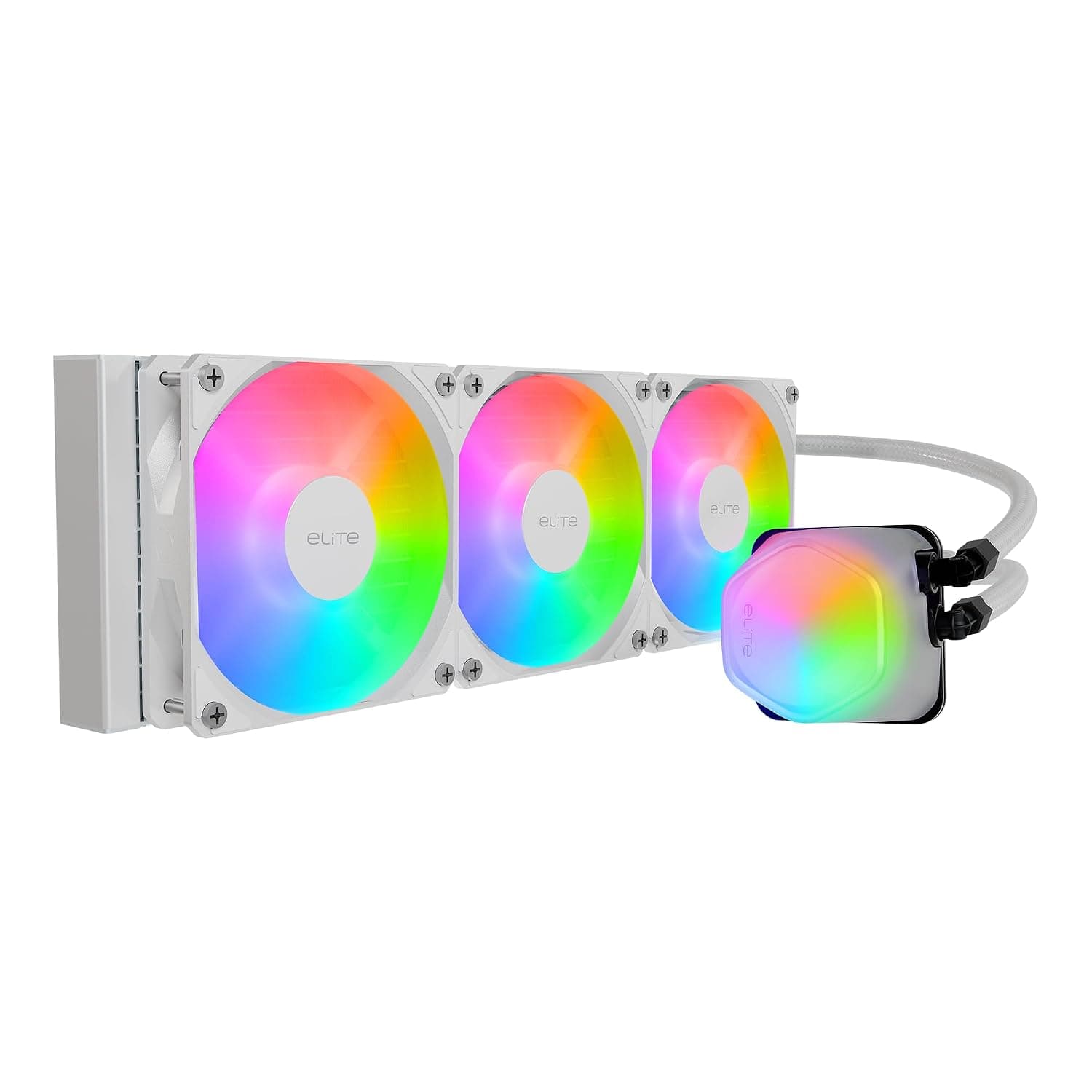
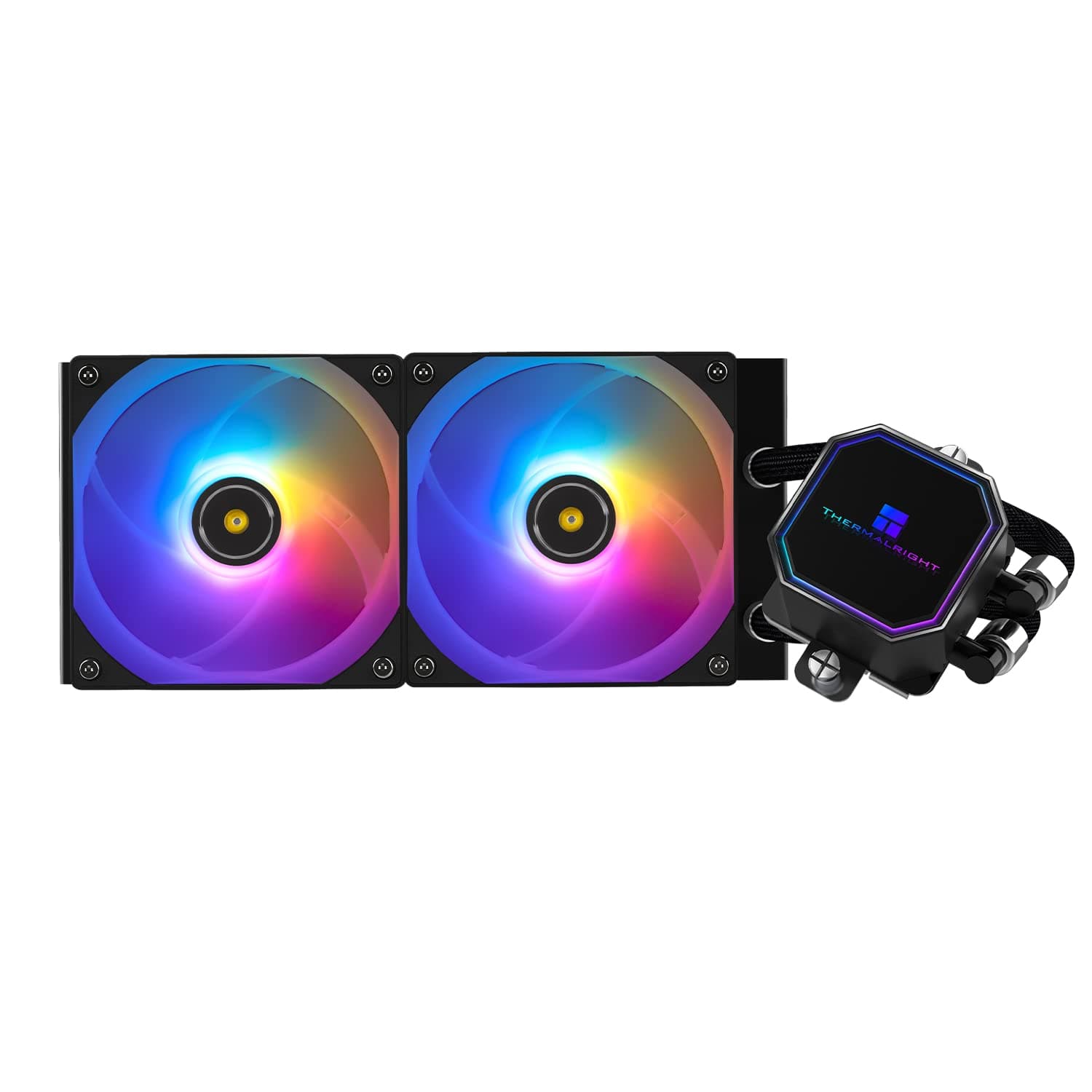
The Thermalright Elite Vision 360 ARGB White (listed on Amazon Japan as: Thermalright Elite Vision 360 ARGB ホワイト CPUウォータークーラー TL-K12W PWMファン付き 2150RPM速度 IPS LCDスクリーン 320×320解像度液体CPUクーラー AM5) is a white all-in-one liquid CPU cooler with a 360mm radiator. Its pump block (cold head) has a 2.73-inch, 320x320 IPS LCD that shows CPU temperature and usage in real time.
Three TL-K12W fans rated at 2150 RPM (±10%) do the cooling, with a rated maximum airflow of 69 CFM and static pressure of 2.87 mmH2O.
The short version: if you are putting a high-TDP CPU in an all-white ATX mid-tower or larger and you care about looks, this cooler packs a lot of hardware for the money. On September 29, 2026, Amazon Japan listed it at ¥16,504, which is on the affordable side for a 360mm AIO with an LCD.
It is too much cooler, or simply the wrong fit, if you have a small case, want to use the screen on an OS other than Windows, or only need to keep a mid-range CPU quiet.
When we checked Amazon Japan on September 29, 2026, the rating was 4.6 out of 5 from 27 reviews.
That is a high rating, but it comes from few reviews, and it tells you nothing about long-term questions such as pump lifespan.
The fans use S-FDB V2 bearings, which Thermalright says make them quiet and long-lasting. Rated noise is 27 dBA or lower, so the design aims to stay unobtrusive even at night.
Keep in mind this is a catalog figure. How loud it actually sounds depends on your case and fan curve (see Things to Consider).
Compatibility Guide
Socket support
The compatibility list in the product data covers AMD AM4 and AM5 plus Intel LGA1150, LGA1151, LGA1155, LGA1156, LGA1200 and LGA1700. That spans older platforms through current mainstream ones such as Ryzen 7000/9000 (AM5) and Intel 12th to 14th Gen Core (LGA1700).
LGA1851 (Core Ultra 200S) needs a closer look. The spec field reads AM5 / LGA1700 / LGA1851, yet LGA1851 is missing from the compatibility list.
LGA1851 is generally described as sharing the LGA1700 cooler mounting pattern, so LGA1700 coolers usually carry over. Because the two data sources disagree, though, Core Ultra 200S builders should check the manufacturer's compatibility chart before buying.
HEDT sockets such as LGA2011 and LGA2066 are also missing from the compatibility list. If you plan to use one of those platforms, check the product page for support and for the mounting hardware you would need.
Case and radiator dimensions
The radiator measures 397 x 120 x 27 mm and holds three 120mm fans (120 x 120 x 25 mm). With the fans attached, the stack is roughly 27 + 25 = 52 mm thick.
That thickness is what causes most real-world clearance problems.
- Top mount: Check that the 52 mm radiator-and-fan stack clears the RAM and VRM heatsinks along the top edge of the motherboard. Tall memory modules can collide with it.
- Front mount: Your maximum graphics card length drops by the thickness of the radiator and fans. If you run a long GPU, look up your case's GPU clearance with a front radiator installed.
- 397 mm length: Even cases that advertise 360mm support can be tight, depending on where the mounting holes and frame sit. Check your case spec for which positions accept a 360mm radiator.
Most Mini-ITX cases cannot take a 360mm radiator, and the product data recommends an ATX mid-tower or larger. The cold head is compact at 66 x 66 x 63 mm, so it is unlikely to hit your RAM around the CPU socket.
Power and connectors
The fans use a 4-pin PWM connector and the lighting uses a 5V 3-pin ARGB connector. Do not plug the 5V ARGB cable into a 12V 4-pin RGB header.
The two look similar, and getting them mixed up can damage the LEDs. Some motherboards have only one ARGB header, or none at all, so check your board's manual first.
Whether splitter cables are included, and how many cables you will be routing, is something to confirm from the box contents.
To show PC data such as temperatures, the LCD needs a data connection from the PC. Many LCD AIOs of this type use an internal USB header on the motherboard, so check that you have a free one.
The product data recommends a 650W or larger power supply. The cooler itself draws little power.
Treat the figure as a guide for the high-end CPU and graphics card that usually go with a 360mm AIO.
Product Info
| Item | Value |
|---|---|
| Radiator | 397 x 120 x 27 mm |
| Cold head | 66 x 66 x 63 mm |
| Fans | TL-K12W 120 x 120 x 25 mm |
| Fan speed | 2150 RPM ±10% |
| Airflow | 69 CFM |
| Static pressure | 2.87 mmH2O |
| Noise | ≤27 dBA |
| Voltage | DC 12V |
| Display | 2.73-inch IPS LCD, 320 x 320 |
| Interfaces | 4-pin PWM (fans) / 5V 3-pin ARGB (lighting) |
This is the LCD-equipped, higher-end configuration of Thermalright's 360mm AIO coolers. The TL-K12W fans use S-FDB V2 bearings.
A static pressure of 2.87 mmH2O is well suited to pushing air through dense radiator fins, and for radiator fans it matters as much as airflow does.
The 320 x 320 IPS panel can show CPU temperature, frequency and usage, and it can also play images or videos through Thermalright's TRCC software. The screen attaches magnetically and can be removed.
On September 29, 2026, Amazon Japan listed the cooler at ¥16,504. Prices change with sales and stock, so check the product page for the current price before you buy.
Many 360mm AIOs with an LCD are expensive, and offering both an LCD and ARGB at this price is what sets this model apart.
At the same point, Amazon Japan reviews averaged 4.6 out of 5 across 27 reviews, or 92% positive.
Comparison with Competitors
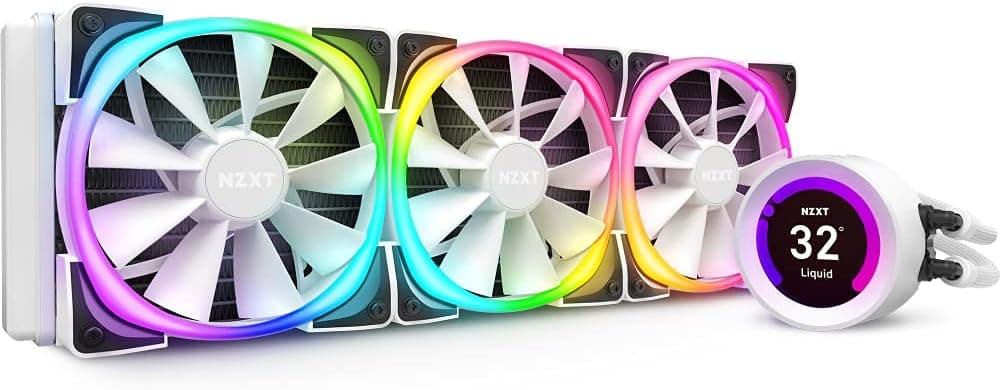
The best-known LCD-equipped 360mm AIO is the NZXT Kraken Elite 360 v2. It is worth considering if you value polished software and an established brand, but it usually sits in a higher price bracket, so compare current prices for both.
The ID-COOLING SL360 White is another white 360mm AIO with an LCD. Going by the product names, the SL360 has a 2.1-inch screen and this cooler has a 2.73-inch one, so this model wins if screen size matters to you.
If you do not need an LCD and an ARGB 360mm AIO is enough, the CORSAIR H150 RGB is one option. If your case cannot fit a 360mm radiator at all, a smaller size such as the 240mm NZXT Kraken Elite 240 is the more realistic choice.
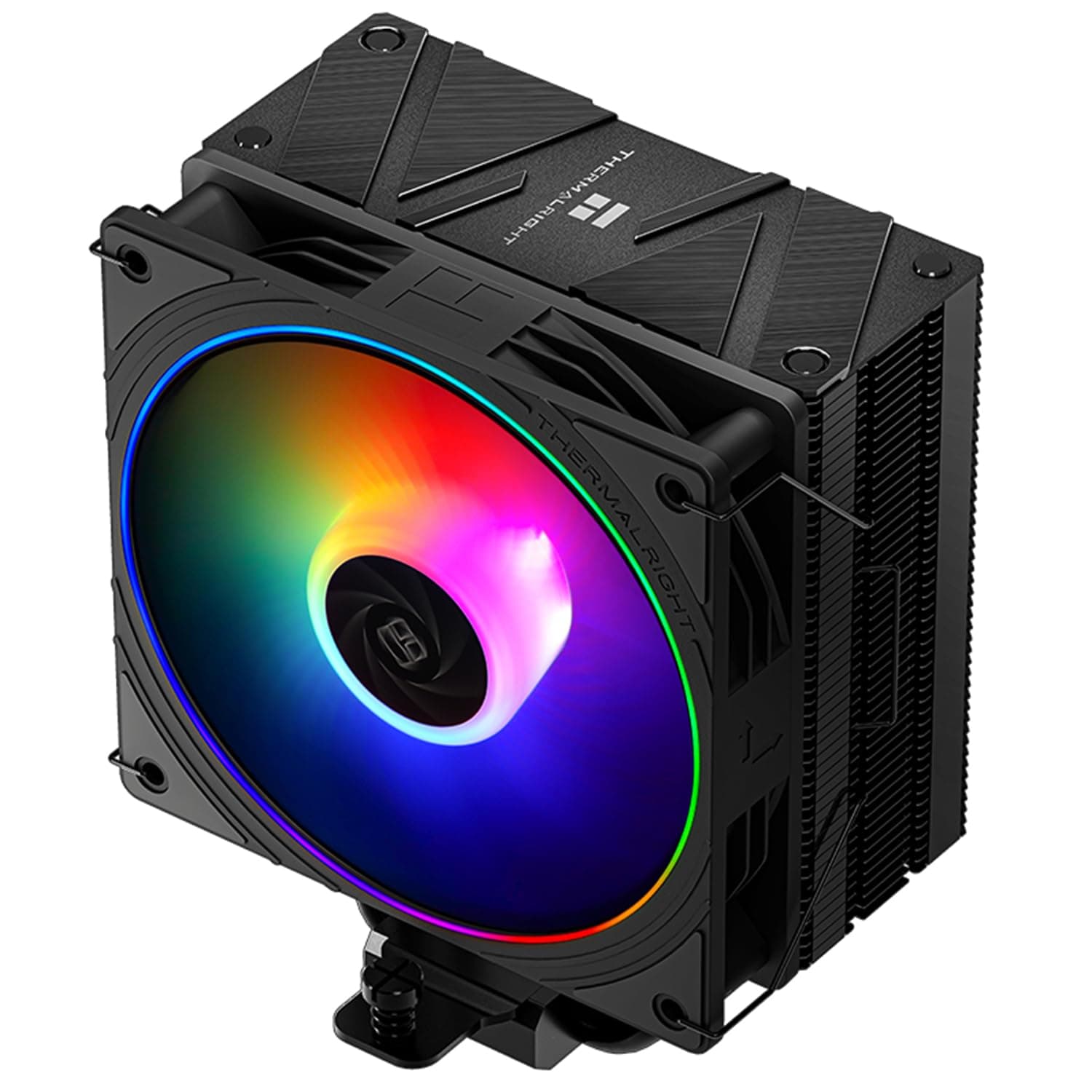
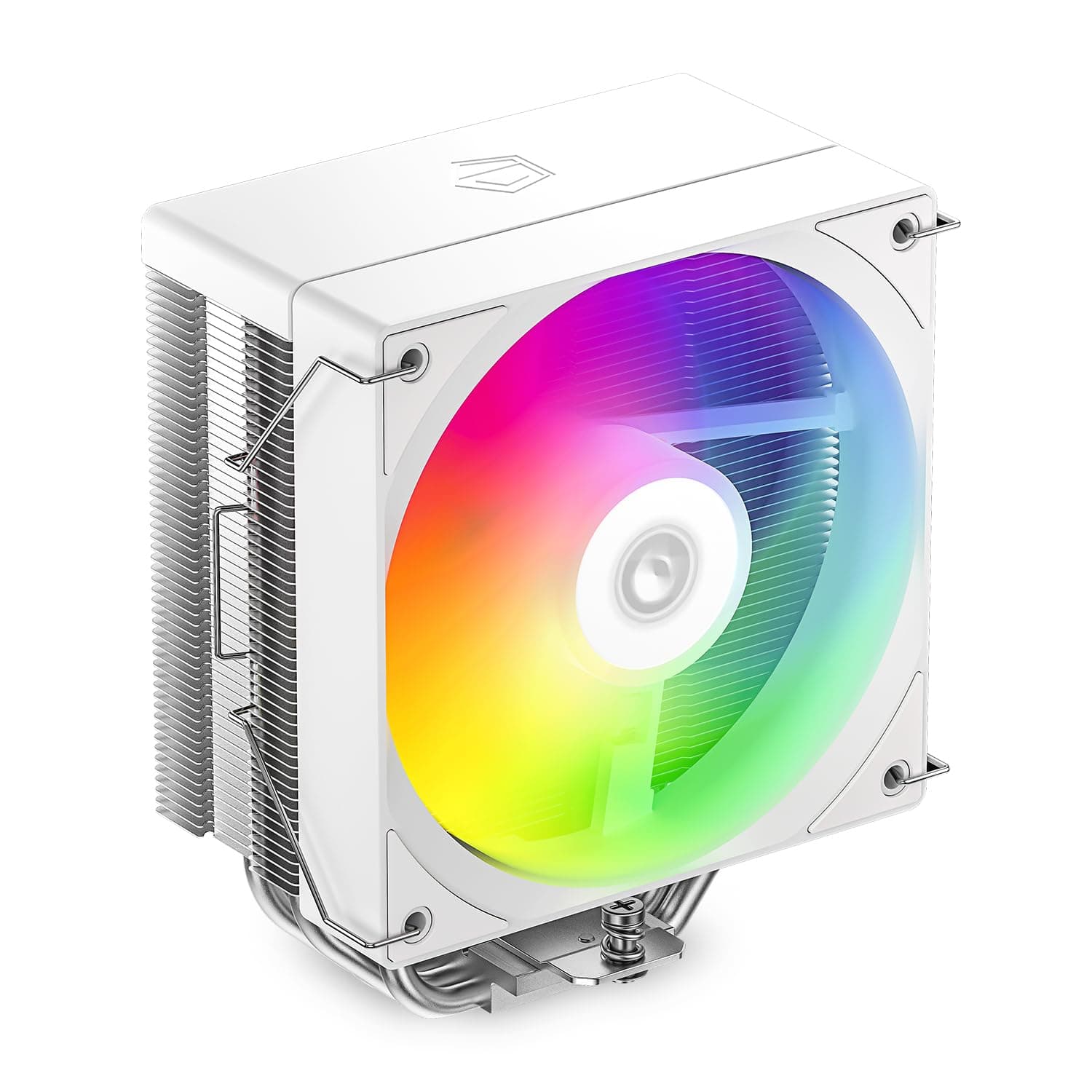
If you are not set on liquid cooling, Thermalright's own Phantom Spirit 120 SE air cooler is worth comparing. It has no pump to fail and nothing to leak, and it is often enough for mid-range CPUs.
Best Use Cases
- All-white gaming builds: The white finish, ARGB fans and LCD let you style the inside of the case. The 2.73-inch screen can show your own images or videos, not just temperatures.
- Creators running high-TDP CPUs for hours: Long full-load jobs such as video editing and 3D rendering make good use of a 360mm radiator's surface area. It suits Core i9 and Ryzen 9 class CPUs.
- Buyers who want an LCD AIO at a reasonable price: At ¥16,504 on Amazon Japan (September 2026), it was affordable for a 360mm AIO with an LCD.
- ATX mid-tower or larger owners: If your case has a 360mm radiator position, sizing is unlikely to be a problem.
Things to Consider
LCD setup is Windows-only
Customizing the LCD requires Thermalright's TRCC software, which runs only on Windows. On Linux or other systems, assume you cannot change what the screen shows.
Cooling does not depend on the software, so the AIO still works, but you lose a big part of what makes this product appealing.
Do not judge noise by the catalog figure alone
Rated noise is 27 dBA or lower. With fans that spin up to 2150 RPM, though, whether it stays that quiet at full speed depends on how it was measured, and the data we have does not say.
If quiet matters to you, plan on setting a gentler fan curve in the BIOS or fan control software. One advantage of a 360mm radiator is that it keeps decent cooling headroom even at lower fan speeds.
Socket listings that disagree
As noted in the Compatibility Guide, LGA1851 shows up in the spec field but not in the compatibility list, and LGA2011 and LGA2066 are not listed at all. You may run into the same mismatch on the store page.
Core Ultra 200S and HEDT builders should confirm support with the manufacturer's chart and the included hardware. Store listings sometimes contain errors, so also check that the images and title match the product you want.
Case fit and physical clearance
A 397 mm long radiator that is about 52 mm thick with fans can cause problems beyond case support, including clashes with RAM height and GPU length. Mini-ITX and compact ATX cases can be hard or impossible to fit.
The screen-equipped cold head can also run into cables or tight spaces inside some cases.
Easy to overbuy
A mid-range CPU is usually well served by a 240mm or 280mm AIO, or by a good air cooler. If budget comes first and cooling is all you need, an air cooler costs less and has fewer parts that can fail.
A 360mm AIO narrows your case options and adds a pump, a moving part, so pick one only when your CPU and workload justify it.
General AIO caution
An AIO only cools while its pump is running. If the pump is powered incorrectly, the fans can spin while the CPU overheats.
After building, check CPU temperature and pump operation in the BIOS.
FAQ
Q: Is this cooler compatible with Intel 14th Gen processors? A: Yes.
LGA1700 is on the compatibility list, so it works with 12th to 14th Gen Core CPUs.
Q: Does it work with Core Ultra 200S (LGA1851)? A: The spec field lists LGA1851, but the compatibility list does not.
LGA1851 is said to share the LGA1700 mounting pattern, but check the manufacturer's chart before buying.
Q: Does it support AM5 Ryzen CPUs?
A: Yes. AM5 is on the compatibility list, and AM4 is supported as well.
Q: How do I customize the LCD screen? A: Download and install the TRCC software from Thermalright's official website, then set images, videos or temperature readouts to display.
The software is Windows-only.
Q: Can I install this cooler in a Mini-ITX case? A: Generally no.
Most Mini-ITX cases cannot fit a 360mm radiator. You need an ATX mid-tower or larger with a matching radiator mount.